
Introduction
Smartphones have become an inseparable part of our lives, and with them comes the need to ensure safety and security for our loved ones. Whether you’re a parent monitoring your child’s whereabouts, someone keeping track of elderly family members, or simply looking for a way to locate a lost device, phone tracking apps are invaluable.
With so many options available, choosing the right app can feel overwhelming. That’s why we’ve compiled a detailed guide to the 5 best tracking apps for iPhone and Android. We’ll cover their features, pricing, pros and cons, and privacy policies so you can make an informed decision.
1. FreePhoneTracker Family Locator
Features:
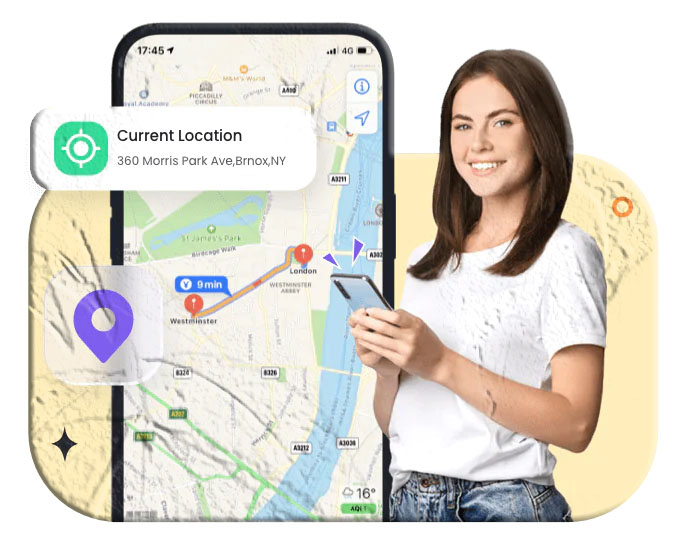
- Real‑time GPS tracking.
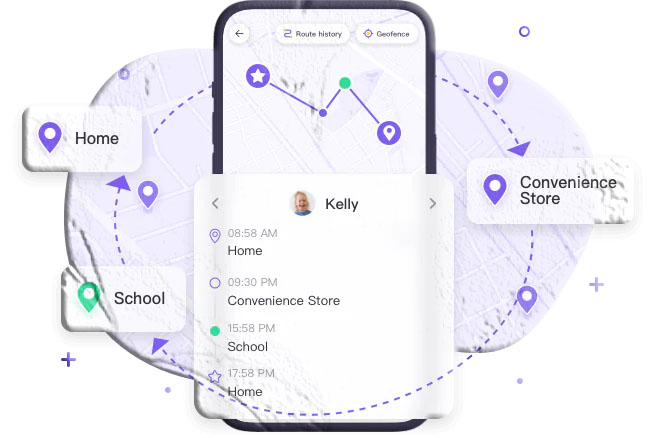
- 30‑day route history.
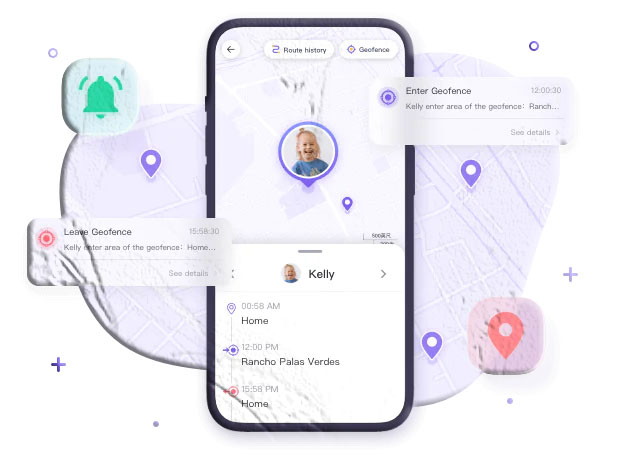
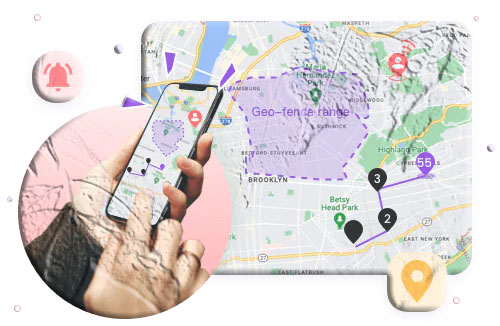
- Geofencing alerts for safe zones.
- Remote monitoring of surroundings (Android only).
- Available on iPhone and Android.
Pricing:
- Monthly: $9.99
- Quarterly: $6.66/month
- Annually: $4.99/month
Pros: Reliable updates, long history, stealth mode. Cons: Slightly expensive, no driving safety, Android‑only for live monitoring.
2. Life360
Features:
- Real‑time location sharing.
- “Bubble” feature for less precise tracking.
- Driving safety monitoring (speed, braking).
- SOS alerts with one tap.
- Private messaging.
Pricing:
- Silver: $14.99/month
- Gold: $24.99/month
- Free version available.
Pros: Comprehensive safety, driving habit monitoring, SOS button. Cons: More expensive, requires family invites.
3. FindMyPhone – Family Locator
Features:
- Real‑time GPS tracking.
- Geofencing alerts.
- 7‑day location history.
- SOS calls to selected contacts.
- Private chat channel.
Pricing:
- Weekly: $4.99
- Monthly: $9.99
- Yearly: $49.99
- Free version available.
Pros: Affordable, easy to use, SOS alerts. Cons: Battery drain, limited history.
4. Google Maps
Features:
- Share live location with contacts.
- Location history.
- Navigation and directions.
- Real‑time traffic and transit updates.
Pricing: Free.
Pros: Free, reliable navigation, simple sharing. Cons: Limited tracking features, requires internet.
5. Glympse
Features:
- Temporary location sharing via SMS/email/social links.
- Set time limits for sharing.
- Background location sharing.
- Public tags for shared maps.
- Favorite lists for quick sharing.
Pricing:
- Free version available.
- Premium starts at $9.99/month.
Pros: Temporary sharing, works without recipient app, affordable. Cons: Location updates can lag, not for continuous monitoring.
Conclusion
From comprehensive family safety apps like Life360 and FreePhoneTracker to simple solutions like Google Maps and Glympse, there’s a tracking app for every need and budget. Parents may prefer FreePhoneTracker for geofencing and monitoring, while frequent travelers might find Glympse more convenient for temporary sharing.
FAQs
1. Do tracking apps drain battery? Yes, apps like Life360 and FindMyPhone can consume battery when running in the background.
2. Are these apps cross‑platform? Yes, most apps are available on both Android and iOS.
3. Which app is best for driving safety? Life360 offers advanced driving reports, including speed and braking alerts.
4. Are there privacy concerns? Always check privacy policies. Apps like FreePhoneTracker and Life360 use encryption, but some (like FindMyPhone) may share data with advertisers.
5. Can I use these apps for lost devices? Yes. Apps like FindMyPhone and Google Maps can help locate lost or stolen phones.