Articles
Practical, plain-English guides for parents: phone safety, screen time, app settings and what to do when something feels off.
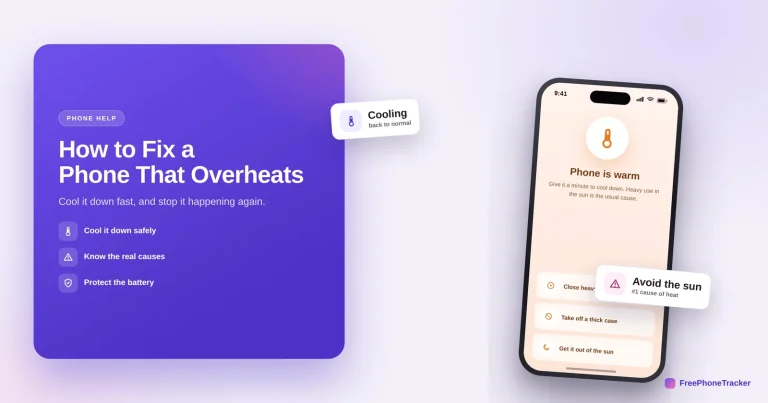
How to Fix a Phone That Overheats
Cool a hot phone down safely and stop it happening again — close heavy apps, remove the case, get it out of the sun, and know the real causes (never the fridge).
Read the guide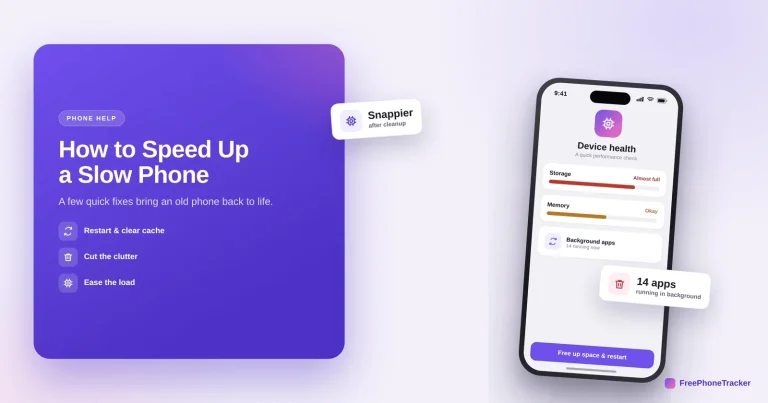
How to Speed Up a Slow Phone
A few quick fixes bring an old phone back to life — restart it, free up storage, limit background apps and update the system, plus when a sudden slowdown means more.
Read the guide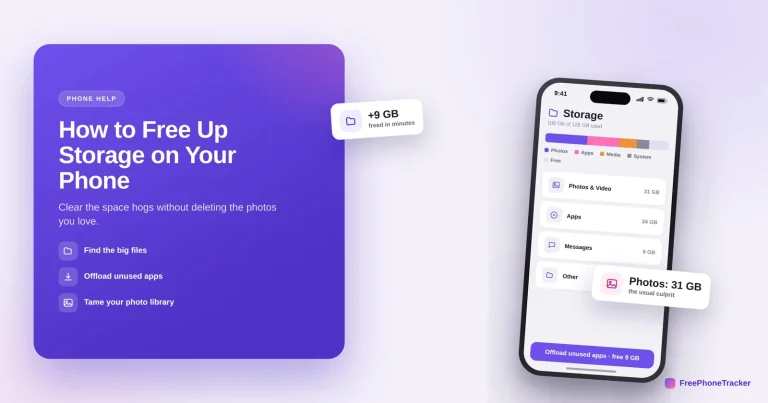
How to Free Up Storage on Your Phone
Clear gigabytes without losing the photos and messages you want — offload unused apps, move photos to the cloud, and empty the caches and attachments that pile up.
Read the guide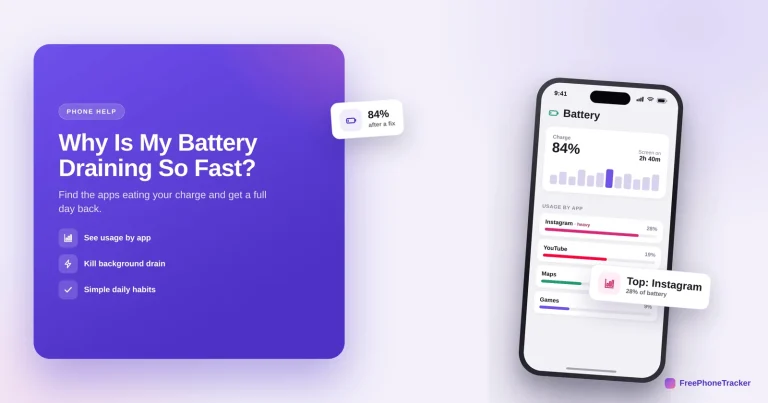
Why Is My Phone Battery Draining So Fast?
Find the apps eating your charge in Settings, rein in background location and refresh, and win back a full day — plus when sudden drain signals something worse.
Read the guide
How to Check Which Apps Can See Your Location
A surprising number of apps track your location in the background. Audit who can see where you are, dial back the ones set to "Always," and turn off precise location.
Read the guide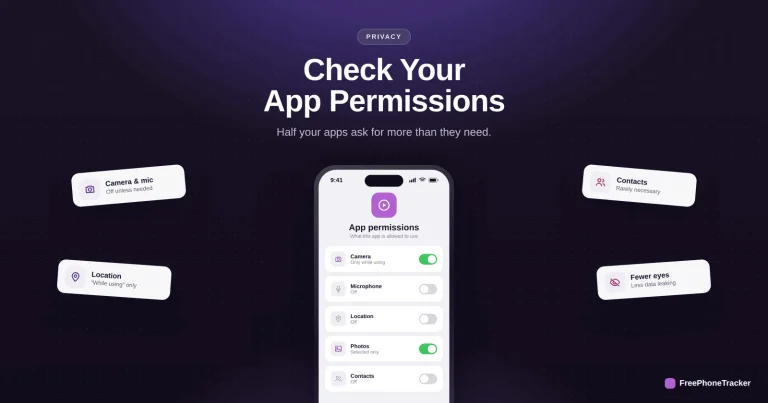
How to Check App Permissions on Your Phone
Half your apps ask for more than they need. Review permissions by category, revoke the extras, and lock down camera, mic, location and contacts in ten minutes.
Read the guide
How to Create Strong Passwords You’ll Remember
Strong and memorable aren't opposites — the passphrase trick, why length beats complexity, the classic mistakes to avoid, and when a password manager helps.
Read the guide
How to Turn On Two-Factor Authentication Everywhere
The single setting that makes a stolen password useless — why 2FA matters, how to turn it on with an authenticator app, and the accounts to protect first.
Read the guide
How to Recover a Hacked Email Account
Your email is the master key that resets every other account, so recover it first — reset, sign out everywhere, delete rogue forwarding rules, and turn on 2FA.
Read the guide
How to Recover a Hacked WhatsApp Account
A WhatsApp takeover reverses fast — re-register your number to log the hacker out, handle a rogue two-step PIN, and set the one PIN that blocks it for good.
Read the guideSee what your child's phone is really up to
Free to set up, transparent by design, and running on your child's Android phone in about two minutes.