
Introduction
Parenting in today’s digital age comes with unique challenges. Children are growing up surrounded by smartphones, social media, and online communities. While these tools help them learn and connect, they also expose them to risks such as cyberbullying, predators, and unsafe environments.
As a parent, one of the most effective ways to ensure your child’s safety is by tracking their phone. This allows you to know their whereabouts, monitor their activities, and step in when necessary. In this guide, we’ll explore four powerful methods to track your child’s phone without them knowing, ranging from built‑in tools on Android and iOS to advanced parental control apps.
Method 1: Find My Device (Android)
What It Is
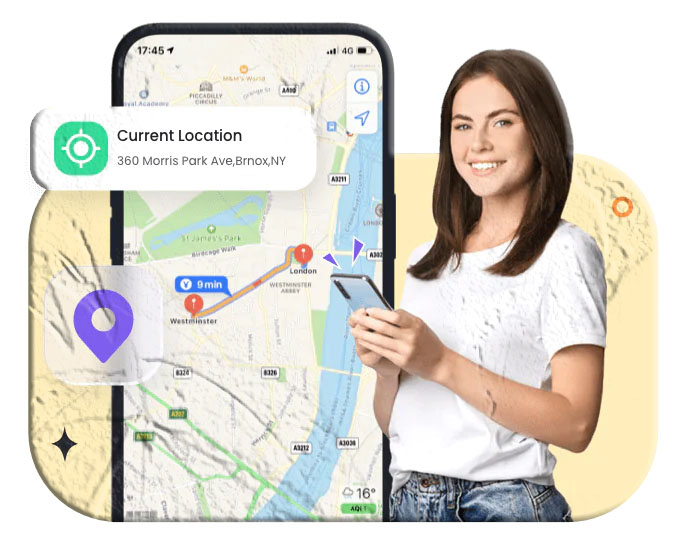
Find My Device is a built‑in Android feature that allows you to locate your child’s phone in real time using GPS.
How to Use
- Add a Google account to your child’s phone.
- Visit Find My Device and log in with the same account.
- The phone’s location will appear on Google Maps.
Advantages
- Real‑time GPS tracking.
- Free and easy to use.
- Works without installing extra apps.
Disadvantages
- Requires internet or GPS connection.
- Won’t work if the phone is turned off.
Method 2: Find My (iPhone)
What It Is
Apple’s Find My app is integrated into iOS 13 and above. It allows you to track your child’s iPhone, share locations, and set geofence alerts.
How to Use
- Open the Find My app on your child’s iPhone.
- Tap People > Start Sharing Location.
- Enter your phone number and select Share Indefinitely.
- View your child’s location on your own iPhone.
Advantages
- Tracks location even without internet.
- Provides geofence alerts.
Disadvantages
- Your child may notice and stop sharing.
- Limited to iOS devices.
Method 3: Google Family Link (Android & iPhone)
What It Is
Google Family Link is a free parental control app that helps parents monitor children’s digital activities, including location tracking.
How to Use
- Download Google Family Link from the App Store or Play Store.
- Set up your child’s Google account and link it to yours.
- On your child’s phone, enable parental controls.
- Open Family Link and go to the Location tab to see their current location and battery level.
Advantages
- Free and versatile.
- Provides location alerts.
- Offers additional parental controls like screen time management.
Disadvantages
- Setup can be complex.
- Tracking may be delayed.
Method 4: FreePhoneTracker Family Locator

What It Is
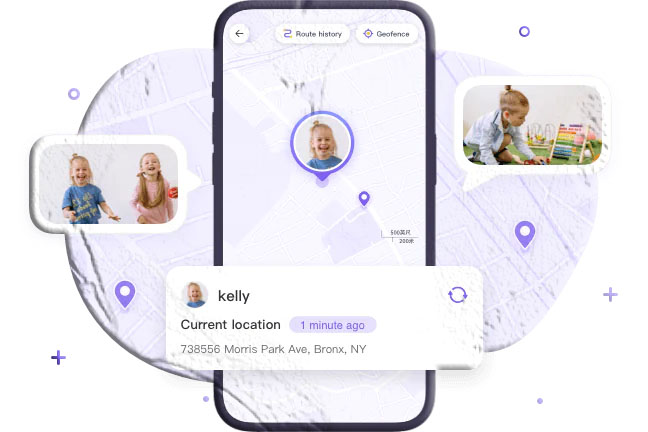
FreePhoneTracker is a full‑featured parental control app that works in stealth mode. It not only tracks location but also allows you to monitor screen activity, notifications, and browsing history.
Features
- Real‑time GPS and WiFi tracking.
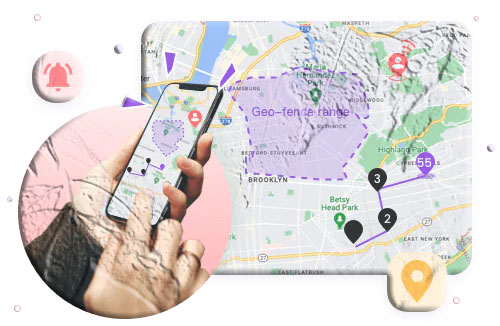
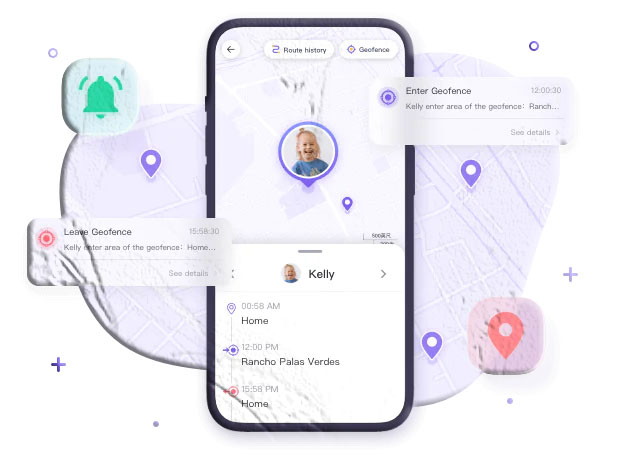
- Location history and geofence alerts.
- Remote camera access to view surroundings.
- Hidden from the child’s device.
How to Use
- Download FreePhoneTracker Parental Control on your device.
- Install FreePhoneTracker Kids on your child’s phone.
- Pair devices using the provided code.
- Use the dashboard to view location, history, and surroundings.
Advantages
- Works invisibly on your child’s phone.
- Provides advanced monitoring features.
Disadvantages
- Only offers a 3‑day free trial.
- Limited to Android devices.
Choosing the Best Method
- For basic location tracking, use Find My Device (Android) or Find My (iPhone).
- For free parental controls with extra features, Google Family Link is a strong option.
- For comprehensive monitoring, FreePhoneTracker Family Locator offers the most advanced tools.
Pros and Cons of Tracking Your Child’s Phone
Pros:
- Ensures safety by knowing your child’s location.
- Helps prevent exposure to unsafe environments.
- Provides peace of mind for parents.
Cons:
- Older children may feel their privacy is invaded.
- Over‑monitoring can harm trust.
Balancing safety with independence is key. Consider discussing tracking openly with your child to build trust.
Conclusion
Tracking your child’s phone can be a powerful way to ensure their safety in today’s unpredictable world. Whether you use built‑in tools like Find My Device and Find My, or advanced apps like FreePhoneTracker, the goal is always protection.
Choose the method that best fits your family’s needs, and remember that open communication with your child is just as important as the technology you use.
FAQs
1. How can I track my child’s phone without installing an app?
Use Google’s Find My Device or Apple’s Find My. These built‑in features don’t require extra apps.
2. Can I see everything on my child’s phone without them knowing?
Yes, with apps like FreePhoneTracker, which operate in stealth mode and provide full monitoring.
3. Can I track my child without giving them a phone?
Yes. GPS trackers and bracelets can provide location data without requiring a smartphone.
4. My child ran away. How can I track their phone?
Use built‑in tracking features, carrier services, or parental control apps to locate their device.
5. Can I remotely access my child’s iPhone?
Yes. Apple’s Family Sharing features allow limited remote access.
6. Can my child uninstall the tracking app?
No. Most parental control apps require a password to uninstall, preventing children from removing them.