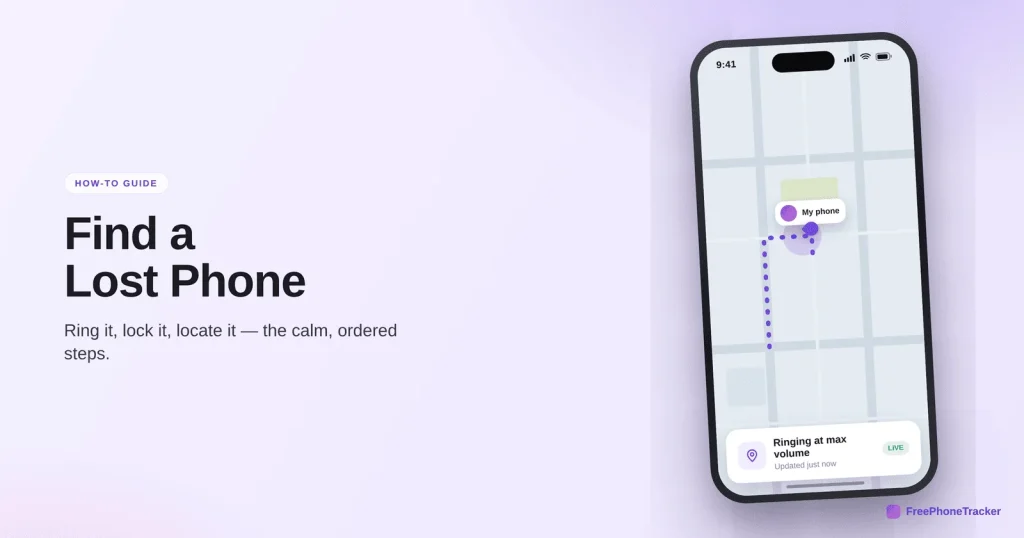
That sinking feeling when you pat your pocket and the phone isn’t there. We’ve all had it. The good news: a lost phone is usually a found phone, if you act fast and set things up in advance. This guide covers the first five minutes, the built-in tools on Android and iPhone, what to do if it was stolen, and how to make the next time far less stressful.
- Move fast. Locate it, make it ring, then lock it, in that order.
- Both Android and iPhone have free finders built in. Turn them on before you need them.
- Lock before you erase. Erasing is the last resort, and it kills tracking.
- A family tracker adds a shared view, so any phone can be found from any other.
The first five minutes
Speed matters most right at the start, while the battery’s alive and the phone is still where it was dropped. Work through these steps in order.
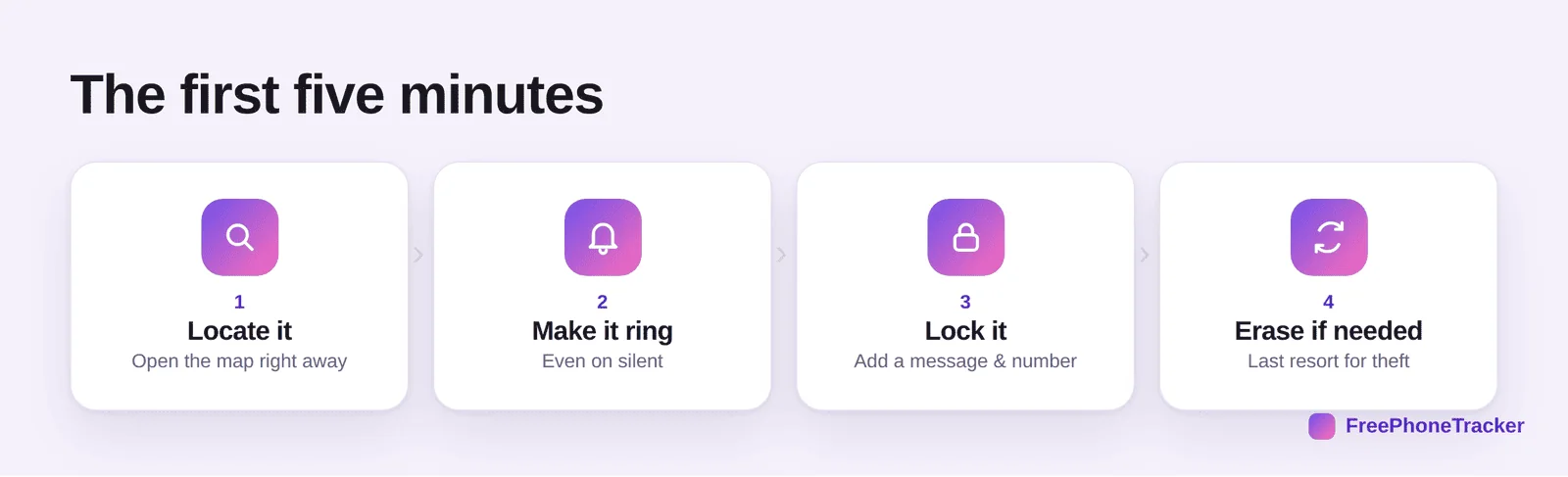
First, locate it. Open the map on another device and see where it is. Second, make it ring, at full volume, even if it was on silent. Half of all “lost” phones are just down the back of the sofa, and a ring finds them in seconds. Third, lock it remotely, and put a message and a contact number on the screen so an honest finder can reach you. Only if it’s clearly gone for good should you erase it, and that’s a last resort, because erasing also switches off tracking.
The built-in finders
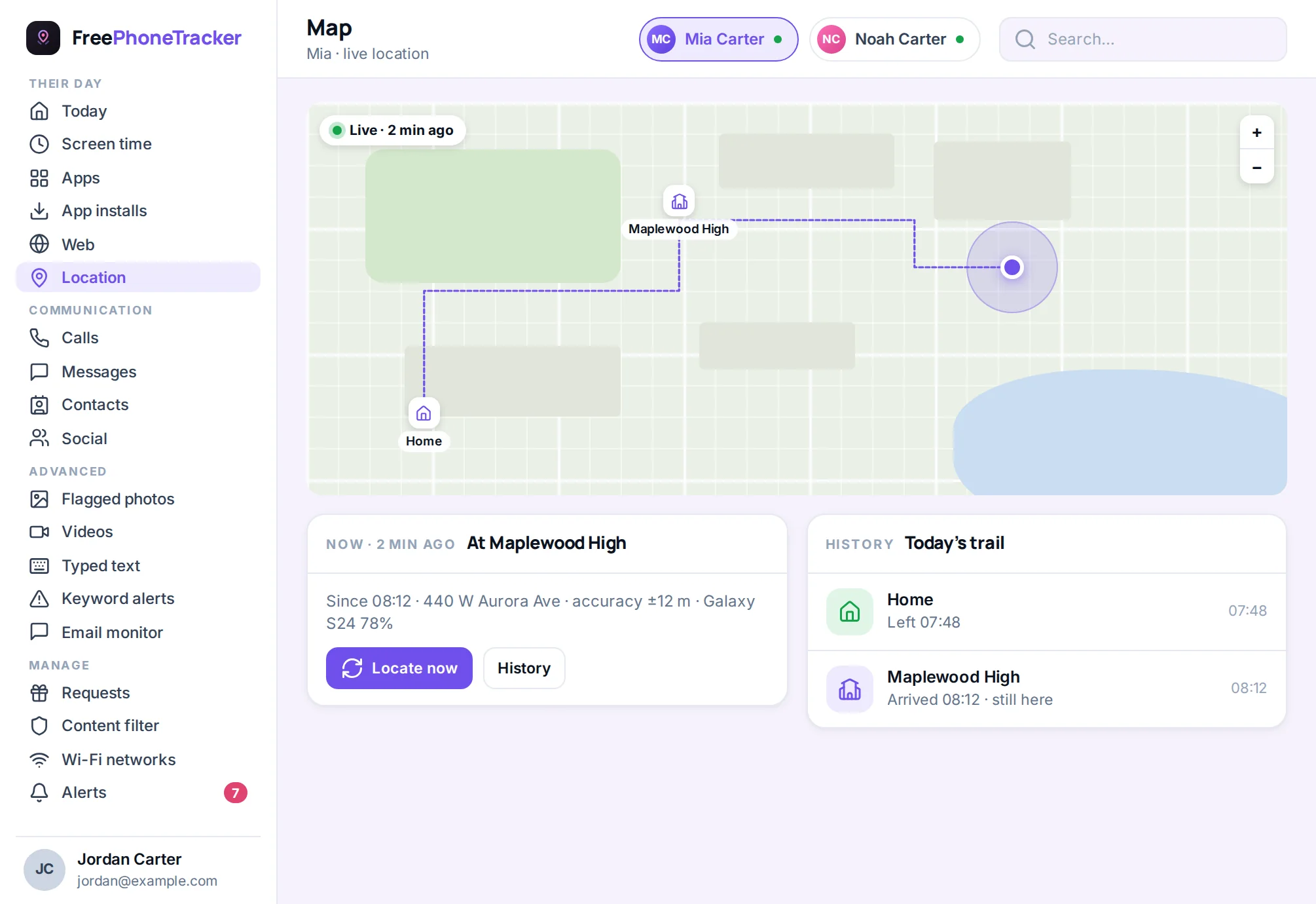
Before you install anything, know this: both Android and iPhone come with a phone finder built in, for free. If it’s switched on, you already have what you need for the basics.
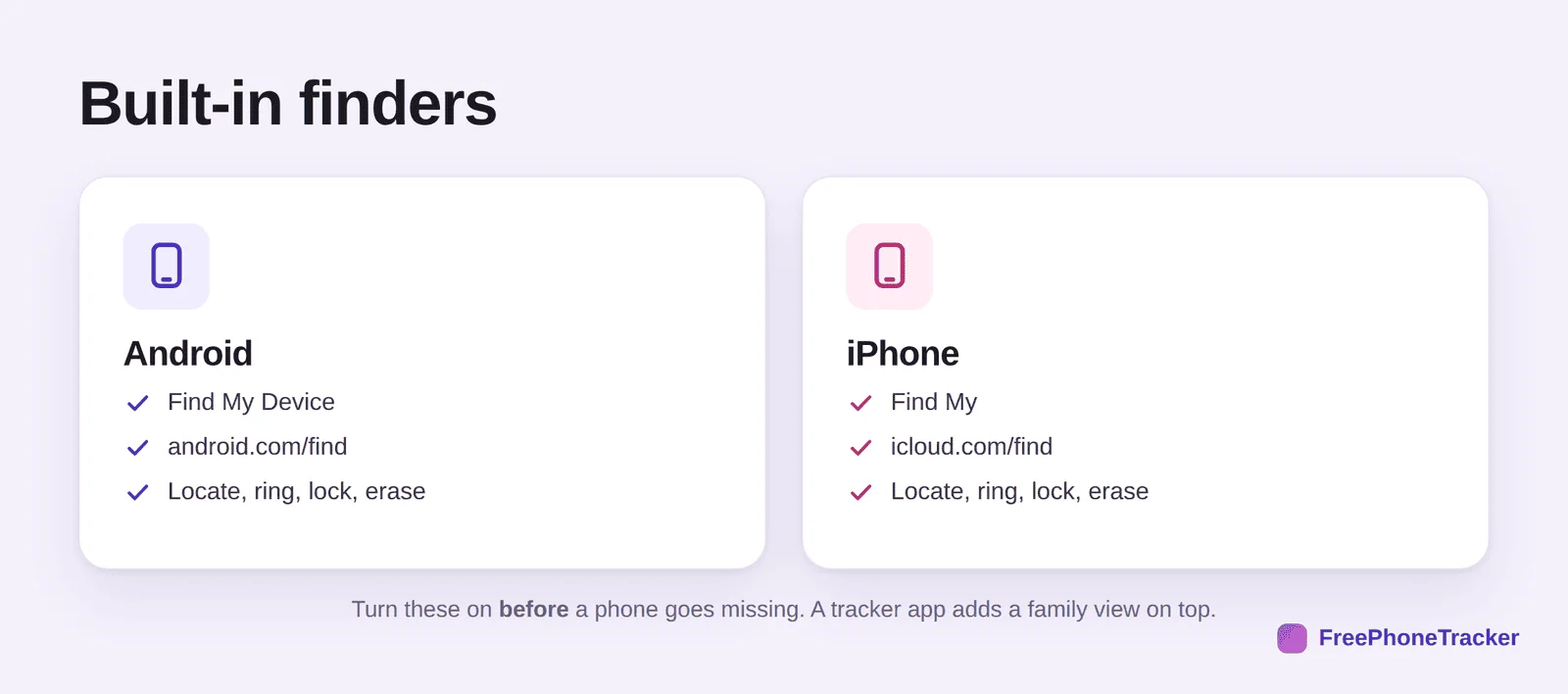
On Android, it’s Find My Device. Go to android.com/find or use the app on another phone. On iPhone, it’s Find My, at icloud.com/find or in the app. Both let you locate the phone, make it ring, lock it with a message, and erase it as a last resort. The one requirement: the feature must be turned on before the phone goes missing. That’s the single most important thing in this whole guide, so do it today if you haven’t.
Why a family tracker helps
The built-in tools are great for your own phone. They’re clumsier for a family. Each phone’s finder is tied to a different account, so tracking your kid’s lost phone means logging into their Google or Apple account, which you may not have to hand in a panic.
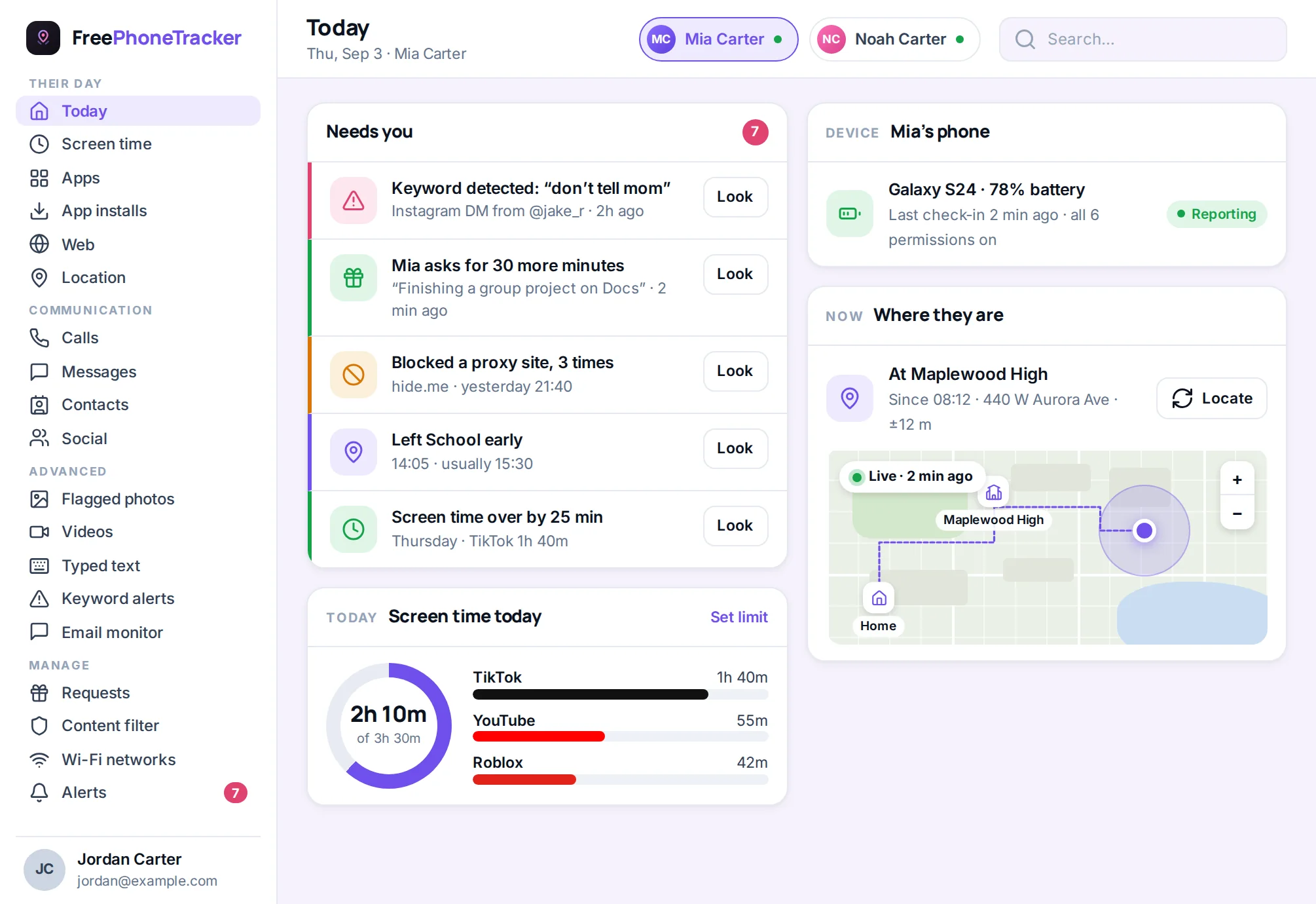
A family tracker fixes that. Every phone reports into one panel you control. So when your child’s phone goes missing, you don’t hunt for their password. You open your own dashboard and it’s right there. The same continuous location feed that keeps tabs day to day is exactly what finds a handset that’s slid under a car seat or been left at practice.
If it was stolen, not lost
Lost and stolen are different situations, and it’s worth being clear-eyed about it. If you think the phone was stolen, do not go and get it yourself. Confronting a thief isn’t worth a replaceable device.
Instead, lock the phone remotely straight away, so your data is protected. Note the last known location from the map, but hand that to the police rather than acting on it. Report the theft with the phone’s IMEI number, which you’ll find on the box or in your account, so the carrier can block it. Then change the passwords for your important accounts, email first, in case the phone had them saved. Only once your data is secure should you consider a remote erase.
Protect the data, not just the device
Here’s a hard truth. The phone is replaceable. What’s on it often isn’t, and in the wrong hands it’s worth more than the handset. So think about the data first.
A thief with an unlocked phone can reach your email, and from your email they can reset almost every other account. That’s why a screen lock is the single most valuable thing you can set. If a phone goes missing, change your email password first, then banking and social. If the phone held saved passwords or payment cards, assume they’re exposed and act like it. A remote lock buys you time to do all this. A remote erase is the final safeguard, wiping the data even if you never get the device back. Lose the phone, keep your life intact. That’s the goal.
Don’t forget the other things
Phones aren’t the only things that wander off. The same habits protect the rest of your stuff. Small Bluetooth tags clipped to keys, bags or a wallet let you ring them from your phone when they vanish. Laptops and tablets have the same built-in finders as phones, so switch those on too. And a smartwatch can often ring a paired phone that’s nearby but hiding. A few minutes spread across your devices turns most “where did I put it” moments into a quick ping instead of a search.
Set it up before it’s lost
Everything above is easier if you did five minutes of prep in advance. The frantic search is almost always a story about setup that didn’t happen. Don’t let future-you down.
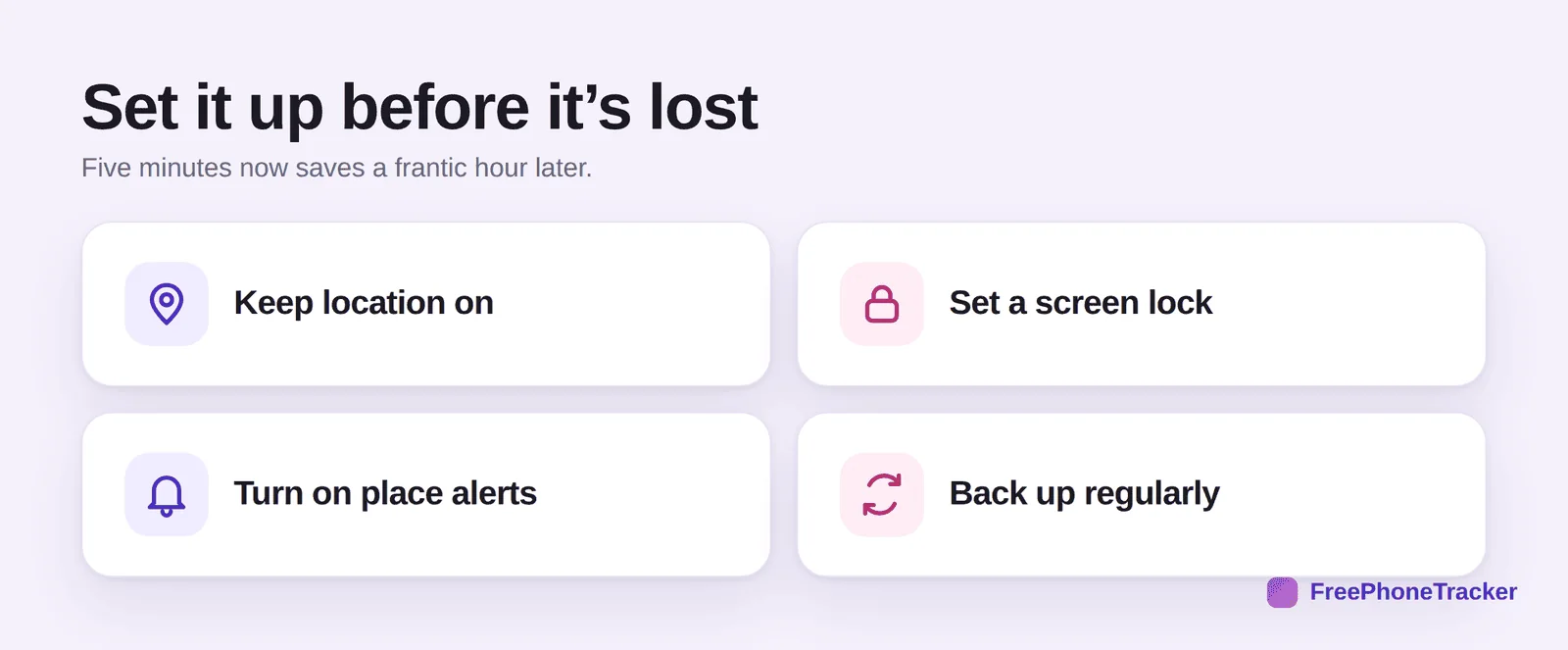
Keep location on, so the phone can always be found. Set a screen lock, so a finder can’t get into your data. Turn on place alerts, so you notice sooner when a phone’s somewhere it shouldn’t be. And back up regularly, so that even if the worst happens and you have to erase, you lose the phone but not the photos. Do these once and the next lost-phone scare becomes a two-minute inconvenience instead of a disaster.
Write down your IMEI now
Here’s a two-minute job that pays off if a phone is ever stolen. Find each phone’s IMEI number and save it somewhere safe. Dial *#06# on the phone to see it, or check the box or your account.
Why does it matter? The IMEI is the phone’s fingerprint. Your carrier can use it to block a stolen handset from the network, making it far less useful to a thief. The police will ask for it when you report a theft. And you can’t look it up on a phone you no longer have. So record it while the phone is in your hand, alongside the model and serial number. File it with your other important details. You’ll likely never need it, but the day you do, you’ll be very glad it’s there.
Common questions
Can I find a phone that’s turned off?
Not live. A powered-off phone can’t report its position. But you’ll still see its last known location from just before it went dark, which is usually enough to track it down. Newer iPhones can report for a while even after power-off, but don’t count on it.
Can I find a phone with no SIM or no signal?
If it can reach Wi-Fi, often yes. Location uses Wi-Fi and GPS, not just the mobile network. With no connection at all, you’ll have the last known location only.
Will the finder work if the battery is dead?
No live update once it’s dead. That’s why the last known location matters, and why place alerts help, they capture where it was while it still had power.
How do I find my child’s phone specifically?
A family tracker is the easiest way. One panel, every family phone, no logging into their accounts. See our guide to GPS tracking for families for the full picture.
Is finding a lost phone free?
The built-in finders are free on both platforms. FreePhoneTracker is free to start too, and adds the shared family view on top.
A lost phone doesn’t have to mean a lost afternoon. Act fast, in order: locate, ring, lock, and only then erase. Lean on the free built-in finders, and add a family tracker so any phone can be found from any other. Above all, set it up before you need it. Do that, and the next scare is over in minutes. Get started free and set your phones up today.