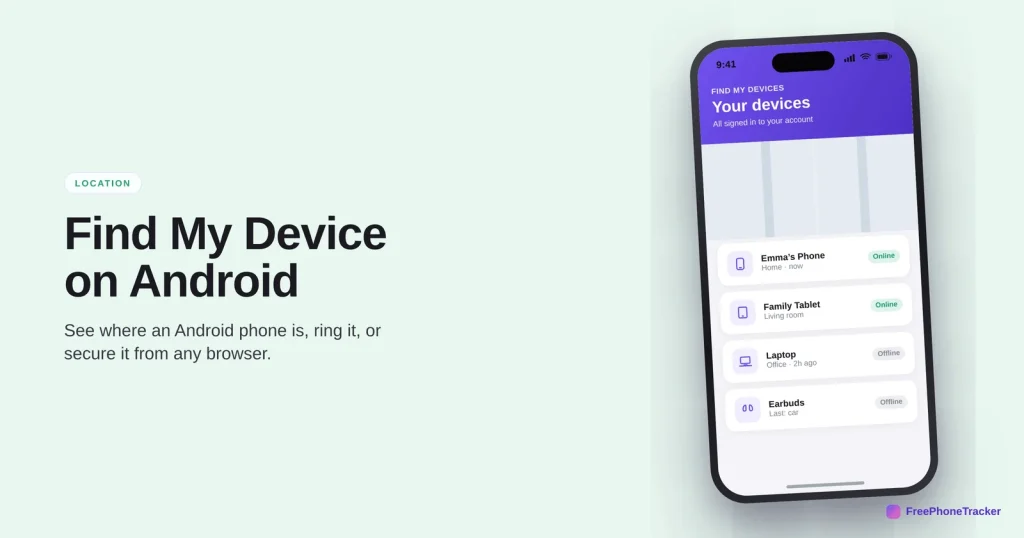
Android’s Find My Device does the same core job as Apple’s version: it puts a lost phone on a map, rings it, and lets you lock or wipe it remotely. It’s built into most Android phones and works from any browser. This guide covers using it, and the settings that make sure it’s ready.
- Go to Find My Device in a browser or the app, signed in to the same Google account.
- See the phone on a map and how recent the location is.
- Ring it, secure it with a message, or erase it.
- It needs Find My Device and location switched on beforehand.
What Find My Device can do
Four remote actions, all from a browser or another phone.
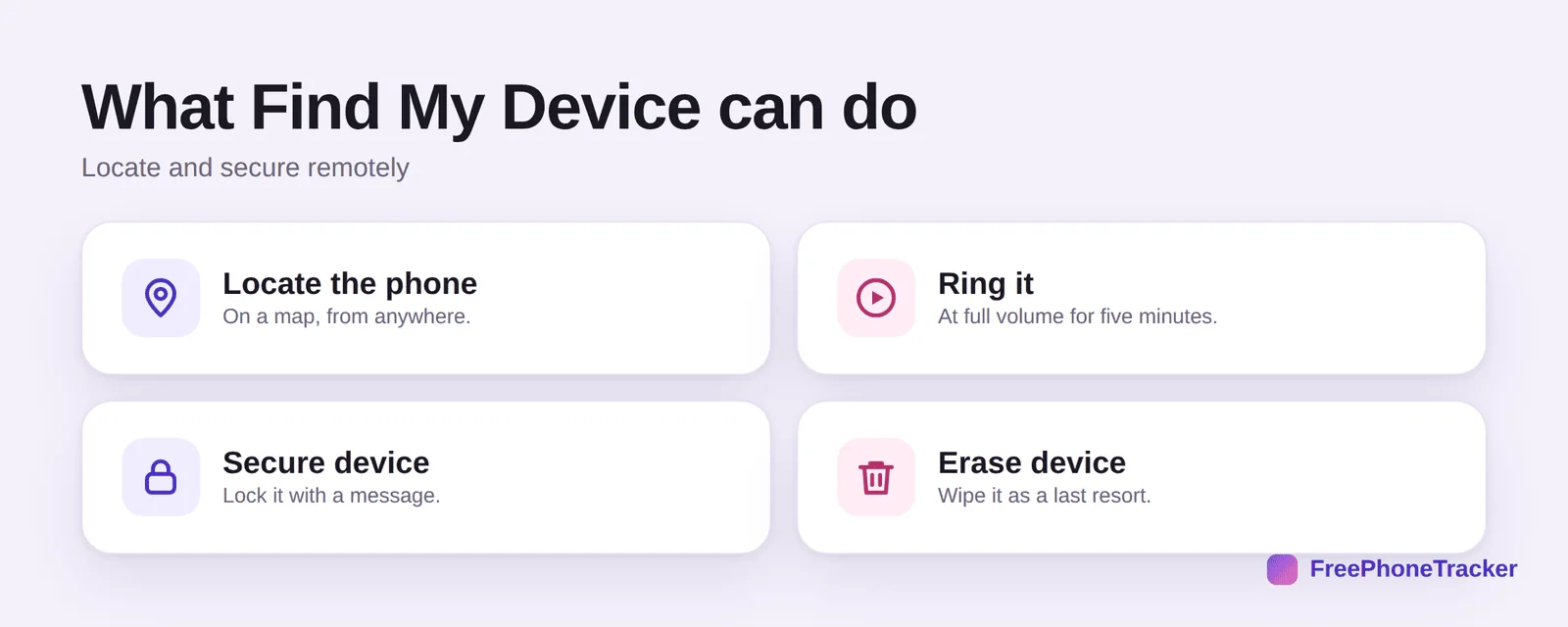
Locate the phone on a map from anywhere. Ring it at full volume for five minutes, even on silent. Secure device locks it and can show a message with a contact number. And erase device wipes it as a last resort.
Find an Android phone
You don’t need the missing phone in hand — any browser will do.
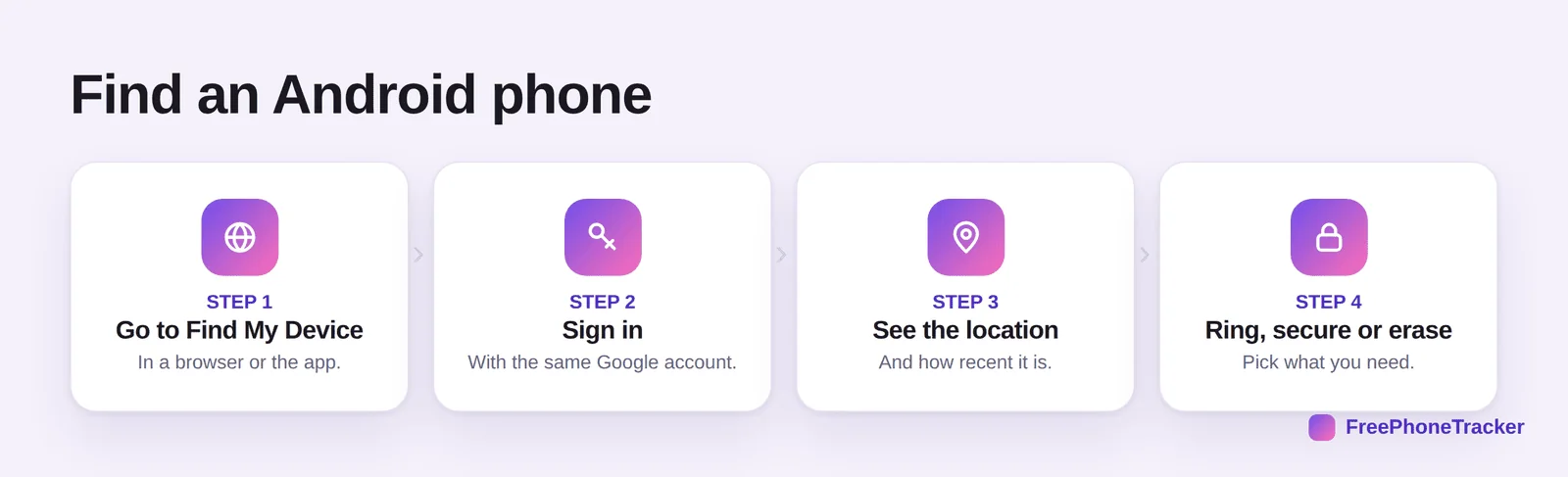
Go to Find My Device in a browser (android.com/find) or the app on another phone. Sign in with the same Google account. See the location and how recent it is. Then ring, secure or erase — pick what the situation needs.
Make sure it’s ready
Find My Device is usually on by default, but it’s worth confirming.
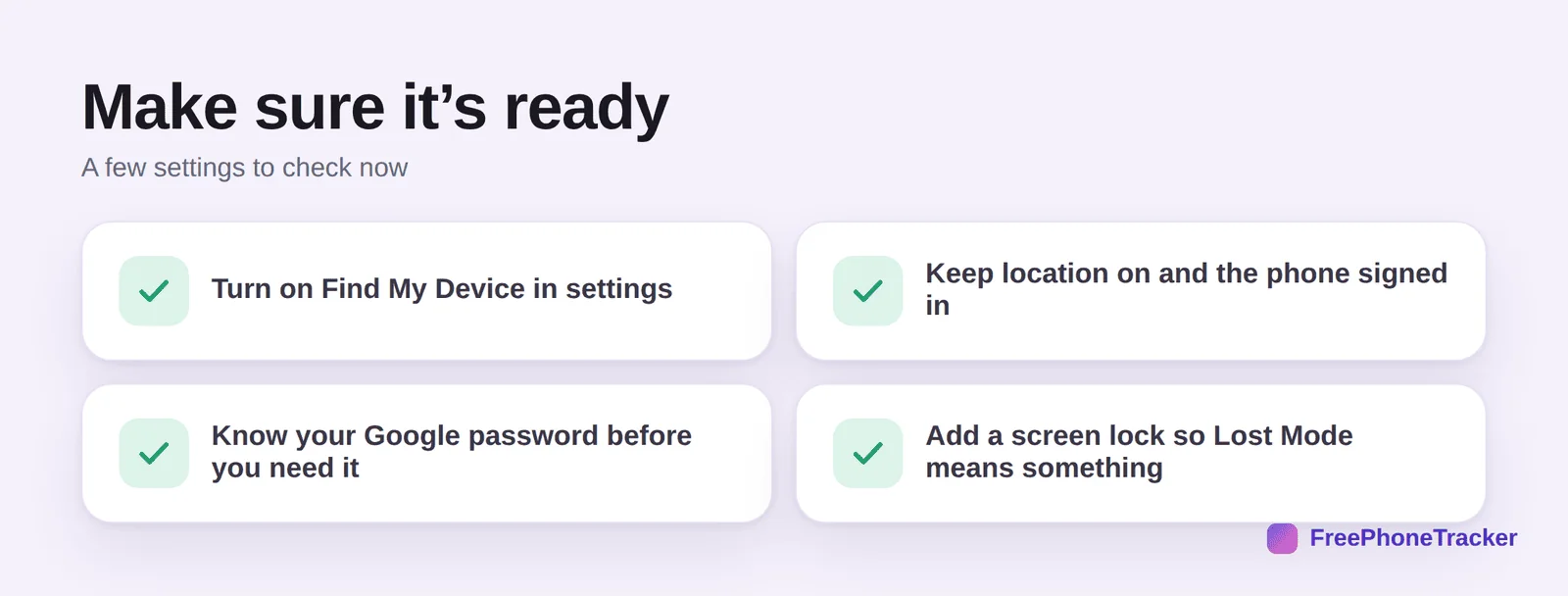
Turn on Find My Device in Settings (search for it if the path varies by brand). Keep location on and the phone signed in to Google. Know your Google password — you’ll need it under pressure. And add a screen lock, so “Secure device” actually protects anything.
Common questions
Where is Find My Device on Android?
In Settings, under Security or Google (the exact path varies by brand — search “Find My Device” in Settings). To use it, go to android.com/find in any browser, or open the Find My Device app on another phone.
Can I find an Android phone that’s off?
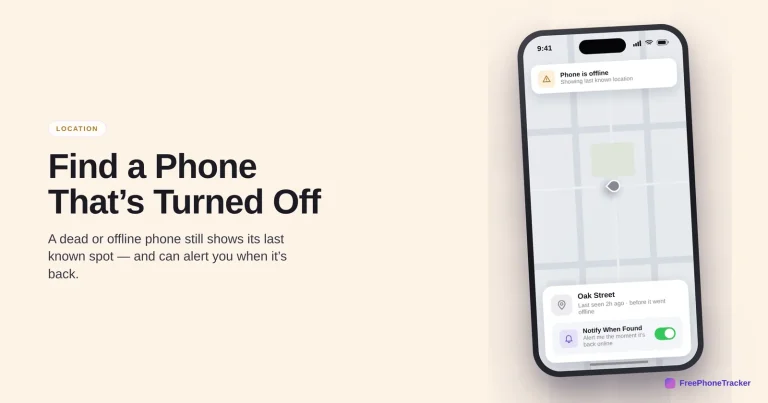
You’ll see its last known location. Some newer phones can be found even when off or offline for a while, but an old, dead phone shows only where it was last online. See our off-phone guide.
How do I ring my Android phone?
In Find My Device, select the phone and choose Play Sound. It rings at full volume for five minutes even on silent — the quickest way to find it in the house.
What does “Secure device” do?
It locks the phone with your screen lock and can show a message and phone number on the lock screen, so a finder can contact you. It’s the middle step between ringing and erasing.
Does the person know Find My Device is on?
It runs quietly in the background as a safety feature. For your own phone that’s fine; on a child’s phone, set it up openly together rather than secretly.
Find My Device covers the essentials — locate, ring, lock, wipe — from any browser, and it’s usually on already. Confirm it’s enabled, keep location on, and know your Google password before you ever need them. Get started free, and read our guides to Find My iPhone and finding a lost phone.