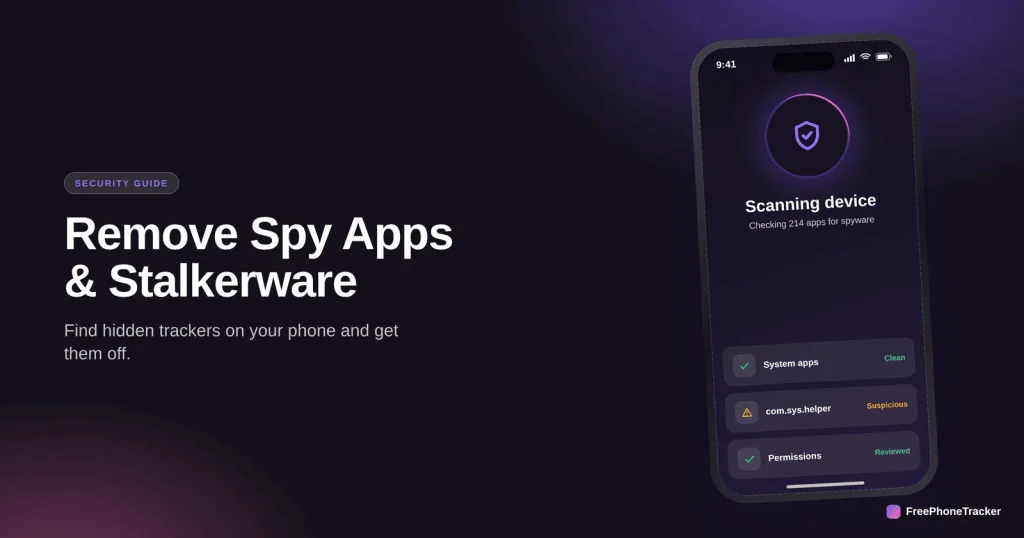
If you’re fairly sure something is spying on your phone, the next step is to find it and get it off, safely. Stalkerware, the hidden apps that secretly record location, messages and more, is built to stay invisible, but it isn’t undetectable. This guide walks through spotting it, removing it without making things worse, and locking your phone so it can’t come back.
- Stalkerware hides as a fake app or no icon at all, with deep permissions.
- Find it via your app list, device-admin settings, data usage, and a security scan.
- Remove it by revoking access first, then uninstalling, then updating the OS.
- If you may be in danger, get advice before you remove it, it can alert the abuser.
What stalkerware actually is
Stalkerware (sometimes called spyware) is an app installed on your phone to secretly monitor you. It’s different from the scammy “spy from anywhere” services, this is real software that someone put on your actual device, usually while it was briefly in their hands and unlocked.
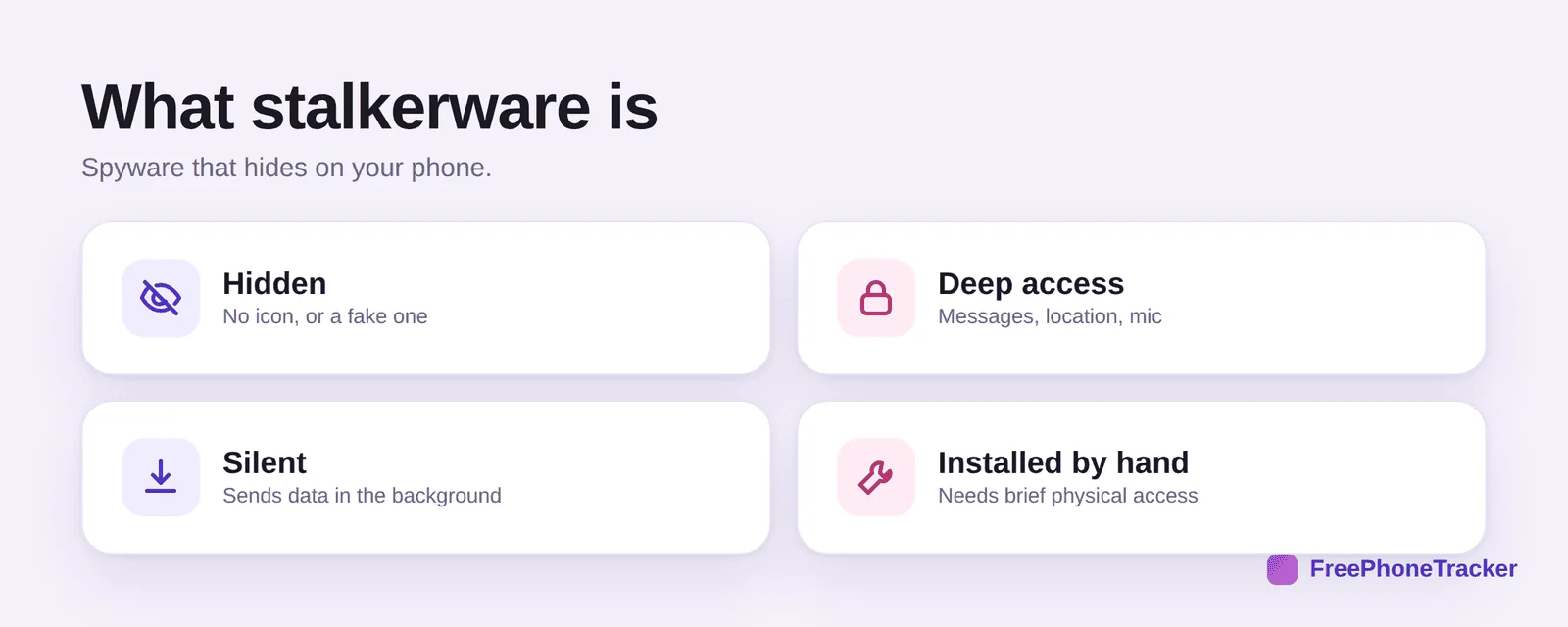
Once installed, it hides, either with no icon or disguised as something dull like “System Service.” It grabs deep access to messages, location, even the microphone. It works silently, uploading data in the background. And critically, it had to be installed by hand, which tells you it wasn’t magic and it can be found.
The signs to look for
Beyond the usual battery-and-data clues, stalkerware leaves specific tracks in your phone’s settings.
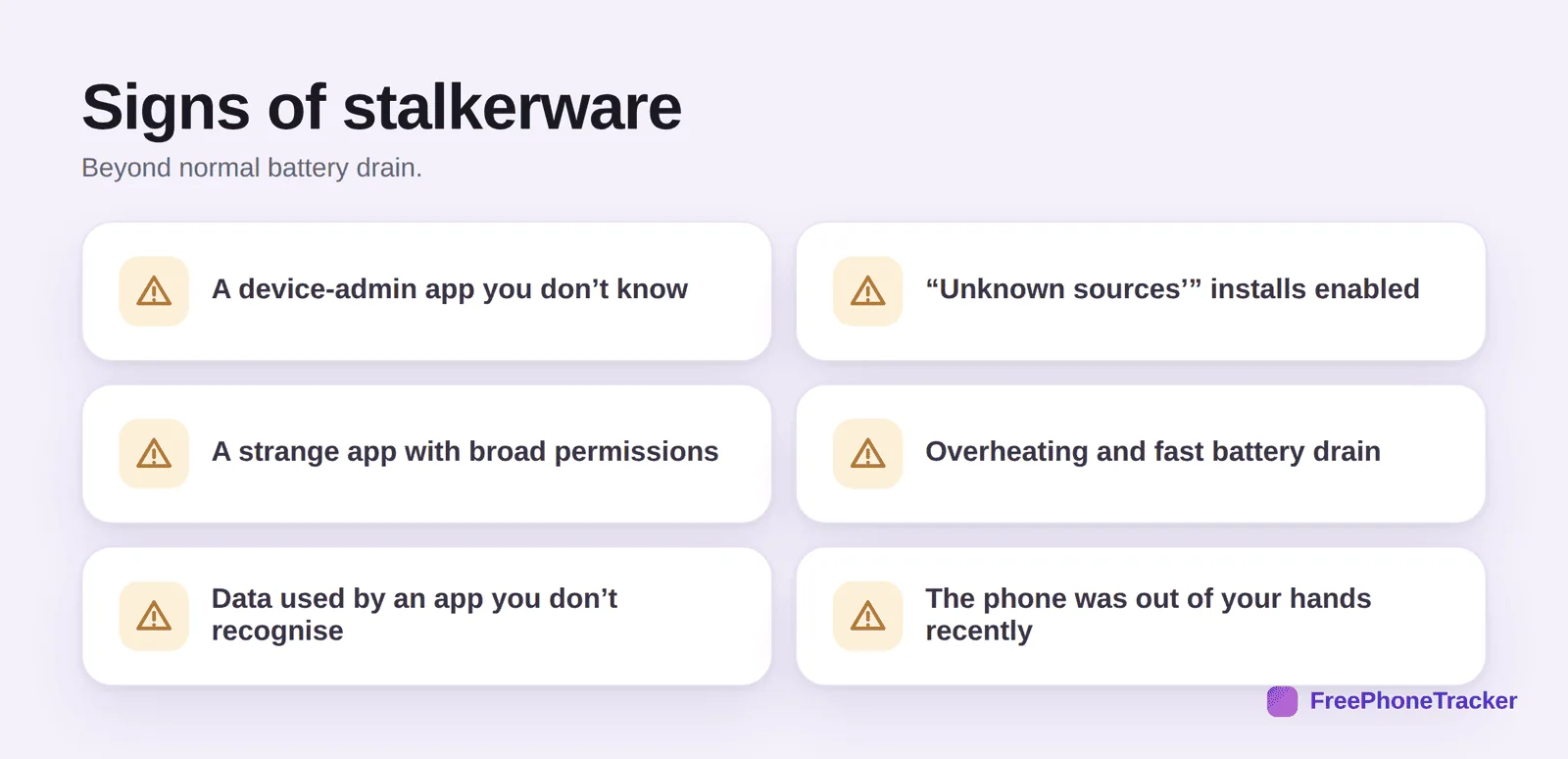
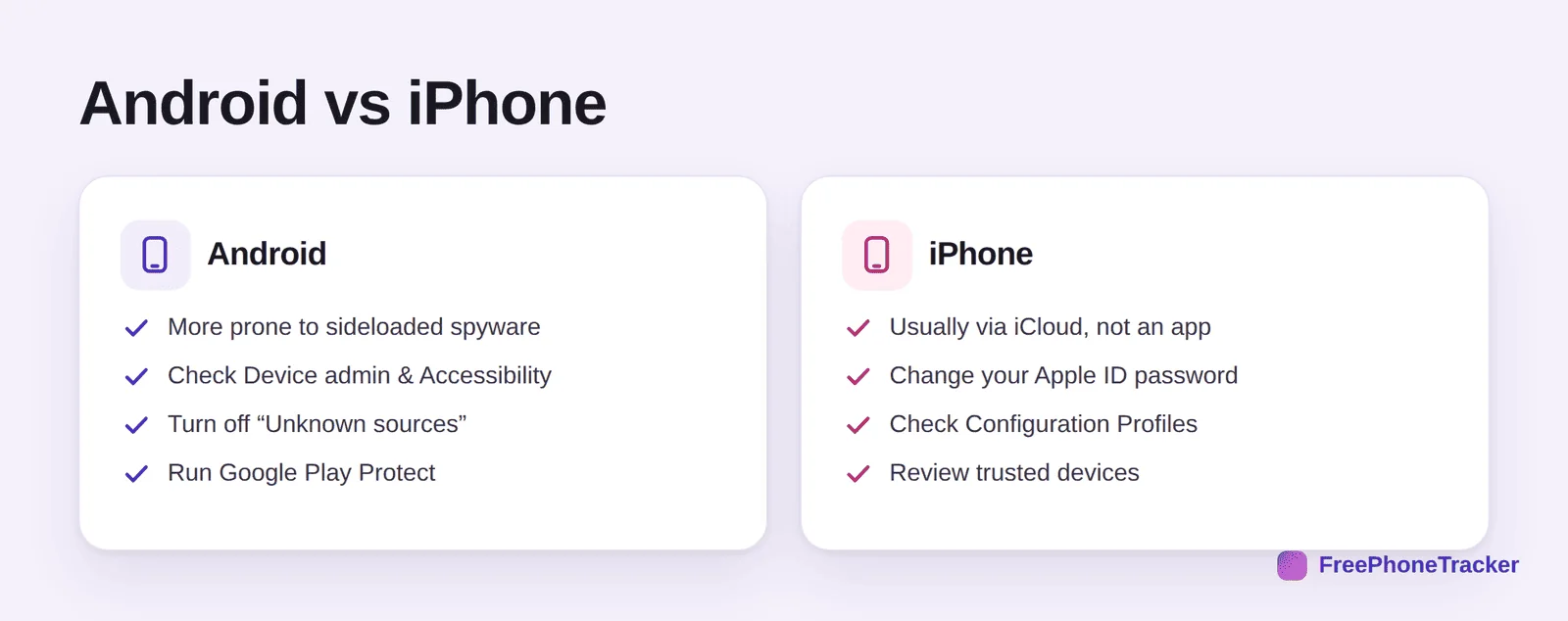
Look for a device-admin app you don’t recognise, that’s a high level of control stalkerware often grabs. Check whether “install from unknown sources” is switched on, since most stalkerware is sideloaded. Watch for an app with unusually broad permissions, or one using data it shouldn’t. And factor in context: if your phone was out of your hands recently, that’s when it could have been installed.
How to find it
Work methodically through the places stalkerware hides.
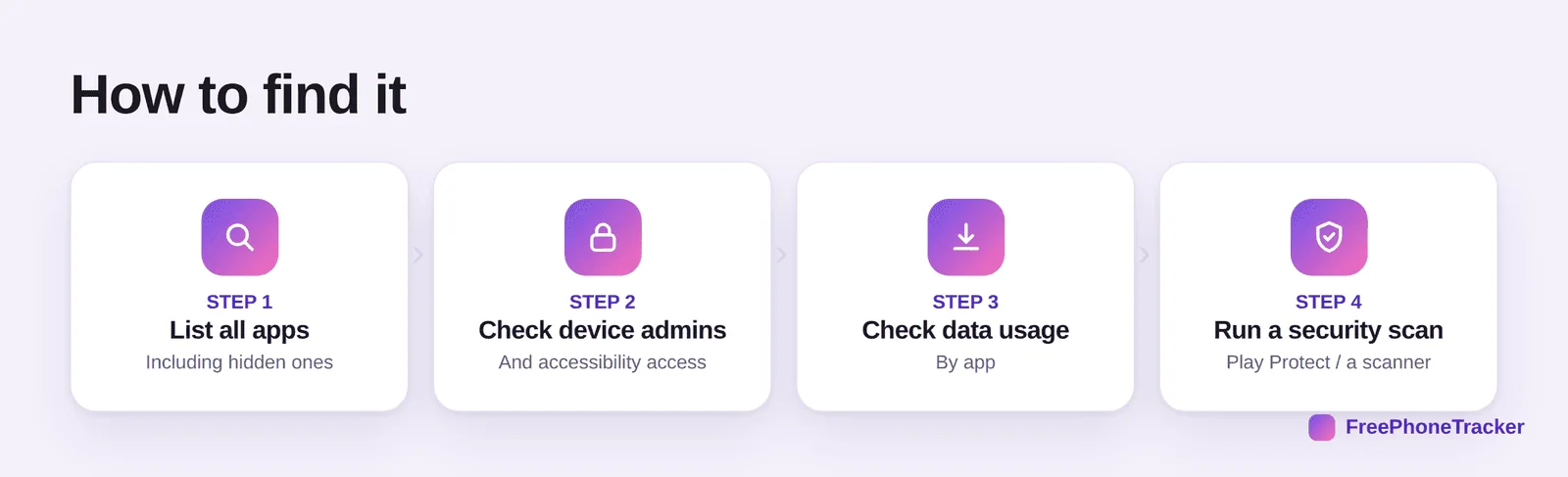
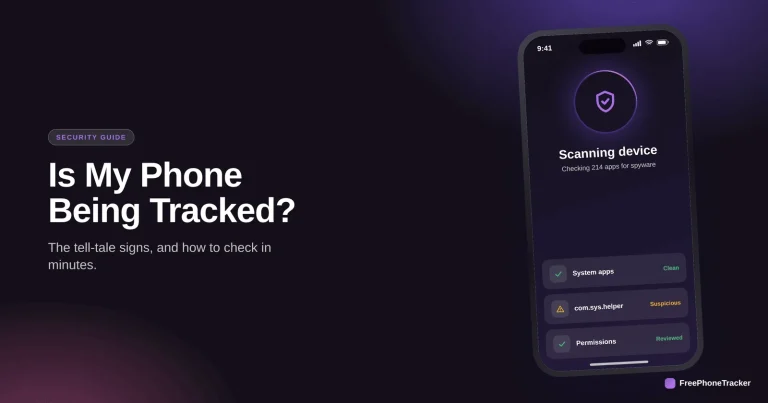
List every app, including hidden system apps, and look for anything you didn’t install. Check device-admin and accessibility settings, stalkerware needs these powers and they’re a giveaway. Review data usage by app to spot a silent uploader. And run a security scan with Google Play Protect or a reputable anti-spyware app, which flags known threats automatically.
How to remove it, safely
Order matters. Revoke its powers before you try to delete it, or a well-designed piece of stalkerware may resist uninstalling.
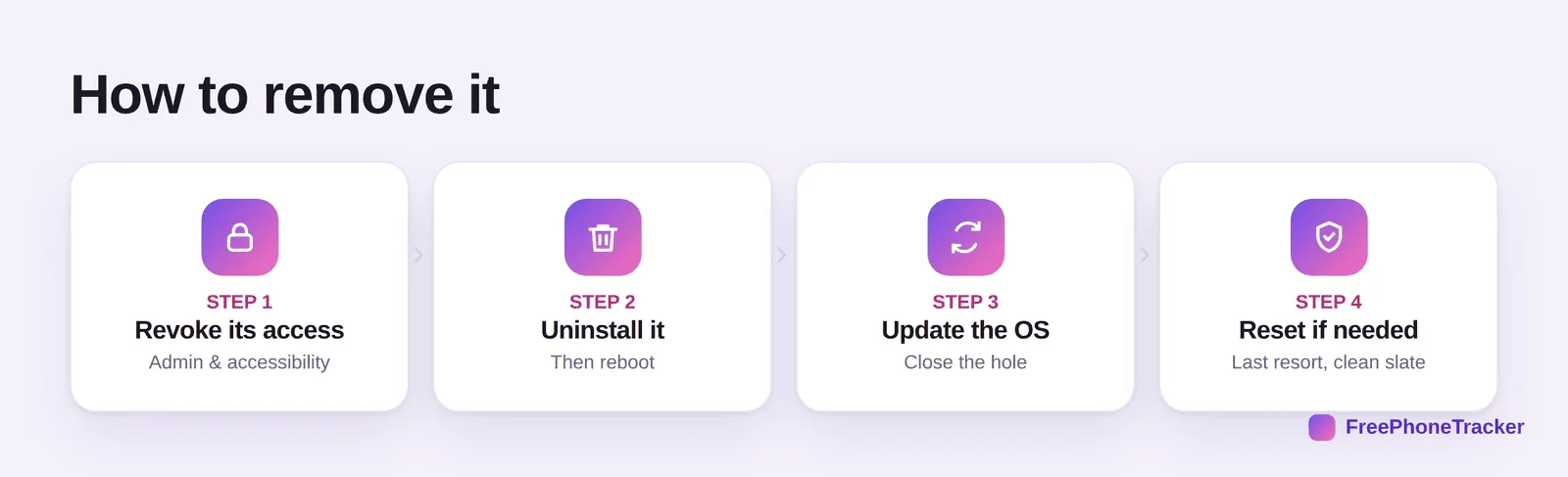
First, revoke its access, remove it as a device admin and turn off any accessibility permission it holds. Then uninstall it and reboot. Update the operating system to patch whatever hole let it in. And if you’re still not confident it’s gone, a factory reset is the nuclear option that wipes it completely, just back up your genuine data first, and don’t restore a backup that might carry the spyware back.
Stop it coming back
Removing the app is only half the job. If you don’t close the door, it can be reinstalled, or your accounts can keep leaking data.
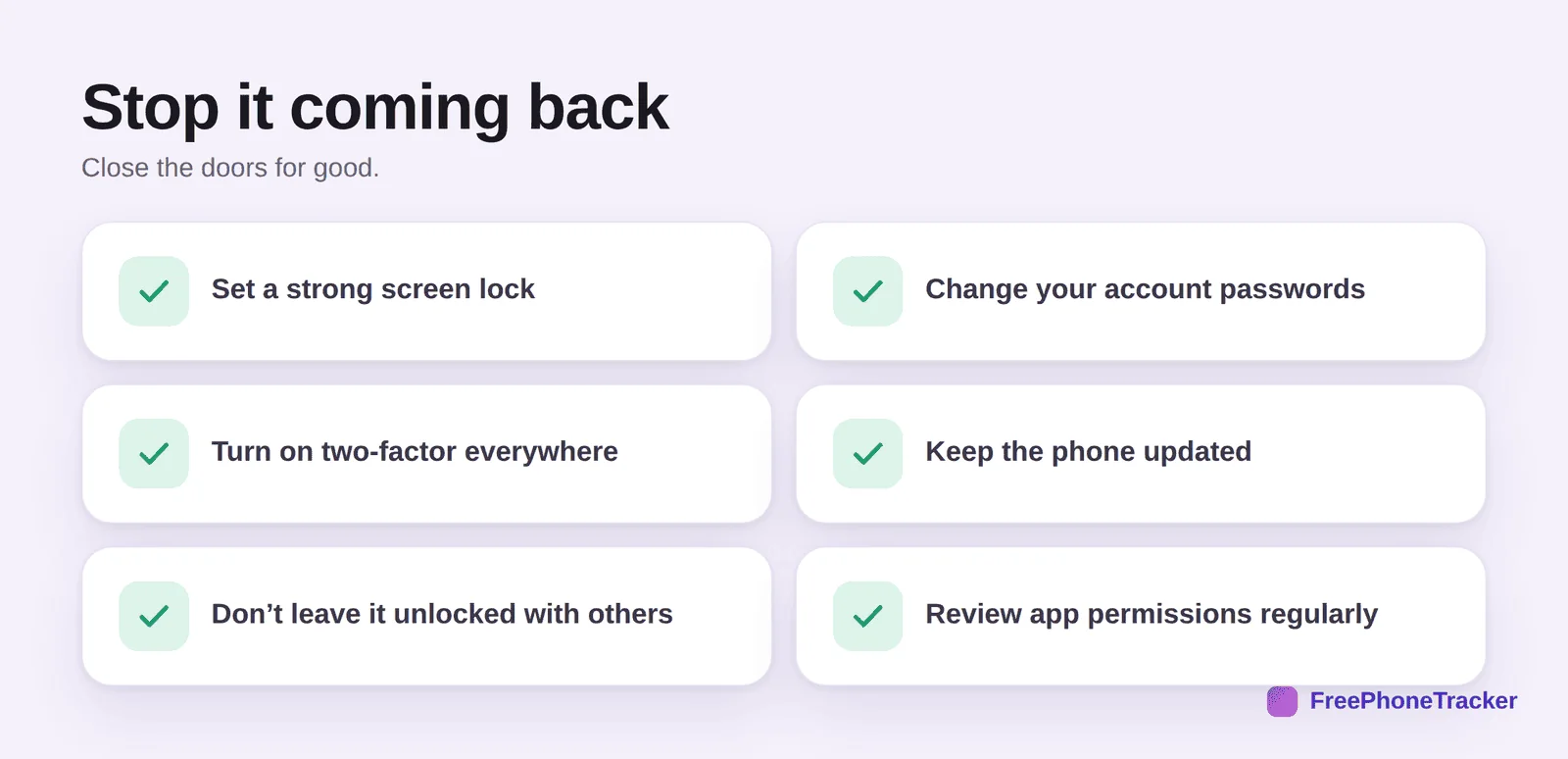
Set a strong screen lock that only you know, this stops hands-on reinstalling. Change your account passwords, especially email and Apple/Google, in case they were captured. Turn on two-factor authentication everywhere. Keep the phone updated. Don’t leave it unlocked around others. And review app permissions now and then so nothing creeps back in.
The honest contrast
Everything above is about non-consensual spying, software hidden on an adult’s phone without their knowledge. That’s stalkerware, and it’s harmful and usually illegal. It’s worth naming the difference from legitimate monitoring, because the two get lumped together unfairly.
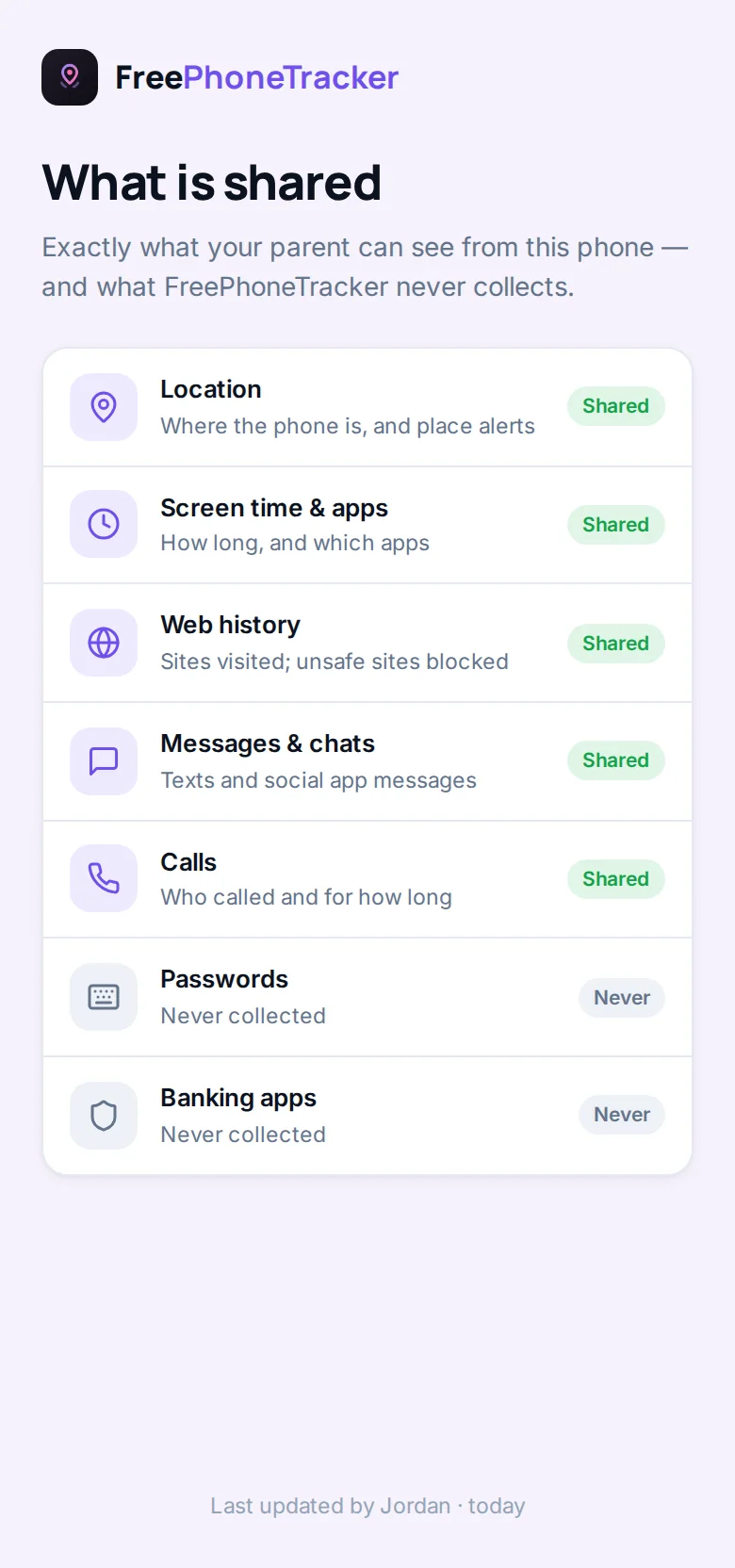
A parent openly monitoring their own child’s phone, with the child’s knowledge, is a world away from secret spyware on a partner’s device. Honest tools like FreePhoneTracker are visible on the phone and built around consent, by design. If it hides and no one agreed to it, it’s stalkerware, and it belongs in the bin.
Common questions
Will a factory reset definitely remove stalkerware?
Yes, a full reset wipes the app. But change your account passwords too, otherwise account-based tracking survives the reset. And don’t restore a backup that predates the clean-up.
Can stalkerware survive on an iPhone?
True hidden apps are rarer on iPhone. There, spying usually happens via your iCloud account, so changing your Apple ID password and checking trusted devices matters more than hunting for an app.
How did it get on my phone?
Almost always through brief physical access to your unlocked phone. That’s why a strong, private screen lock is the single best defence going forward.
Should I keep evidence before removing it?
If there’s any chance of a police report or a legal case, photograph or note what you found first. In an abusive situation, get advice from a specialist before touching anything.
Is anti-spyware software worth it?
A reputable one helps, and Play Protect is free on Android. Treat it as one layer alongside the manual checks and good account security, not a magic fix.
Stalkerware is designed to make you feel powerless, but it’s findable and removable. Look in the right places, revoke its access before you delete it, then lock down your phone and accounts so it can’t return. And if there’s any danger involved, reach for support before you act. Your phone should serve you alone. If you’re still not sure whether you have it, start with our guide on telling if your phone is being tracked.