Spam texts are more than annoying, they’re the front door for scams. A single tapped link can hand over a password or install something nasty. The good news: they’re easy to spot once you know the tells, and easy to shut down. This guide covers how to block them, report them, and recognize a scam on sight.
- Never tap a link or reply to a text from an unknown sender.
- Use Report Junk, or forward the message to 7726 (SPAM).
- Block the number so it can’t text you again.
- Turn on filtering so messages from strangers are sorted away.
Shut them down
The order matters: report and block, don’t engage. Replying, even “STOP,” tells a scammer your number is live.
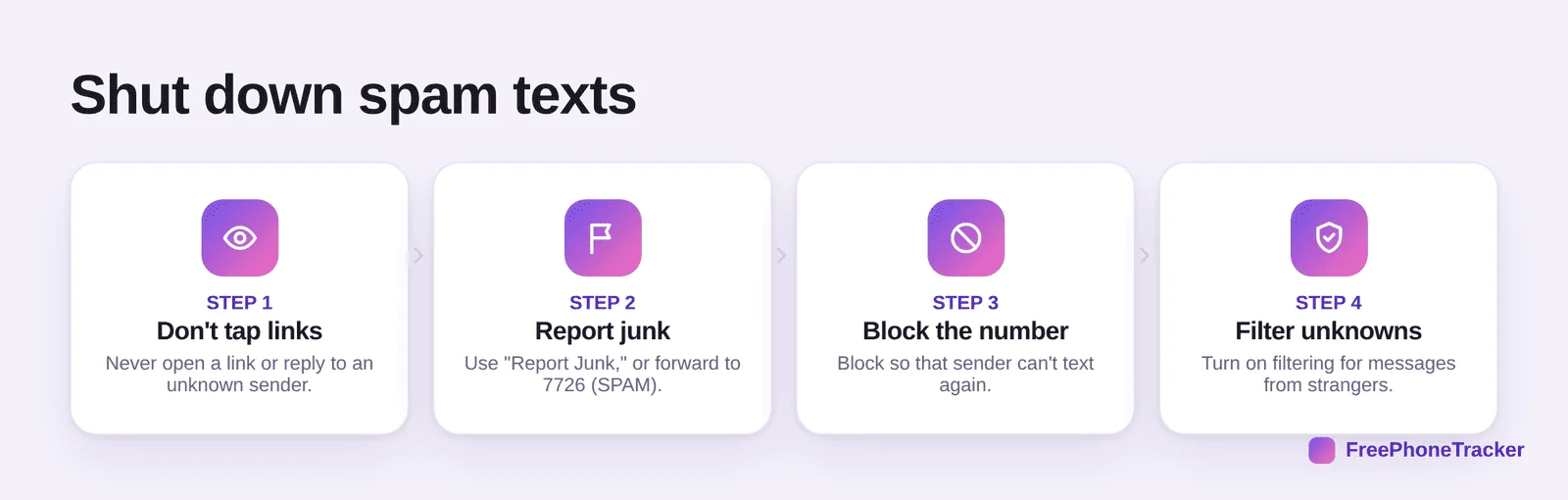
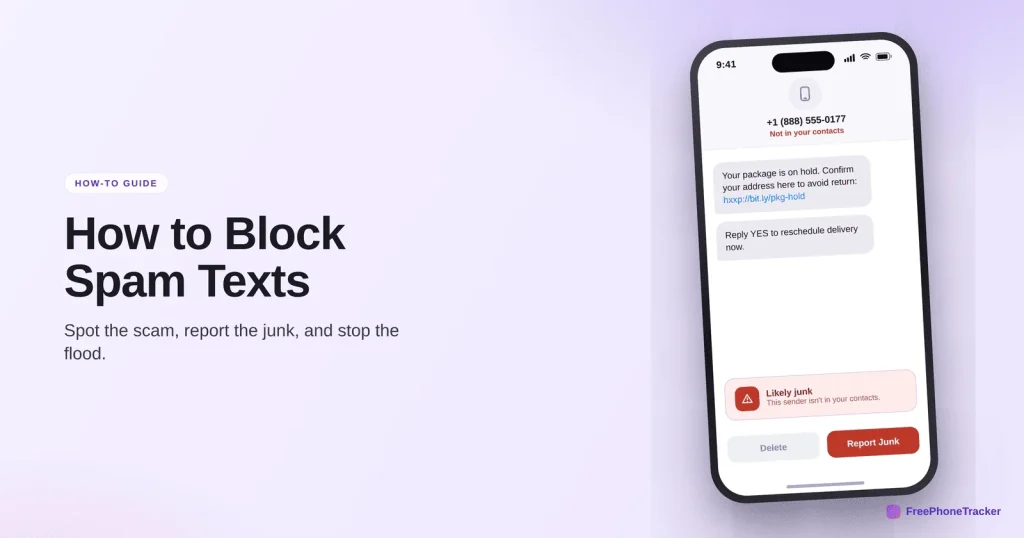
Don’t tap links or reply. Use Report Junk (iPhone shows it under an unknown sender; Android’s Messages has “Report spam”), or forward to 7726. Block the number. And turn on filtering so texts from people not in your contacts are sorted into a separate list.
How to spot a scam text
Scam texts recycle the same handful of tricks. Once you can name them, they’re obvious.
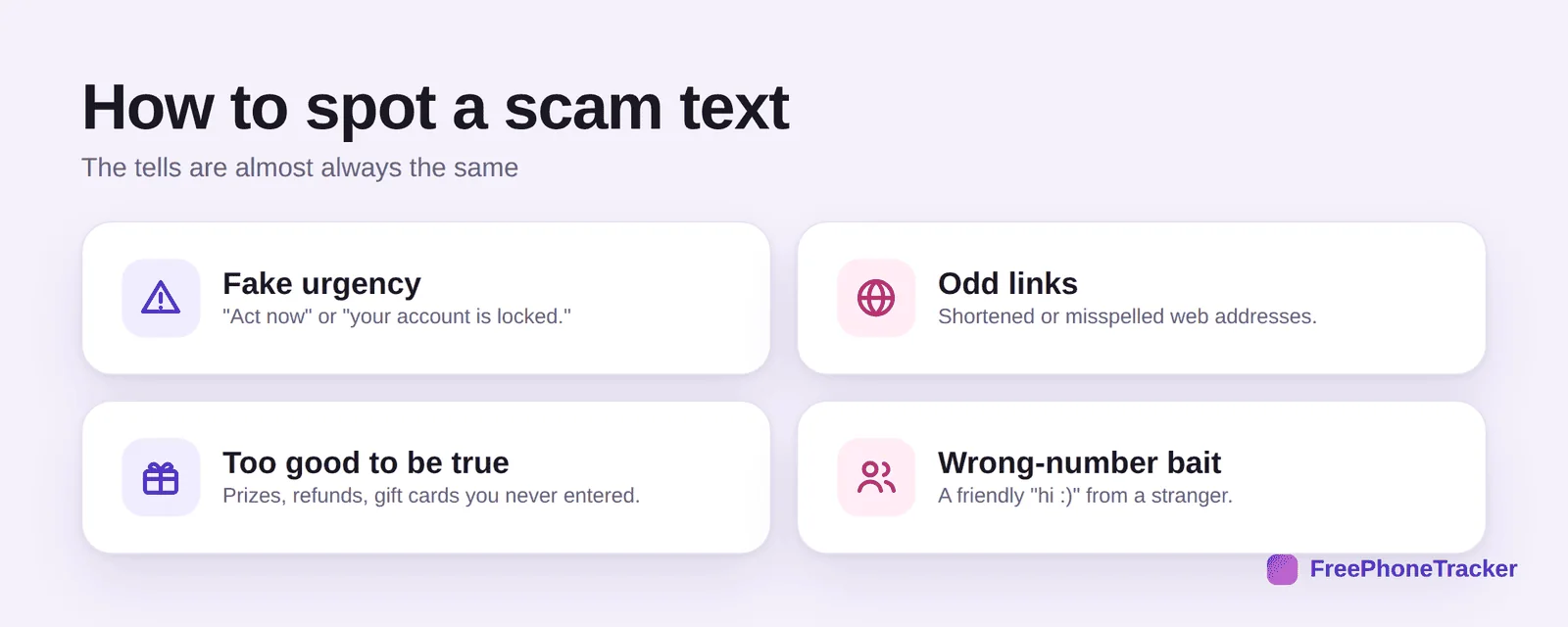
Watch for fake urgency (“your account is locked, act now”). Odd links, shortened or slightly misspelled. Offers that are too good to be true, prizes and refunds you never entered. And wrong-number bait, a friendly “hi :)” from a stranger designed to start a conversation.
Keep the flood down
A few habits stop your number from becoming a magnet in the first place.
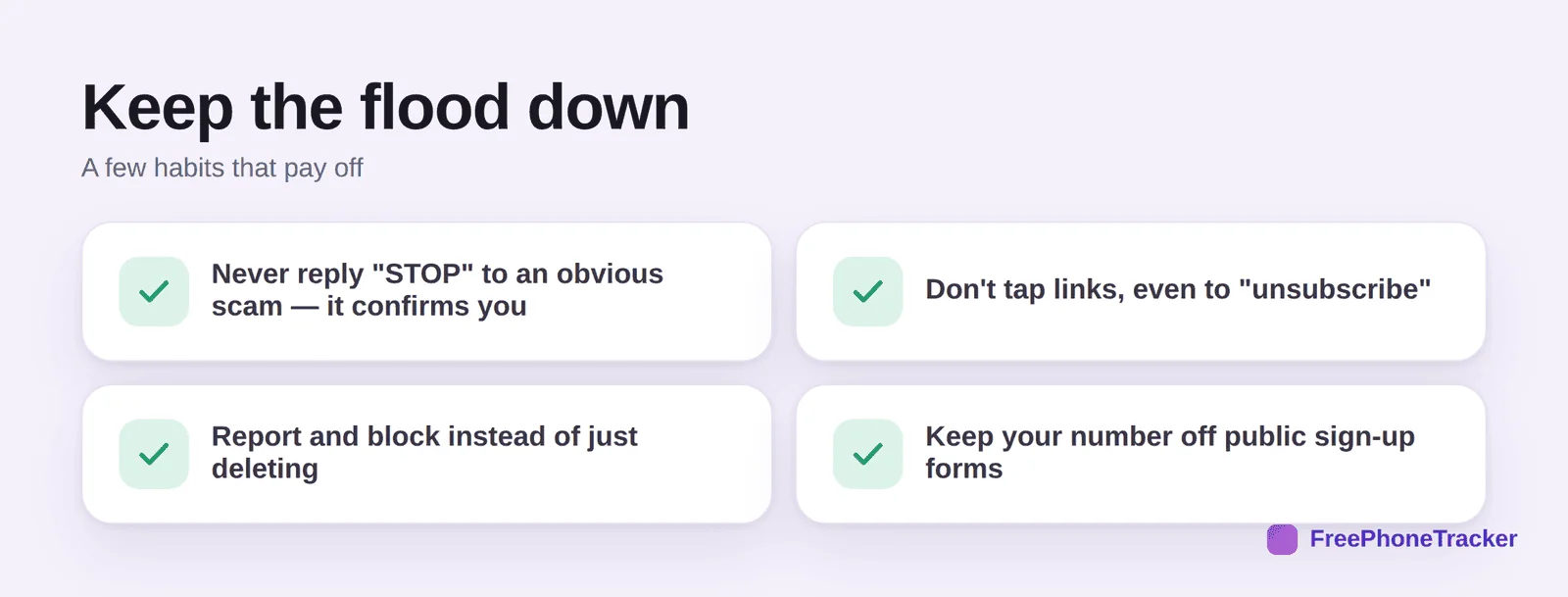
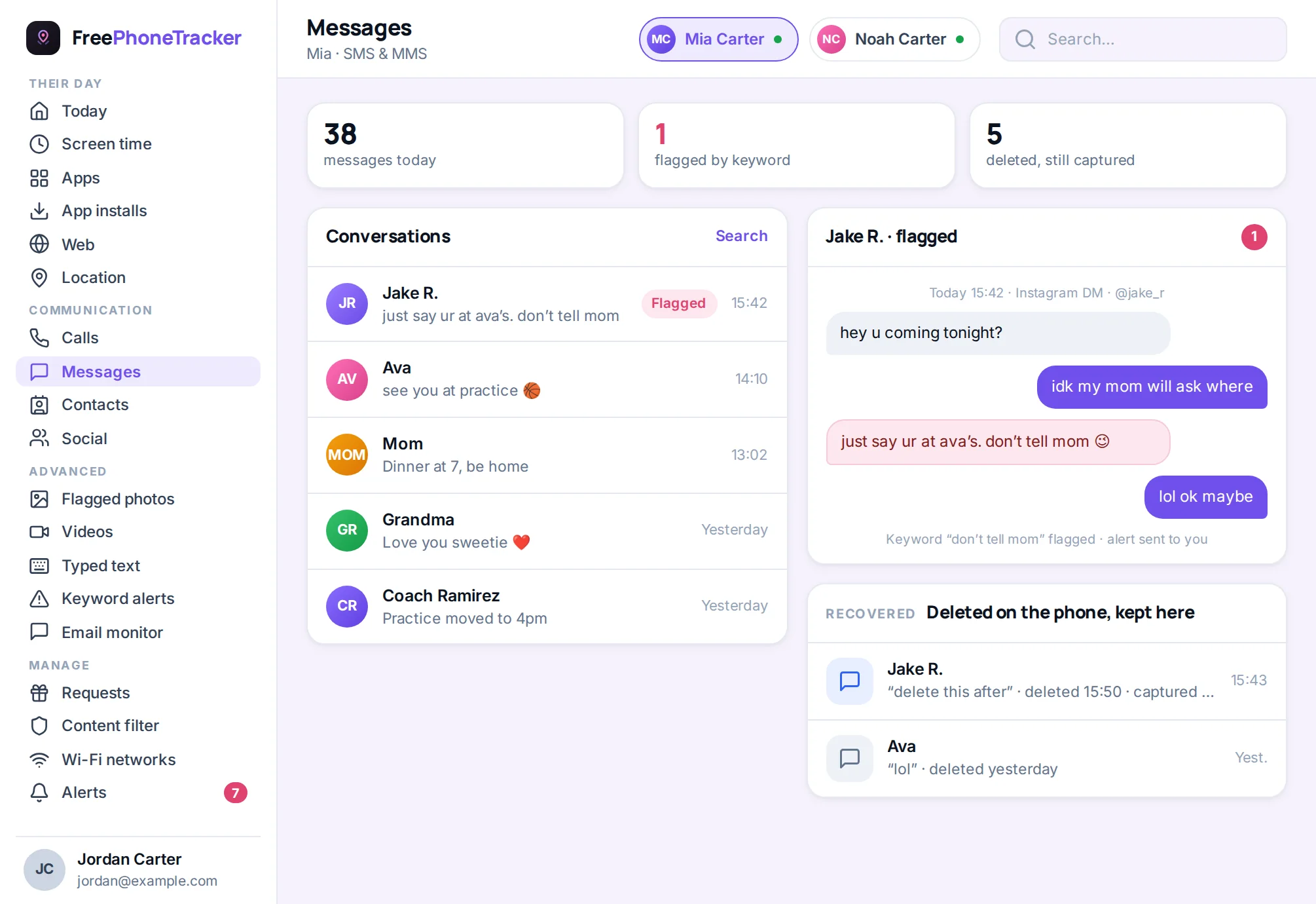
Never reply “STOP” to an obvious scam, it confirms you. Don’t tap links, even ones claiming to “unsubscribe.” Report and block instead of just deleting, so the sender is on record. And keep your number off public sign-up forms and giveaways. For a child, a message log lets you catch a scam text before they act on it.
Common questions
Should I reply “STOP” to spam texts?
Only to legitimate businesses you actually signed up with. For a random scam, replying anything, including STOP, confirms your number is active and invites more.
What happens if I already tapped a link?
Don’t enter any details. Close it, and if you typed a password anywhere, change it. Watch for unexpected charges or logins, and run a security check on the phone.
How do scammers get my number?
Data breaches, public forms, and simply dialing number ranges. You can’t undo a leak, but you can avoid feeding it by keeping your number off giveaways and unknown sign-ups.
Is forwarding to 7726 worth it?
Yes. It reports the spam to your carrier, which improves filtering for everyone. It’s free and takes a few seconds.
How do I protect my kid from scam texts?
Talk about the tells, and keep an eye out with a message tracker so you can step in early. See our guide on online predators for the wrong-number angle.
Scam texts rely on you tapping fast and thinking later, so the whole defense is: don’t tap, don’t reply, report and block. Learn the four tells and they stop working on you, and on your kids. Get started free, and read our guides to stopping spam calls and blocking unknown callers.