If you want the simplest possible fix for spam calls, this is it: one setting that sends every number not in your contacts straight to voicemail. It’s blunt but effective. This guide shows how to turn it on, what it stops, and how to make sure you don’t miss the calls that actually matter.
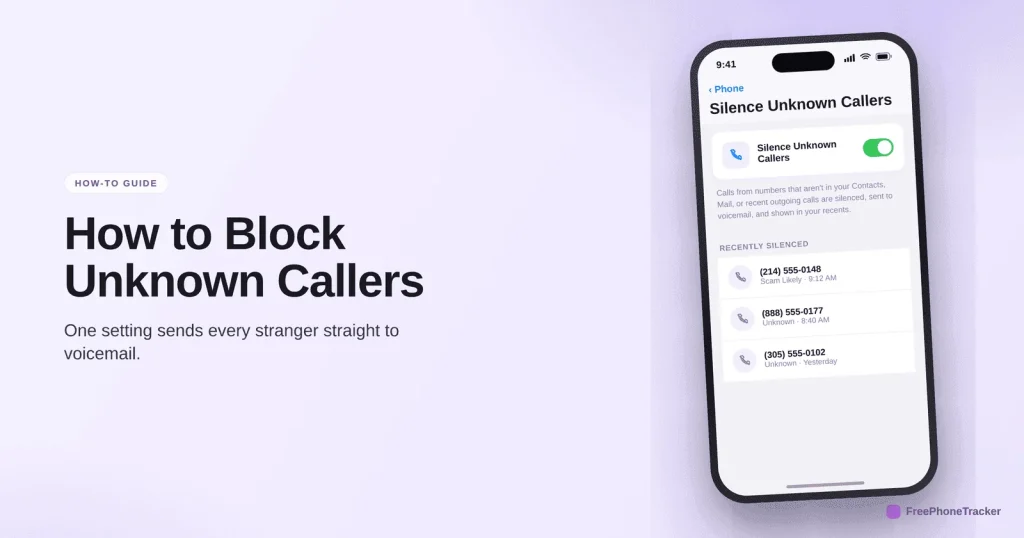
- iPhone: Settings › Phone › Silence Unknown Callers. Android: Phone app › call-screening settings.
- Saved contacts still ring through as normal.
- Silenced calls go to voicemail and appear in your recents.
- Save schools, doctors and deliveries first so you don’t miss them.
Turning it on
It’s a single toggle on both platforms, and it takes about thirty seconds.
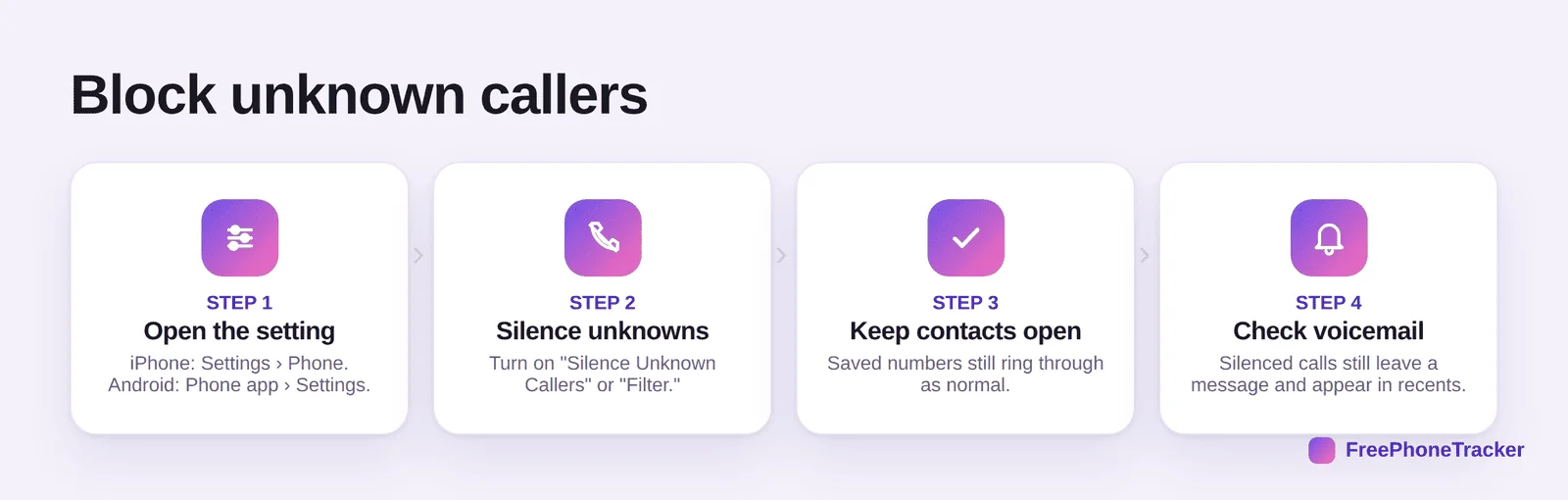
Open the setting (iPhone: Settings › Phone; Android: Phone app › Settings). Turn on Silence Unknown Callers or your phone’s call filter. Your saved contacts keep ringing normally. And remember silenced calls still leave voicemail and show in recents, so nothing truly vanishes.
Before you switch it on
It’s powerful, so it’s worth knowing the trade-off. It stops a lot, but it treats every unsaved number the same.
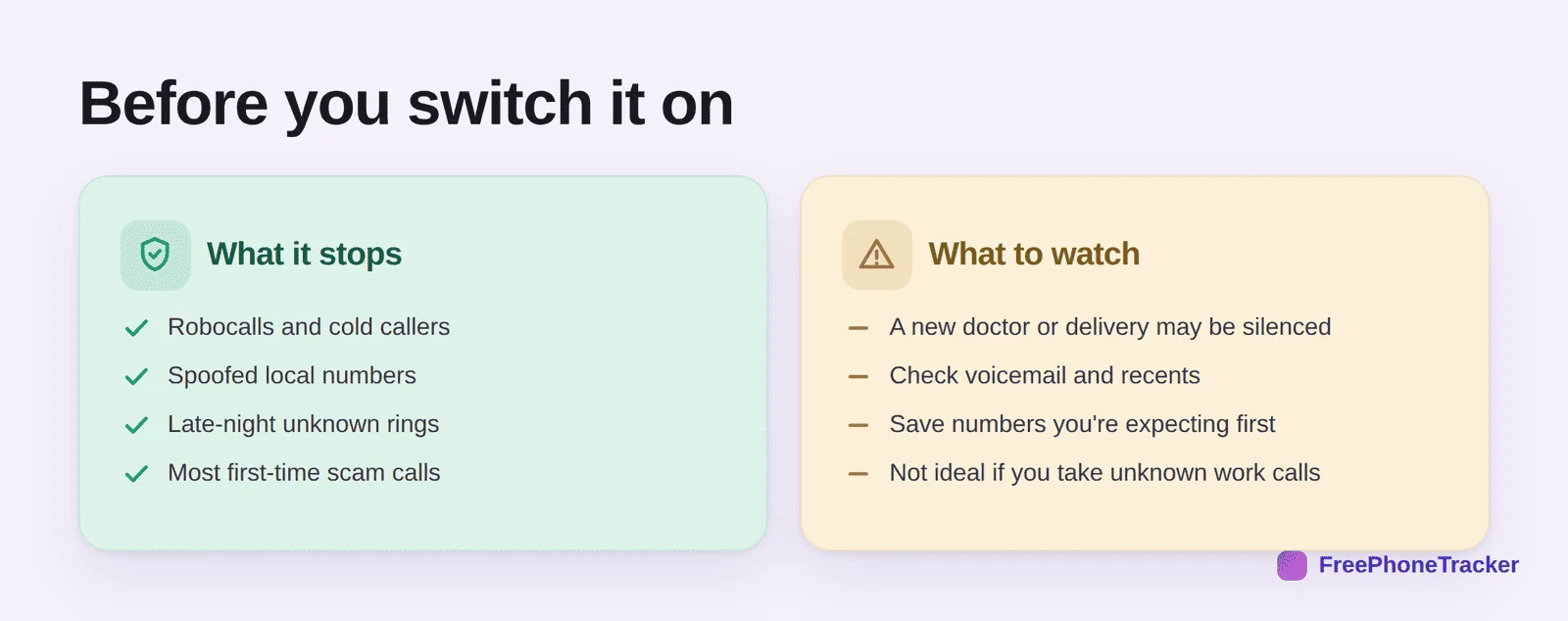
It stops robocalls, spoofed numbers, late-night unknown rings and most first-time scams. But a new doctor, delivery or school may be silenced too, so check voicemail and recents, and save numbers you’re expecting ahead of time. It’s not ideal if your job means fielding unknown calls all day.
Make it work for you
A little setup keeps you from missing anything real.
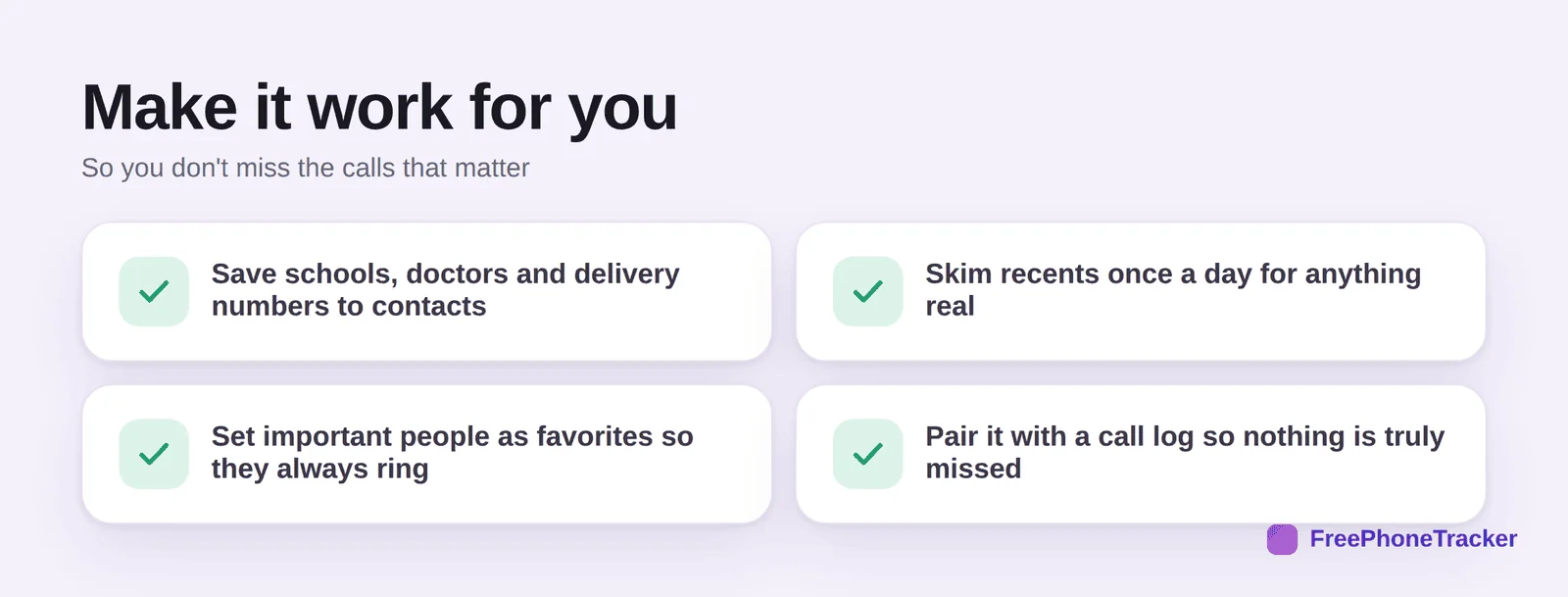
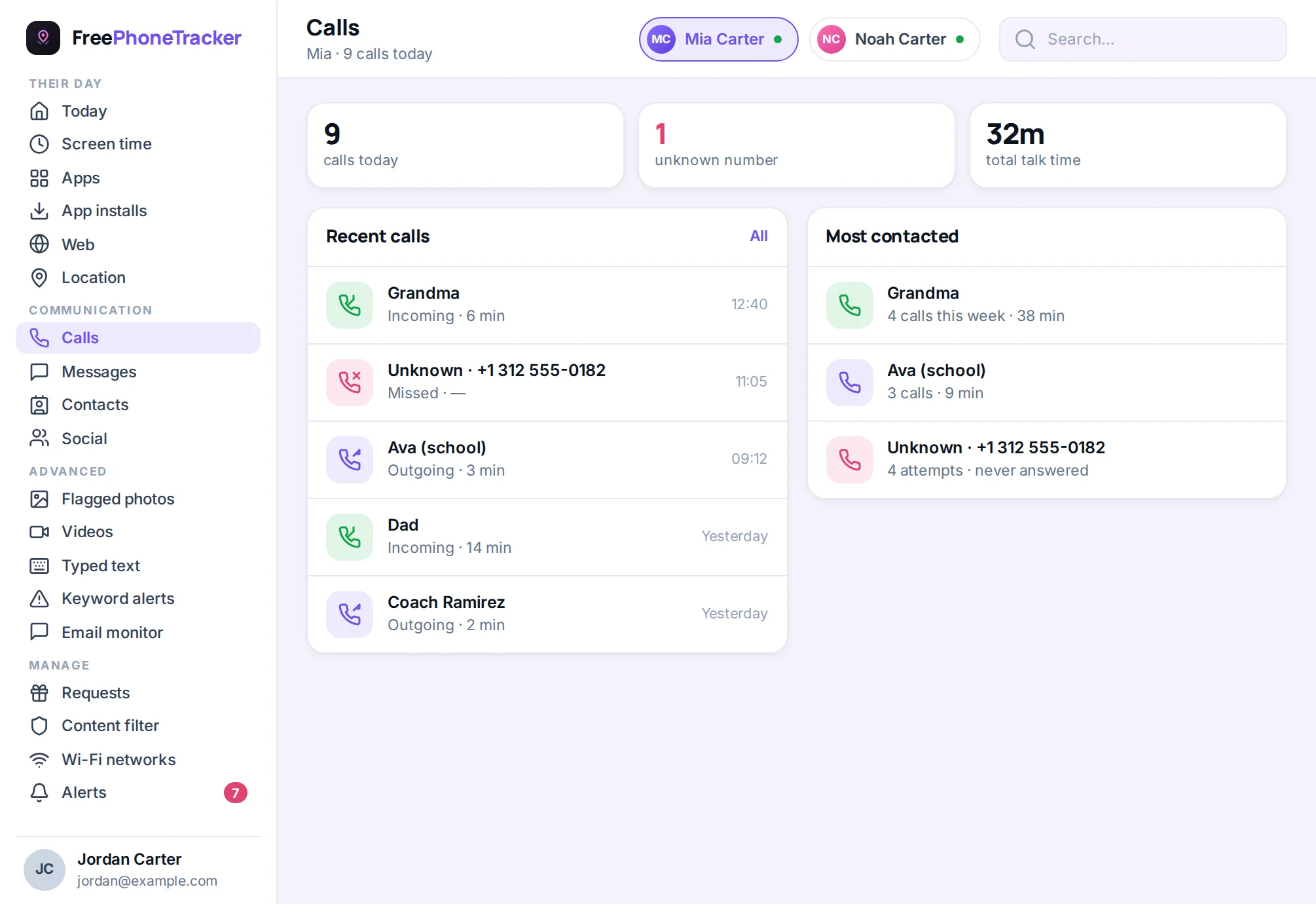
Save schools, doctors and delivery numbers to contacts. Skim recents once a day for anything real. Set important people as favorites so they always ring, even during Do Not Disturb. And pair it with a call log so even a silenced call is recorded, nothing is truly missed.
Handling the calls you do want
Silencing unknown callers works because most real callers who matter are already in your contacts — but a few are not, and you can handle them without switching the feature off. Add the numbers you expect calls from before you need them: the school office, your doctor’s surgery, the delivery company, the plumber. On iPhone, calls from numbers found in your recent messages or email are also allowed through, so a quick text exchange with a new contact clears them.
Check voicemail once a day for the first couple of weeks; a genuine caller leaves a message, a robocaller does not, and you will quickly see the feature is catching what you hoped. For anyone expecting an important unknown call — a job interview, a hospital appointment — turn the feature off for that afternoon and back on afterwards. And tell family members it is on, so they know to use their own number rather than a friend’s phone.
Common questions
Will my contacts still get through?
Yes. Anyone saved in your contacts (and recent outgoing numbers) rings normally. Only unsaved numbers are silenced.
What happens to a silenced call?
It’s sent to voicemail and listed in your recents, so you can call back anything legitimate. It’s silenced, not deleted.
Is this better than blocking numbers one by one?
For volume, yes. Blocking individual numbers can’t keep up with spoofing. Silencing all unknowns catches them in one move, with the trade-off that you must save numbers you expect.
Can I still receive a call from a new doctor or school?
They’ll be silenced unless saved, but they leave voicemail and show in recents. Save important numbers ahead of appointments to be safe.
How does this help with my kid’s phone?
The same setting keeps strangers from ringing their phone, and a call log lets you see who tried. See our guide to identifying unknown numbers.
Blocking unknown callers is the highest-impact, lowest-effort fix there is, one toggle sends every stranger to voicemail. Just save the numbers you’re expecting and skim recents, and you get quiet without missing anything real. Get started free, and read our guides to stopping spam calls and blocking spam texts.