Deleted a text you needed? On modern iPhones you often have a real second chance. There’s a Recently Deleted folder that holds messages for about 30 days, and older texts may sit in an iCloud backup. This guide walks through every place a deleted message can still be, in the order worth trying.
- Check Messages › Edit › Recently Deleted first — texts stay ~30 days.
- Older texts may be in an iCloud backup from before you deleted them.
- A synced iPad or Mac may still have the conversation.
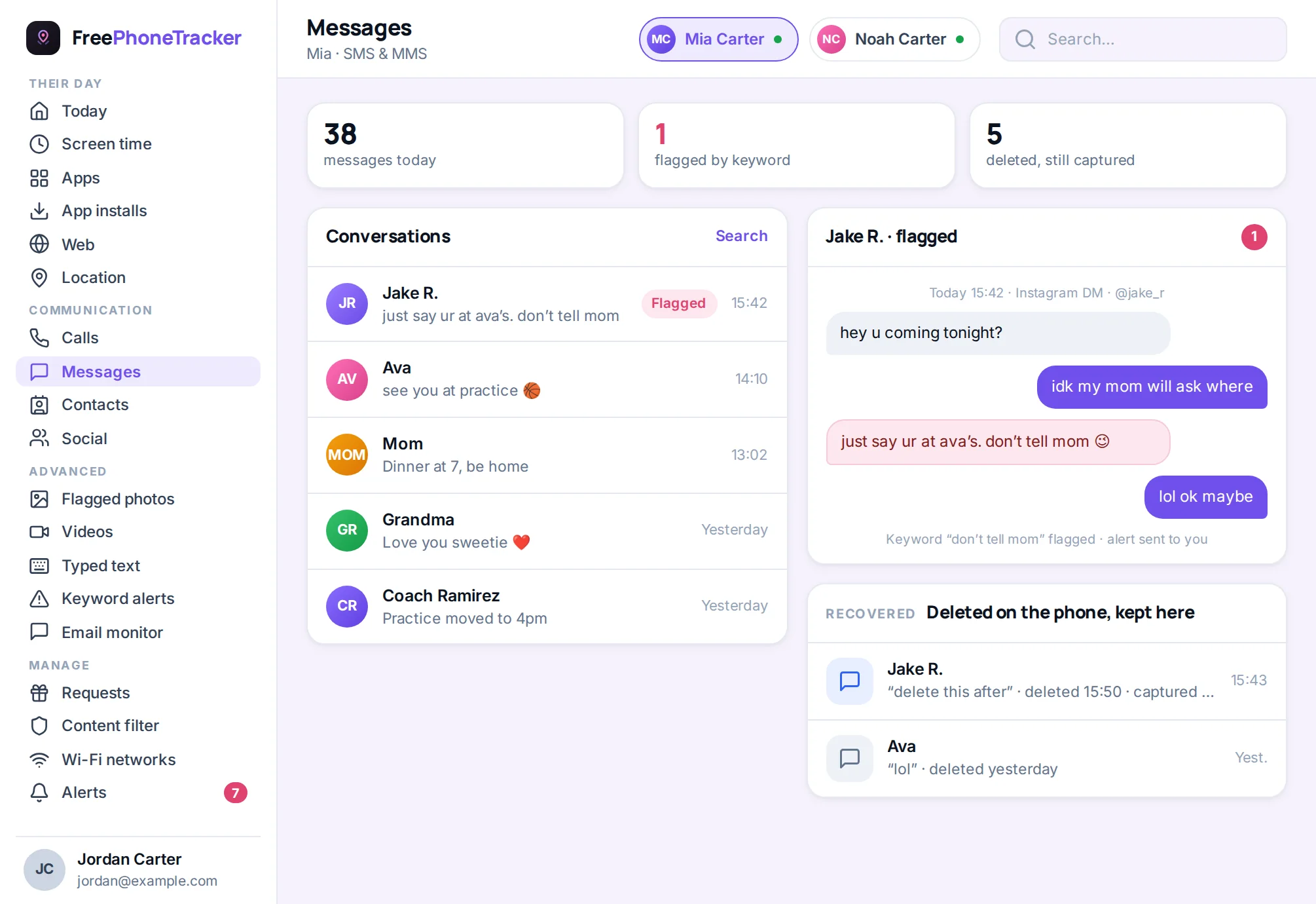
- If monitoring was already running, your copy is safe regardless.
Start with Recently Deleted
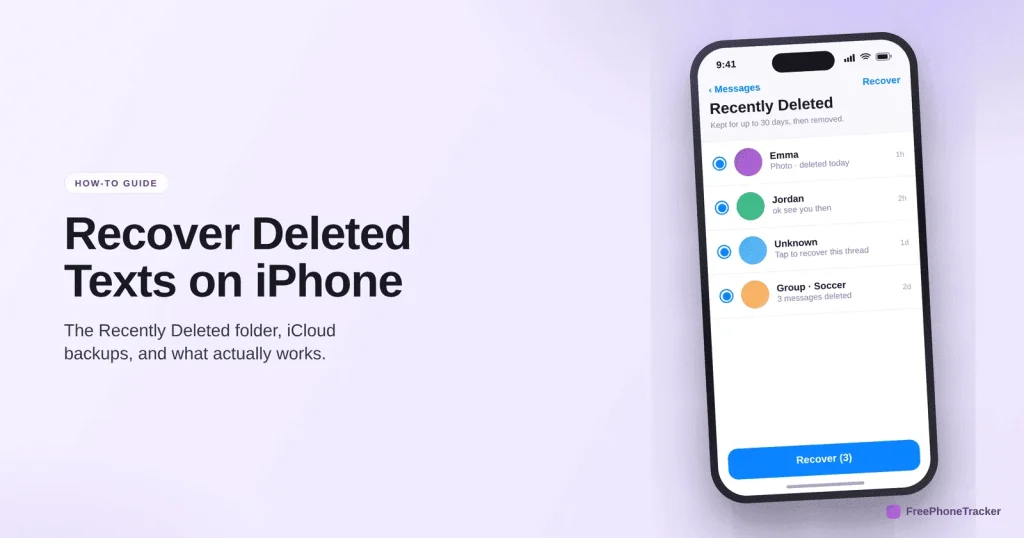
iOS 16 and later keep deleted messages in a hidden folder for about a month. This is the fastest fix and the first place to look.
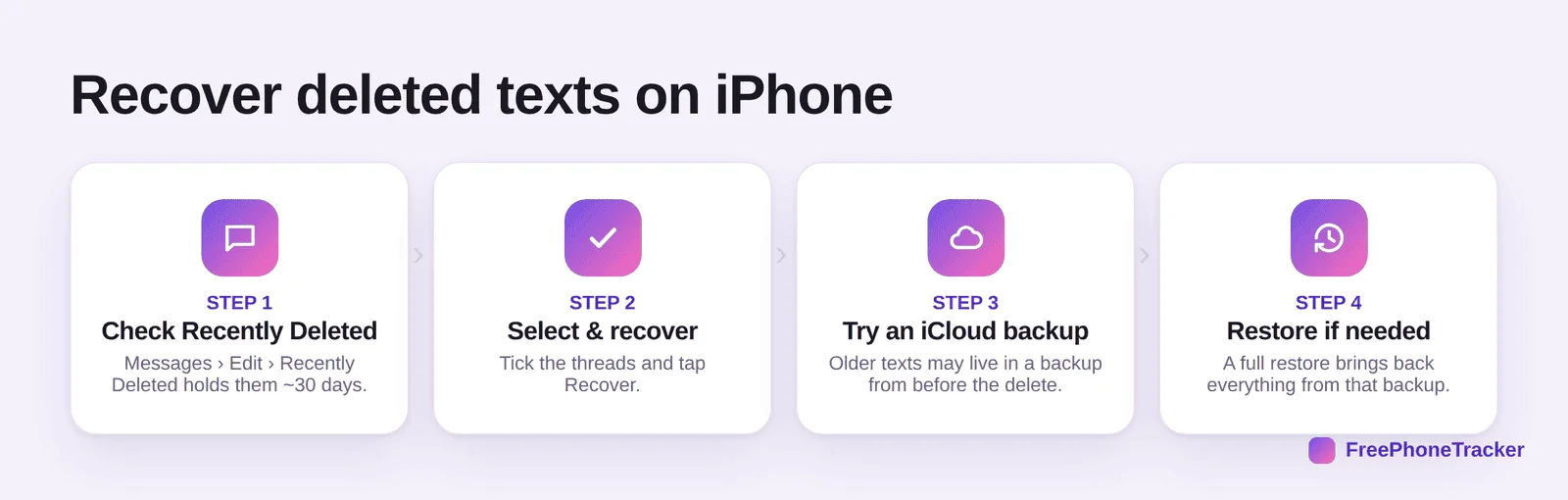
Open Messages, tap Edit (or Filters) in the top corner, then Recently Deleted. Pick the conversation, tap Recover, and it’s back. If the delete was recent, you’re done here.
Where a deleted text can still be
If it’s not in Recently Deleted, it isn’t necessarily gone. A few other places may hold it.
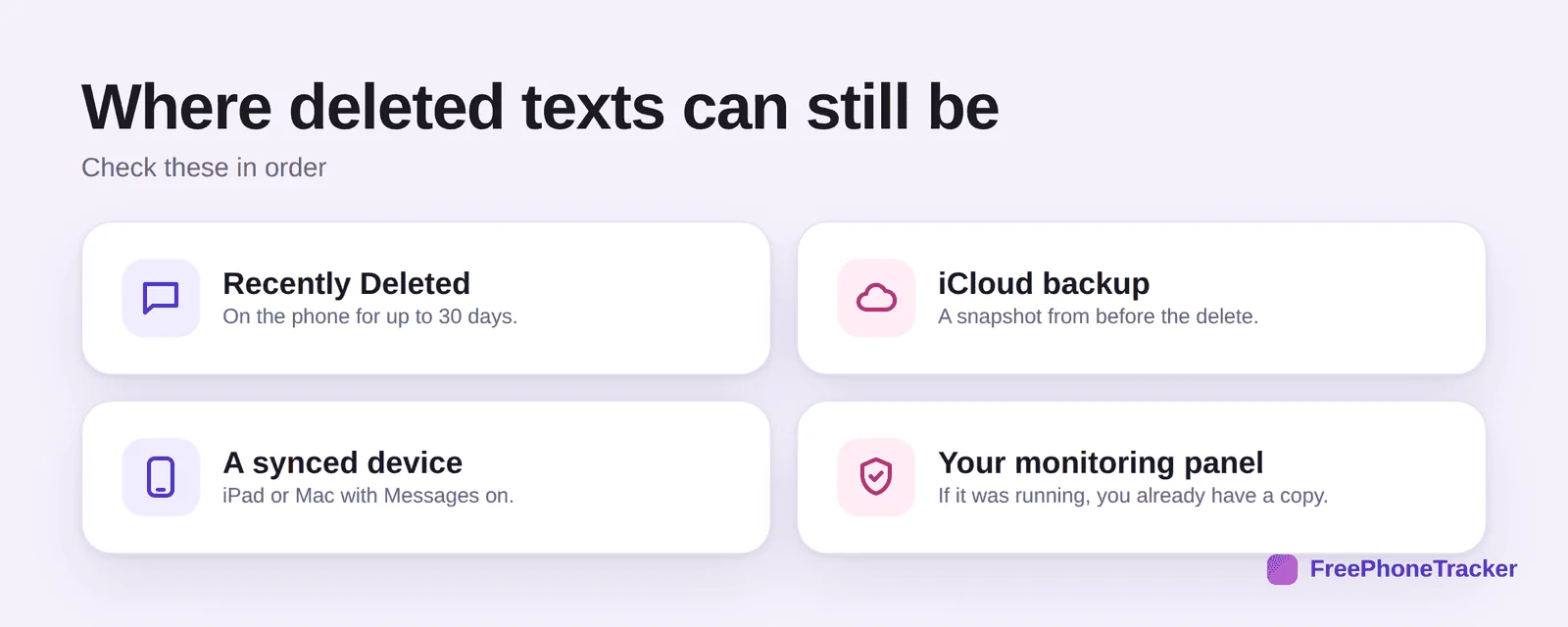
An iCloud backup made before the delete will contain the message, though restoring it is all-or-nothing. A synced device like an iPad or Mac with Messages turned on may still show the thread. And if you had a message tracker running, the text was saved when it arrived, so a delete on the phone doesn’t touch your copy.
Restoring from an iCloud backup
This is the heavier option, so treat it as a step down the list. A restore replaces your current phone data with the backup, so anything newer than the backup is lost.
Back up your phone as it is now first, so you don’t trade one loss for another. Then erase and restore from the older backup during setup. It’s powerful but blunt, which is exactly why a live copy beats it for anything you care about keeping.
Never lose them again
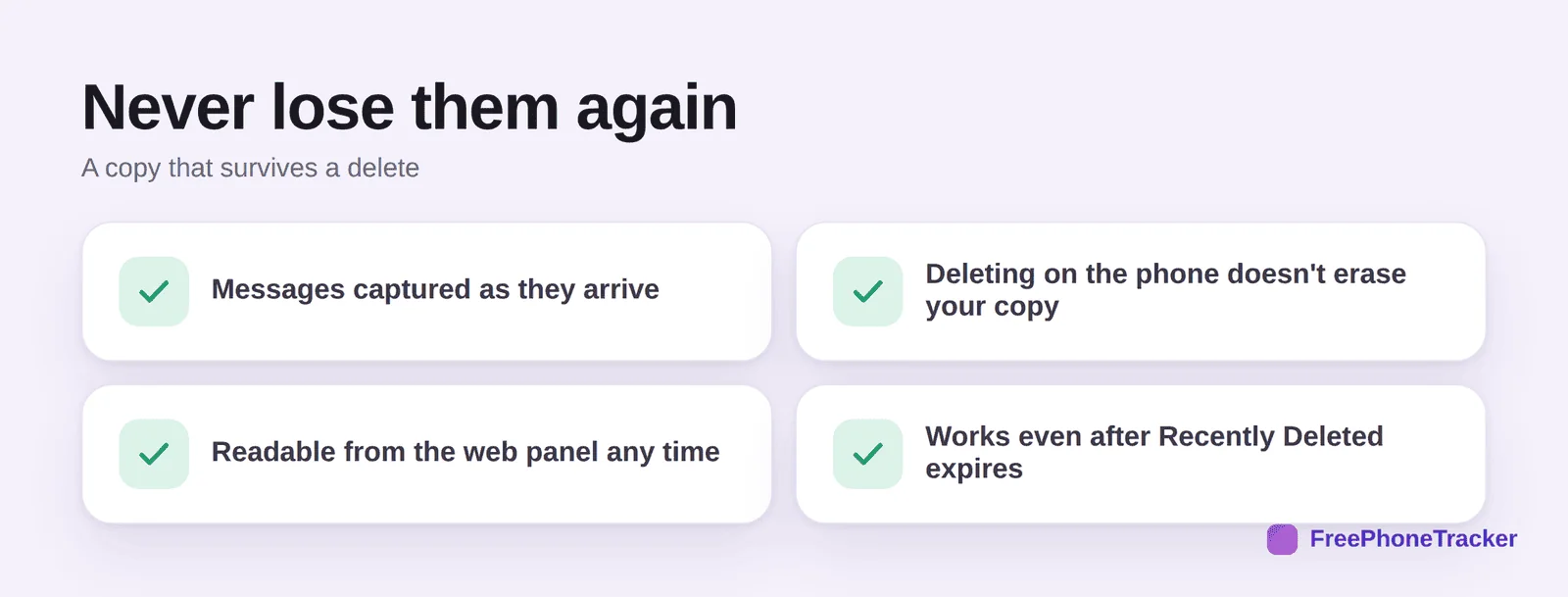
Recovery is a scramble. Prevention is calm. If it matters, keep a copy that a delete can’t touch.
A message tracker saves texts as they come in, so deleting on the phone leaves your copy intact, and you can read it from the web panel any time, even after Recently Deleted expires. That’s the difference between hoping a backup is recent enough and simply having the message. For the full picture, see our guide to child phone monitoring.
Common questions
How long do deleted iPhone texts stay recoverable?
About 30 days in Recently Deleted. After that they’re removed from the folder, and only a backup or a live copy will have them.
Can I recover texts without a backup?
Sometimes, via Recently Deleted or a synced device. Without any of those, a text with no backup and no live copy is usually gone. Third-party recovery apps rarely deliver on their promises.
Will restoring a backup delete my newer messages?
Yes. A restore reverts the phone to the backup’s date, so back up the current state first. This all-or-nothing behavior is the main drawback.
Do deleted texts leave the other person’s phone?
No. Deleting on your side doesn’t remove the message from theirs. If they still have the thread, they can share it.
How do I make sure I never lose a text again?
Keep a copy that’s independent of the phone. A message tracker captures texts as they arrive, so a later delete doesn’t matter. See our WhatsApp recovery guide for the same idea on chat apps.
On iPhone, check Recently Deleted first, then a synced device, then an iCloud backup, in that order. It works often enough, but it’s a scramble each time. If certain messages matter, keep a live copy that a delete can’t erase. Get started free, and read our Android recovery guide if you’re on the other platform.