If any account gets hacked, recover your email first. It’s the master key: password resets for everything else land in your inbox, so until it’s secure, nothing else is. This guide walks through taking back a hacked email account and then hardening it so it stays yours.
- Reset the email password using the provider’s recovery flow, right now.
- Sign out of every active session from security settings.
- Delete any forwarding rules or filters you didn’t create.
- Turn on two-factor, then work through your other accounts.
Why email comes first
A hacked email is worse than a hacked app, because it can reset the app. Watch for these signs and treat them as urgent.
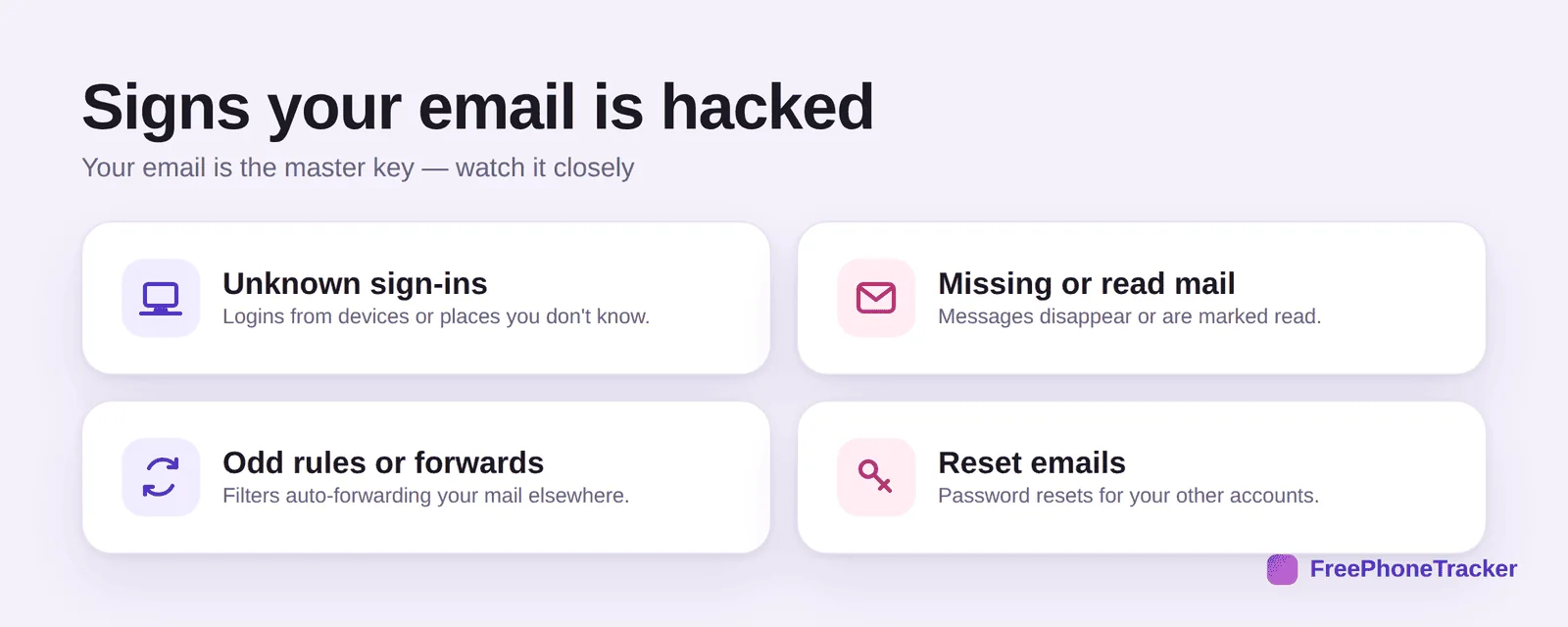
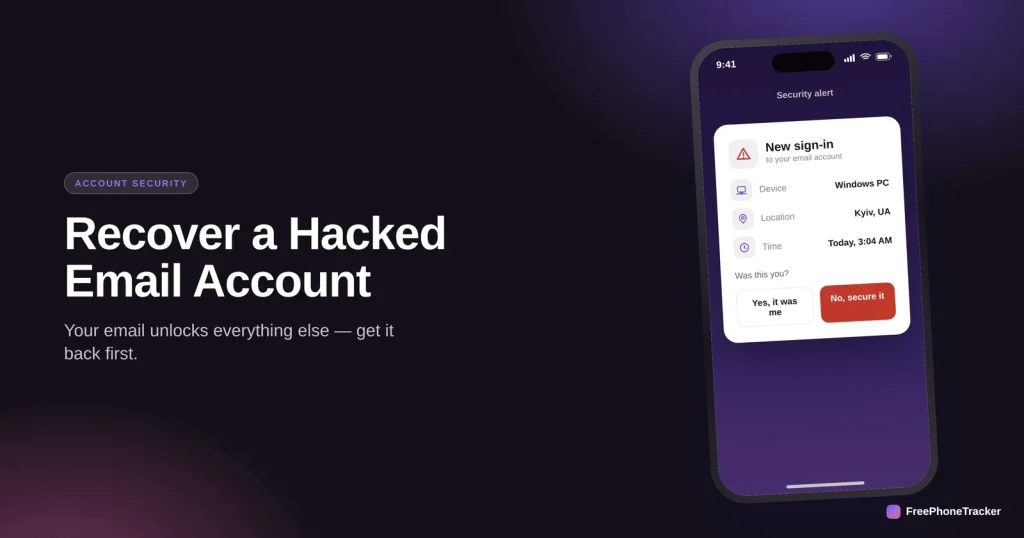
Look for unknown sign-ins, mail that’s missing or already read, forwarding rules or filters you didn’t set (a classic trick to quietly copy your mail), and reset emails for your other accounts. That last one means the hacker is already working through your logins.
Recover it, in order
Speed matters. Every minute the hacker has your inbox is a minute they can reset another account.
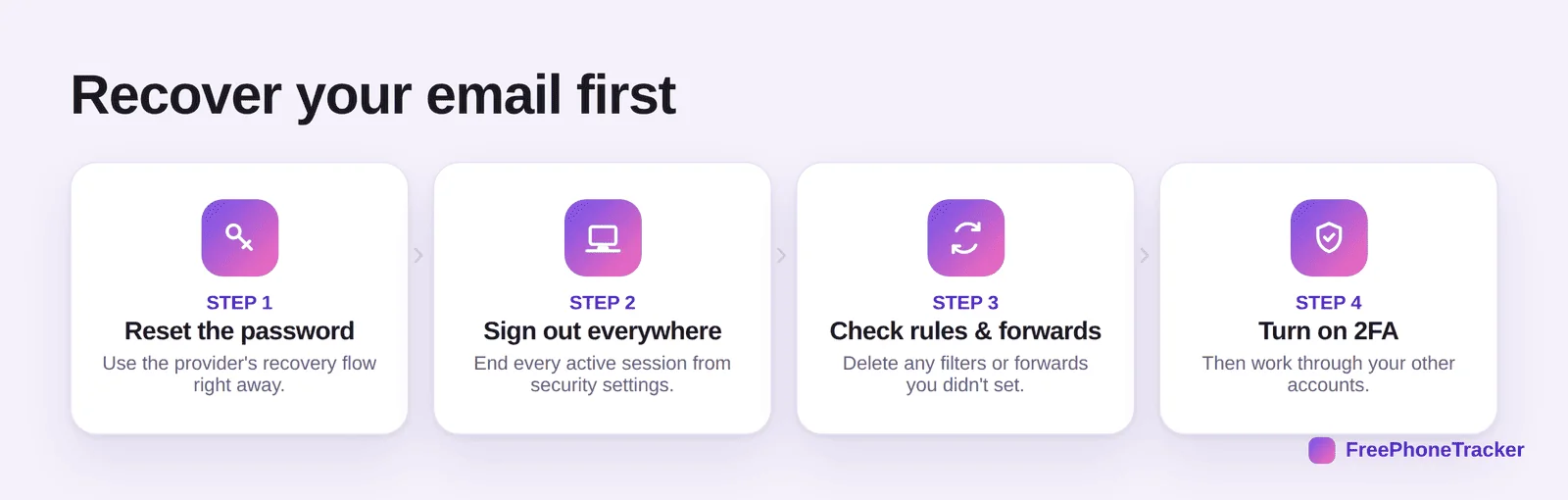
Reset the password through the provider’s recovery flow. Sign out of every session so the hacker’s access dies immediately. Check rules and forwards and delete anything you didn’t create, this is the step most people miss, and it’s how hackers keep reading your mail after a reset. Then turn on 2FA and move on to your other accounts.
Secure the master key
Once you’re back in, make the inbox genuinely hard to take again.
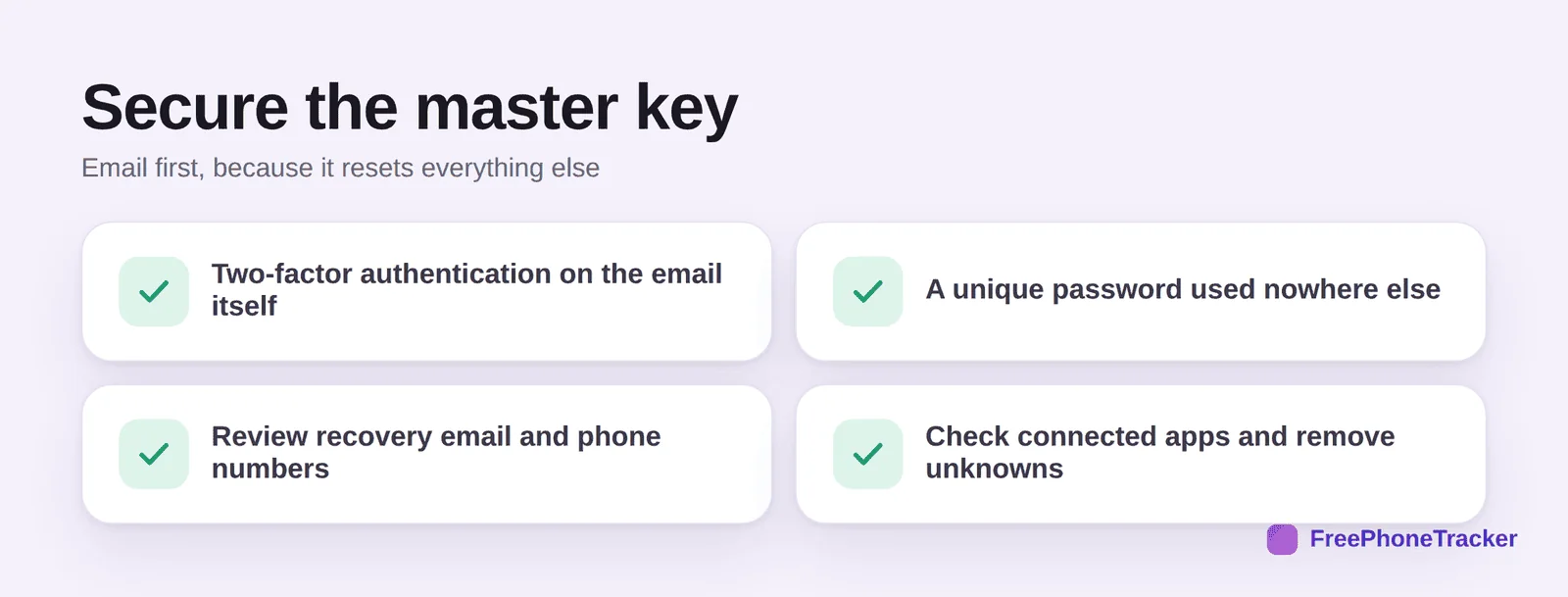
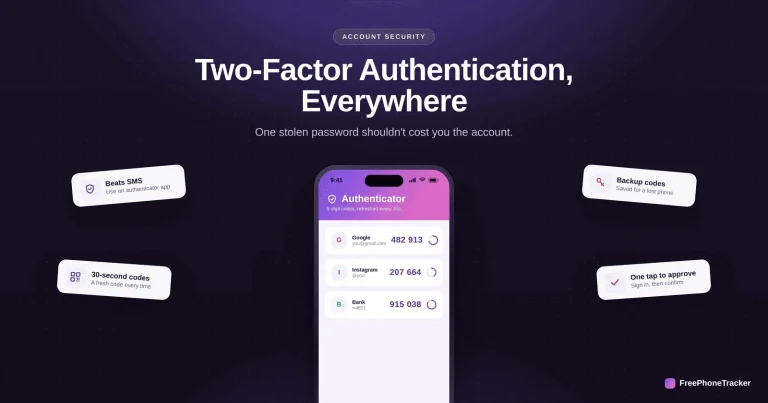
Put two-factor on the email itself, use a unique password found nowhere else, review the recovery email and phone (hackers change these to lock you out), and check connected apps and remove any you don’t recognise. Then go reset the passwords on the accounts that email protects.
If it’s your child’s email
A child’s email is the key to their whole online life too, so treat a compromise the same way.
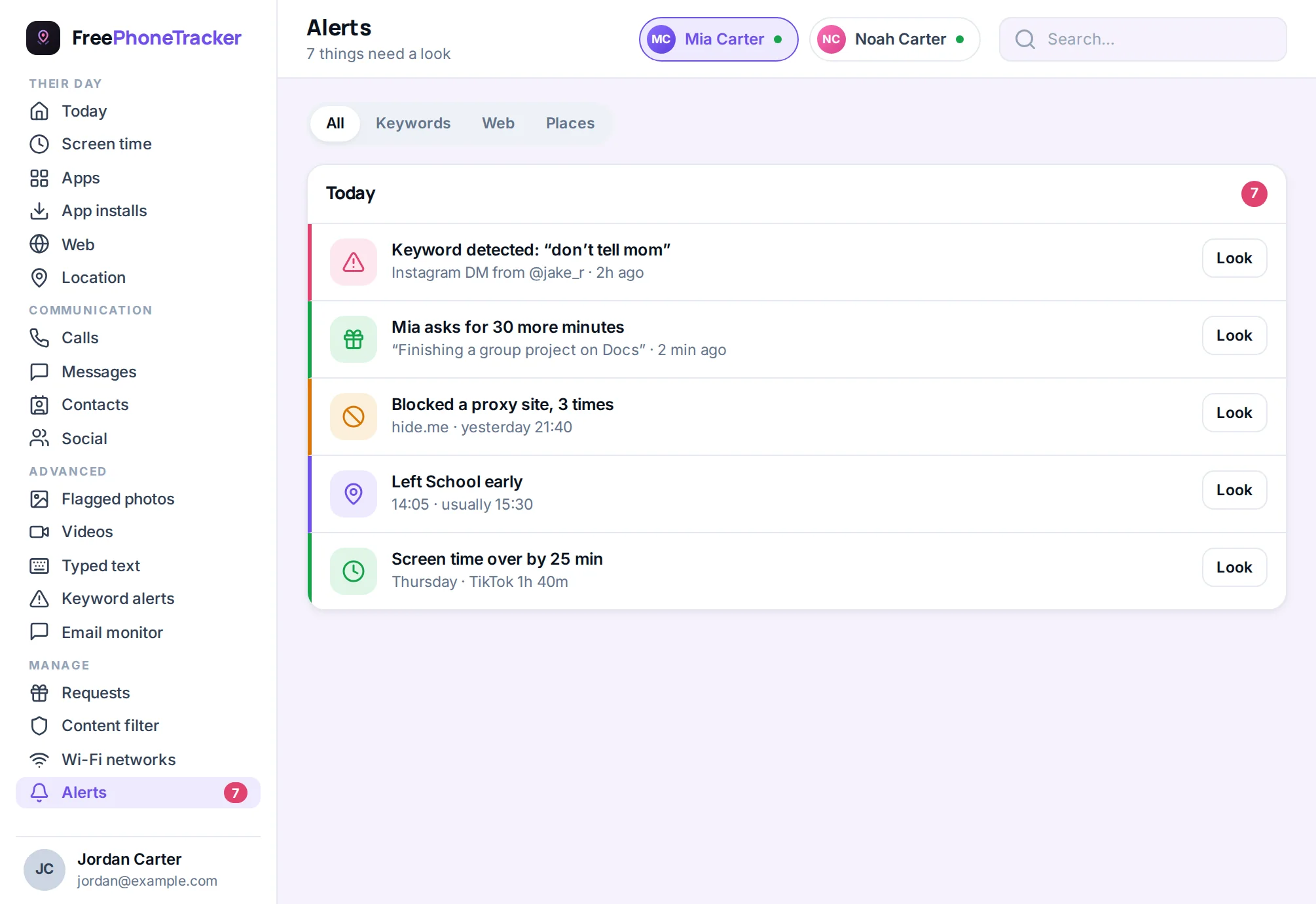
If you help manage a younger child’s accounts, keep an eye out for the reset emails and login alerts that signal trouble. Recover the email first, then their social accounts. A single view of their phone activity makes the knock-on effects easier to spot.
Common questions
Why recover email before my other accounts?
Because resets for those accounts go to your email. If the hacker still controls the inbox, they can undo every reset you make. Secure the inbox first, always.
I found a forwarding rule I didn’t set — is that the hack?
Often yes. Hackers add silent forwards or filters to keep reading your mail after you reset the password. Delete them, or they’ll keep watching.
The recovery phone and email were changed — can I still get in?
Use the provider’s account-recovery process, which asks about old passwords, contacts and usage to verify you. It can take time, so start immediately.
How do I stop this next time?
Two-factor on the email, a unique password, and a quick monthly check of rules, forwards and connected apps. Those three habits prevent most repeat hacks.
My kid’s accounts were hacked — where do I start?
Their email, then their social apps. See our Instagram, Snapchat and WhatsApp recovery guides.
Email is the account that protects all the others, so recover it first, reset, sign out everywhere, clear rogue forwards, then lock it with 2FA. Once the master key is safe, the rest is cleanup. Get started free, and if you suspect deeper access, read how to tell if your phone is being tracked.