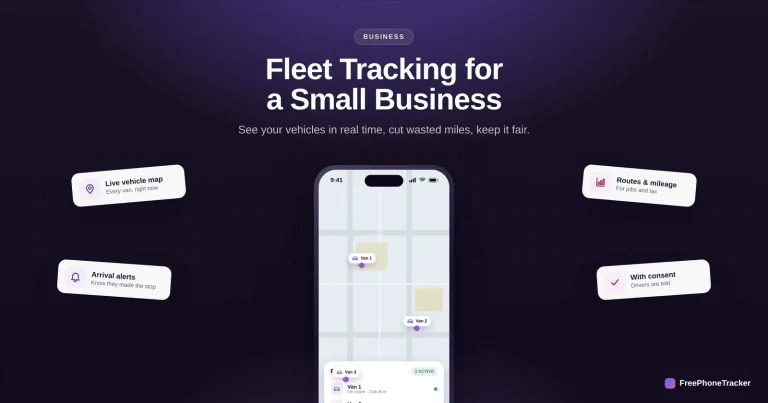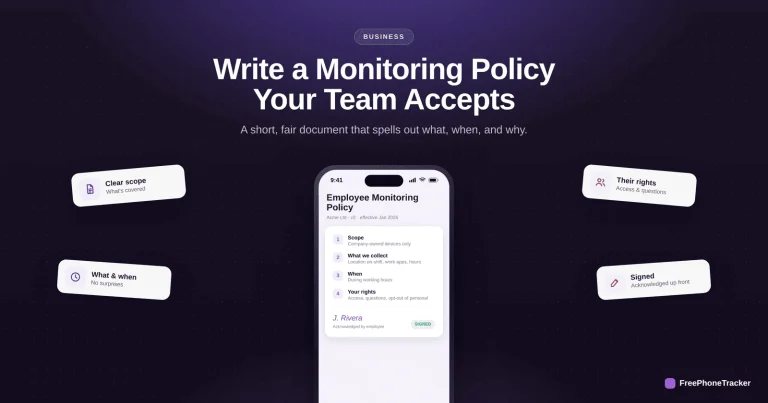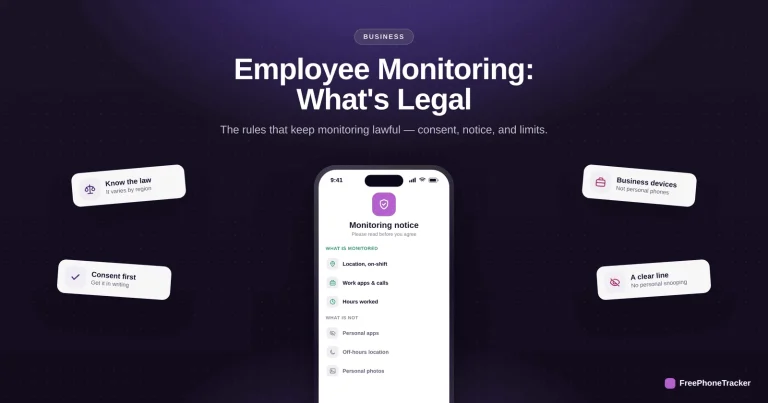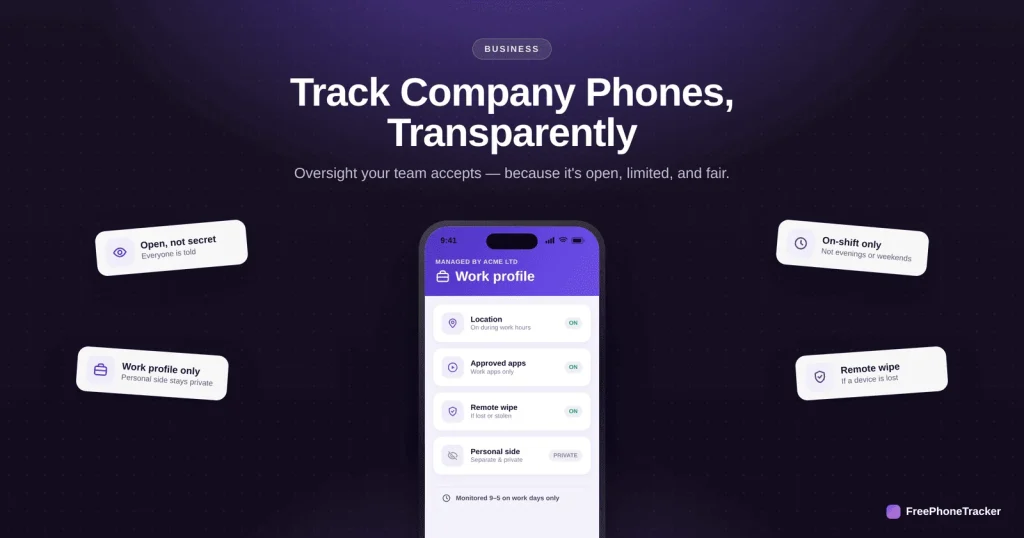
Monitoring company phones is legal and normal, done the right way. Done the wrong way, secretly, or reaching into people’s personal lives, it wrecks trust and can land you in legal trouble. This guide covers how to track company devices transparently, so oversight helps the business without alienating your team.
- Monitor company-owned devices, not personal phones.
- Be open about it, and get consent in writing first.
- Limit it to work: work hours, work apps, work location.
- Have a written policy and give staff access to their own data.
What to monitor
The rule of thumb: collect what the business genuinely needs to run, and nothing more.
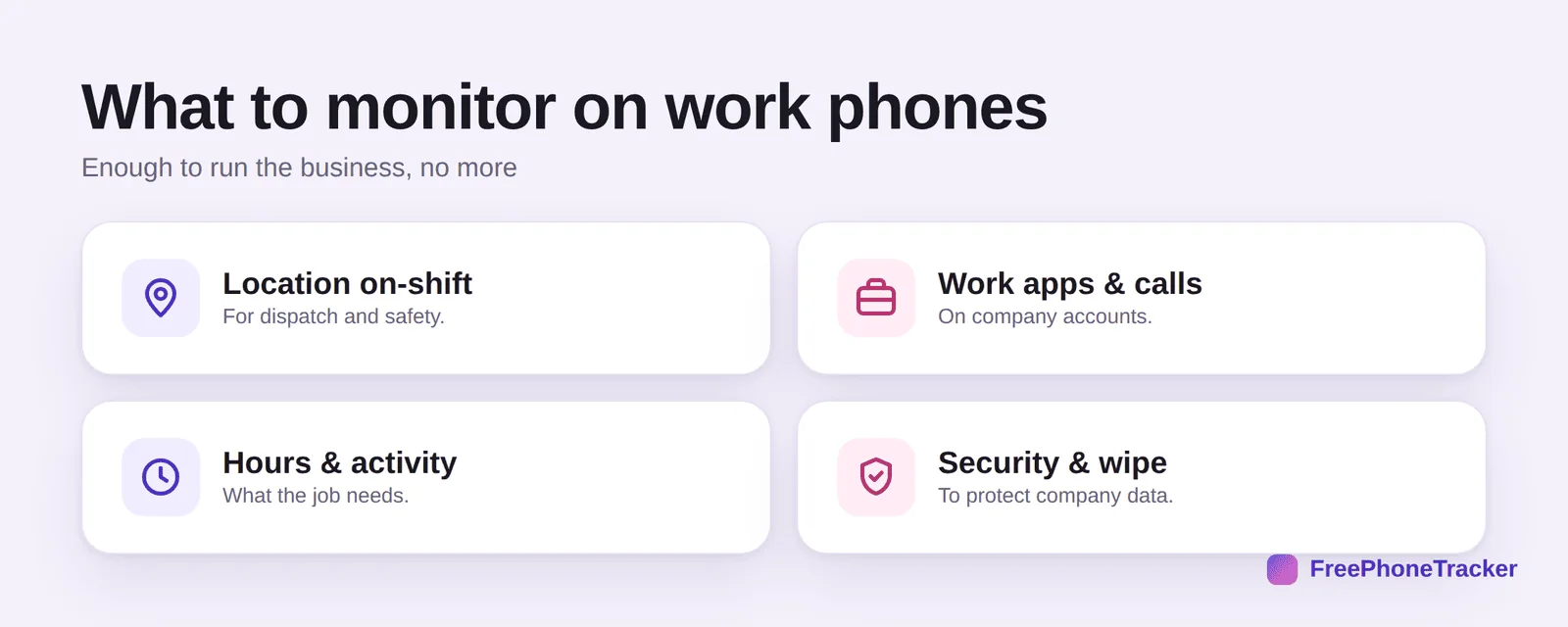
Location on-shift for dispatch and lone-worker safety. Work apps and calls on company accounts. Hours and activity the job requires. And security features like remote wipe to protect company data if a device is lost. Notice what’s not on the list: personal apps, private messages, and off-hours life.
Set it up the right way
The technology is the easy part. The order you do things in is what keeps it fair and lawful.
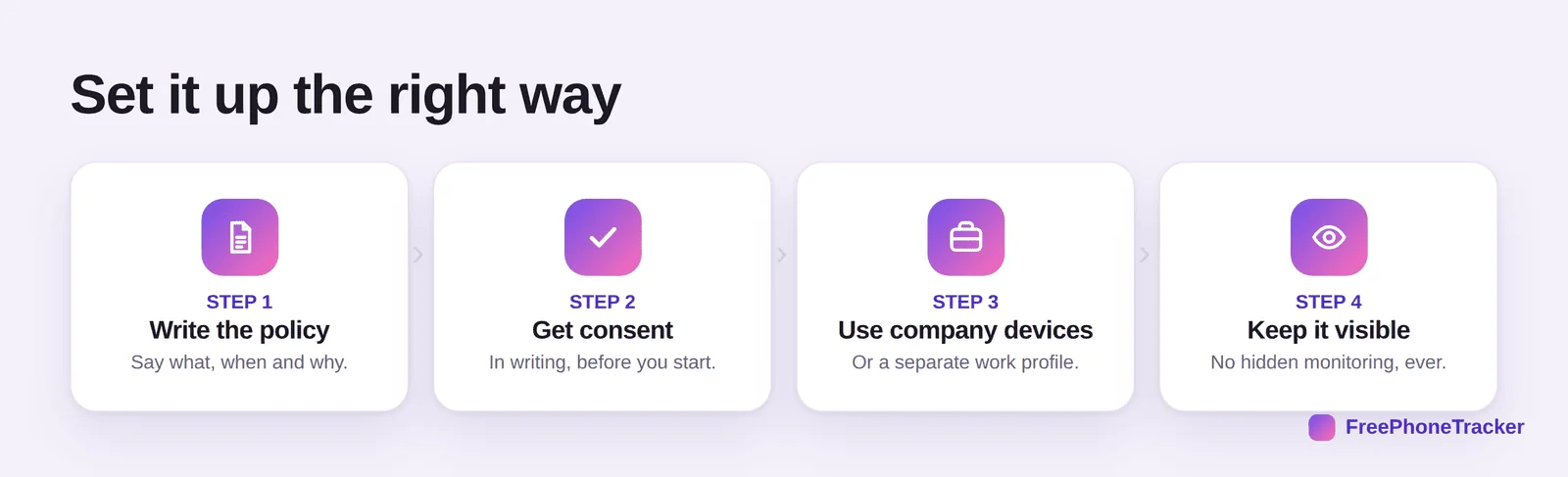
Write the policy first, saying what, when and why. Get consent in writing before you start. Use company devices or a separate work profile that keeps personal data walled off. And keep it visible, no hidden monitoring, ever. Our policy guide and legal guide cover the details.
Keep the trust
Monitoring that people accept is monitoring that works. A few principles make the difference.
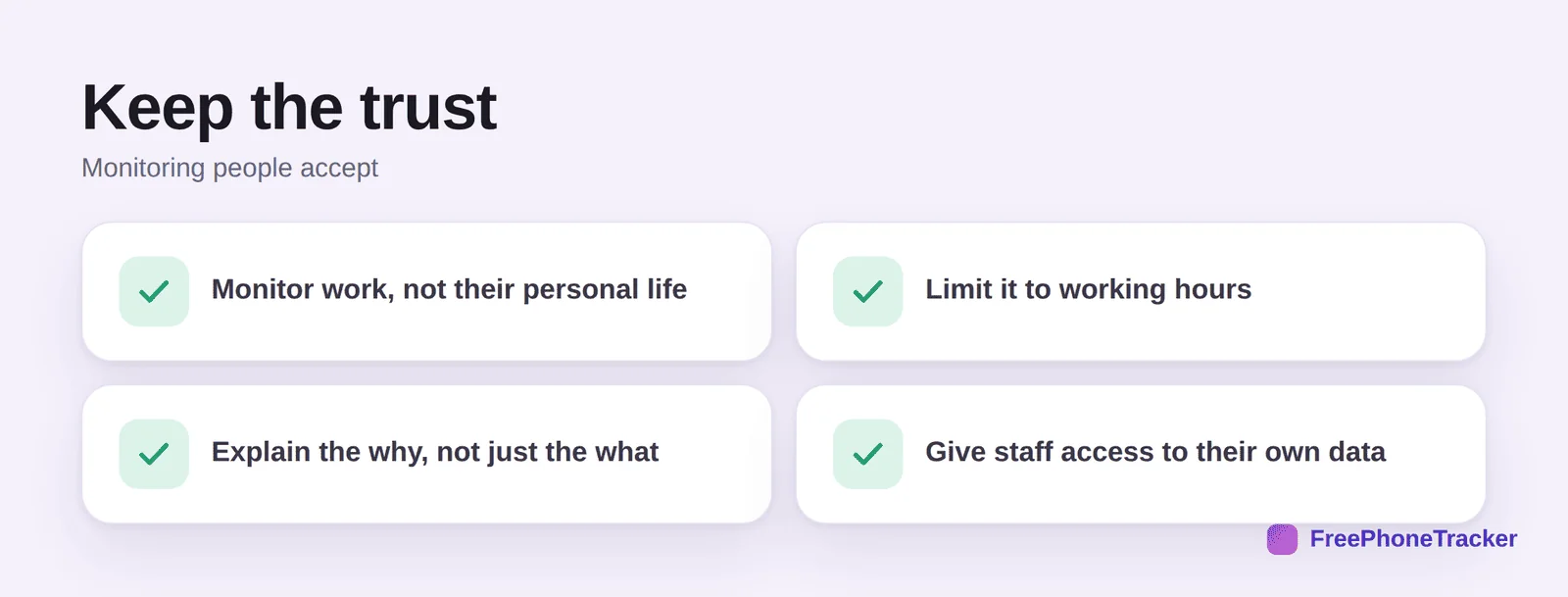
Monitor work, not their personal life. Limit it to working hours. Explain the why, safety, dispatch, protecting data, not just the what. And give staff access to their own data. Treat people like adults and the whole thing lands very differently.
How a tool fits
A monitoring tool on a company-owned device, set up openly, gives you the work oversight you need without a hidden agenda.
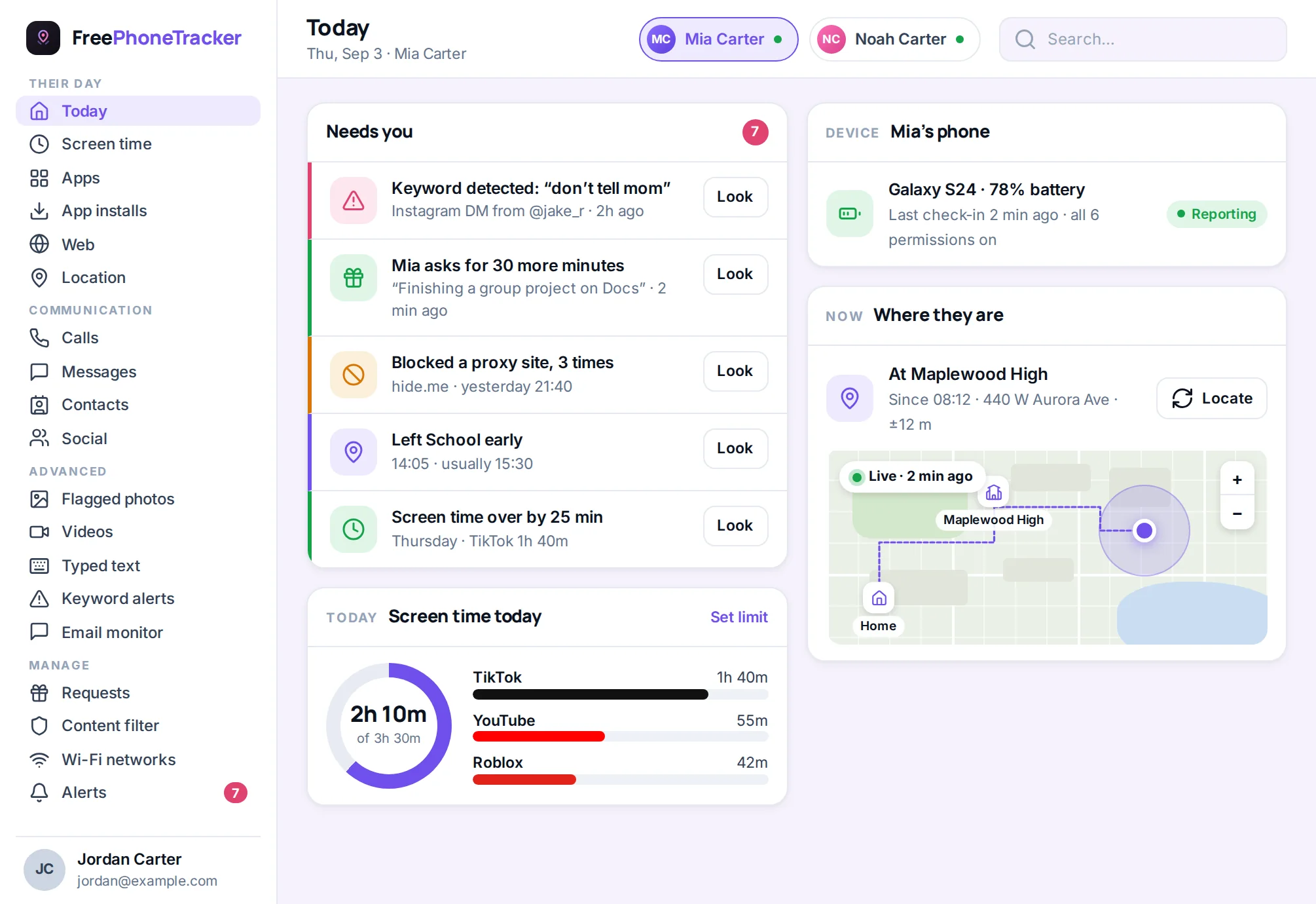
A tool like FreePhoneTracker can handle location and activity on company-owned phones, and it’s designed to be visible, not secret. Pair it with a signed policy and clear notice, exactly the approach in our recording calls legally guide.
Common questions
Is it legal to monitor employees’ phones?
Generally yes, on company-owned devices, with notice and (in most places) consent. It’s rarely lawful on an employee’s personal phone. See our legal guide, and check the rules where you operate.
Can I monitor a personal phone an employee uses for work?
Tread very carefully. Monitoring a device someone owns raises serious privacy and legal issues. A far cleaner approach is a company-owned device, or a managed work profile that only touches the work side.
Do I have to tell employees they’re monitored?
In almost all cases, yes, and you should regardless. Secret monitoring is the fastest way to destroy trust and invite legal claims. Be upfront.
Should monitoring run outside working hours?
No. Limit it to work hours and work activity. Tracking people on their own time is both bad practice and, in many places, unlawful.
How do I get buy-in from the team?
Explain the purpose, limit the scope, put it in a clear policy, and give people access to their data. See our monitoring policy guide.
Company phone monitoring works when it’s open, limited and fair, company devices, work hours, a written policy, and consent up front. Get those right and it protects the business without costing you trust. Get started free, and read our guides to the legal side and fleet tracking.