Fleet tracking used to mean expensive hardware and complicated contracts. For a small business today, an app on the work phones or a simple GPS unit gives you live vehicle locations, arrival alerts and mileage records, for a fraction of the cost. This guide covers what you get, how to set it up, and how to keep drivers on side.
- See every vehicle in real time, plus routes, mileage and arrivals.
- Start with a phone app or a plug-in GPS unit — no big contract needed.
- Tell your drivers and get consent; track work vehicles in work hours.
- Use it to help drivers, not hover over them.
What fleet tracking gives you
It’s more than a dot on a map. The real value is in the alerts and the records.
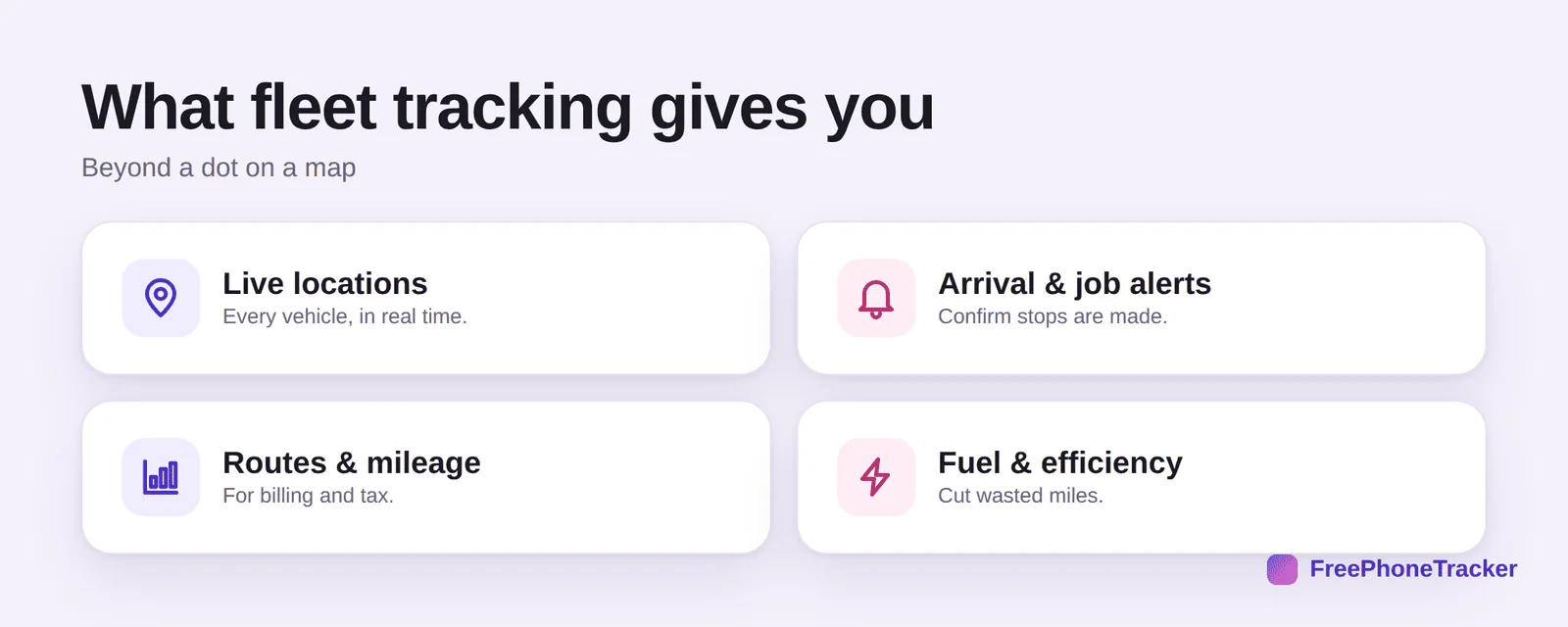
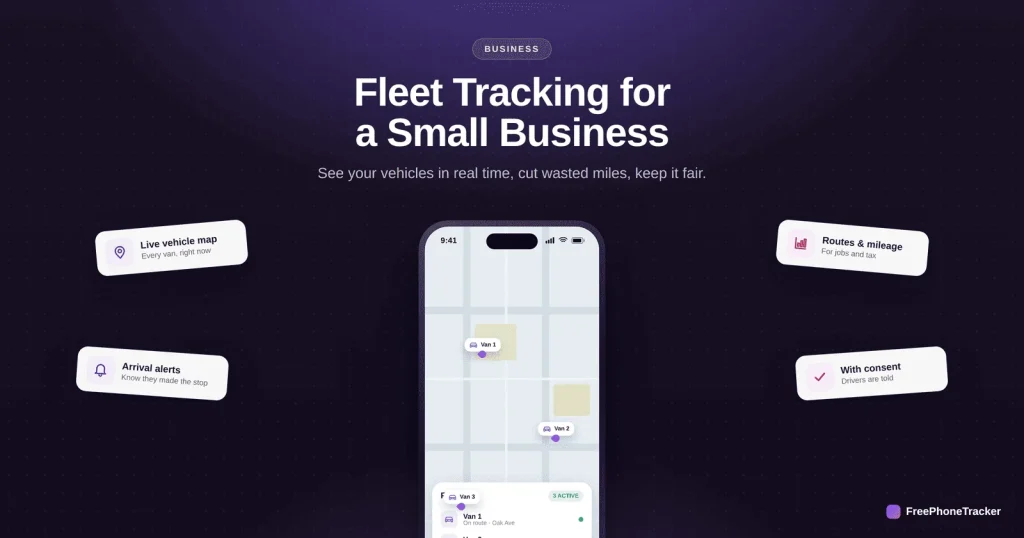
Live locations of every vehicle in real time. Arrival and job alerts that confirm stops were made, so you can update customers. Routes and mileage for billing and tax records. And fuel and efficiency insights that cut wasted miles. For a small business, that adds up to real money and fewer “where’s my delivery?” calls.
Set up fleet tracking
You can be up and running in a day, and the first step is talking to your drivers.
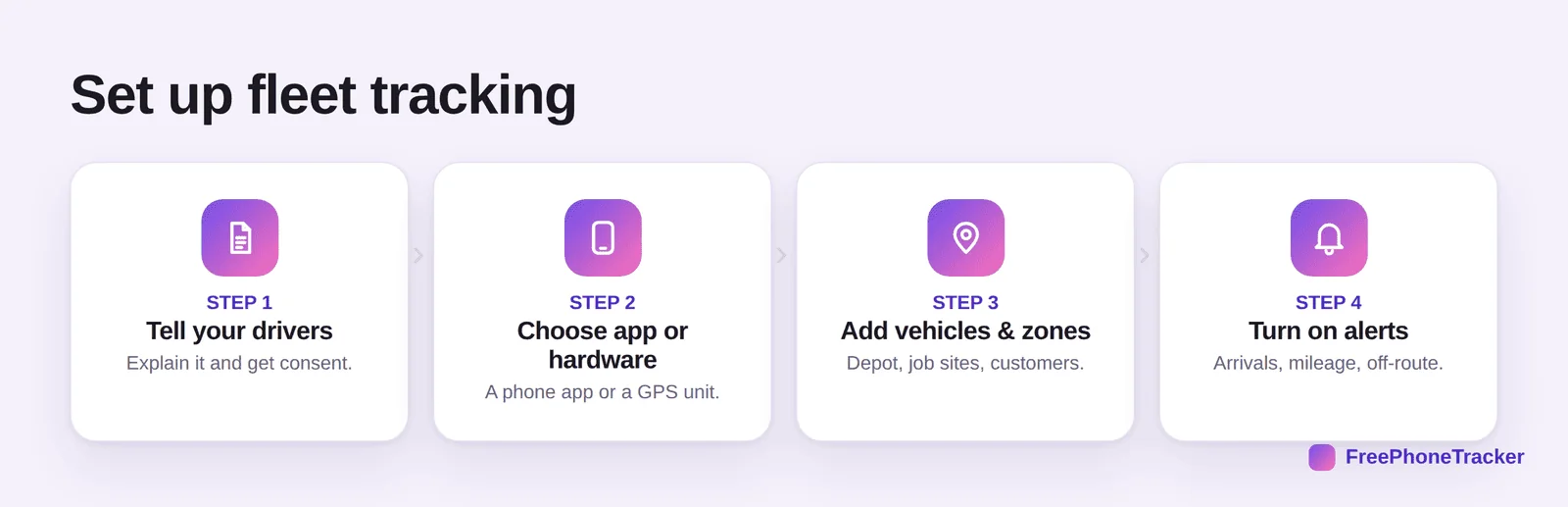
Tell your drivers first, explain it and get consent. Choose app or hardware, a phone app on the work device, or a plug-in GPS unit for the vehicle. Add vehicles and zones, your depot, job sites and customer locations. And turn on alerts for arrivals, mileage and off-route trips. Our geofencing guide explains the zone-and-alert idea in depth.
Keep drivers on side
Fleet tracking succeeds or fails on how drivers feel about it. Frame it as support, not surveillance.
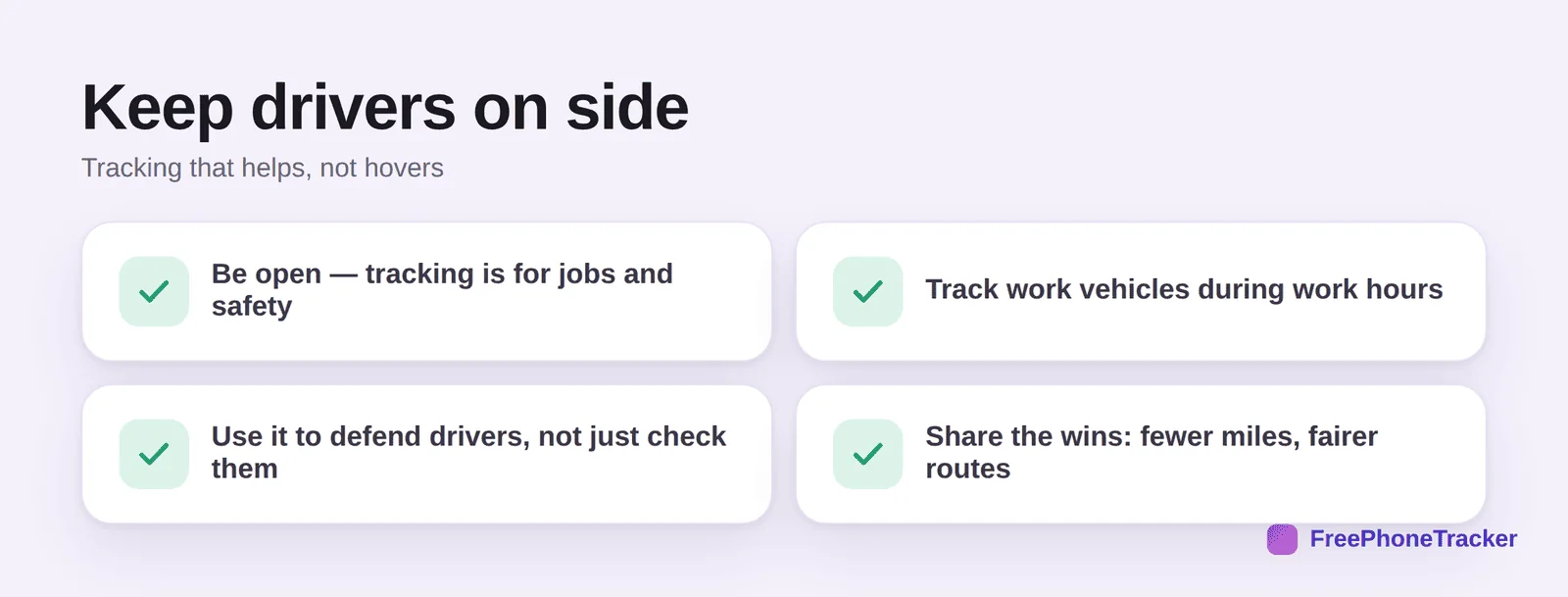
Be open, tracking is for jobs and safety, not spying. Track work vehicles during work hours. Use it to defend drivers (proof of on-time arrival, a shield against false complaints), not just to check them. And share the wins, fewer miles, fairer routes, quicker jobs. See our legal guide for the consent side.
Common questions
Do I need special hardware for fleet tracking?
Not necessarily. A tracking app on the work phone covers many small fleets. Dedicated GPS units add reliability and vehicle data (like ignition and fuel) if you need them.
Is it legal to track my drivers?
Tracking company vehicles during work, with notice and consent, is generally fine. Tracking personal vehicles or off-hours is not. See our legal guide and check local rules.
Will drivers resent being tracked?
Less than you’d think, if it’s open and framed as support. When it proves they arrived on time or protects them from false claims, most drivers come around.
How does fleet tracking save money?
By cutting wasted miles, spotting inefficient routes, reducing idle time, and giving you accurate mileage for billing and tax. For a small fleet, that adds up quickly.
Can I track vehicles and confirm customer arrivals?
Yes, that’s a core feature. Set a geofence at each customer site and you get an alert when a vehicle arrives, handy for updating customers automatically.
Fleet tracking is now well within reach for a small business, an app or a simple GPS unit gives you live locations, alerts and mileage, and pays for itself in saved miles. Just set it up openly and use it to help your drivers. Get started free, and read our guides to company phones and GPS tracking.