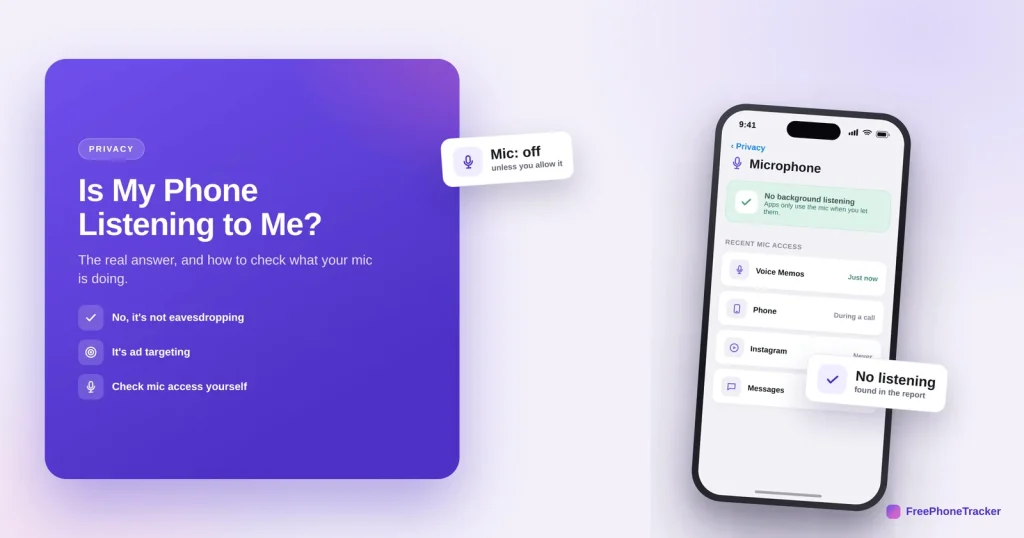
You mention a product out loud, and an ad for it appears. It feels like proof your phone is listening. The reassuring, and slightly unsettling, truth is that it usually isn’t recording your conversations, it’s tracking you so thoroughly it doesn’t need to. This guide explains what’s really happening and how to check your microphone yourself.
- Your phone almost certainly isn’t secretly recording your conversations.
- The “spooky” ads come from tracking: searches, location, and shared networks.
- You can see exactly which apps used your mic, and when.
- Turn off mic access for apps that don’t need it, just in case.
Why it feels like it’s listening
The real explanation is less sci-fi and more mundane, and more invasive in its own way.
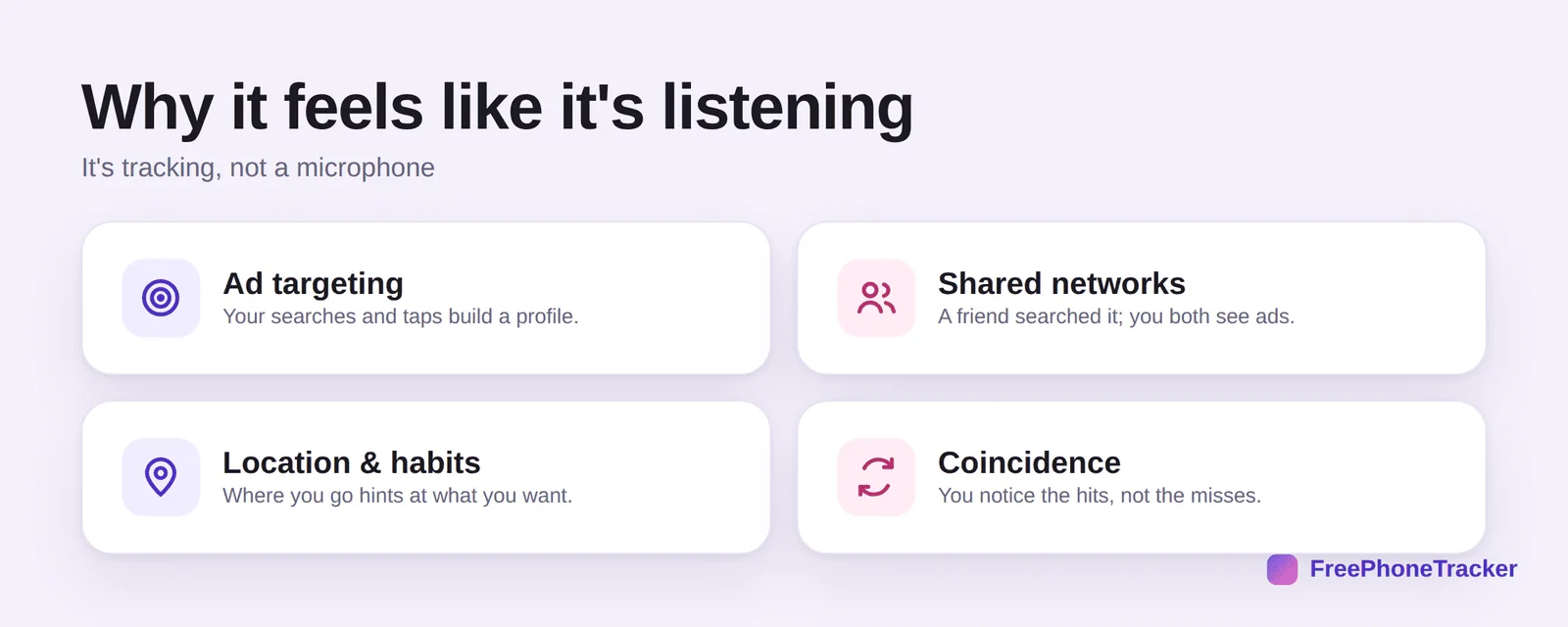
Ad targeting builds a profile from your searches and taps. Shared networks mean a friend’s search can trigger your ads. Location and habits hint at what you’ll want next. And plain coincidence, you notice the eerie hits and forget the thousands of misses. No microphone required.
Check what your mic does
You don’t have to take anyone’s word for it. Your phone shows you.
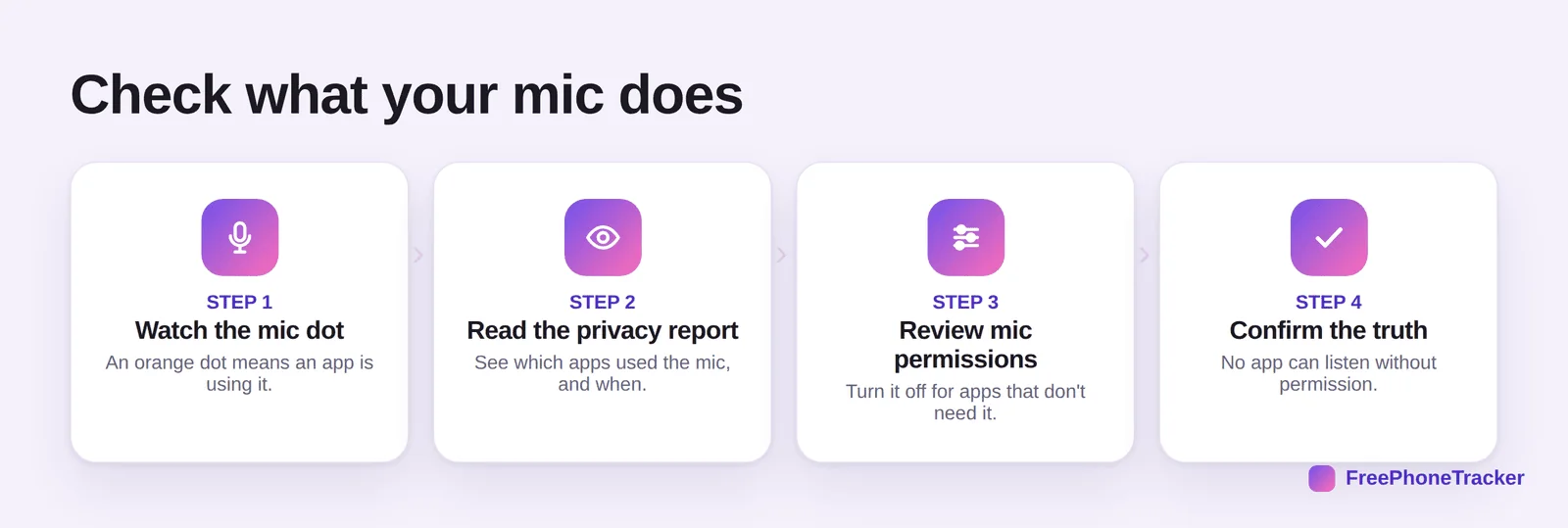
Watch the mic dot, an orange indicator appears whenever an app uses the microphone. Read the privacy report (iPhone’s App Privacy Report, Android’s Privacy Dashboard) to see which apps used the mic and when. Review mic permissions and switch it off where it’s not needed. Then you can confirm the truth: no app can listen without permission.
Keep the mic private
Even though it’s targeting rather than eavesdropping, tightening mic access is smart.
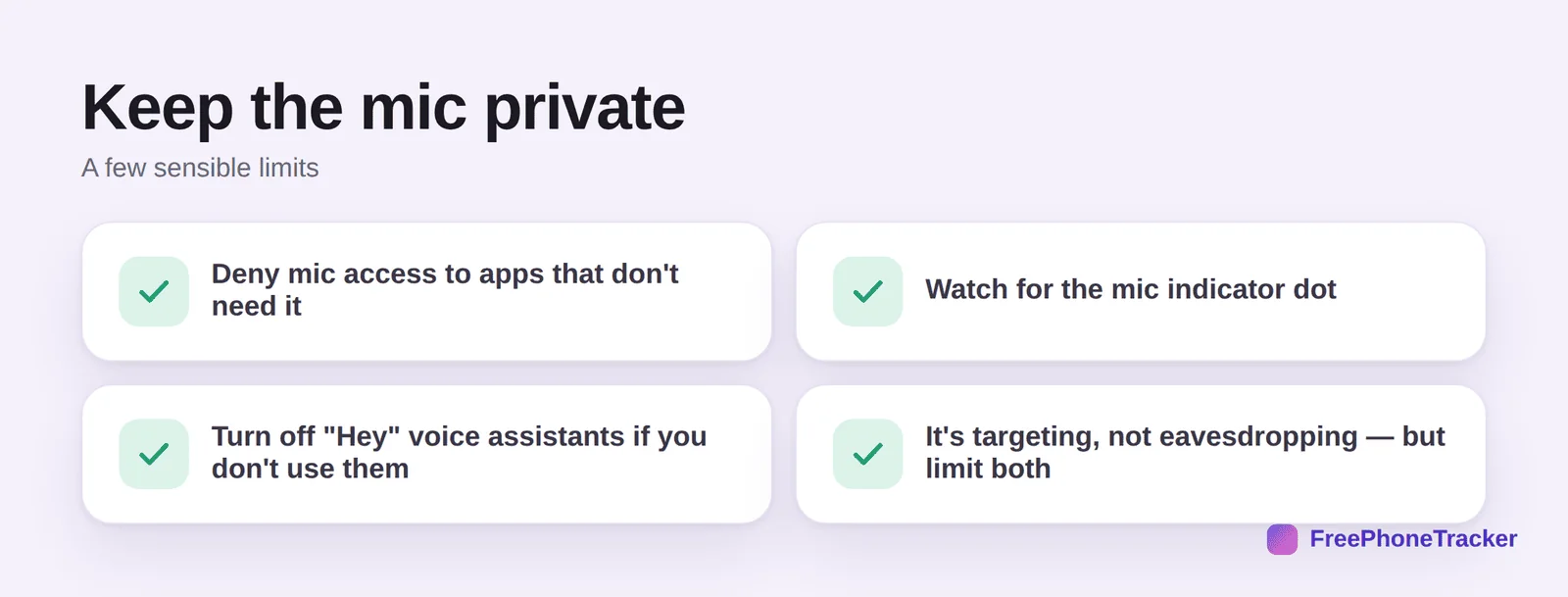
Deny mic access to apps with no reason for it. Watch for the mic dot. Turn off “Hey” voice assistants if you don’t use them. And remember it’s targeting, not eavesdropping, so limit the tracking too, with our guide to stopping targeted ads.
Common questions
So is my phone actually listening to me?
Almost certainly not in the way you fear. Independent studies haven’t found mainstream apps secretly recording conversations, they’d be caught by the mic indicator and privacy reports. The ads come from tracking.
Then how did that ad know?
From your searches, your location, sites you visited, and people you’re connected to. Ad networks stitch these together into an eerily accurate profile, no audio needed.
What is the orange/green dot at the top of my screen?
It’s the privacy indicator: orange means an app is using the microphone, green means the camera. If it lights up when it shouldn’t, investigate that app.
Should I cover my microphone?
Not necessary for the “listening” myth. Better to deny mic access to apps that don’t need it and watch the indicator. If you suspect real spyware, that’s different, see our spyware guide.
How do I make the creepy ads stop?
Turn off ad tracking and reset your advertising ID. See our stop targeted ads guide.
Your phone isn’t the eavesdropper it seems, it’s the tracking that’s uncanny, not a hidden mic. Check the privacy report to reassure yourself, lock down mic access anyway, and cut the tracking that actually drives those ads. Get started free, and read our guides to stopping targeted ads and checking app permissions.