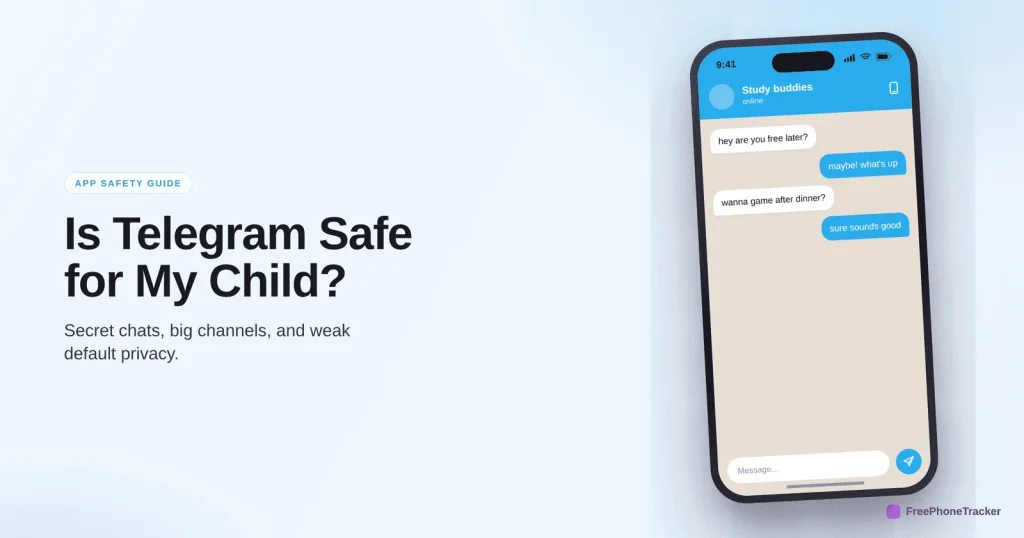
Telegram looks like just another messaging app, but it’s the one that deserves the most caution. Its huge public channels are barely moderated, strangers can find your child several ways, and “secret chats” leave no trace. Is it safe for a child? Honestly, it’s the app we’d hold off on the longest. For an older teen, with every privacy setting tightened, it can be managed. Here’s what parents need to know.
- The minimum age is 16 in some regions; we’d treat 16+ as the floor everywhere.
- The defining risk: very light content moderation compared to other apps.
- Public channels, “People Nearby”, and secret chats are the parts to worry about.
- Verdict: use with real caution, and only with privacy fully locked down.
What Telegram actually is
Telegram is a messaging app with private chats, group chats, voice and video calls, and, crucially, massive public channels that anyone can join and that can have millions of members. It’s fast, feature-rich, and popular. But its appeal to some users is exactly what worries parents: a hands-off approach to moderation that means harmful content circulates far more freely than on mainstream platforms.
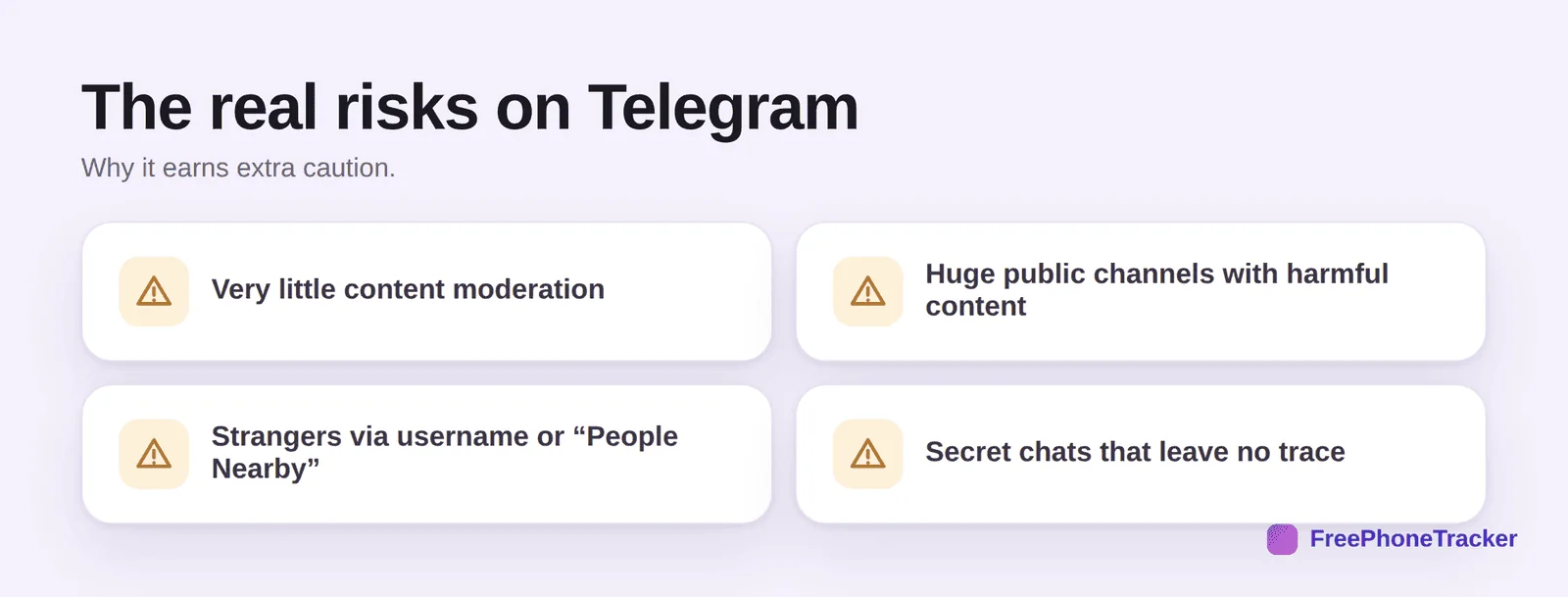
The real risks
Light moderation is the headline: extreme, adult and harmful content lives in public channels that are easy to find and join. Stranger contact is easy, via username search and the “People Nearby” feature. And secret chats are end-to-end encrypted and self-destructing, designed to leave no record, which is exactly what a predator or a scammer wants. Together, these make Telegram a riskier environment for a child than the mainstream apps.
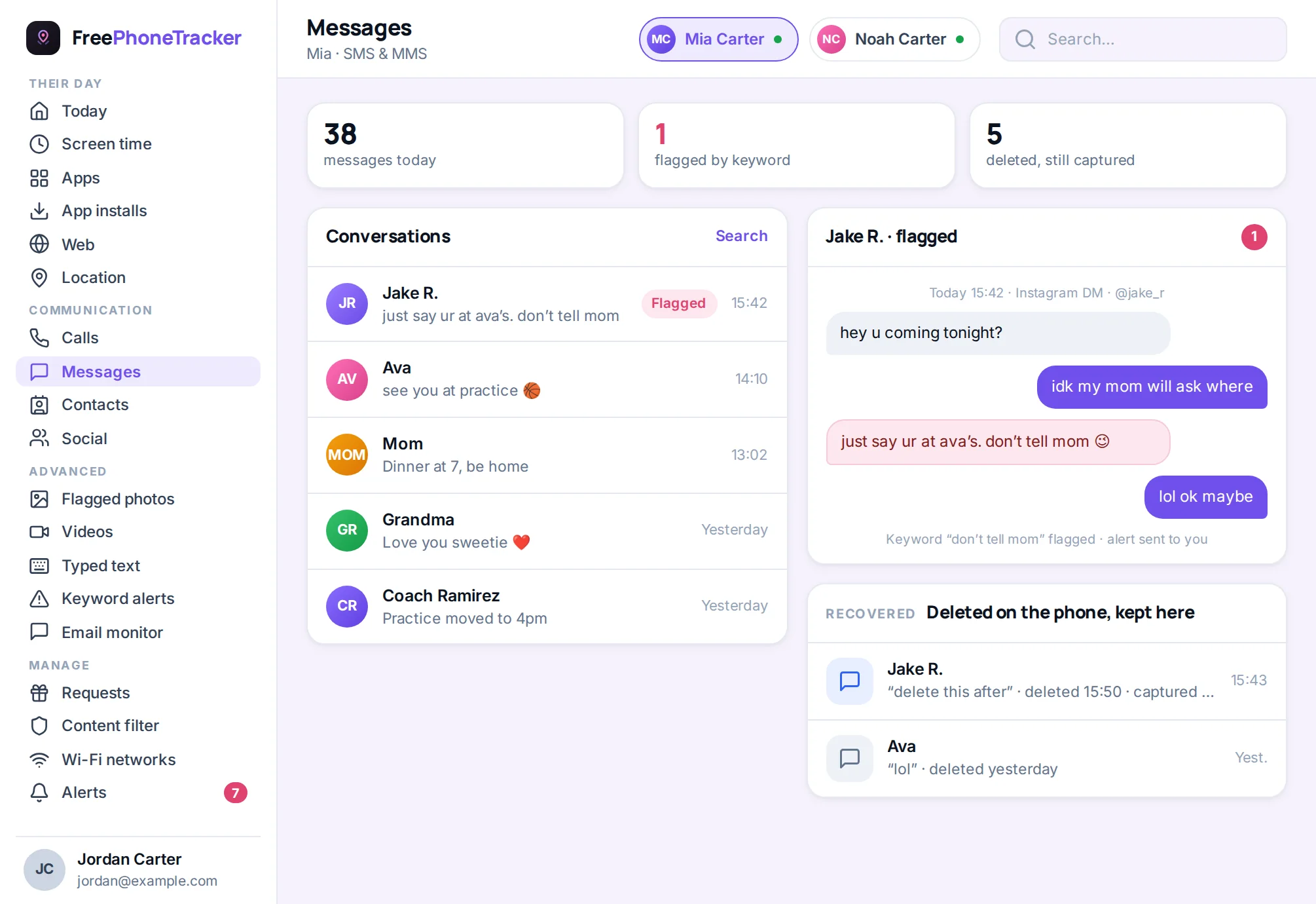
Safety settings to change today
If your older teen uses Telegram, tighten every privacy option. These are not optional here.
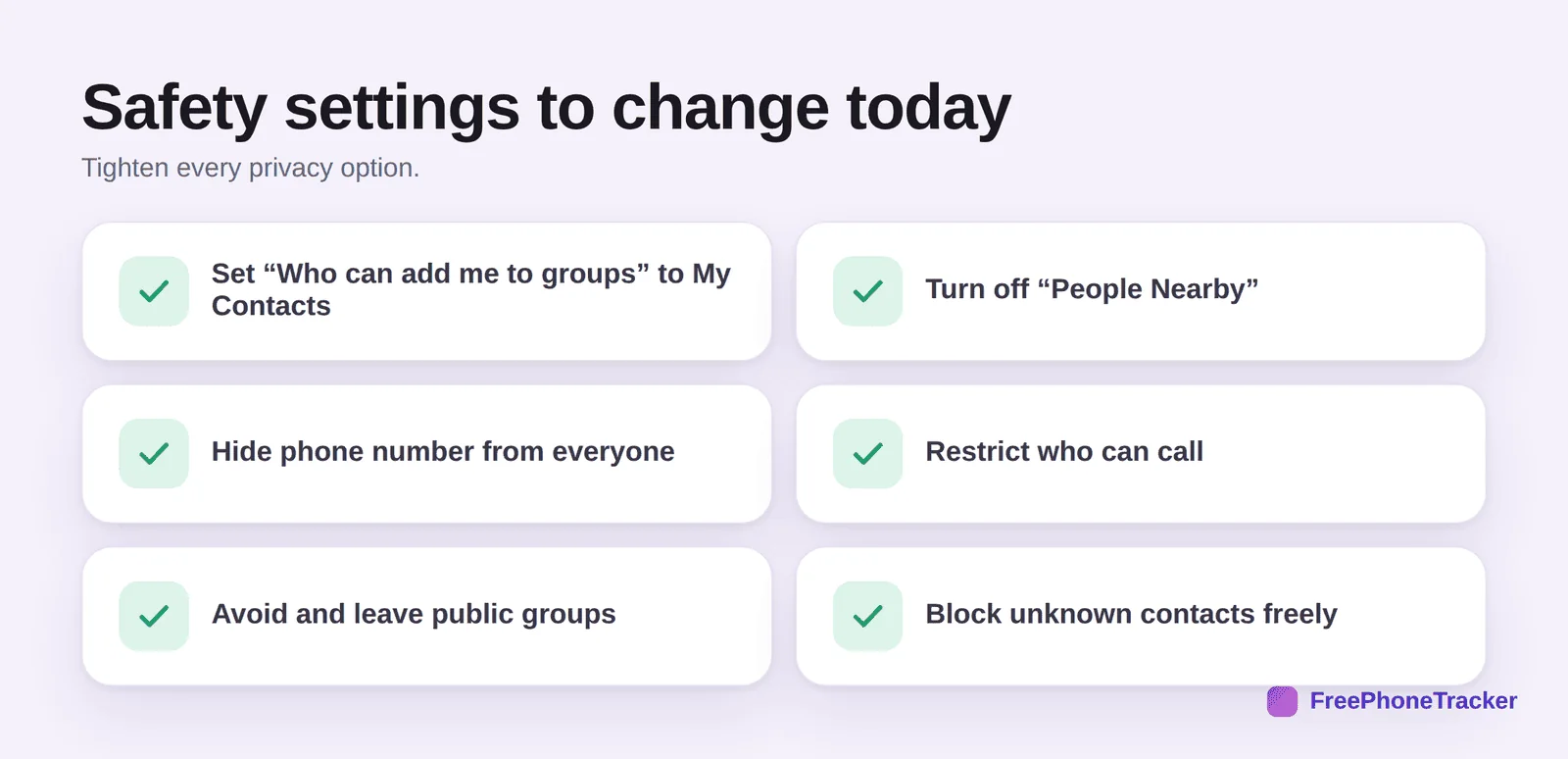
Set Who can add me to groups to My Contacts. Turn off “People Nearby” entirely. Hide the phone number from everyone. Restrict who can call to contacts. Steer clear of, and leave, public groups and channels. And block unknown contacts without hesitation. Even with all this, Telegram gives you less oversight than other apps, which is why age and conversation matter more here.
How to approach it
Telegram is the app where settings alone aren’t enough, because secret chats and light moderation limit what any tool can see. So the emphasis shifts to age and honesty. Keyword alerts still help flag concerning phrases in standard chats, but treat them as one layer, not a safety guarantee.
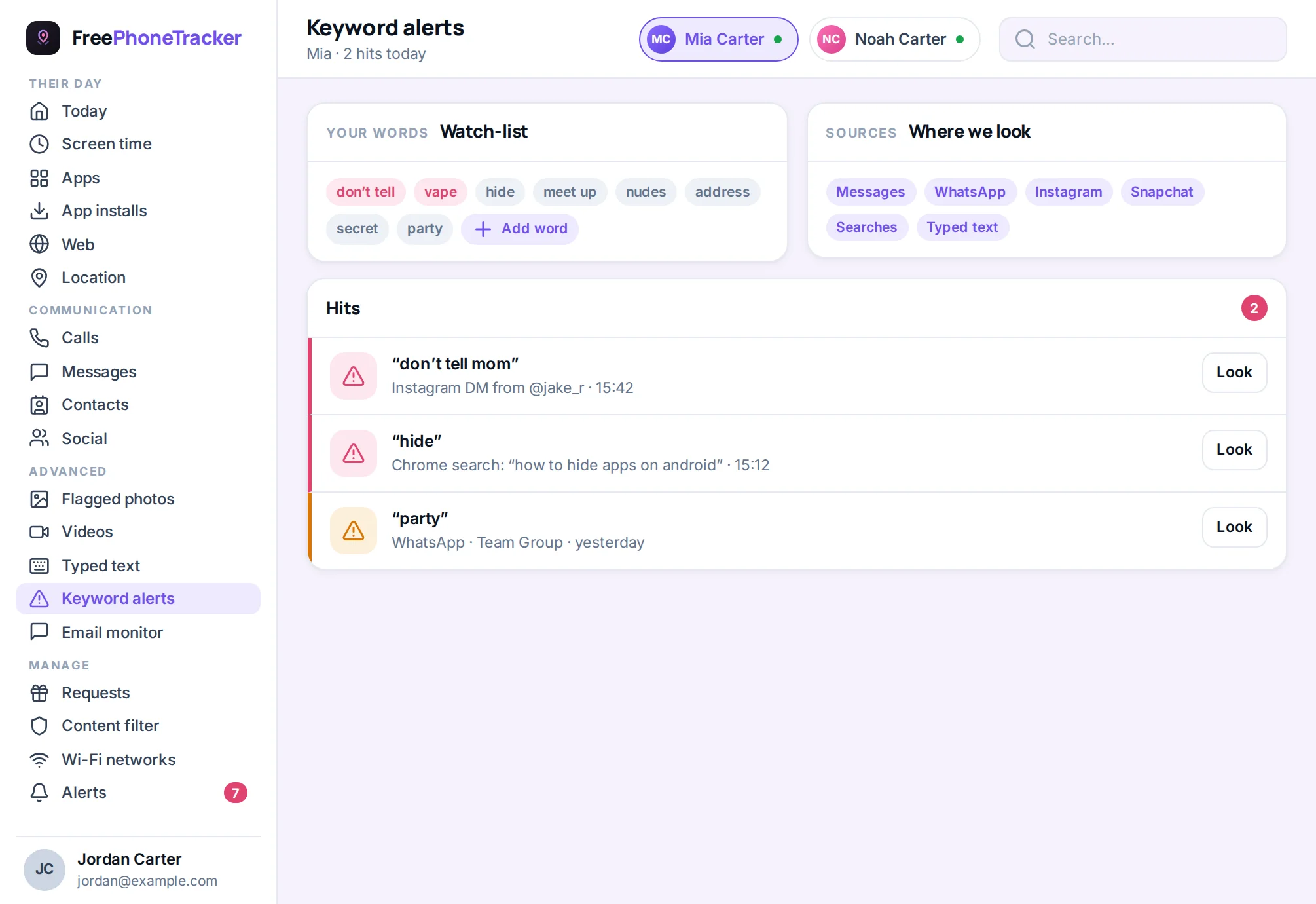
Be candid with your teen about why this app needs more care than others: the lack of moderation means they may stumble onto genuinely disturbing content, and strangers face fewer barriers. Agree they won’t join public groups with strangers, won’t use secret chats to hide conversations, and will tell you if they see something upsetting. If your child is younger, the simplest safe answer is: not yet.
Is there a safer alternative?
Often, yes, and that’s the most useful question to ask. If your teen wants Telegram to message a specific friend or two, a mainstream app like WhatsApp does the same job with far more moderation and better parental oversight. If they want it for group communities, Discord (locked down) or a moderated forum is usually safer. The honest reason many people choose Telegram is precisely its lack of oversight, which is not a feature you want for a child. Before saying yes, find out what they actually need it for. Nine times out of ten, a safer app covers it, and you can steer them there instead.
The verdict
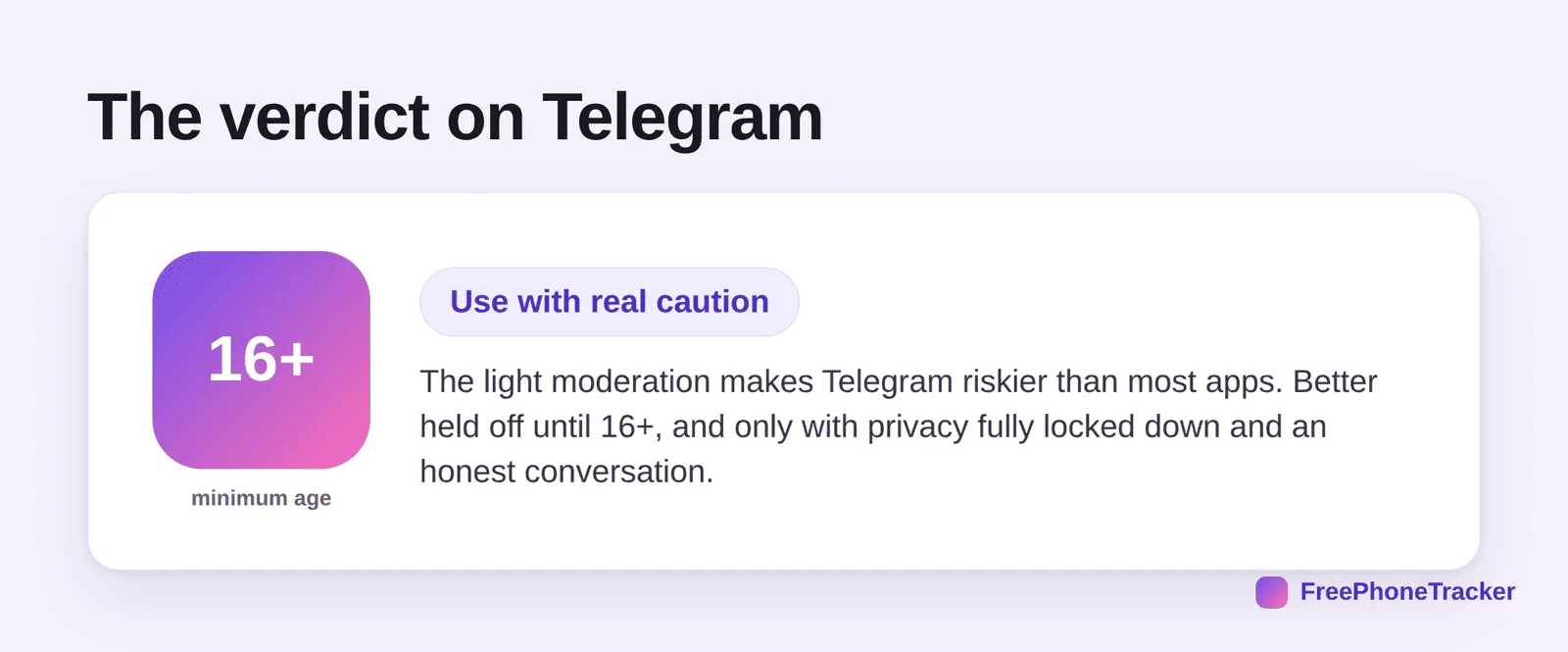
Telegram is the app we’d hold off on the longest. Its light moderation and privacy-by-design features make it riskier for children than the mainstream platforms. For an older teen, 16 or up, with every privacy setting locked and an honest conversation about what they might encounter, it can be managed. For younger kids, it’s a no. When a safer app will do the same job, choose the safer app.
Common questions
What age is Telegram safe for?
The minimum is 16 in some regions, and we’d treat 16+ as the floor everywhere given the light moderation. It’s not suitable for children.
Why is Telegram riskier than other apps?
Its public channels are barely moderated, so harmful content circulates freely, and features like secret chats and “People Nearby” make stranger contact and hidden conversations easy.
Can I see secret chats?
No, they’re end-to-end encrypted and self-destructing by design. That’s a key reason to be cautious: this is the one app built specifically to leave no trace.
Should I just say no to Telegram?
For younger kids, yes. For older teens, it’s a judgment call, but it’s the app where “is there a safer alternative?” is most worth asking. Often there is.
What if my teen needs it for a specific group?
Lock down every privacy setting, keep them out of public channels, and keep the conversation open. Treat access as conditional on the safety rules being followed.
So, is Telegram safe? Less than most, and that’s the honest answer. Its light moderation sets it apart, so hold off until 16+, lock down every setting, and be candid about what’s out there. When a mainstream app does the same job with more guardrails, it’s the better choice. Get started free to keep a light watch across the apps your teen does use.