Roblox isn’t one game, it’s millions of them, made by users, played by kids as young as five. That’s its charm and its risk. Behind the blocky worlds sit open chat, real-money spending, and games no parent vetted. So is Roblox safe? For a child with the account set up correctly and chat locked down, yes, but the younger the child, the closer the supervision. Here’s how it works and how to make it safe.
- Roblox is a platform of user-made games, popular with younger kids.
- The risks: open chat with strangers, mature user-made games, and Robux spending.
- Set your child’s real age first, every safety control depends on it.
- Verdict: fine with settings locked down; younger kids need real supervision.
What Roblox actually is
Roblox is a platform where users create and share games, called experiences, and other users play them. There’s no single game; there are millions, from gentle obstacle courses to intense role-play worlds. Kids play together, chat, and buy items with an in-app currency called Robux. Because anyone can build an experience, quality and content vary wildly, and that’s the heart of the parental challenge.
The real risks
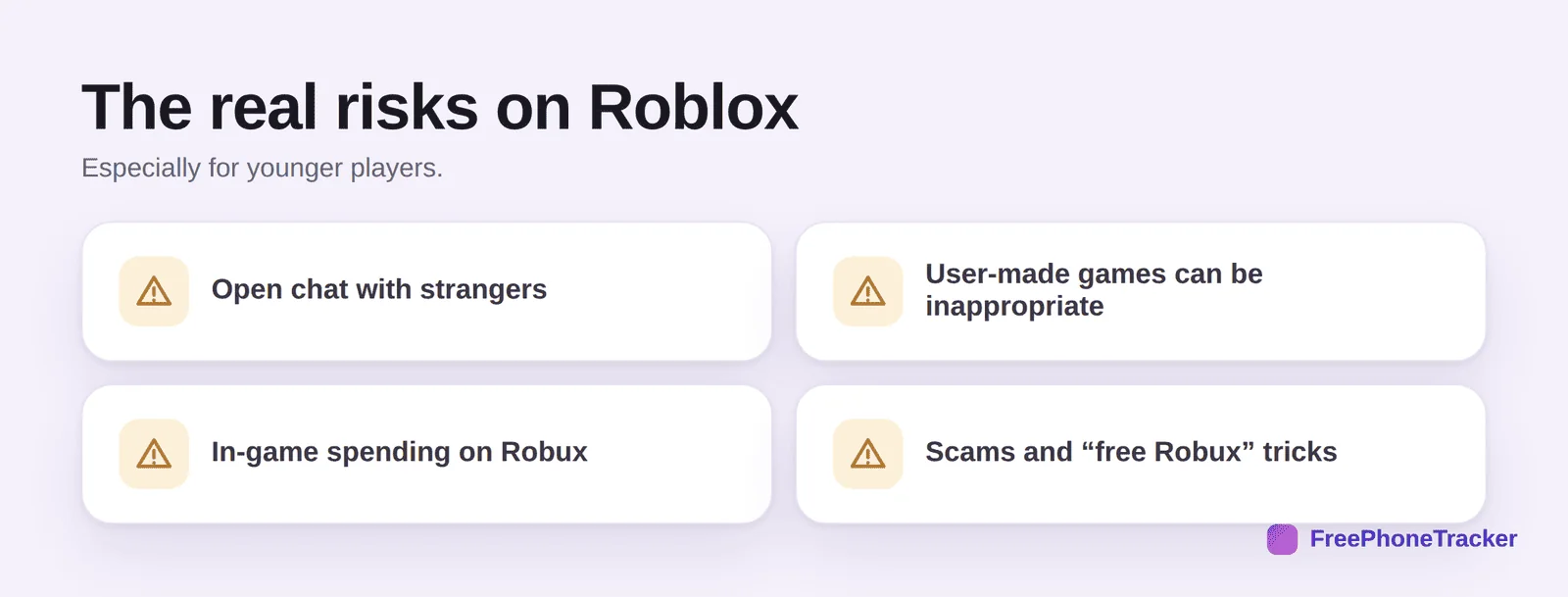
Open chat is the big one: kids can message other players, and not every player is a kid. Inappropriate experiences slip through, some user-made games contain content that isn’t suitable, despite moderation. Robux spending can add up fast, and kids don’t always grasp that it’s real money. And scams are common, “free Robux” links and trade tricks that target younger, trusting players.
Robux and real money
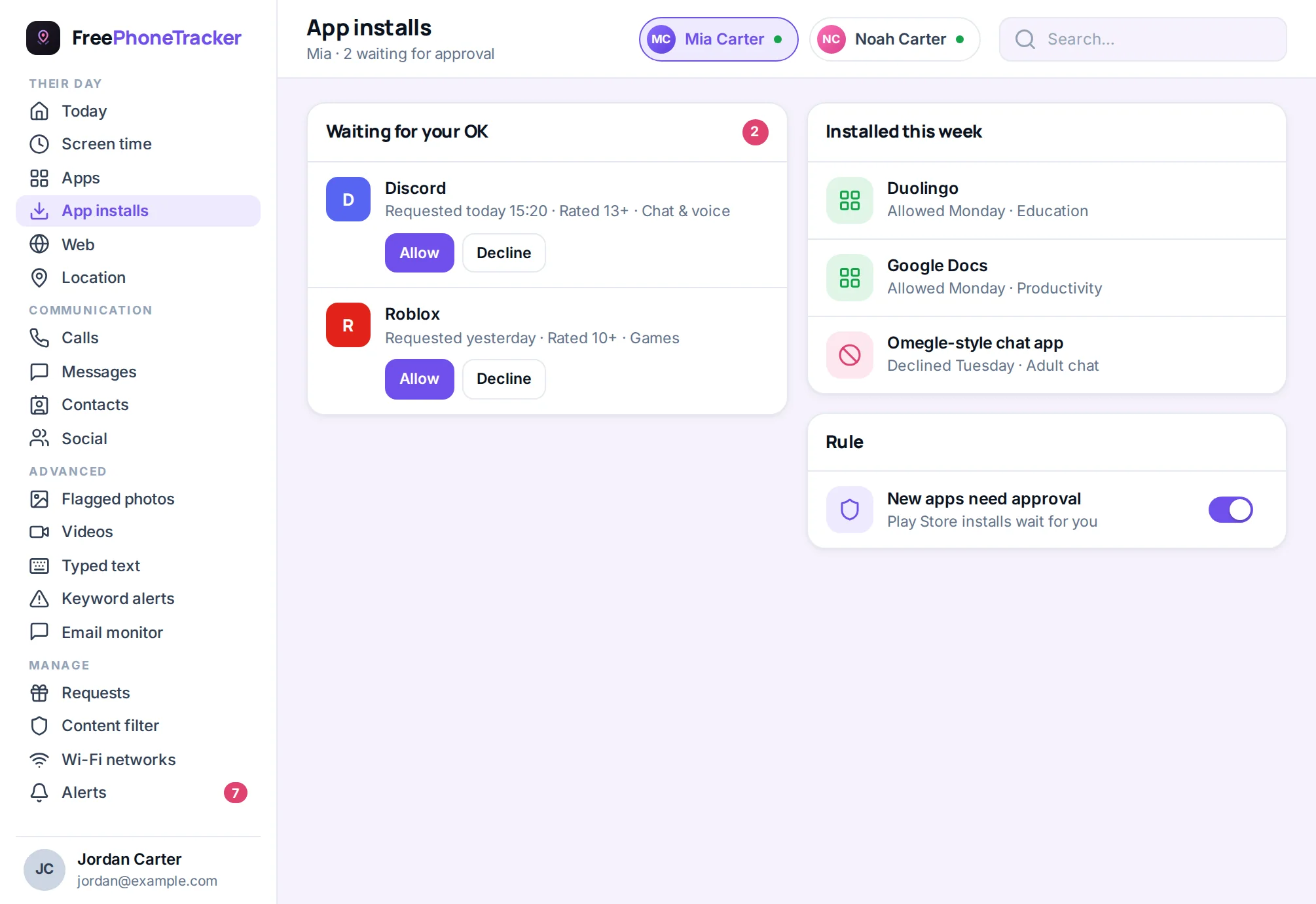
Robux is Roblox’s in-app currency, bought with real money and spent on items, upgrades and access to some experiences. Kids often don’t connect Robux with actual dollars, which is how a “just a few Robux” habit turns into a surprise on your card. Keep it in check. Don’t leave a card saved to the account. Use gift-card top-ups so spending is capped at what you loaded. Require a Parent PIN for purchases. And talk about the scams that target this, “free Robux” websites and in-game traders promising something for nothing are almost always trying to steal the account or the currency. Teach one rule: nobody gives away free Robux, ever.
Safety settings to change today
Roblox has solid parental controls, but they hinge on one thing: the account’s age. Set your child’s real birthdate, because the controls for under-13 accounts are much stricter and switch on automatically.
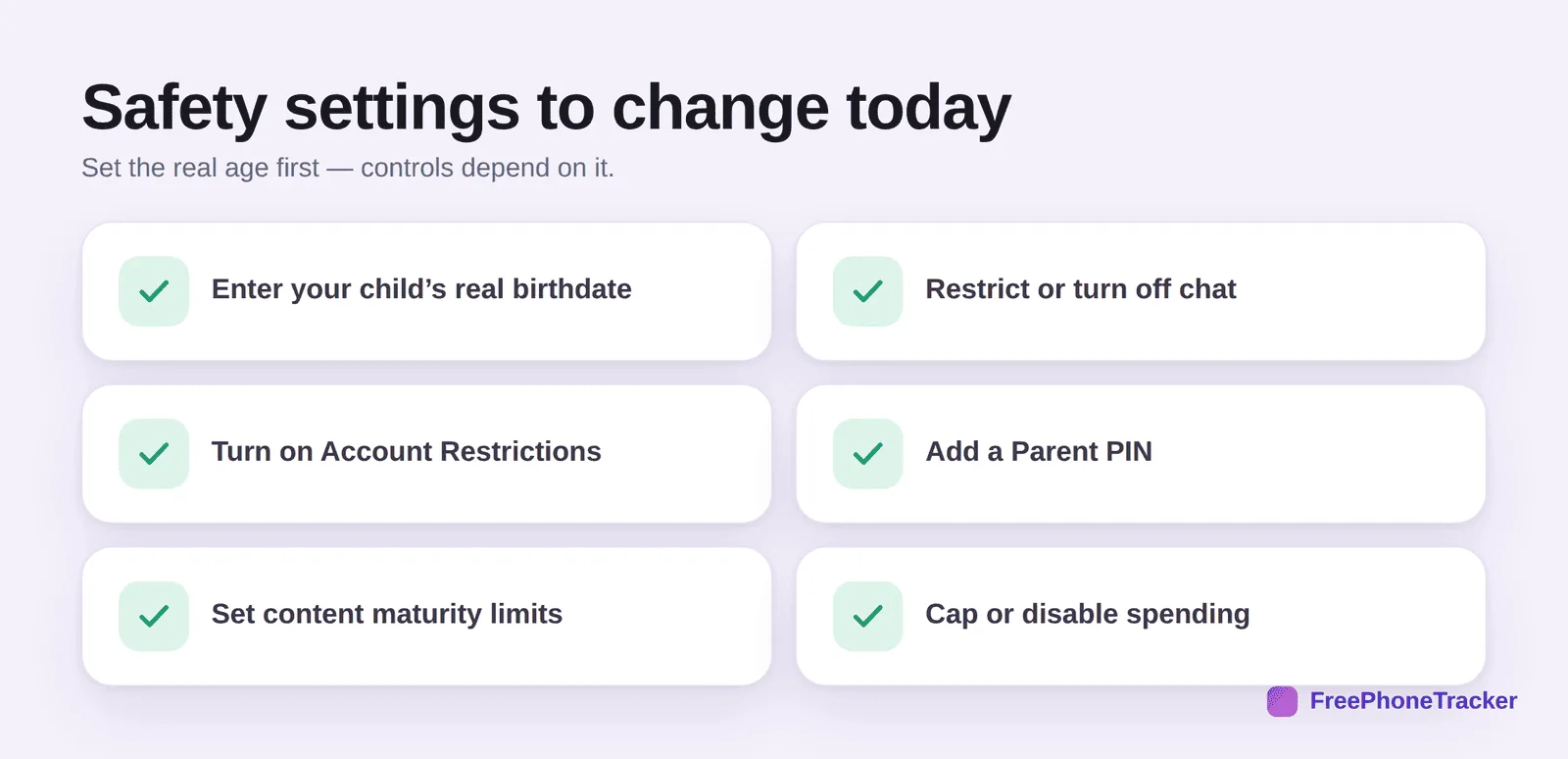
Enter your child’s real birthdate. Restrict or turn off chat, the most important content setting. Turn on Account Restrictions, which limits play to a curated set of age-appropriate experiences. Add a Parent PIN so settings can’t be changed without you. Set content maturity limits. And cap or disable spending so Robux purchases need your approval. Roblox’s own Parent Dashboard lets you manage much of this and see who your child’s friends are.
How to keep it safe day to day
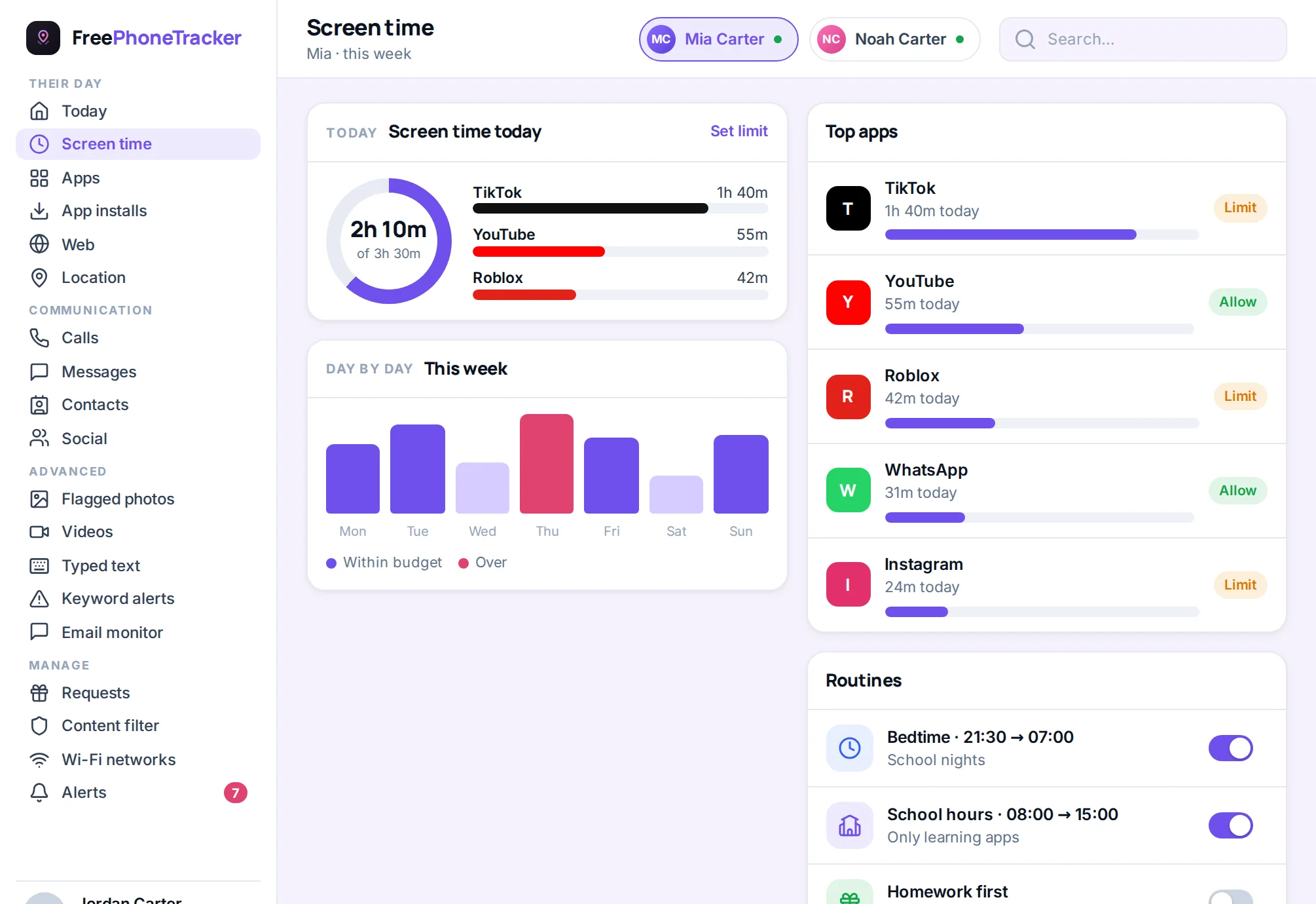
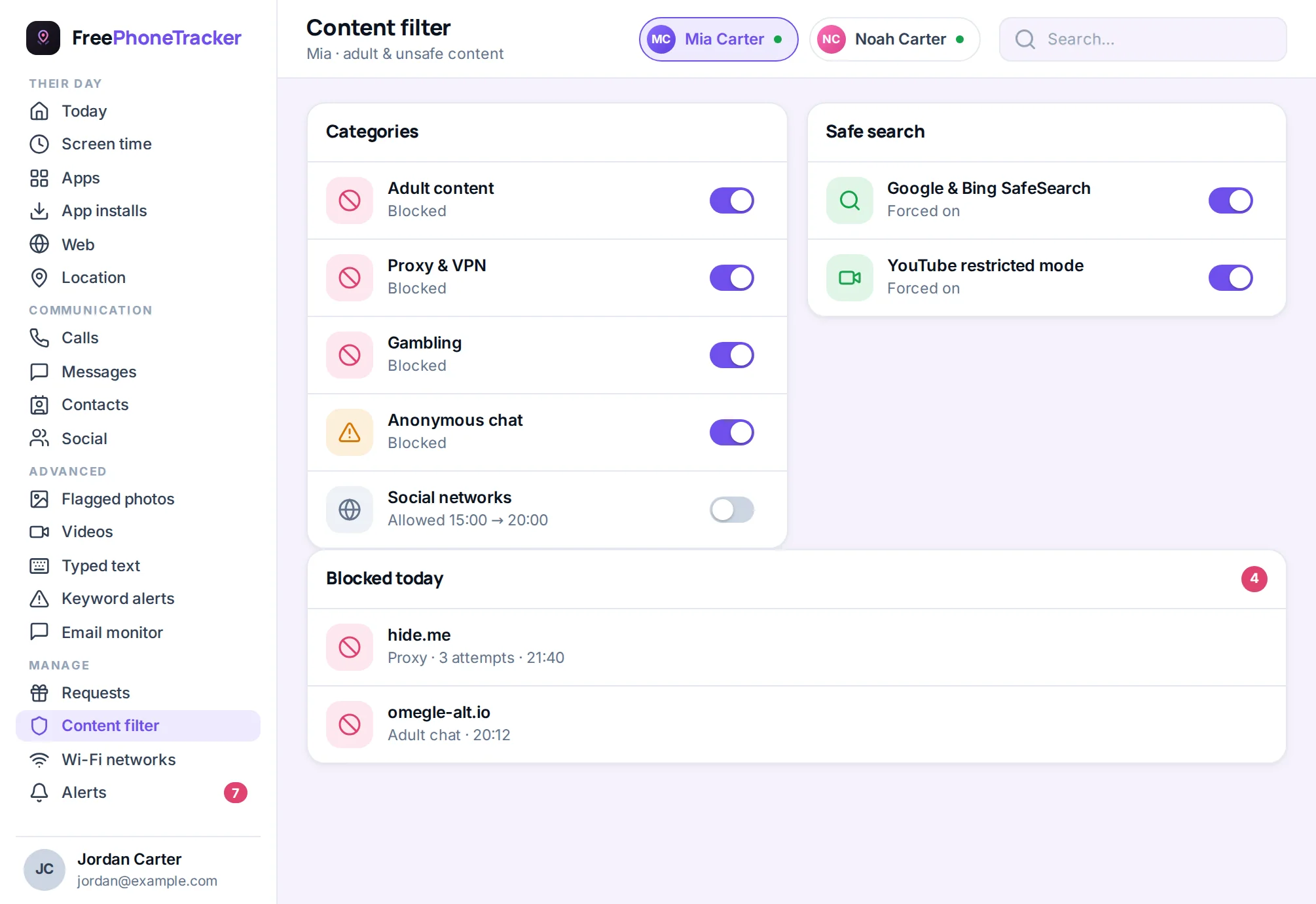
Roblox safety is less about reading chats and more about the setup, the time, and the money. A screen-time limit keeps sessions sane, and a content filter plus app-usage visibility helps you see what’s happening across the phone.
For younger kids especially, the best control is proximity, playing in a shared space rather than behind a bedroom door. Chat restrictions handle most stranger risk; your presence handles the rest. As kids get older and you loosen chat, keep an eye out for scam links and requests to move the conversation to another app, a classic predator move covered in our guide on online predators.
For younger kids: play alongside
With little ones, the best safety tool isn’t an app, it’s you nearby. Roblox skews young, and a six-year-old can’t judge a stranger’s intentions or spot a scam. So for the youngest players, treat it as a shared activity. Keep the device in a family space, not the bedroom. Play a few of their favourite experiences with them so you know what they’re into. Ask who they play with and whether they’re real-life friends. And use Account Restrictions to keep them inside a vetted set of games. As they get older and show good judgment, you can loosen chat and widen what they can play, the same earn-more-freedom approach that works everywhere else. Proximity now buys independence later.
The verdict
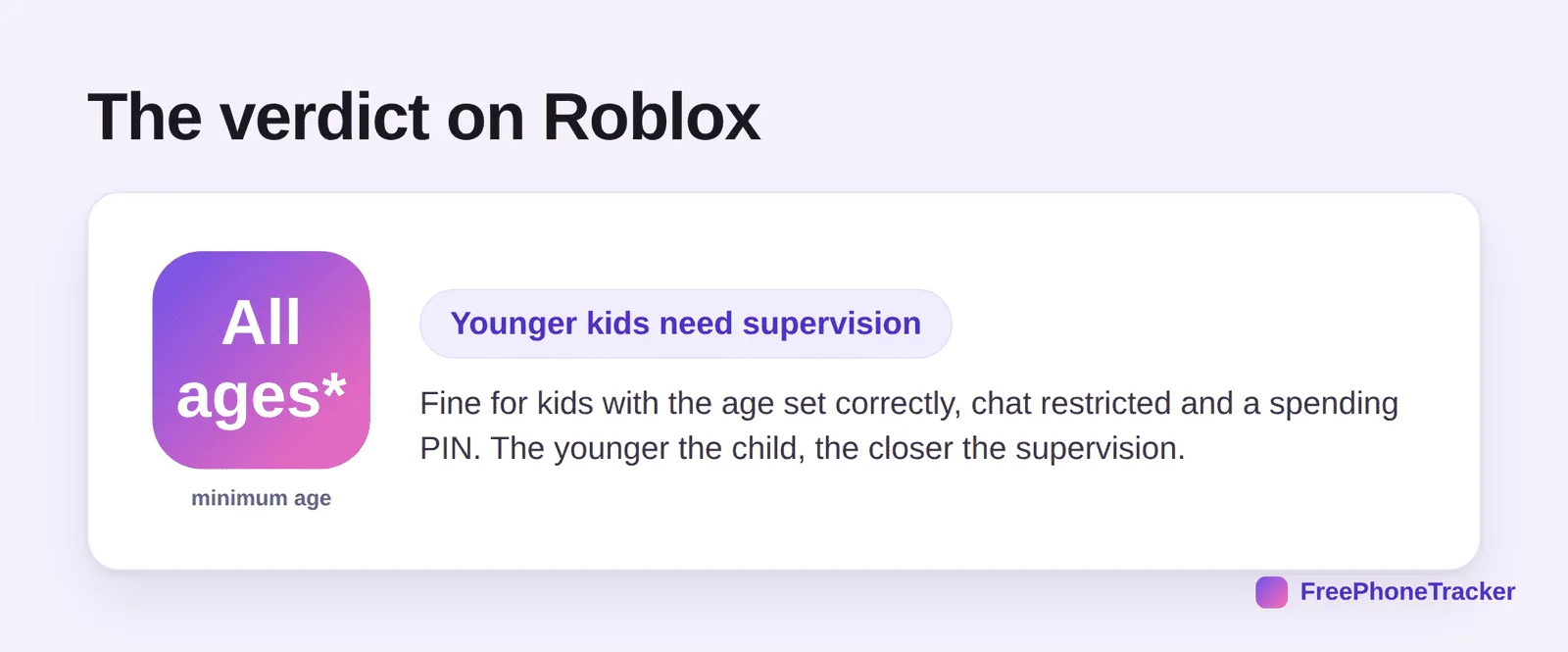
Roblox is genuinely fun and can be safe, but it’s the platform where setup matters most, because the audience skews young and the doors (chat, spending, unvetted games) are wide open by default. Set the real age, restrict chat, add a PIN, cap spending, and for younger children, stay close. Do that and it’s a creative playground rather than a worry.
Common questions
What age is Roblox safe for?
There’s no strict minimum, but the experience differs a lot by the age on the account. Under-13 accounts get much tighter defaults. For young children, treat it as a supervised activity, not a solo one.
Can strangers talk to my child on Roblox?
By default, chat is on. Restrict or disable it in settings and that risk largely disappears. This is the most important content control on the platform.
How do I stop surprise Robux charges?
Require a Parent PIN for purchases, don’t save a card to the account, and consider gift-card top-ups instead of a linked card. Cap spending in the settings.
Are all Roblox games appropriate?
No, they’re user-made, and some aren’t suitable despite moderation. Account Restrictions limit play to a vetted set of experiences, which is the safest mode for younger kids.
Do I need extra parental controls?
Roblox’s own controls are good. Pair them with a phone-level time limit and app oversight for the time-and-money side, and you’ve covered the main risks. See our parental controls guide.
So, is Roblox safe? With the real age set, chat restricted, a spending PIN, and closer supervision for younger kids, yes. It’s the platform that rewards a careful setup more than almost any other, precisely because so many of its players are small. Lock it down once and let them build, play and create with a net underneath. Get started free to add that net today.