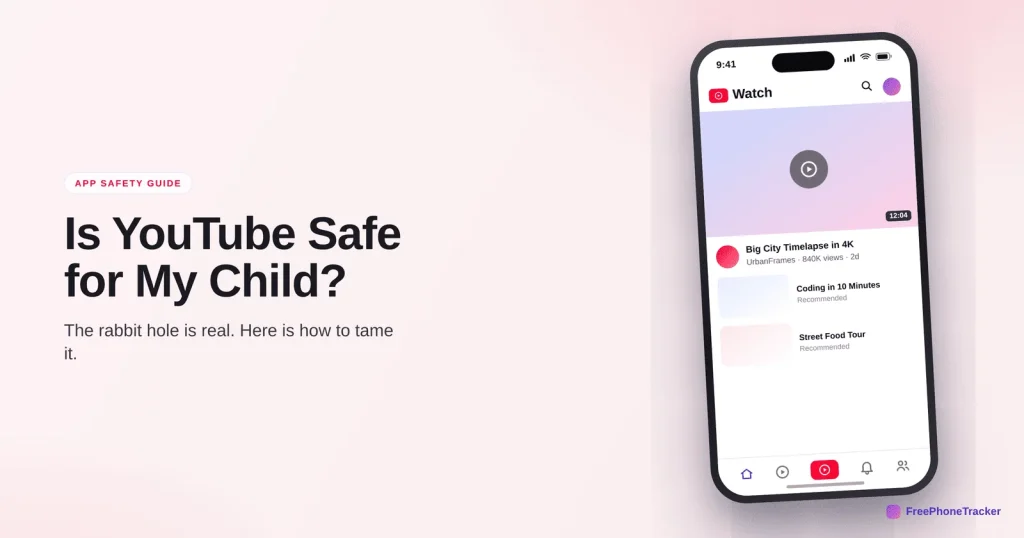
Almost every kid uses YouTube. It’s where they learn, laugh, follow creators, and, if you’re not careful, fall down rabbit holes for hours. The good news is that YouTube is one of the more manageable platforms, because the main risk is content, not strangers, and content is something you can filter. The catch is picking the right version and switching on the right settings. Here’s how to make YouTube safe for your child.
- Use YouTube Kids for under-13s; the main app is 13+.
- The real risks are autoplay drifting to mature content, comments, and endless watch time.
- Restricted Mode, a supervised account, and turning off autoplay do most of the work.
- Verdict: fine with the right version and a time limit; the feed needs watching, not the inbox.
What YouTube actually is
YouTube is the world’s biggest video platform, and for kids it’s part TV, part search engine, part social feed. They watch creators, music, gaming, how-tos and shorts. Unlike social apps, the danger isn’t mainly people messaging your child, it’s what the next video is, and how many next videos there are. Understanding that shifts your focus to content filtering and time, which are the two things you can actually control.
The real risks
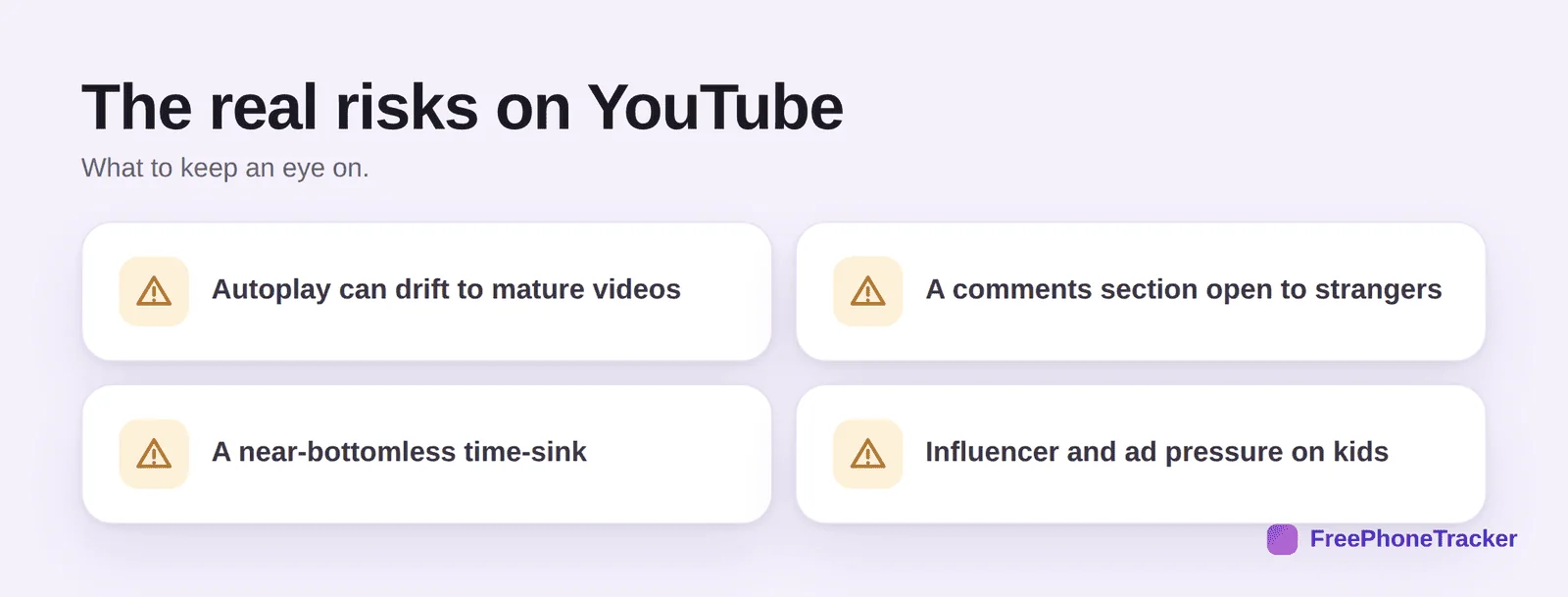
Autoplay is the big one: one harmless video rolls into the next, and the algorithm can drift toward mature or extreme content without your child searching for it. Comments are a cesspit on many videos, and a channel for unwanted contact. The time-sink is bottomless by design. And there’s influencer and ad pressure, creators promoting products, and content dressed up as entertainment that’s really marketing to kids.
Which version to use
This is the most important decision, and parents often miss it. YouTube isn’t one thing. YouTube Kids is a separate app for young children, with curated content, no open comments, and strong parental controls, use it for under-13s. A supervised account, set up through Google Family Link, sits between Kids and the full app, good for tweens, with content levels you choose. The main app is designed for 13+ and opens the whole platform. Matching the version to your child’s age does more than any single setting.
Safety settings to change today
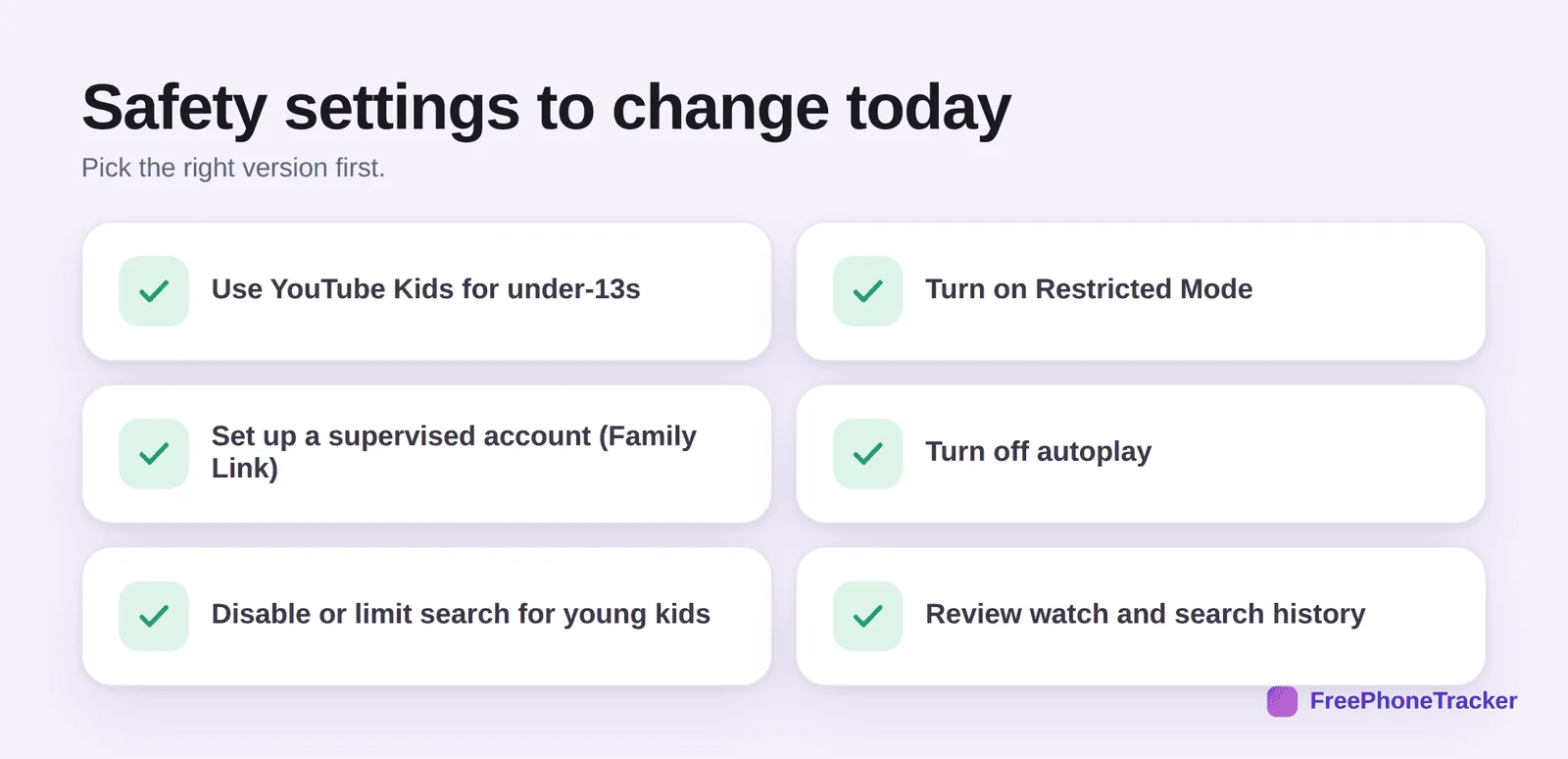
On whichever version you use, turn on Restricted Mode to filter mature content. Set up a supervised account for tweens via Family Link. Turn off autoplay, this single switch breaks the rabbit-hole loop. For young children, disable or limit search so they only see approved channels. And periodically review watch and search history to see where the algorithm has been taking them.
How to keep it safe day to day
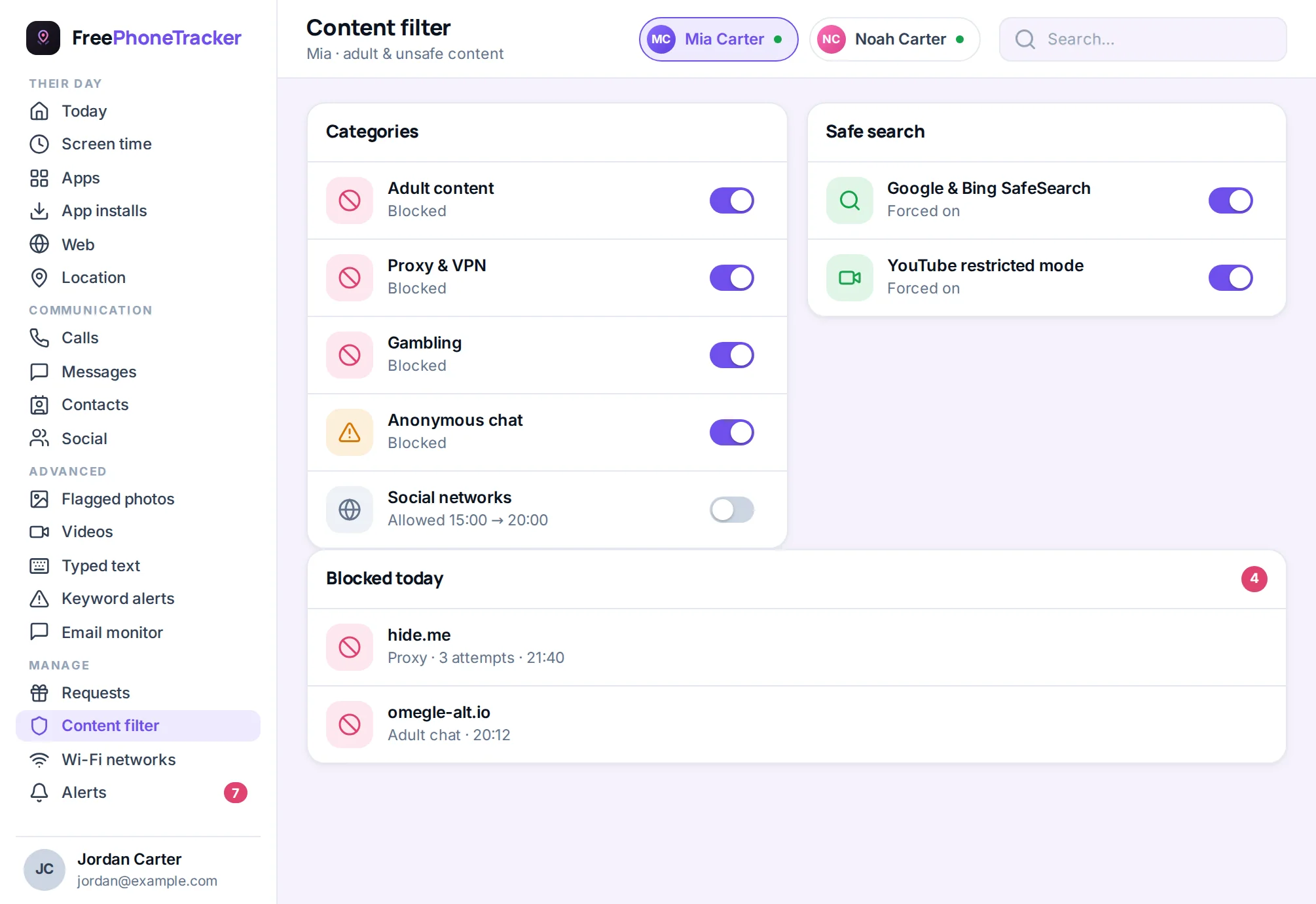
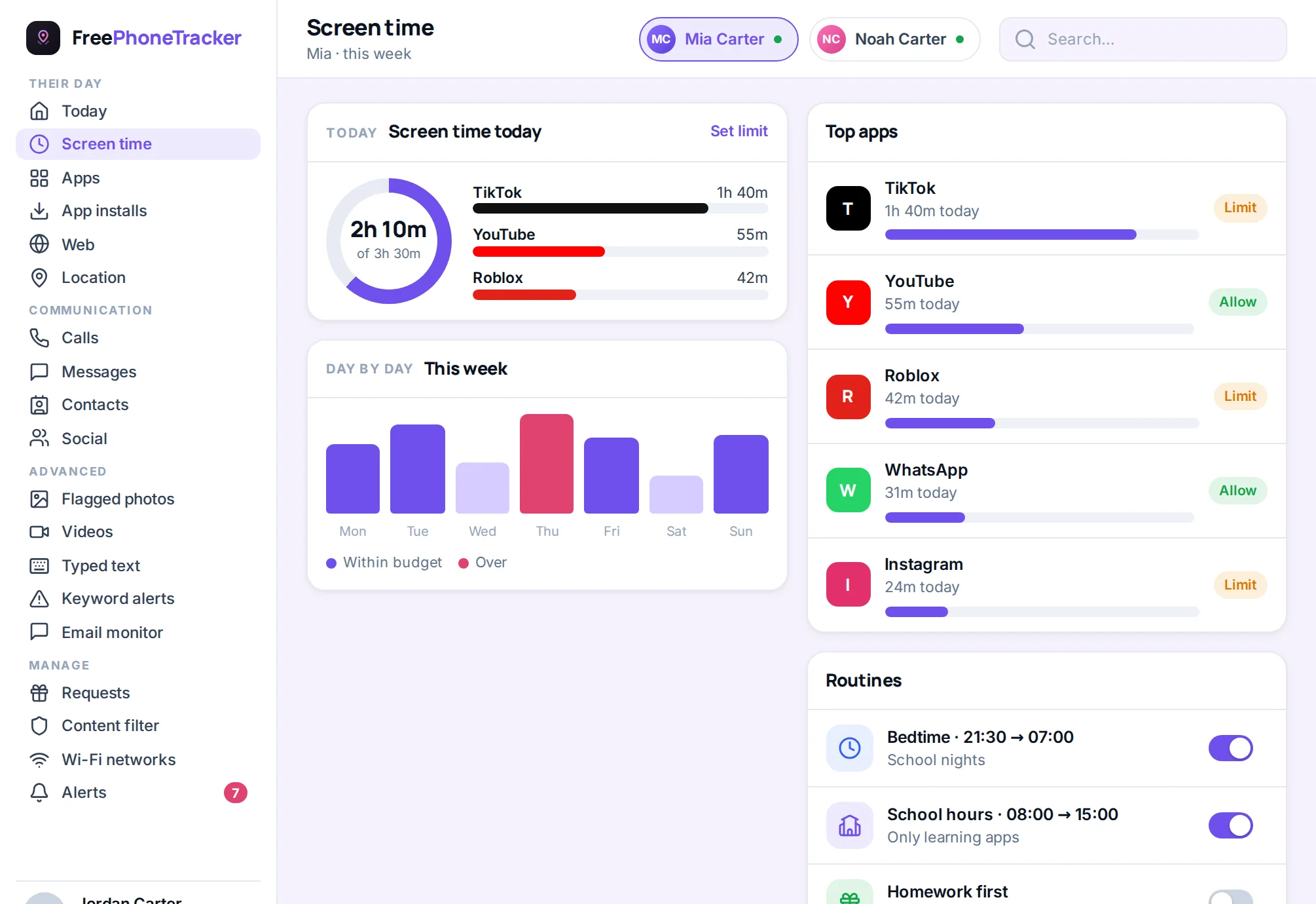
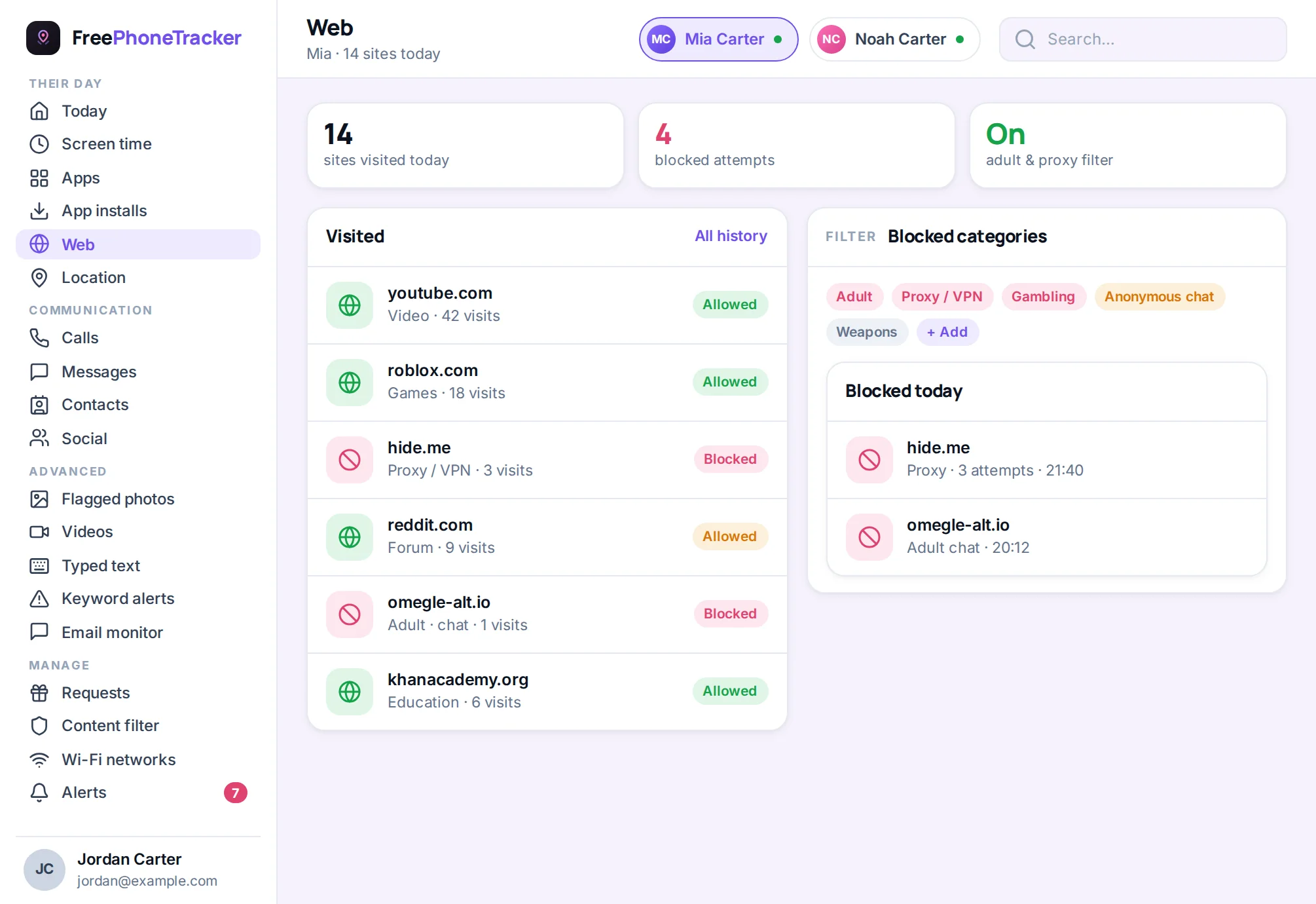
YouTube safety is mostly about content and time, so lean on a screen-time limit and a content filter. Browsing and watch history give you a window into what’s actually being watched, which matters more here than any message log.
The best habit, though, is co-viewing when they’re young and conversation when they’re older. Ask what channels they love and why. Watch a few together. Teach them to dislike and report content that’s off, which also trains the algorithm away from it. A kid who curates their own feed ends up somewhere very different from one who lets autoplay decide.
A word on Shorts
YouTube Shorts is the app’s answer to TikTok: a feed of vertical, snackable videos with its own algorithm. It’s worth knowing about because it carries the same two risks as TikTok, an algorithm that can drift toward mature content, and a format built to be endless. For younger kids, Shorts is another reason to stick with YouTube Kids, where it’s controlled. For teens, treat the Shorts feed the way you would TikTok: teach them to mark videos “Not interested,” keep a time limit, and talk about what it’s serving them. A child who can steer their own feed is far better protected than any filter alone can manage.
The verdict
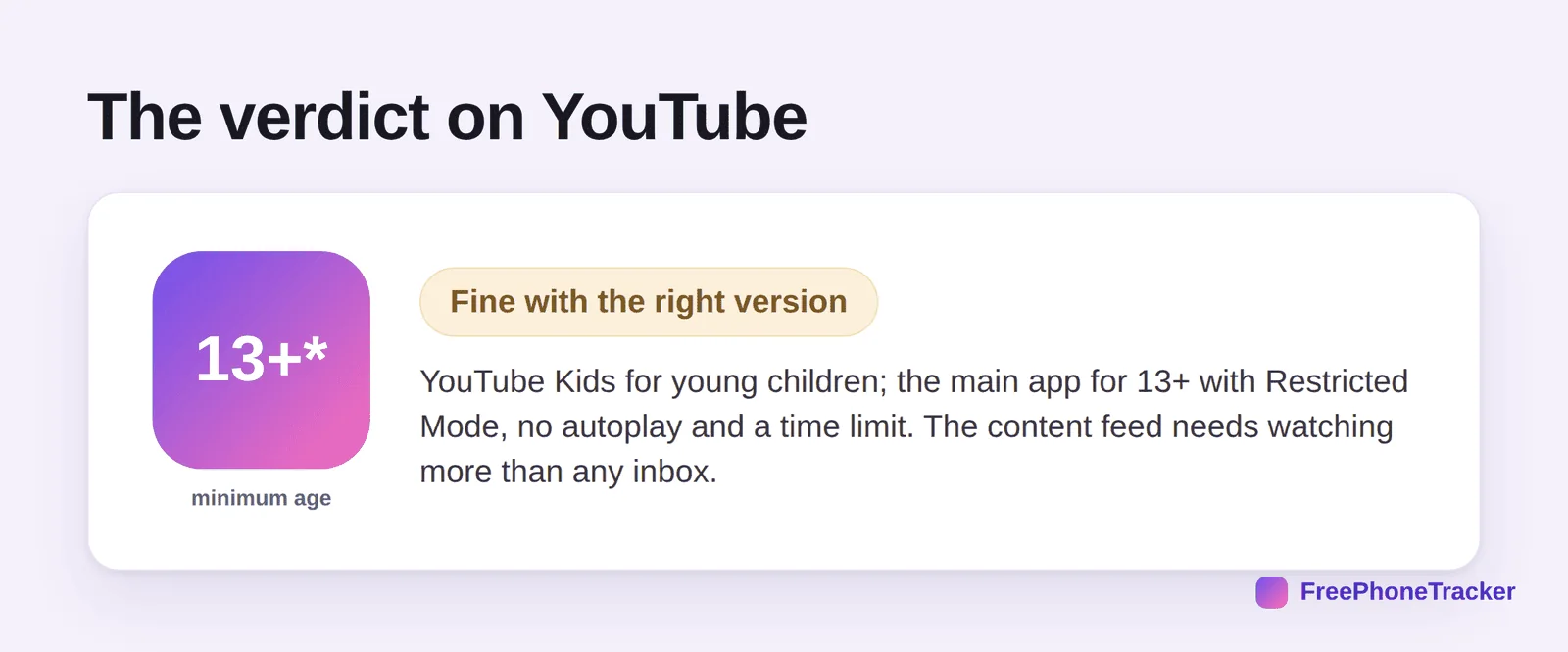
YouTube is fine with the right version and a few settings: YouTube Kids for young children, a supervised account for tweens, and the main app for teens with Restricted Mode, no autoplay and a firm time limit. The thing to watch is the content feed, not an inbox. Handle the version, the filter and the clock, and YouTube becomes one of the safer, and genuinely more useful, apps your child uses.
Common questions
What age is YouTube safe for?
YouTube Kids is built for young children. The main YouTube app is for 13+. For tweens in between, a supervised account through Family Link is the right middle ground.
Is YouTube Kids actually safe?
It’s much safer than the main app, curated content, no open comments, strong controls, but no filter is perfect. Set it to the youngest appropriate content level and check history now and then.
How do I stop the autoplay rabbit hole?
Turn off autoplay in settings. It’s the single most effective change, it stops one video from rolling into an endless, algorithm-chosen stream.
Can I limit YouTube time?
Yes. Use a phone-level daily limit, which is harder to bypass than in-app timers. Our screen time by age guide has age-based targets.
Should I read the comments my kid sees?
You don’t need to read them all, but be aware comments are often where unwanted contact and nastiness live. For young kids, use versions where comments are off entirely.
So, is YouTube safe? With the right version for their age, Restricted Mode on, autoplay off, and a time limit, yes, and it’s genuinely valuable too. Focus on content and time rather than fretting about messages, keep co-viewing and talking, and YouTube stops being a rabbit hole and becomes what it should be. Get started free to add filtering and limits today.