screen time
Every guide filed under “screen time”.
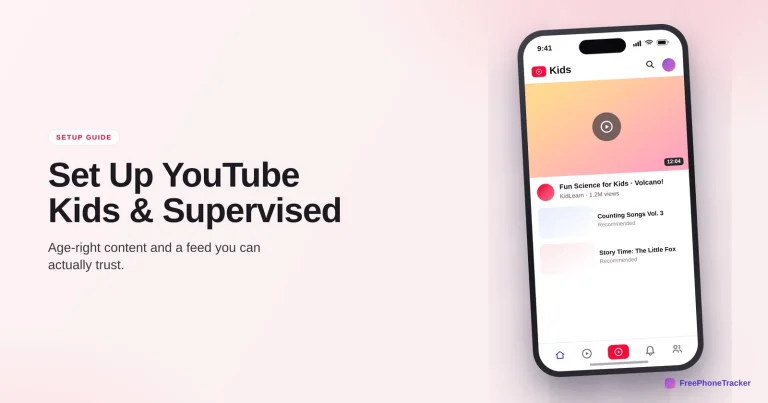
How to Set Up YouTube Kids and Supervised Accounts
Choose between YouTube Kids and a supervised account by age, pick a content level, kill autoplay, and set the timers that keep the feed age-right.
Read the guide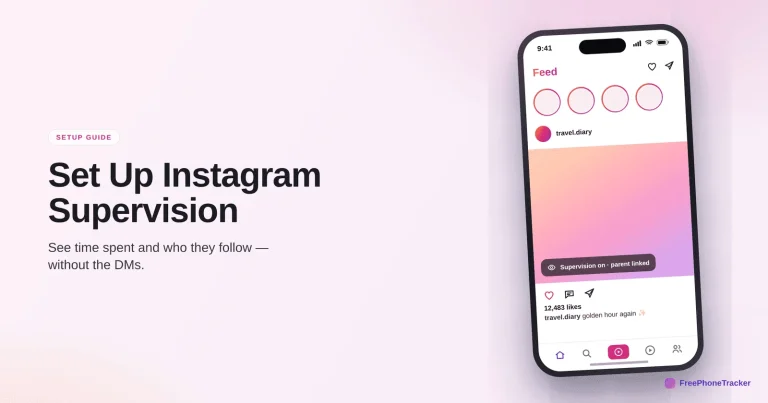
How to Set Up Instagram Supervision
Link accounts to see time spent and who they follow, set daily limits, and understand where Supervision helps and where a dedicated app fills the gaps.
Read the guide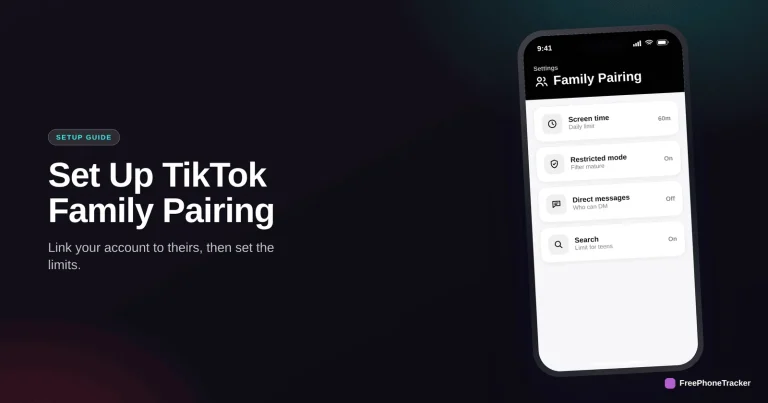
How to Set Up TikTok Family Pairing
Link your account to your teen's, then set screen time, Restricted Mode and DM limits — plus where Family Pairing stops and a dedicated app fills in.
Read the guide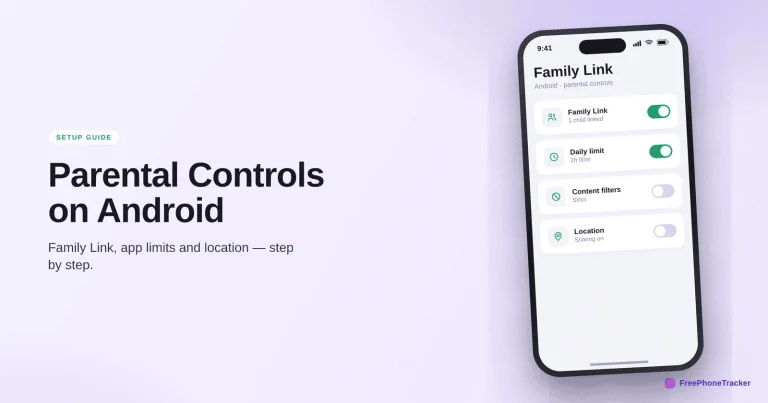
How to Set Up Parental Controls on Android
The full Family Link walkthrough — app approval, screen time, content filters and location — plus the deeper monitoring Android uniquely allows.
Read the guide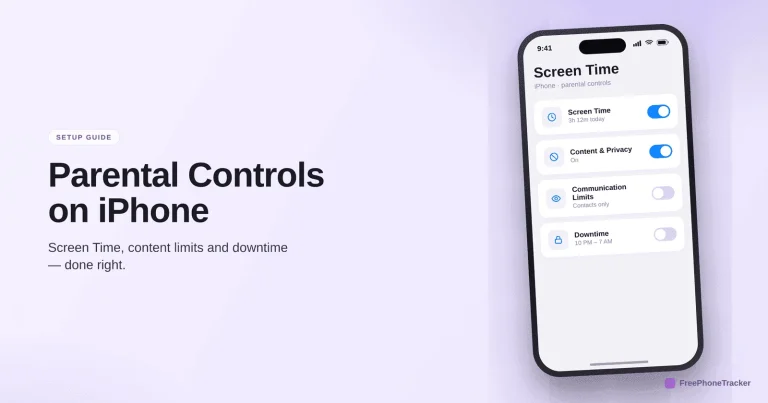
How to Set Up Parental Controls on iPhone
A step-by-step walkthrough of Apple Screen Time — downtime, app limits, content restrictions and communication — plus where a dedicated app fills the gaps.
Read the guide
Is YouTube Safe for My Child? A Parent’s Guide
Autoplay, comments and endless watch time — which version of YouTube to use, the settings to change, and whether it's safe for your child.
Read the guide
Is TikTok Safe for My Child? A Parent’s Guide
The algorithm, the time-sink and stranger DMs — the real TikTok risks, how Family Pairing and limits help, and whether it's safe for your child.
Read the guide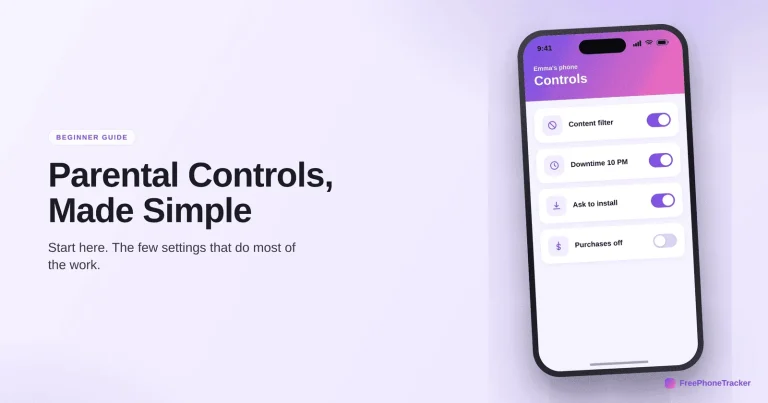
The Beginner’s Guide to Parental Controls
What parental controls actually do, the three layers to use together, and a five-step starter checklist to set them up in about ten minutes.
Read the guide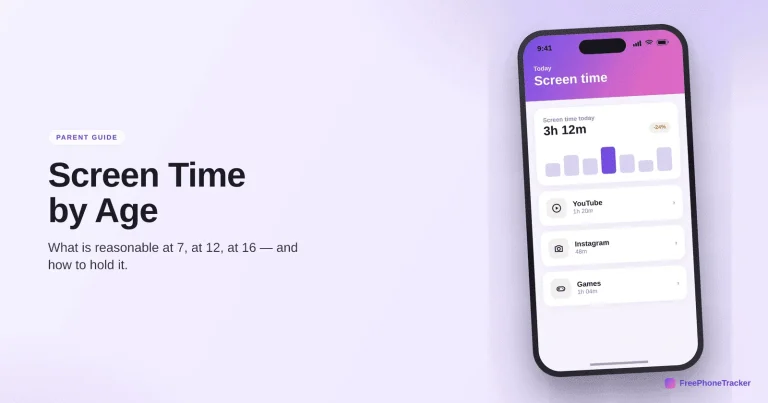
A Parent’s Guide to Screen Time by Age
How much screen time is right at every age from toddler to teen, what the guidelines actually say, and how to set limits that stick without a daily fight.
Read the guideSee what your child's phone is really up to
Free to set up, transparent by design, and running on your child's Android phone in about two minutes.