TikTok’s algorithm is the whole appeal and the whole worry: it learns fast and serves endlessly. The good news is TikTok has a built-in parental-control system, Family Pairing, that lets you set limits from your own phone. This guide walks through linking it up and switching on the controls that matter, then shows where Family Pairing stops and a dedicated app fills in.
- Family Pairing links your TikTok account to your teen’s, so you manage it from your phone.
- Set screen time, Restricted Mode, and direct-message limits.
- It’s free and built in — turn it on in Settings › Family Pairing.
- Family Pairing sets limits; a dedicated app adds keyword alerts and cross-app visibility.
What Family Pairing is
Family Pairing is TikTok’s own parental-control feature. You link your account to your child’s, and from then on you can adjust their key settings remotely, no borrowing their phone every time. It’s the right first step for any parent whose teen is on TikTok, and it costs nothing.
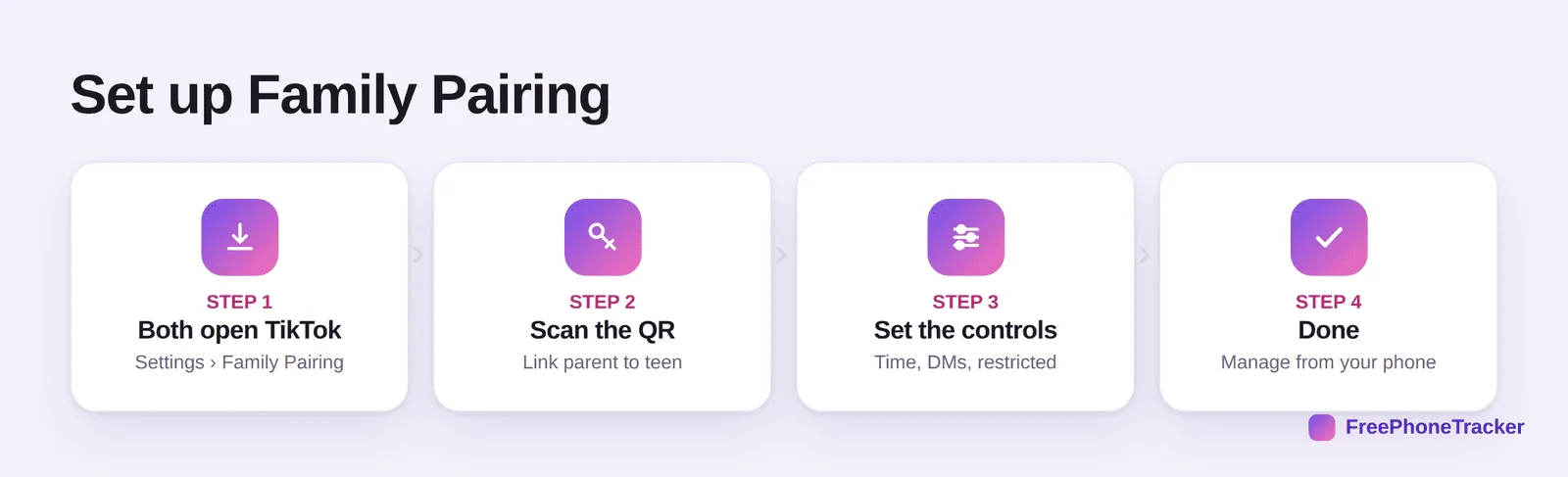
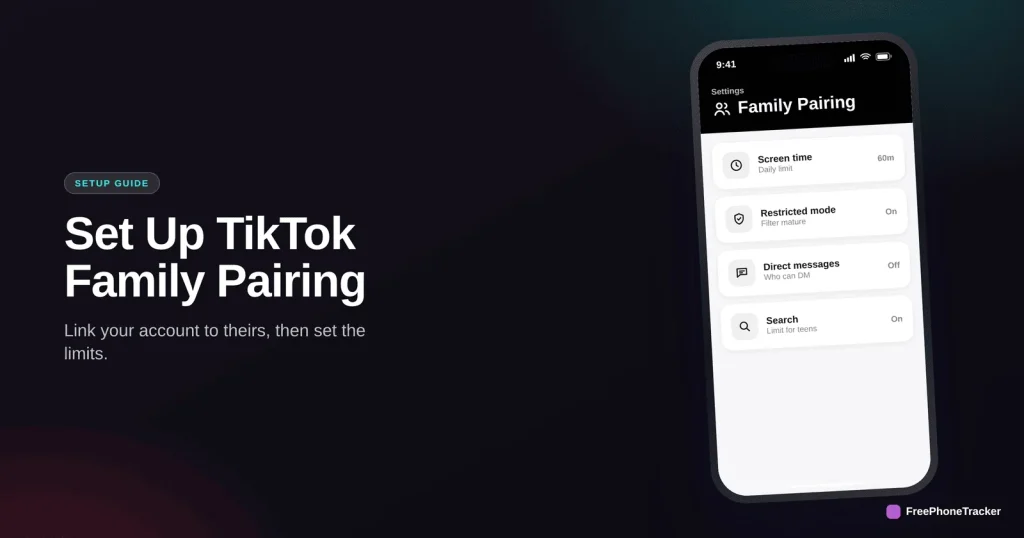
The flow: both of you open TikTok and go to Settings › Family Pairing. One of you scans the other’s QR code to link the accounts. Then you set the controls from your side. Once linked, you manage everything from your own phone.
What Family Pairing controls
Once paired, you get a solid set of levers over the riskiest parts of TikTok.
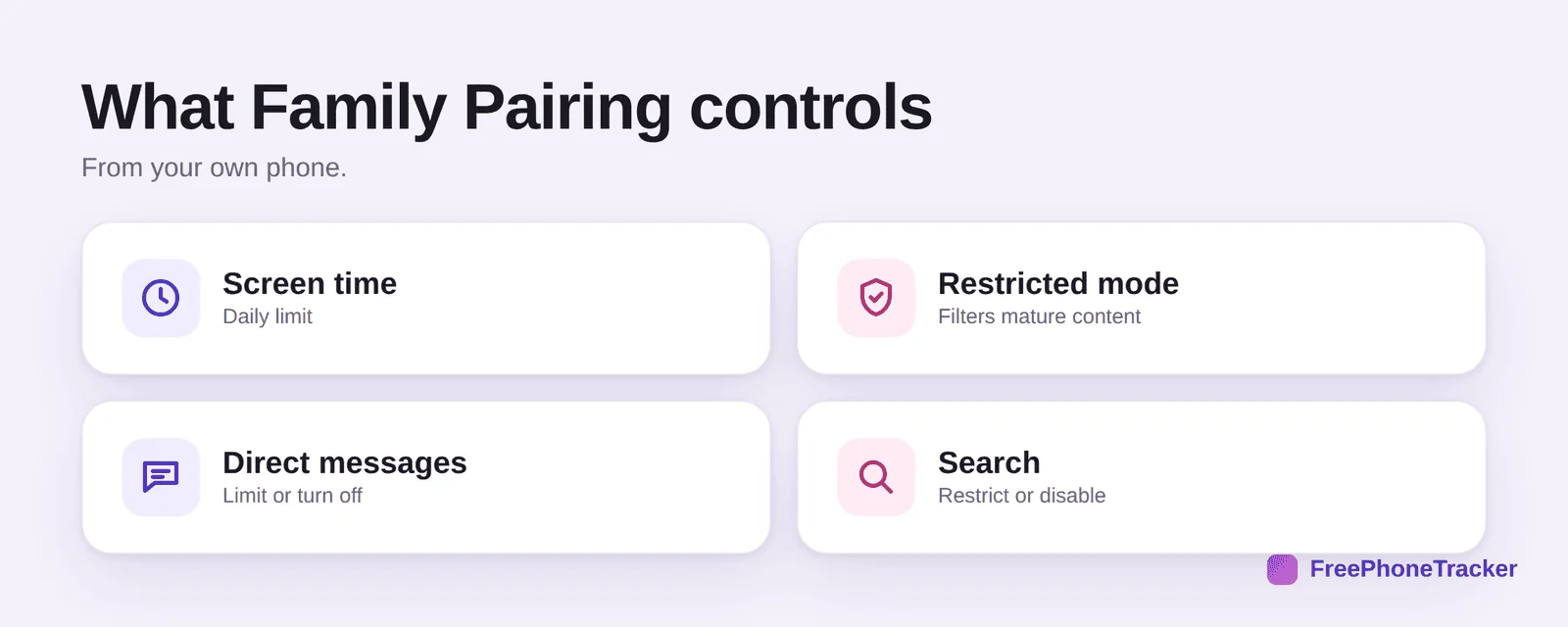
Set a daily screen-time limit to tame the endless scroll. Turn on Restricted Mode to filter out mature content. Limit or switch off direct messages, the main route strangers use. And restrict search for younger teens. Together these address the biggest concerns from our Is TikTok safe? guide.
Where Family Pairing stops
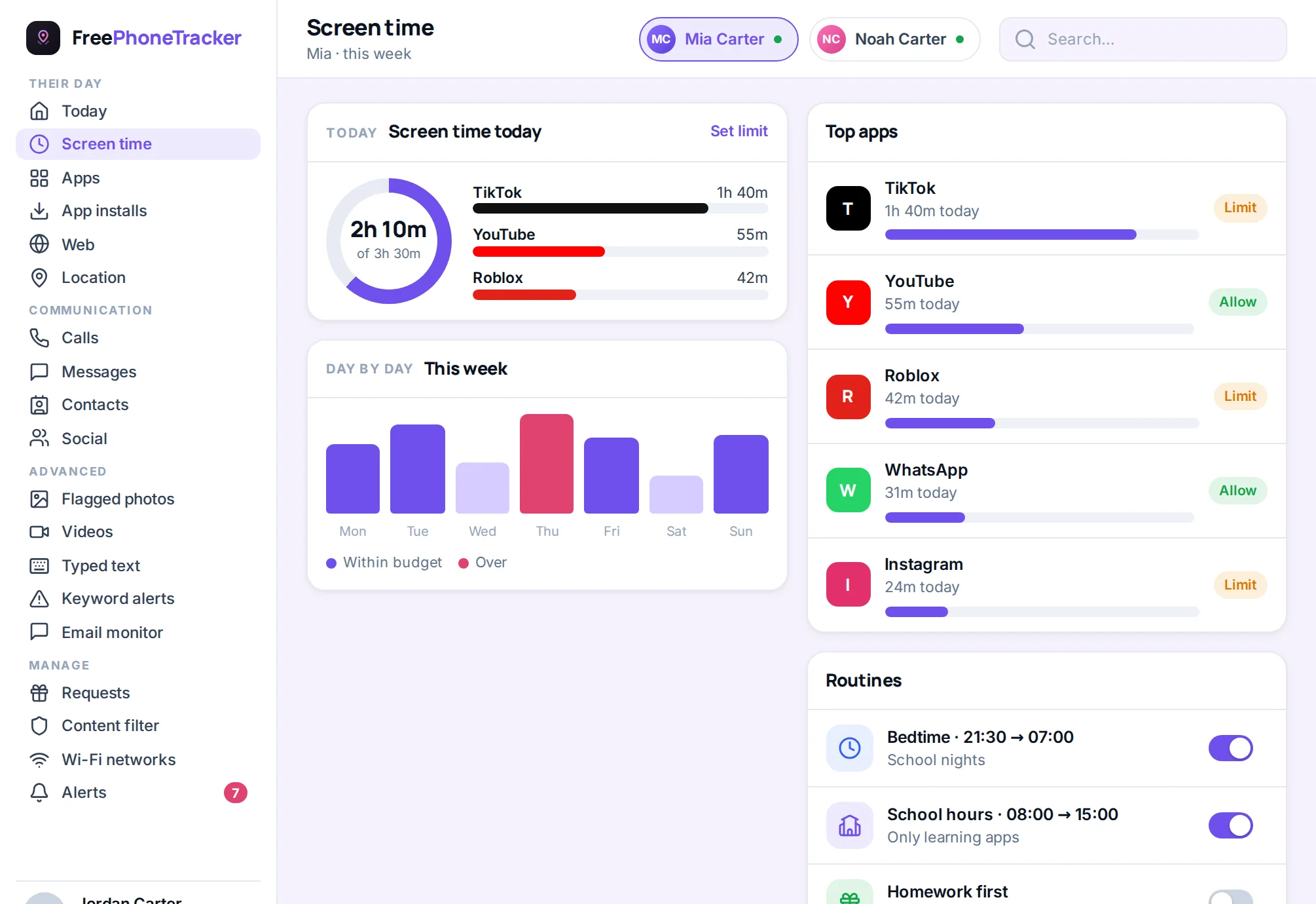
Family Pairing is genuinely useful, and deliberately limited. It sets rules, but it won’t tell you what’s actually happening in your teen’s messages or flag a concerning conversation.
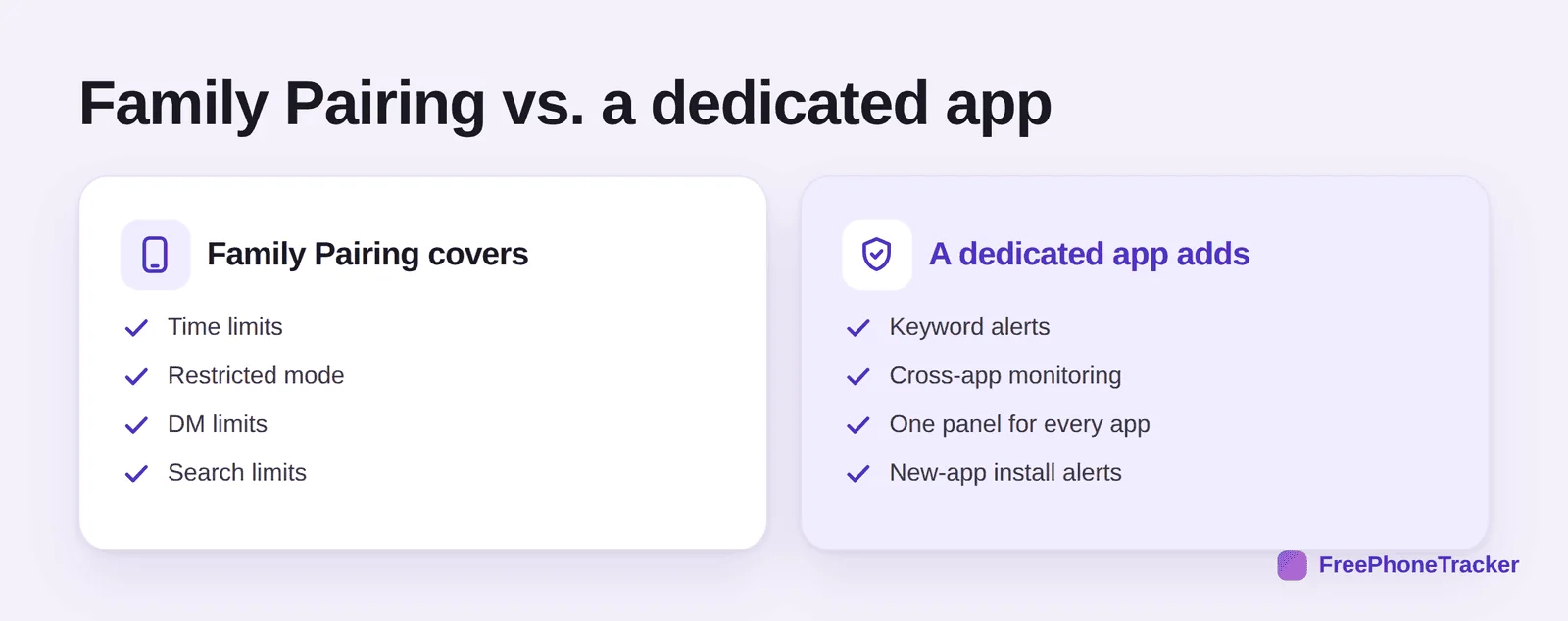
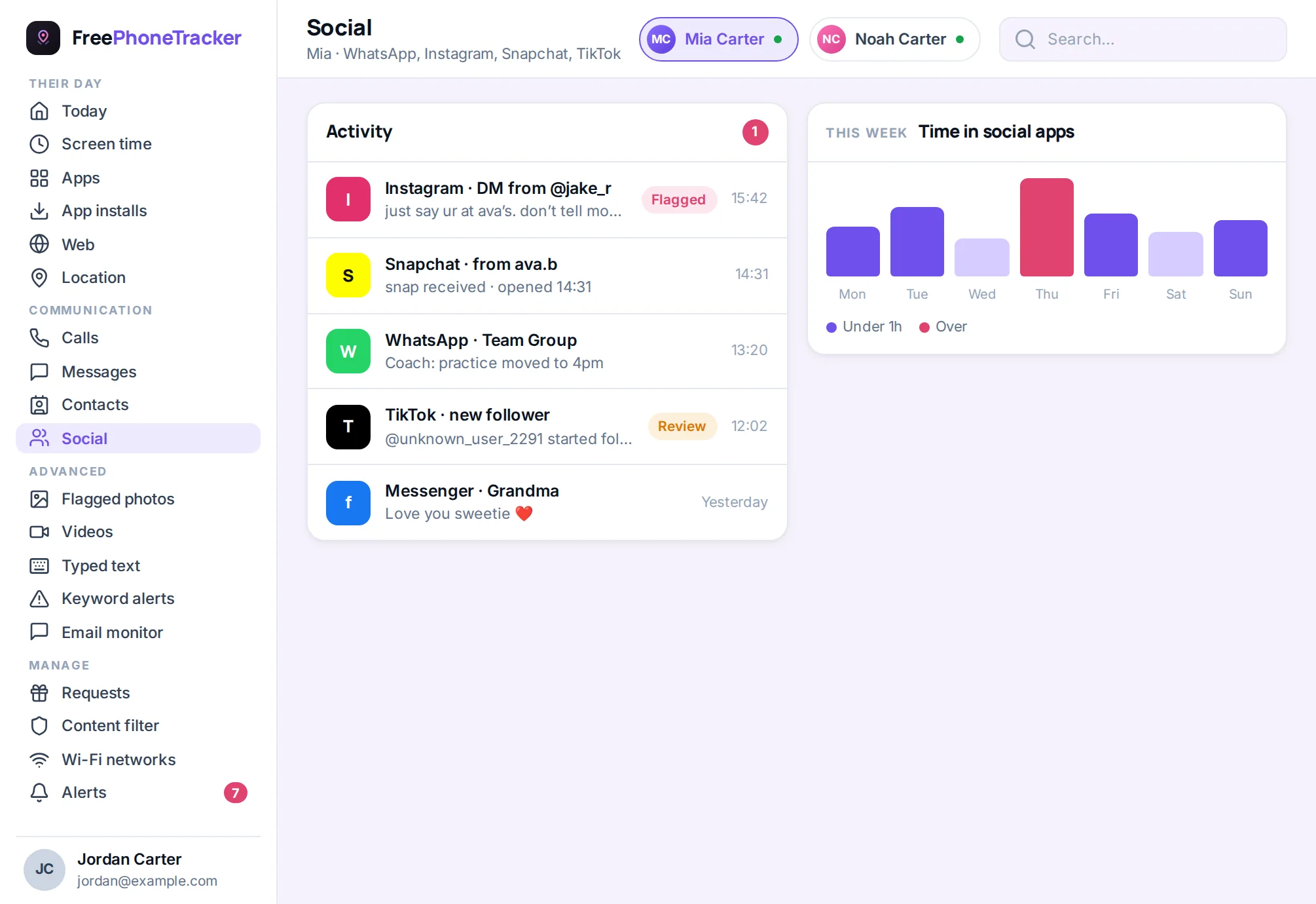
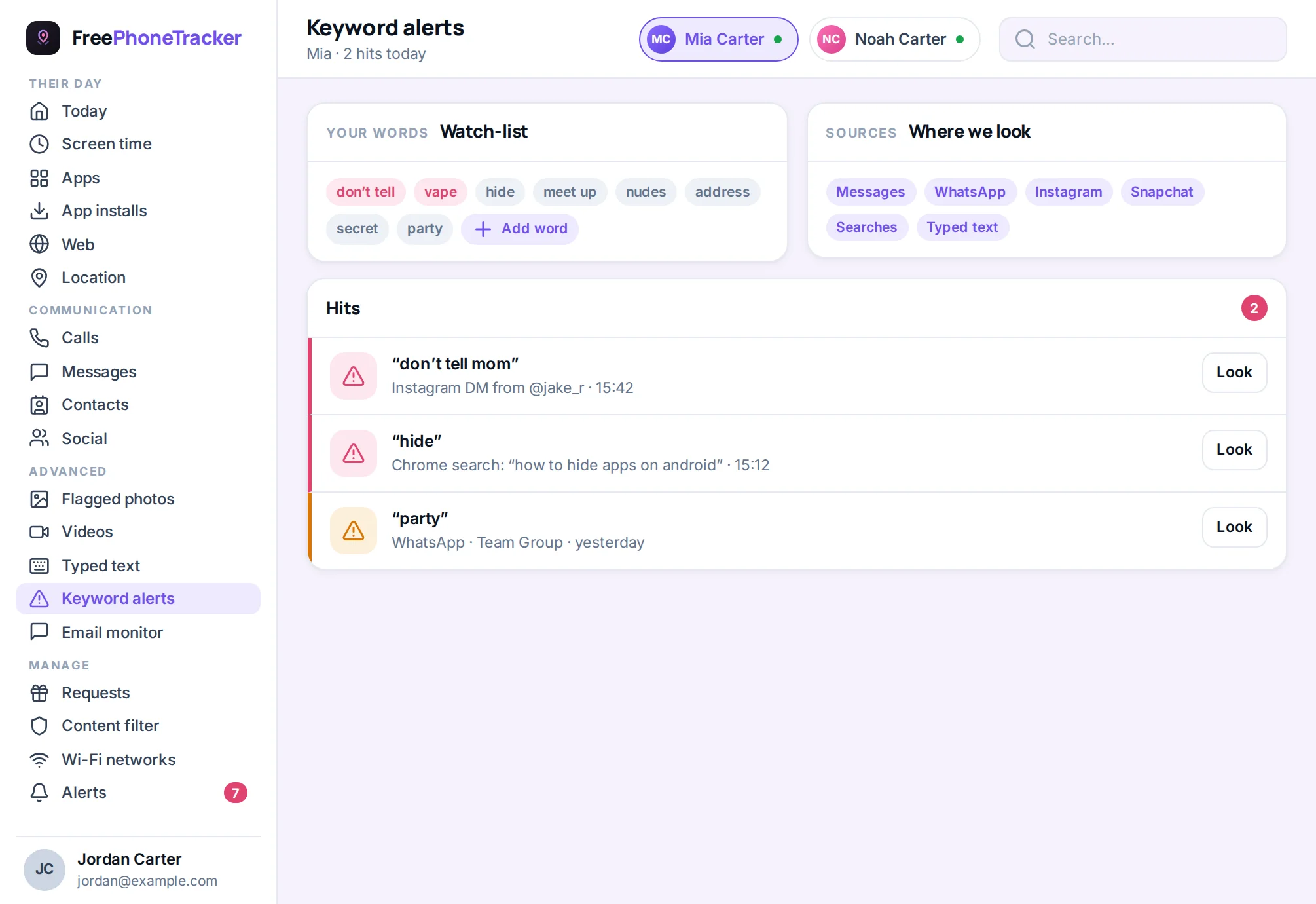
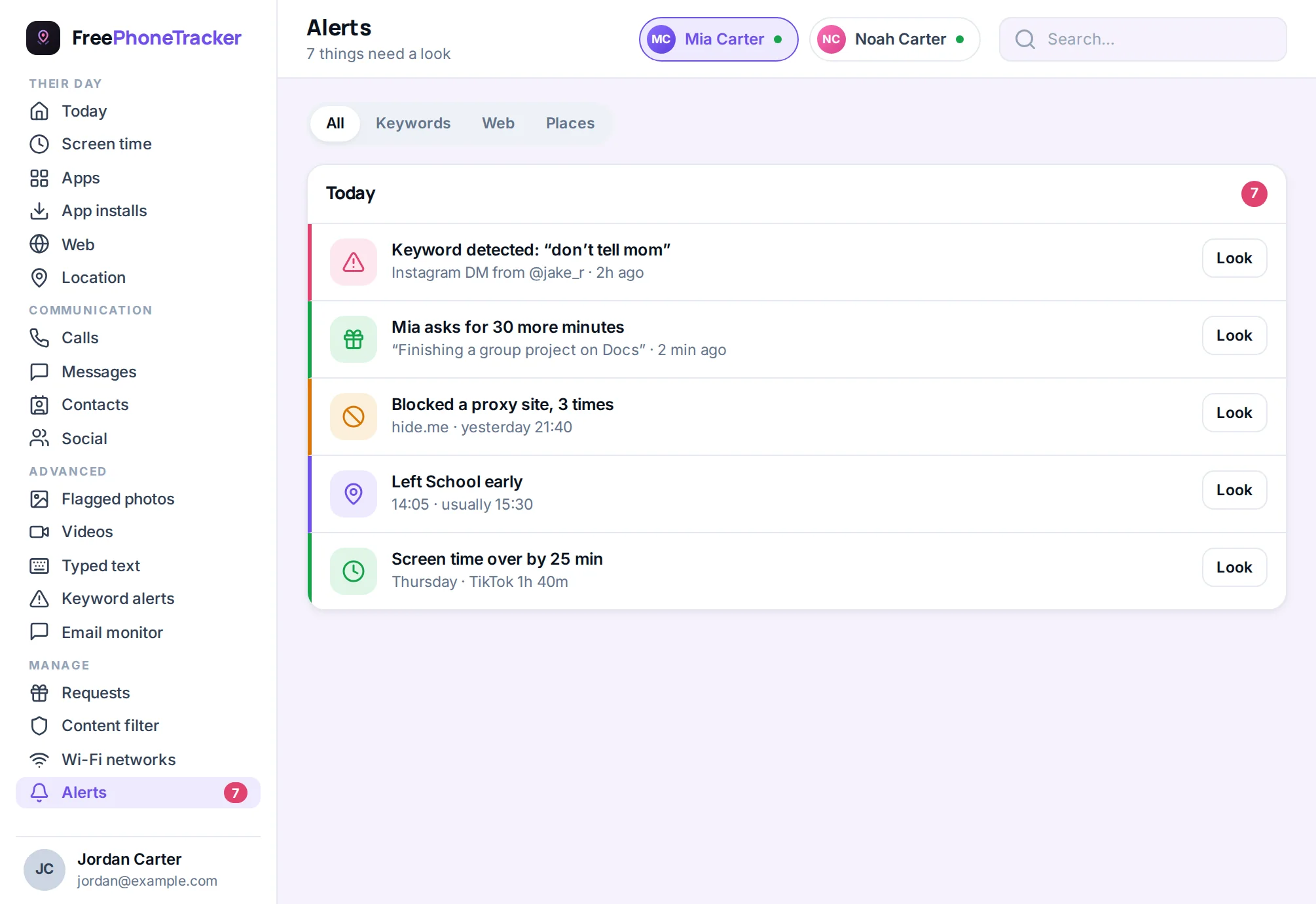
It won’t surface keyword alerts, show you activity across other apps, or gather everything into one place. For a younger teen, Family Pairing plus an honest conversation is often enough. For an older one on several apps, a dedicated tool like FreePhoneTracker adds keyword alerts and one panel for TikTok, Instagram, Snapchat and the rest.
Getting it right
A few tips. Set it up together and openly, TikTok even shows your teen that pairing is active, so there’s no pretending otherwise, which suits an honest approach. Start with tighter limits and loosen as they show good judgment. And revisit the settings every so often, as our guide to monitoring a teen respectfully suggests. Family Pairing is the foundation; the conversation is what makes it work.
Common questions
Is Family Pairing free?
Yes, it’s built into TikTok at no cost. Just link the accounts in Settings › Family Pairing.
Can my teen unlink it?
They can request to unlink, but you’re notified if they do, so you’ll know. That transparency is one reason to pair openly rather than secretly.
Does Restricted Mode block everything bad?
It filters a lot of mature content, but no filter is perfect. Pair it with a time limit and a conversation, and consider a phone-wide content filter.
What age should my child be on TikTok?
TikTok’s minimum is 13. Even then, lock down DMs and set limits. Our Is TikTok safe? guide covers the age question in full.
Do I still need a monitoring app?
For a young teen, maybe not. For an older one across many apps, a dedicated app adds alerts and a single view Family Pairing can’t. See our social media safety guide.
TikTok’s Family Pairing is a strong, free foundation, link the accounts, set your limits, and lock down DMs. For a teen juggling several apps, add the alerts and single-panel view a dedicated tool provides. Set it up openly, keep talking, and TikTok’s algorithm becomes a lot less worrying. Get started free to add the monitoring layer, and read Is TikTok safe for my child? for the bigger picture.