Social media is where your kid’s social life lives now. It’s also where most online risk lives. You can’t ban it, not really, and banning it outright often does more harm than good. But you can teach them to use it safely, and keep a light watch on the parts that matter. This guide covers the real risks, the apps to watch, the warning signs, and how to talk about it without a fight.
- The four real risks: strangers, bullying, bad content, and comparison.
- Aim your attention at the apps where trouble starts, not all of them equally.
- Use alerts, not constant reading. Watch for the pattern, respect the privacy.
- Talk more than you monitor. A kid who’ll come to you is safer than one you spy on.
The four real risks
Social media worry is vague until you name it. There are really four things to watch for. Knowing them helps you focus, instead of panicking about everything at once.
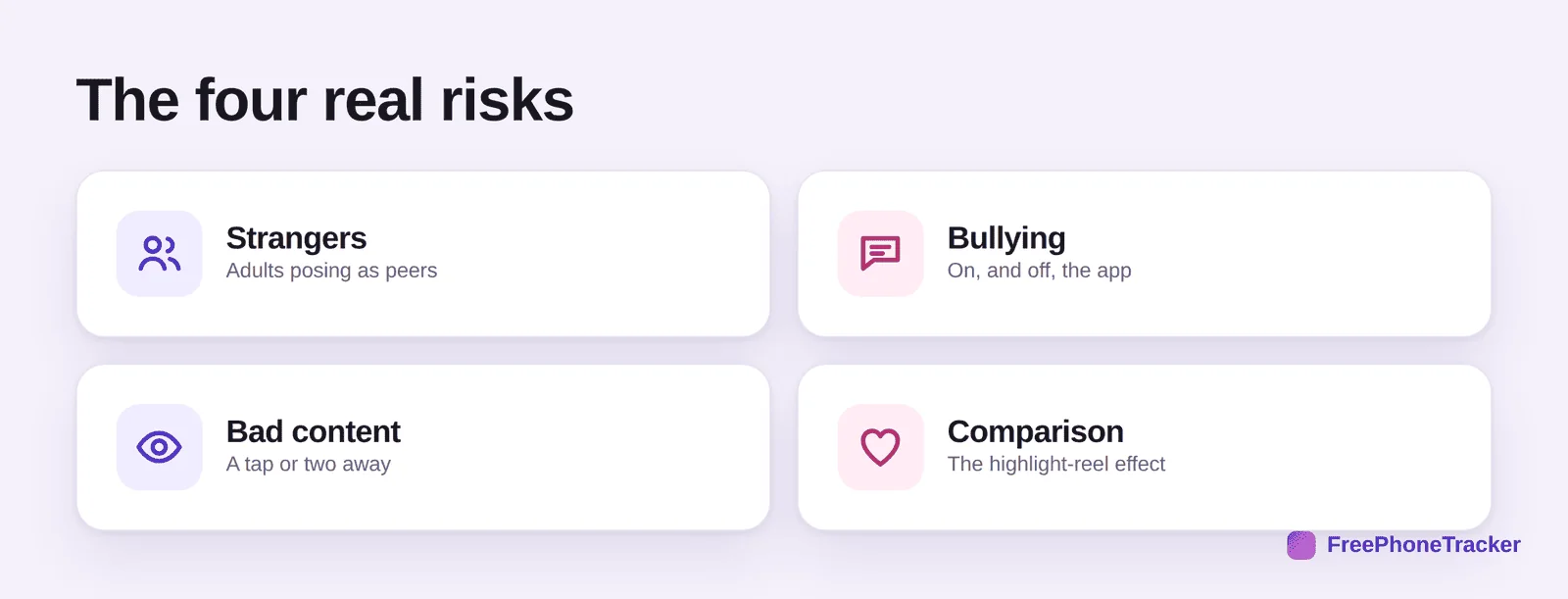
Strangers. Adults posing as peers, sliding into DMs, building trust over weeks. This is the one that keeps parents up at night, and rightly. Bullying. It follows kids home now, into a device they can’t switch off. It happens in comments, group chats and private messages. Bad content. Adult, violent or harmful material is a tap or two away, sometimes served up by the algorithm without being searched for. Comparison. The quietest risk, and the most common. The endless highlight reel of everyone else’s life chips away at a young person’s sense of self.
Where trouble tends to start
You don’t need to master every app. You need to know which ones carry the most risk, and point your attention there.
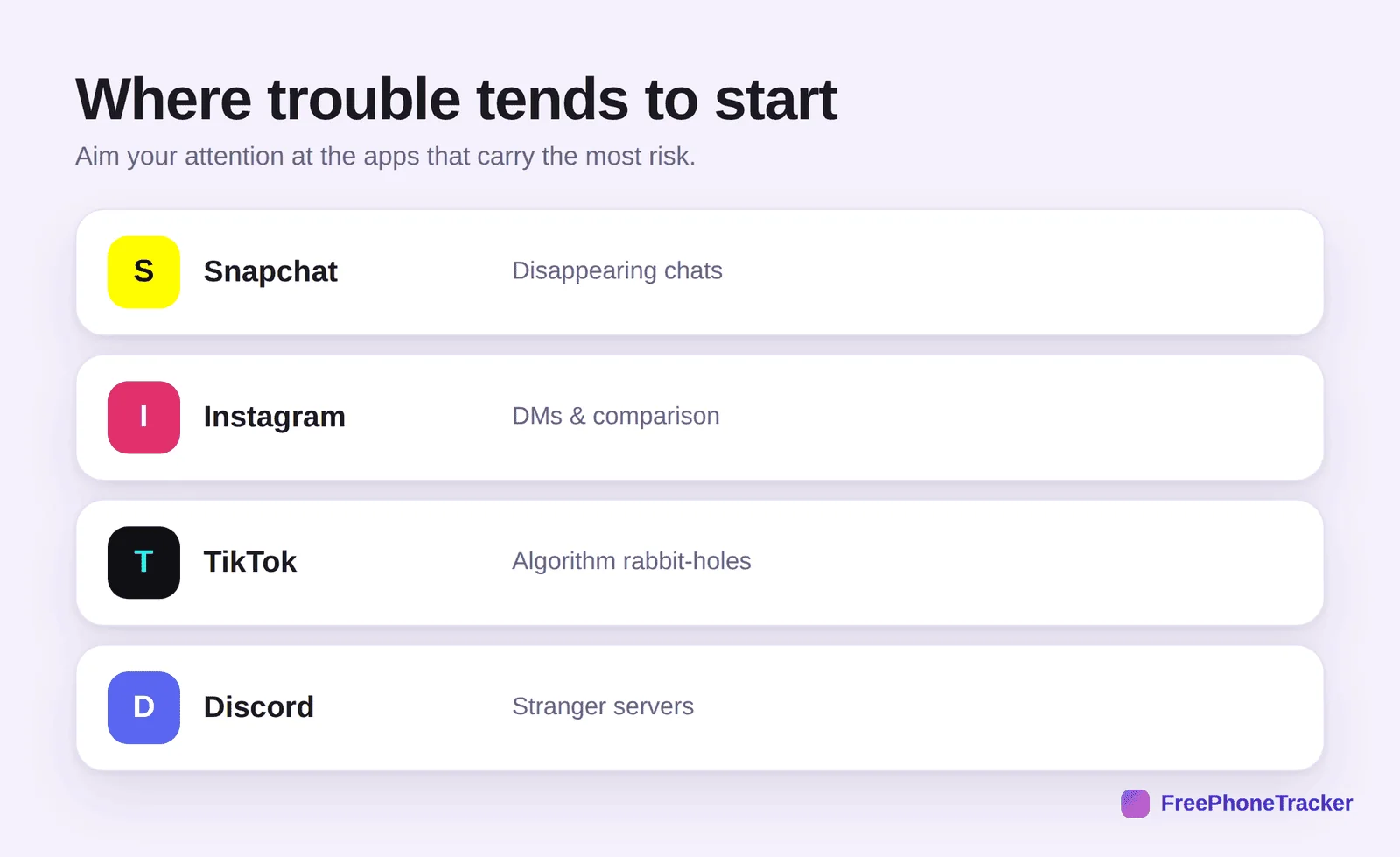
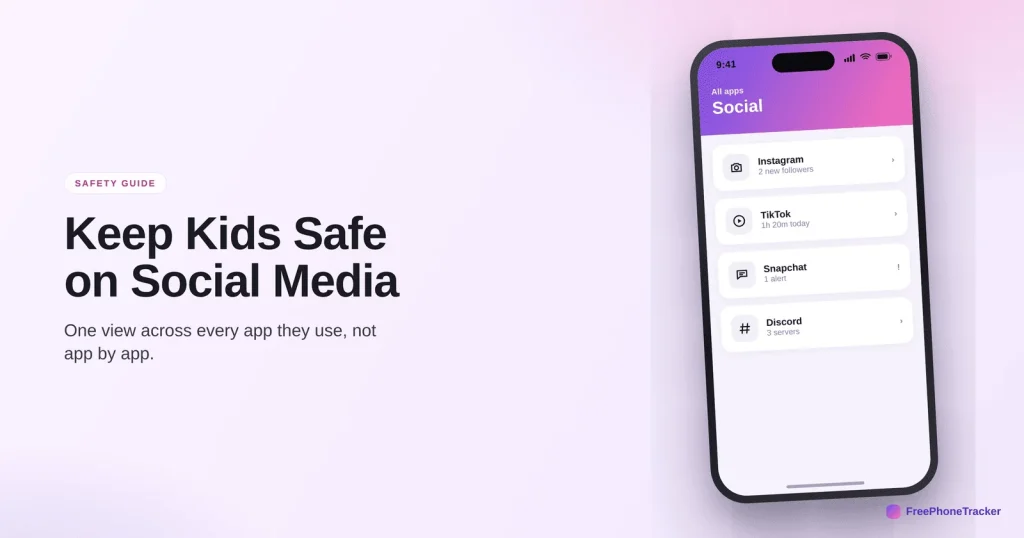
Snapchat runs on disappearing messages. Great for friends, but it makes stranger contact hard to trace. Instagram mixes DMs with heavy comparison pressure. TikTok‘s algorithm can pull a kid toward extreme content fast. Discord is full of servers where strangers gather, and it’s the one parents most often overlook. None of these needs banning. Most are a normal part of teen life. But social monitoring lets you keep a light hand where it counts.
Alerts, not constant reading
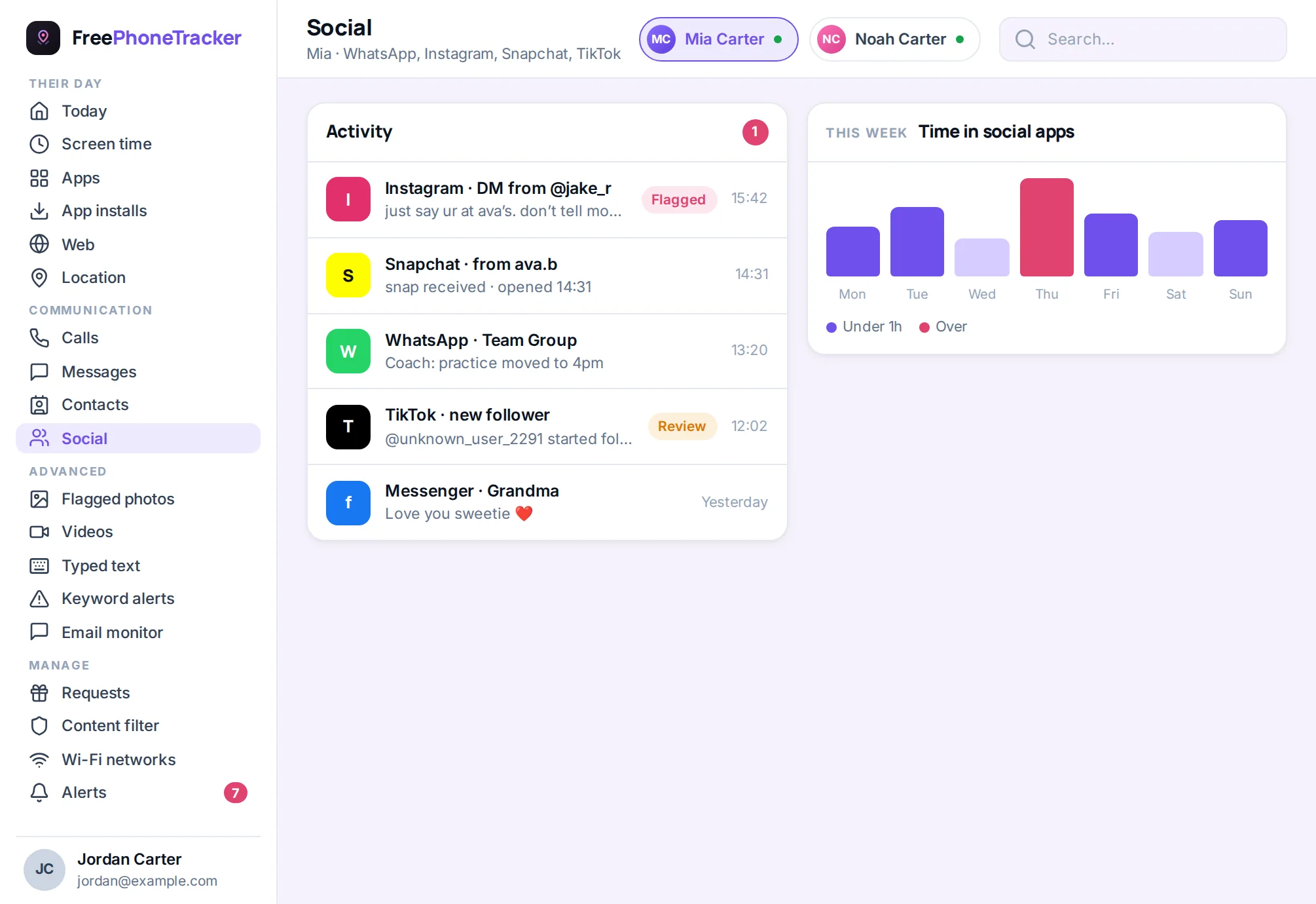
Here’s the mistake to avoid: reading every message your kid sends. It’s a waste of your time, and when they find out, it wrecks their trust. The smarter approach is to let the software watch for danger signs and stay out of the rest.
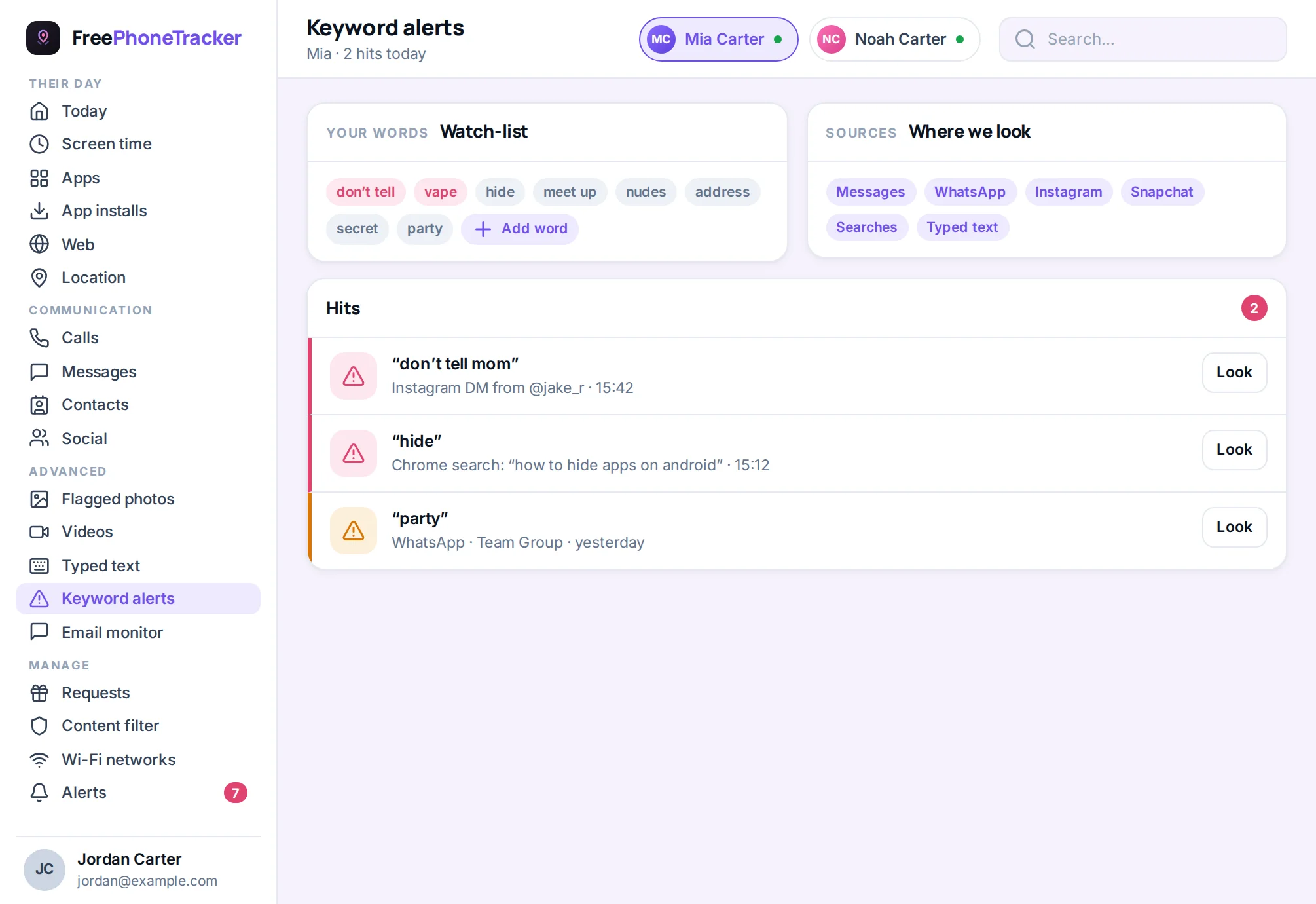
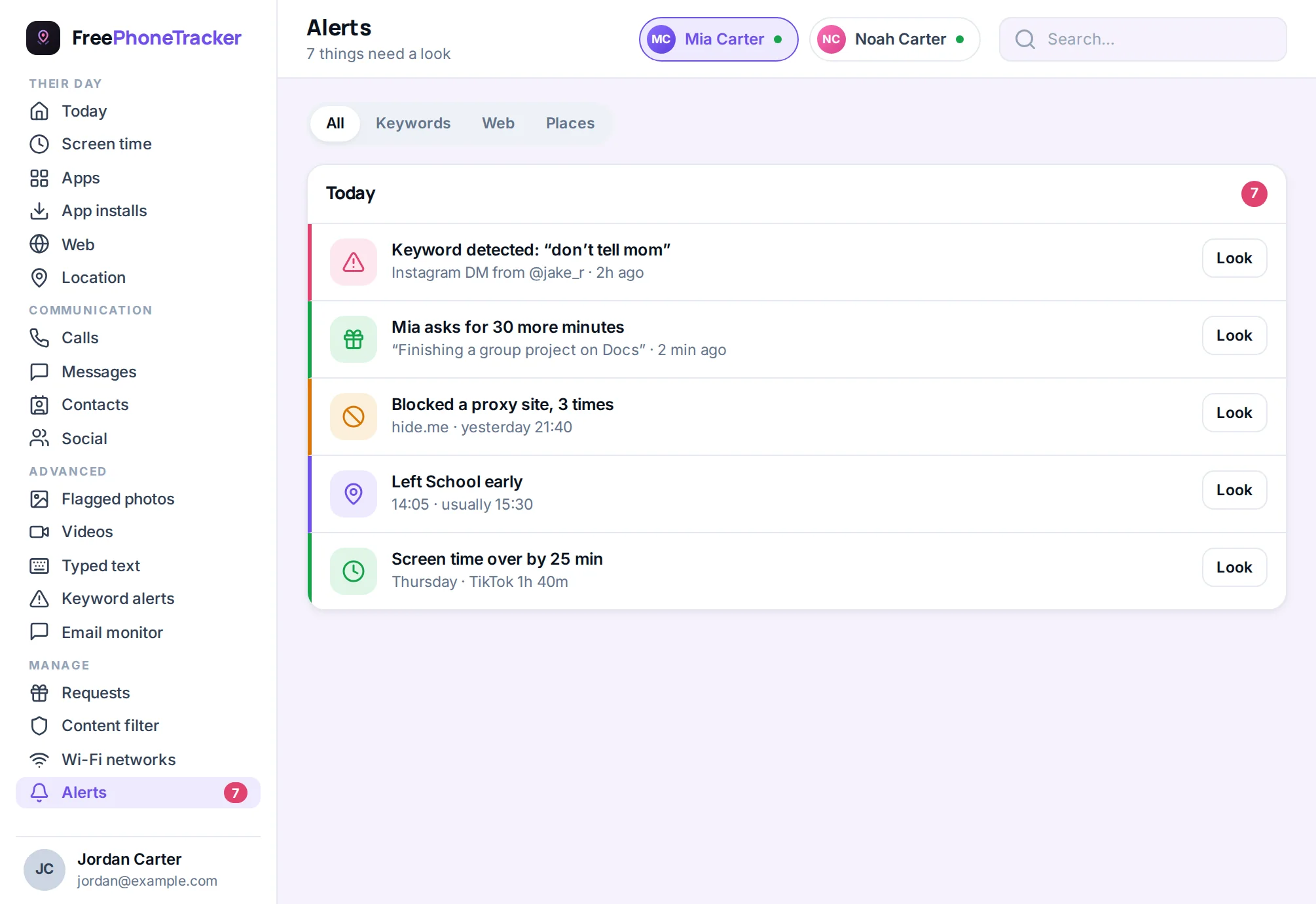
Keyword alerts are the tool for this. You choose the triggers, terms tied to grooming, self-harm, drugs, or meeting strangers. The app pings you only when one appears. Everything else stays private, which is exactly right. You’re not surveilling your kid. You’re keeping one ear open for the words that signal real danger.
Warning signs to watch for
Apps and alerts help. But your own eyes matter just as much. A change in your child’s behaviour often shows before any keyword does.
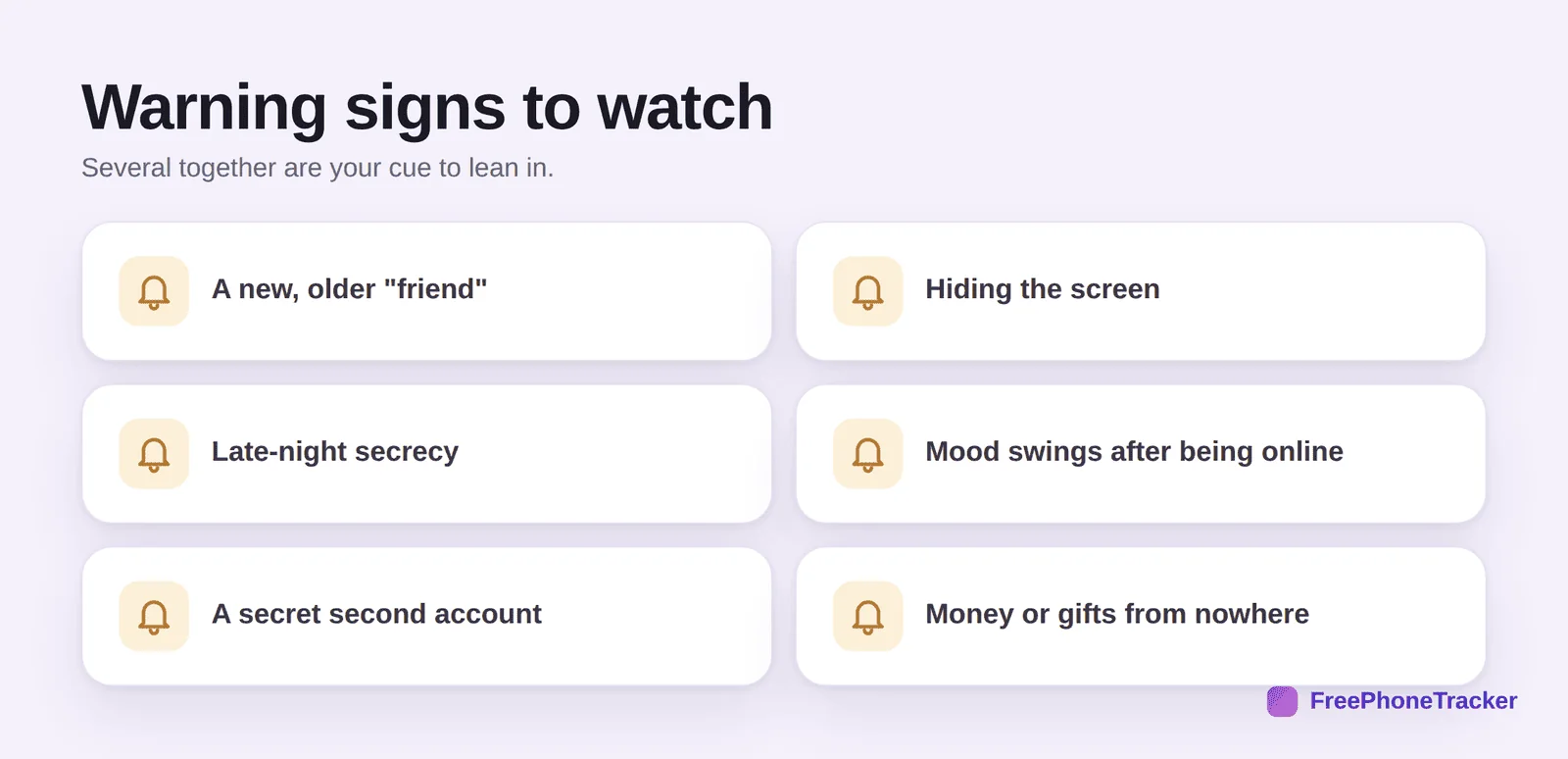
A new “friend” who’s older and vague. Hiding the screen when you walk in. Late-night secrecy. Mood swings after being online. A second account you didn’t know about. Money or gifts appearing from nowhere. Any one of these can be nothing. Several together mean it’s time to pay closer attention, and maybe to talk.
How to talk about it
Monitoring catches problems. Conversation prevents them. The single best protection your child has is knowing they can come to you when something goes wrong, without being punished for it.
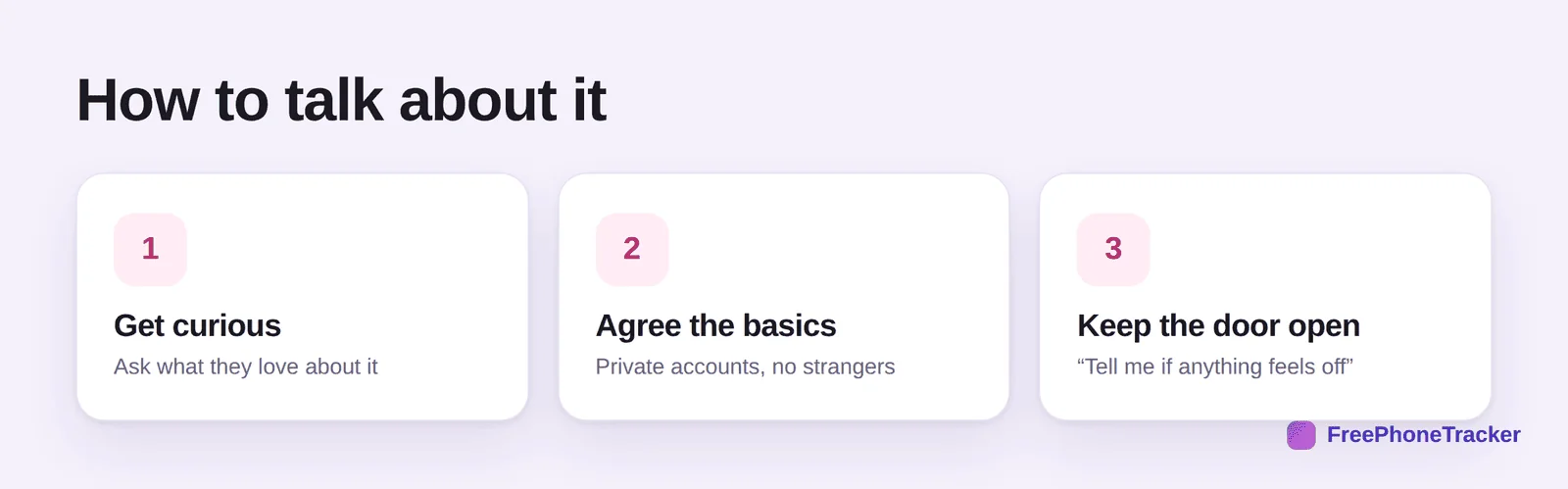
Get curious first. Ask what they love about the apps they use. It builds trust and tells you where they spend their time. Agree the basics together: private accounts, no meeting strangers, no sharing photos with people they don’t know in real life. Then keep the door open. Say it plainly: “If anything ever feels weird or scary, come to me. You won’t be in trouble.” A kid who believes that is far safer than one who’s just being watched.
Privacy settings every account should have
Before any monitoring, lock down the account itself. A few settings cut most of the risk, and they take five minutes per app. Do these together with your child so they learn why each one matters.
Set the account to private, so only approved followers see their posts. Limit who can message them to friends only, which shuts the main door strangers use. Turn location off on posts, so photos don’t broadcast where they are. Lock down who can comment and tag them. And switch off “suggest my account to others,” which is how strangers stumble onto a kid’s profile. These aren’t one-time settings, either. Apps reset them with updates, so check them again every few months.
Age matters more than the app
Readiness beats a birthday. A younger child on social media needs close, open supervision: shared accounts, you following them, tight privacy, and short sessions. A young teen can handle more independence, with monitoring shifted to alerts and regular check-ins rather than reading everything. An older teen should be mostly self-managing, with you as a safety net and a sounding board.
The through-line is the same at every age. As they show good judgment, you loosen the reins. As their world grows, you talk more, not less. Our guide on monitoring a teen respectfully goes deeper on getting that balance right, and screen time by age covers how long they should be on there in the first place.
What to do if something goes wrong
Sometimes, despite everything, something happens. A cruel group chat. A stranger’s message. A photo they regret. How you react in that moment shapes whether they ever tell you again.
Stay calm. Don’t grab the phone or delete the account in a panic. Listen first. If it’s bullying, save the evidence with screenshots before anything is deleted, then report it to the platform and, if it’s serious, the school. If it’s a stranger or anything that looks like grooming, keep the messages, block the account, and report it to the platform and the police. And if your child saw something disturbing, focus on them, not the screen. Reassure them it wasn’t their fault. The goal is always the same: your kid feels supported, not blamed.
Common questions
What age should kids join social media?
Most platforms set a minimum of 13, though enforcement is weak. Age matters less than readiness. A kid who understands privacy, kindness and the “tell me if it feels wrong” rule is readier than one who just wants the app because friends have it.
Should I follow my child’s accounts?
For younger teens, yes, openly. It’s reasonable and normal. For older teens, back off to a lighter watch through alerts rather than following every post. Respect grows trust.
Can I see disappearing messages?
Partly. On Android, monitoring can often capture notification text even from apps built around disappearing content. It’s not perfect, but it catches a lot. See the features page for what’s possible on each platform.
Is banning social media a good idea?
Rarely. A total ban usually pushes kids to secret accounts on a friend’s phone, where you have no visibility at all. Guiding them to use it safely almost always beats locking it away.
How do I keep up as the apps change?
You don’t have to. Focus on the four risks and the warning signs, which don’t change. Pair that with respectful monitoring and an open conversation, and you’re covered whatever the app of the month is.
Keeping kids safe on social media isn’t about knowing every app or reading every message. It’s about naming the real risks, watching the right things, and being the person your child comes to when something feels wrong. Guide more than you police. Talk more than you monitor. That’s the whole strategy. Get started free to add a light safety net today.