A link is just text — it can say one thing and go somewhere else entirely. That’s how most scams and fake-login pages work. The good news: you can read a link before you tap it, and bad ones give themselves away. This guide shows how to check a link, and the red flags to watch for.
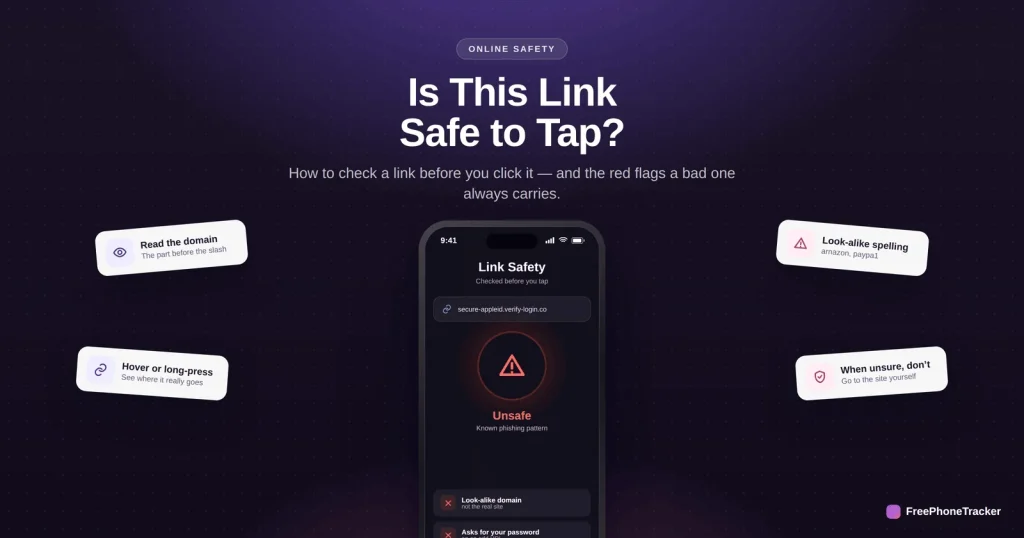
- The real destination is the domain just before the first single slash.
- Look-alike spellings (paypa1, arnazon) are a giveaway.
- Hover on a computer, or long-press on a phone, to preview a link.
- When unsure, don’t tap — go to the site yourself.
Red flags in a link
A dangerous link almost always shows one of these signs.
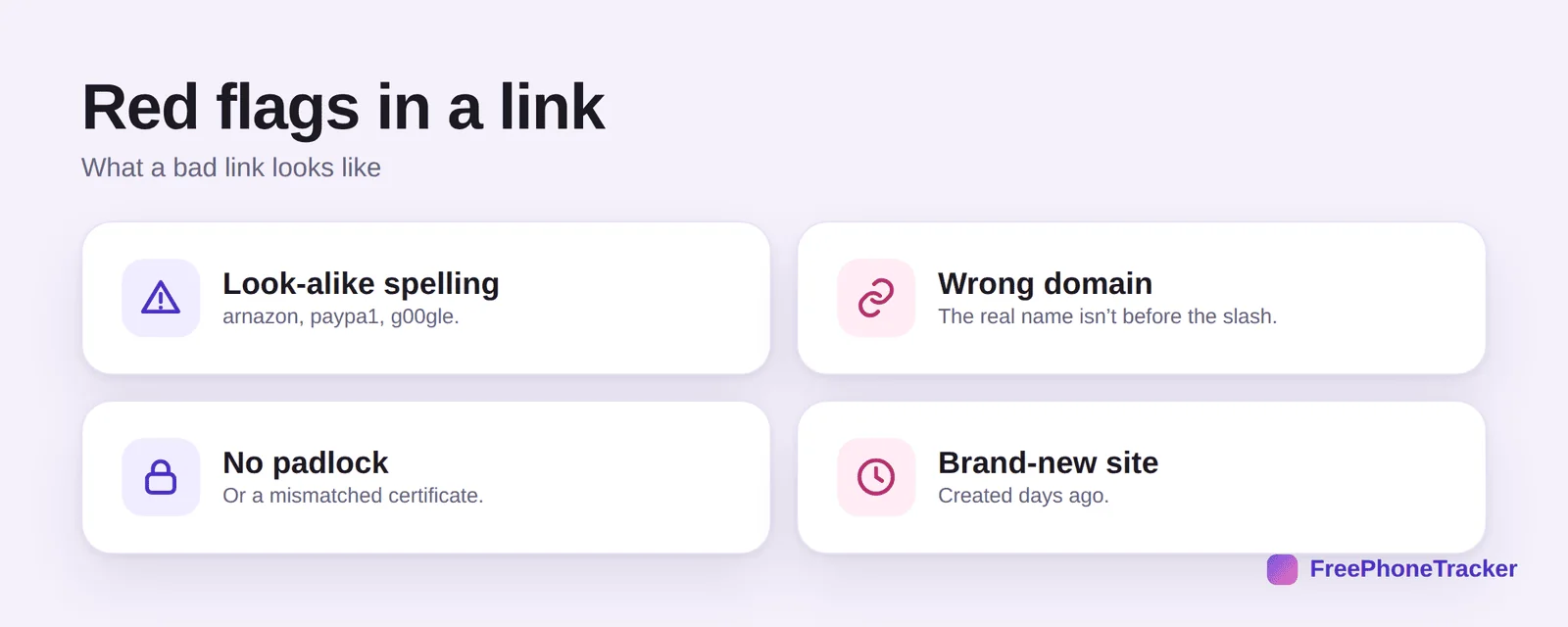
Look-alike spelling — arnazon, paypa1, g00gle. A wrong domain — the real company name isn’t the part right before the slash. No padlock, or a certificate that doesn’t match. And a brand-new site, spun up days ago just for the scam.
Check a link before you click
Four quick moves tell you where a link really goes.
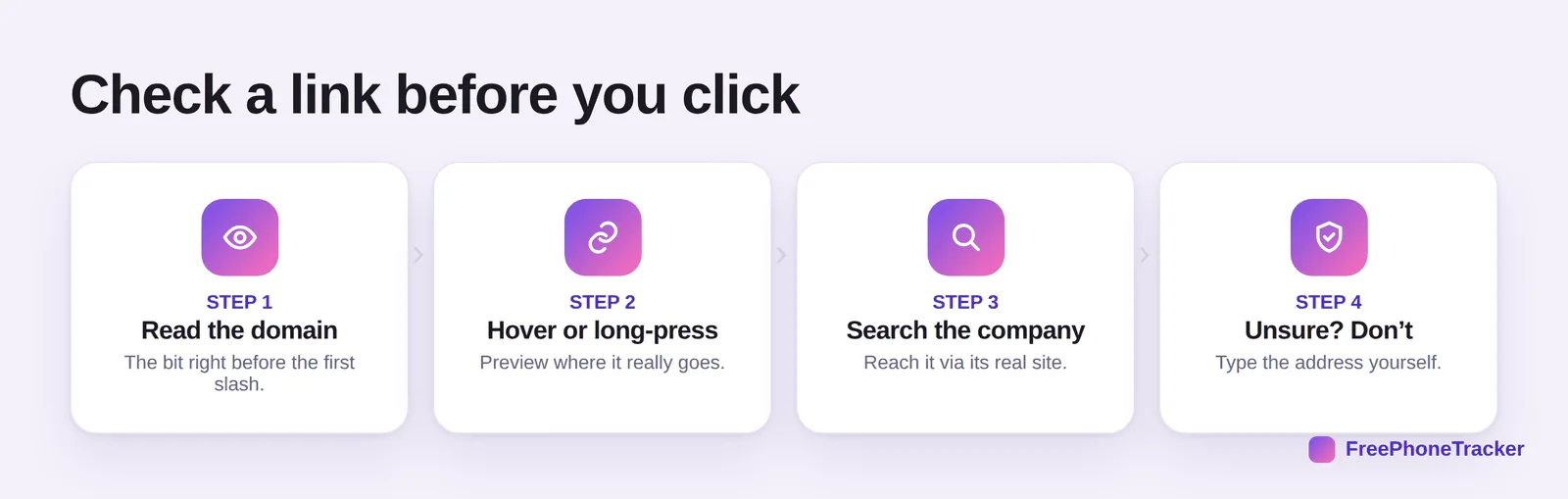
Read the domain — the bit right before the first single slash is the real destination. Hover or long-press to preview where a link actually points. Search the company and reach it via its real site instead. And if you’re unsure, don’t — type the address in yourself.
Click with confidence
A handful of simple rules keep you out of trouble.
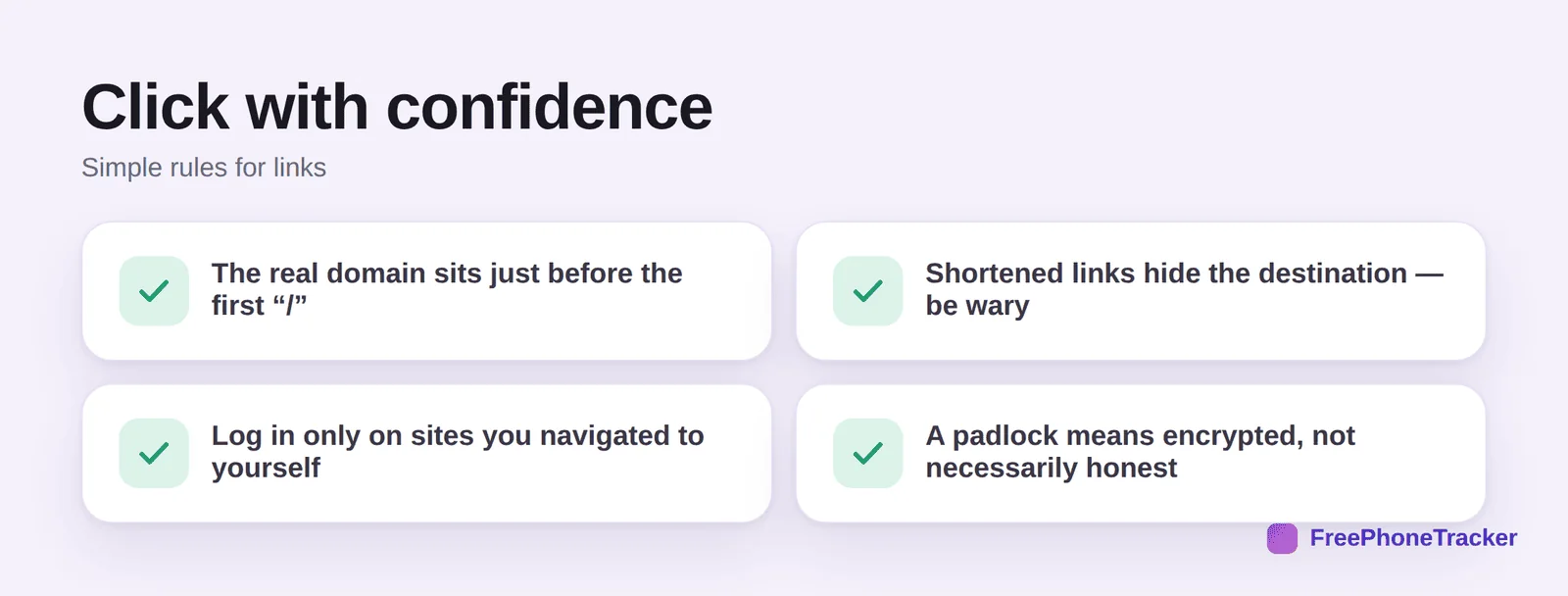
The real domain sits just before the first “/” — everything after is a path, not the site. Shortened links hide the destination, so treat them with care. Log in only on sites you navigated to yourself, never from a link in a message. And remember a padlock means encrypted, not necessarily honest — scammers can have one too.
Common questions
How do I know where a link really goes?
Read the domain — the text just before the first single slash. On a computer, hover over the link to see the full address at the bottom of the screen; on a phone, press and hold to preview it.
What’s the real domain in a long link?
Work back from the first single slash and take the last two parts. In “login.secure-bank.co/verify” the domain is “secure-bank.co” — not “bank,” and not the real bank. Scammers pad links with trusted-sounding words.
Are shortened links (bit.ly) dangerous?
Not always, but they hide the destination, so be cautious with ones you didn’t expect. Many link-preview tools and long-press previews will expand them so you can see where they lead.
Does “https” mean a site is safe?
Only that the connection is encrypted, not that the site is honest. Plenty of scam sites have a padlock now. Judge the domain, not the padlock.
I clicked a bad link — what now?
If you didn’t enter anything, you’re probably fine; close it and don’t return. If you entered a password or details, change that password, turn on two-factor, and watch your accounts. See what to do if you’ve been scammed.
You never have to guess with a link — read the domain, preview it, and when it doesn’t add up, go to the site yourself instead. That one habit stops most scams cold. Get started free, and read our guides to spotting phishing texts and recognizing common scams.