Not every kid needs their phone watched, and not every parent should be watching. So how do you know when it’s time? The answer is rarely one dramatic moment. It’s usually a pattern, a cluster of small changes that, together, say your child is struggling with something online. This guide lays out the signs worth watching for, and how to start monitoring the right way if you see them.
- Look for a pattern of changes, not a single incident.
- Key signs: secrecy, mood dips after being online, late-night use, unknown contacts.
- When you do start, do it openly, tell your child what and why.
- Begin with the basics, and loosen your oversight as trust grows.
It’s the pattern, not the moment
Every teenager is moody sometimes, guards their phone sometimes, stays up too late sometimes. On its own, none of that means much. What matters is when several of these things show up together, and stick around. A sudden, sustained change in how your child behaves around their phone is the signal, not any single grumpy evening.
The signs worth watching for
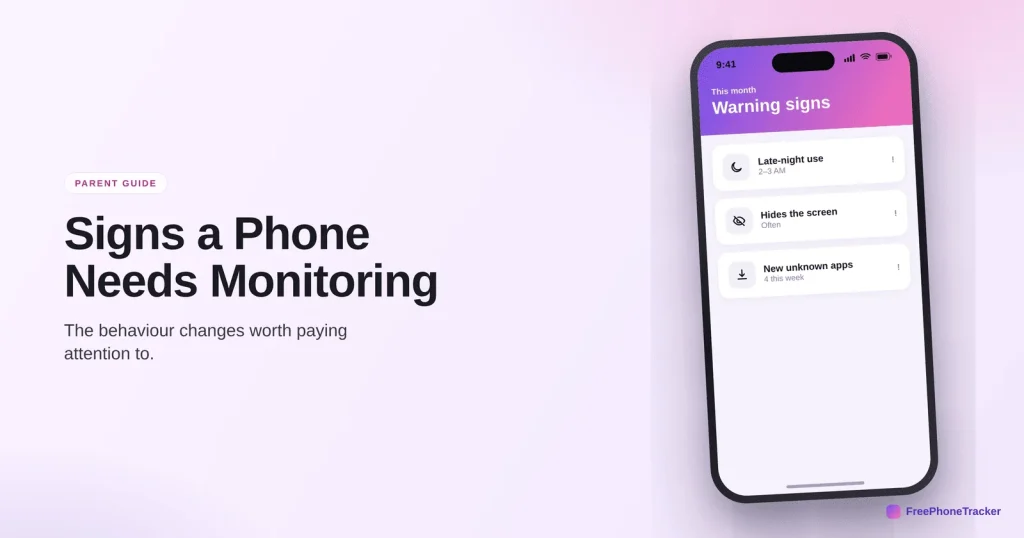
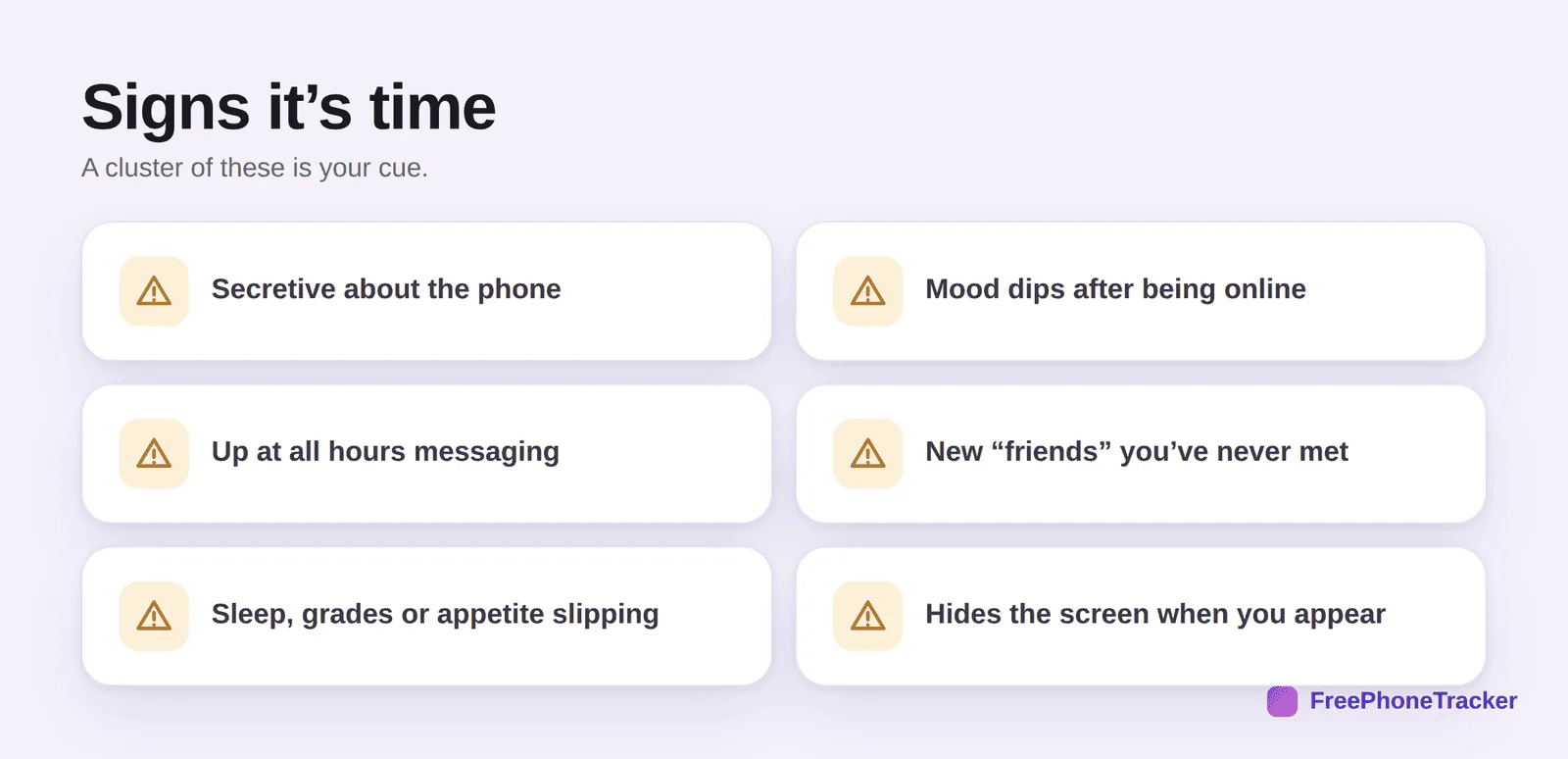
Here are the changes that, in combination, suggest it’s time to pay closer attention. Your child becomes secretive about the phone, hiding the screen or clamming up about what they’re doing. Their mood dips noticeably after being online. They’re up at all hours messaging. There are new “friends” or contacts you’ve never heard of. Their sleep, grades or appetite start slipping. And they physically hide the screen or flip the phone over when you walk in. Individually, teenage normal. Together, a flag.
Age matters too. A younger child getting their first phone benefits from light monitoring from day one, before any problem appears, simply because they’re new to it all. A teenager who’s been fine for years but suddenly shows several of these signs is a different case, one where turning on more oversight is a response to something real. Our screen time by age guide covers what’s normal at each stage.
What the signs might mean
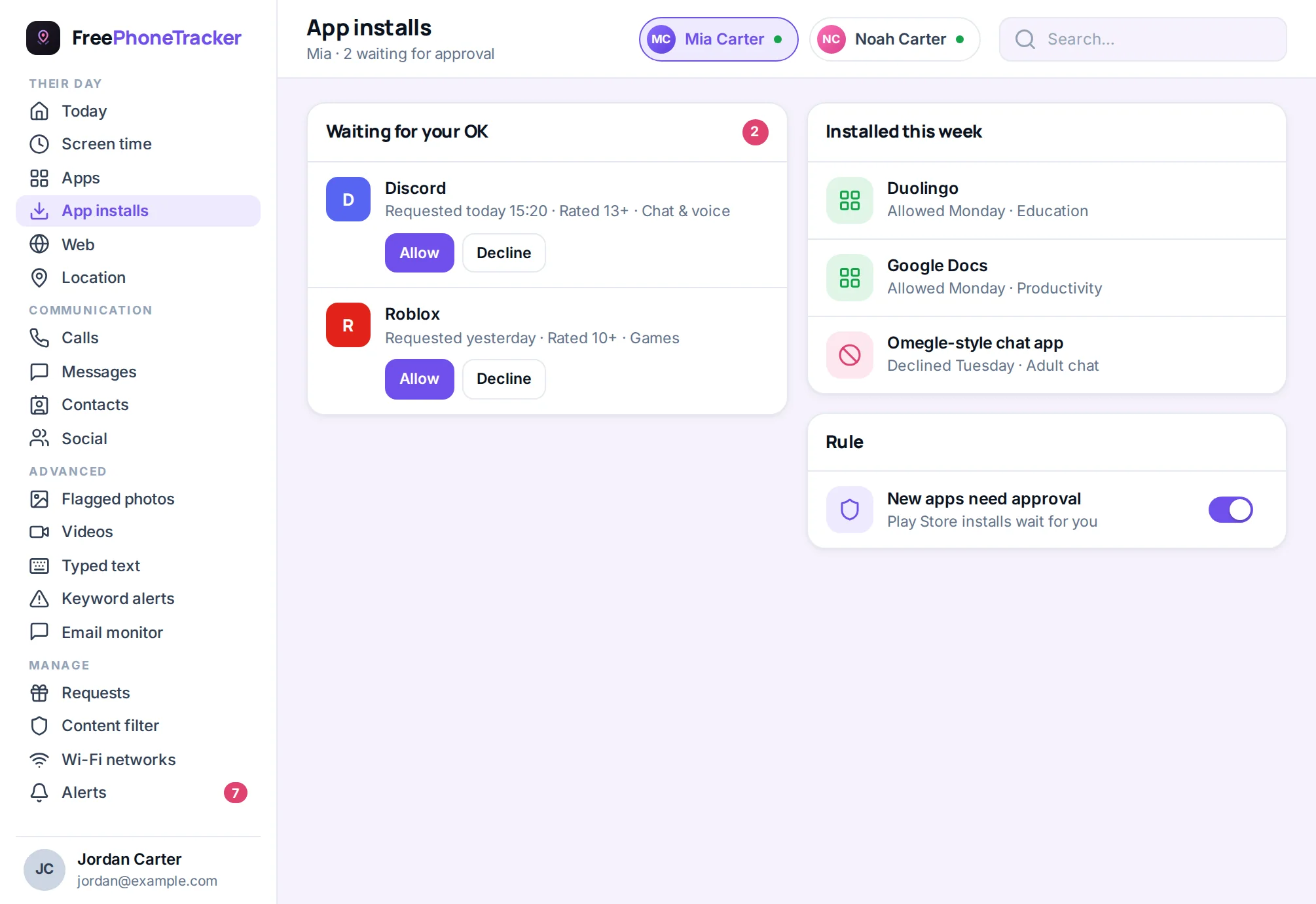
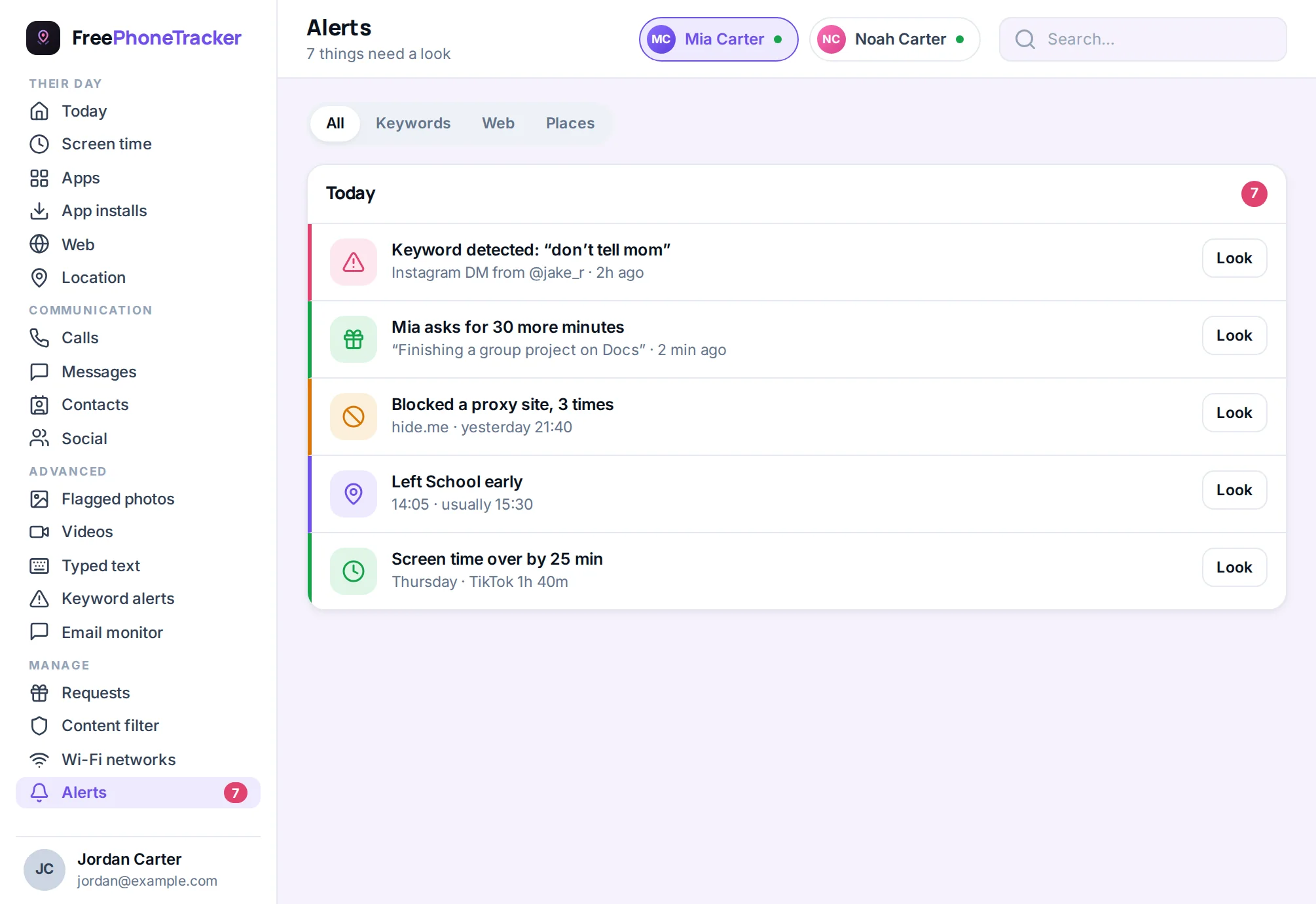
It’s worth naming what you might be seeing, because the sign points to the problem, and the problem points to the fix. Secrecy plus a new older “friend” can signal contact from a predator. A mood that craters after being online often means cyberbullying. Late-night use and slipping sleep can be compulsive scrolling, or hiding something. Money or gifts from nowhere can mean scams. You don’t need to diagnose it perfectly, you just need to notice enough to look closer and start a conversation.
How to start, the right way
If the signs add up, the worst thing you can do is start monitoring in secret. Discovered, it confirms every fear a struggling kid already has. Do it openly instead, it’s more effective and it protects the relationship.
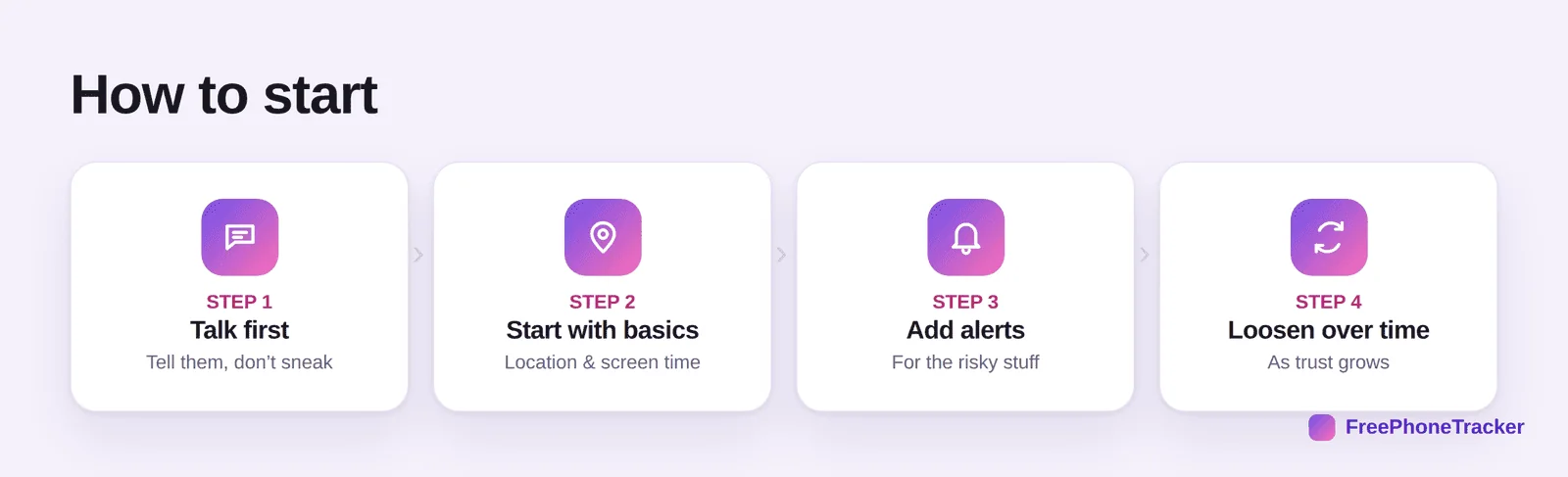
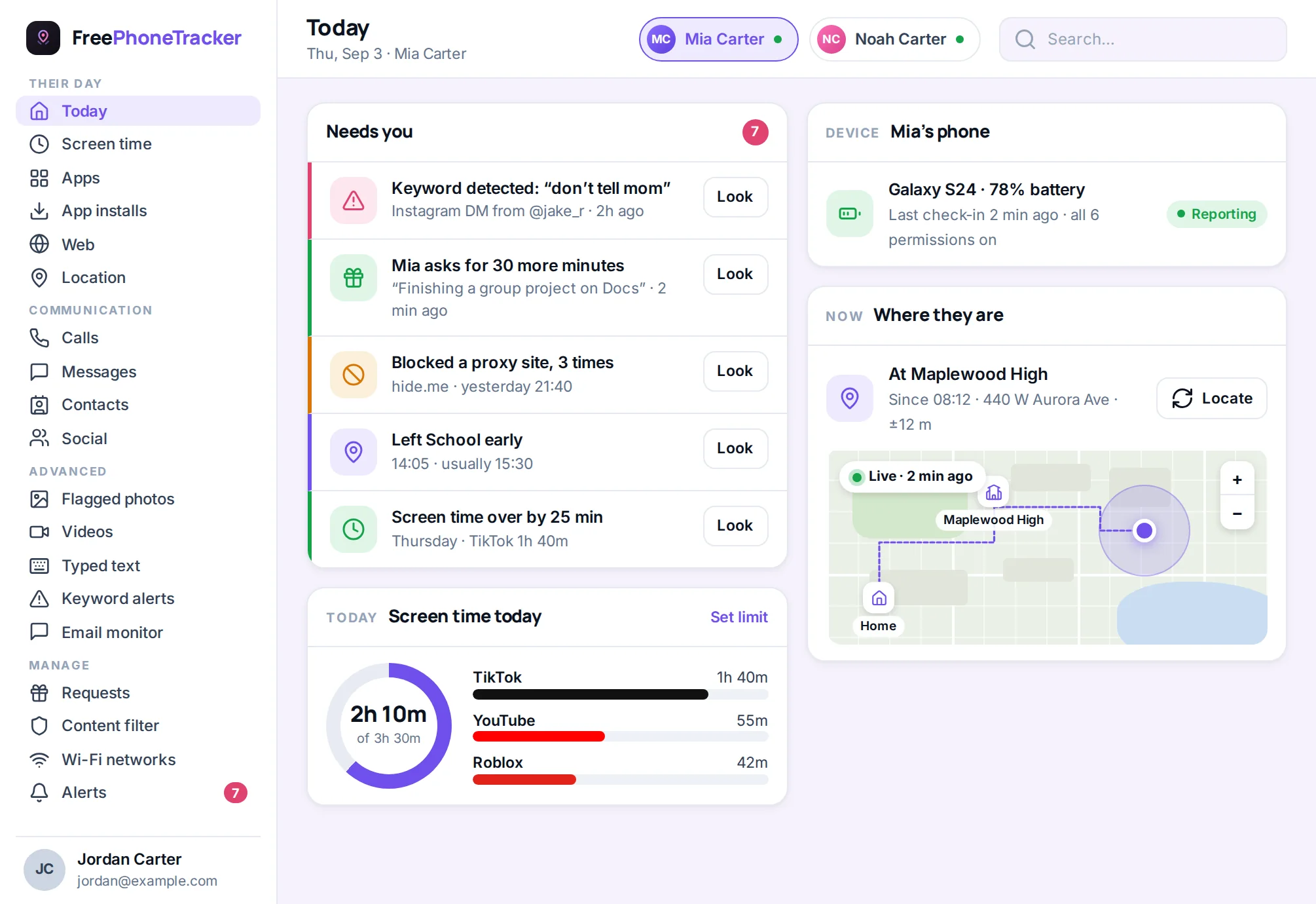
Talk first. Tell your child you’ve noticed some changes and you’re worried, and that you’re going to keep a closer eye for a while, out in the open. Start with the basics, location and screen time, which feel less invasive. Add alerts for the genuinely risky stuff, rather than reading everything. And commit to loosening it over time as things settle, so monitoring is clearly a response to a concern, not a permanent loss of privacy.
Do it openly
The single biggest factor in whether monitoring helps or backfires is whether it’s honest. Secret surveillance of a child who’s already struggling almost always makes things worse when it’s found, and it usually is found.
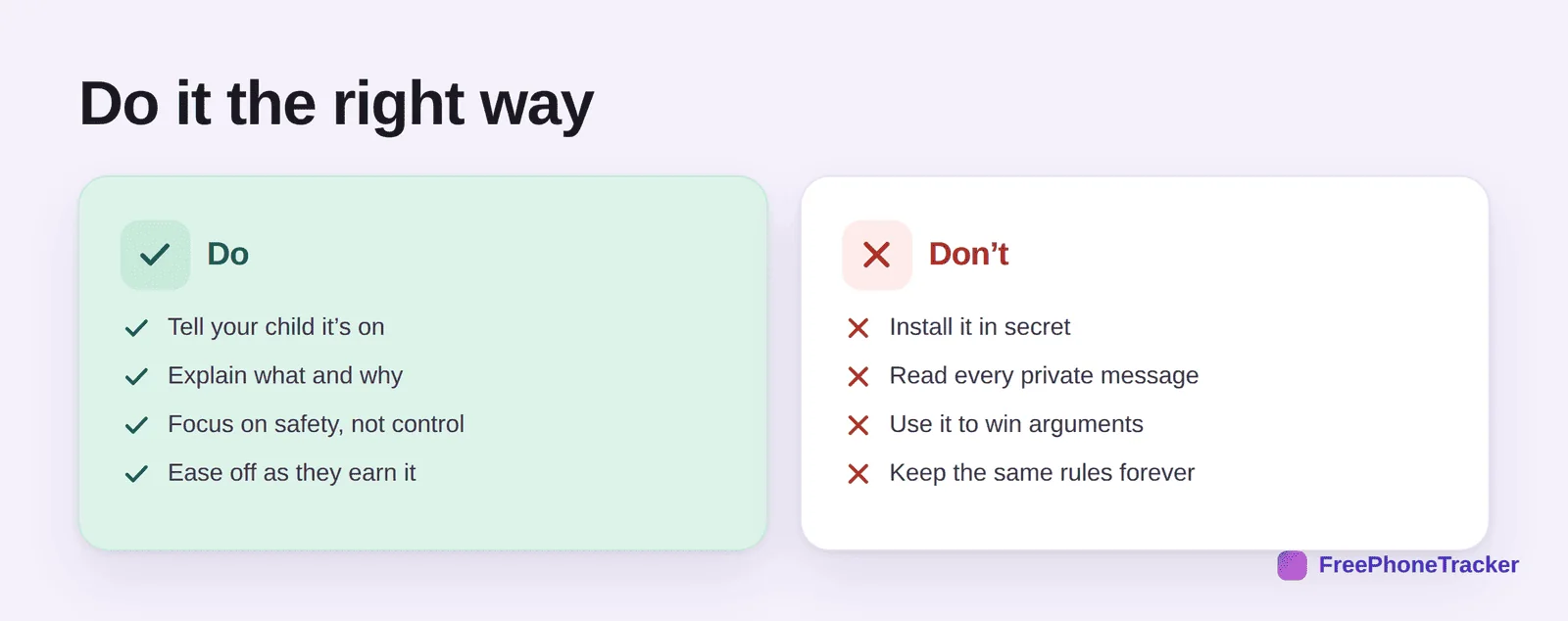
Do tell your child it’s on, explain what you’re watching and why, keep the focus on safety rather than control, and ease off as they earn it. Don’t install it in secret, read every private message, use what you find to win unrelated arguments, or freeze the rules in place forever. Our full guide on monitoring a teen respectfully covers the conversation and the balance in depth. Done this way, monitoring isn’t a punishment, it’s you saying “I noticed you’re struggling, and I’m here.”
Common questions
Isn’t monitoring a breach of trust?
Done in secret, it can be. Done openly, framed as safety and eased off over time, it’s the opposite, it’s a parent stepping up when a child needs it. The honesty is what makes the difference.
My child seems fine, should I still monitor?
For a young child on a first phone, light monitoring from the start is sensible. For an older teen who’s genuinely fine, a lighter touch, mostly location and an open conversation, is usually enough. Match it to the signs and the age.
What if I’m wrong and there’s no real problem?
Then you have a calm conversation, find nothing serious, and loosen off, no harm done. That’s far better than missing something real. And the talk itself often surfaces what was going on.
Where do I start if I’ve never monitored before?
With a conversation, then the basics: location, screen time, and app-install alerts. Our beginner’s guide to parental controls walks through the setup.
What if the signs point to something serious?
Then act on it, don’t just watch. Our guide on what to do when you find something worrying covers responding by severity, including when to involve the school or police.
The signs that a phone needs monitoring rarely shout, they whisper, in a pattern of small changes. Trust your instinct when several line up, start openly rather than in secret, and begin with the basics. Monitoring, done at the right moment and the right way, isn’t spying, it’s showing up for a kid who needs you. Get started free when the pattern says it’s time.