online safety
Every guide filed under “online safety”.
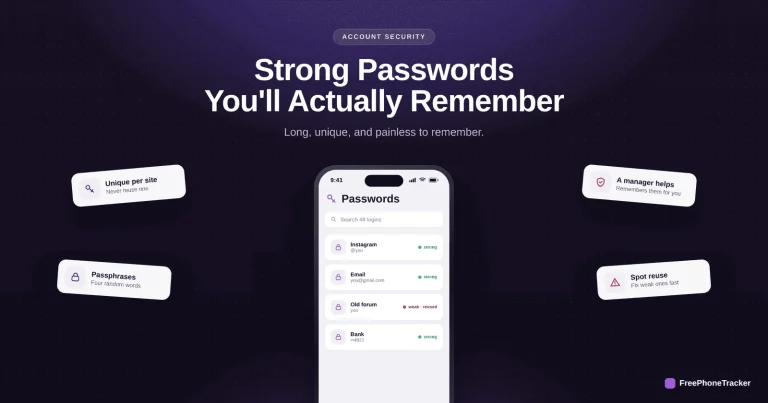
How to Create Strong Passwords You’ll Remember
Strong and memorable aren't opposites — the passphrase trick, why length beats complexity, the classic mistakes to avoid, and when a password manager helps.
Read the guide
How to Turn On Two-Factor Authentication Everywhere
The single setting that makes a stolen password useless — why 2FA matters, how to turn it on with an authenticator app, and the accounts to protect first.
Read the guide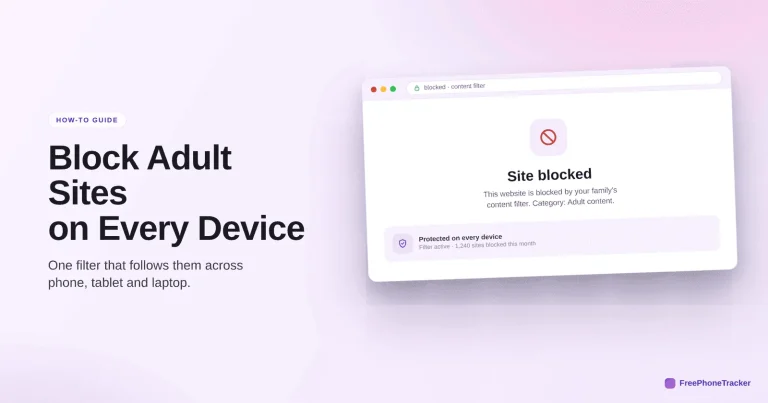
How to Block Adult Websites on Every Device
The three-layer approach — device, network and app — that reliably blocks adult content on phones, tablets, consoles and TVs, at home and away.
Read the guide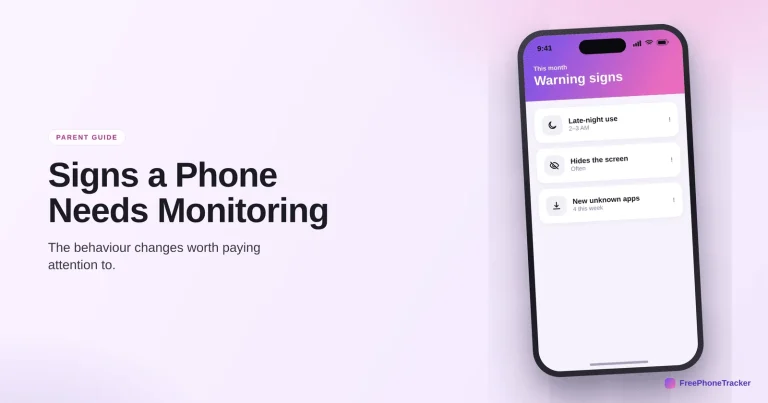
Signs Your Child’s Phone Needs Monitoring
The pattern of changes that means it's time to pay closer attention — and how to start monitoring the right way, openly and gently.
Read the guide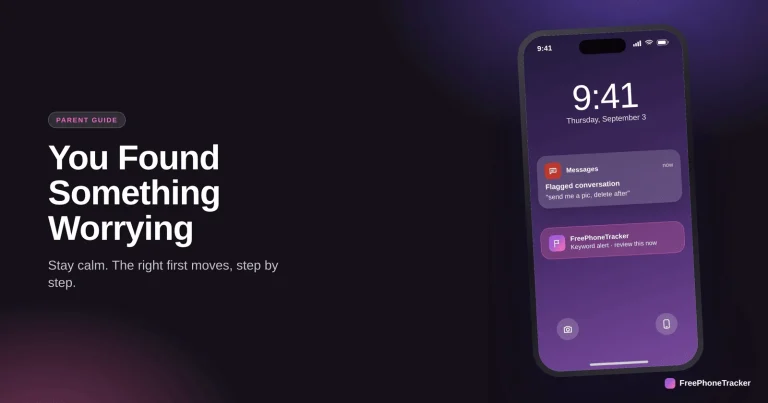
What to Do When You Find Something Worrying on Your Child’s Phone
Stay calm, judge the severity, save evidence if it's serious, and have the conversation that keeps your child talking to you.
Read the guide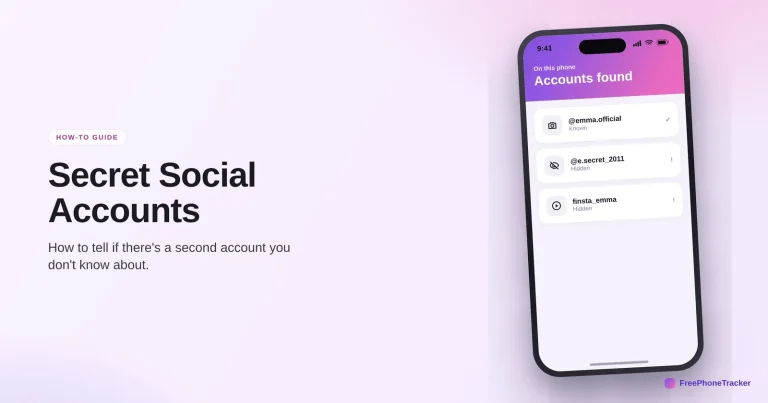
How to Know If Your Child Has a Secret Social Media Account
The signs of a hidden second profile (a "finsta"), how to find one without a fight, and why kids make them in the first place.
Read the guide
How to Find Hidden or Vault Apps on Your Child’s Phone
The apps that look like a calculator but hide photos and chats — how they work, how to spot them, and what to do if you find one.
Read the guide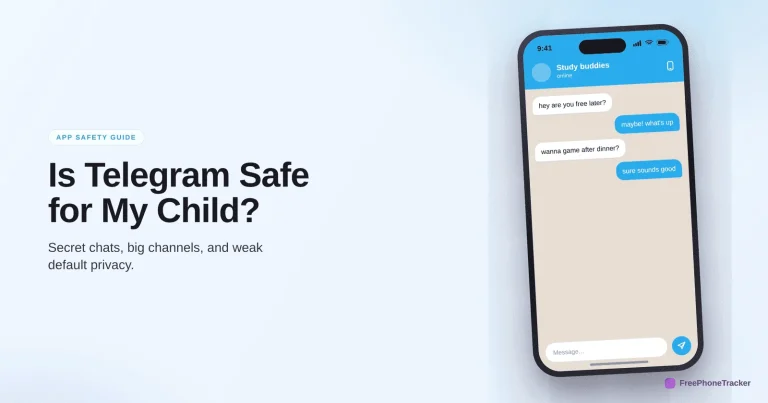
Is Telegram Safe for My Child? A Parent’s Guide
Barely-moderated public channels, easy stranger contact and secret chats — why Telegram needs more caution than most apps, and how to handle it.
Read the guide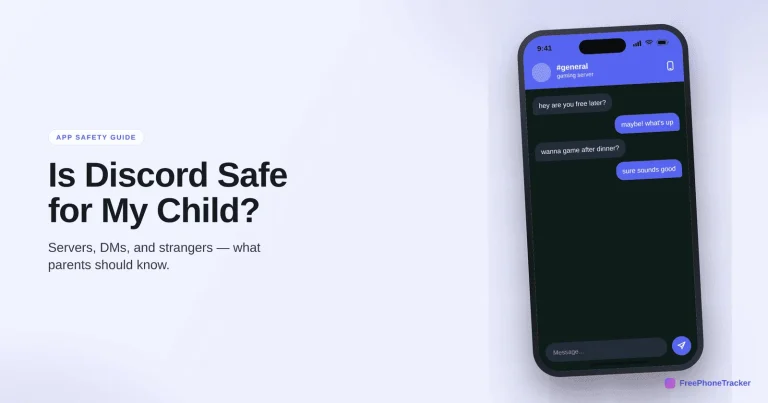
Is Discord Safe for My Child? A Parent’s Guide
Servers, DMs and voice chat with strangers — the real Discord risks, the settings to lock down, and whether it's safe for your teen.
Read the guide
Is WhatsApp Safe for My Child? A Parent’s Guide
Group chats with strangers, contact by phone number, disappearing messages — the real WhatsApp risks, the privacy settings to change, and a verdict.
Read the guideSee what your child's phone is really up to
Free to set up, transparent by design, and running on your child's Android phone in about two minutes.