The phone is the number-one thing keeping people up at night, and Android has a built-in fix. Bedtime mode makes your phone deliberately boring after a set hour: silent, dark and gray, so it’s easy to put down. This guide shows how to turn it on for yourself and, just as usefully, for the kids.
- Bedtime mode silences and dulls your phone on a nightly schedule.
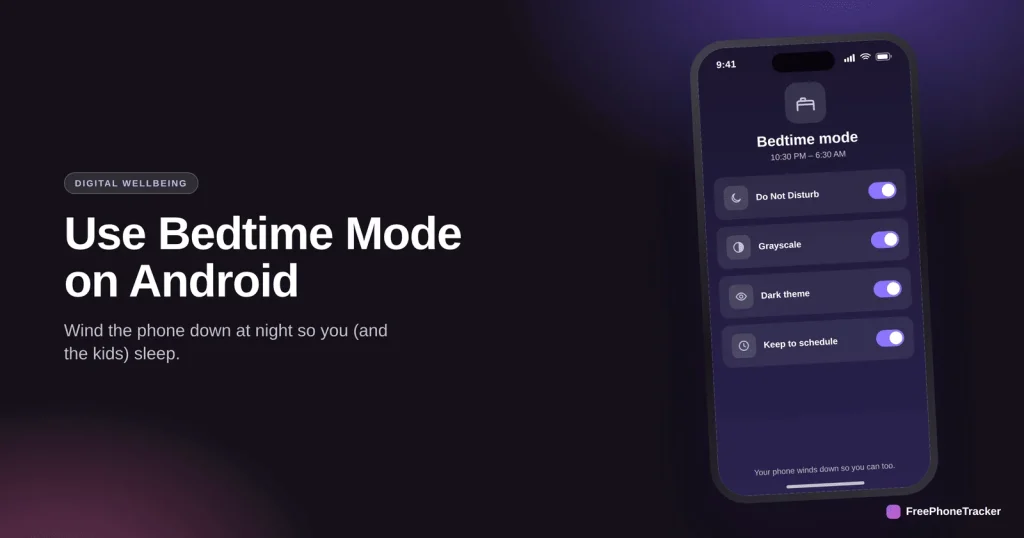
- It combines Do Not Disturb, grayscale and a dark theme.
- Find it in Settings › Digital Wellbeing › Bedtime mode.
- Set the same schedule on the kids’ phones to protect their sleep.
What Bedtime mode does
It attacks the two things that keep you scrolling: alerts and a bright, colorful screen.
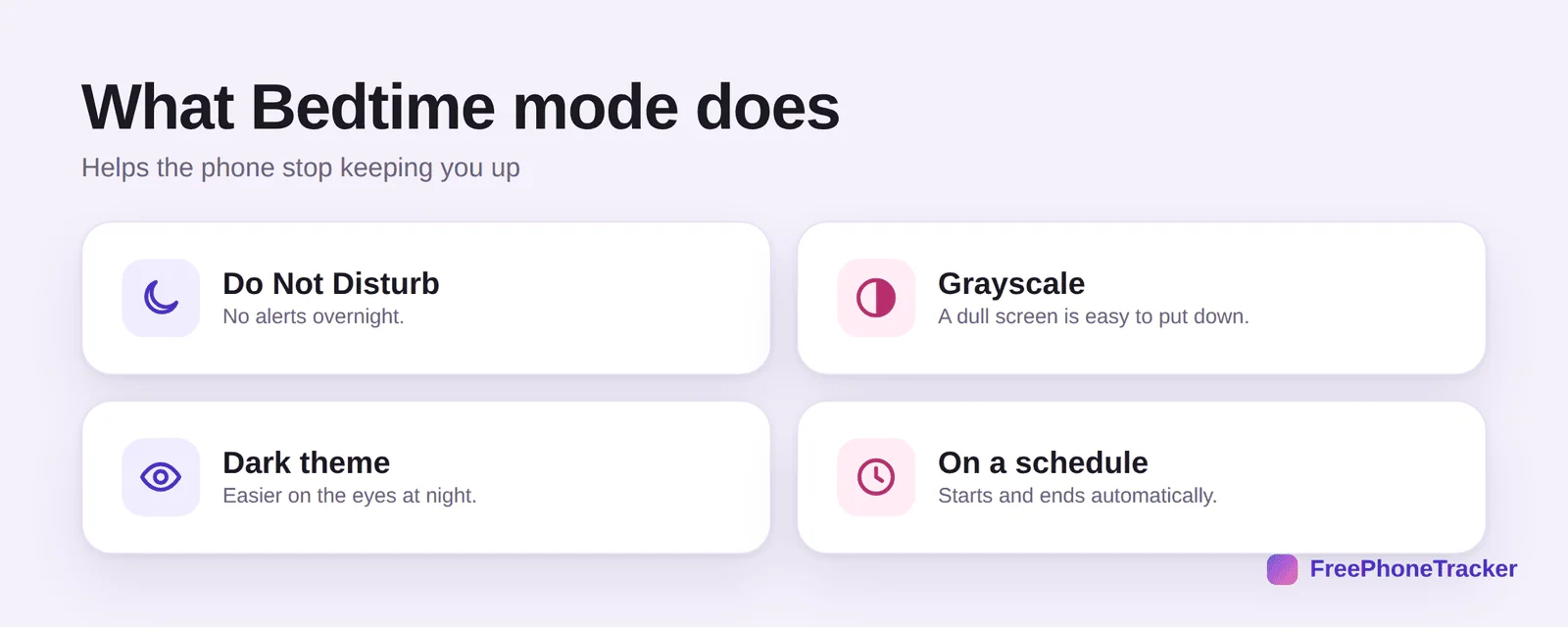
It turns on Do Not Disturb so nothing buzzes overnight. It switches the screen to grayscale, and a gray screen is genuinely easy to put down. It applies a dark theme that’s easier on the eyes. And it all runs on a schedule, starting and ending automatically.
Turn it on
It takes about a minute to set, then it runs every night without you.
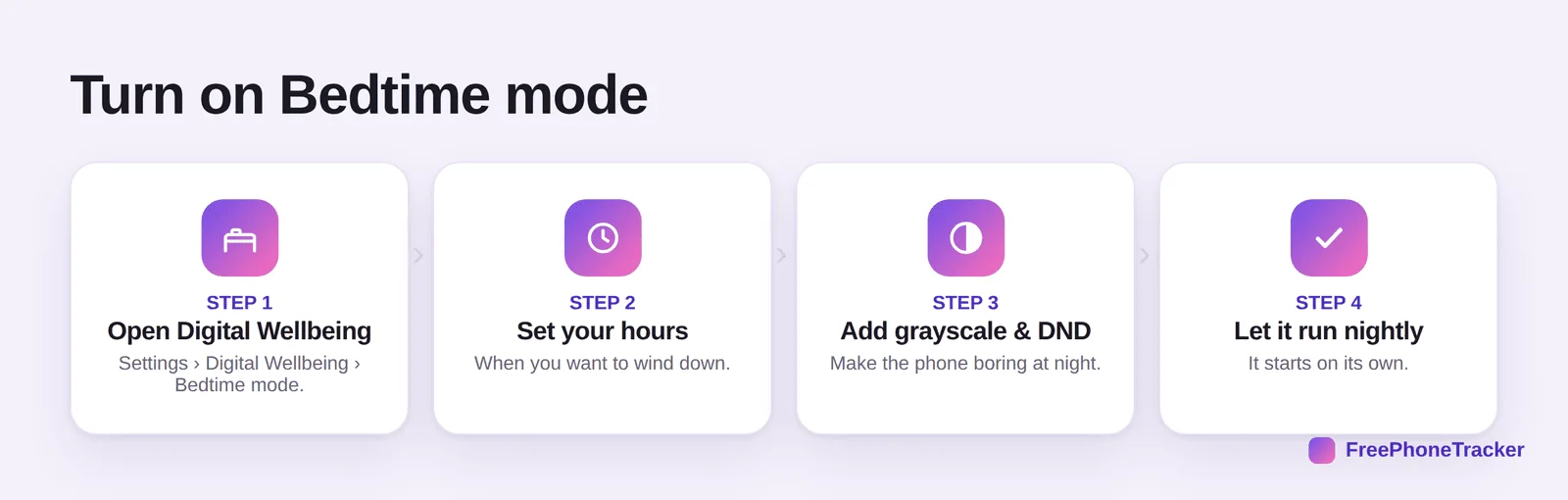
Open Settings › Digital Wellbeing › Bedtime mode. Set your hours, when you want to wind down. Add grayscale and Do Not Disturb to make the phone boring. Then let it run nightly, it starts on its own.
Sleep better with your phone
A few habits around Bedtime mode make a real difference to rest.
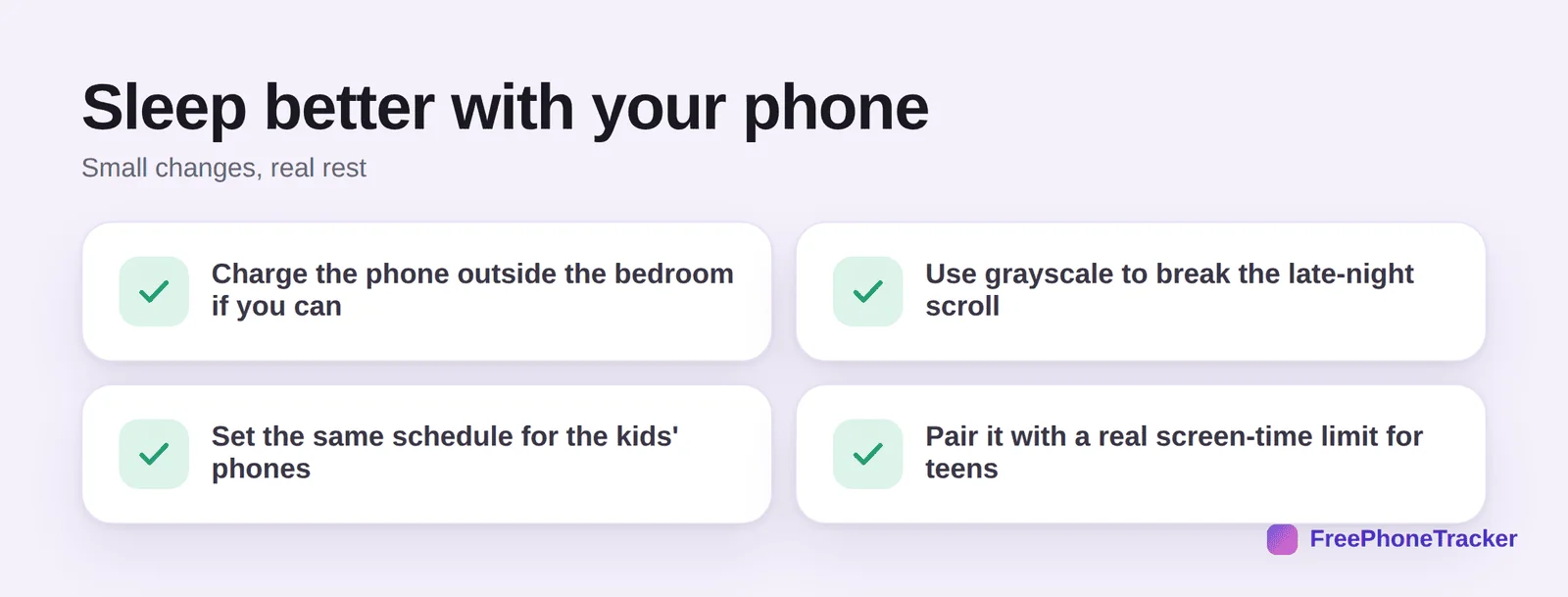
Charge the phone outside the bedroom if you can. Use grayscale to break the late-night scroll. Set the same schedule on the kids’ phones. And for teens who’ll just turn it off, pair it with a real screen-time limit, per our screen time by age guide.
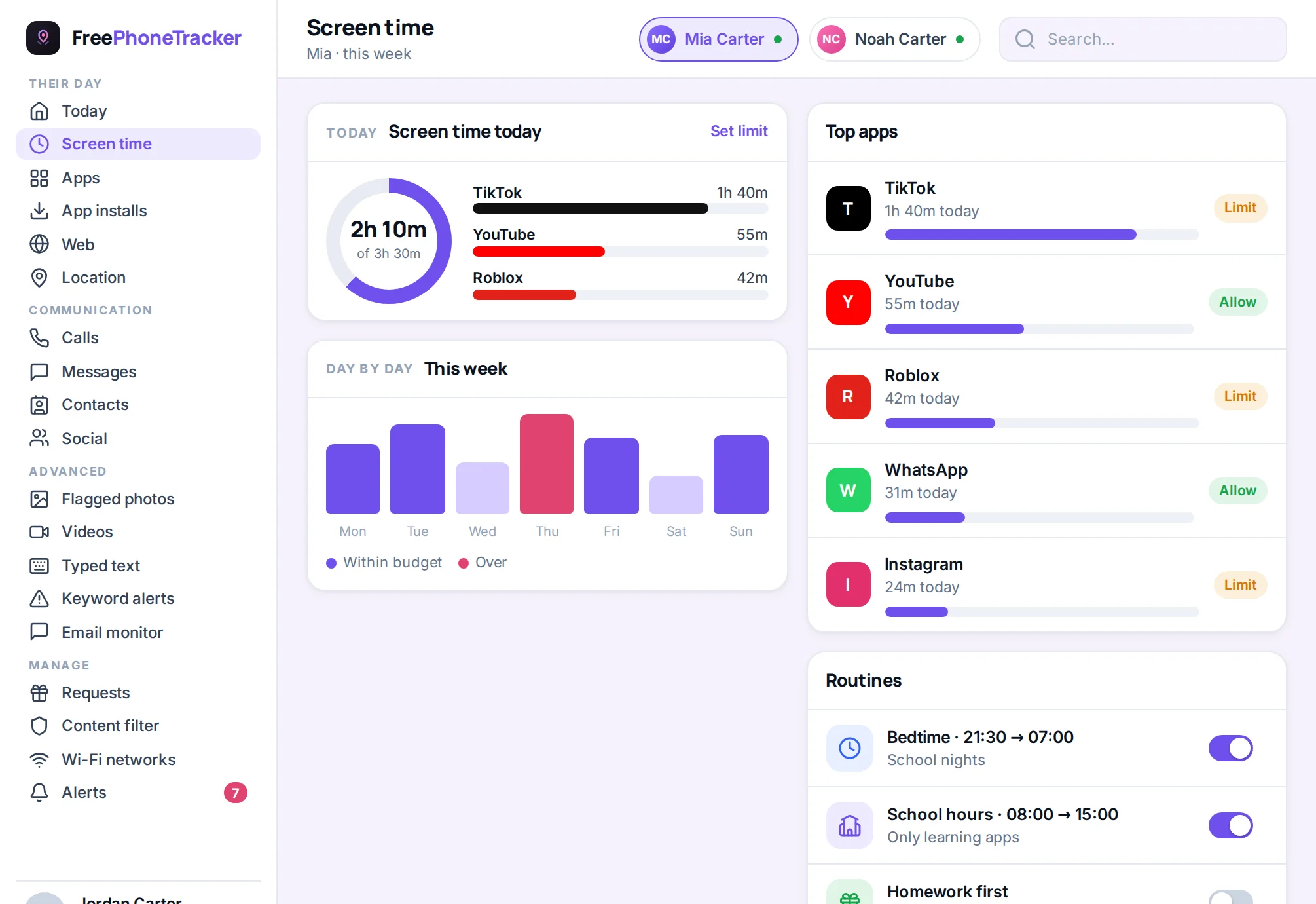
Make it stick for a child’s phone
Bedtime mode on the child’s own phone is easy for them to switch off, so on a child’s device it works best alongside a rule they cannot edit. Google Family Link lets a parent set a downtime schedule that locks the phone — except for calls to approved contacts — between the hours you choose, from the parent’s phone rather than the child’s. Set Family Link’s downtime as the hard limit and let the child use Bedtime mode’s greyscale and Do Not Disturb as the gentler wind-down before it.
Pair the settings with a physical habit: the phone charges outside the bedroom. It is the single most effective sleep rule families report, and it removes the temptation the software cannot. Bedtime mode then does its real job — dimming the last hour, silencing notifications, and making the phone boring enough to put down — instead of being the thing a determined teenager works around at midnight.
Common questions
Where is Bedtime mode on Android?
Settings › Digital Wellbeing & parental controls › Bedtime mode. The exact path varies slightly by brand, but it’s under Digital Wellbeing on most phones.
Does grayscale really help me stop scrolling?
Surprisingly, yes. Apps are designed to be colorful and rewarding; strip the color and the pull weakens. It’s one of the most effective tiny changes you can make.
Will Bedtime mode silence my alarm?
No. Your alarm still works. Bedtime mode silences notifications and calls (via Do Not Disturb), not your alarm clock.
Can I set Bedtime mode for my child’s phone?
Yes, set it up on their device too. For a limit they can’t disable, use Family Link or a screen-time app alongside it, see our Android parental controls guide.
Is there an iPhone version?
Yes, Sleep Focus plus a wind-down schedule do the same job. See our Focus modes guide.
Bedtime mode is the simplest sleep upgrade on Android, silent, gray and dim on a schedule, so the phone stops fighting your bedtime. Set it for yourself and the kids, and back it with real limits for teens. Get started free, and read our guides to Do Not Disturb and screen time by age.