That nagging feeling that someone’s watching your phone is worth taking seriously, but it’s also worth checking calmly. Most “my phone is tracked” worries turn out to be an old battery or a chatty app. Some are real. This guide shows you the genuine signs, how tracking actually happens, and how to check your phone in about five minutes, so you can either put your mind at rest or take back control.
- Real signs cluster: fast battery drain, data spikes, overheating, and unknown apps.
- Phones get tracked via a hidden app, account access, or location sharing left on.
- You can check in five minutes: battery, data, apps, permissions, account logins.
- If you find something, remove it, change passwords, and turn on two-factor.
The real signs
No single sign proves you’re being tracked, modern phones drain and warm up for all sorts of innocent reasons. It’s a cluster of these, appearing together and out of nowhere, that’s worth investigating.
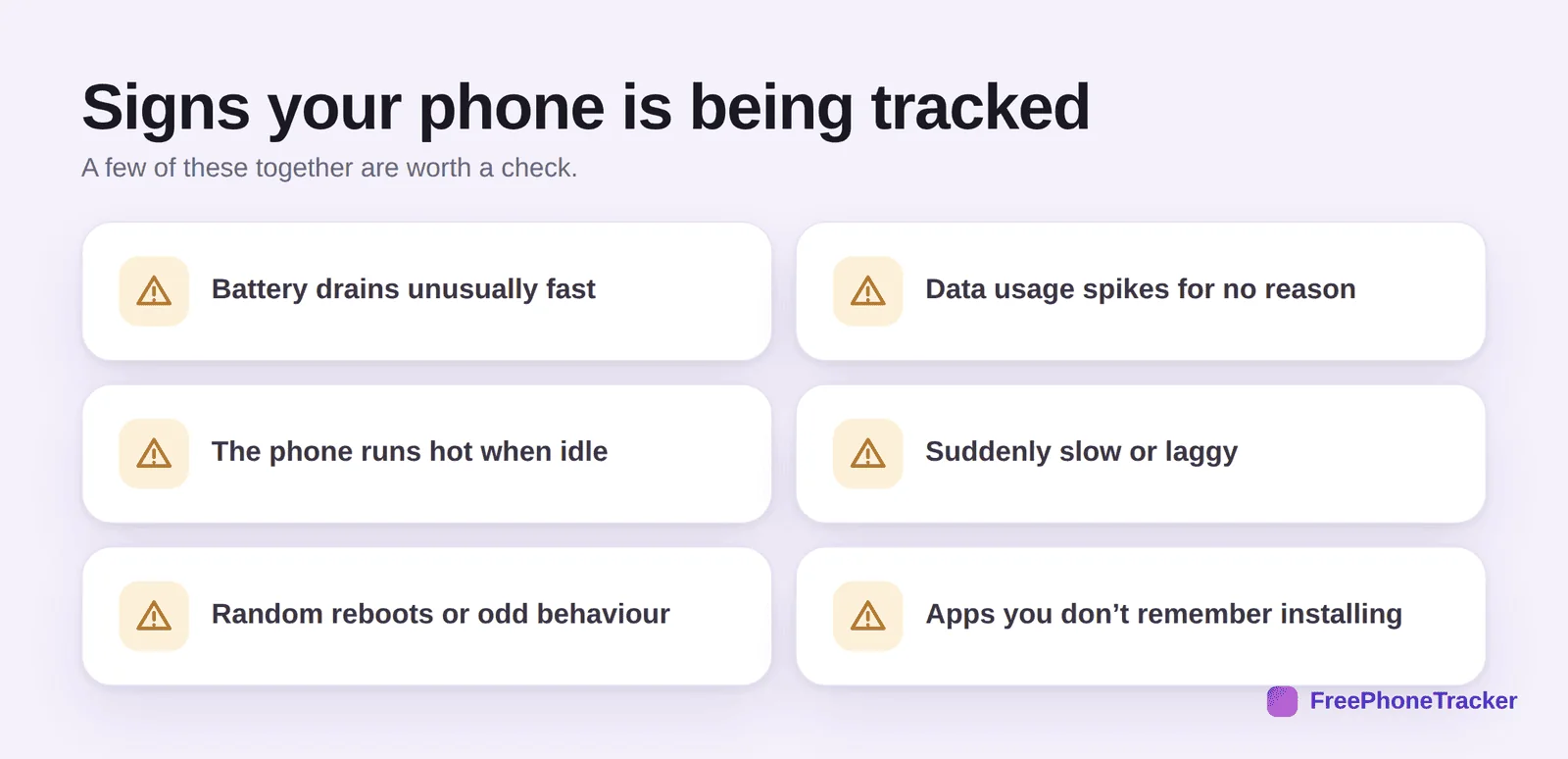
Hidden tracking software runs constantly in the background, so it tends to leave fingerprints: the battery drains fast even when you’re not using the phone, data usage spikes as it uploads what it collects, the phone runs hot when idle, it feels slow or laggy, or it reboots oddly. And of course, an app you don’t remember installing is the clearest flag of all.
How phones actually get tracked
It helps to know the routes in, because most of them aren’t magic, they’re mundane, and each has a fix.
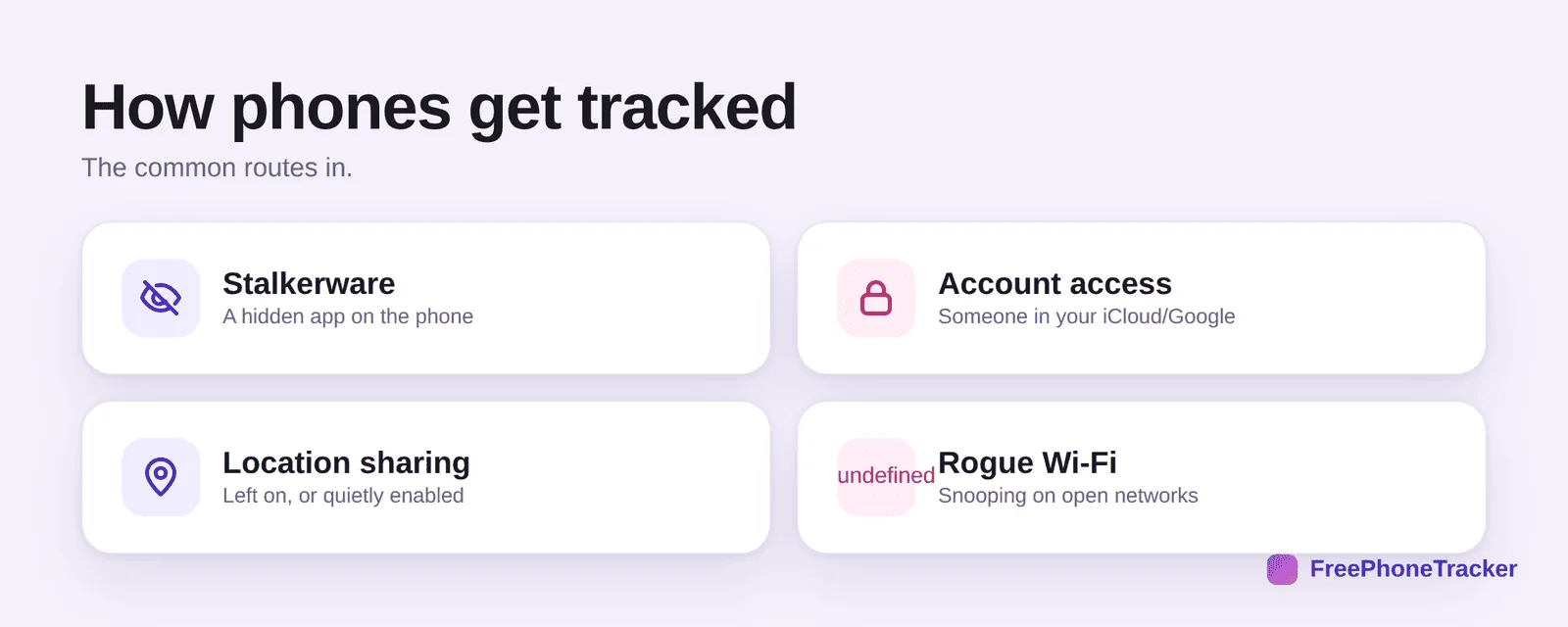
The most invasive is stalkerware, a hidden app someone installed on your phone, usually needing brief physical access. More common is account access: if someone knows your iCloud or Google password, they can see your location and more without touching your phone. Then there’s location sharing that was switched on, sometimes long ago, and forgotten. And on public networks, a rogue Wi-Fi hotspot can snoop on unencrypted traffic. Notice what’s not on this list: tracking you from your phone number alone, which, despite the scams, isn’t really a thing, as our guide on tracking a phone with a number explains.
Check your phone in five minutes
You don’t need to be technical. A quick, methodical look covers the main bases.
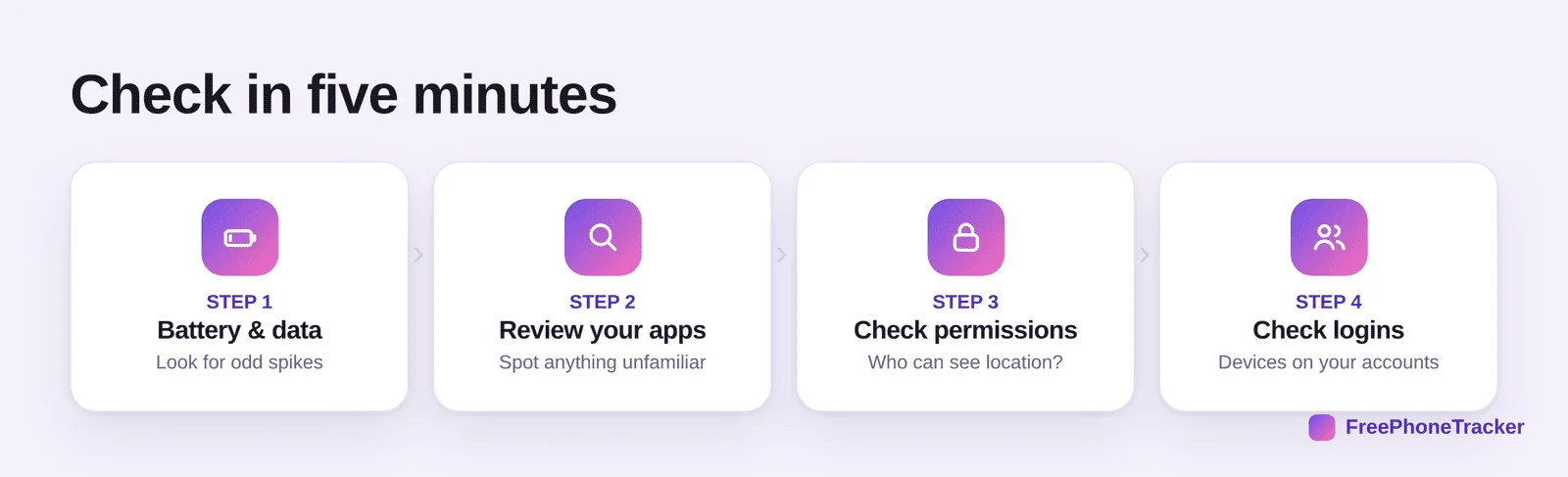
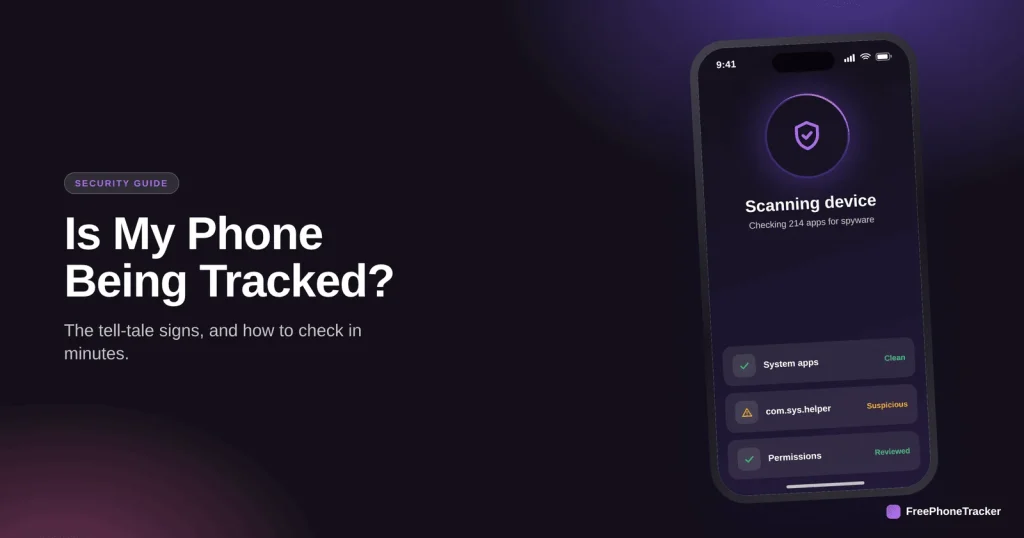
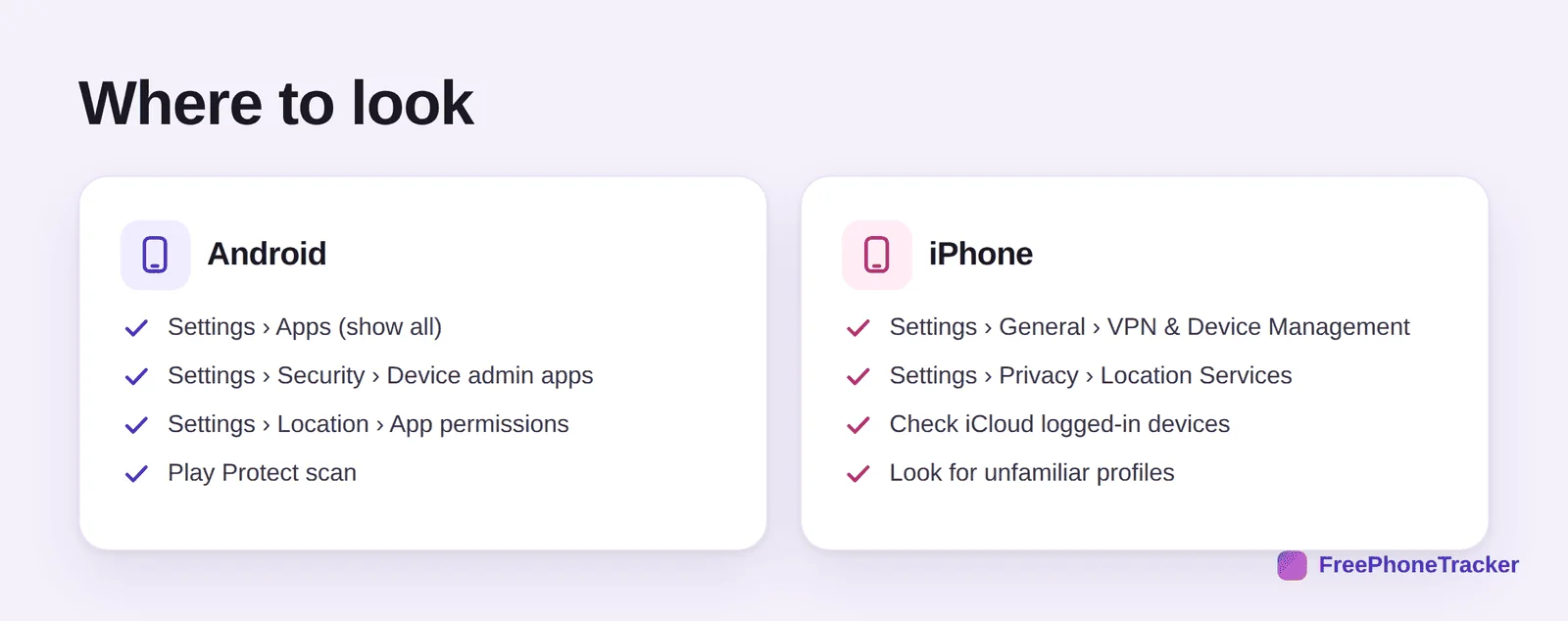
Open your battery and data settings and look for an app using far more than it should. Scan your app list for anything unfamiliar. Check permissions, especially which apps can see your location, use the microphone, or read messages. And review the devices logged into your accounts, your Apple ID and Google account both list every device that’s signed in, and an unfamiliar one is a big red flag.
What to do if you find something
If your check turns up a suspicious app or an unknown device on your account, act in order, and don’t panic.
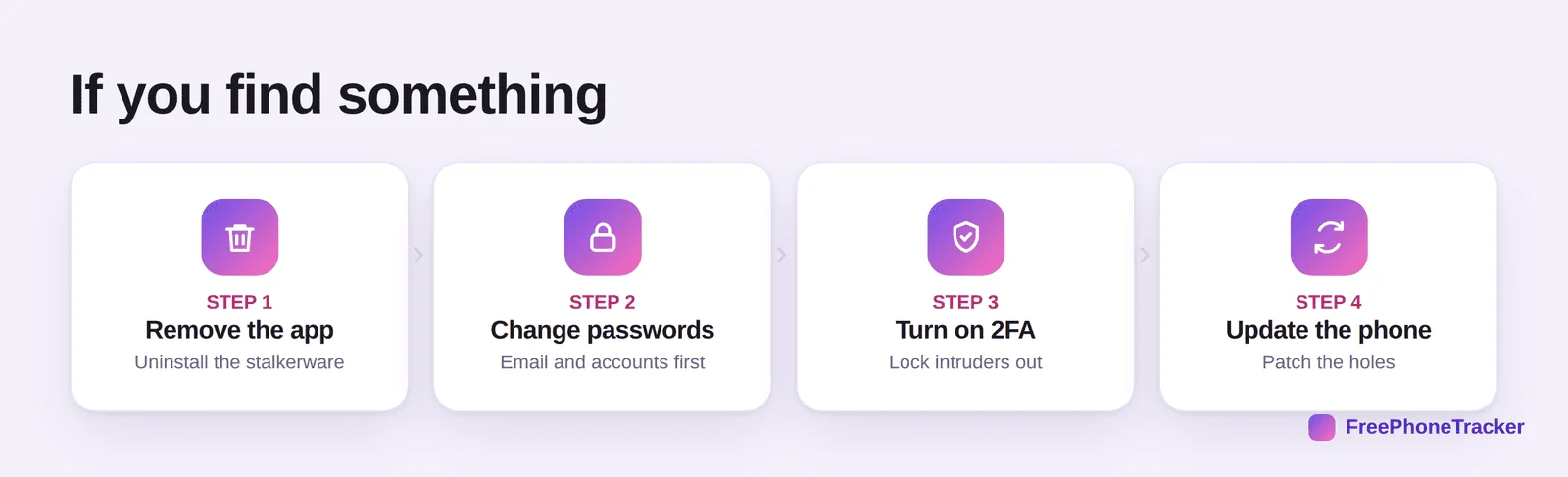
Remove the app if there is one. Change your passwords, starting with your email, since that’s the master key to everything else. Turn on two-factor authentication so a stolen password alone can’t get back in. And update your phone to patch any holes. For deeper spyware, our guide on finding and removing spy apps walks through a full clean-up.
Tracking vs. transparent monitoring
It’s worth drawing a clear line here, because “tracking” gets used for two very different things. Secret stalkerware installed on an adult’s phone without consent is invasive and, in most places, illegal. That’s the kind this guide helps you find and remove. It’s the opposite of legitimate, consent-based monitoring, a parent watching their own child’s phone, openly, with the child’s knowledge.
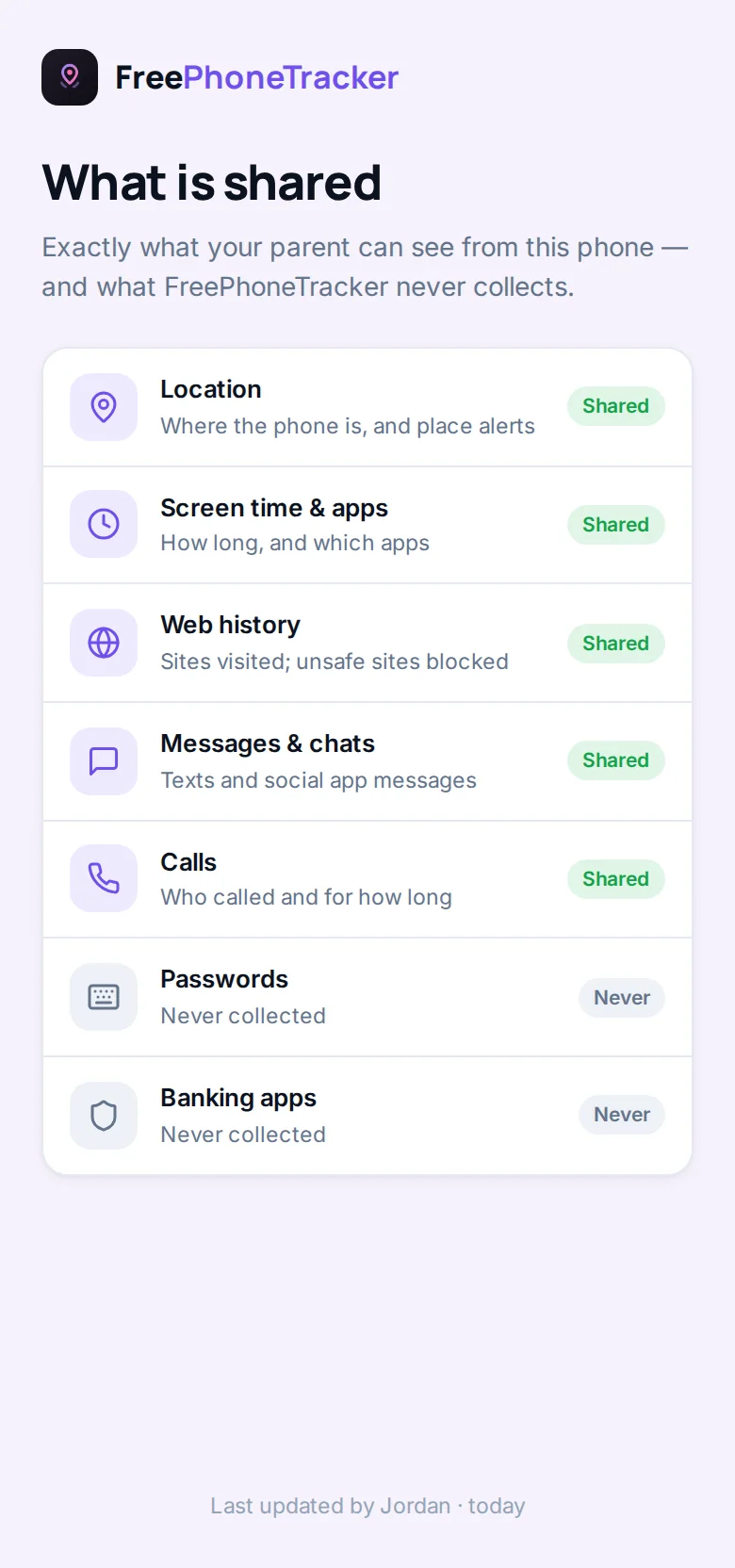
The tell is simple: legitimate tools like FreePhoneTracker are visible on the phone and used with consent; stalkerware hides itself and is used without it. If something is on your phone that you didn’t agree to and can’t see, that’s the problem, and this guide is how you deal with it.
Common questions
Can someone track my phone without touching it?
Only through your accounts. If they have your iCloud or Google password, they can see a lot remotely. Installing stalkerware, though, generally needs physical access to your unlocked phone.
Is fast battery drain proof I’m being tracked?
No, batteries age and apps misbehave. It’s only a signal when it appears suddenly, alongside other signs like data spikes and overheating. Check the whole picture.
Does a factory reset remove tracking?
A full factory reset removes stalkerware apps, yes. But if the tracking is via your account, you also need to change that password and review logged-in devices, or it just comes back.
Can antivirus apps detect stalkerware?
Reputable security apps catch a lot of it, and Google Play Protect helps on Android. They’re not perfect, so combine a scan with the manual checks above.
Should I confront the person I suspect?
Be careful, especially if you feel unsafe. In an abusive situation, confronting them or removing the software can escalate things. Seek advice from a domestic-violence organisation first.
Feeling watched is unsettling, but you’re not powerless. Run the five-minute check, know that a phone number alone can’t track you, and if you find something real, remove it and lock your accounts down. Your phone should answer to you and no one else, and a calm, methodical look is how you make sure it does. For the deeper clean-up, see our guide on removing spy apps and stalkerware.