Location sharing gets a bad name, but done openly it’s just a calmer way to run a family. Everyone’s on one map, nobody has to text “where are you?”, and you know a kid got to school or a partner left work. This guide walks through setting it up for the whole family and getting the settings right.
- Everyone installs the app and joins one shared circle — sharing is mutual, not secret.
- You get live location, place history, arrival alerts and low-battery warnings.
- It works across iPhone and Android in one place, unlike the built-in tools.
- Set it up together and agree the ground rules — that’s what makes it stick.
Setting it up
The whole thing takes a few minutes. Everyone installs the app, you send invites, and each person accepts. Because it’s mutual, everyone can see who’s in the circle, so there’s nothing hidden.
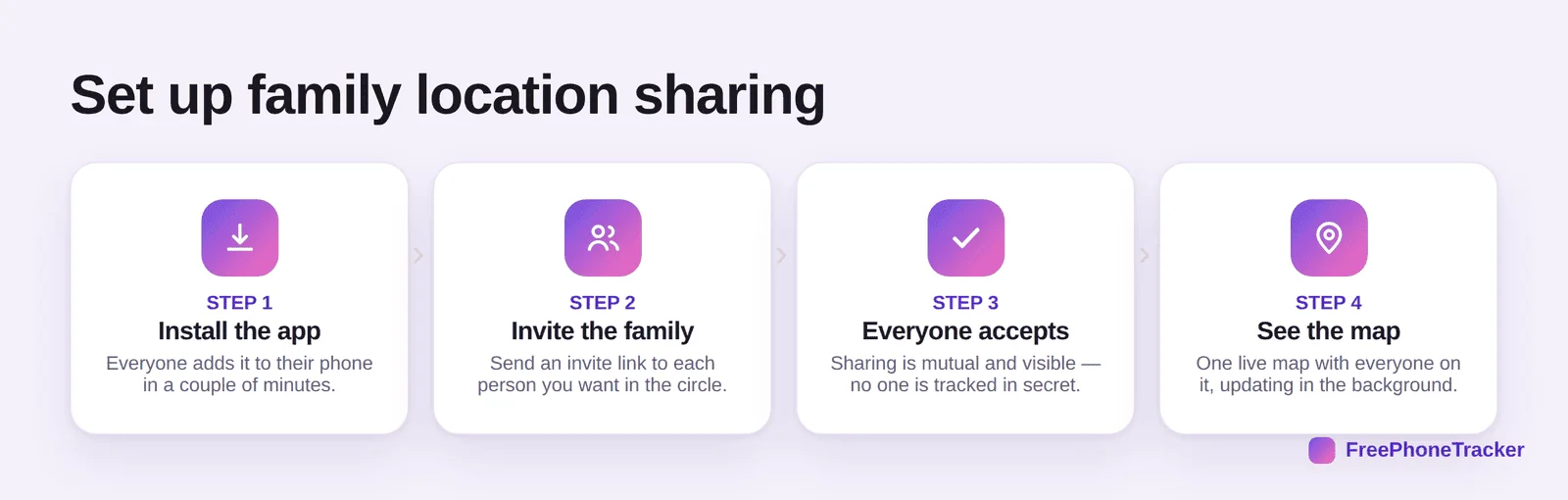
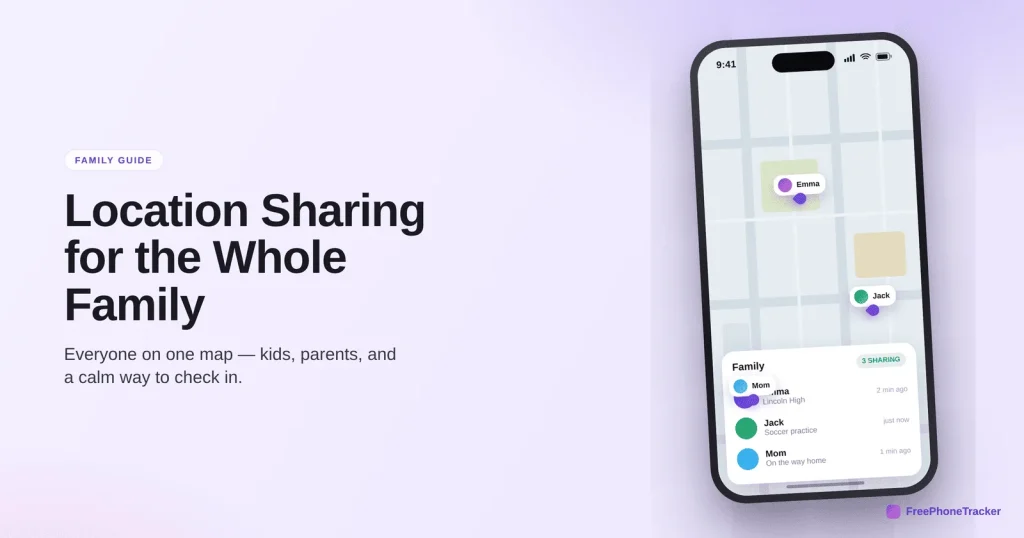
Send an invite to each family member from the app, have them accept, and everyone lands on the same map. After that it updates in the background, so you’re not asking anyone to do anything. If you want the bigger picture on family tracking, our GPS tracking for families guide covers the why as well as the how.
What you can see
Once the circle’s set up, you get more than a dot on a map.
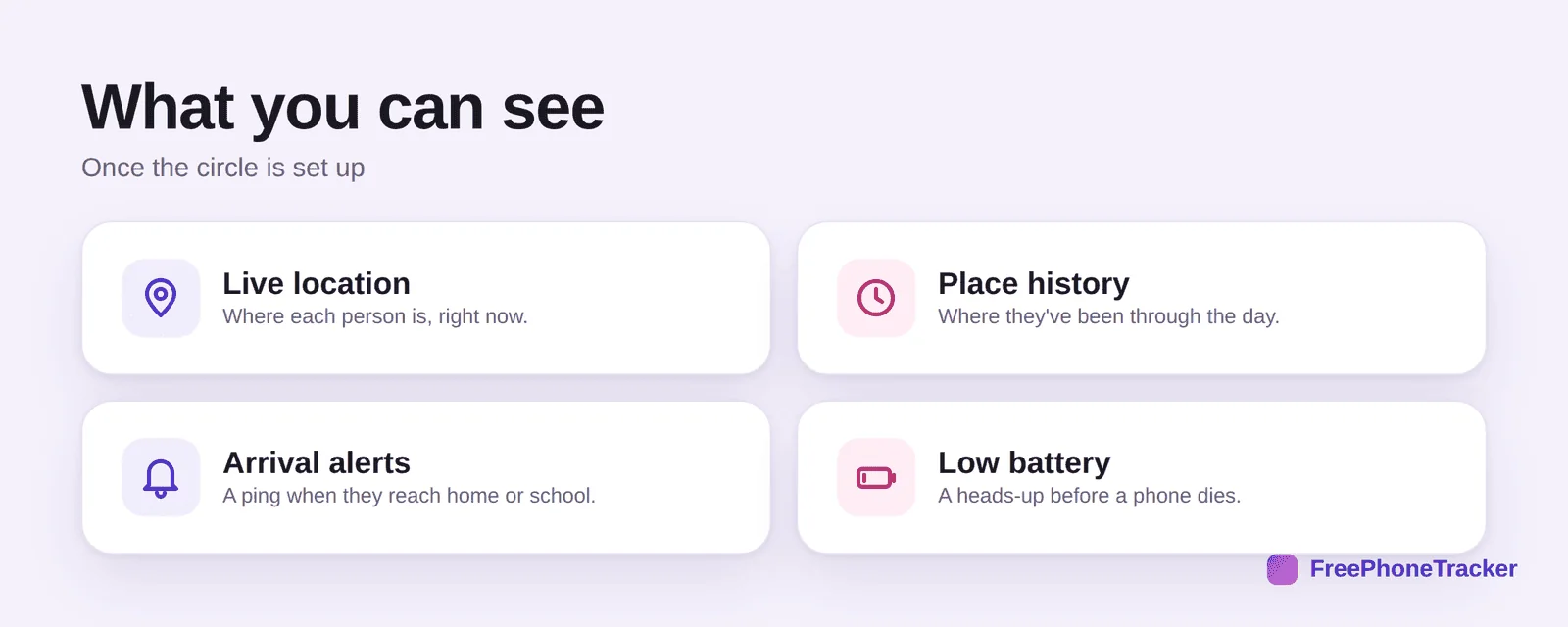
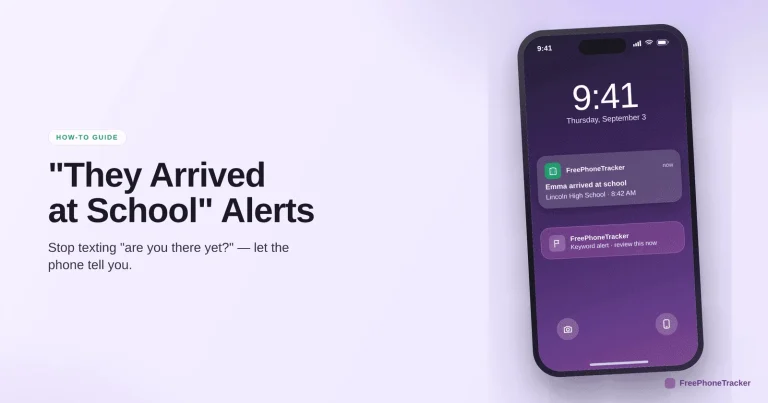
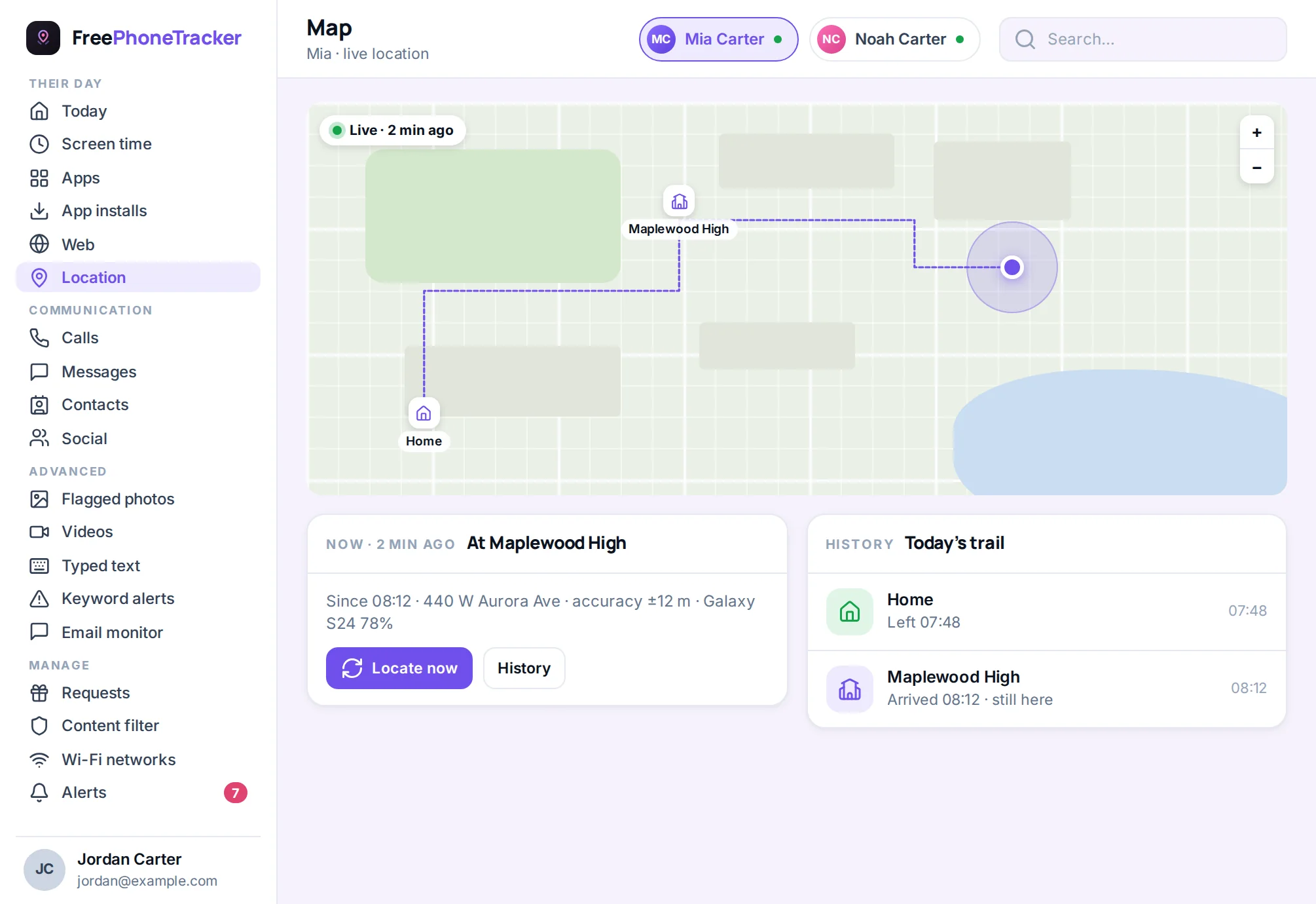
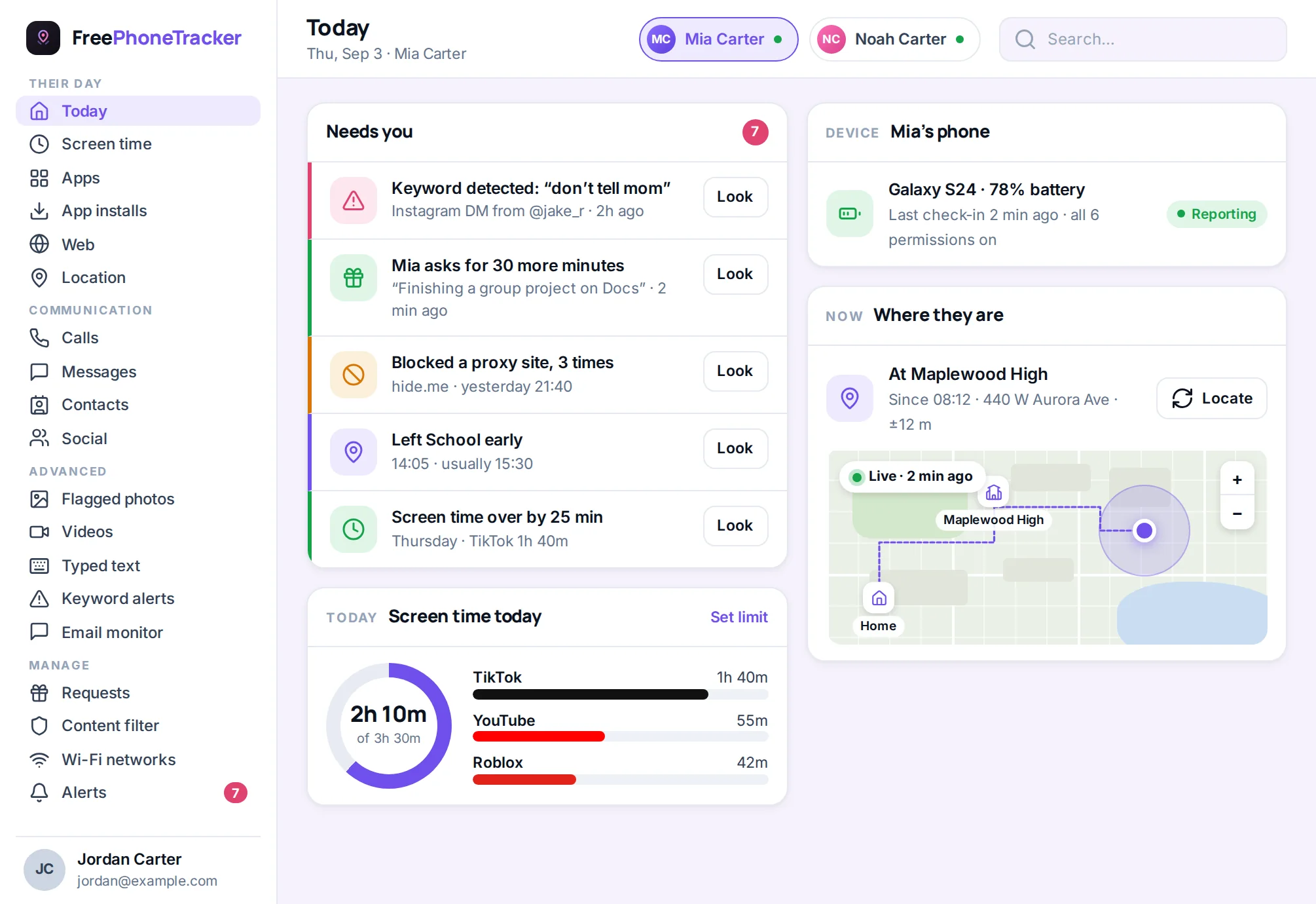
See everyone’s live location, look back at place history for the day, get an arrival alert when someone reaches home or school, and get a low-battery heads-up before a phone dies at the worst moment.
Why not just use the built-in tools?
Find My and Google’s location sharing are fine as far as they go. The gaps show up in a mixed-device family.
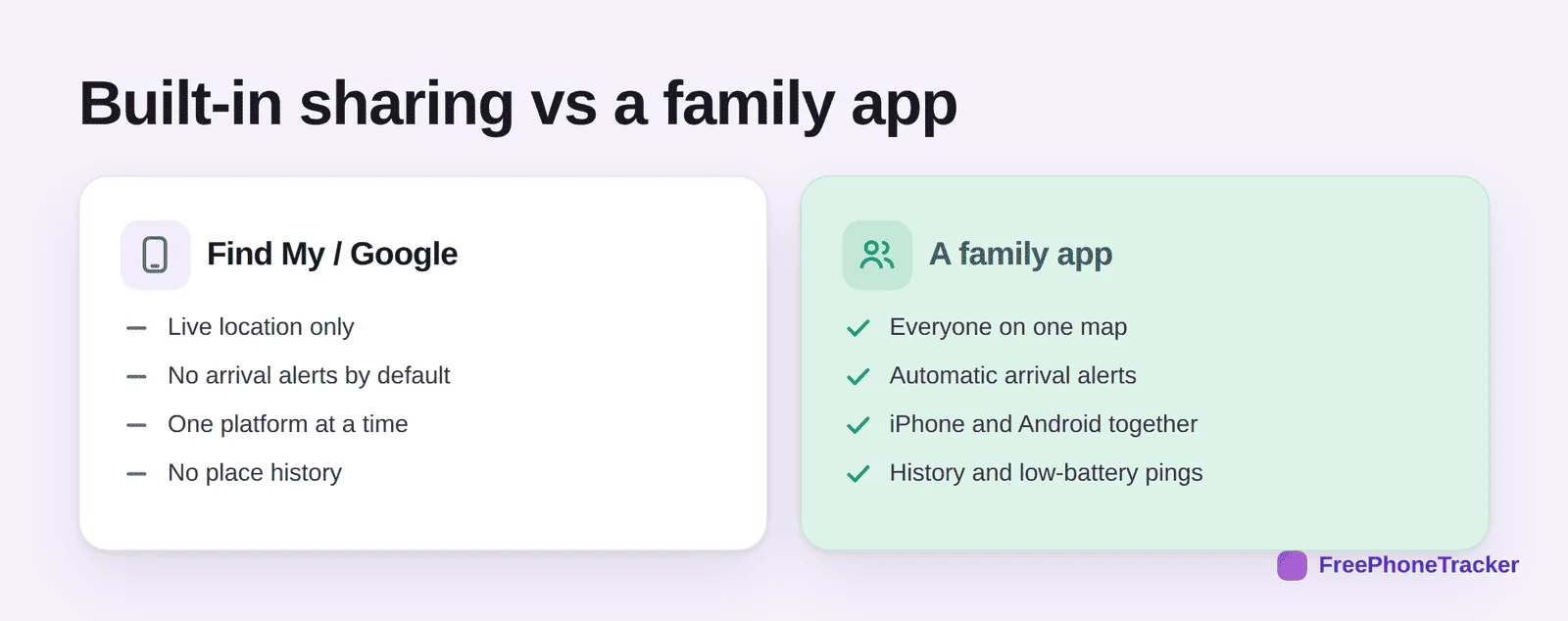
Built-in sharing shows live location, and that’s mostly it, on one platform at a time. A dedicated location tracking app puts iPhone and Android on the same map, adds automatic arrival alerts, keeps place history, and warns you about low batteries. For a family split across two phone brands, that’s the difference between one map and three apps.
Getting it right
A few tips. Set it up together, in one sitting, so it’s a family thing and not a surveillance thing. Agree why you’re doing it, safety and coordination, not catching people out. Turn on arrival alerts instead of checking the map all day. And revisit it as kids get older, the way our guide to monitoring a teen respectfully suggests.
Common questions
Can everyone see everyone?
Yes, that’s the point. Sharing is mutual, so kids can see parents too. It’s a circle, not a one-way mirror, which is exactly why it builds trust rather than resentment.
Does it drain the battery?
Modern location sharing is light on battery, and you’ll get a low-battery alert well before a phone dies. Far less draining than a teen replying to “where are you?” all afternoon.
Will it work if we have both iPhones and Androids?
Yes. That’s the main reason to use a dedicated app over the built-in tools, everyone’s on one map regardless of phone. See our GPS tracking guide for more.
Is it creepy to share locations with a teen?
Not if it’s open and mutual. The line is secrecy. Set it up together, explain why, and let them see you too. Our respectful monitoring guide covers where the line sits.
Can I get alerts instead of checking constantly?
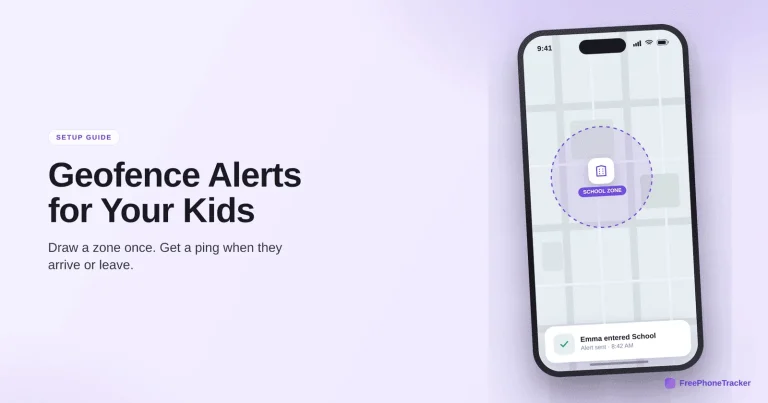
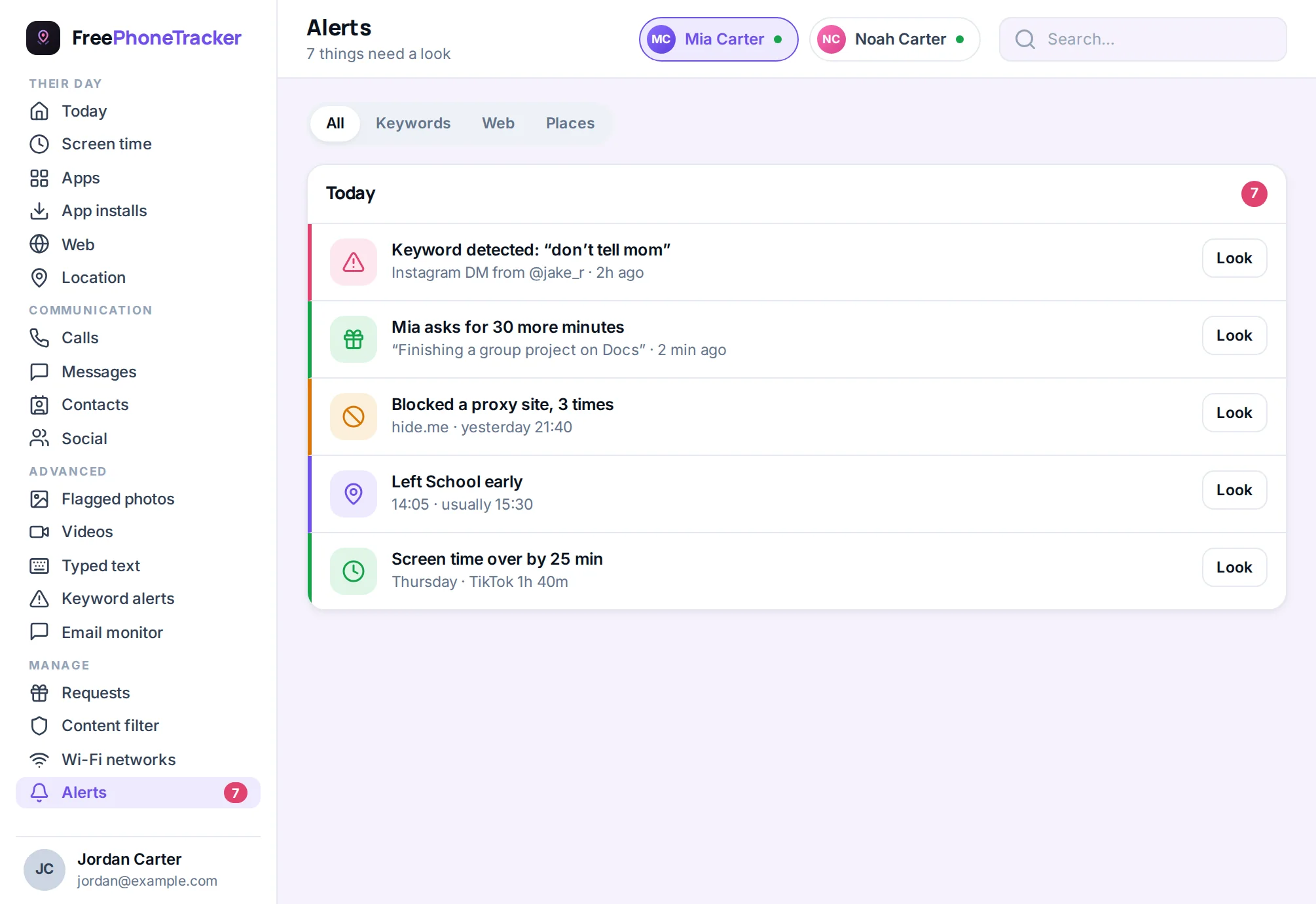
Yes, and you should. Turn on arrival alerts and geofence zones so the app tells you what matters instead of you refreshing a map.
Family location sharing works best when it’s open, mutual and quiet, one map, a few alerts, and no one being tracked in secret. Set it up together, agree the rules, and it becomes background peace of mind rather than a point of friction. Get started free, and read our GPS tracking for families guide for the full picture.