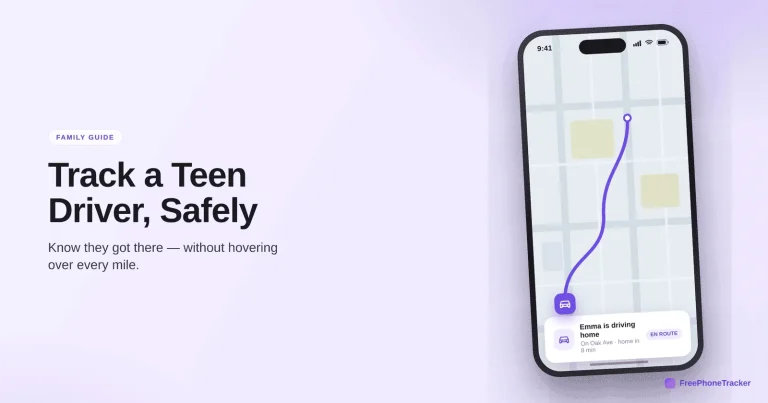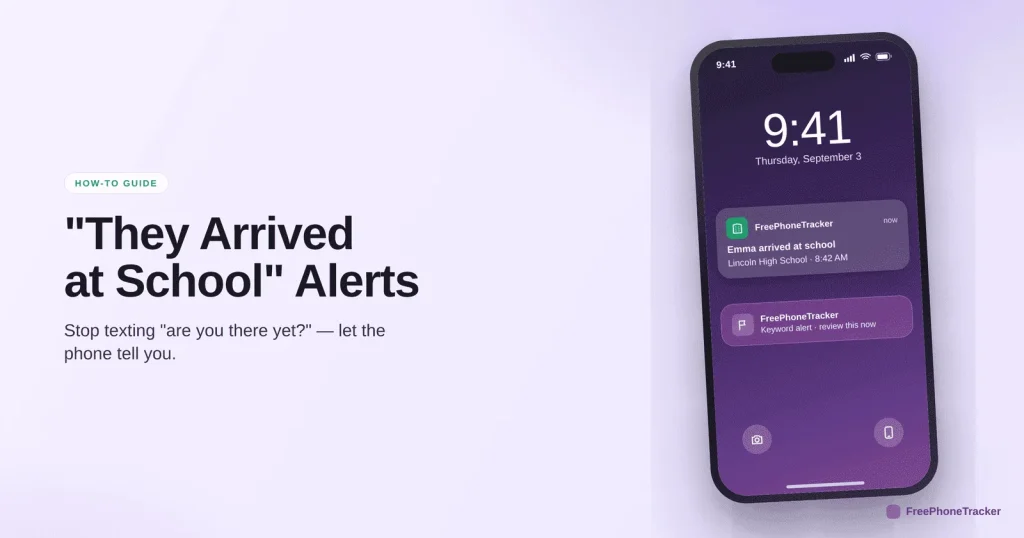
The daily “are you there yet?” text is a small ritual that helps no one. Arrival alerts do the job better: your phone tells you the moment your child reaches school, gets home, or leaves practice. No nagging, no map-watching. This guide shows how to set them up and which ones are actually worth turning on.
- An arrival alert pings you when your child reaches or leaves a set place.
- Set them for school, home, practice — anywhere that matters.
- They run in the background, so you get told instead of checking.
- It’s less hovering for you and less nagging for them.
Setting them up
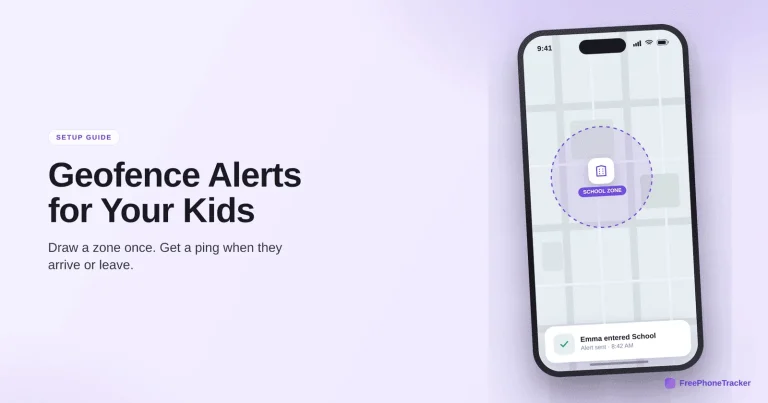
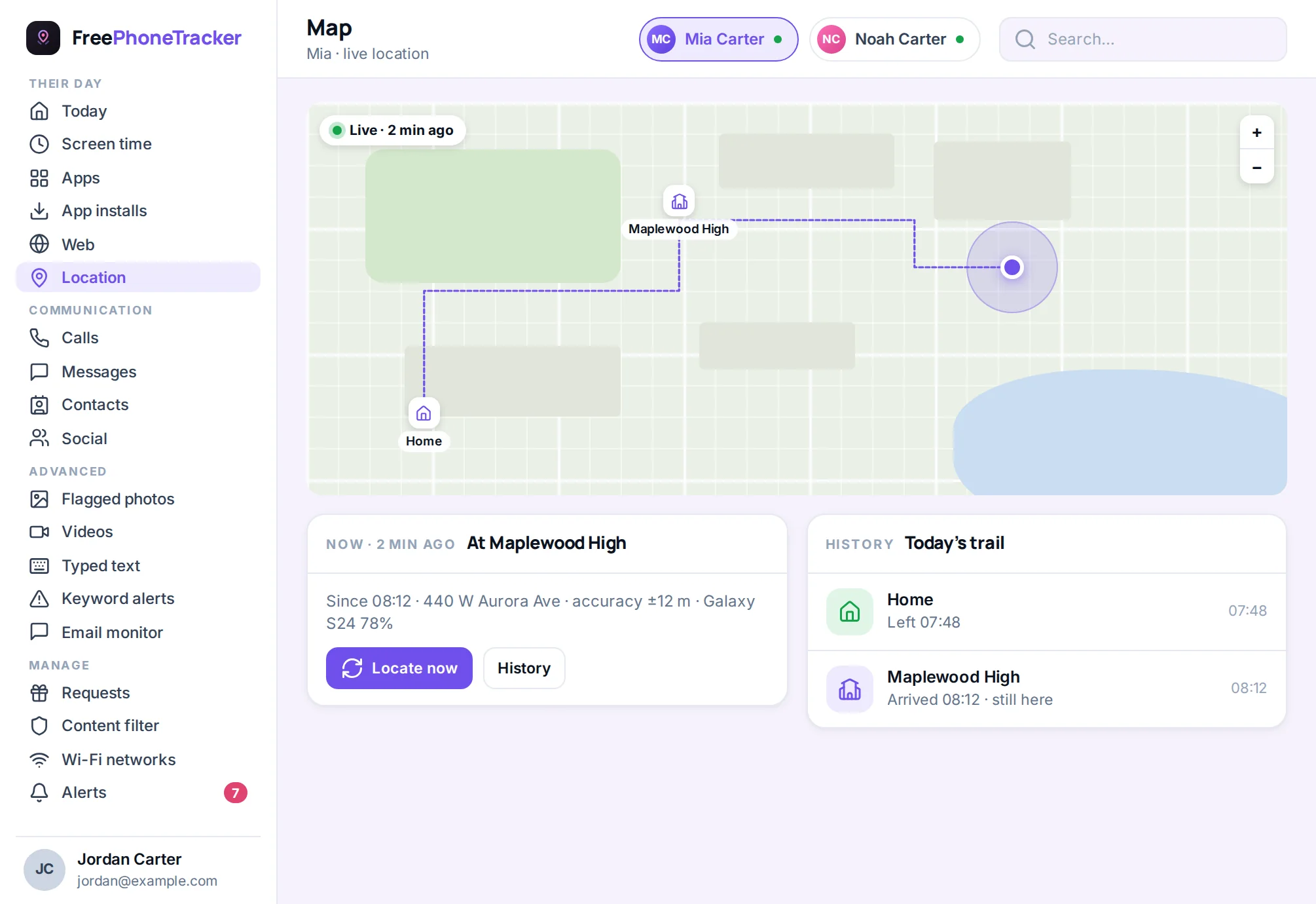
Arrival alerts are built on geofence zones — you mark a place, and crossing its edge is what triggers the alert. Setup takes a minute.
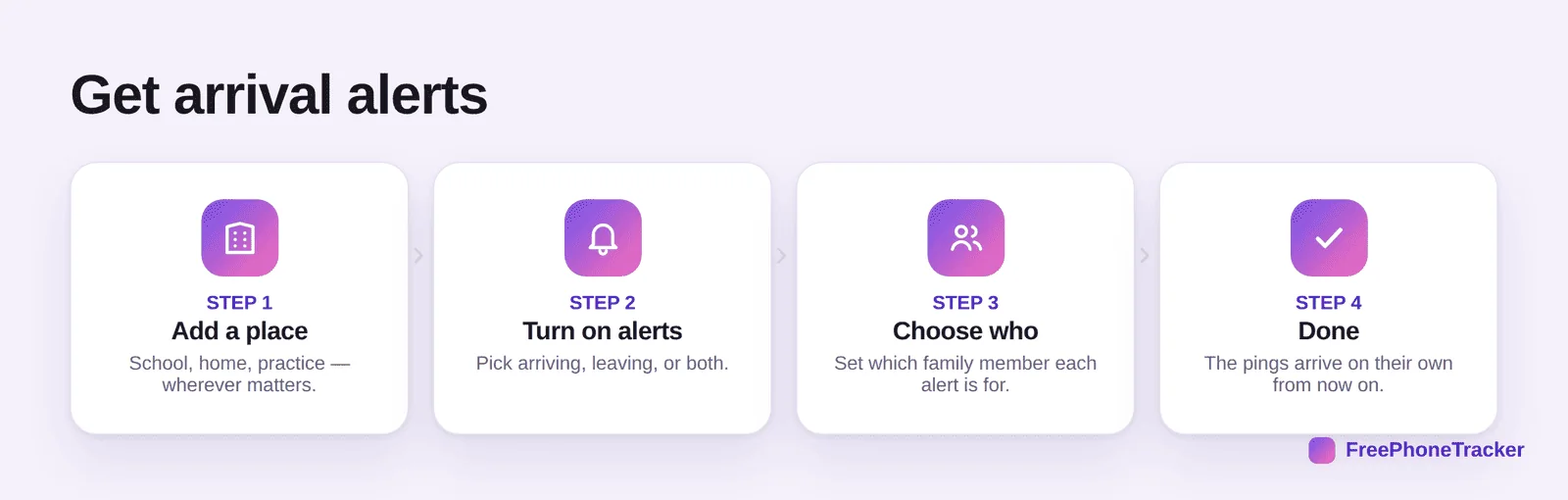
Add a place like school or home, turn on the alert for arriving, leaving, or both, and choose which family member it’s for. Save it and the pings arrive on their own. It’s the same engine behind location tracking, just pointed at the moments you care about.
Which alerts are worth it
You don’t want a ping for everything, that’s just noise. A few well-chosen alerts do the work.
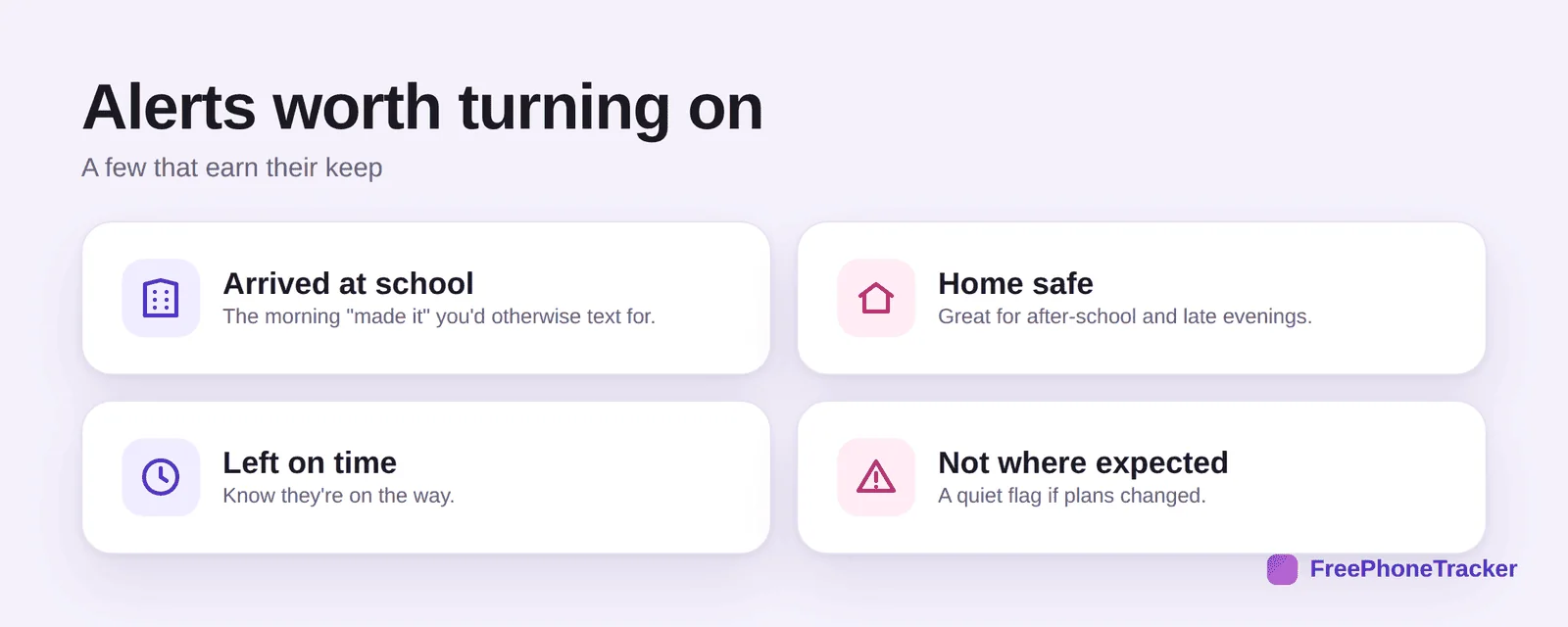
Arrived at school is the morning “made it” you’d otherwise text for. Home safe is great for after school and late evenings. Left on time tells you they’re on the way. And not where expected is a quiet flag if plans changed without a heads-up.
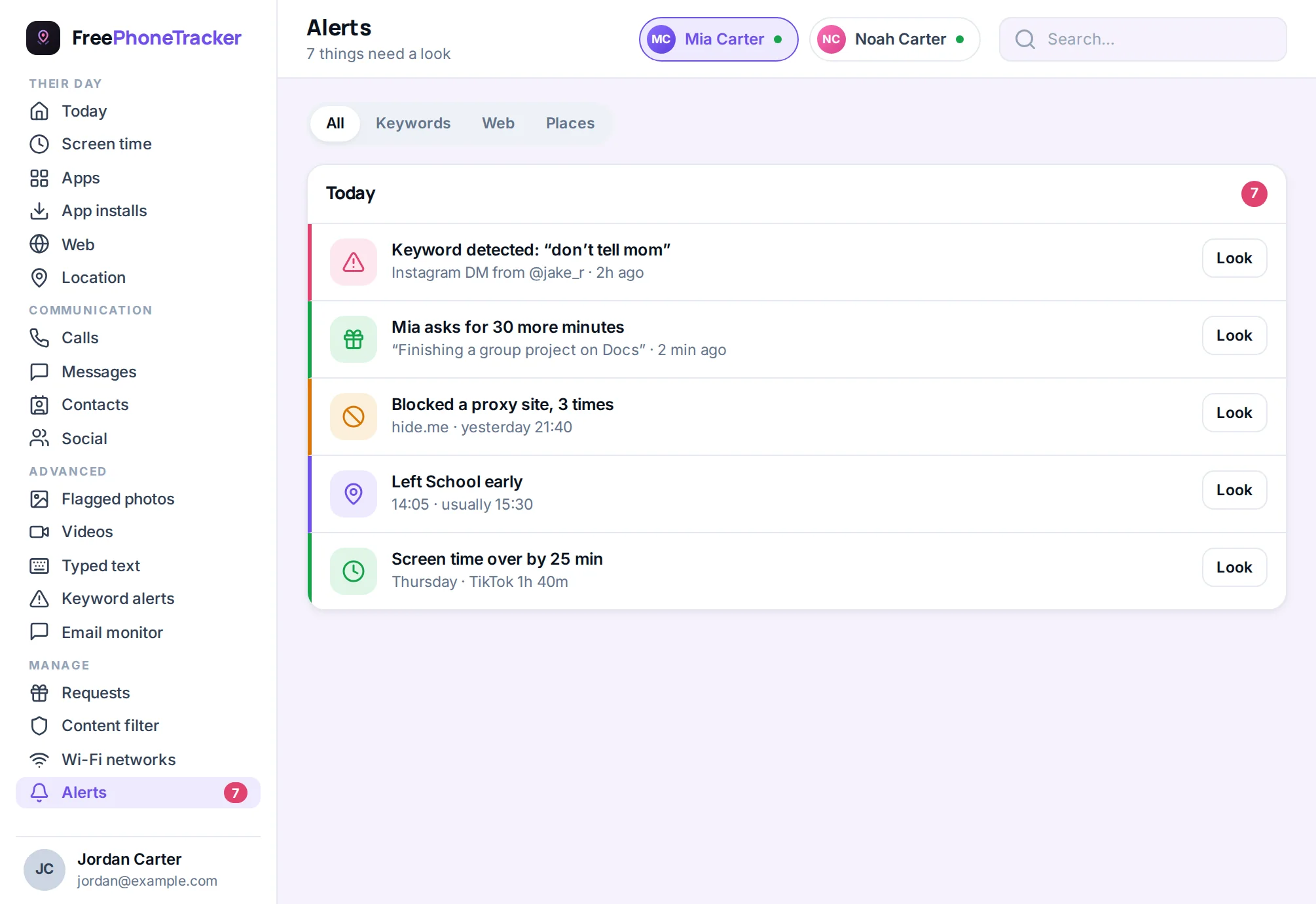
Why alerts beat constant checking
The real win isn’t the information, it’s not having to go looking for it.
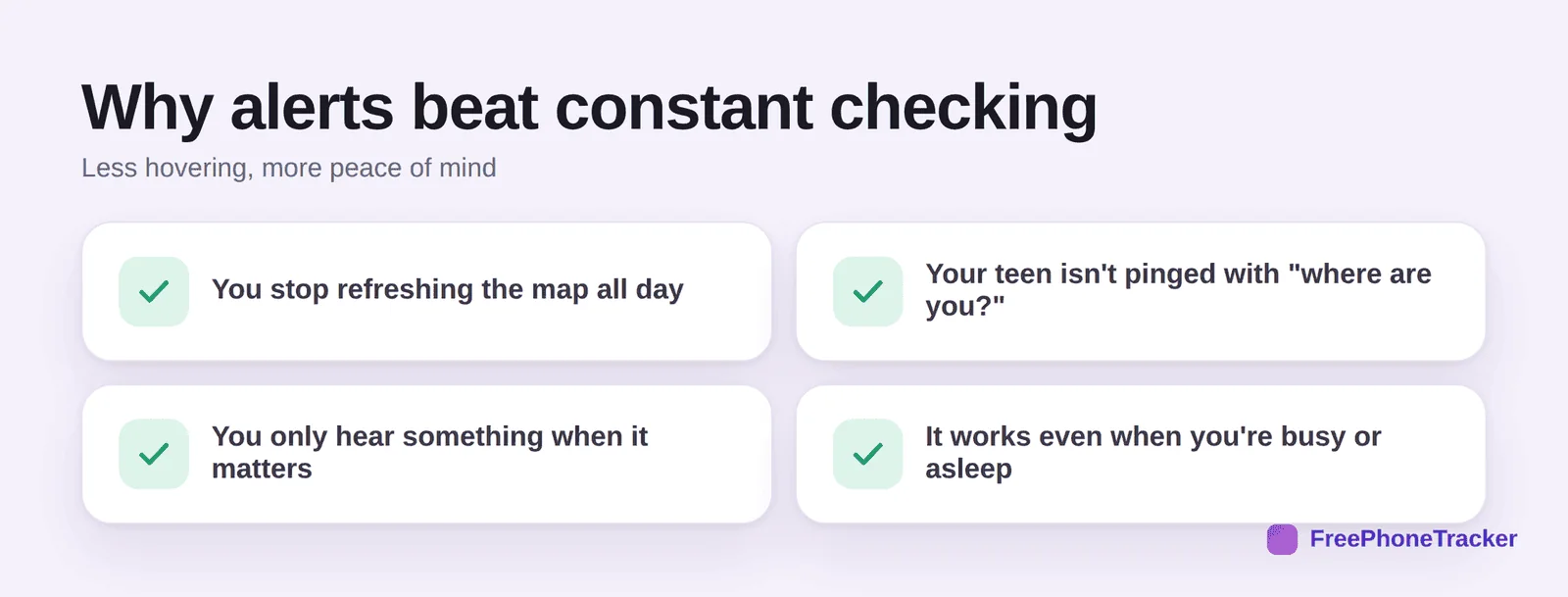
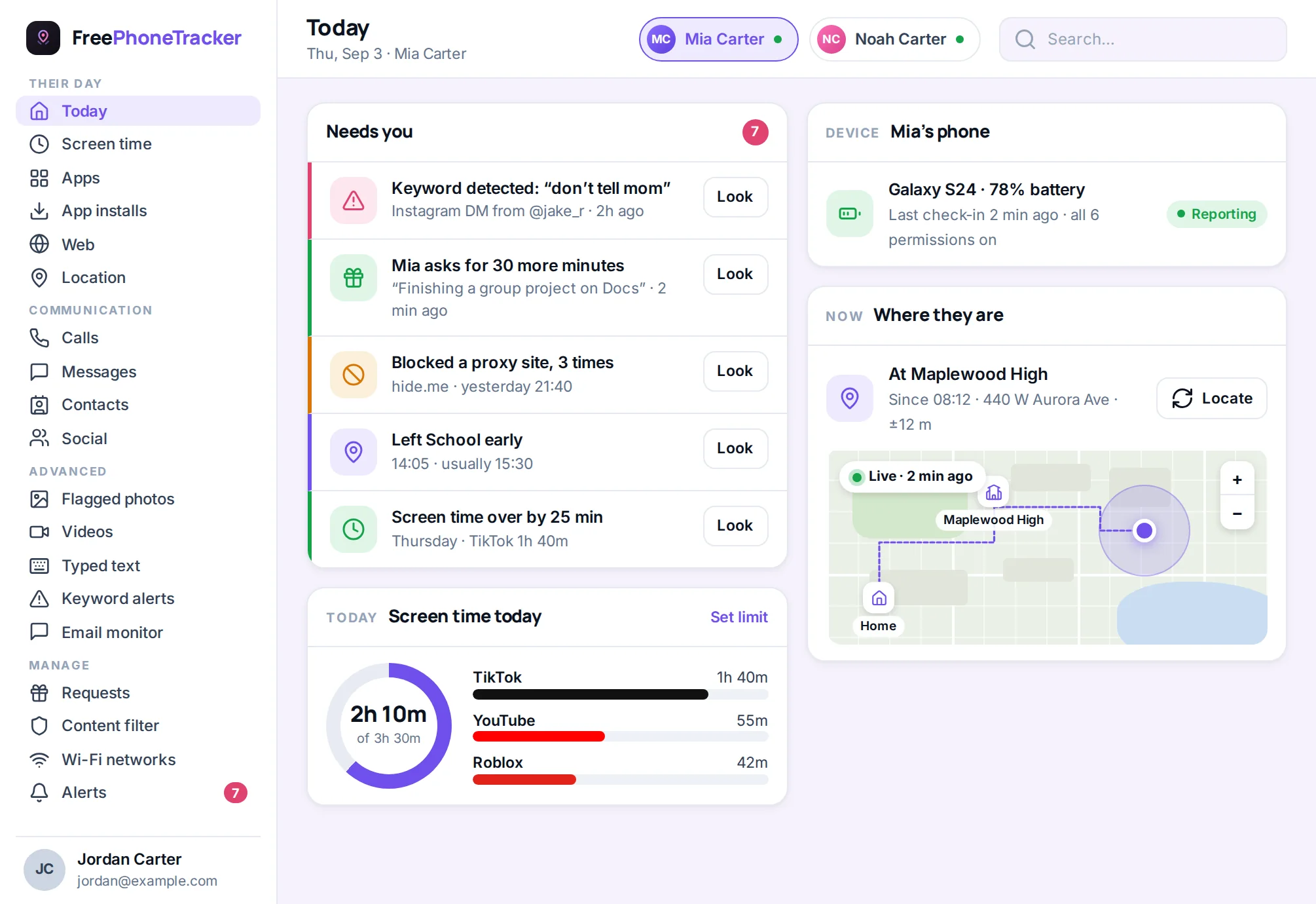
You stop refreshing the map all day. Your teen isn’t pinged with “where are you?” every afternoon. You only hear something when it actually matters. And it keeps working when you’re in a meeting or asleep. That’s the quiet version of oversight our respectful monitoring guide argues for.
Getting it right
A few tips. Keep it to the places that matter, three or four, not a dozen. Set it up together so your kid knows the alerts exist and why. Use both arriving and leaving for school so you get the full picture. And ease off as they get older, the way our by-age guide approaches everything else.
Common questions
How is this different from just seeing their location?
Live location means you have to look. An arrival alert comes to you. Most parents want the second thing, a heads-up at the right moment, not another app to check.
Will they get nagged by the alerts?
No, the alerts go to you, not them. That’s the point, you stop texting to check, so they stop being interrupted. It’s calmer for everyone.
Can I set alerts for more than one child?
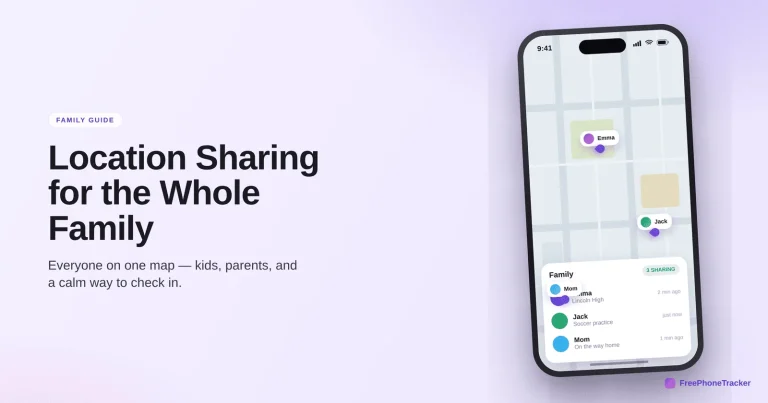
Yes. Choose which family member each alert is for, so you can tell an arrival for one kid from another. Our family location sharing guide covers the whole-circle setup.
Do arrival alerts work on iPhone and Android?
Yes, both. A dedicated app gives you the same alerts regardless of phone, which matters in a mixed-device household.
What if I only want alerts, not full tracking?
That’s a completely reasonable setup. Use geofence zones and arrival alerts and leave the rest alone, you get the heads-up without watching every move.
Arrival alerts are the simplest upgrade to family safety, set a few places, choose the moments that matter, and let the phone tell you instead of asking your kid. It’s less hovering, less nagging, and more actual peace of mind. Get started free, and read how geofencing works to build the zones behind them.