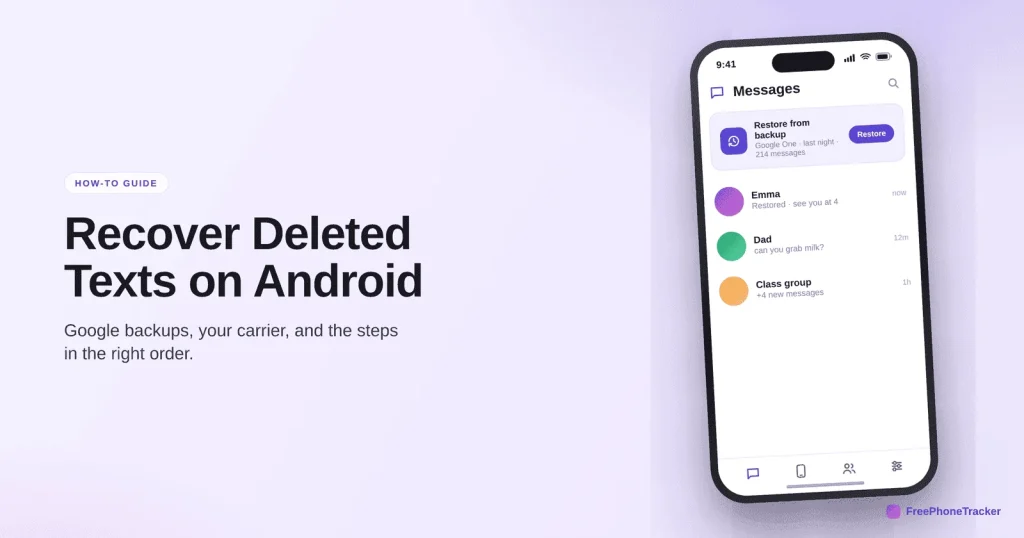
Android doesn’t have a universal “recently deleted” folder for texts, so recovery leans on backups. The good news: if you use Google’s backup or your messaging app’s own backup, a deleted text is often recoverable. This guide covers the real options, in the order worth trying, and the honest limits of each.
- Android has no built-in 30-day text bin — recovery means restoring a backup.
- Check your Google backup and any messaging-app backup first.
- A restore is all-or-nothing and only as fresh as the last backup.
- A live copy avoids the whole scramble — captured before the delete.
Your real options, in order
Start with the least destructive route and work down. Most recoveries come from a backup you already had running.
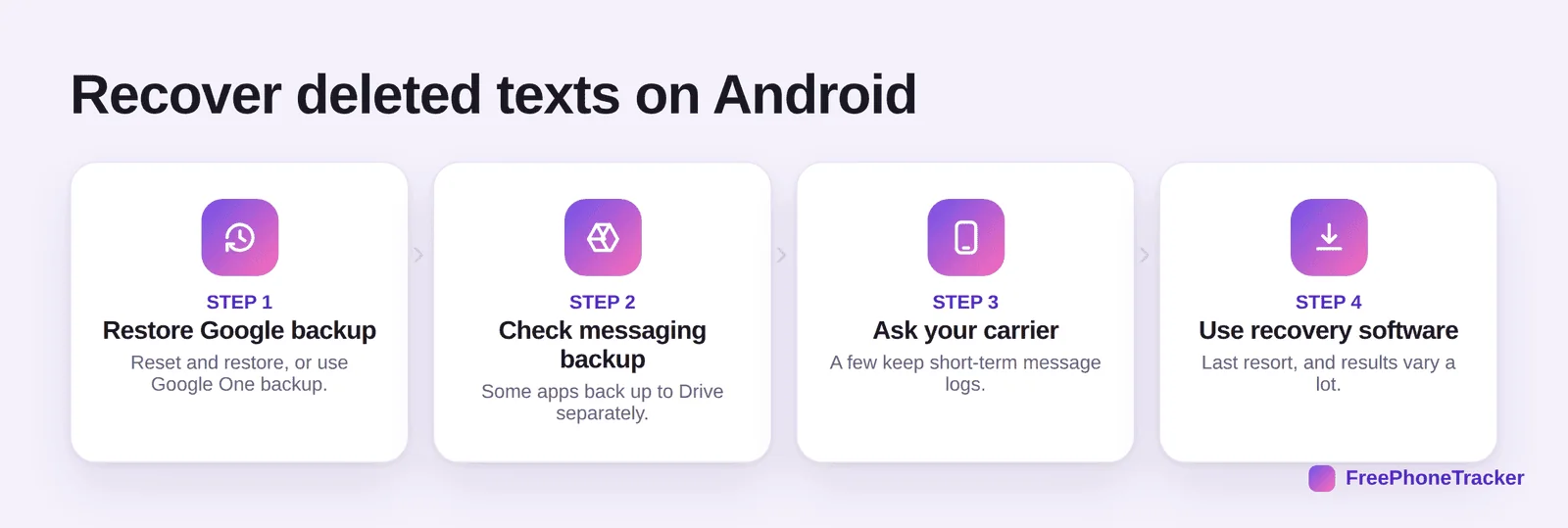
Restore your Google One backup (usually via a reset-and-restore, or the Messages backup if your app has one). Check any app-level backup, some messaging apps back up to Drive separately. Ask your carrier, a few keep short-term logs. And treat recovery software as a last resort, results vary wildly and many apps overpromise.
Where a deleted text can still be
Android gives you fewer safety nets than iPhone, so it pays to know exactly where to look.
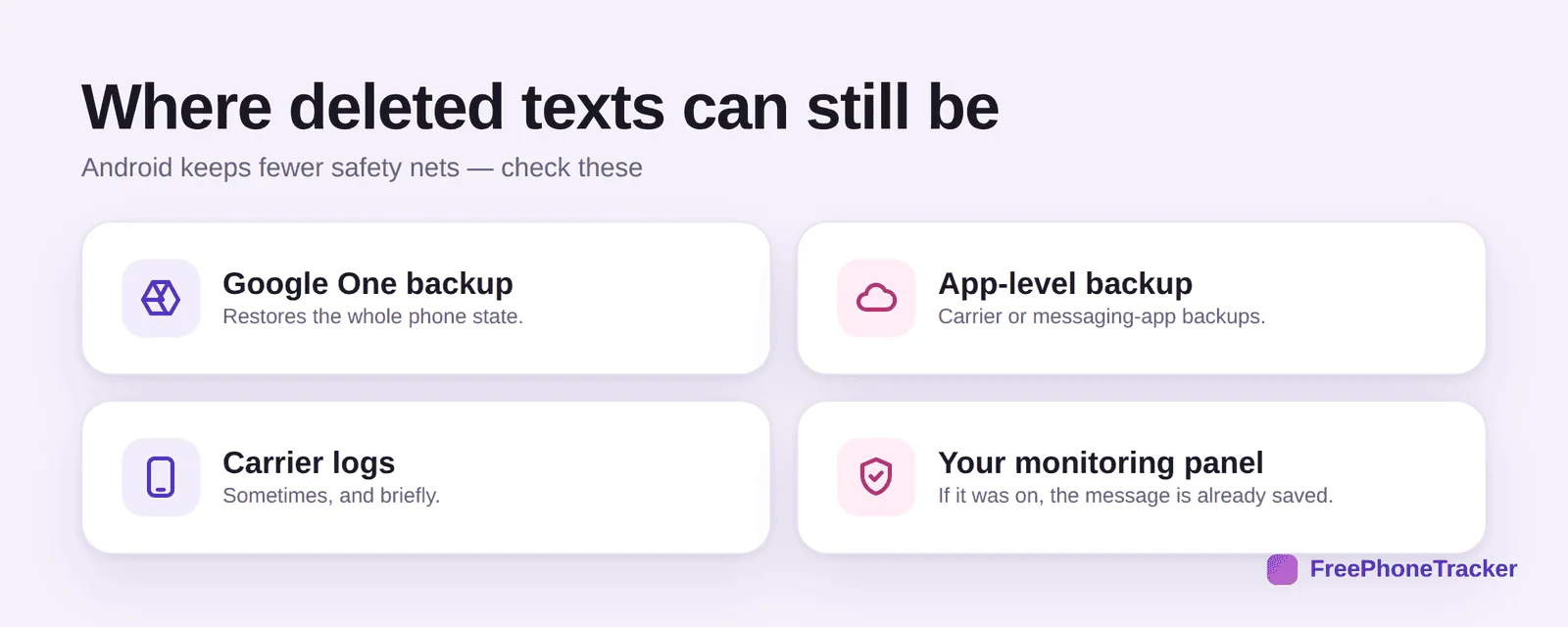
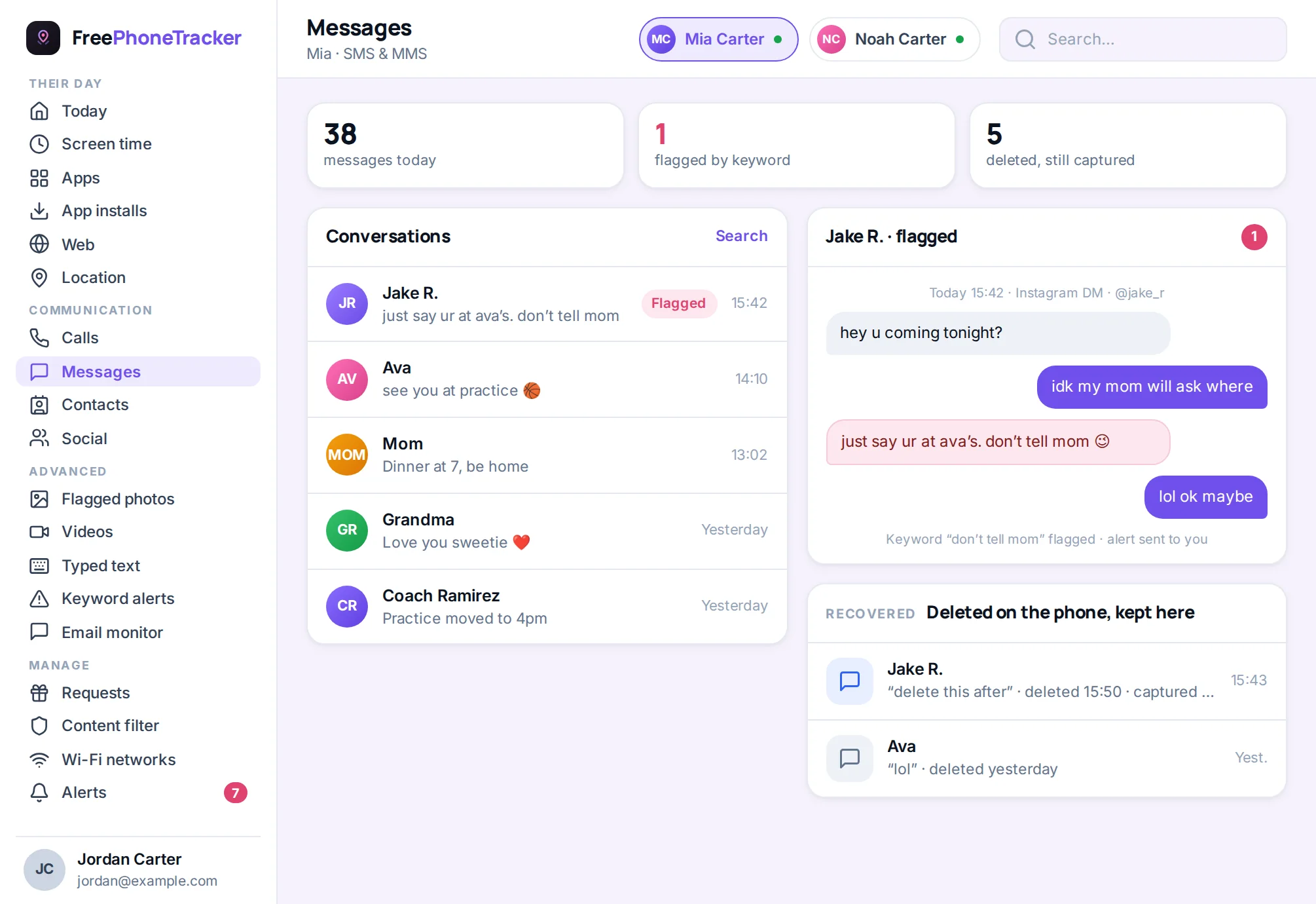
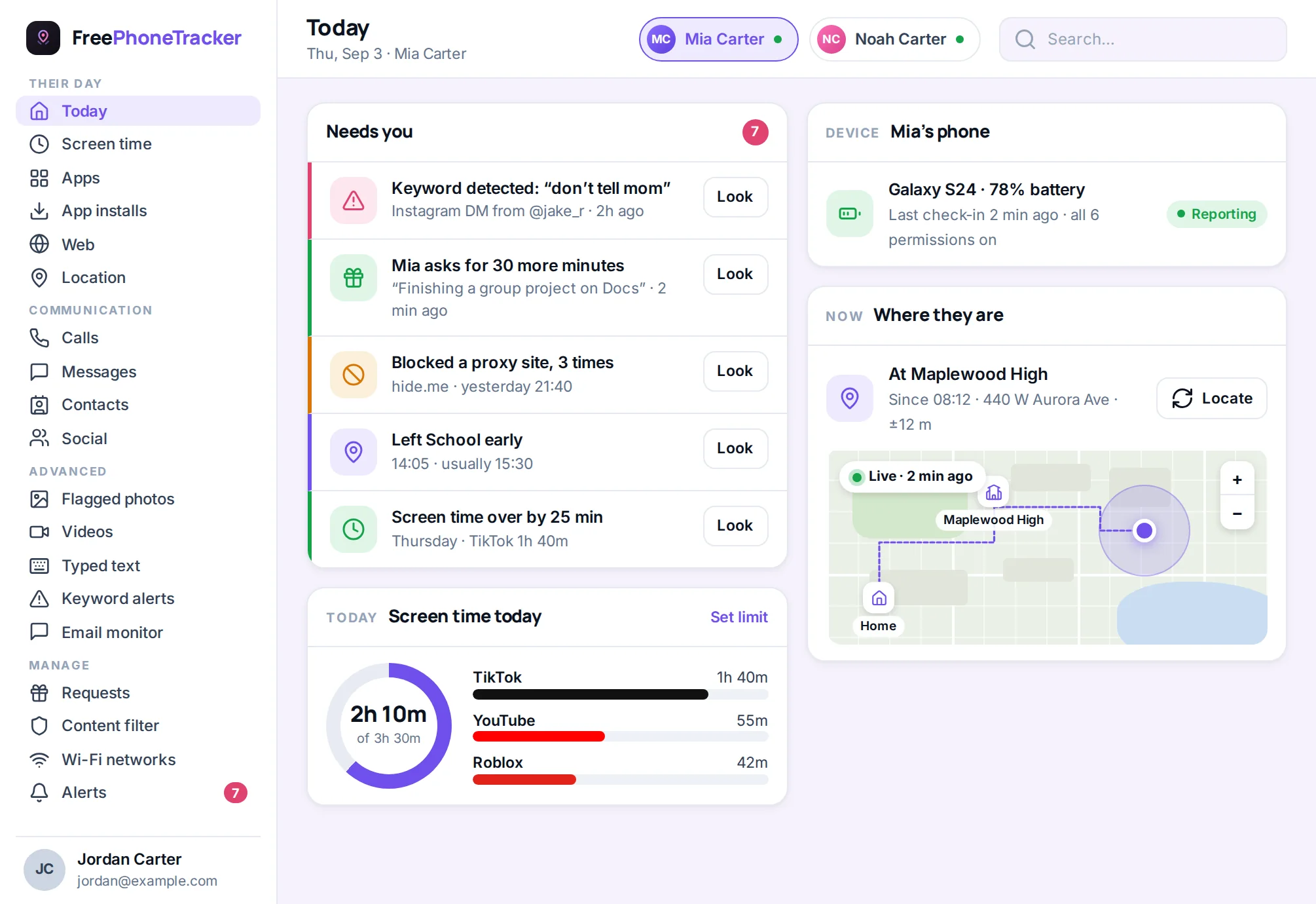
A Google One backup restores the whole phone state to its date. An app-level backup may hold the thread. Carrier logs sometimes exist, briefly. And if a message tracker was running, the text was saved the moment it arrived, so it’s already in your panel.
Backup restore vs a live copy
Restoring a backup works, but it’s blunt. Understanding the trade-off helps you pick the right tool before you need it.
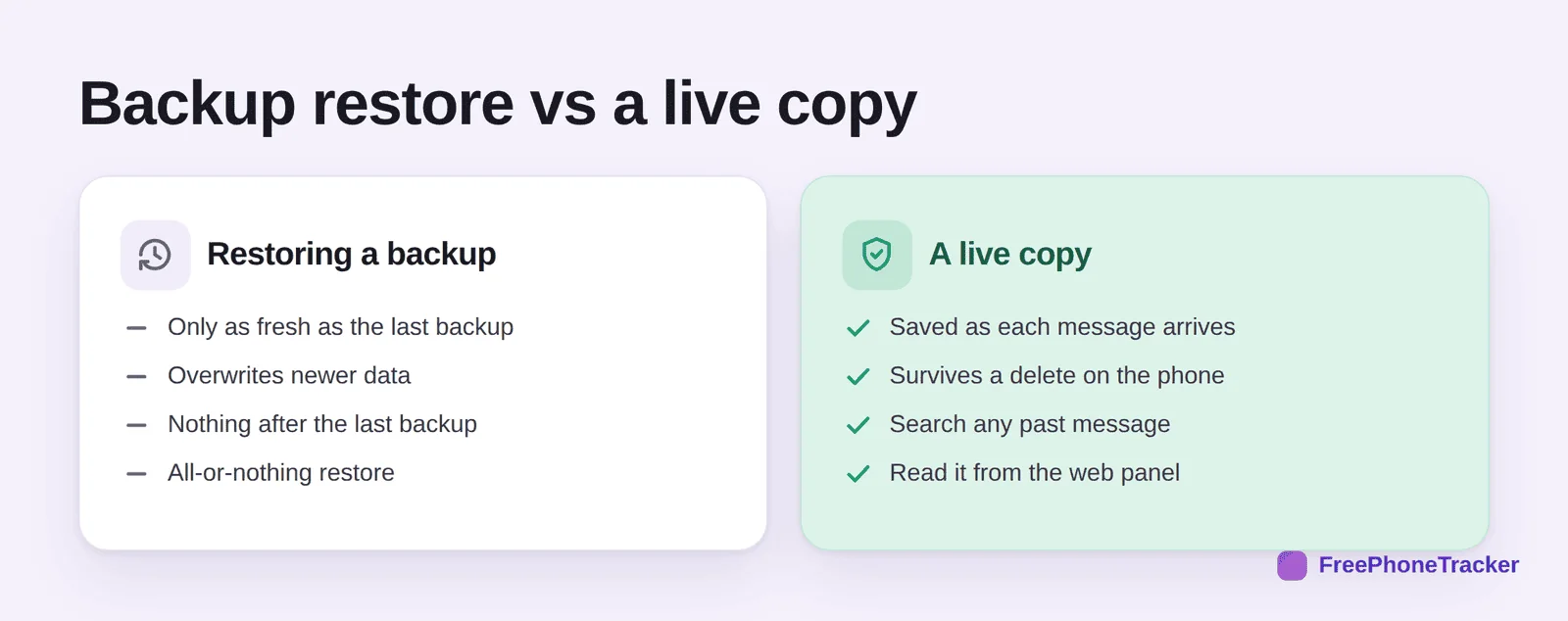
A restore is only as fresh as the last backup, overwrites anything newer, and is all-or-nothing. A live copy is saved as each message arrives, survives a delete on the phone, and stays searchable from the web panel. For anything you actually need to keep, the second approach saves the panic. See our monitoring guide for how it fits together.
Common questions
Does Android keep deleted texts anywhere by default?
Not reliably. Unlike recent iPhones, most Android messaging apps don’t keep a 30-day bin, so recovery usually means restoring a backup you set up beforehand.
Can I recover texts without any backup?
It’s hard. Without a Google backup, an app backup, or a live copy, a deleted Android text is often unrecoverable. Recovery software is a long shot and can risk your data.
Will restoring a Google backup wipe my current data?
A full restore reverts the phone to the backup’s state, so back up what you have first. That all-or-nothing nature is why it’s a last-ish resort.
Do carriers keep copies of my texts?
Some keep basic logs for a short time, but rarely the message content, and getting them usually needs a formal request. Don’t count on it.
How do I stop losing texts for good?
Keep a copy that doesn’t depend on the phone. A message tracker saves texts as they arrive, so a delete later doesn’t matter. Chat apps? See our WhatsApp recovery guide.
On Android, recovery means backups, so the honest advice is to have one running before you need it. Better still, keep a live copy that a delete can’t touch. Get started free, and read our iPhone recovery guide if you switch platforms.