Deleting a photo rarely erases it instantly. Both iPhone and Android keep deleted photos in a bin for about 30 days, and the cloud keeps its own copy. The trick is knowing where to look, and acting before those bins empty. This guide covers every place a deleted photo hides, on either platform.
- Check Recently Deleted first — photos stay ~30 days on the phone.
- The cloud (iCloud or Google Photos) has its own trash too.
- A backup from before the delete may hold older photos.
- Act fast — every bin empties on a timer.
Start with Recently Deleted
This is the fastest fix on both platforms, and it solves most cases on its own.
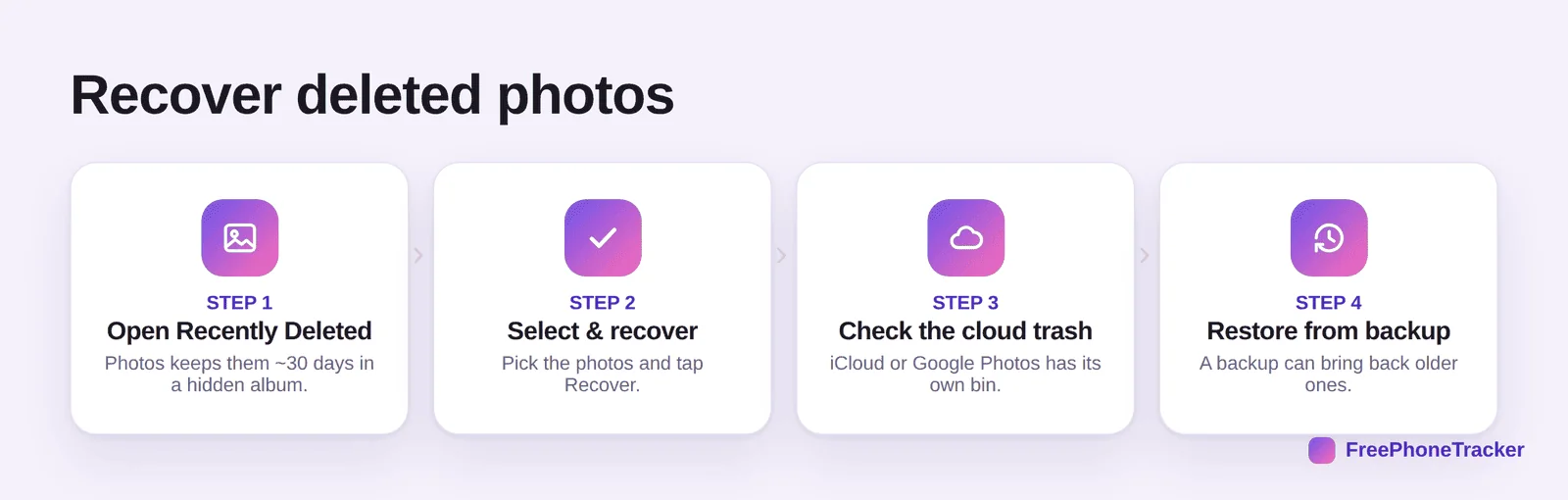
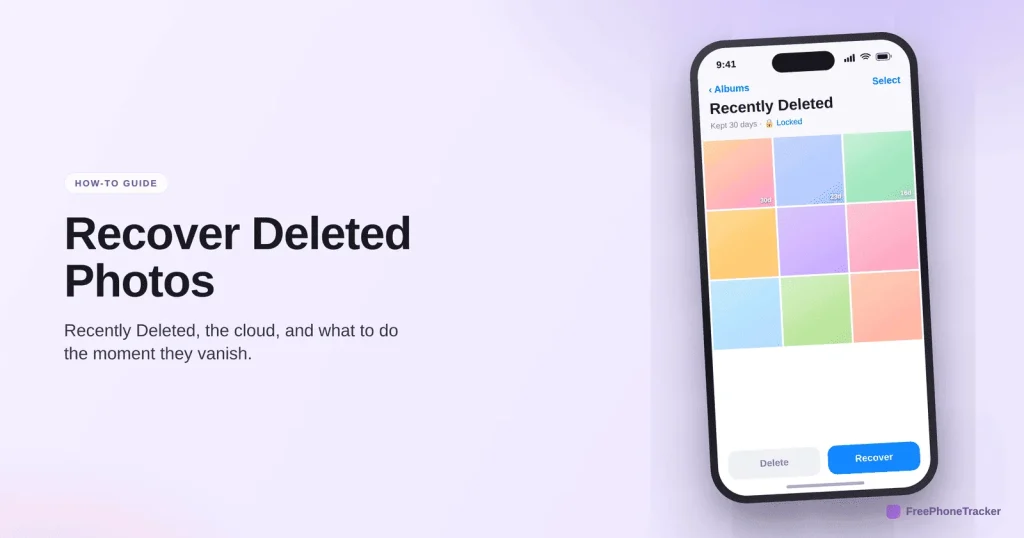
Open Photos and find Recently Deleted (Albums on iPhone; Library or the menu Trash on Google Photos). Select the photos and tap Recover. On iPhone the album may be locked behind Face ID, that’s normal. If it’s there, you’re done.
Where a deleted photo hides
Not in the bin? A photo can live in several places at once, so check each before assuming it’s lost.
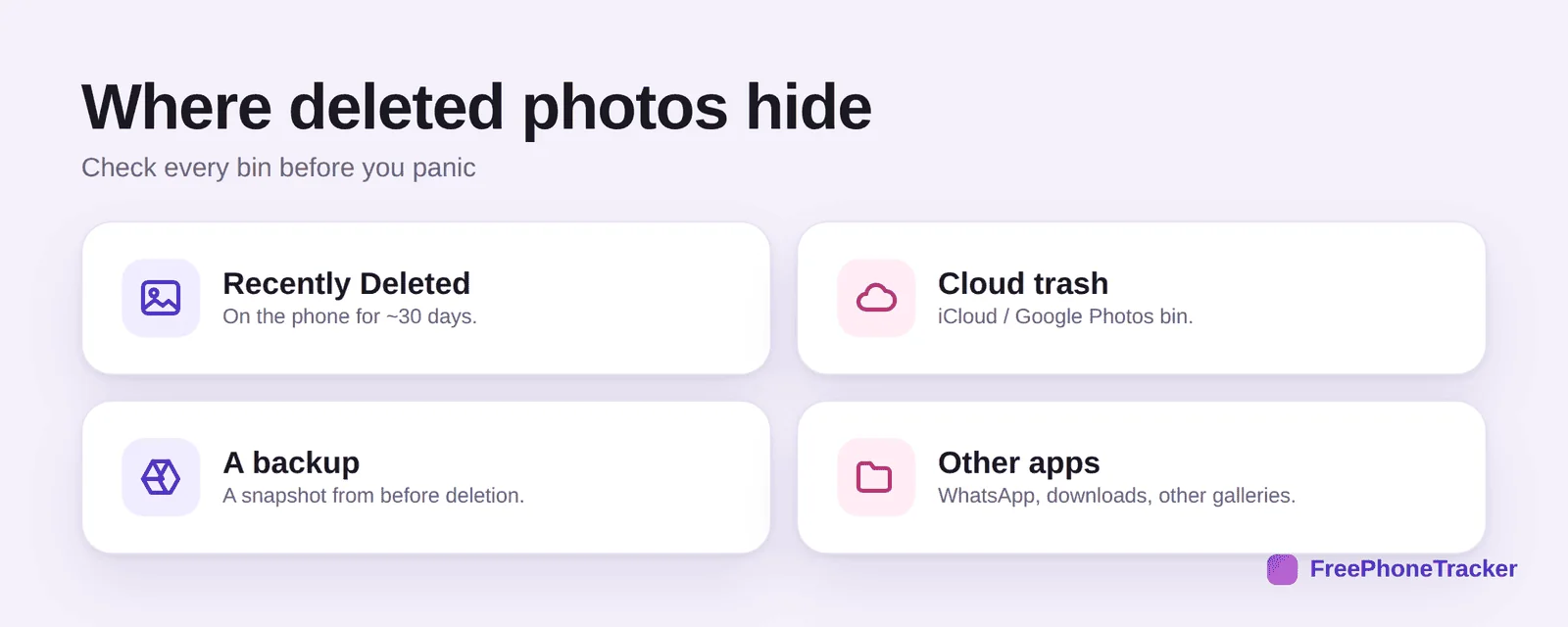
Recently Deleted on the phone holds them ~30 days. The cloud trash in iCloud or Google Photos is separate and worth checking on a computer. A backup from before the delete may still have it. And other apps, WhatsApp media, downloads, a second gallery, often keep their own copies you forgot about.

Don’t rely on luck
Recovery works far better when you’ve planned ahead. A few settings turn a scramble into a non-event.
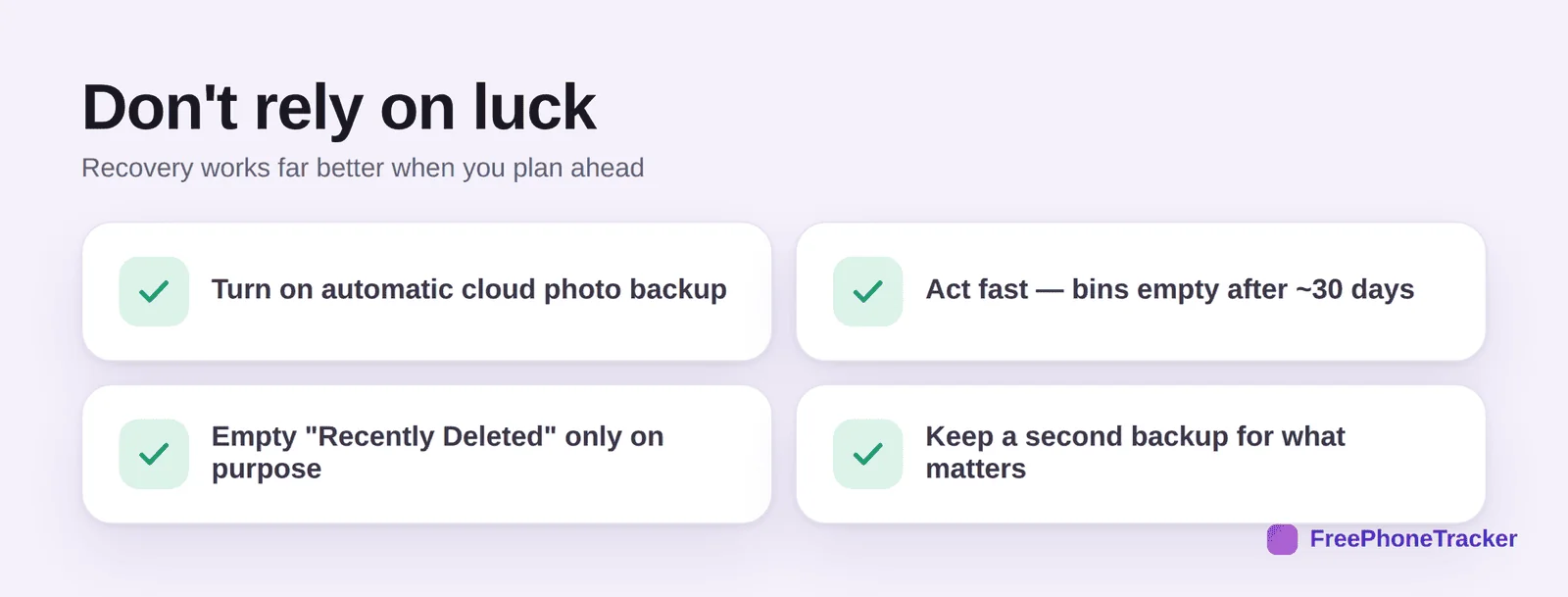
Turn on automatic cloud backup so new photos are copied as you take them. Act fast, bins empty after about 30 days. Empty Recently Deleted only on purpose, not out of habit. And keep a second backup for the photos that really matter. For the wider picture, see our monitoring guide.

Common questions
How long do deleted photos stay recoverable?
About 30 days in Recently Deleted, and a similar window in the cloud trash. After that, only a backup or a captured copy will have them.
I emptied Recently Deleted — is the photo gone?
Check the cloud trash next (iCloud or Google Photos on a computer), then any backup. If none of those has it and there’s no captured copy, it’s likely gone.
Do photos I deleted leave the cloud too?
Deleting on the phone usually moves the cloud copy to the cloud’s own trash, where it waits ~30 days. That’s a second chance many people miss.
Can recovery apps get back permanently deleted photos?
Occasionally, and unreliably, often at the cost of your privacy. Cloud trash and backups are far more dependable, which is why prevention matters.
How do I make sure I never lose a photo?
Automatic cloud backup plus a second copy for the important ones. A monitoring tool that captures media keeps its own copy too. See our WhatsApp recovery guide for chat media specifically.
Deleted photos usually aren’t gone straight away, check Recently Deleted, then the cloud trash, then a backup, and move quickly before the timers run out. Set up automatic backup now and you’ll rarely need this guide again. Get started free, and read our text recovery guides for iPhone and Android.