A hacked Instagram is a gut-punch, especially if it’s tied to your business or your kid’s world. Move fast and you can usually get it back and lock the intruder out. This guide walks through the recovery flow, then the steps that stop it happening again.
- Act fast — start with “Forgot password,” then “Need more help?”
- Instagram can verify you with a code or a video selfie.
- Reset the password and log out every other session.
- Then turn on two-factor authentication so it can’t recur.
First, confirm it’s really hacked
A few signs are unmistakable. Any one of them means act now, before the hacker changes the recovery details.
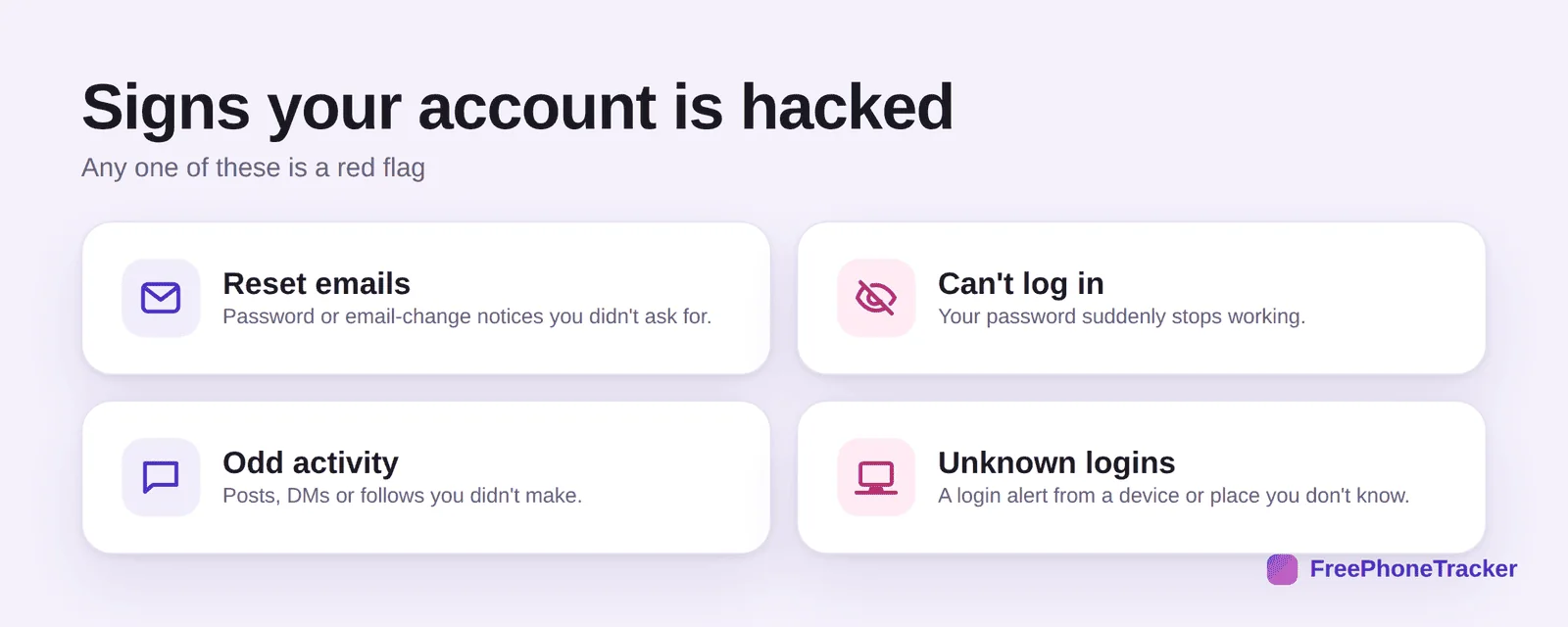
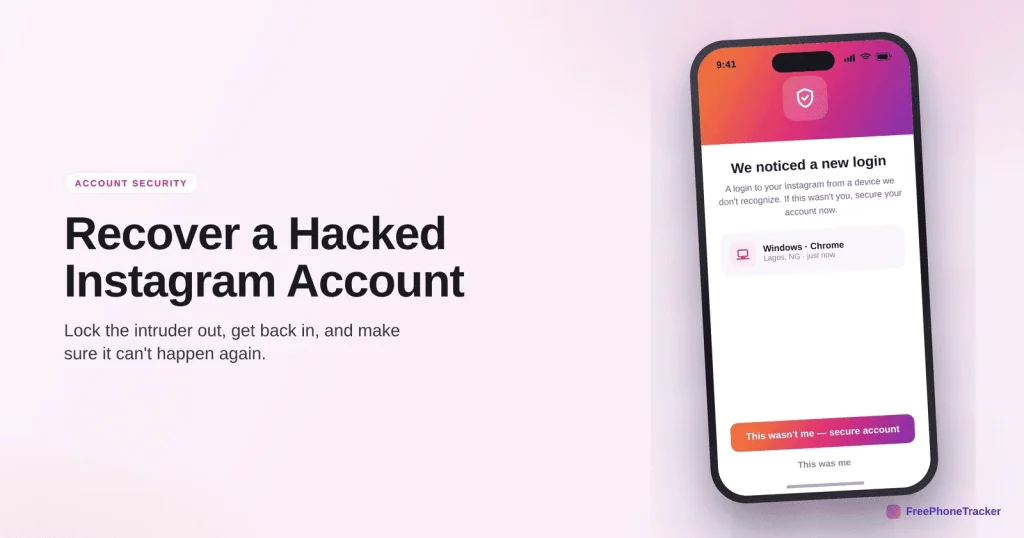
Watch for password-reset emails you didn’t request, suddenly can’t log in, odd activity like posts or DMs you didn’t make, or a login alert from an unknown device. If you got a “your email was changed” message, open it and use the “revert this change” link fast.
Get your account back
Instagram’s recovery flow is better than it used to be. Work through it in order.
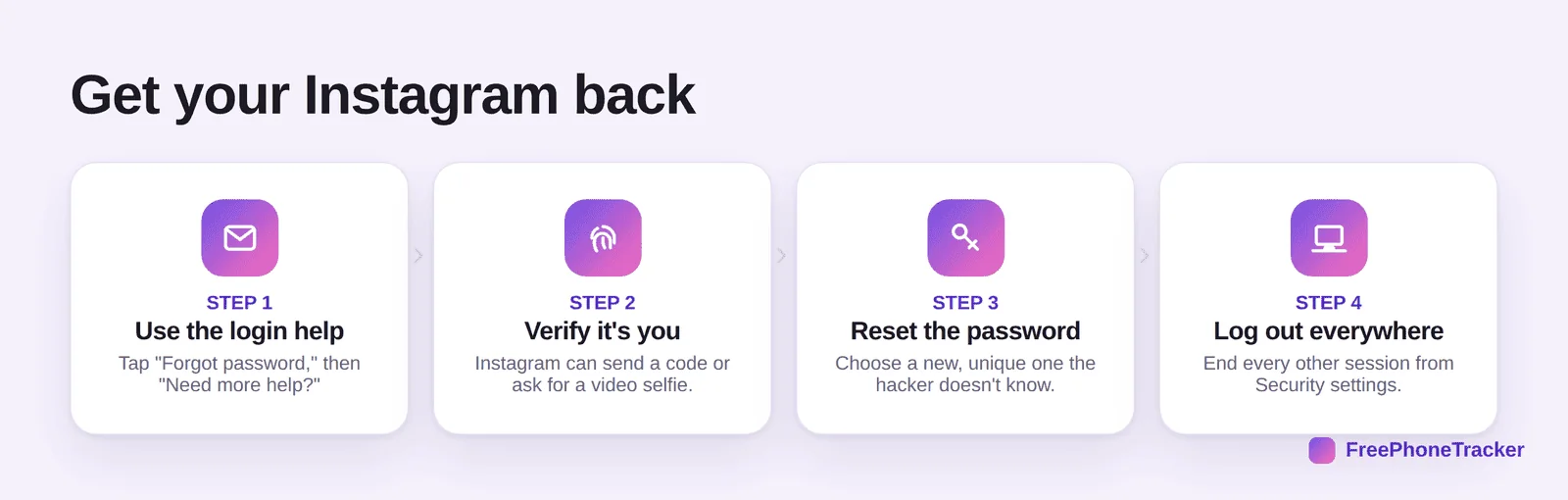
Open the app and tap Forgot password, then Need more help? Instagram will verify it’s you with a code to your email or number, or a short video selfie. Reset the password to something the hacker can’t guess. Then log out of all sessions from Settings › Security so they’re kicked out immediately.
Lock it down after
Getting back in is only half the job. Close the door behind you.
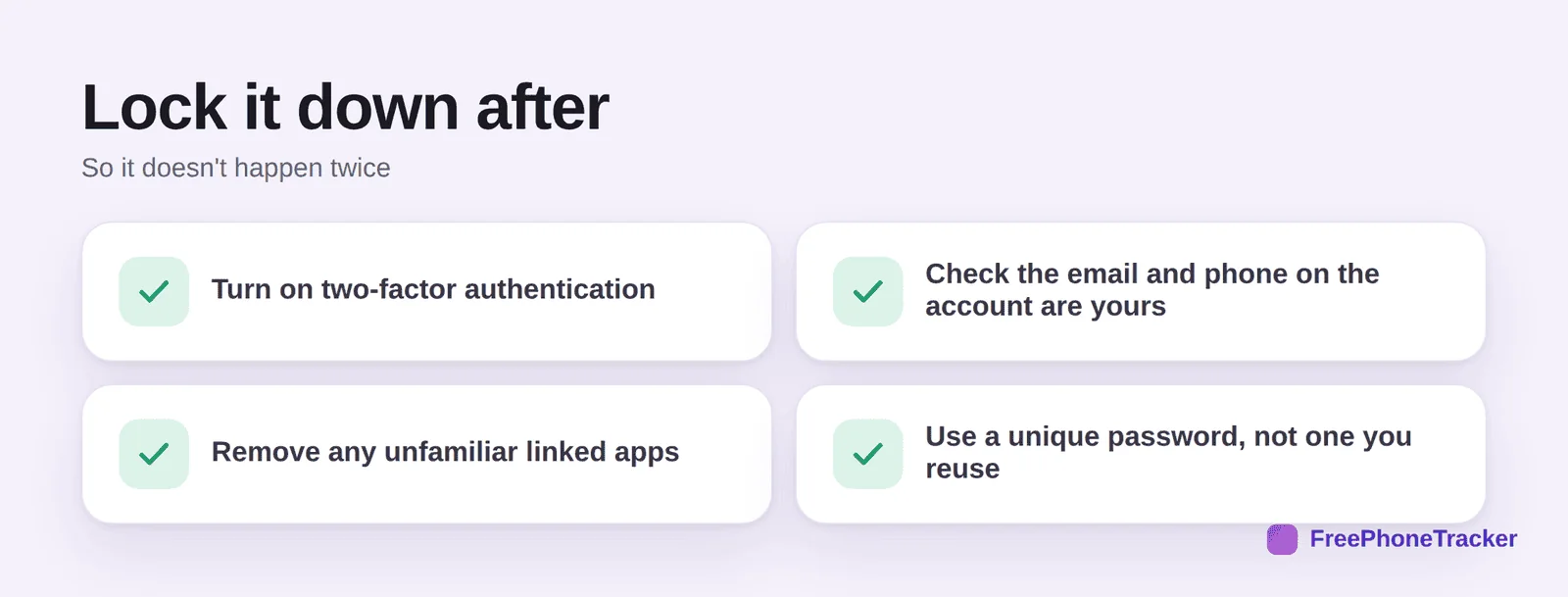
Turn on two-factor authentication, check the email and phone on the account are yours, remove any unfamiliar linked apps, and switch to a unique password. Most repeat hacks happen because a reused password leaked somewhere else.
If it’s your child’s account
Kids often don’t notice, or don’t admit, that they’ve been hacked. A quick look at their phone activity catches it early.
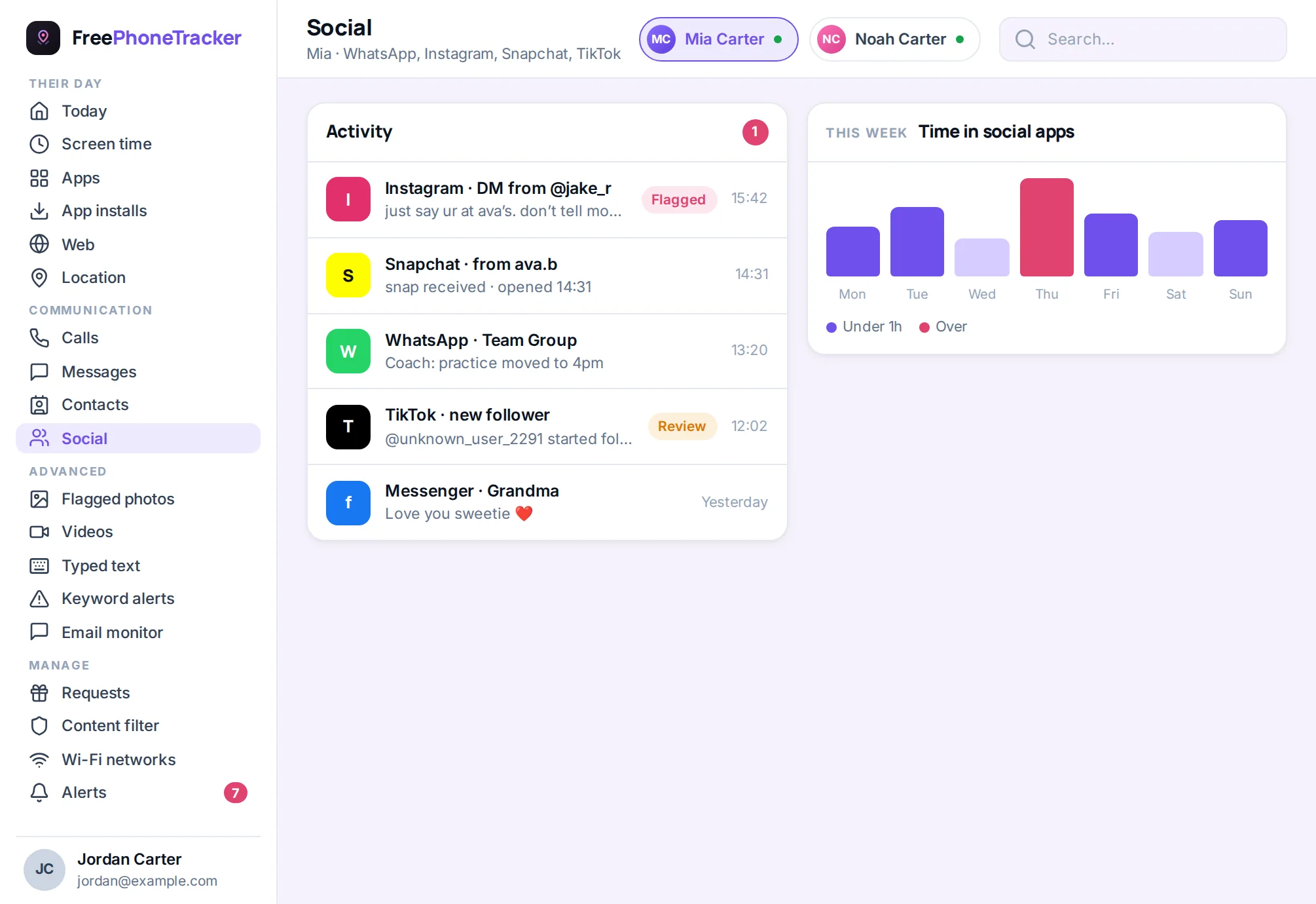
If you monitor a younger child’s phone, a social activity view makes a takeover obvious, sudden DMs, new follows, or messages in a language they don’t speak. Pair it with a talk about passwords, and read our Is Instagram safe? guide.
Common questions
The hacker changed my email — can I still recover it?
Often yes. Use “Need more help?” and the video-selfie verification, which doesn’t rely on the email. Also check your inbox for a “revert this change” link sent when the email was swapped.
How long does Instagram recovery take?
Sometimes minutes, sometimes a few days if it needs manual review. Keep submitting the same info consistently and don’t create a second account to appeal, that can slow things down.
Should I pay someone who promises to “recover” my account?
No. “Instagram recovery” services are usually scams that take your money or your remaining access. Use Instagram’s official flow only.
Will two-factor really stop it happening again?
It stops the vast majority of takeovers, because the hacker also needs your code. Use an authenticator app rather than SMS where you can.
My teen’s account was hacked — what first?
Recover it with the steps above, reset their email password too, then turn on 2FA together. Our Snapchat and email recovery guides cover the linked accounts.
A hacked Instagram usually comes back if you move quickly, forgot-password, verify, reset, log everyone out, then lock it with 2FA and a unique password. Do the same for the email behind it. Get started free, and read our guide to recovering a hacked email account, the one that unlocks all the others.