A WhatsApp “hack” is usually a takeover: someone tricks you into sharing a verification code, then registers your number on their phone. The fix is oddly reassuring, because whoever has the code controls the account, taking your number back kicks them straight out. This guide shows how, fast.
- Reinstall WhatsApp and re-register your number to get a fresh code.
- Entering that code logs the hacker out immediately.
- If a two-step PIN you didn’t set blocks you, wait it out or reset by email.
- Then turn on two-step verification so it can’t happen again.
How takeovers happen
It almost always starts with a code you didn’t ask for. Knowing the pattern helps you recognise it, and avoid it next time.
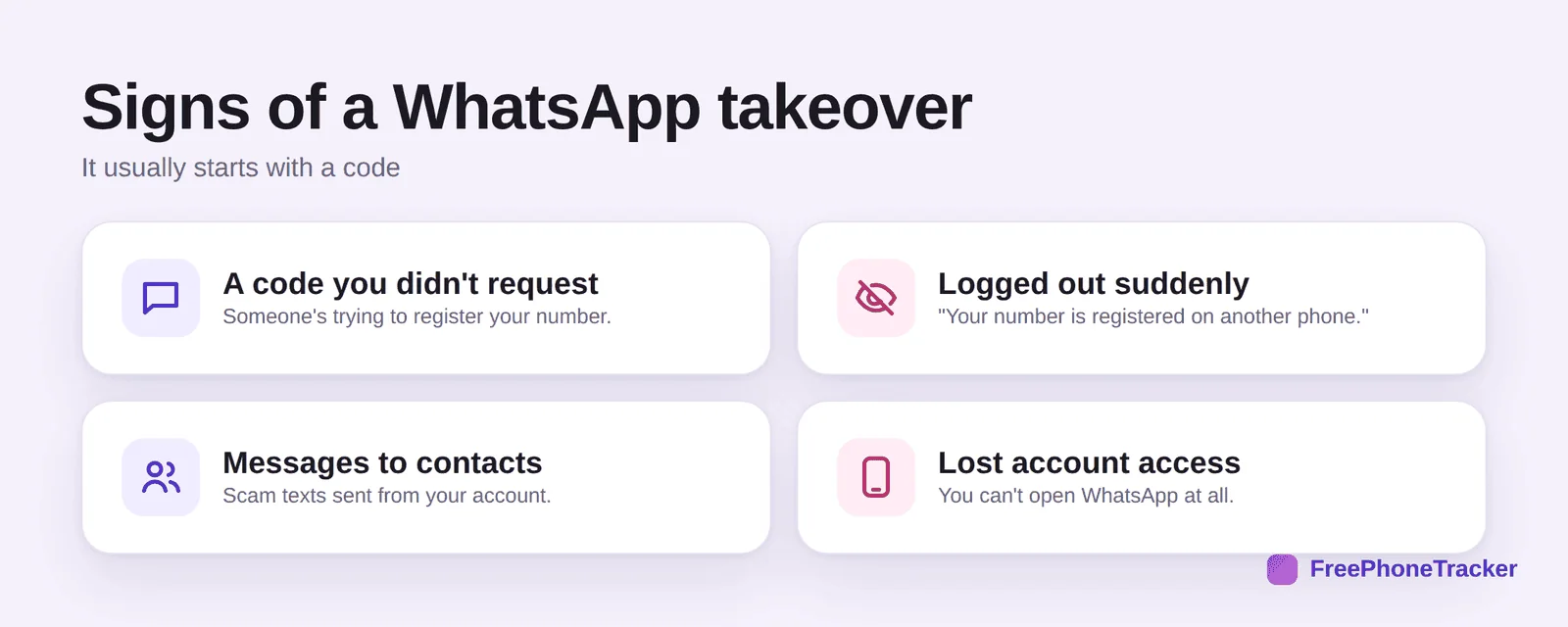
You get a code you didn’t request, then get logged out with “your number is registered on another phone.” Your contacts get scam messages from “you,” and you can’t open WhatsApp at all. The scam is simple: someone asks you to “forward a code sent by mistake.” Never do that, the code is your account.
Take your number back
Because control follows the number, re-registering is the whole fix. It only takes a few minutes.
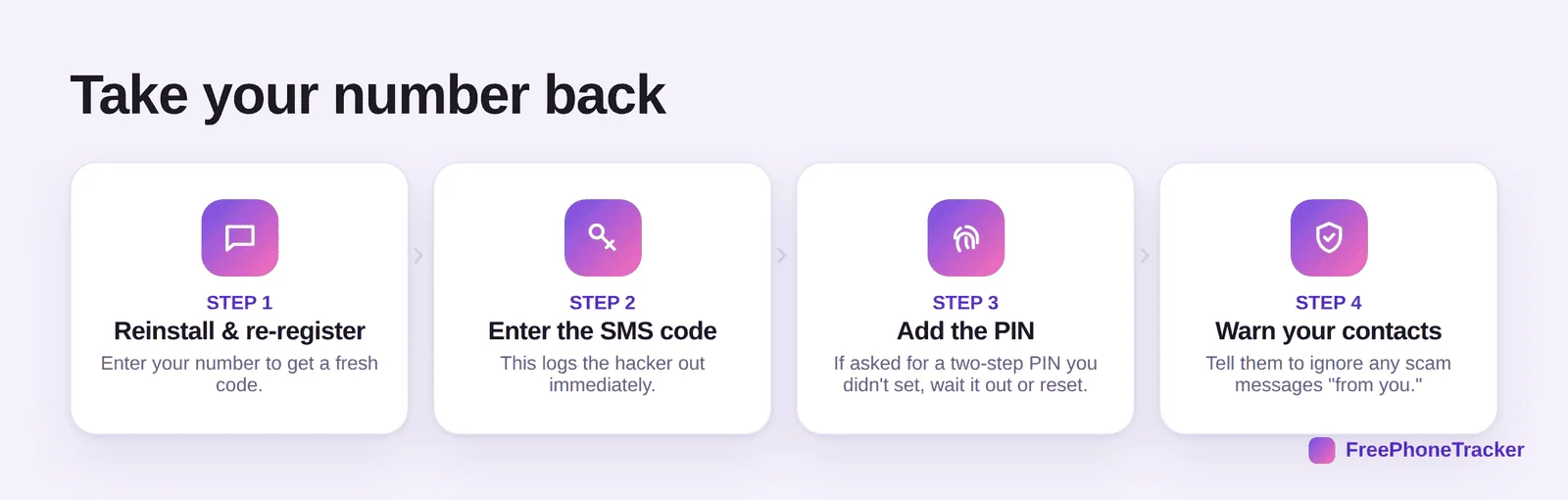
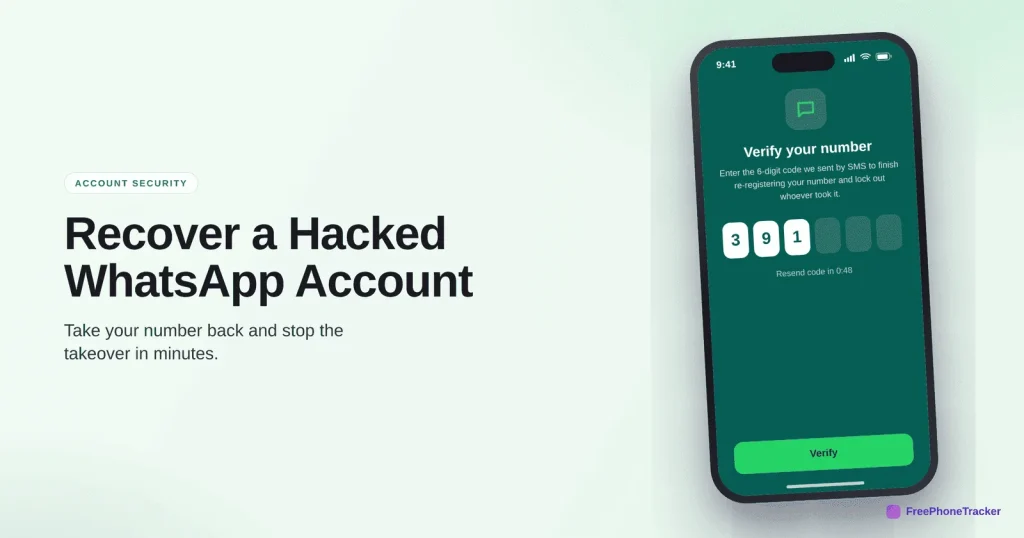
Reinstall WhatsApp and re-register your number to get a fresh SMS code. Enter the code, which logs the hacker out instantly. If a two-step PIN you didn’t set blocks you, WhatsApp makes you wait up to 7 days (or reset via the recovery email). Finally, warn your contacts to ignore any scam messages sent in your name.
Stop it happening again
One setting blocks almost every takeover.
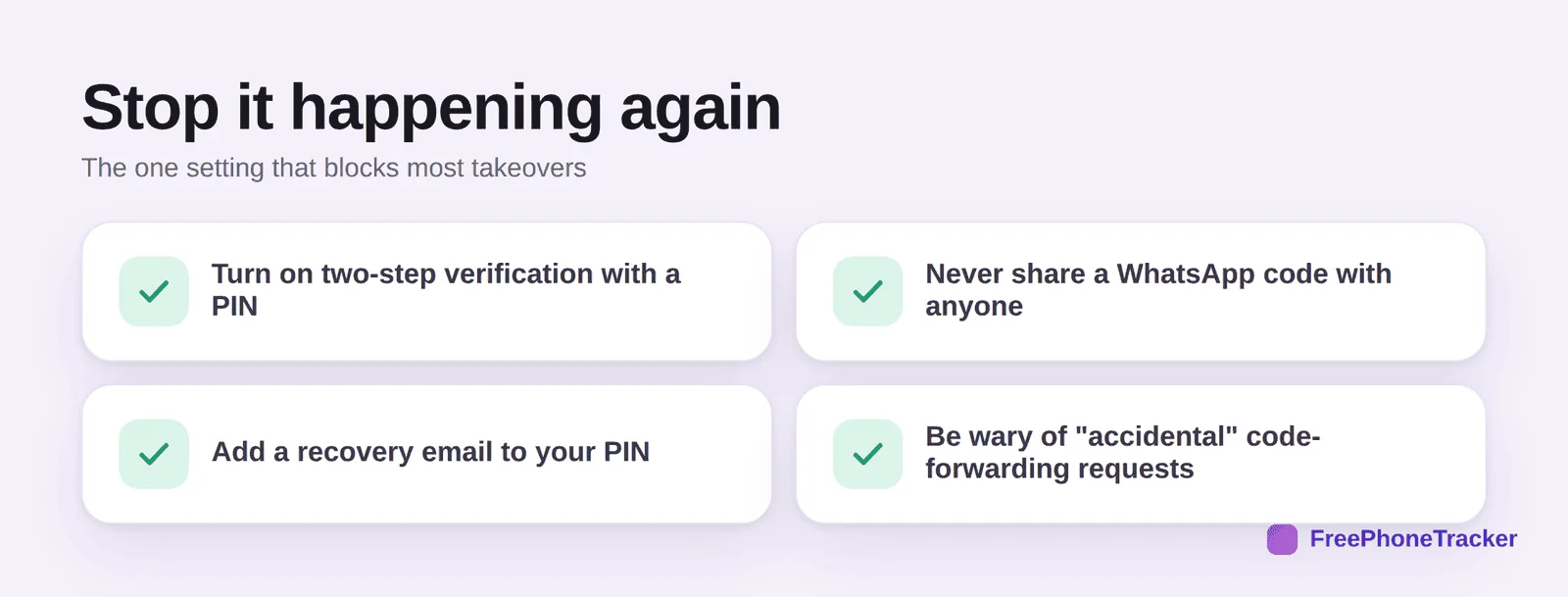
Turn on two-step verification and set a PIN, never share a WhatsApp code with anyone, add a recovery email to your PIN, and be wary of “accidental” code-forwarding requests, even from a friend whose account may itself be hacked.
If it’s your child’s account
Kids are prime targets for the “forward me this code” trick. A quick check of their messages can catch a takeover in progress.
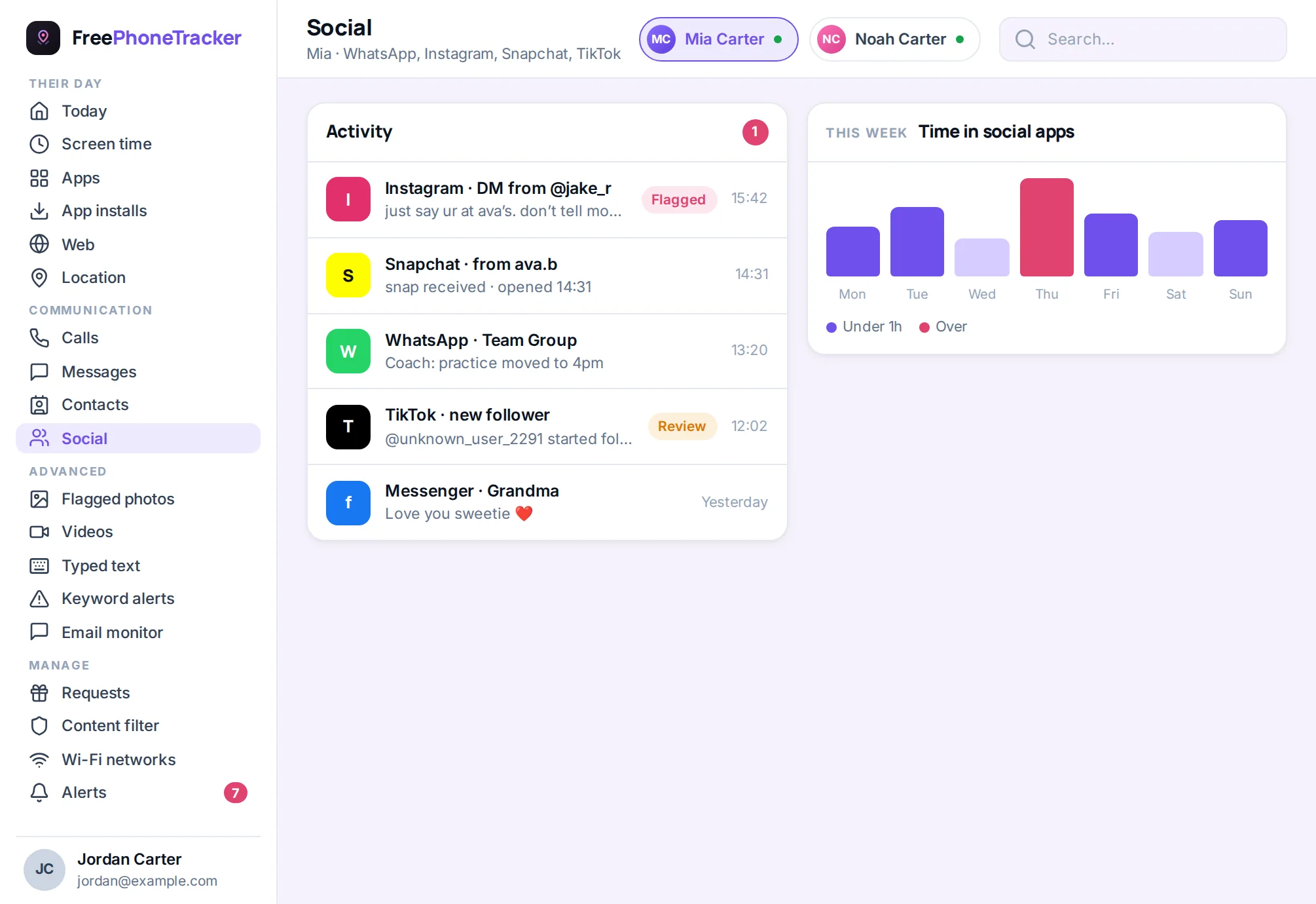
If you monitor a younger child’s phone, a chat activity view flags the spam a takeover sends. More importantly, teach them the rule: never share a code, ever. Read our Is WhatsApp safe? guide for the rest.
Common questions
Can someone read my old messages after a takeover?
New devices don’t get your chat history unless they restore your backup, which they usually can’t without your cloud account. Still, secure that cloud account too.
There’s a two-step PIN I never set — now what?
The hacker enabled it to keep you out. If you added a recovery email to two-step (or can prove ownership), you can reset; otherwise WhatsApp enforces a waiting period, then lets you back in.
Should I tell my contacts?
Yes, immediately. Takeovers exist to scam your contacts. A quick “my WhatsApp was hacked, ignore any messages asking for codes or money” stops the damage.
How do I make sure it never happens again?
Two-step verification with a PIN and recovery email, plus the golden rule of never sharing a code. That combination defeats nearly all takeovers.
My kid forwarded a code — is the account gone?
Not if you act fast. Re-register the number right away to log the hacker out, then set a two-step PIN. See our Instagram and email recovery guides for linked accounts.
A WhatsApp takeover looks scary but reverses fast: re-register your number to log the hacker out, set a two-step PIN, and warn your contacts. The permanent fix is simple, never share a code. Get started free, and read our guide to recovering a hacked email account.