A phone that lags, stutters and takes forever to open apps usually isn’t broken, it’s clogged. A few quick fixes bring most older phones back to life, no new hardware required. This guide covers why phones slow down and the fastest ways to speed one back up.
- Restart it — the single fastest fix for stutter and lag.
- Free up storage; a nearly full phone crawls.
- Limit background apps and remove bloat.
- Update the system — updates often fix slowdowns.
Why a phone slows down
It’s rarely the age alone. Usually it’s one of these, and each is fixable.
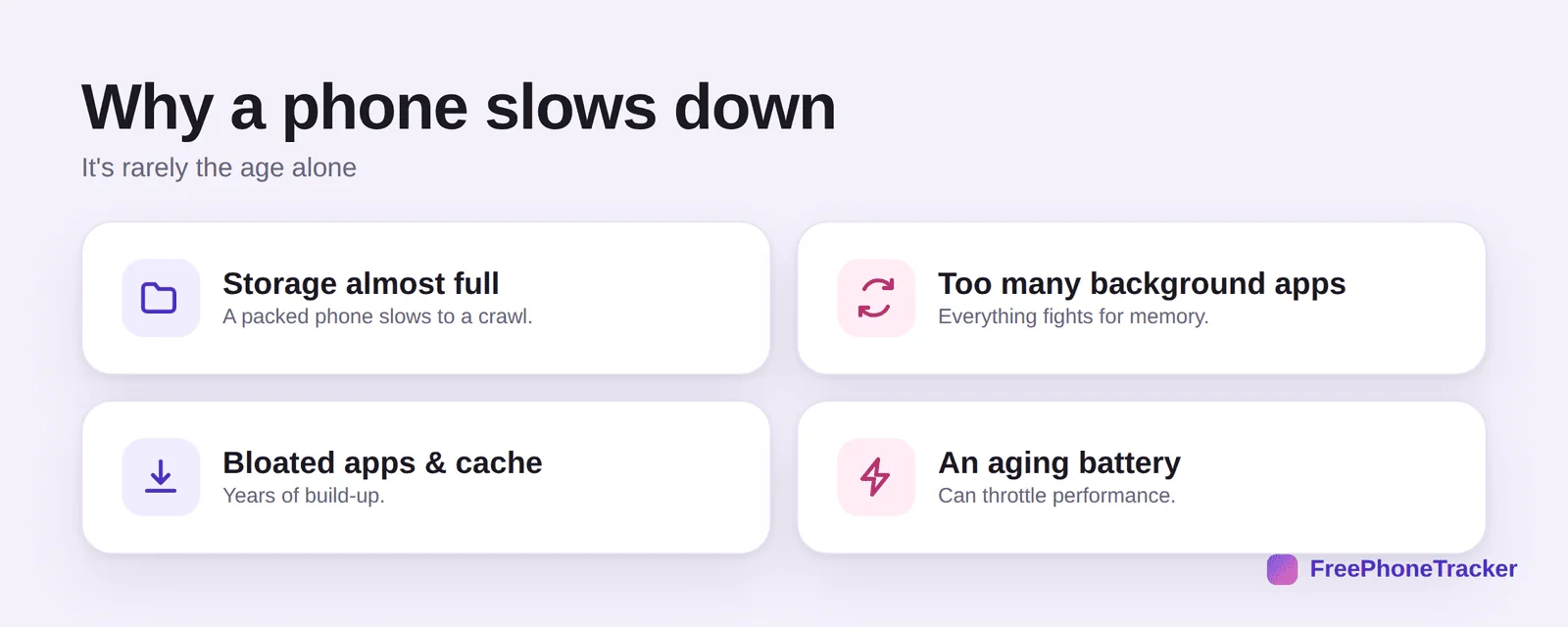
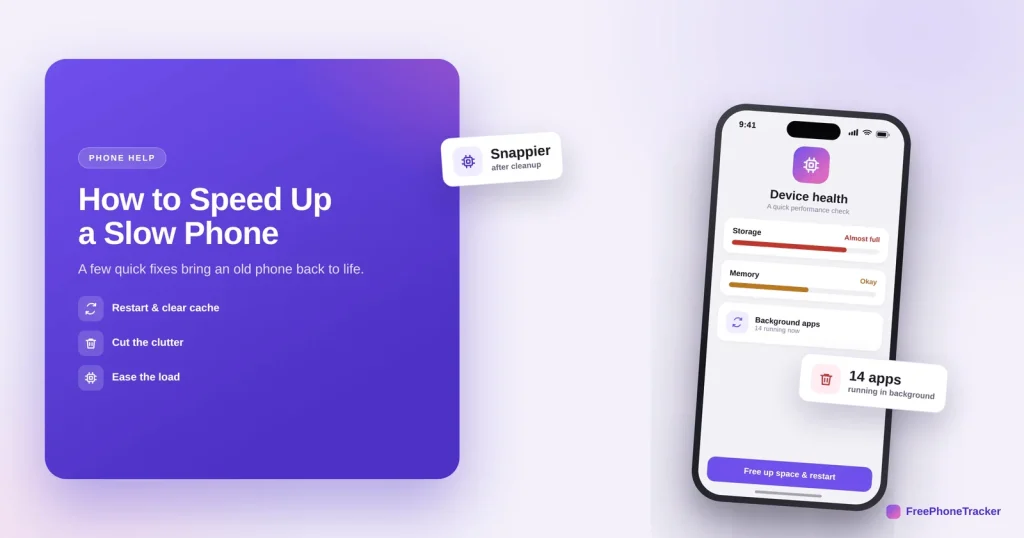
Storage almost full slows a phone to a crawl, it needs free space to work. Too many background apps fight over memory. Bloated apps and cache build up over years. And an aging battery can quietly throttle performance to stay stable.
Speed it back up
Do these in order. The first two solve most cases on their own.
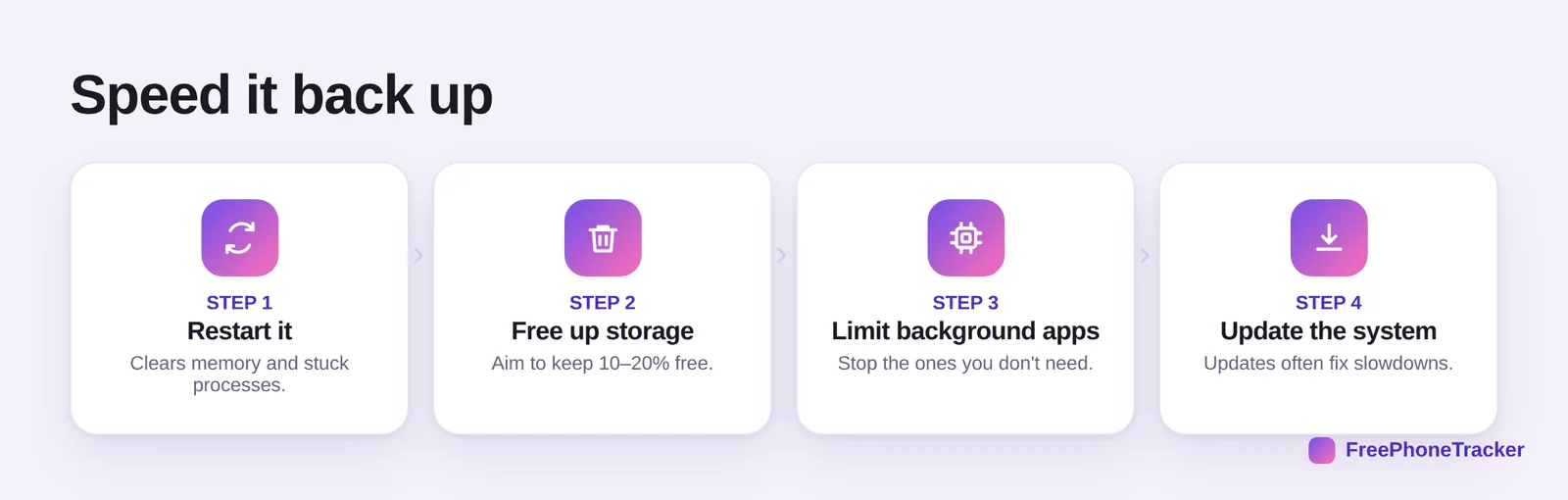
Restart it, which clears memory and stuck processes, an underrated fix. Free up storage and aim to keep 10–20% free. Limit background apps you don’t need running. And update the system, since updates frequently patch performance problems.
Keep it snappy
A few small habits keep a phone quick for longer.
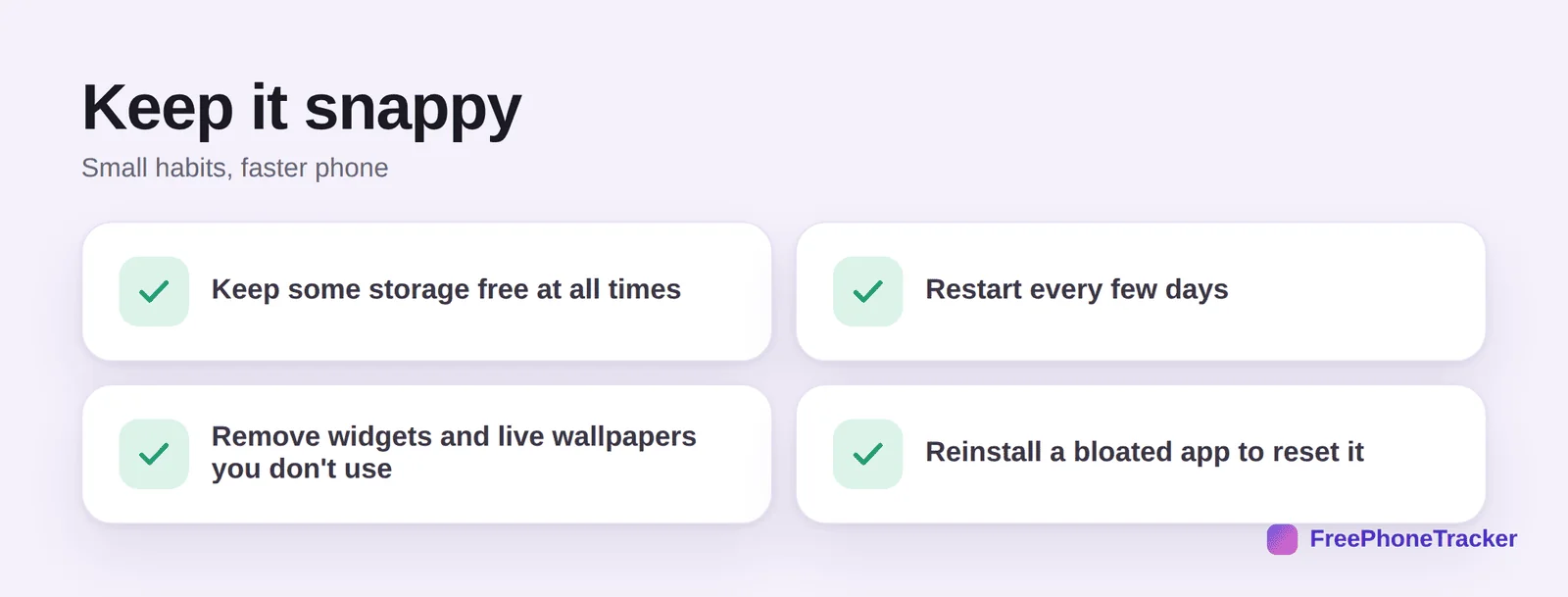
Keep storage free at all times. Restart every few days. Remove widgets and live wallpapers you don’t use, they run constantly. And reinstall a bloated app to reset the cruft it’s accumulated.
If it slowed down suddenly
A gradual slowdown is normal wear. A sudden one, with heat or drain, can point to a rogue or hidden app.
If the phone got slow overnight and runs hot or drains fast, look for apps you don’t recognise, it’s occasionally a sign of hidden software. Our guides to removing spy apps and spotting tracking cover what to check.
Settings that quietly cost speed
A few settings trade speed for convenience, and switching them off makes an old phone feel new. On Android, Developer options lets you set animation scales to 0.5× or off, which makes every transition feel instant; on iPhone, Reduce Motion under Accessibility does something similar. Turn off Background App Refresh (iPhone) or restrict background data for apps you rarely open (Android), so they stop working while you are not looking.
Live wallpapers, widgets that update constantly and always-on displays each take a small slice of performance and battery; a static wallpaper and a tidy home screen help more than people expect. Finally, check for a pending system update — a phone that has been dismissing updates for months is often slower than it needs to be, and the update also brings security fixes that matter more than speed.
Common questions
Does restarting really speed up my phone?
Yes, more than people expect. It clears memory and ends stuck background processes. If your phone is slow right now, restart it first.
How much free storage should I keep?
Aim for at least 10–20% free. A nearly full phone slows dramatically because the system has no room to work.
Will a factory reset fix a slow phone?
It often helps as a last resort, but back everything up first, and try restarting, freeing storage and updating before going that far.
Is my phone slow because it’s old?
Age plays a part, but clutter, full storage and an aging battery are usually the bigger culprits, all more fixable than the age itself.
Could a slow phone be spyware?
A sudden slowdown with heat and drain can be one sign. Review installed apps and see our spyware guide if you’re concerned.
A slow phone is usually a clogged one, restart it, free up storage, trim background apps, and keep it updated, and most older phones feel new again. Get started free, and read our guides to freeing up storage and fixing overheating.