A phone that dies by mid-afternoon is almost always fixable, and usually it’s a handful of apps doing the damage. Your phone already tracks exactly which ones. This guide shows how to find the battery hogs and win back a full day, plus when fast drain is a sign of something worse.
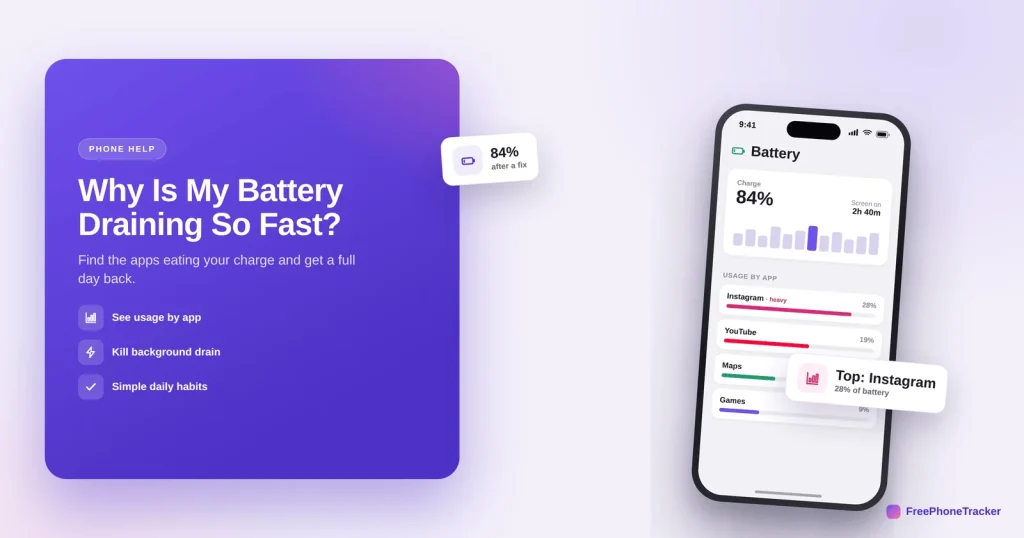
- Check Settings › Battery to see which apps use the most.
- Limit background location and background refresh for the worst ones.
- Auto-brightness and a shorter auto-lock help a lot.
- Sudden, unexplained drain can signal a hidden app worth investigating.
What drains a battery fastest
A few categories account for most battery loss. Knowing them tells you where to look.
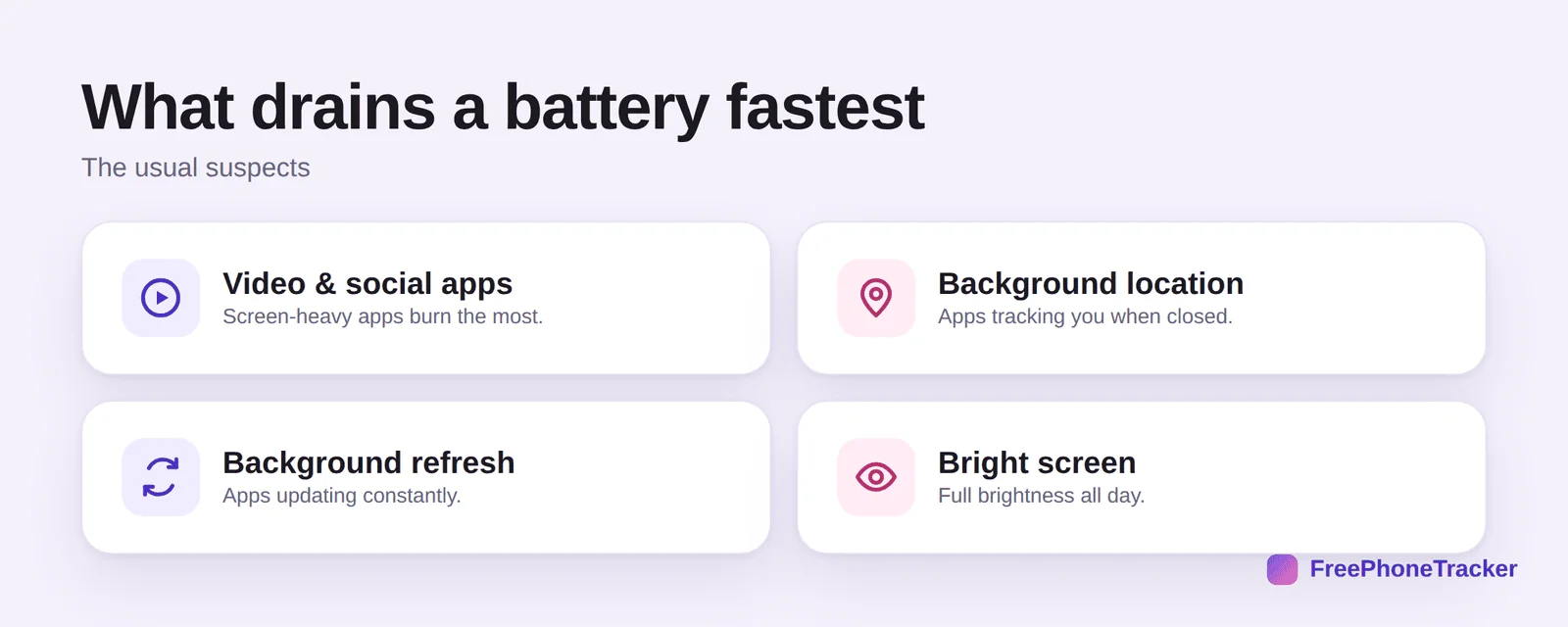
Video and social apps burn the most, they keep the screen bright and busy. Background location quietly runs even when an app is closed. Background refresh keeps apps updating all day. And a bright screen at full brightness is a constant drain. Most fixes target one of these.
Stop the drain
Work through these in order. The first step tells you exactly which app to target.
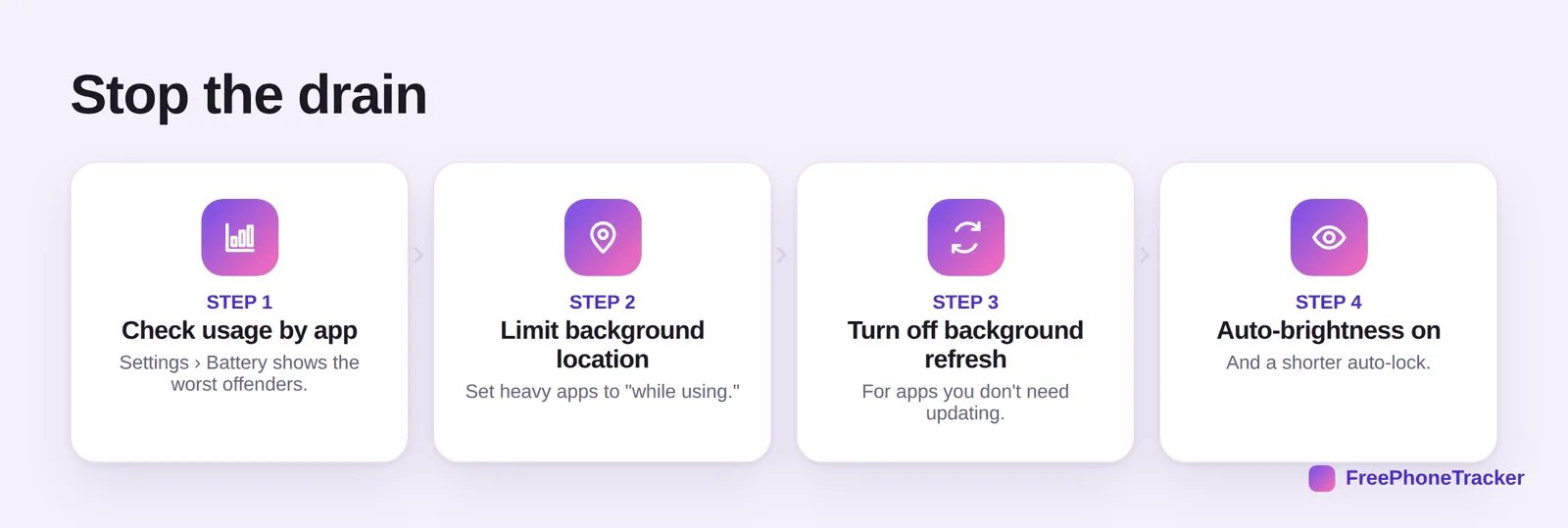
Check usage by app in Settings › Battery. Limit background location to “while using” for the heavy ones. Turn off background refresh for apps that don’t need it. And switch on auto-brightness with a shorter auto-lock. Together these often add hours.
Get a full day back
A few habits keep the gains going.
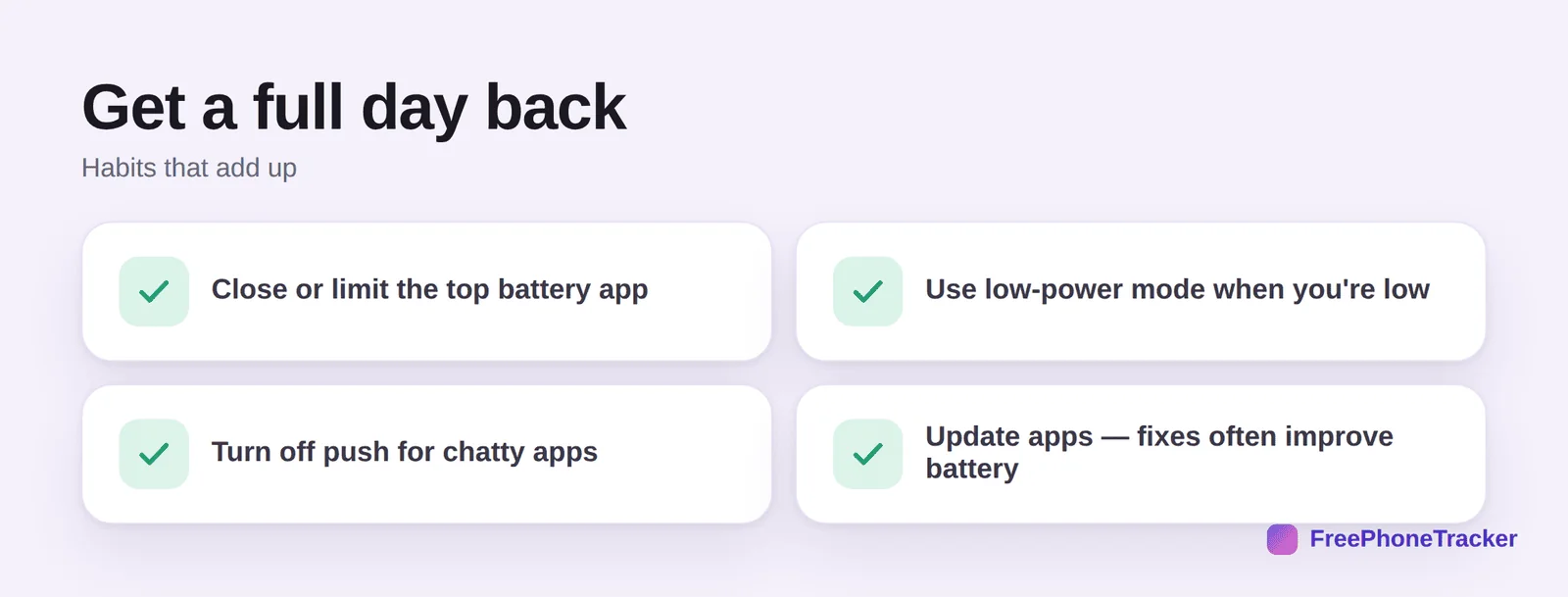
Close or limit the top battery app. Use low-power mode when you’re running low. Turn off push notifications for chatty apps. And update your apps, battery fixes ship in updates all the time.
When drain means something else
Occasionally, fast battery drain isn’t a normal app, it’s a hidden one running in the background.
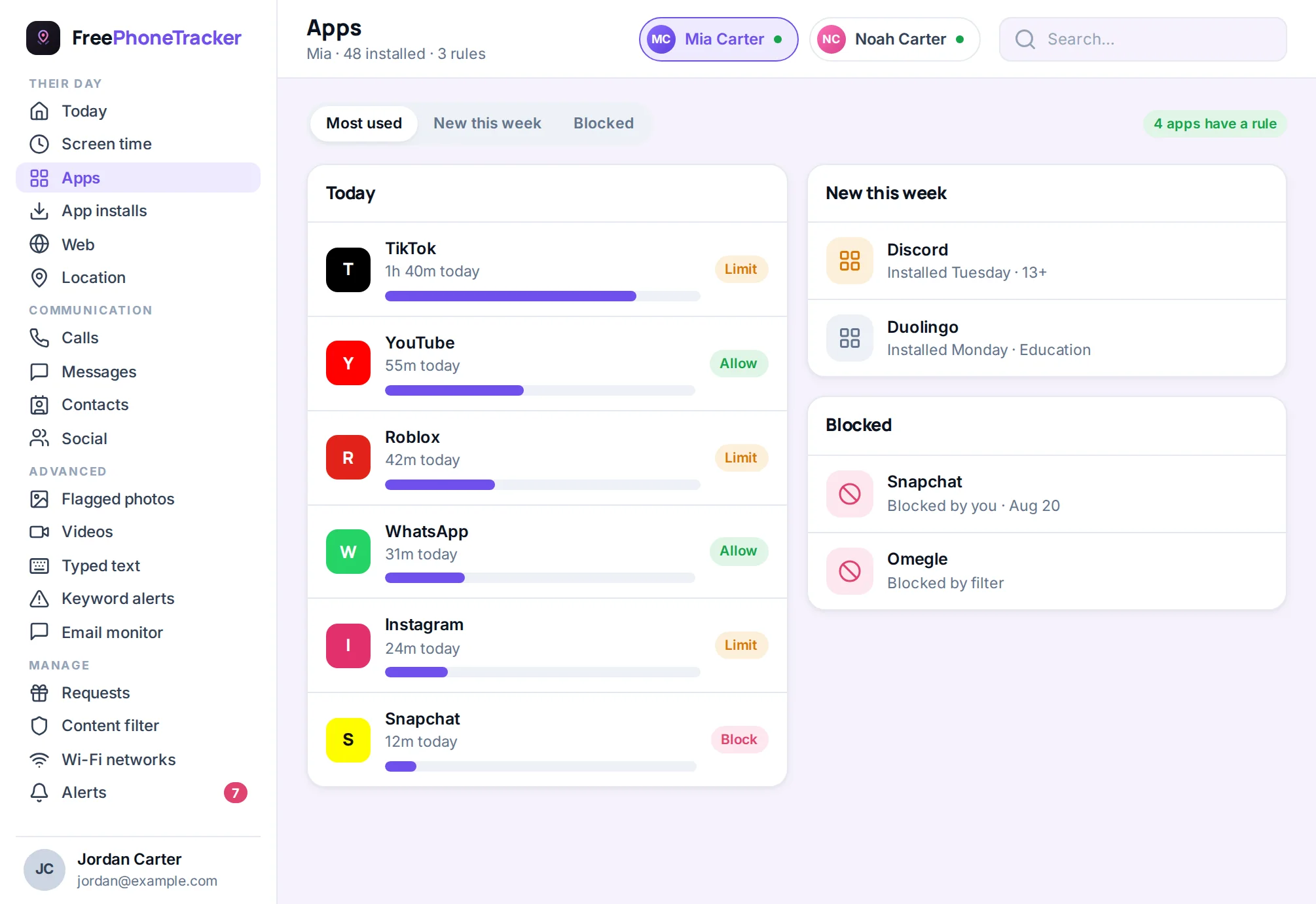
If your battery suddenly nose-dives with no new habit to explain it, and the phone runs warm even when idle, check for apps you don’t recognise. It can be a sign of hidden monitoring software, our guide to finding and removing spy apps and to telling if your phone is tracked cover the signs. (A legitimate app like FreePhoneTracker is designed to be light on battery, unusual drain points to something else.)
Common questions
Which app is draining my battery?
Settings › Battery lists usage by app. The one at the top, especially a video or social app, is usually your answer. Limit or close it and watch the difference.
Does closing background apps really help?
Force-closing every app constantly doesn’t help much and can even hurt. What helps is limiting background refresh and location for the specific heavy apps.
Is it bad to charge overnight?
Modern phones manage this well, and features like optimised charging protect the battery. Heat is the bigger enemy, so don’t charge under a pillow.
My battery drains even when idle — normal?
Some idle drain is normal, but rapid idle drain with a warm phone can signal a stuck app or hidden software. Check battery usage and unfamiliar apps.
Could an unexplained drain be spyware?
It can be one sign, though rarely the only one. If drain is sudden and unexplained, review installed apps and see our spyware guide.
Fast battery drain is almost always a few greedy apps, find them in Settings › Battery, rein in background activity, and add a couple of habits. If the drain is sudden and unexplained, rule out a hidden app. Get started free, and read our guides to freeing up storage and speeding up a slow phone.