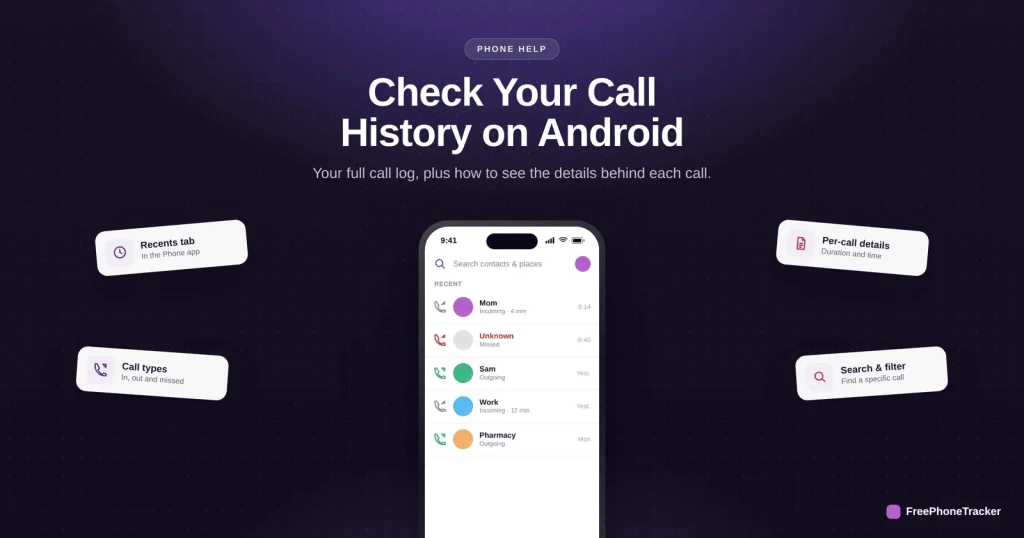
Android keeps a detailed call log in the Phone app, with clear arrows showing which calls came in, went out, or were missed. Reading it is quick, and tapping in reveals duration and options you might not have noticed. This guide covers checking your Android call history and its limits.
- Open the Phone app and tap Recents to see your call log.
- Arrows show call direction: incoming, outgoing or missed.
- Tap a call for duration, time and more options.
- The on-device log is limited — back it up for a longer history.
What the Android call log shows
Each entry tells you more than a name and a time.
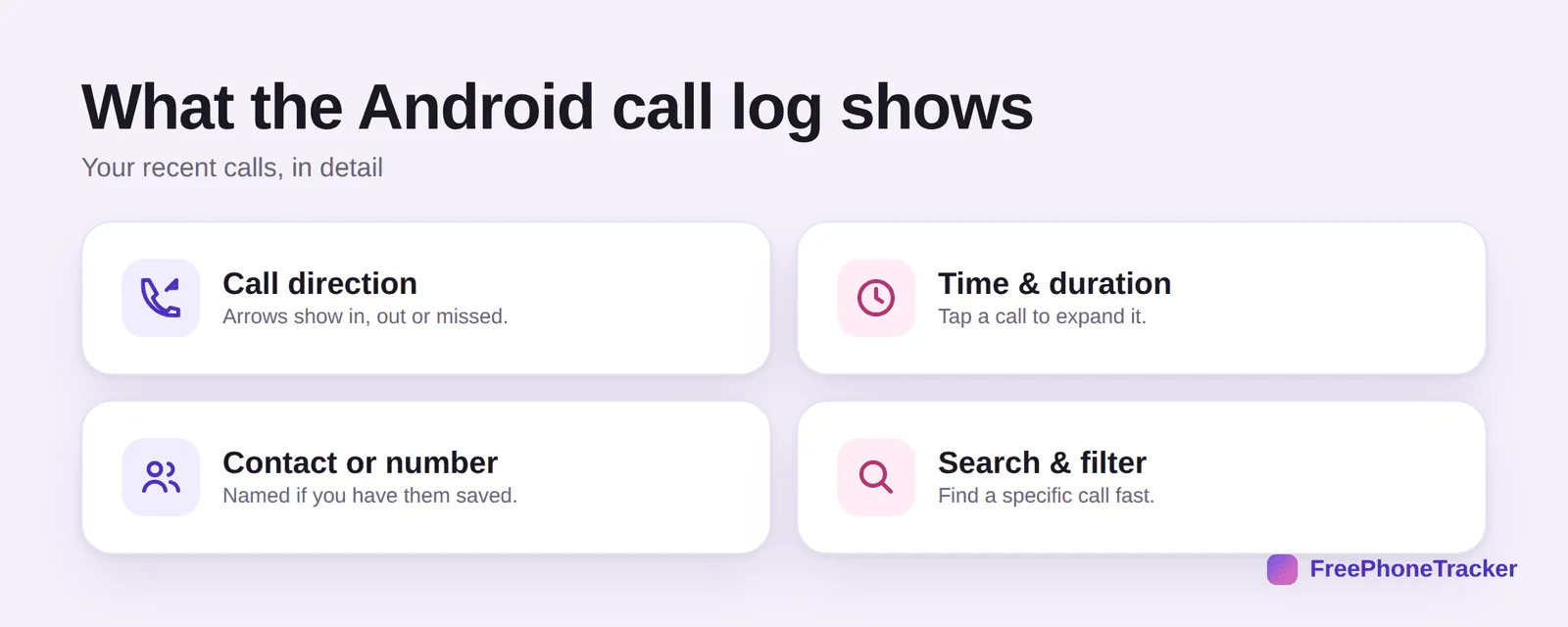
It shows call direction with arrows (in, out, missed), the time and duration when you tap a call, the contact or number (named if saved), and search and filter to find a specific call quickly.
Check call history on Android
The path is nearly the same on every Android phone.
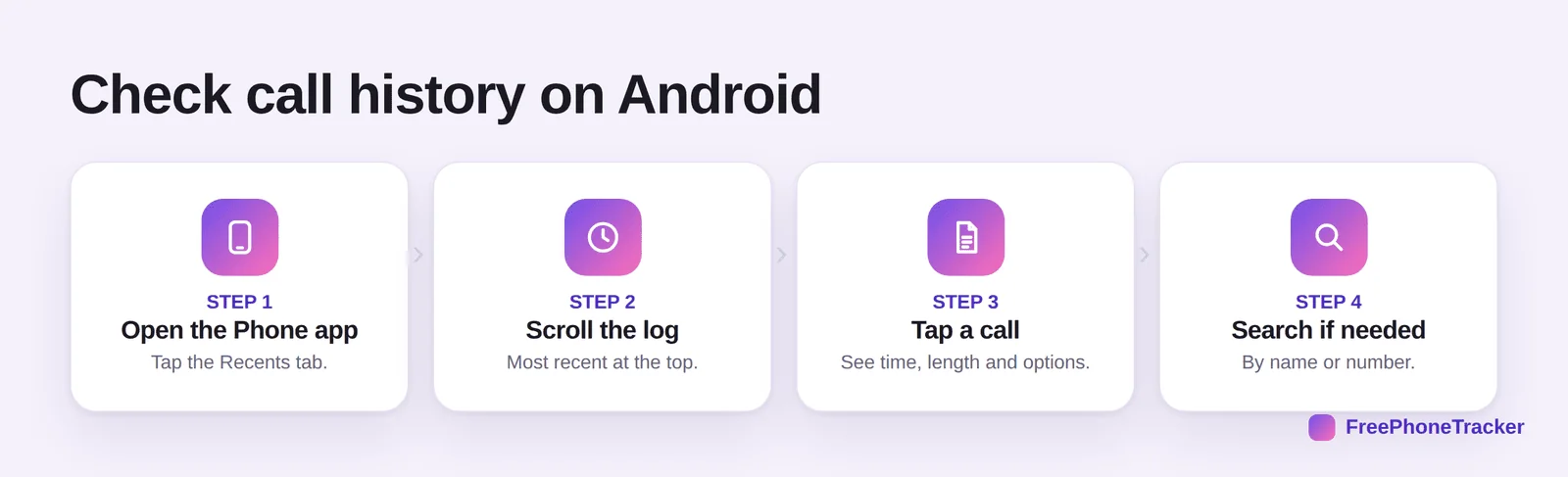
Open the Phone app and tap the Recents tab. Scroll the log, most recent at the top. Tap a call to see its time, length and options. And search if needed, by name or number.
Android call-log tips
A few small tricks, and a note on what the log won’t do.
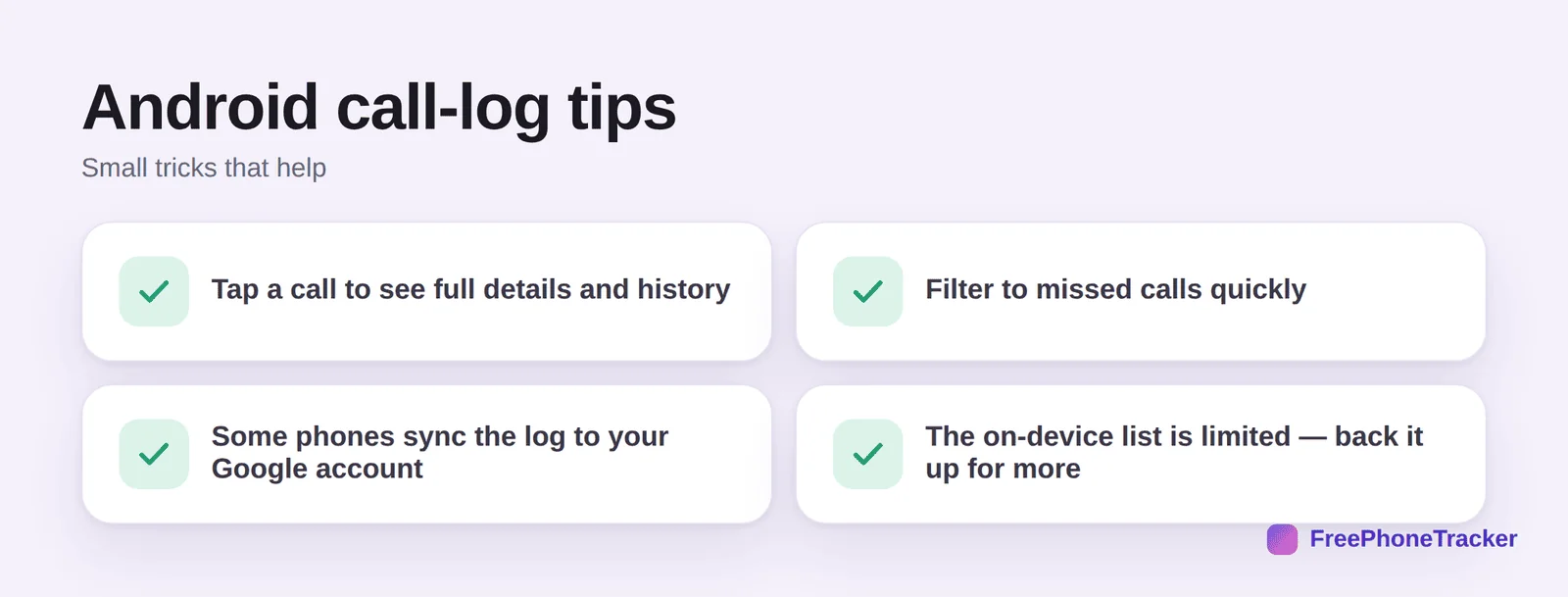
Tap a call for full details and history with that contact. Filter to missed calls quickly. Note that some phones sync the log to your Google account. And the on-device list is limited, so back it up for more, per our Android backup guide.
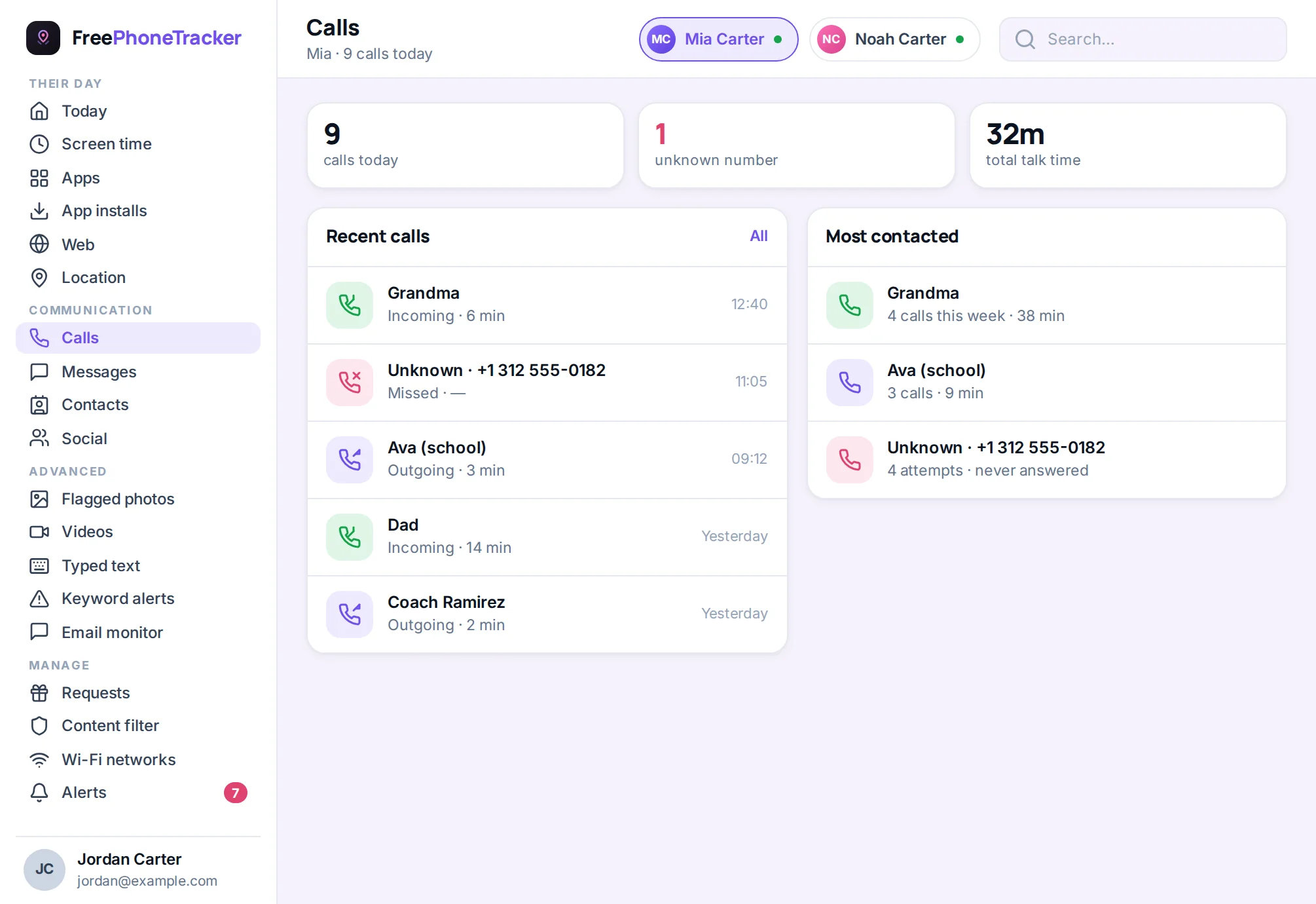
When the call log is not enough
The phone’s own call log has limits worth knowing before you rely on it. Most Android dialers keep only the most recent few hundred calls, so a busy phone quietly loses history after a few weeks. Calls made through WhatsApp, Messenger, Telegram or Discord never appear in the dialer at all — they live inside each app. And anyone with the phone in hand can delete individual entries in two taps, so a clean log is not proof of anything.
If you need a longer or more reliable record, two sources help. Your carrier’s account page or bill lists every call made through the network, usually for several months, with numbers and durations. And Google’s My Activity can hold phone call history if that setting is on for the account. For a parent monitoring a child’s phone openly, a monitoring app keeps a continuous copy in a panel where entries cannot be quietly removed — a fairer picture than a log that can be edited.
Common questions
How far back does the Android call log go?
It varies by phone, but the on-device list holds a limited number of recent calls. Older ones drop off, so use a backup or a call log for longer history.
Does Android back up my call log?
Often, yes, a Google One backup can include call history, and some phones sync it to your Google account. Confirm it’s enabled in your backup settings.
Why do arrows point different ways?
They show call direction: an arrow into the phone is incoming, out of it is outgoing, and a red one is a missed call. It’s the quickest way to scan your log.
Can I get back a deleted call?
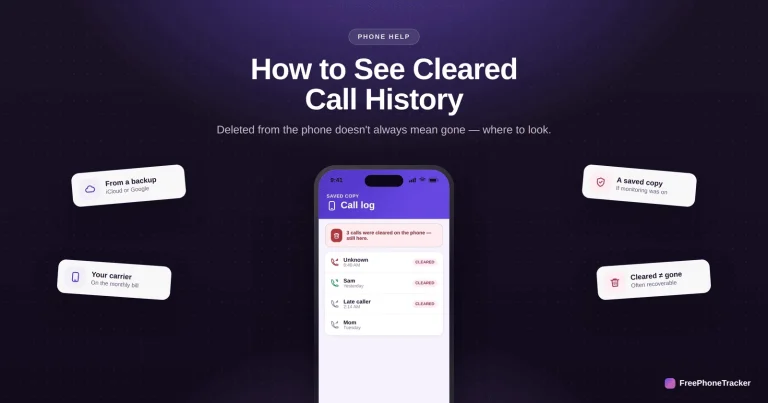
Not from the phone once it’s cleared, but a backup or your carrier may have it. See our cleared call history guide.
How do I keep a permanent call record?
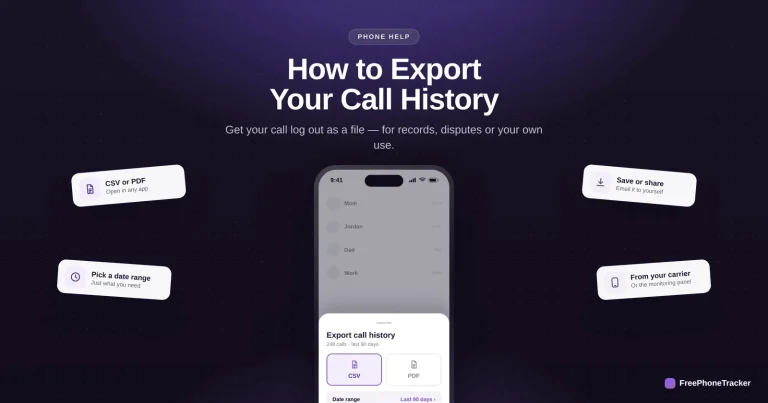
Back up regularly, or use a call tracker that keeps a complete log you can export. See our export guide.
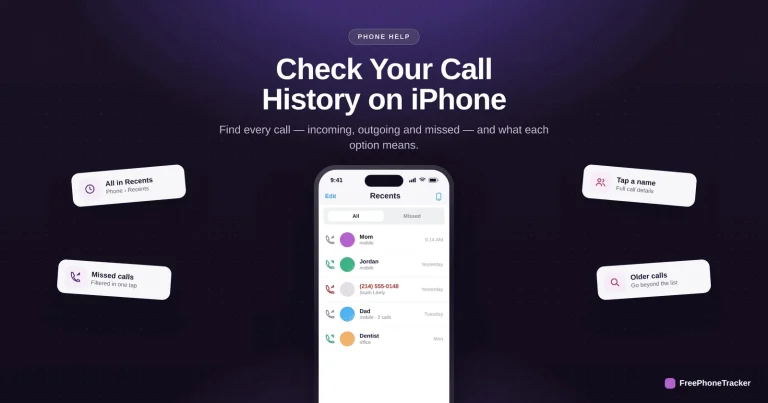
Android’s call log lives in the Phone app’s Recents tab, with arrows for direction and full detail a tap away, just remember the on-device list is capped. Back it up or use a call log for real history. Get started free, and read our guides to seeing cleared calls and checking history on iPhone.