phone help
Every guide filed under “phone help”.
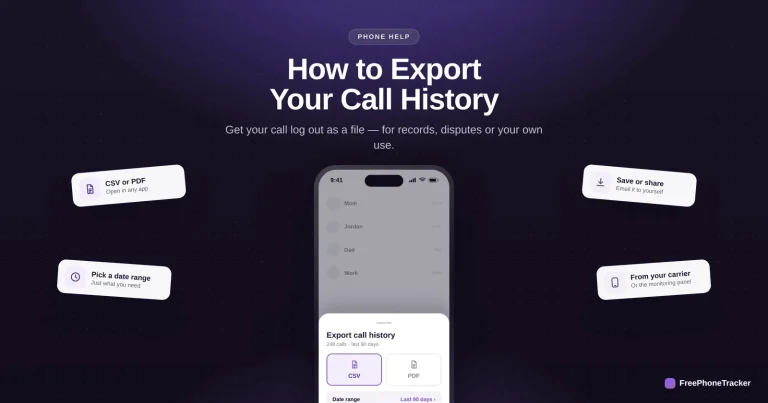
How to Export Your Call History
Get your call log out as a CSV or PDF — from your carrier, a backup or a call tracker — for records, disputes or your own archive, and keep it private.
Read the guide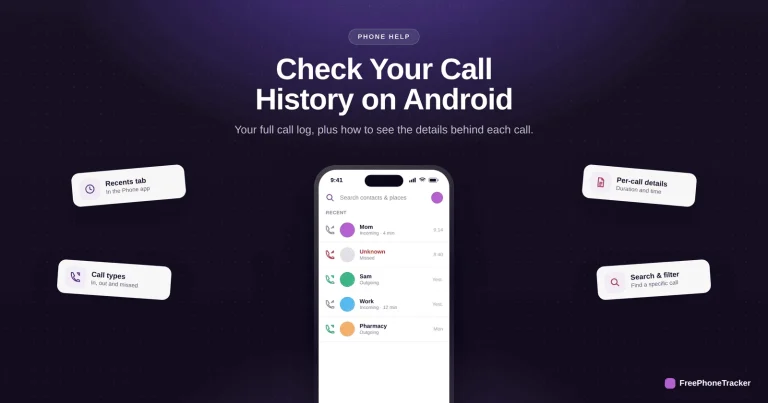
How to Check Your Call History on Android
Read your Android call log in the Phone app — arrows show call direction, tap in for duration, and back it up for a history that outlasts the on-device list.
Read the guide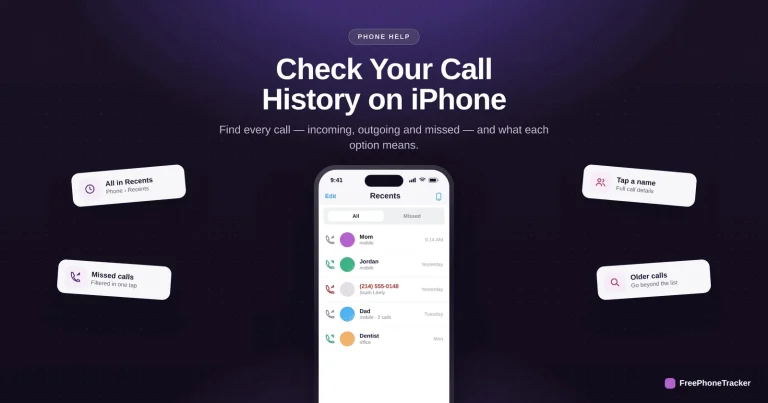
How to Check Your Call History on iPhone
Read your full iPhone call history in Recents — incoming, outgoing and missed — get per-call details, and know why the on-device list is limited.
Read the guide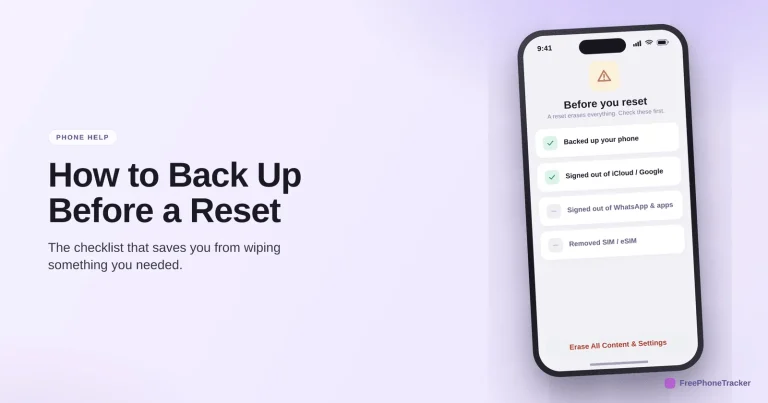
How to Back Up Before a Factory Reset
The checklist that saves you from wiping something you needed — a confirmed backup, signing out to avoid activation lock, and saving your 2FA before you erase.
Read the guide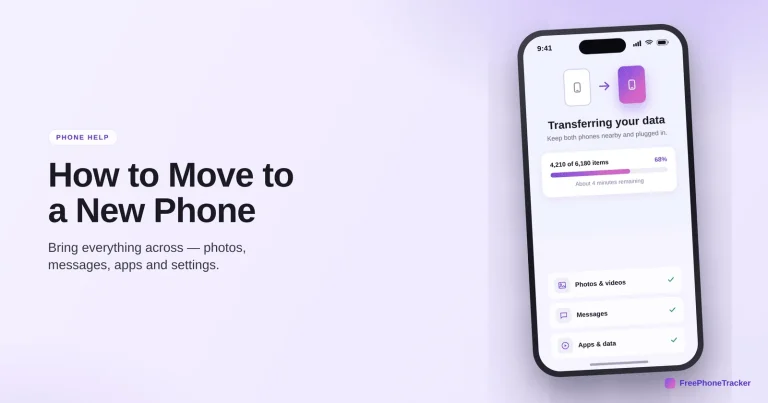
How to Move to a New Phone
Bring everything across to a new phone — photos, messages, apps and settings — plus the few things people always forget: authenticator codes, WhatsApp and the SIM.
Read the guide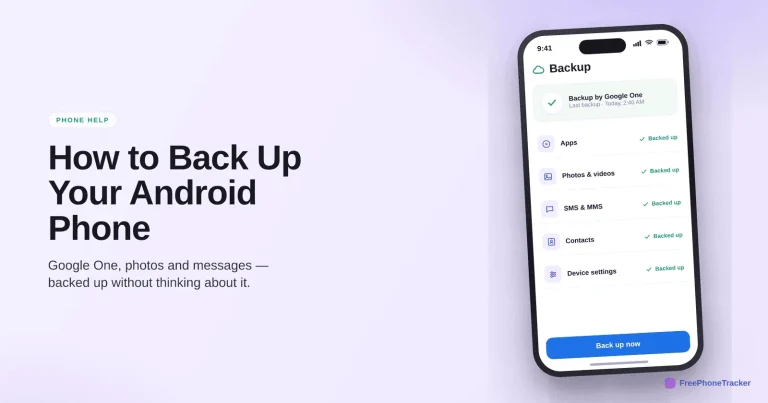
How to Back Up Your Android Phone
Turn on Backup by Google One, keep Google Photos backing up, and confirm it runs — so a new phone restores itself with your apps, messages and photos intact.
Read the guide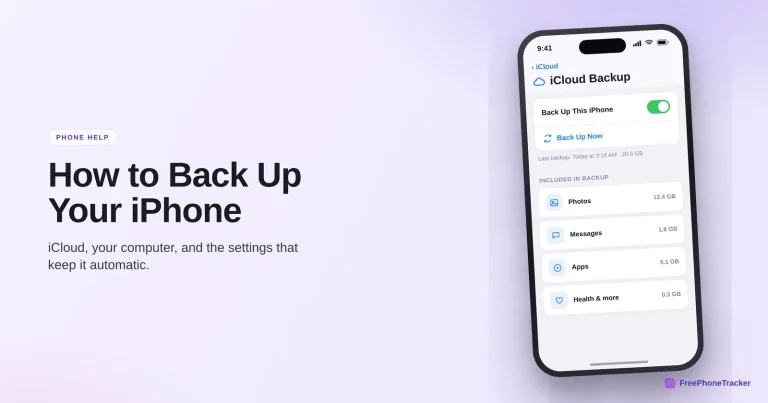
How to Back Up Your iPhone
Back up your iPhone to iCloud or a computer, keep it automatic, and check it actually runs — so a lost or broken phone costs you a device, not your memories.
Read the guide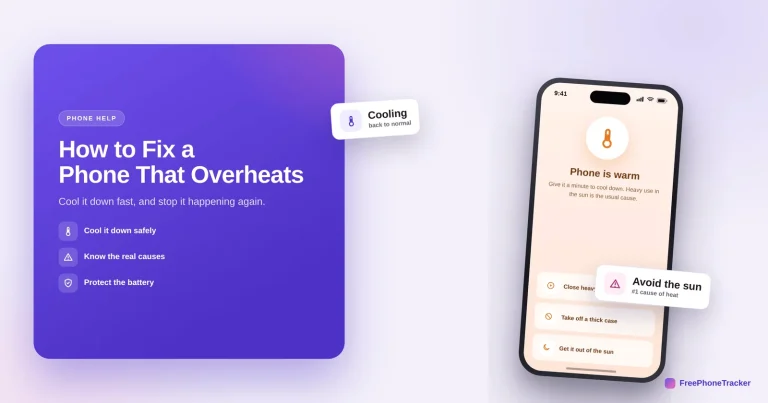
How to Fix a Phone That Overheats
Cool a hot phone down safely and stop it happening again — close heavy apps, remove the case, get it out of the sun, and know the real causes (never the fridge).
Read the guide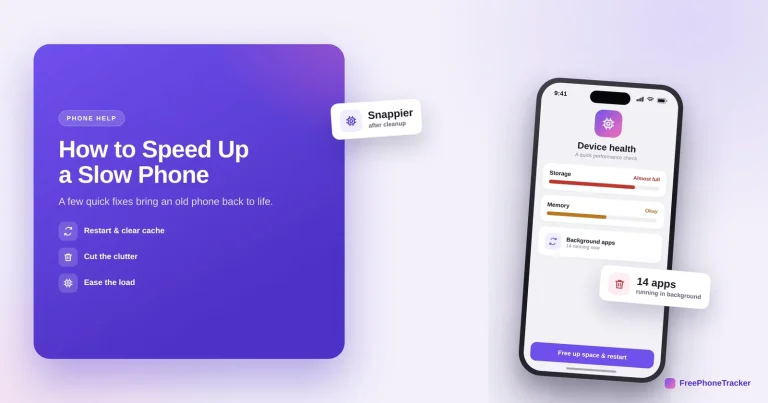
How to Speed Up a Slow Phone
A few quick fixes bring an old phone back to life — restart it, free up storage, limit background apps and update the system, plus when a sudden slowdown means more.
Read the guide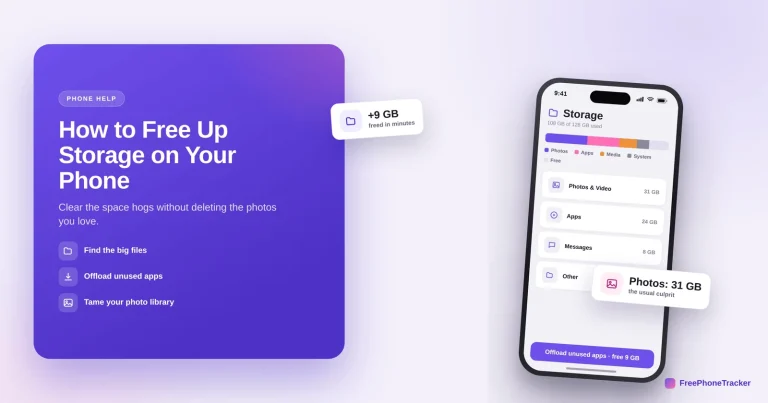
How to Free Up Storage on Your Phone
Clear gigabytes without losing the photos and messages you want — offload unused apps, move photos to the cloud, and empty the caches and attachments that pile up.
Read the guideSee what your child's phone is really up to
Free to set up, transparent by design, and running on your child's Android phone in about two minutes.