The best time to back up your iPhone was before you needed it; the second-best is now. A good backup means a lost, broken or stolen phone costs you a device, not your photos, messages and years of memories. This guide covers backing up to iCloud, to a computer, and keeping it automatic.
- Turn on iCloud Backup so it runs nightly on Wi-Fi and power.
- Do a manual “Back Up Now” before any update or reset.
- A computer backup (Finder/iTunes) is a full local copy.
- Check the “Last backup” date so you know it’s actually working.
What an iCloud backup saves
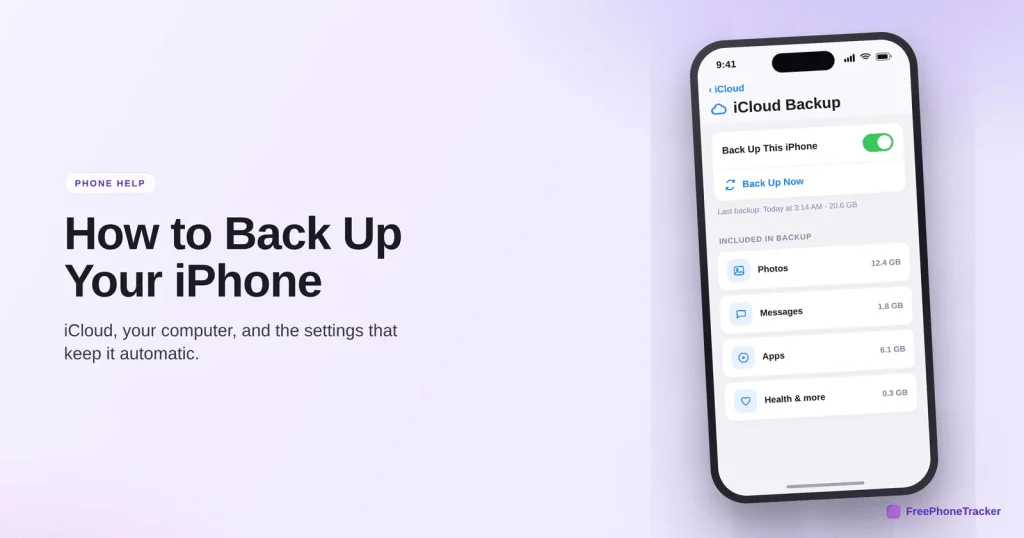
An iCloud backup captures most of your phone automatically, so a restore brings you back close to where you were.
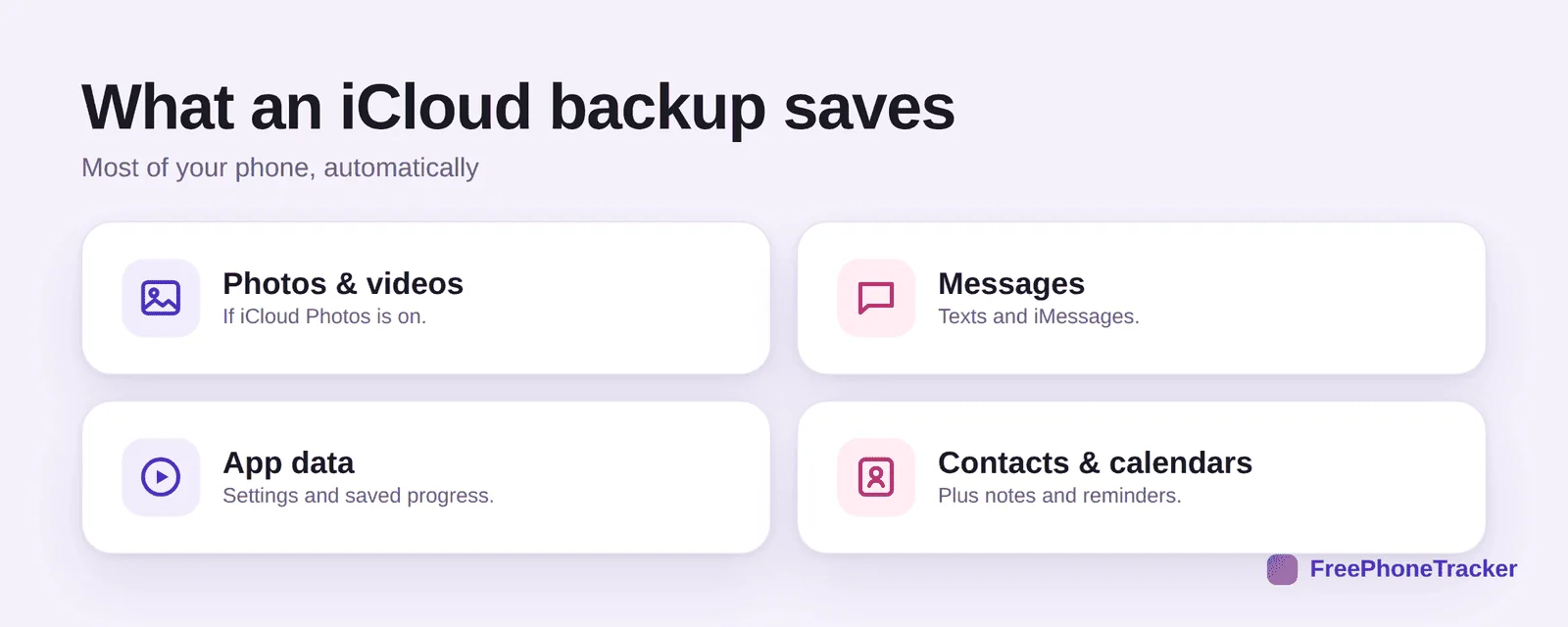
It includes your photos and videos (if iCloud Photos is on), your messages, your app data and settings, and your contacts, calendars, notes and reminders. Some things, like content you can re-download, aren’t stored twice, they come back when you restore.
Back up your iPhone
Setting it up takes a minute, and then it mostly runs itself.
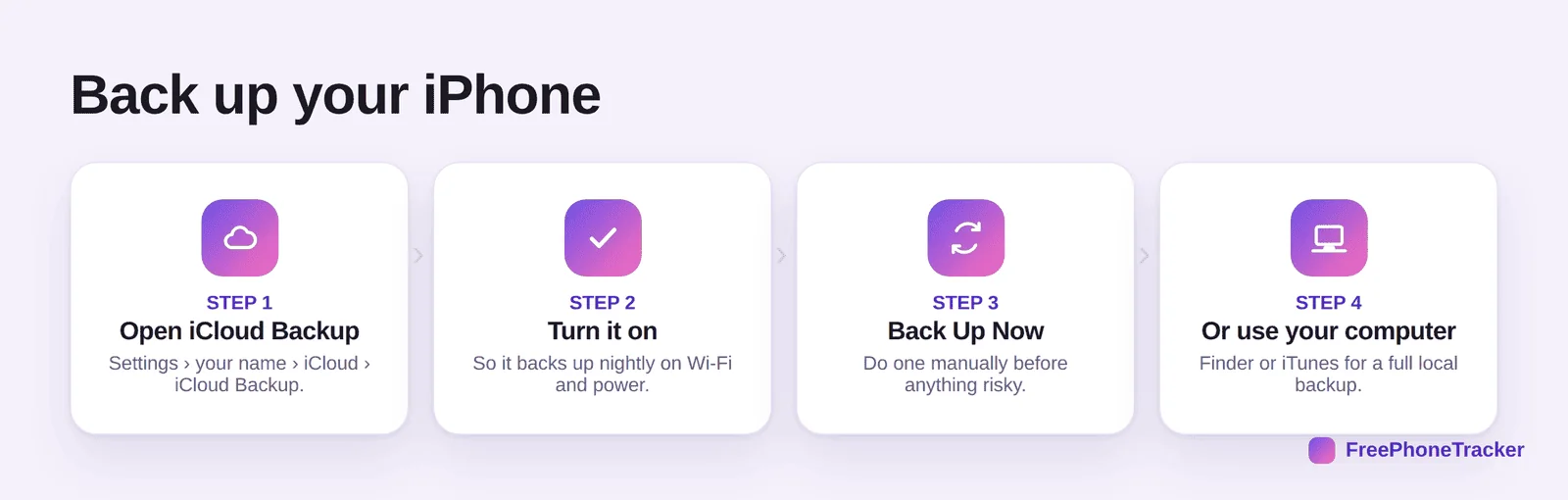
Open Settings › [your name] › iCloud › iCloud Backup and turn it on, so it backs up nightly on Wi-Fi and power. Tap Back Up Now before anything risky. Or plug into a computer and use Finder (or iTunes) for a full local backup, handy if you’re short on iCloud space.
Keep it reliable
A backup only helps if it actually ran. A few checks keep it dependable.
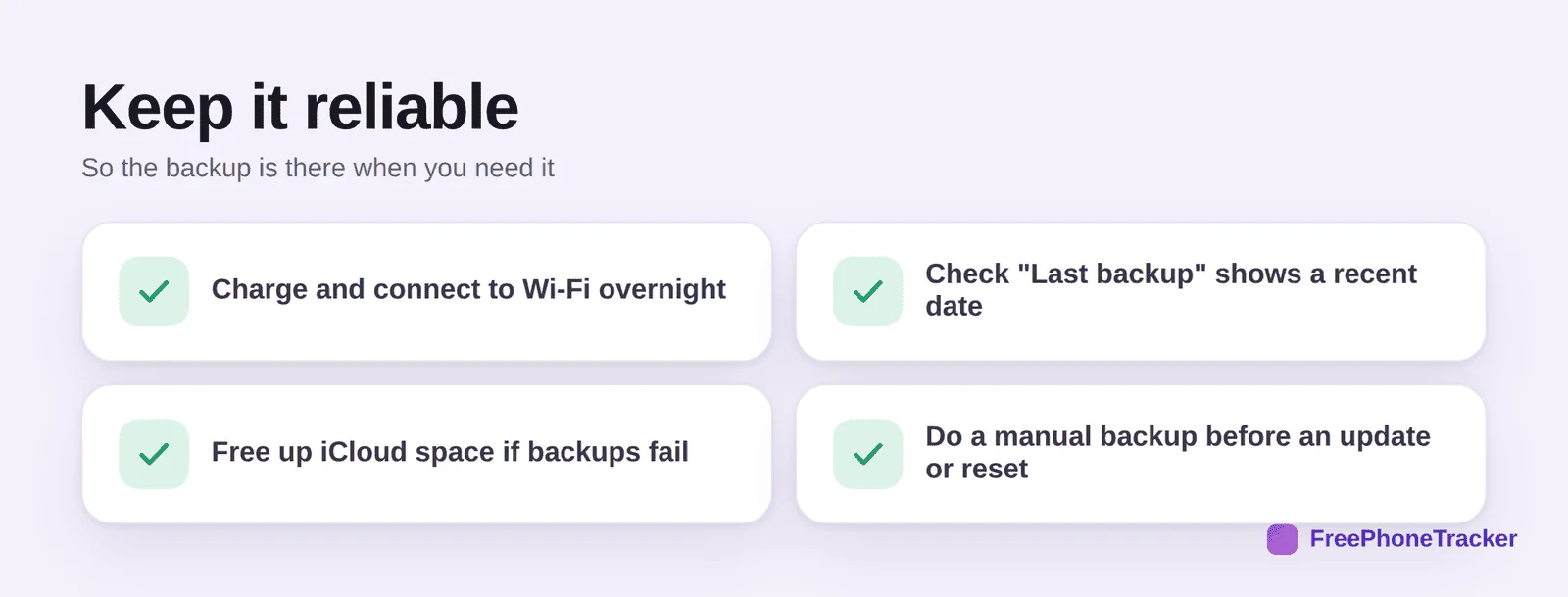
Charge and connect to Wi-Fi overnight so it has the chance to run. Check “Last backup” shows a recent date. Free up iCloud space if backups fail (that’s the usual reason). And do a manual backup before an update or reset.
One more copy
Backups are about never losing what matters, which is the same reason a monitoring copy of messages can be useful.
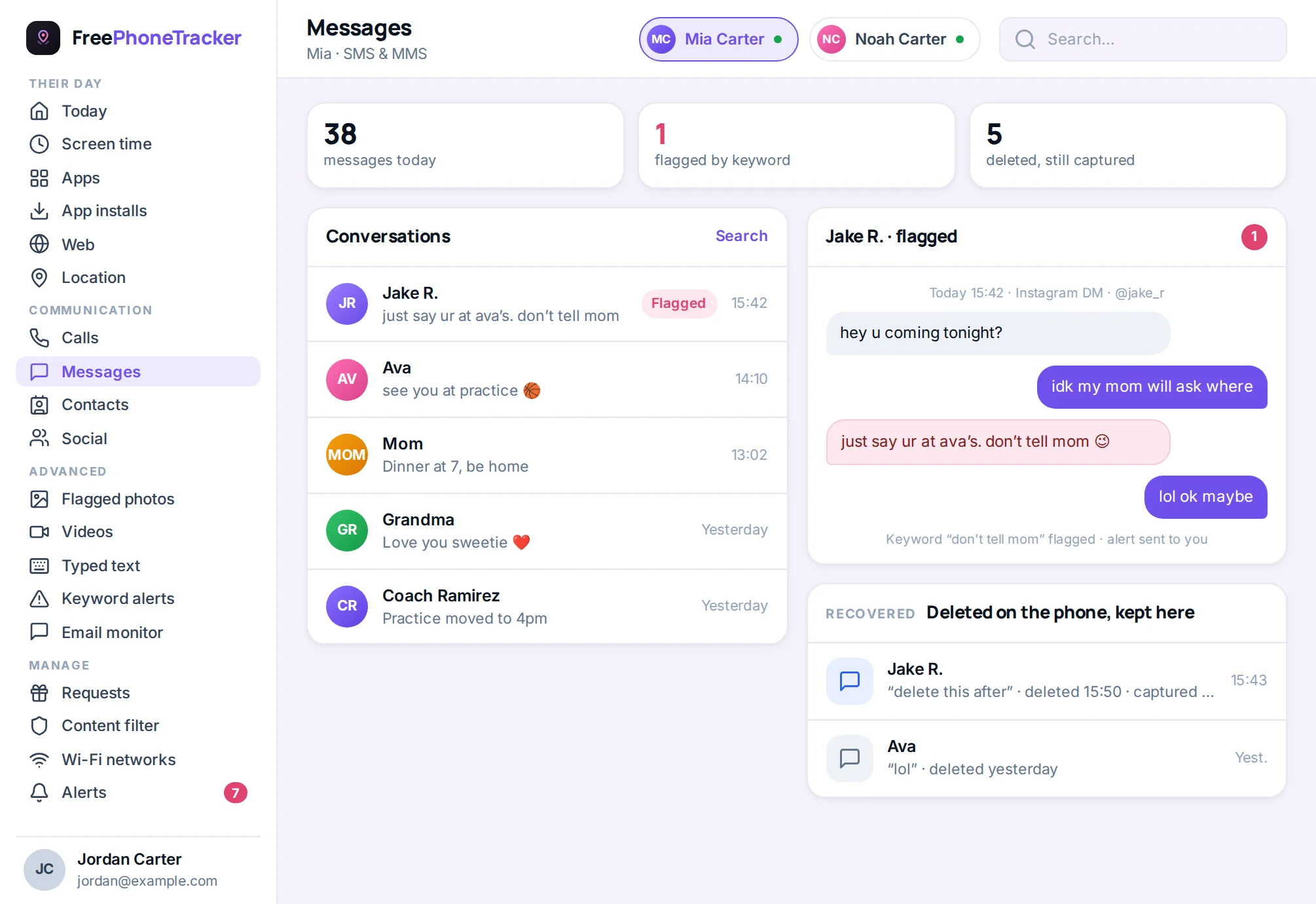
An iCloud backup is a point-in-time snapshot. A message tracker keeps a live copy as texts arrive, which is why it survives a delete between backups, see our iPhone text recovery guide for how the two compare.
Common questions
How much does iCloud backup cost?
Apple gives 5 GB free, which fills quickly. Most people need a paid iCloud+ tier for a full backup. A computer backup is free if you’d rather not pay.
Does iCloud back up my photos?
Only if iCloud Photos is turned on, that stores your library in the cloud. Otherwise photos are included in the device backup itself. Check both are enabled.
Why does my backup keep failing?
Almost always not enough iCloud storage. Free some up or upgrade, make sure you’re on Wi-Fi and charging, and try again.
iCloud or computer backup — which is better?
iCloud is automatic and off-site; a computer backup is free, local and often more complete. Ideally use both, iCloud for convenience, a computer backup before big changes.
Can I recover a deleted text from a backup?
Yes, if the backup predates the delete, though restoring is all-or-nothing. See our recover deleted texts guide.
A working iCloud backup turns a lost phone into a minor inconvenience, turn it on, check it runs, and back up manually before anything risky. Add a computer backup for peace of mind. Get started free, and read our guides to backing up Android and moving to a new phone.