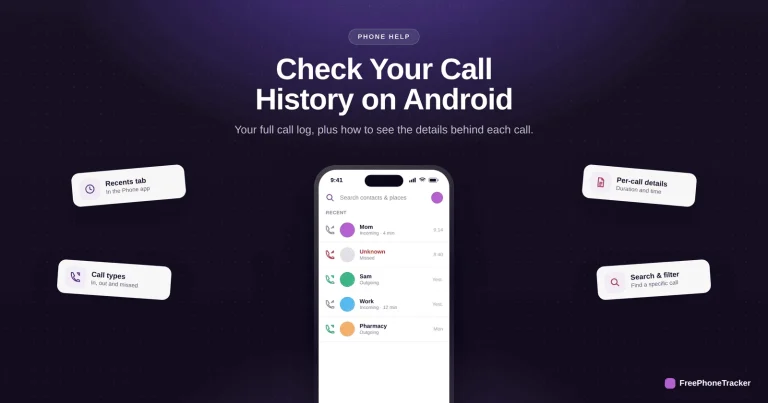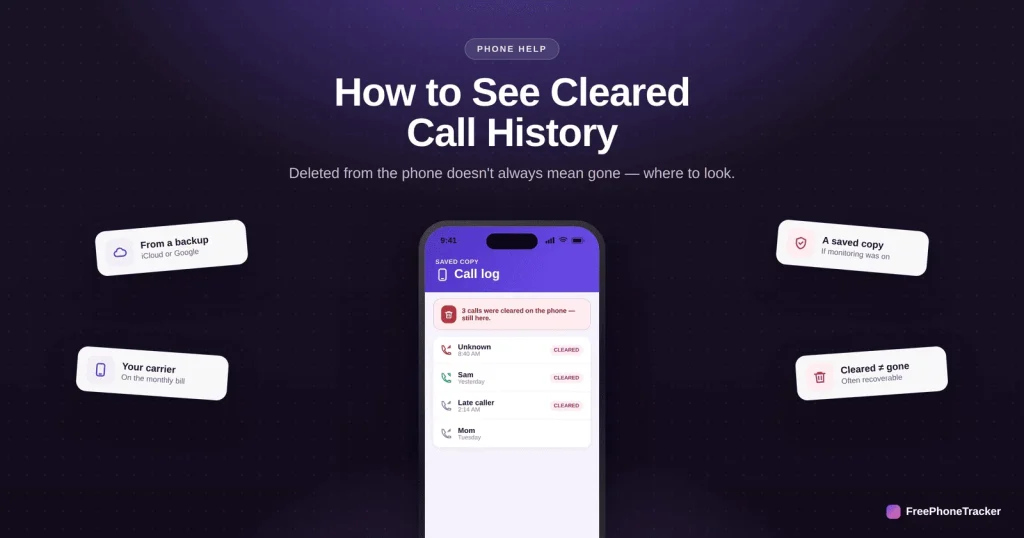
Someone cleared the call log, or you did by accident, and now you need it back. The phone itself doesn’t keep cleared calls, but “cleared” rarely means “gone.” Backups, your carrier, and a call log can all still hold the record. This guide shows where to look, in order.
- The phone doesn’t keep cleared calls — but other places might.
- A backup from before the delete often still has the log.
- Your carrier keeps call records (on the bill), for a limited time.
- A call tracker keeps a live copy that a delete can’t touch.
Where cleared calls may still be
Clearing the log on the phone doesn’t erase it everywhere. Check these.
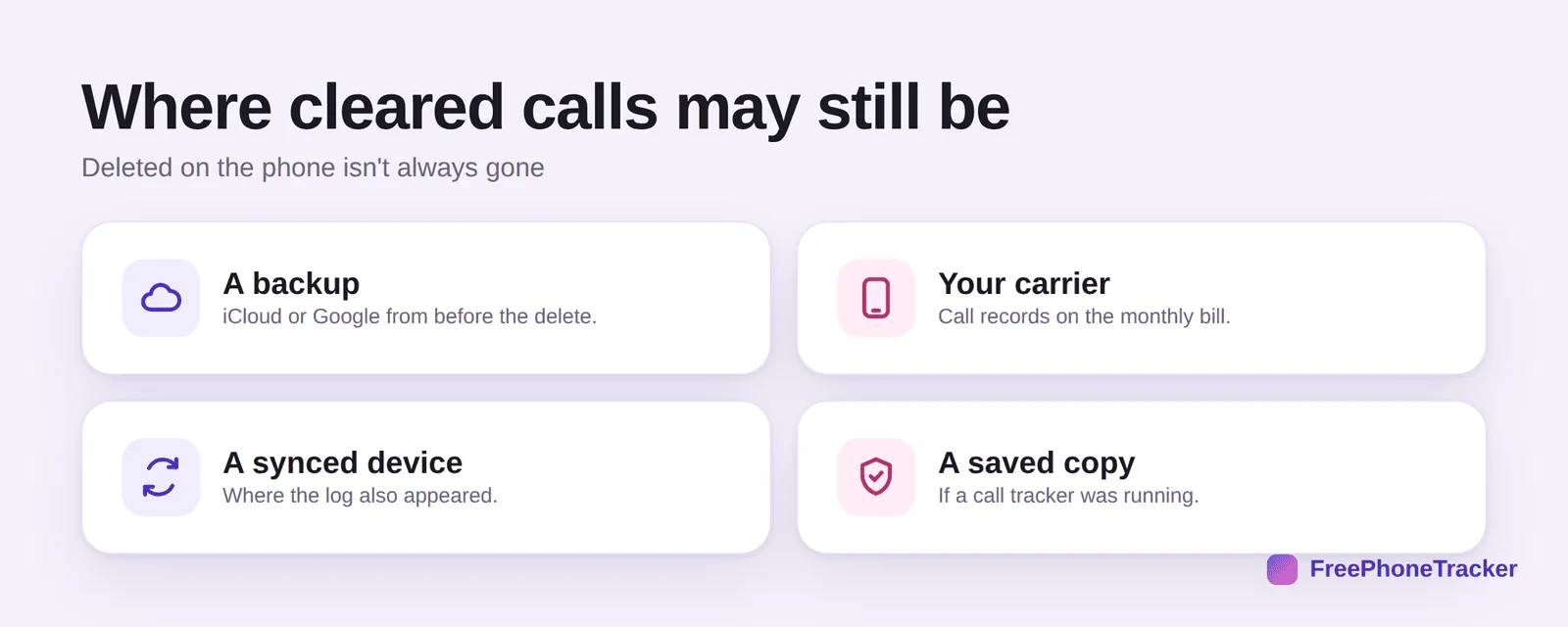
A backup (iCloud or Google) from before the delete often still contains the log. Your carrier keeps call records, visible on the monthly bill or on request. A synced device may still show the calls. And a saved copy exists if a call tracker was running when the calls happened.
Recover cleared call history
Work through the options from easiest to most thorough.
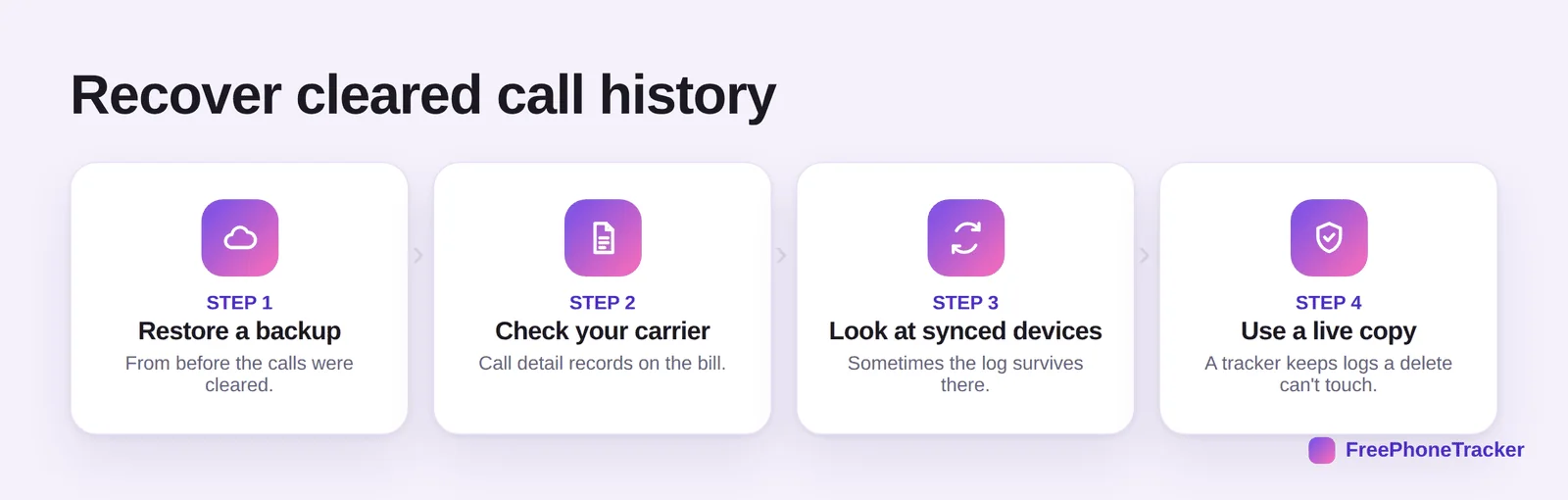
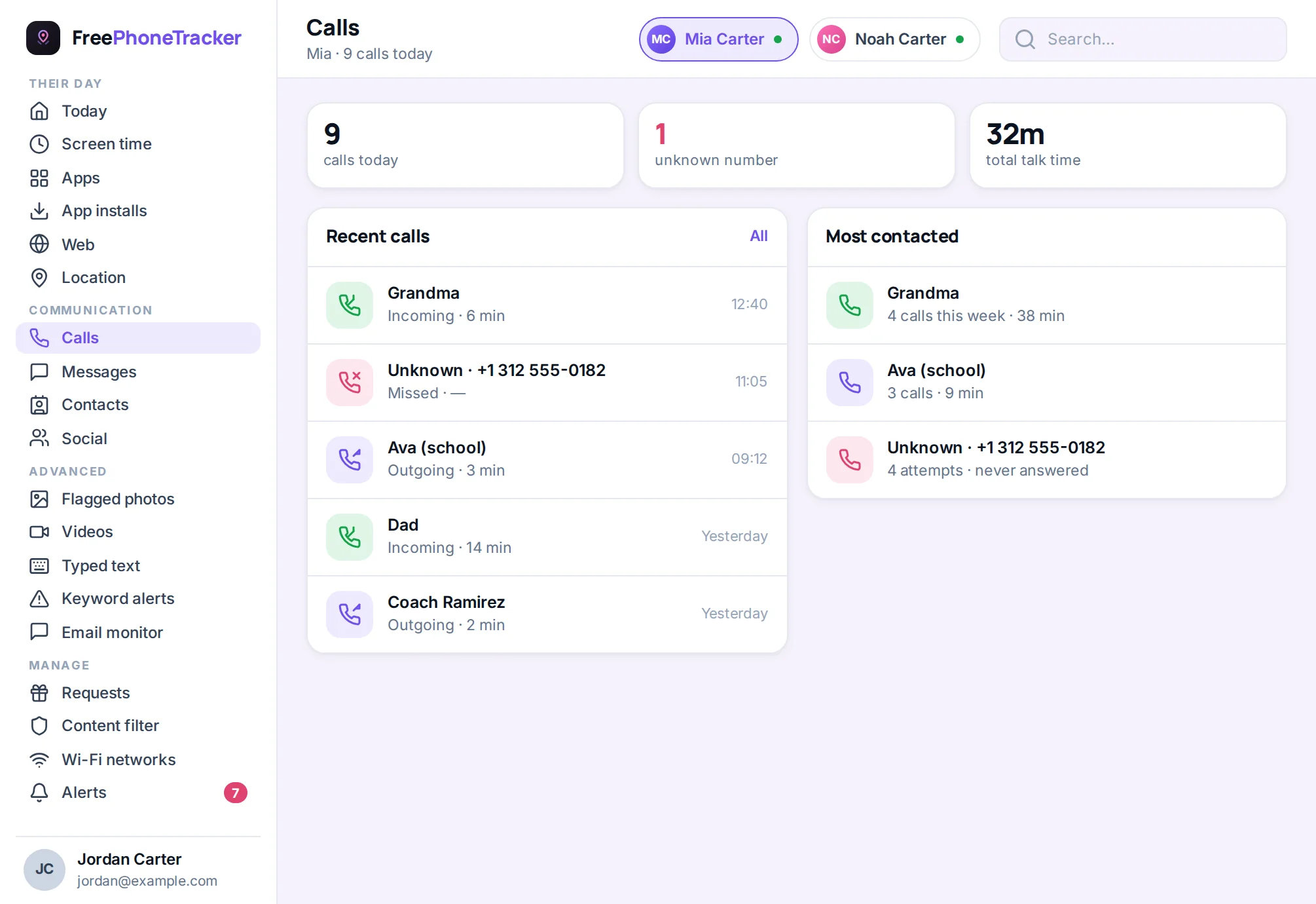
Restore a backup from before the calls were cleared (note this reverts other data too). Check your carrier’s call detail records on the bill. Look at synced devices where the log may survive. And if you had a call tracker running, use its live copy, it keeps logs a delete on the phone can’t touch.
Don’t lose call records
The reliable fix is to plan ahead, so cleared never means gone.
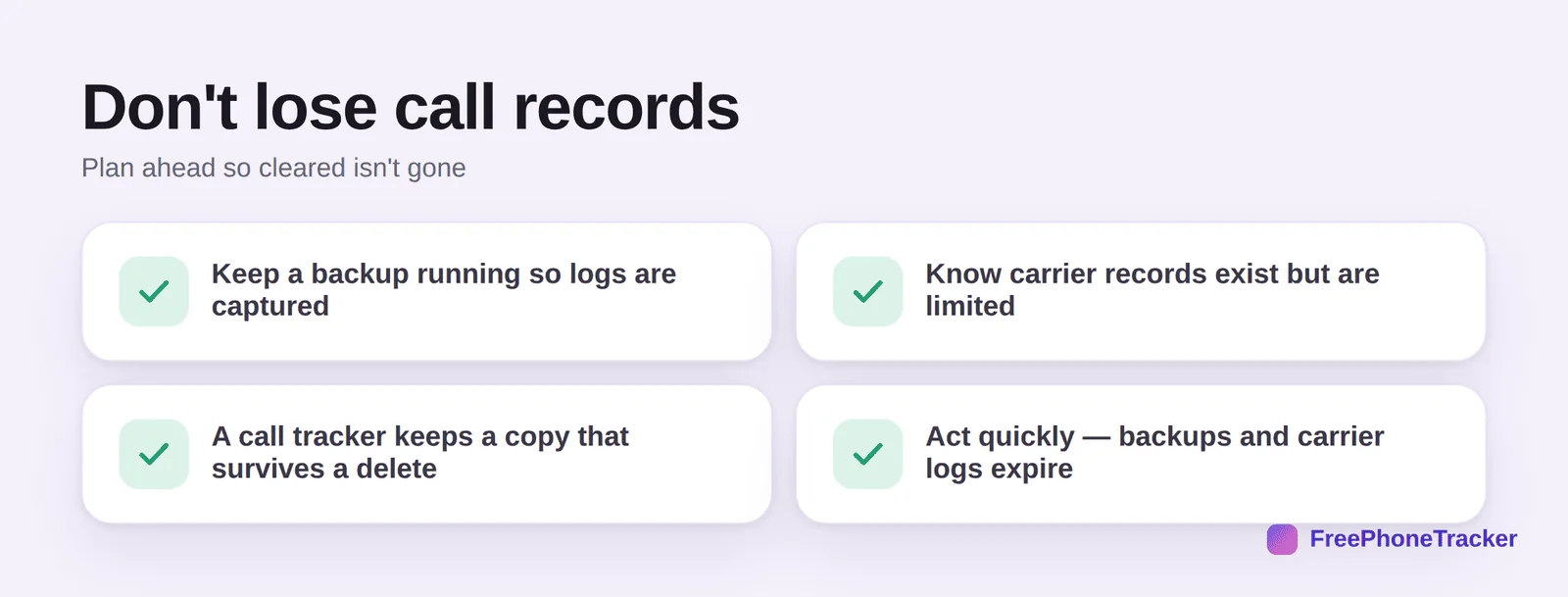
Keep a backup running so logs are captured. Know carrier records exist but are limited and take time to obtain. A call tracker keeps a copy that survives a delete. And act quickly, backups and carrier logs expire.
Common questions
Can I see call history that was deleted from my phone?
Not from the phone itself once it’s cleared. But a backup from before the delete, your carrier’s records, or a call tracker’s saved copy may still have it.
Do phone carriers keep call records?
Yes, carriers log calls (numbers, times, durations) for billing, and you can usually see them on your bill or request records. They keep them for a limited period, and rarely the content of calls.
Will restoring a backup bring back cleared calls?
If the backup predates the delete, yes, though it reverts the whole phone to that point, so back up the current state first.
Is this how parents see a child’s deleted calls?
A monitoring tool, used with consent on a child’s phone, keeps its own call log, so calls cleared on the device remain visible in the panel. That’s the reliable route.
How do I make sure calls are never lost again?
Keep automatic backups on, and consider a call tracker for a copy that a delete can’t erase. See our export guide to save records.
Cleared call history usually isn’t truly gone, check a backup, your carrier, and any saved copy, and act before those expire. Better still, keep a live copy so a cleared log never costs you the record. Get started free, and read our guides to exporting call history and backing up your phone.