A hot phone isn’t just uncomfortable, sustained heat is the fastest way to age a battery. The good news is most overheating has a simple cause and an even simpler fix. This guide shows how to cool a phone down safely right now, and how to stop it happening again.
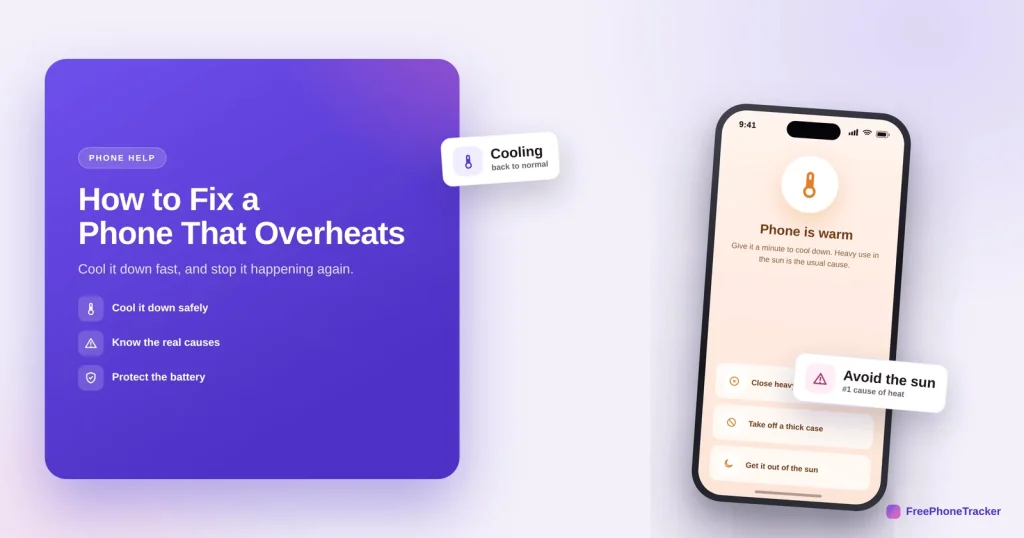
- Close heavy apps, take off the case, and get it out of the sun.
- Unplug it if it’s charging while you use it.
- The usual causes are heat, heavy use, and charging while gaming.
- Persistent heat with no clear cause is worth investigating.
Why phones overheat
It’s almost always one of these, and each points to an easy fix.
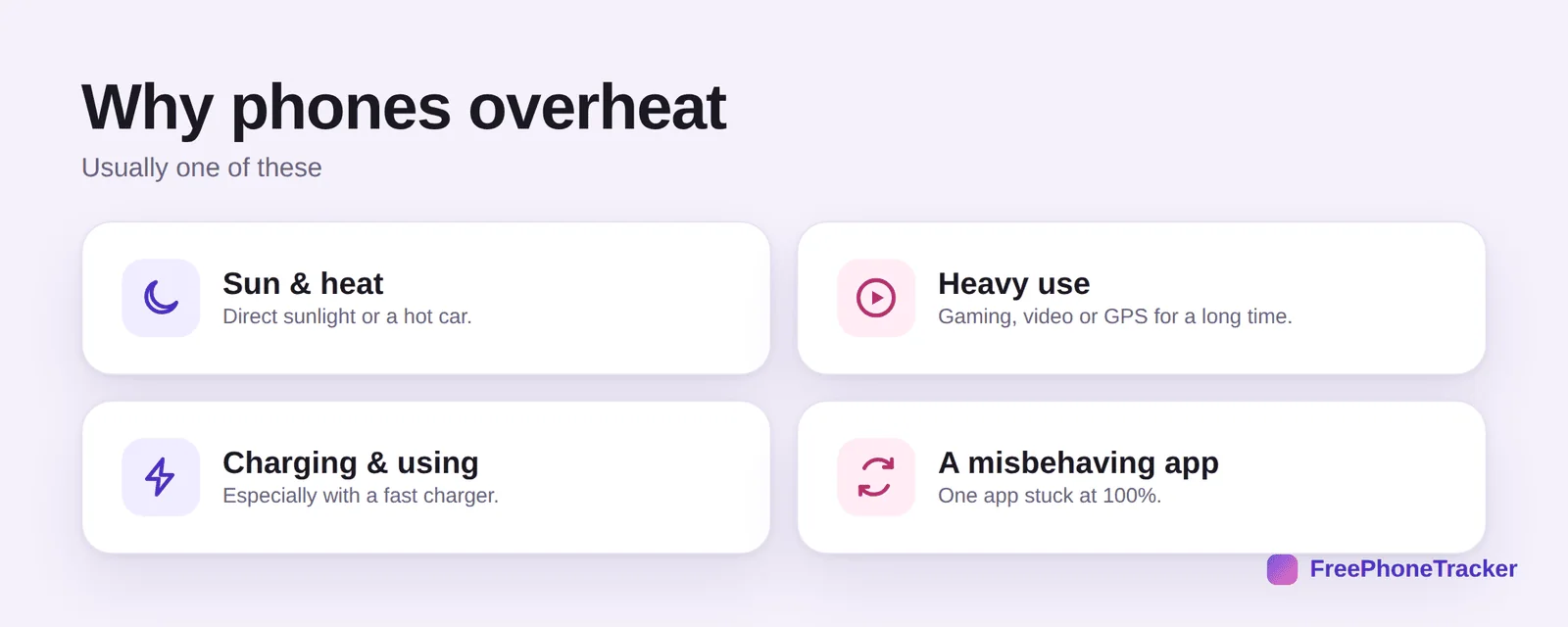
Sun and heat, direct sunlight or a hot car, is the number-one cause. Heavy use like gaming, video or long GPS sessions works the processor hard. Charging while using, especially with a fast charger, stacks two heat sources. And occasionally a misbehaving app is stuck running at full tilt.
Cool it down
Do these now and most phones cool within a few minutes.
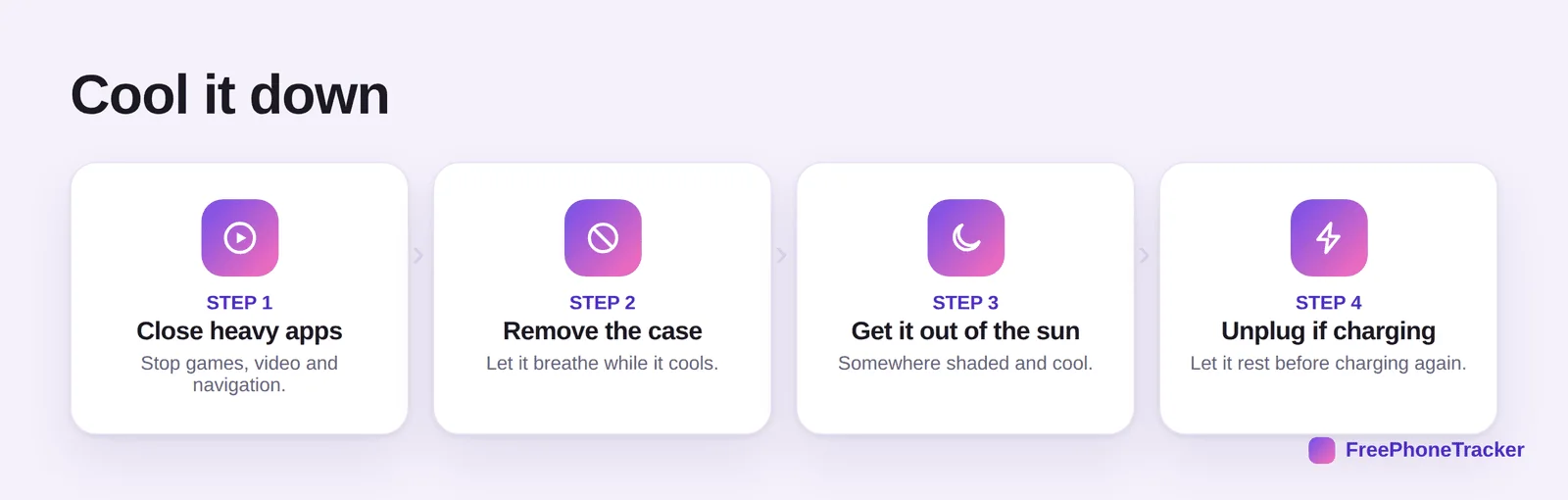
Close heavy apps, games, video and navigation. Remove the case so it can shed heat. Get it out of the sun and somewhere cool. And unplug it if it’s charging, and let it rest before charging again. Don’t put it in the fridge, rapid cooling and condensation cause their own damage.
Stop it recurring
A few habits protect both your comfort and the battery’s lifespan.
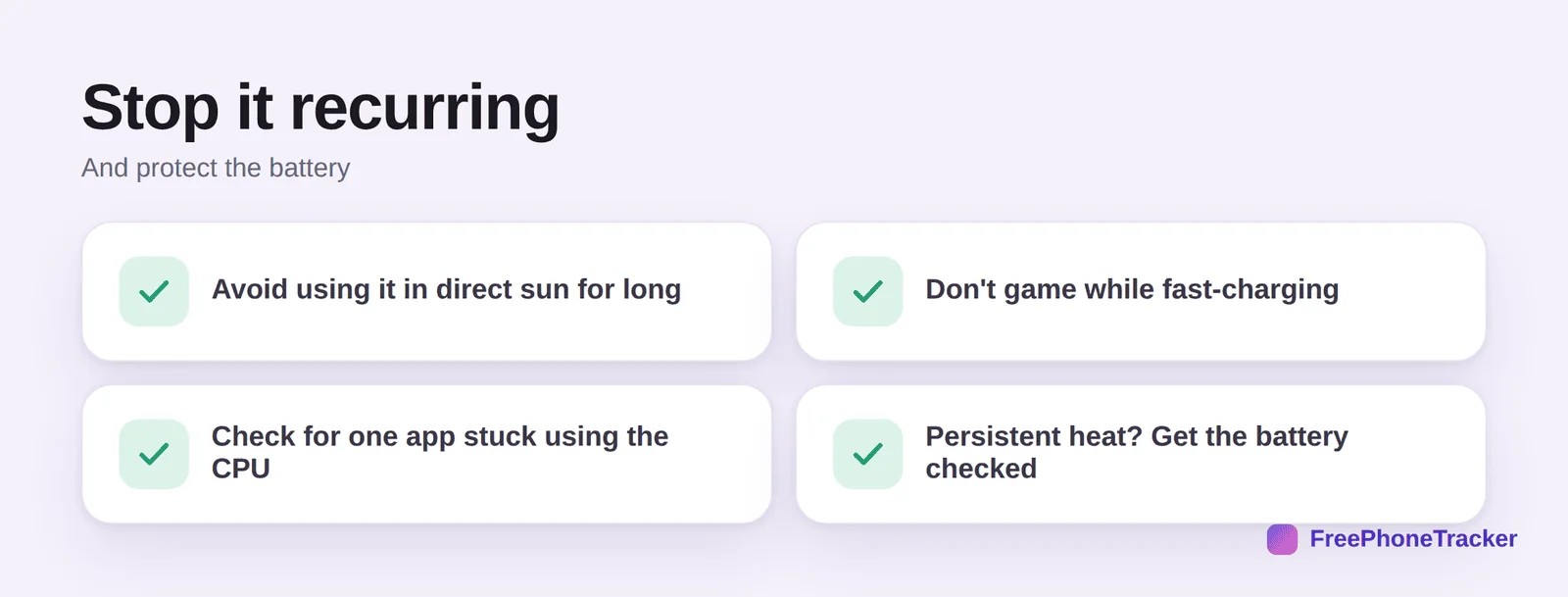
Avoid using it in direct sun for long stretches. Don’t game while fast-charging. Check for one app stuck using the processor if heat is constant. And if it persistently overheats for no clear reason, get the battery checked, a swollen or failing battery is a genuine safety issue.
When heat is a clue
A phone that runs warm even when idle, alongside battery drain, can occasionally mean something is running that shouldn’t be.

If your phone is warm when you’re not even using it, and the battery is draining, look for unfamiliar apps. It’s occasionally a sign of hidden software running in the background, see our guides to removing spy apps and spotting tracking.
Common questions
Is it bad for my phone to get hot?
Occasional warmth during heavy use or charging is normal. Sustained high heat is what ages the battery and can cause shutdowns, so cool it down when it happens.
Should I put my hot phone in the fridge?
No. Rapid cooling causes condensation inside the phone, which can damage it. Just remove the case and rest it somewhere cool and shaded.
Why does my phone get hot while charging?
Charging generates heat, and using the phone at the same time adds more. Fast chargers run hotter still. Let it charge without heavy use, and unplug if it gets very warm.
My phone overheats for no reason — what now?
Check for a stuck app using the processor, update the system, and remove the case. If it persists with no cause, have the battery inspected, and rule out hidden apps.
Can overheating be a sign of spyware?
Constant idle heat plus drain can be one sign, though not proof. Review installed apps and see our spyware guide.
Most overheating is heat, heavy use or charging while gaming, close the apps, ditch the case, get it out of the sun, and it cools fast. Persistent, causeless heat deserves a closer look. Get started free, and read our guides to battery drain and speeding up a slow phone.