If you’re worried someone, or something, can see where you are, you can shut it down. Location tracking comes from a mix of app permissions, shared accounts, ad networks and, occasionally, hidden software. This guide walks through taking back control of your location, from the everyday cases to the serious ones.
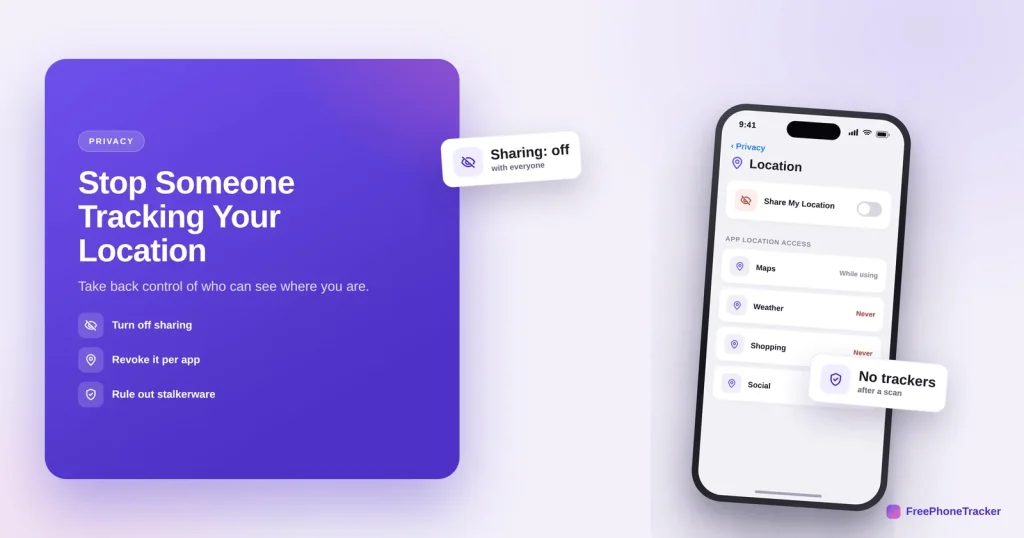
- Turn off location sharing with people and services you don’t want.
- Revoke location access app by app — set most to “never.”
- Secure your accounts, so no one signs in and watches from afar.
- Scan for stalkerware if you suspect a hidden app.
Who might be tracking you
Start by knowing the possible sources, most are mundane, one is serious.
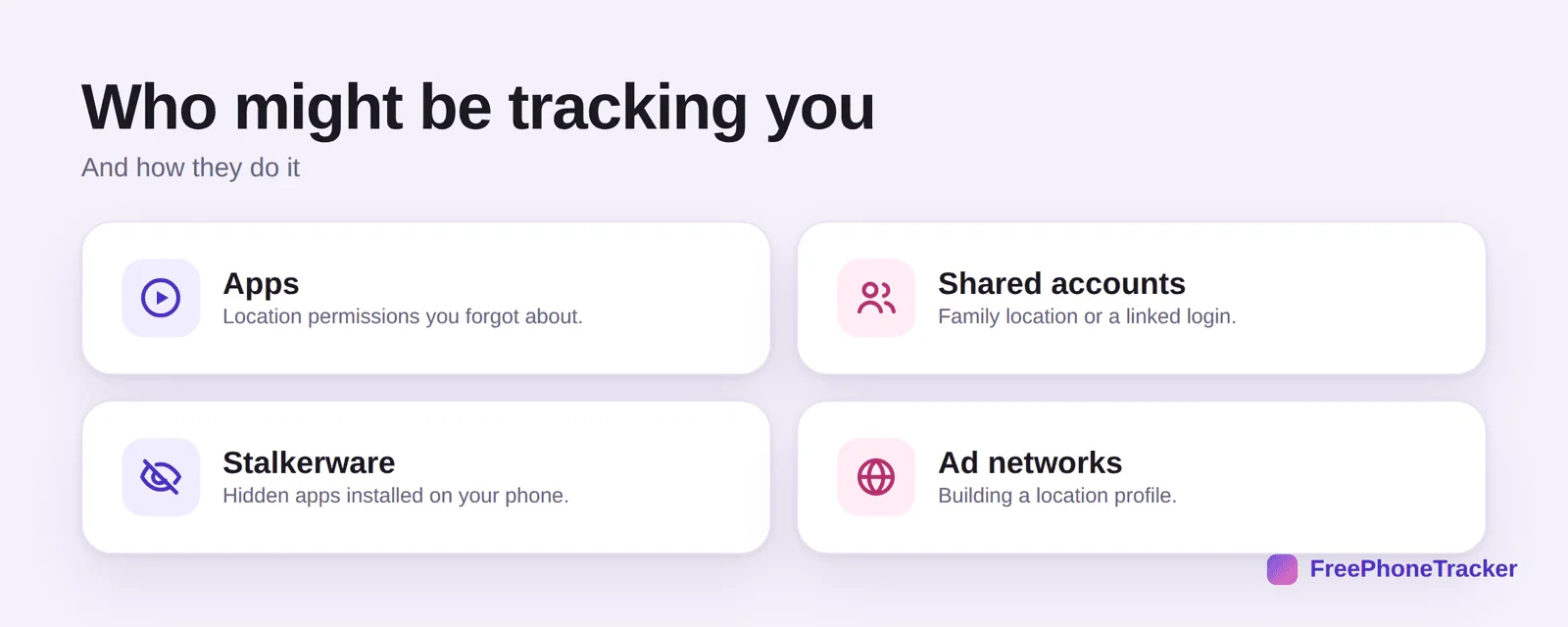
Apps with location permissions you forgot about. Shared accounts, family location or a linked login someone else can see. Stalkerware, a hidden app installed on your phone. And ad networks quietly building a location profile. Work through them from the everyday to the serious.
Stop the tracking
These steps close the doors in order, from simplest to most thorough.
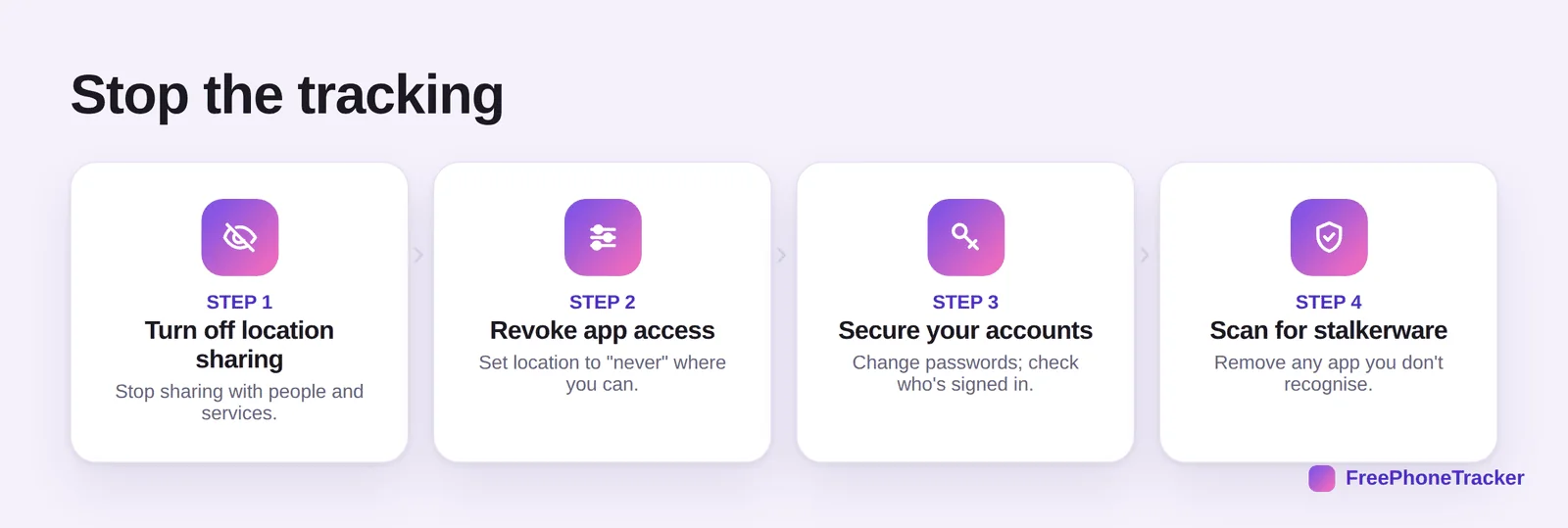
Turn off location sharing with people and services. Revoke app access, setting location to “never” wherever you can. Secure your accounts, change passwords and check who’s signed in, since someone with your iCloud or Google login can see your location. And scan for stalkerware, removing any app you don’t recognise, our spyware guide goes deep.
Stay untracked
A few habits keep your location yours.
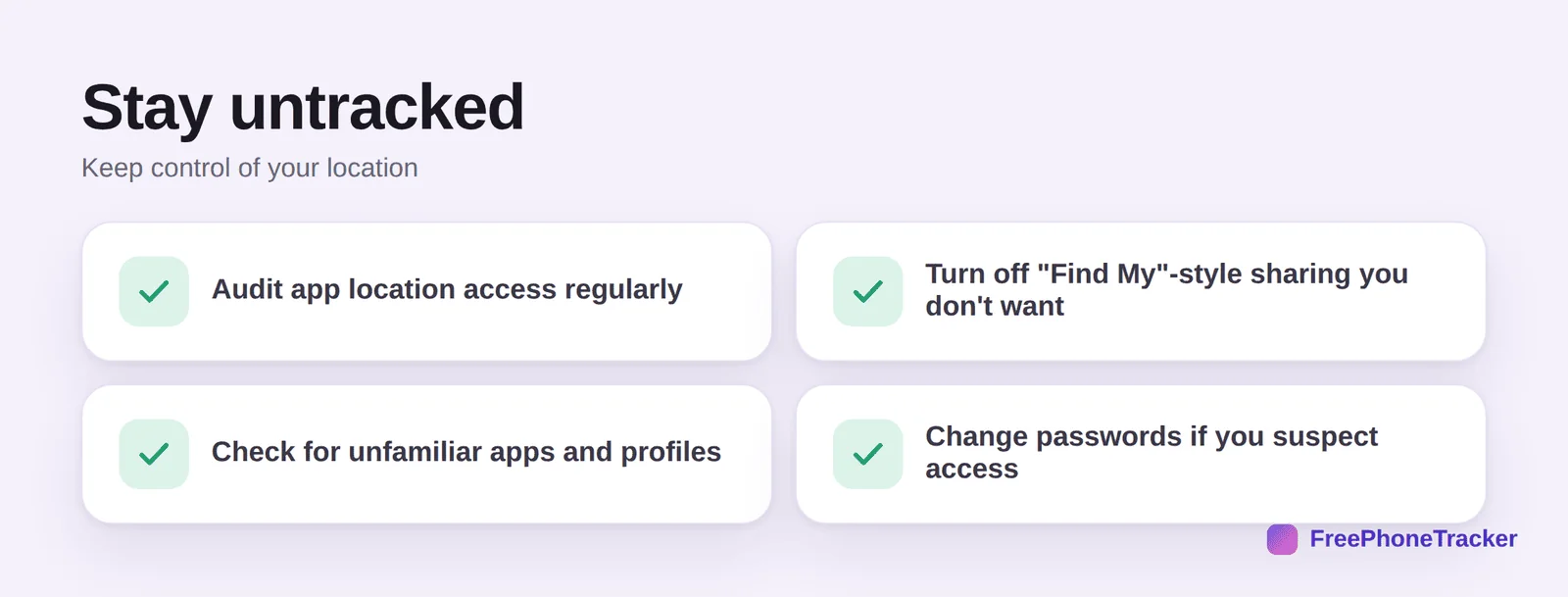
Audit app location access regularly, per our location-access guide. Turn off any “Find My”-style sharing you didn’t intend. Check for unfamiliar apps and device-admin profiles. And change passwords if you suspect someone has account access.
If someone you know is doing the tracking
When the concern is a specific person rather than an app, be careful about the order you do things in. If you fear how they will react, do not switch everything off at once from a phone they may be watching; talk to a domestic-abuse helpline or the police first, and gather evidence — screenshots of the sharing settings, the app list, the account it is linked to — before changing anything. Safety planning matters more than a quick fix.
When you are ready, work through the sharing routes methodically: Find My and Google location sharing, family-sharing groups, apps like Life360, and any account the other person knows the password to. Change the passwords on your Apple or Google account from a device they have never touched, sign out of all other sessions, and check for unfamiliar Bluetooth trackers using your phone’s tracker-detection feature. Then run a full app review and, if in doubt, a factory reset.
Common questions
How do I know if someone is tracking my location?
Signs include fast battery drain, a warm idle phone, unfamiliar apps, or someone knowing your whereabouts. See our is my phone being tracked? guide for the full checklist.
Can someone track me through a shared account?
Yes. If someone has your iCloud or Google password, they can see your location. Change the password, enable two-factor, and remove devices you don’t recognise.
Will turning off location sharing tip them off?
In some family-sharing apps, the other person may be notified. If safety is a concern, plan carefully, and prioritise securing your accounts and checking for hidden apps.
What if I find a stalkerware app?
Don’t panic-delete if your safety could be at risk, document it first. Then remove it, or do a factory reset. Our spyware guide covers this carefully.
Is family location sharing a bad thing?
Not at all, when it’s mutual and consensual. The problem is tracking you don’t know about or didn’t agree to. See our family location sharing guide for the healthy version.
You can take your location back, turn off sharing, revoke app access, secure your accounts, and rule out hidden apps. Work from the everyday causes to the serious ones, and you’ll close every door. Get started free, and read our guides to spotting tracking and app location access.