A phone that’s dead or switched off feels like a dead end — but it usually isn’t. Its last known location still lives in your account, not on the phone, and you can be alerted the moment it comes back online. This guide covers finding an off phone, and what to set up so it’s never truly a dead end.
- An off phone shows its last known location, not a live one.
- That location lives in your account, so the dead phone doesn’t matter.
- Turn on “notify when found” to get pinged when it reconnects.
- “Send Last Location” (set beforehand) captures the spot as the battery dies.
When a phone is off
Even powered down, the phone’s location isn’t gone. Here’s where it lives.
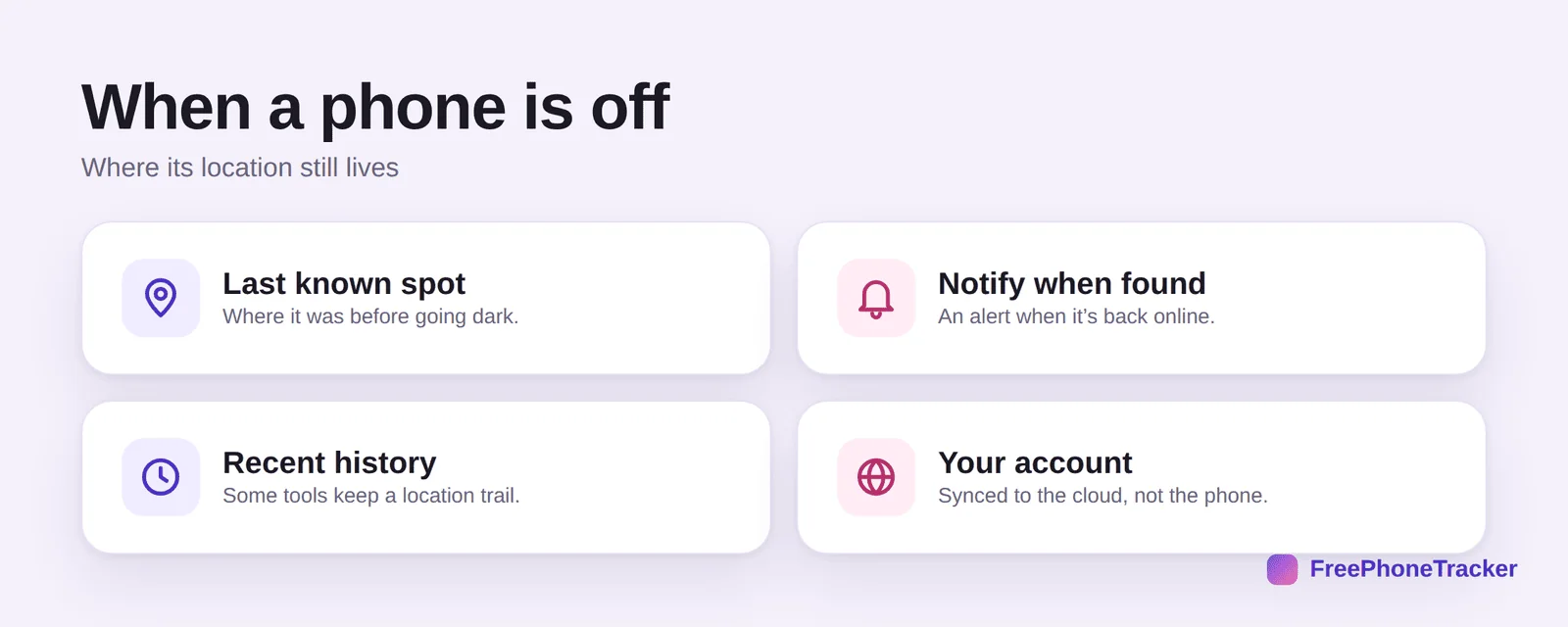
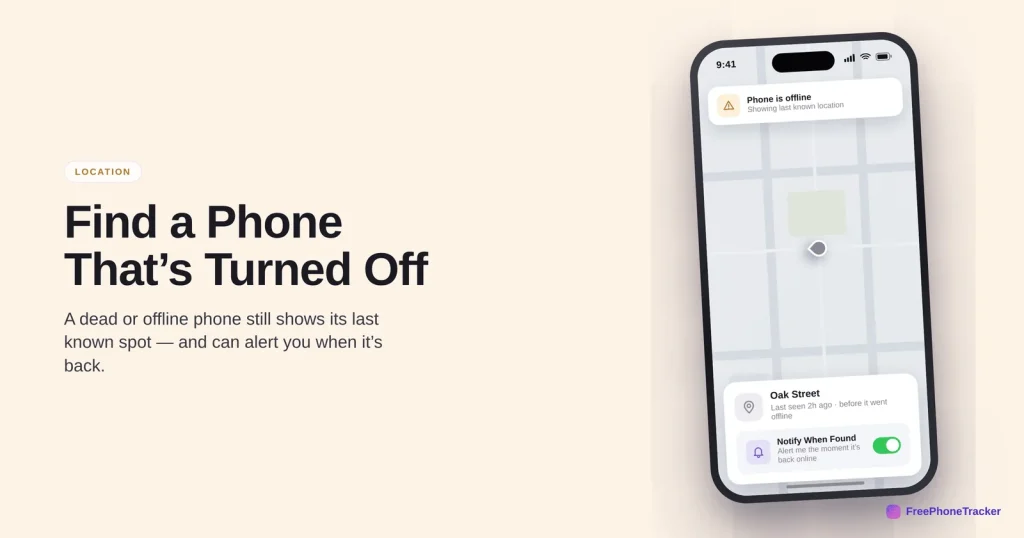
There’s the last known spot — where it was before going dark. A notify-when-found alert that fires when it’s back online. Recent history, if your tool keeps a location trail. And your account, where all of this is stored in the cloud — not on the phone itself.
Locate an offline phone
The steps are the same as for a live phone; you’re just working with the last fix.
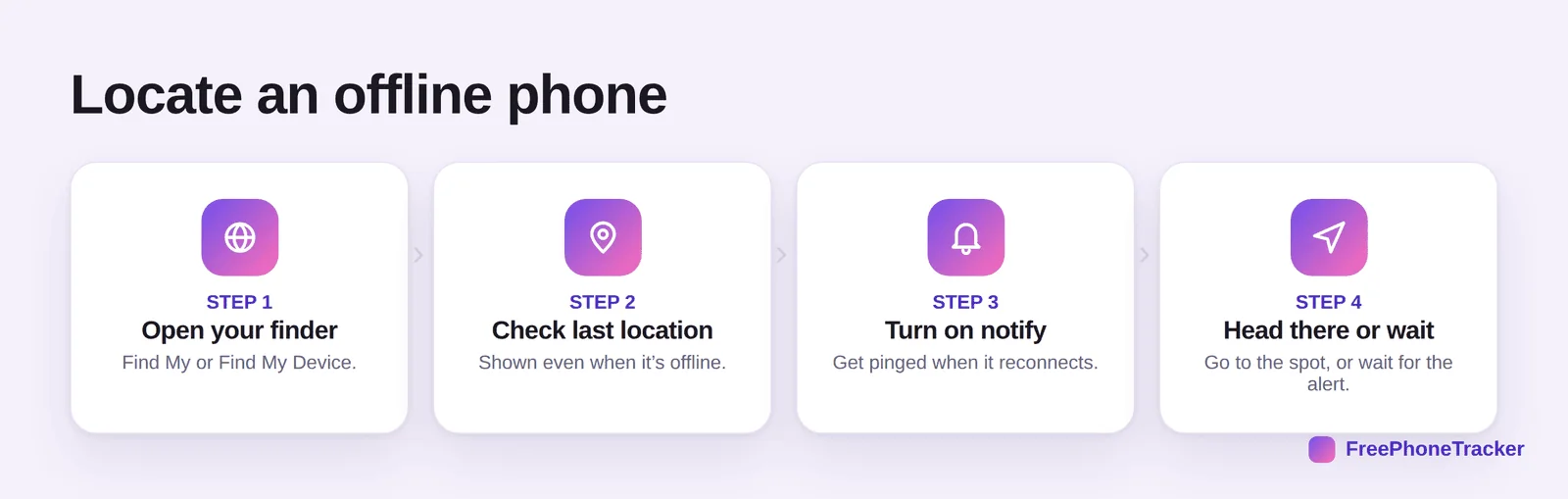
Open your finder — Find My or Find My Device. Check the last location, shown even when the phone’s offline. Turn on notify so you’re pinged when it reconnects. Then head there or wait — go to the spot, or let the alert tell you where it turns up.
Give yourself a head start
A little setup now means an off phone still leaves a trail.
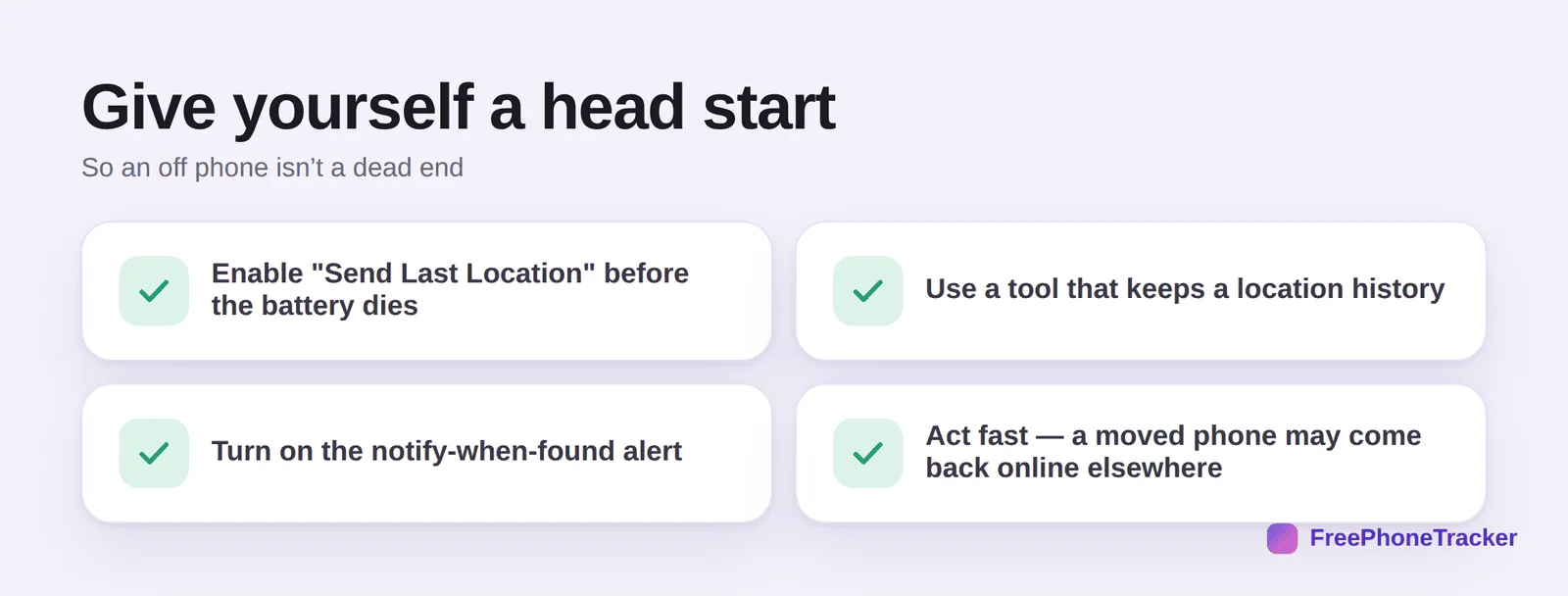
Enable “Send Last Location” so the phone reports its spot before the battery dies. Use a tool that keeps a location history, not just the latest fix. Turn on the notify-when-found alert. And act fast — a moved phone may come back online somewhere new.
Common questions
Can you track a phone that’s turned off?
Not in real time — a fully off phone isn’t reporting its position. But you can see its last known location, and get an alert when it powers back on. Some newer phones stay findable for a while after being switched off.
Why does it still show a location?
Because that last fix is saved in your account in the cloud, not on the phone. Turning the phone off doesn’t erase what was already reported.
What is “Send Last Location”?
An iPhone setting that reports the phone’s position to Apple when the battery is critically low, so you have a recent spot even after it dies. Turn it on in Find My settings before you need it.
How do I get alerted when the phone comes back on?
In Find My or Find My Device, turn on the notify-when-found option for that device. You’ll get a message the moment it reconnects to a network.
Does a location history help here?
A lot. If your tool keeps a trail rather than just the latest point, you can see where the phone was heading before it went dark — often enough to narrow the search.
An off phone isn’t the end of the trail: its last location is in your account, and a notify alert will flag when it’s back. Enable Send Last Location and pick a tool that keeps a history, and you’re rarely stuck. Get started free, and read our guides to finding a lost phone and Find My iPhone.