Sharing your location can be genuinely useful — meeting friends, letting family know you got home, keeping tabs on each other on a trip. The key is doing it on your terms: choosing who sees you, and for how long. This guide covers the ways to share, how to set it up, and how to keep it safe and consensual.
- You can share ongoing, for a set time, or as a one-off pin.
- Built into Find My (iPhone) and Google Maps (Android and iPhone).
- Set a duration so a one-off doesn’t become forever.
- Check who can see you now and again, and turn off old shares.
Ways to share your location
Pick the option that fits the moment — they range from once to always.
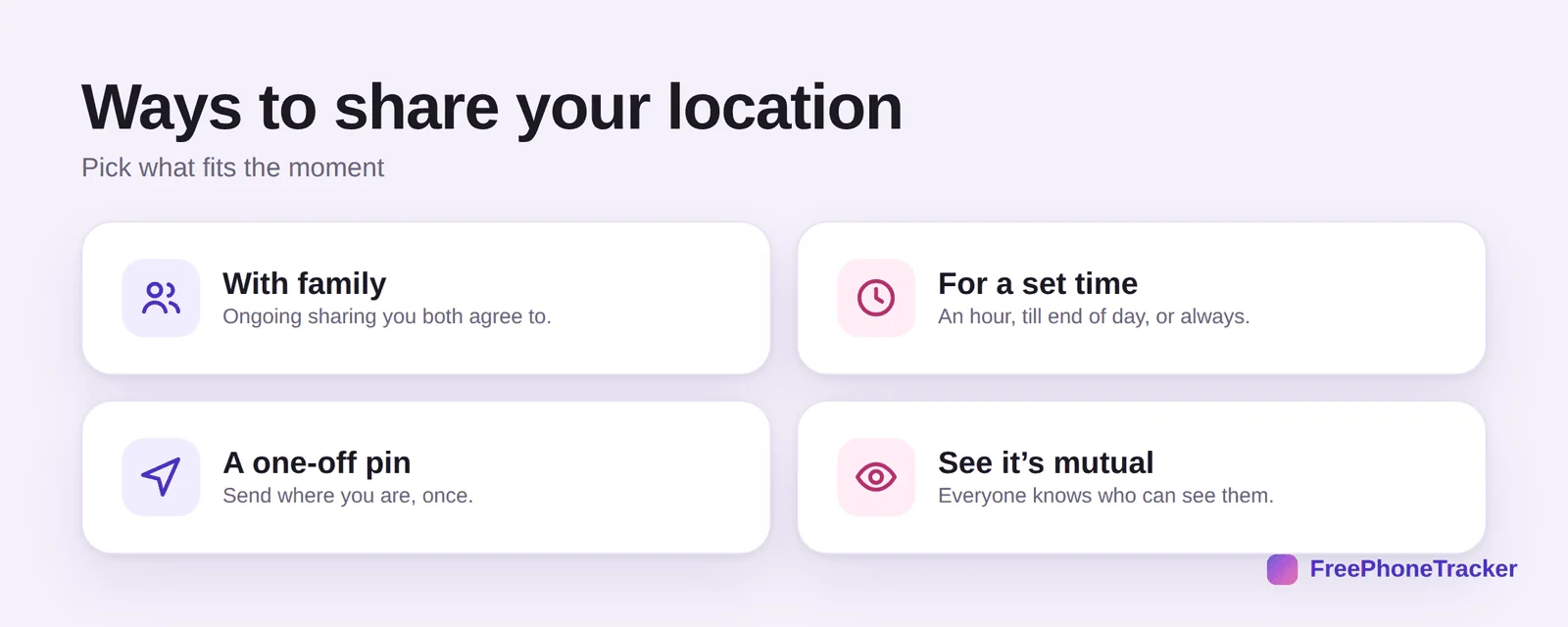
With family — ongoing sharing you both agree to. For a set time — an hour, till the end of the day, or always. A one-off pin — send where you are, just once. And it’s worth that everyone can see it’s mutual, so no one’s tracked without knowing.
Share your location
The flow is nearly identical across Find My and Google Maps.
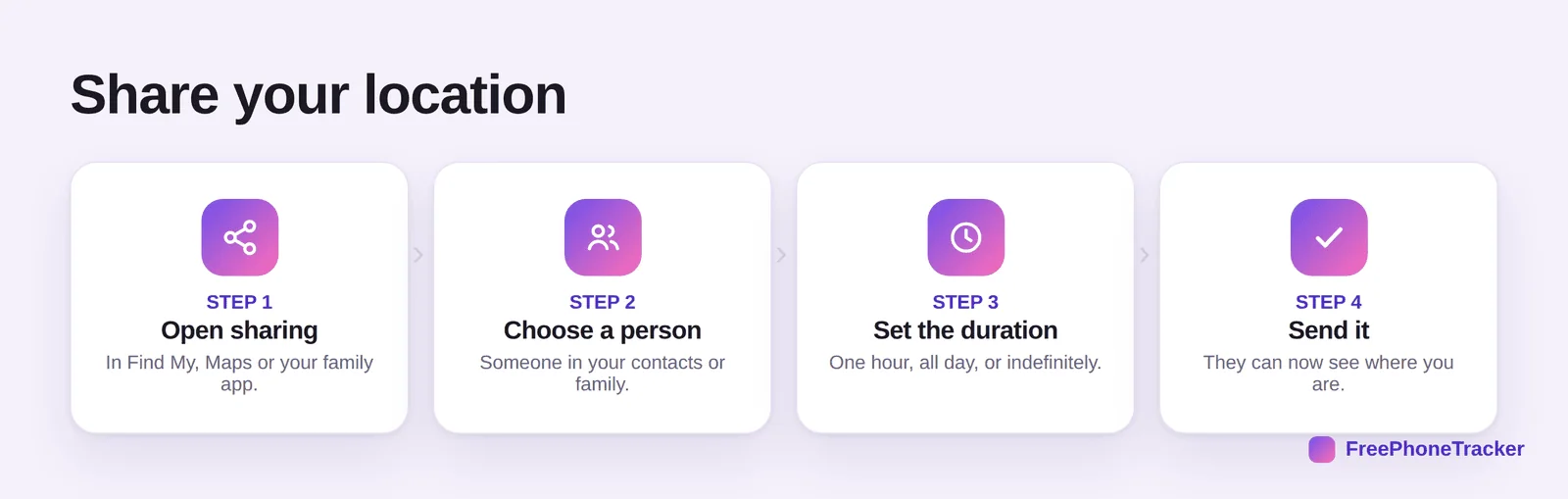
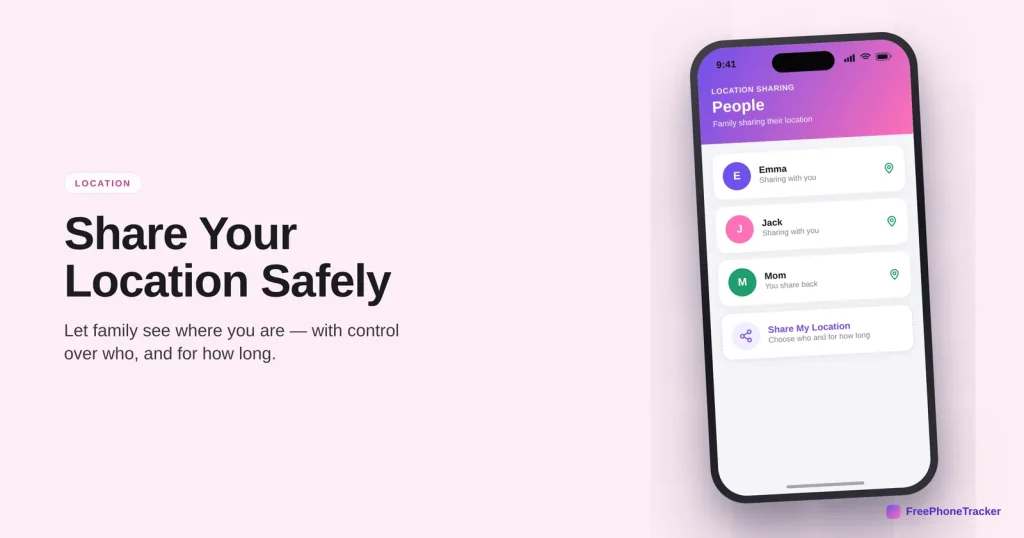
Open sharing in Find My, Google Maps or your family app. Choose a person from your contacts or family group. Set the duration — one hour, all day, or indefinitely. And send it — they can now see where you are.
Share safely
Sharing is fine; forgetting who you’ve shared with is where it goes wrong.
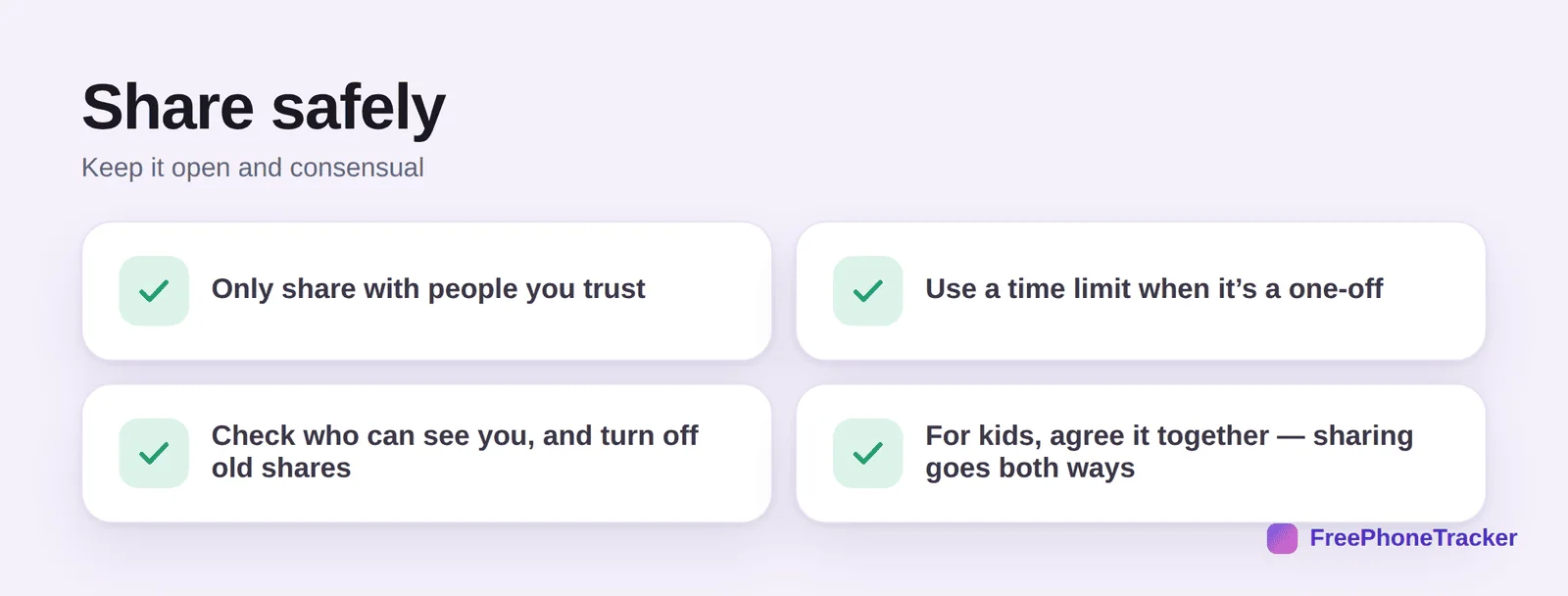
Only share with people you trust. Use a time limit when it’s a one-off, so it ends on its own. Check who can see you now and then, and turn off shares you’ve forgotten. And for kids, agree it together — location sharing works best both ways, not as one-sided surveillance.
Common questions
How do I share my location on iPhone?
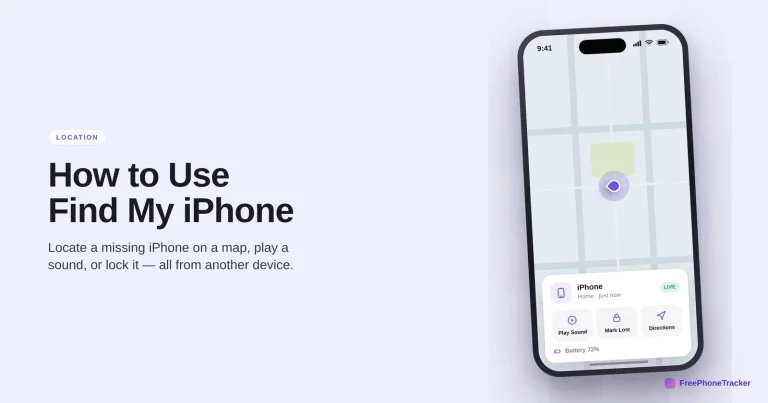
In Find My, tap the People tab, then Share My Location, pick a contact and choose a duration (one hour, until end of day, or indefinitely). You can also share a one-off pin from Maps or Messages.
How do I share my location on Android?
Open Google Maps, tap your profile, choose Location sharing, then pick a person and how long. It works to both Android and iPhone contacts.
Will the other person always see me?
Only until the time you set runs out, or until you turn it off. For ongoing shares, check your list occasionally and remove anyone who no longer needs to see you.
Can I tell who can see my location?
Yes. Both Find My and Google Maps list everyone you’re currently sharing with, and you can stop any of them in a tap. It’s worth reviewing now and then.
Is location sharing safe for kids?
It can be, when it’s set up together and goes both ways. Agree on it openly, use it for safety rather than secret monitoring, and let them see you share back. See our guide on family location sharing.
Location sharing is at its best when it’s deliberate — the right people, the right duration, and everyone in the loop. Set a time limit for one-offs, review your list now and then, and keep it mutual. Get started free, and read our guides to family location sharing and geofence alerts.