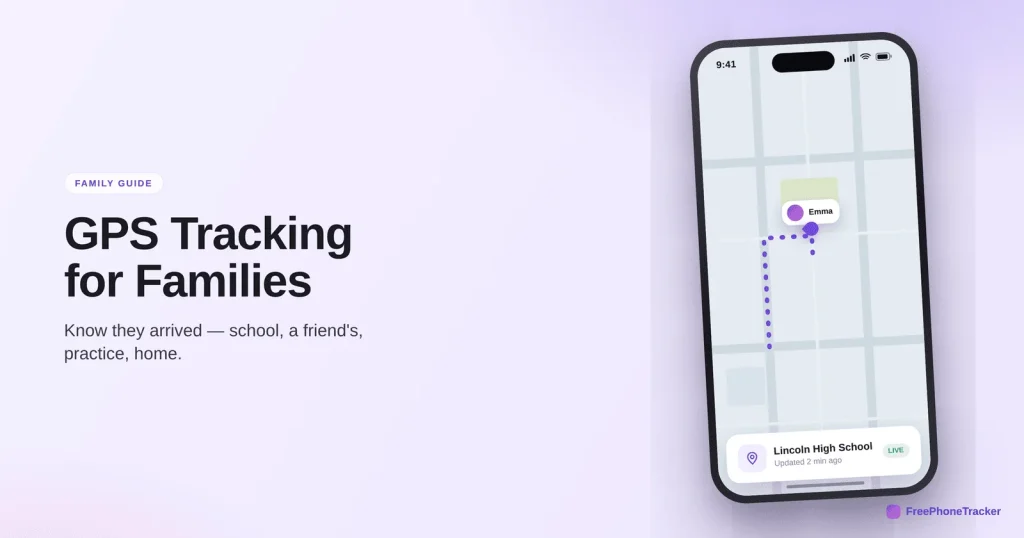
“Did you get there okay?” Every parent sends that text. Every kid forgets to answer. Family GPS tracking makes the question unnecessary. Done well, it isn’t a leash. It’s a quiet reassurance running in the background. It tells you the school run went fine and the walk home happened. No anxious messages needed. This guide explains how phone location works, how accurate it really is, how to set up alerts for the places that matter, and how to use it as a safety tool.
- Phones blend GPS, Wi-Fi and cell towers to place themselves, usually within a few metres.
- Geofencing is the killer feature. Get pinged when they arrive or leave. No map-watching.
- Accuracy shifts with surroundings. Battery drain is small if the app is built well.
- Use it as a safety net, not a surveillance tool. With a family, share both ways.
How a phone knows where it is
It feels like magic. It’s really three signals working together. Knowing them helps you read the map with the right amount of trust. It also explains why the dot is sometimes exact and sometimes drifts.
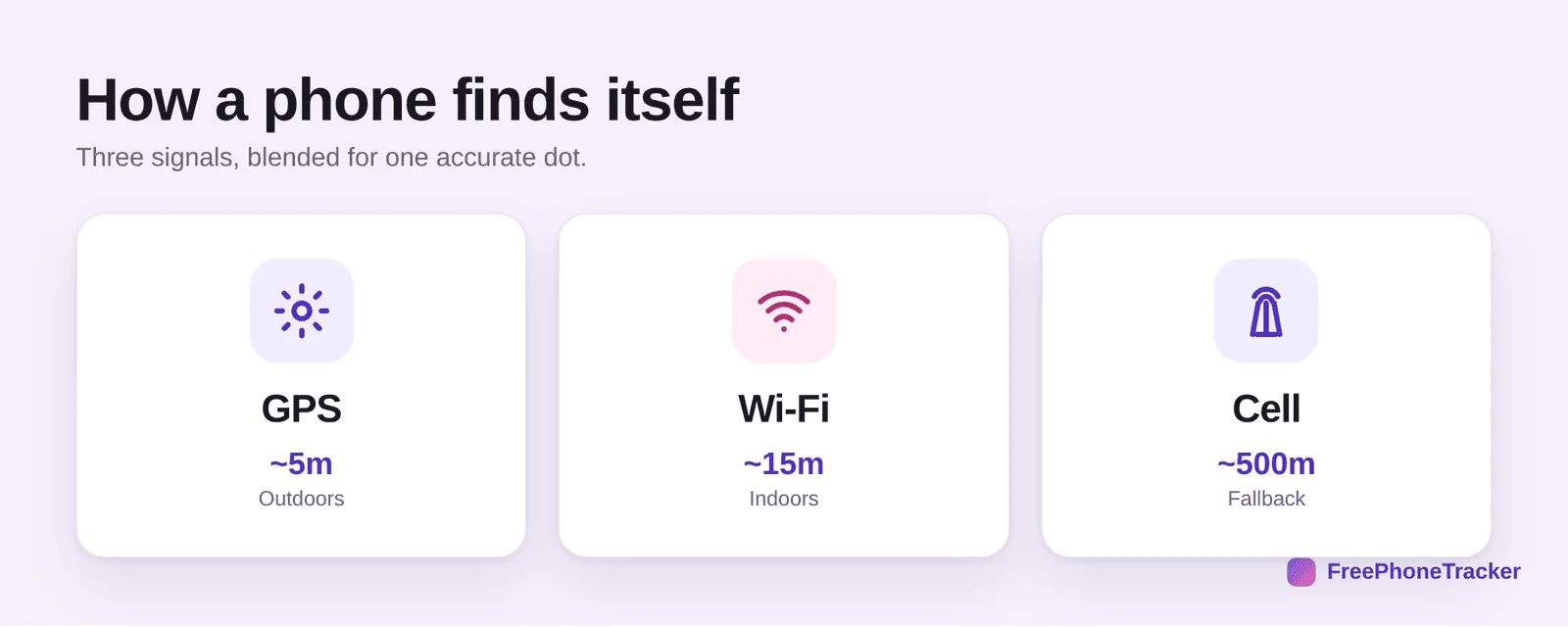
GPS satellites give the most precise fix, around five metres, when the phone can see the sky. Great outdoors, weaker deep inside buildings. Wi-Fi positioning fills that gap. The phone matches nearby networks against a database to place itself indoors, often within fifteen metres. Cell towers are the always-on fallback. A rough fix of a few hundred metres when nothing else works. A good location tracker uses whichever mix is best at the moment. That’s why modern tracking feels so reliable.
Geofencing: the feature you’ll use daily
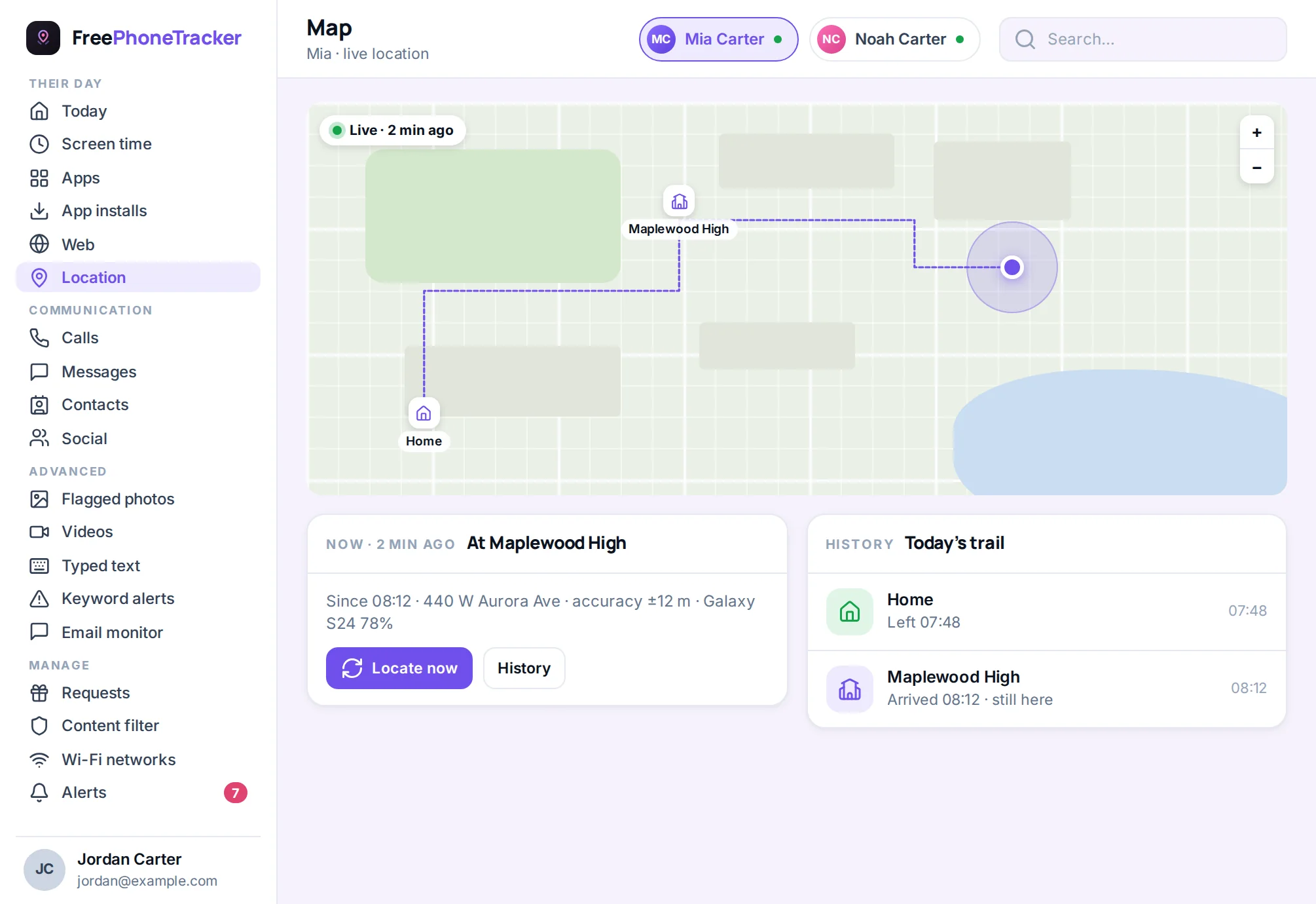
Ask any parent who’s used tracking for a while. The live map is nice. Place alerts are what they use every day. Geofencing lets you draw a circle around a location. Home, school, grandma’s, a friend’s house. You get an automatic notification the moment your child arrives or leaves. No opening the app. No staring at a dot. The phone tells you.
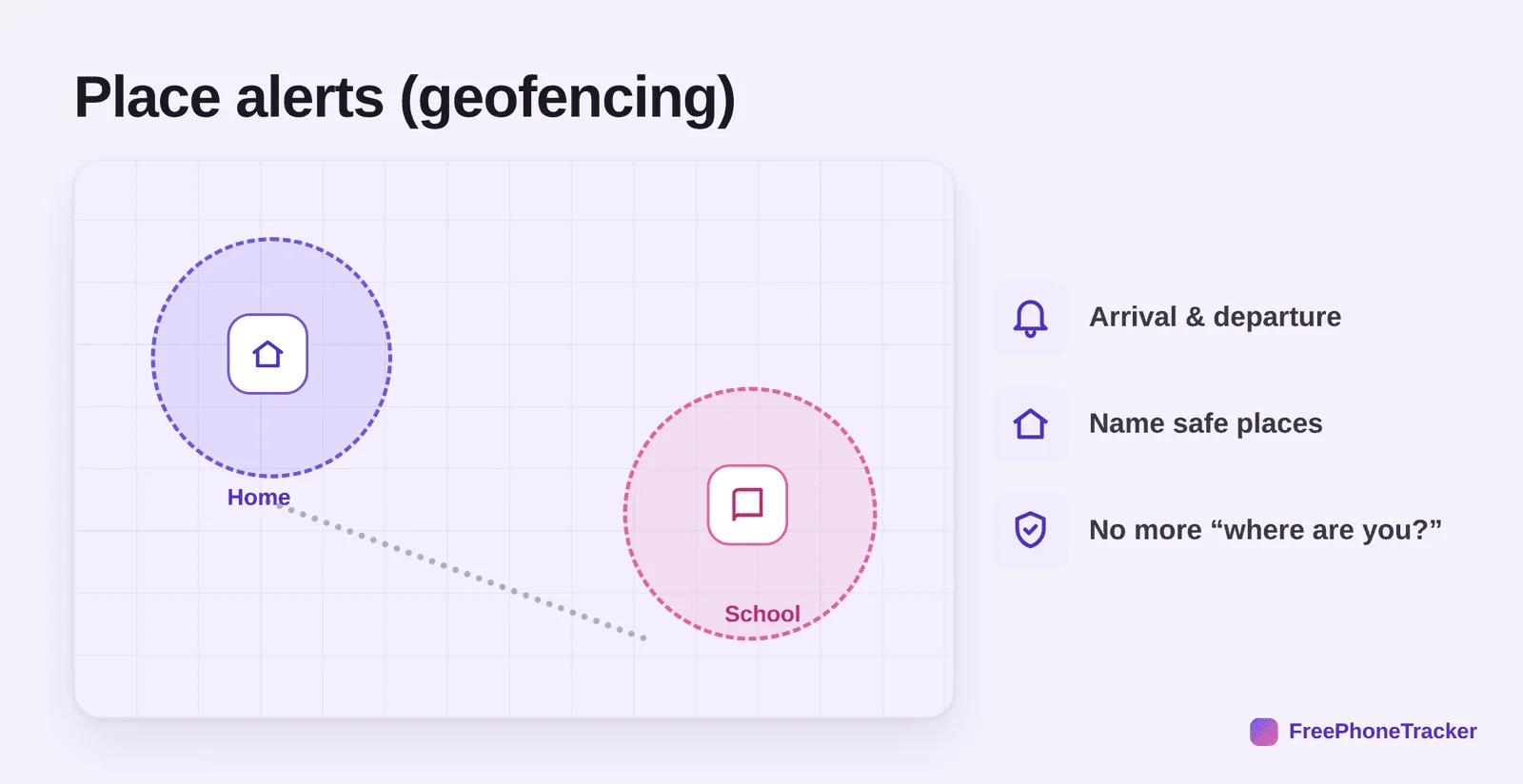
Why does this beat checking manually? It’s psychological. When you know you’ll be told the moment they reach school, you stop checking. That’s the whole point. Tracking should cut your anxiety, not feed it with a map you refresh every ten minutes. Set up a few named places in the location panel and let the alerts do the worrying.
Set up your first place alert
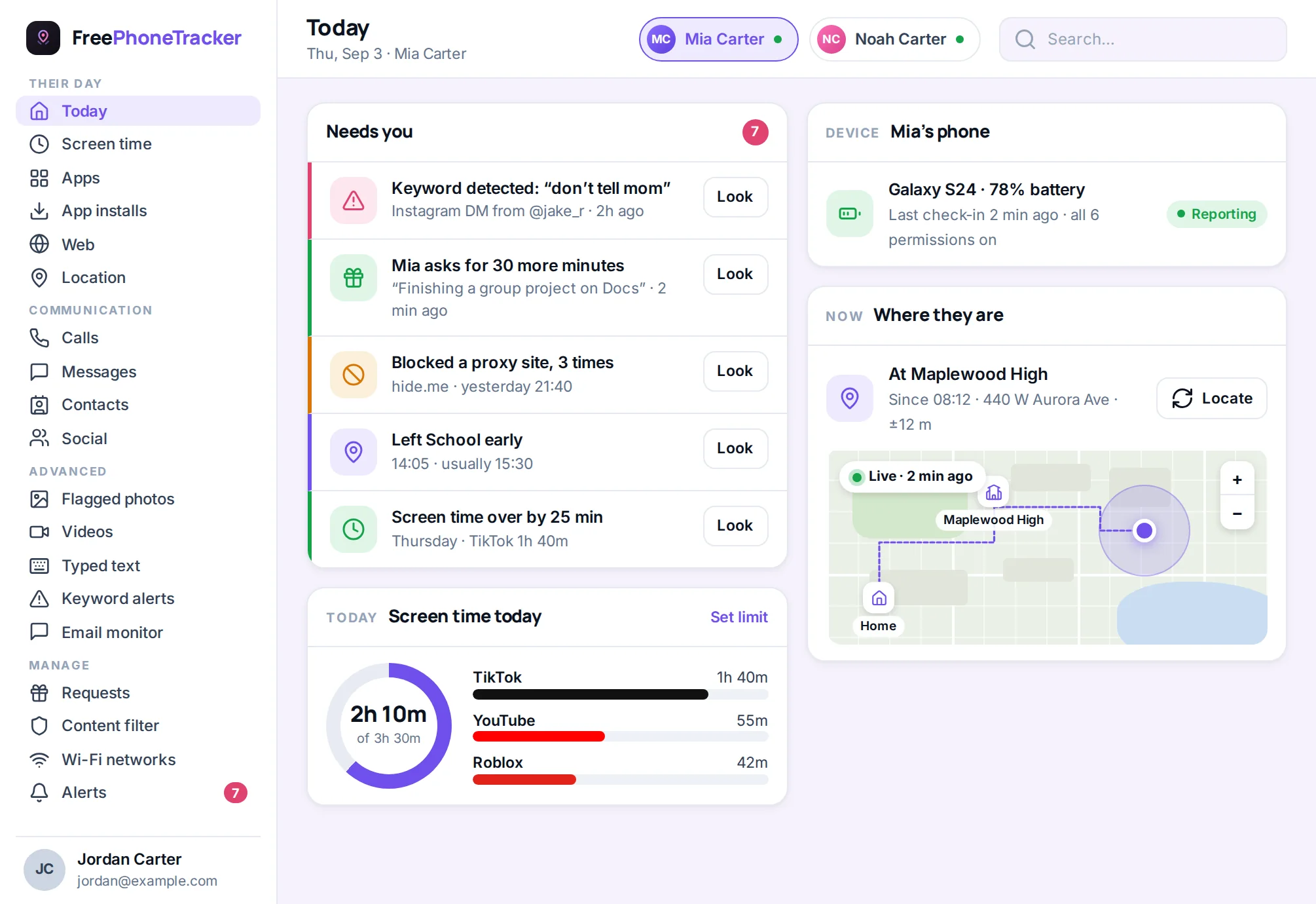
Geofencing takes about a minute to set up. Then it runs forever. Here’s the flow. It’s much the same in any decent tracker.
Open the location panel and add a place. Search the address or drop a pin. School, say. Give it a name you’ll know in a notification. “Riverside School” beats “Place 1.” Set the radius. A house needs a small circle. A big campus needs a bigger one. Choose the events you want. Arrival, departure, or both. Pick who gets the alert. Save it. From then on, every school morning confirms itself.
A tip from experienced parents. Start with two or three places. Home, school, and one more that matters. Too many geofences means too many pings. The whole benefit is that it stays quiet until it matters. You can add more later.
How accurate is it, really?
Honesty matters here. A parent who expects pinpoint accuracy everywhere will panic the first time the dot drifts. Accuracy depends heavily on surroundings.
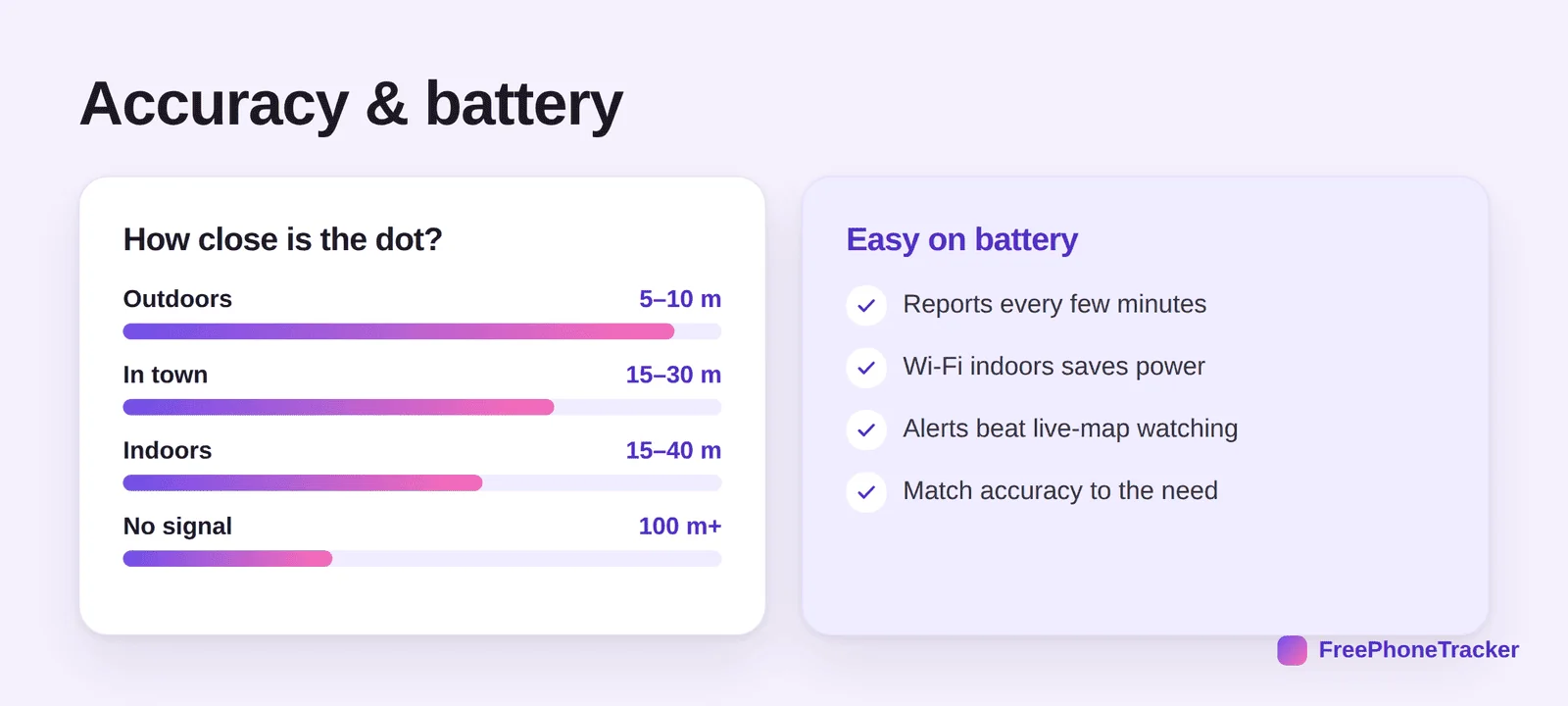
Outdoors under a clear sky, expect five to ten metres. Good enough to see which building they’re at. In a dense city, signals bounce and accuracy slips to twenty or thirty metres. Indoors, Wi-Fi carries the load at fifteen to forty metres. In the countryside with no signal, expect a rough fix only. None of this means the tracking is broken. Read a drifting dot as “somewhere around here,” not “exactly on this spot.”
What about battery?
Battery is the next worry after accuracy. It usually comes from a bad experience with a cheap app that pinged GPS every second. A well-designed tracker sips power instead. It reports every few minutes, not continuously. It leans on low-power Wi-Fi indoors. It uses place alerts instead of a constantly-open live map. Done right, tracking costs a small single-digit percentage of daily battery. Most parents make that trade happily.
Finding a lost phone
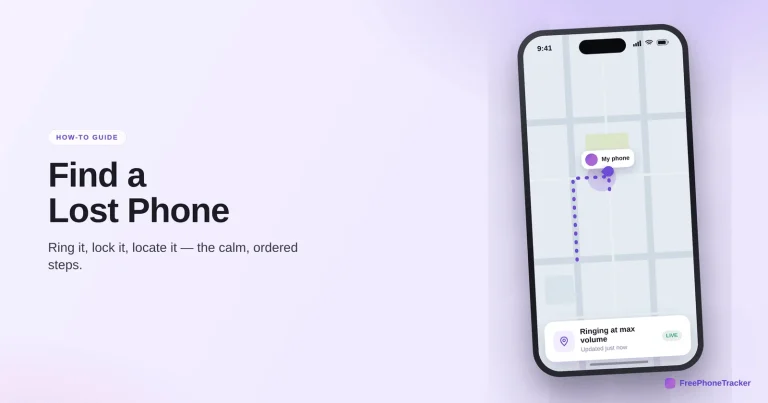
Family tracking has a happy bonus. The same feed that keeps tabs on your kid also finds a handset. One that’s slid under a car seat, been left at practice, or gone missing on the bus. Because the phone reports its position continuously, you can pull up its last known location the moment it goes quiet. That’s often the difference between “found in five minutes” and “gone for good.”
Safety net, not leash
Here’s where family GPS tracking goes wrong. Used as a safety net, it lowers everyone’s stress. Used as a surveillance tool, it backfires. Check the map obsessively and confront a kid about every minor detour, and they learn that being tracked means being distrusted. Then they “forget” the phone or leave it at a friend’s.
Use it as a net
- Set place alerts, then stop checking
- “Glad you got there safe” beats “why were you at the mall?”
- Share location both ways. You show yours too
- Let older kids see it as normal and mutual
Not as a leash
- Watching the live dot all day
- Interrogating every stop and side-trip
- Using it to catch them out
- Hiding that you’re tracking at all
Two-way sharing is underrated. When the whole family shares location, parents included, tracking stops feeling like something done to the kids. It becomes something the family does together. Teens especially accept it more readily when it’s mutual. Many already share location with friends anyway. Got an older child? Our guide on monitoring a teen respectfully digs into the trust side.
How to talk to kids about it
Location sharing goes down better when you explain it. Keep it simple. Say it’s about safety, not checking up on them. Point out that you’ll share your location too, so it’s fair both ways. For younger kids, frame it like a seatbelt. Just something the family does. For teens, be straight: it’s a safety net, and it loosens as they show they can handle more. Let them ask questions. A kid who understands why is far less likely to feel spied on, and far more likely to keep the phone with them.
Five myths, cleared up
A lot of what parents believe about tracking is out of date. Clearing these up saves needless worry.
“It drains the battery.” Only bad apps do. A sensible tracker reports every few minutes and costs a few percent a day. “You can track any phone with just its number.” No. That’s a scam. Real tracking needs the app installed with permission. “It works even when the phone is off.” No app reports from a dead phone. You get the last known location. “Tracking means reading everything.” No. Location and content are separate. You can share location without touching messages. “Kids always resent it.” Not when it’s mutual and framed as safety. Plenty of teens already share location with friends.
Younger kids without a phone
Too young for their own smartphone? Family tracking still fits, just on different hardware. A basic phone in the school bag, or a wearable tracker, gives the same arrival-and-departure reassurance for a six-year-old. When they move up to a real smartphone, a full monitoring setup takes over, and location becomes one feature among many. Our screen-time-by-age guide covers what else matters as they grow.
Tracking is one layer
Location answers “where.” A phone raises other questions too. Who’s calling. What apps appeared. How much screen time today. That’s why location works best as part of a complete parental toolkit, not on its own. The location features handle the map and the geofences. Pair them with the pieces that fit your child’s age. Skip the rest. Our complete guide to child phone monitoring shows how the layers fit together.
Common questions
Does the child know they’re being tracked?
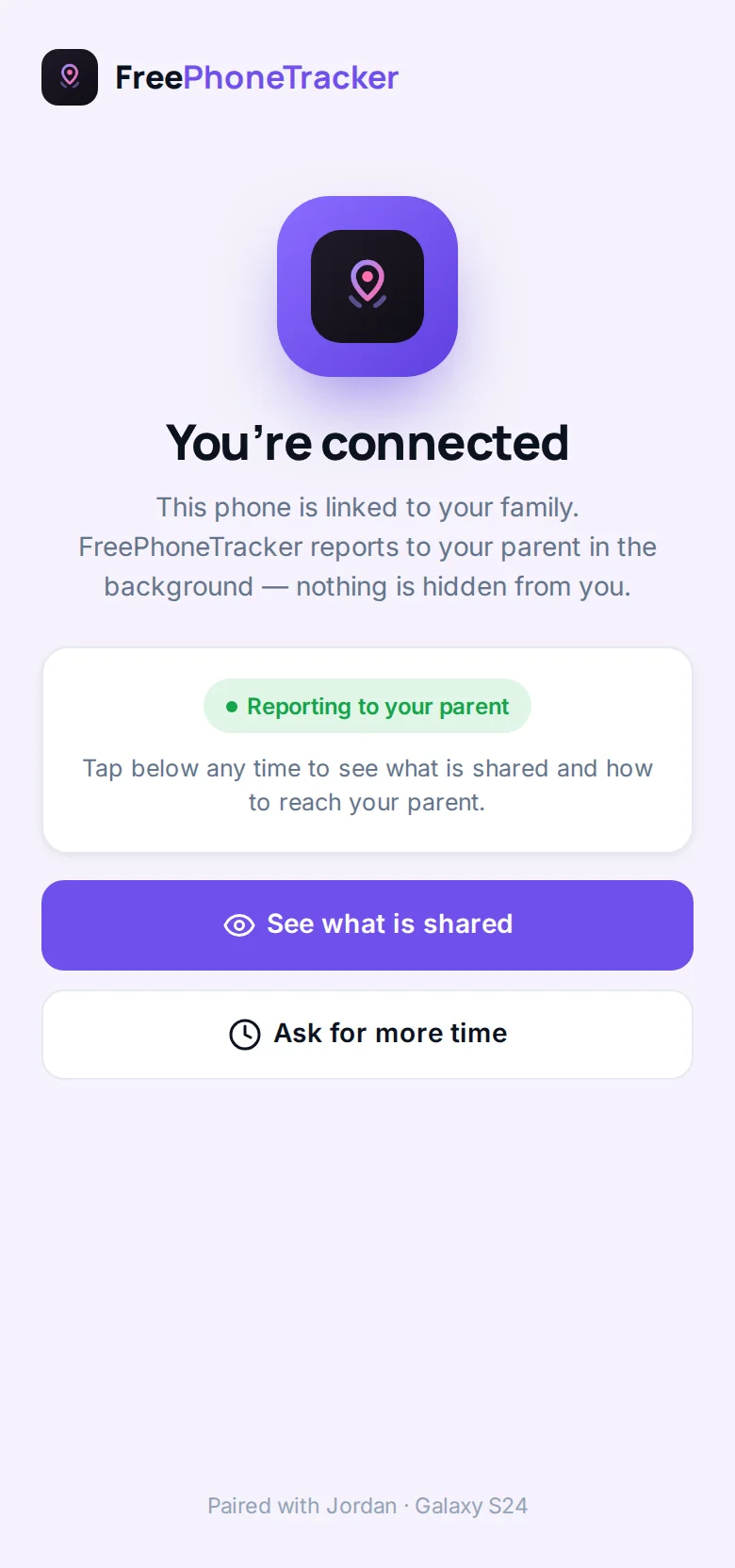
With FreePhoneTracker, yes. It’s transparent on the device by design. For families, we recommend open, ideally two-way, location sharing. It’s more honest and, with teens, far more sustainable.
Will it work if the phone is off or has no signal?
No live update is possible while the phone is off or fully out of signal. But you’ll always have its last known location from when it last reported. That’s usually what you need to find it.
How much does it cost?
FreePhoneTracker is free to start, location included, no card required. See the pricing page for what’s free and what’s unlockable.
Can I track more than one child?
Yes. Multiple devices sit in one panel, each with its own map, history and place alerts. Full details are on the features page.
How often does the location update?
A good tracker updates every few minutes by default. Frequent enough to be useful, spaced enough to spare the battery. You can usually request an on-demand refresh for the latest fix, say while a child is on the way home. Second-by-second tracking is rarely needed and flattens a battery fast.
Used right, family GPS tracking buys back something priceless. The mental space to not worry, because you’ll know if there’s something to worry about. Set your places. Trust the alerts. Share both ways. Let the quiet reassurance run in the background where it belongs. Get started free and set up your first place in a couple of minutes.