A new driver in the family is a big leap of trust. Location tools can take the edge off, not by hovering over every turn, but by letting you know they got there safely. This guide is honest about what location tracking can and can’t do for a teen driver, and how to set it up without turning it into a fight.
- Location shows you where they are and pings you when they arrive — that’s the real value.
- It’s about knowing they’re safe, not scoring every mile they drive.
- Set it up openly and mutually, and agree the ground rules first.
- Pair it with a no-phone-while-driving rule, which matters far more than any app.
What location can actually tell you
Let’s be straight about this. Location tracking is about place and timing, not a judgment on their driving.
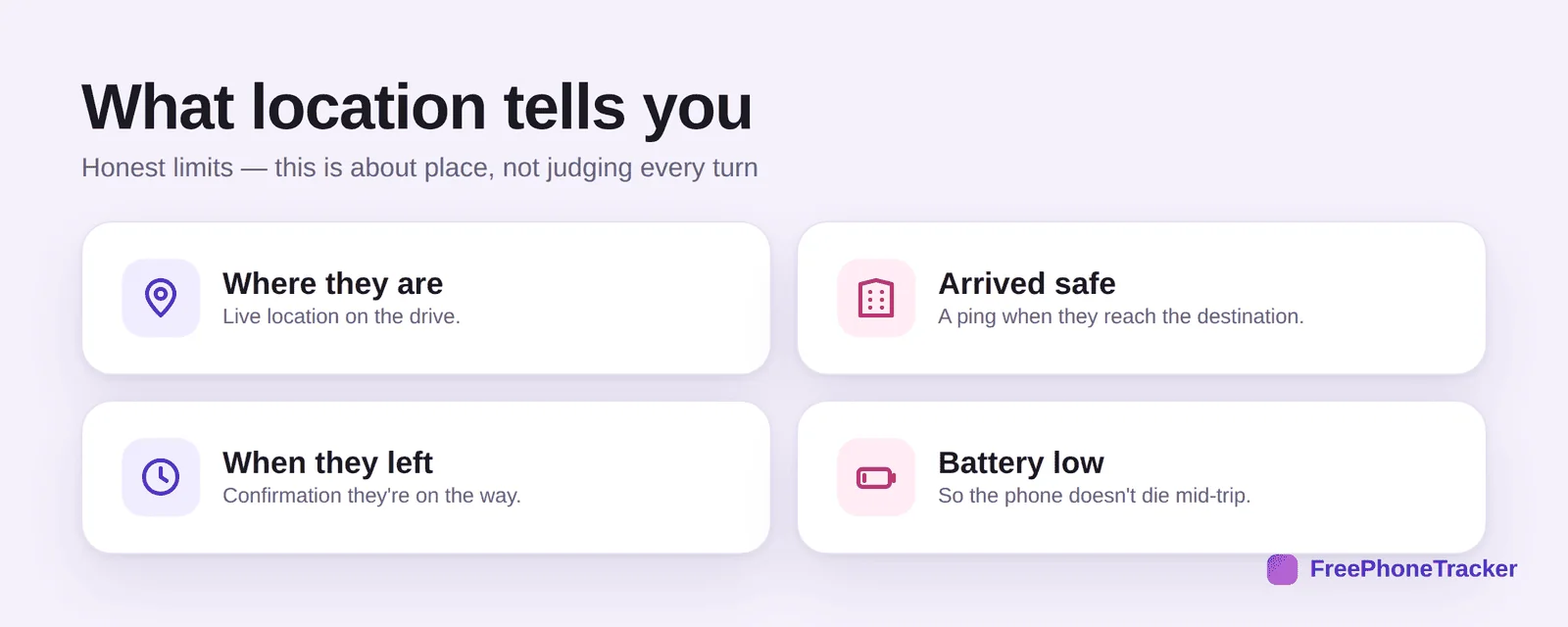
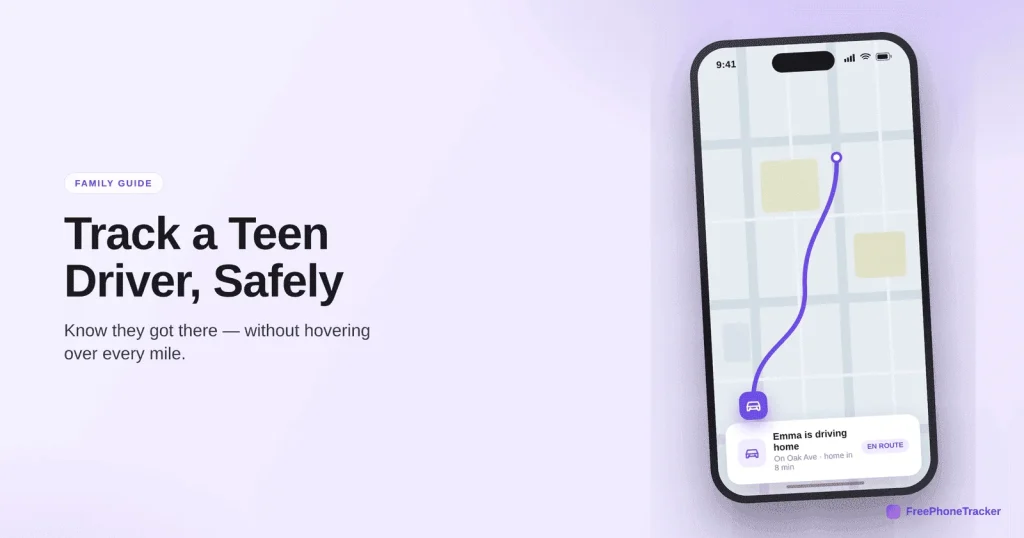
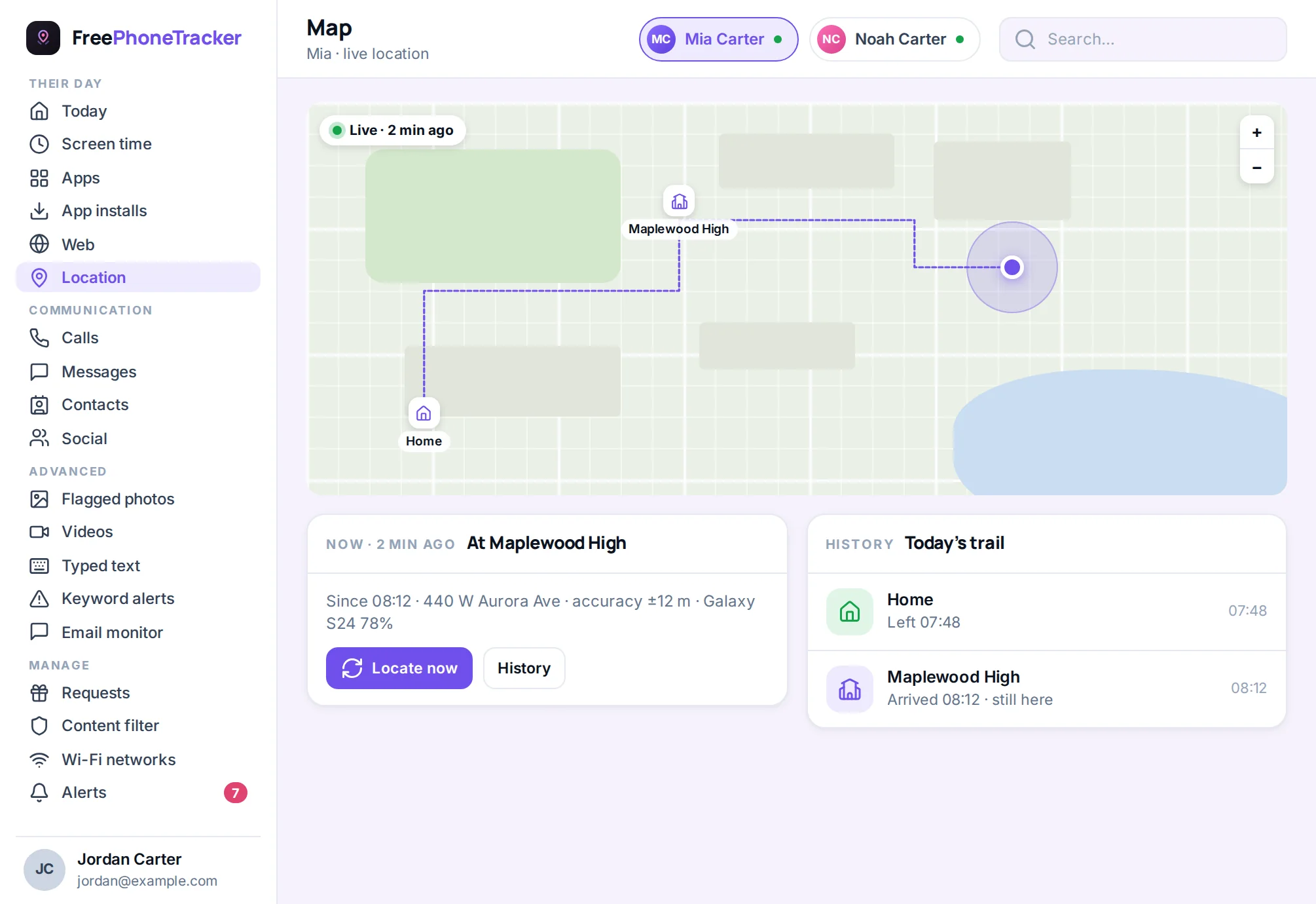
You can see where they are on the drive, get a ping when they’ve arrived safe, know when they left, and get a low-battery warning so the phone doesn’t die mid-trip. What it won’t do is grade their cornering, and honestly, a good conversation does more for safe driving than any dashboard. It’s the same location tracking the rest of the family uses.
Ground rules that work
The app is the small part. The rules you agree on are what keep them safe.
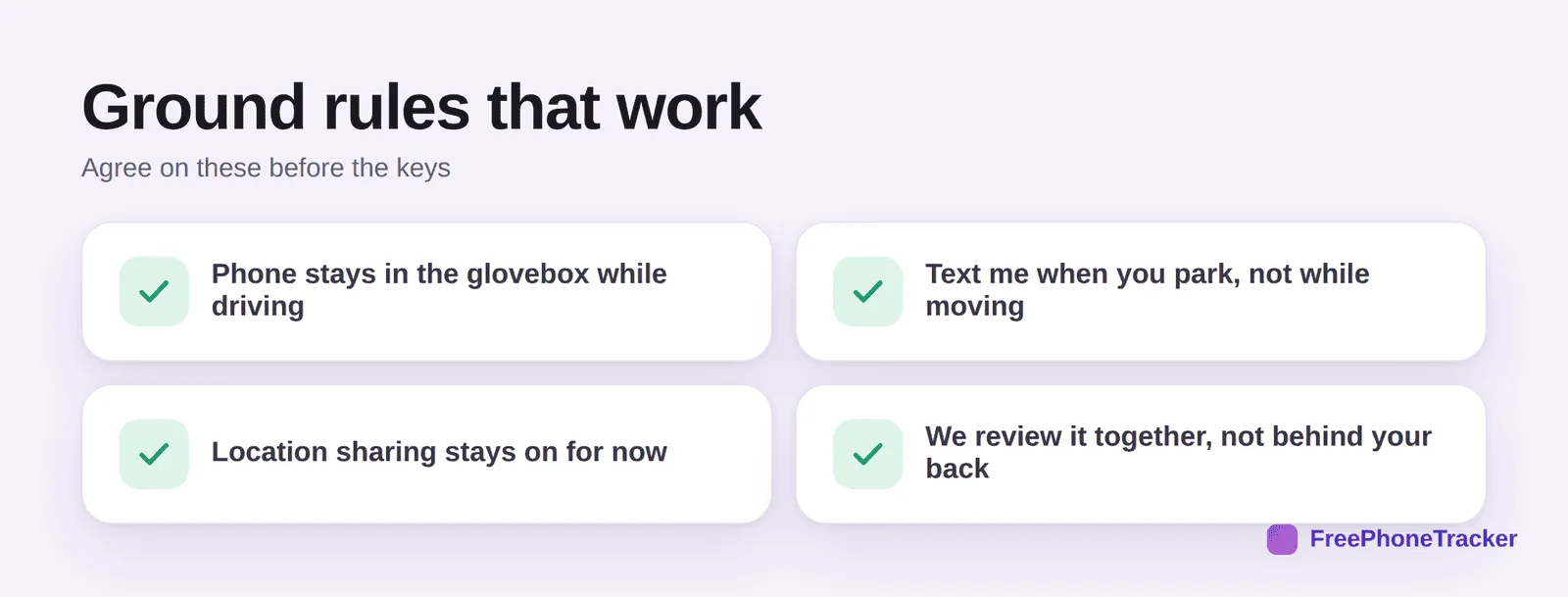
Phone in the glovebox while driving, no exceptions. Text you when they park, never while moving. Location sharing stays on for now, and you revisit it as they build a record. And you review it together, openly, not behind their back. Frame it the way our respectful monitoring guide lays out.
Setting it up
Keep the setup collaborative, it sets the tone for the whole thing.
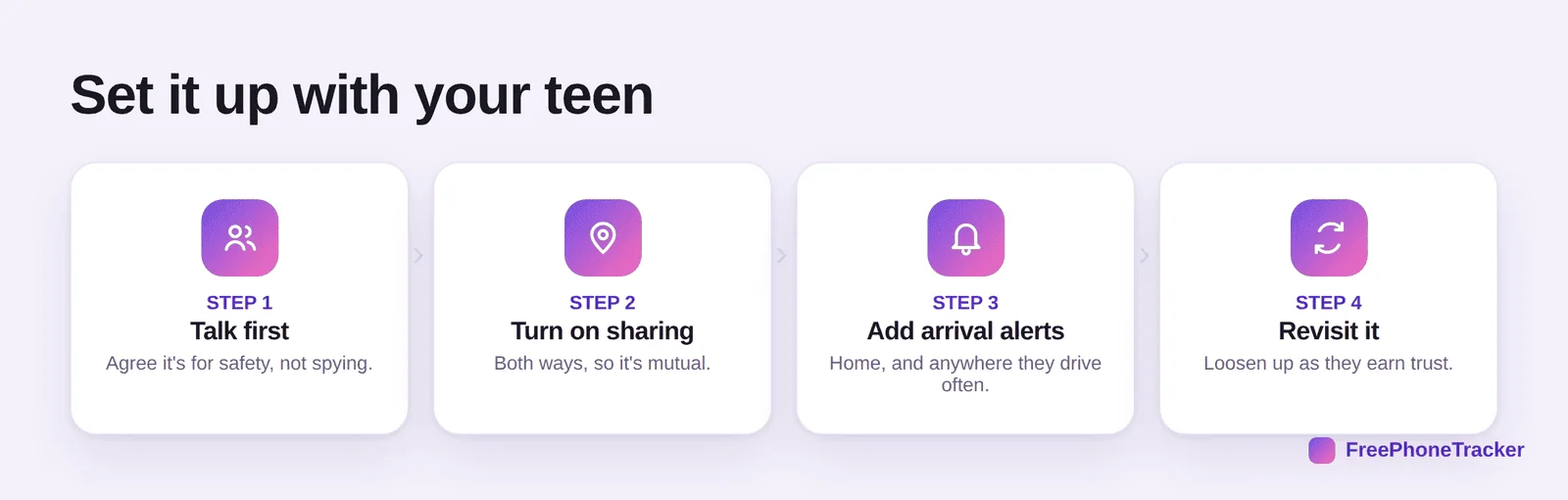
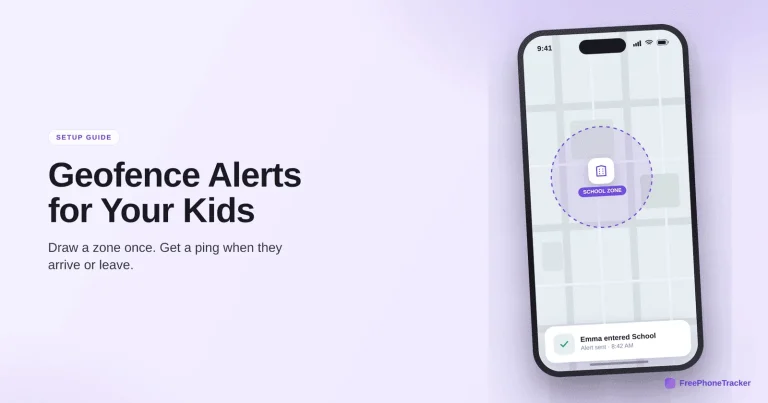
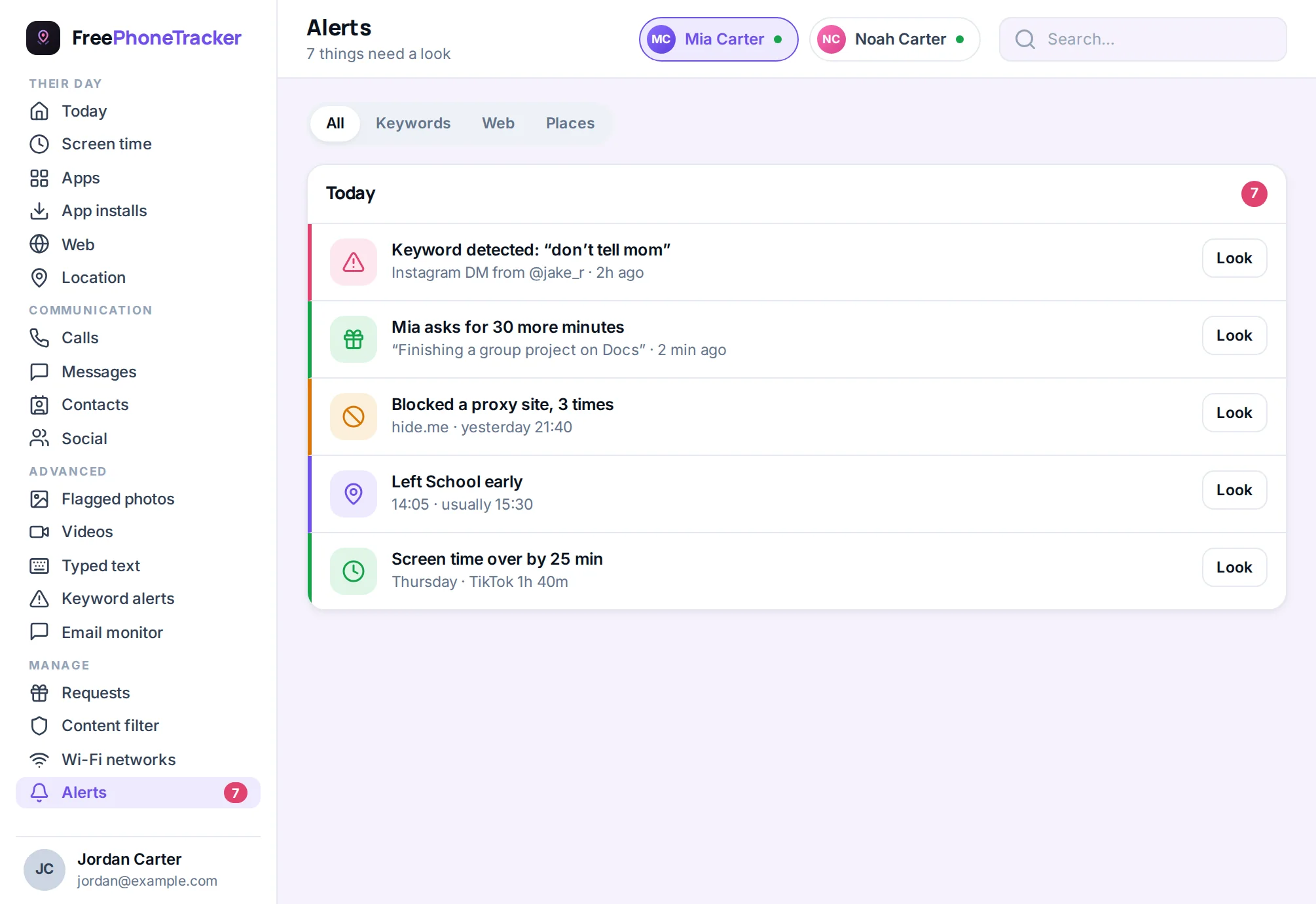
Talk about why first, safety, not spying. Turn on sharing both ways so it’s mutual. Add arrival alerts for home and the places they drive often, using arrival alerts and geofence zones. Then revisit it and loosen up as they earn trust.
Common questions
Can this app track speed or hard braking?
We’re honest here: this is a location tool, not a telematics device. It shows where they are and when they arrive. If you specifically want driving-behavior scoring, that’s a different category of product, some insurers offer it.
Isn’t tracking my teen driver a bit much?
It depends how you do it. Secret tracking breeds resentment. Open, mutual sharing that you agree on together is just sensible for a brand-new driver, and you ease off as they prove themselves.
What matters more than the app?
The phone-away rule. Distracted driving is the real risk for teens, and no app fixes that, a habit does. Make “phone in the glovebox” non-negotiable.
Should location sharing be permanent?
No. Treat it like a learner stage. Keep it on early, review together, and step it back as trust builds, the same graduated approach in our respectful monitoring guide.
Does it work for the whole family?
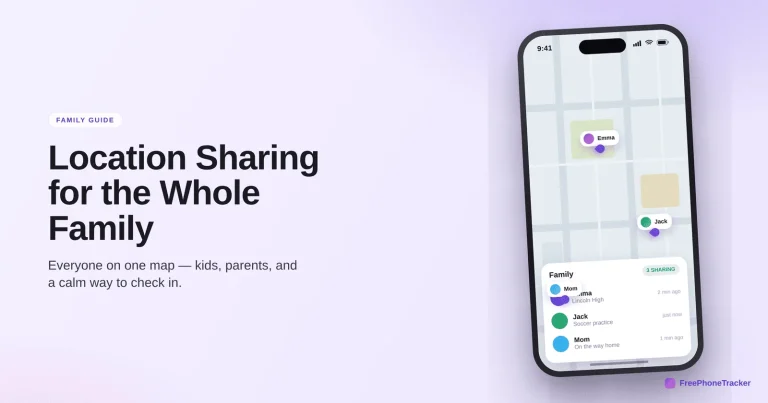
Yes. The same setup covers everyone, so a teen driver is just one person in the family circle. Sharing is mutual, so they see you too.
Tracking a teen driver works when it’s honest, open and paired with real rules, location and arrival alerts to know they’re safe, and a firm phone-away habit to keep them that way. Set it up together, keep it mutual, and let trust loosen the reins over time. Get started free, and read our GPS tracking for families guide for the wider setup.