Snapchat hacks spread fast, because the whole point is messaging friends. If yours is compromised, the intruder is probably already spamming your contacts. The good news: Snapchat’s recovery is quick if you act now. This guide covers unlocking it, kicking the hacker out, and securing it for good.
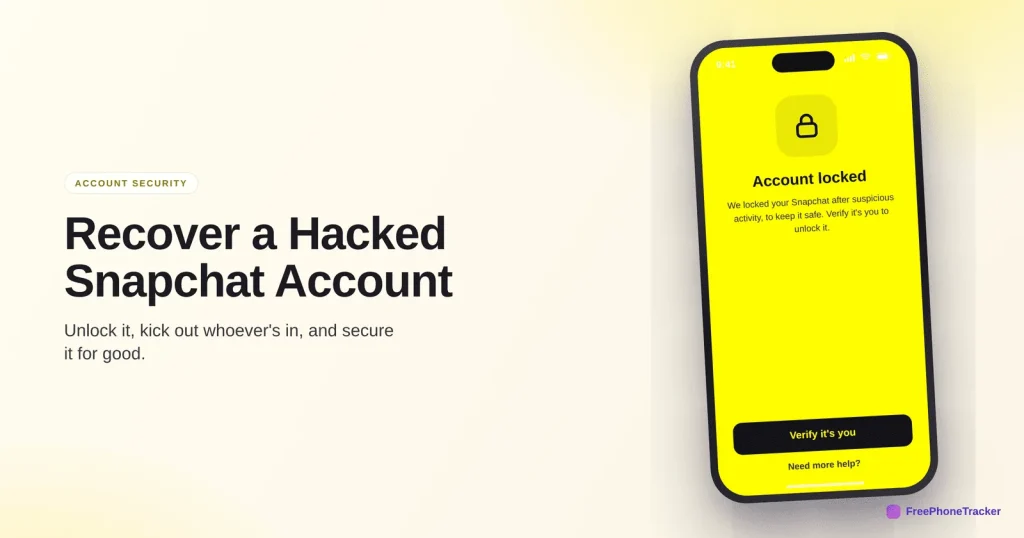
- If it’s locked, follow the unlock prompt — Snapchat locks accounts it thinks are compromised.
- Reset the password via email or SMS with “Forgot your password.”
- Verify it’s you with the code Snapchat sends.
- Then turn on two-factor and re-secure the email behind it.
Confirm the hack
Snapchat compromises usually show up in your friends’ chats before you notice anything yourself.
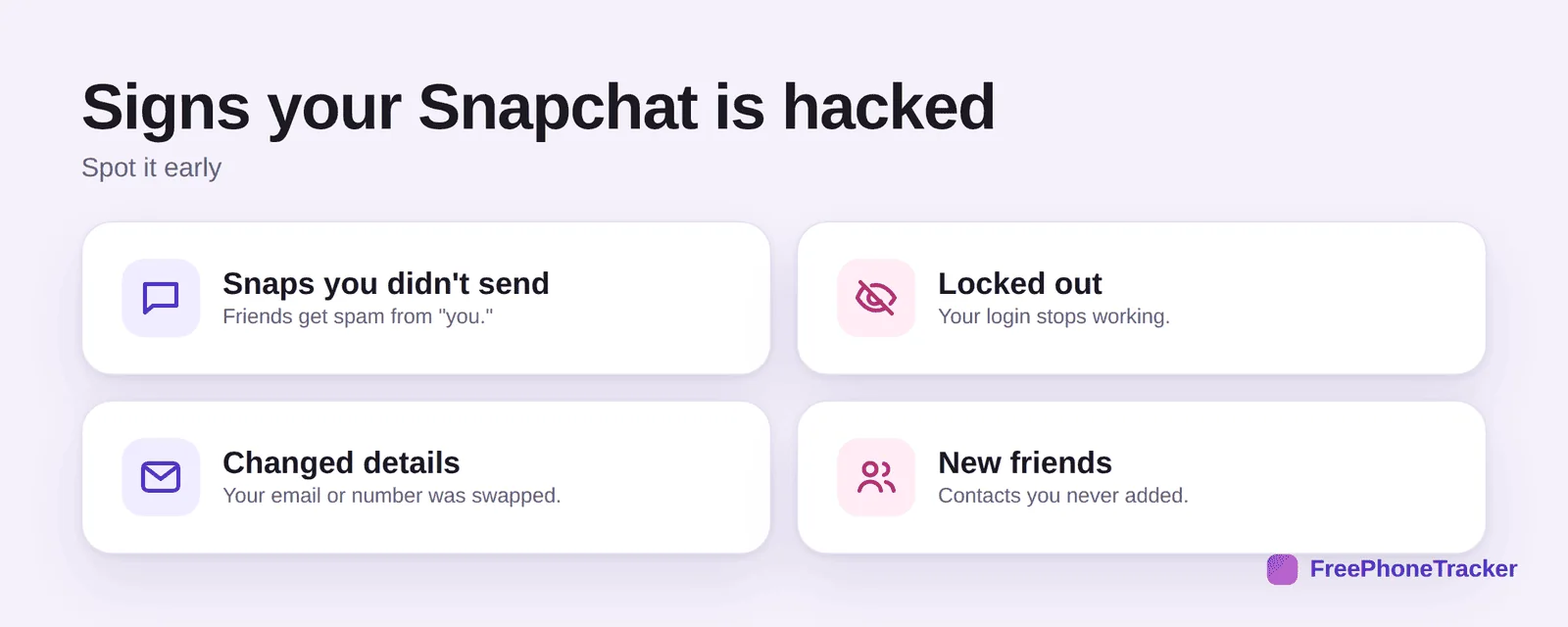
Look for snaps you didn’t send (friends getting spam links), being locked out, your email or number changed, or new friends you never added. If Snapchat itself locked the account, that’s often a good sign, it caught the intrusion first.
Get your account back
Work through Snapchat’s recovery in order. Most people are back in within a few minutes.
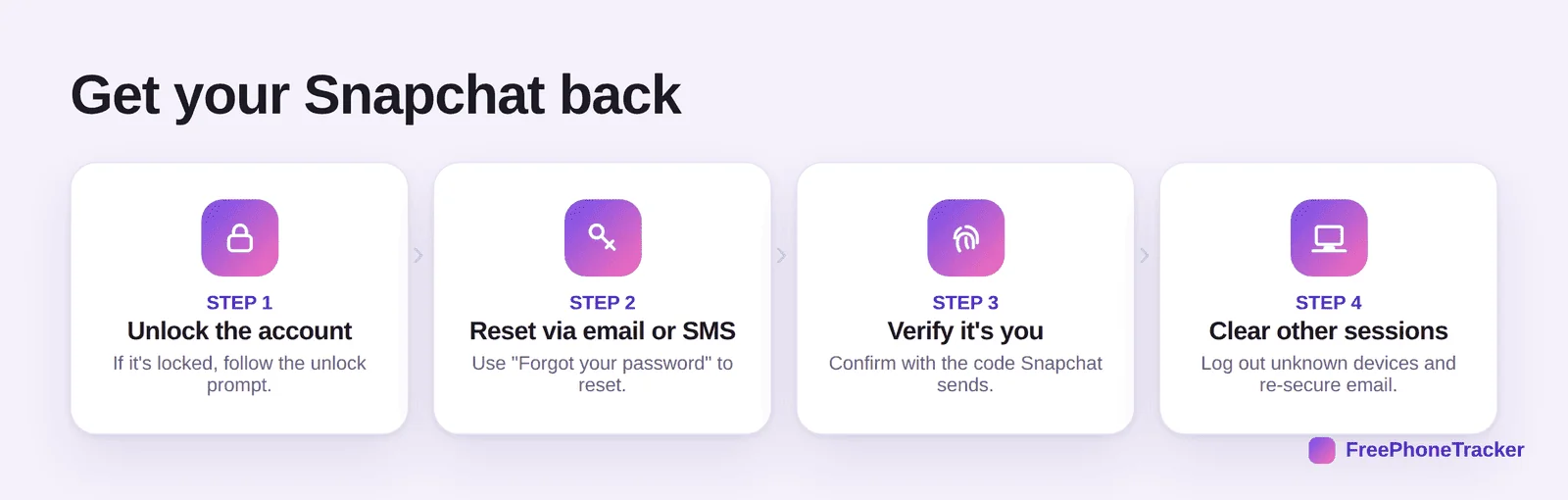
Unlock the account if it’s locked, using the on-screen prompt. Use Forgot your password to reset by email or SMS. Verify it’s you with the code Snapchat sends. Then clear other sessions and, crucially, re-secure the email address the account uses, if that’s compromised too, the hacker can just reset it again.
Secure it afterwards
A few minutes of hardening now saves the next headache.
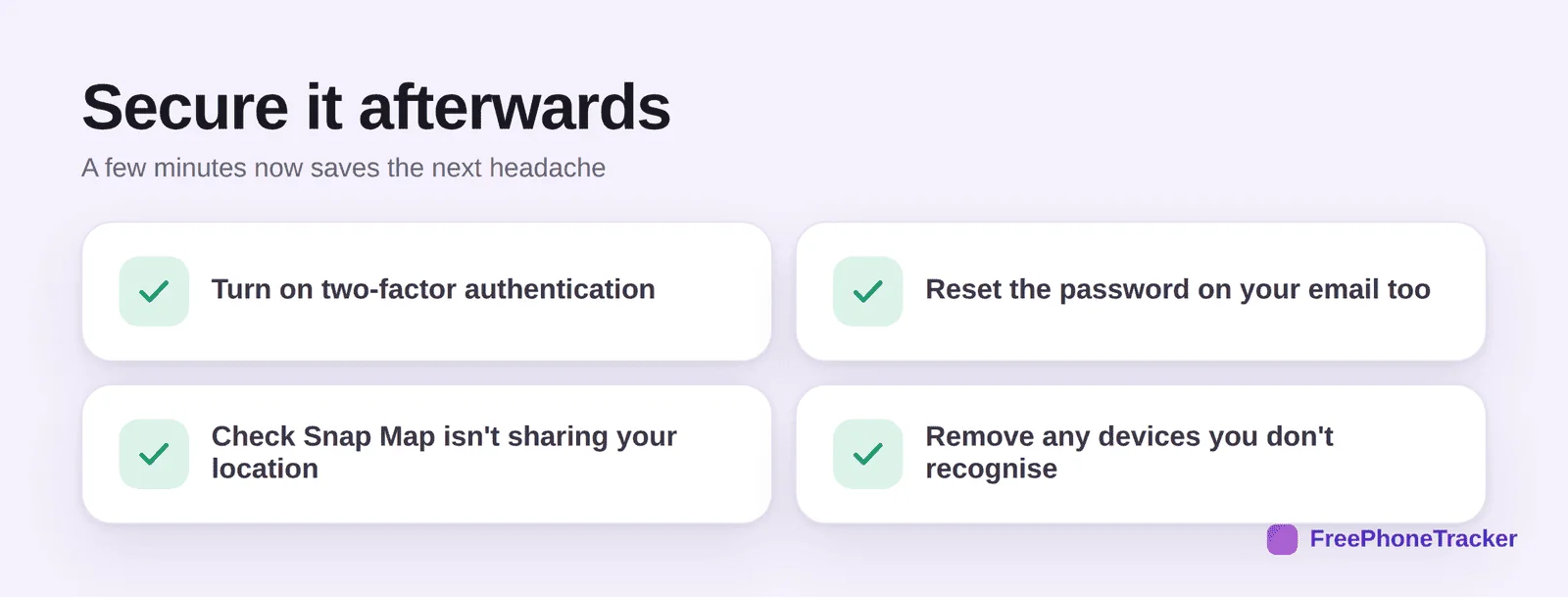
Turn on two-factor authentication, reset your email password too, check Snap Map isn’t quietly sharing location, and remove any devices you don’t recognise. Snap Map matters especially for kids, a hacker or a stranger shouldn’t see where they are.
If it’s your child’s account
A hacked Snapchat on a kid’s phone is worth catching quickly, because of the location and stranger-contact angle.
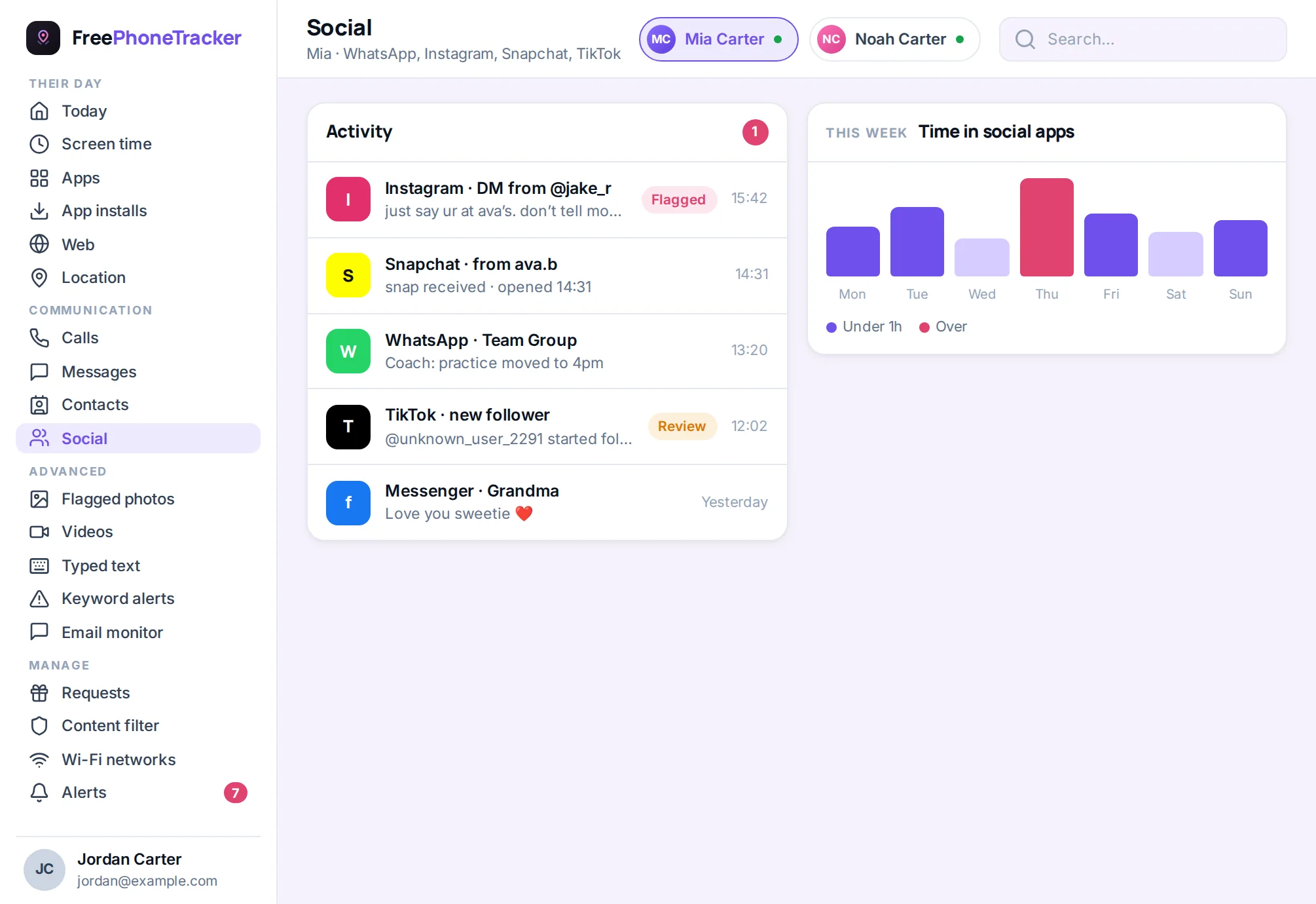
If you monitor a younger child’s device, a social view flags the sudden spam or new contacts that mark a takeover. Turn Ghost Mode back on afterwards, and read our Is Snapchat safe? guide for the wider risks.
Common questions
Snapchat locked my account — is that bad?
Usually it’s protective. Snapchat locks accounts it thinks are compromised. Follow the unlock steps, verify it’s you, and reset your password.
The hacker changed my email and number — what now?
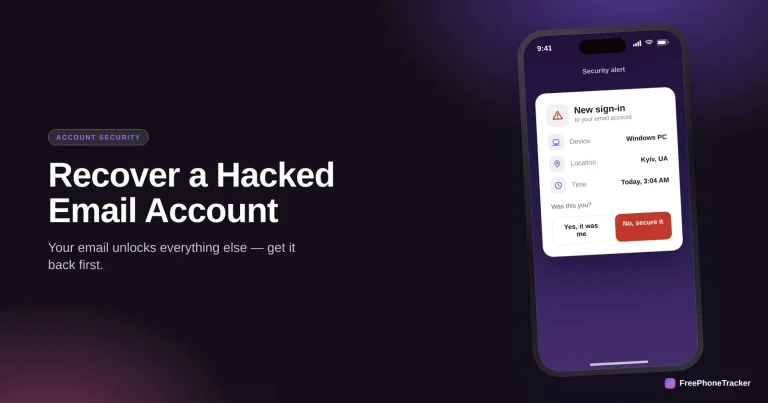
Use Snapchat’s support flow to prove ownership. Recover your email first if that was taken too, otherwise any reset just goes back to the hacker.
Will my streaks and memories be gone?
Usually not, once you’re back in. Focus on regaining access quickly; most account data is intact after recovery.
How did they get in?
Most often a reused or phished password. Switch to a unique one and turn on two-factor so a leaked password alone isn’t enough.
It’s my kid’s account — anything extra?
Yes, check Snap Map is off and no strangers were added, then reset the email password too. See our Instagram and email recovery guides.
A hacked Snapchat comes back fast if you act, unlock, reset, verify, then lock it with 2FA and a fresh email password. Don’t forget Snap Map and the email behind the account. Get started free, and read our guide to recovering a hacked WhatsApp account.