Snapchat is where a huge share of teens spend their social lives. It’s also the app that worries parents most, and for good reasons: messages disappear, the app shares location on a map, and strangers can find your kid easily. So is it safe? The honest answer: it can be, for a teen, once you change a few settings and keep a light eye on it. Here’s what to know, what to switch off, and how to decide.
- Minimum age is 13. It’s not built for younger kids.
- The big risks: disappearing messages, Snap Map location, and easy stranger contact.
- Five settings make it far safer, starting with Ghost Mode.
- Verdict: fine for most teens with location off, contacts locked down, and a light watch.
What Snapchat actually is
Snapchat is a messaging app built around photos and videos, called snaps, that vanish after they’re viewed. It has private chats, group chats, public Stories, a map showing friends’ locations, and a stream of creator and news content. The disappearing-message idea is the whole draw for teens: it feels low-stakes and private. That same feature is what makes it hard for parents to see what’s going on.
The real risks
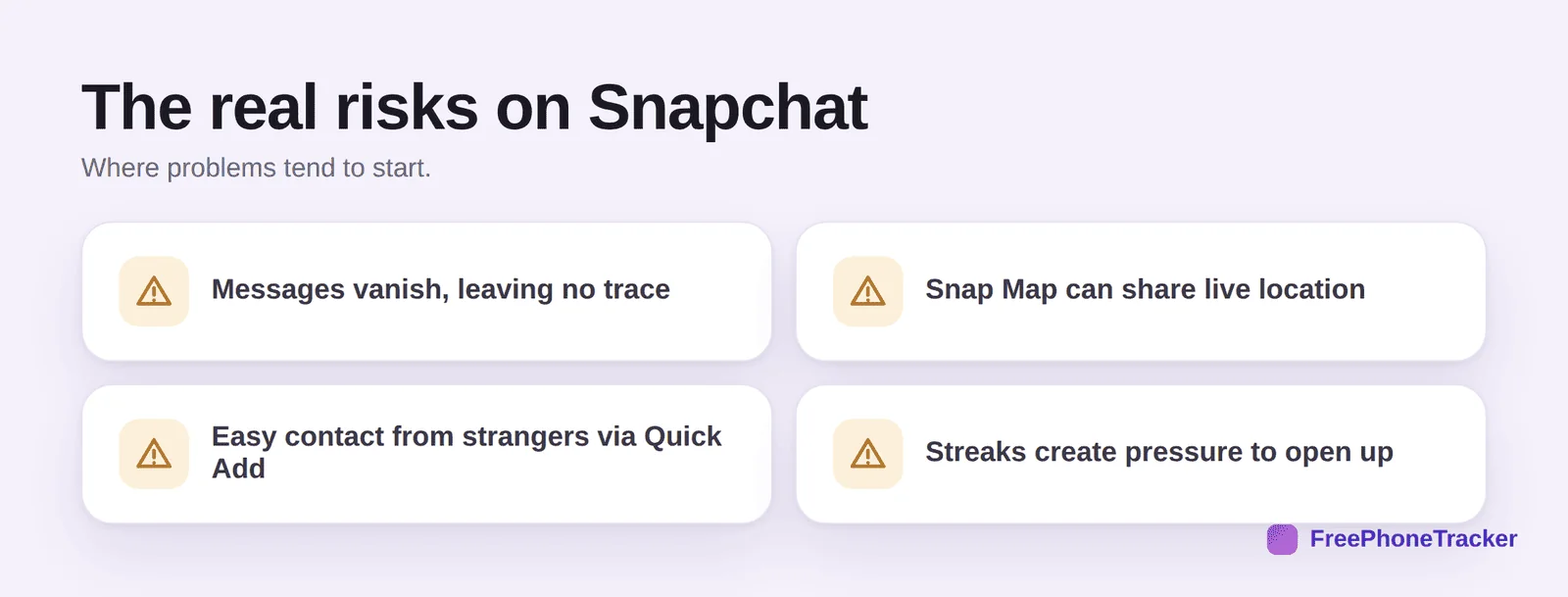
Let’s be specific, because vague fear doesn’t help anyone. Disappearing messages mean there’s often no trace of a conversation, which is exactly what a bully or a predator wants. Snap Map can broadcast your child’s live location to their friends list, and “friends” isn’t always who you’d think. Quick Add and username search make it easy for strangers to find and add a child. And streaks, the count of consecutive days two people snap each other, create real pressure to stay glued to the app and to keep contacts they might otherwise drop.
Snapchat jargon, decoded
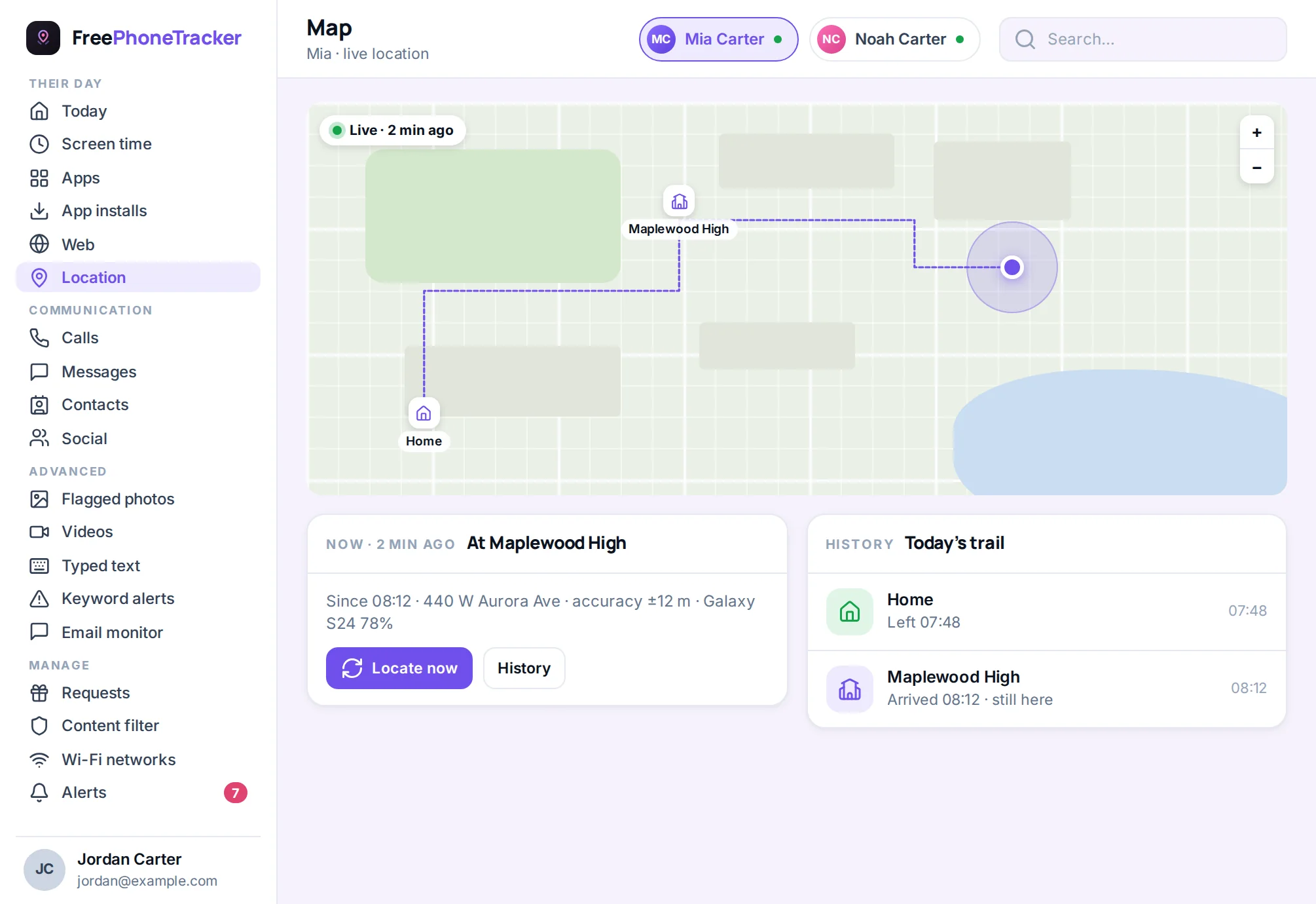
Half the worry comes from not knowing the lingo. Here’s what your teen is talking about. Streaks are the fire emoji next to a friend’s name, counting consecutive days they’ve snapped each other; kids guard them fiercely, which is where the pressure comes from. Stories are snaps posted for all their friends to see for 24 hours. Snap Map is the map of where friends are right now. My Eyes Only is a PIN-locked area for saved snaps, worth knowing exists, though it’s usually just private photos. And Discover is the feed of creator and publisher content, some of which is aimed at adults. Knowing the words makes the conversation, and the settings, far easier.
Safety settings to change today
Most of the risk drops away with a few minutes in Settings. Do these together with your teen so they understand why.
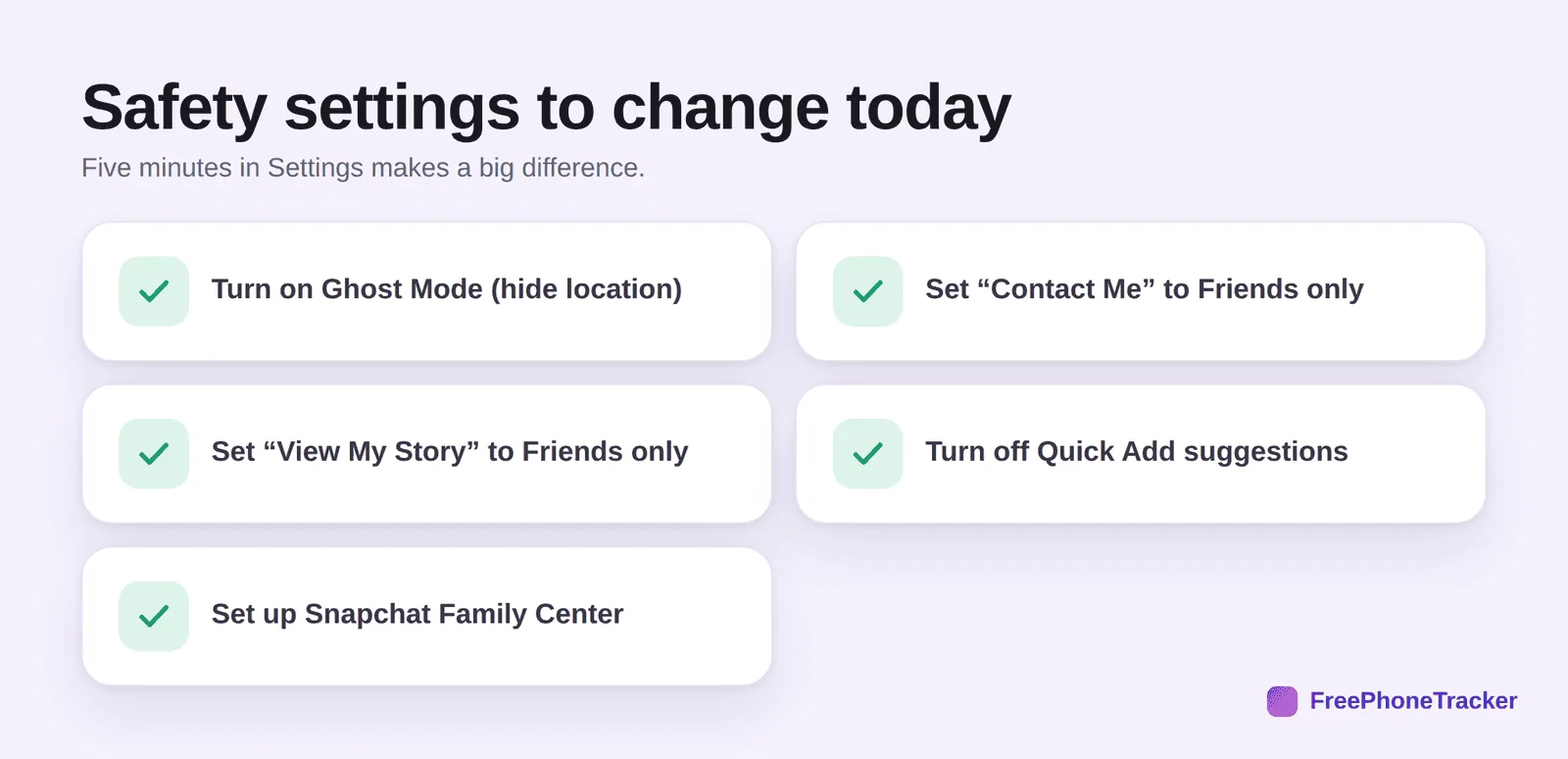
Turn on Ghost Mode so their location isn’t shared on Snap Map. Set Contact Me and View My Story to Friends only, so strangers can’t message them or watch their Stories. Turn off Quick Add so the app stops suggesting your child to strangers and vice versa. And set up Snapchat Family Center, the app’s built-in parental tool, which lets you see who they’re talking to (not the content) and report concerns.
How to monitor Snapchat
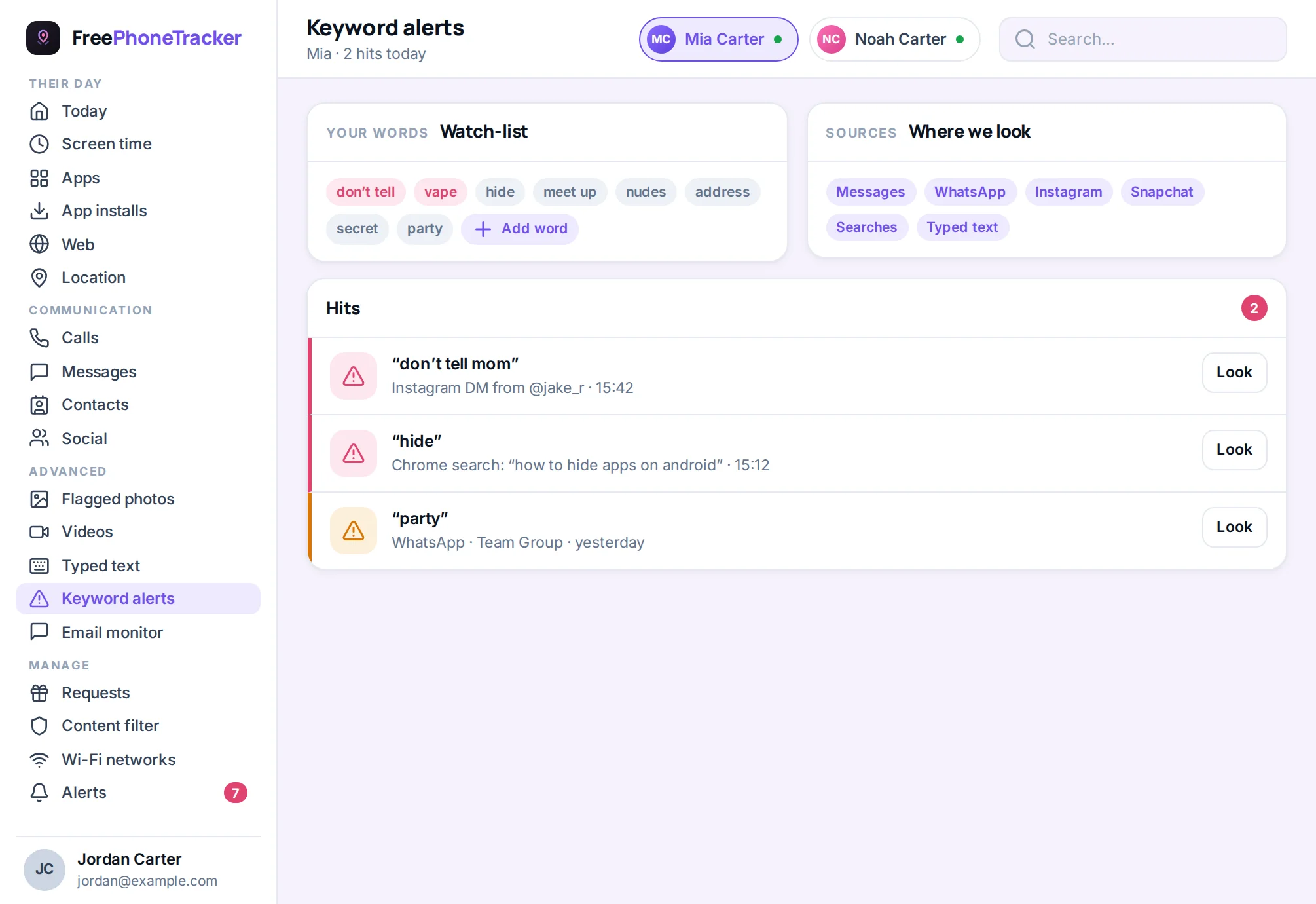
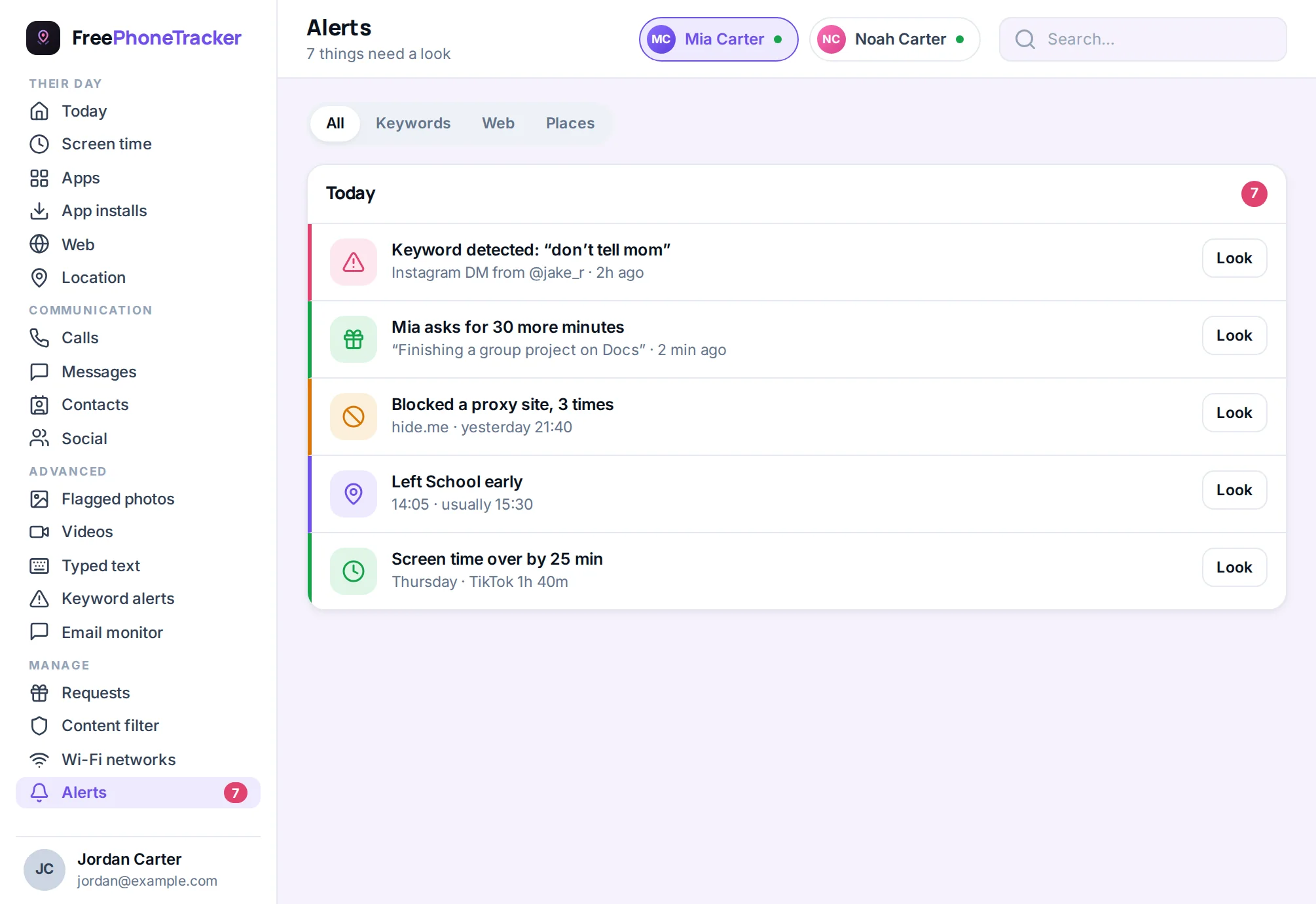
Family Center is a good start, but it’s limited, it shows who, not what. For a fuller picture, especially if you have a specific worry, a dedicated tool helps. On Android, social monitoring can capture notification text and activity even from disappearing-message apps, and keyword alerts flag concerning phrases as they’re typed.
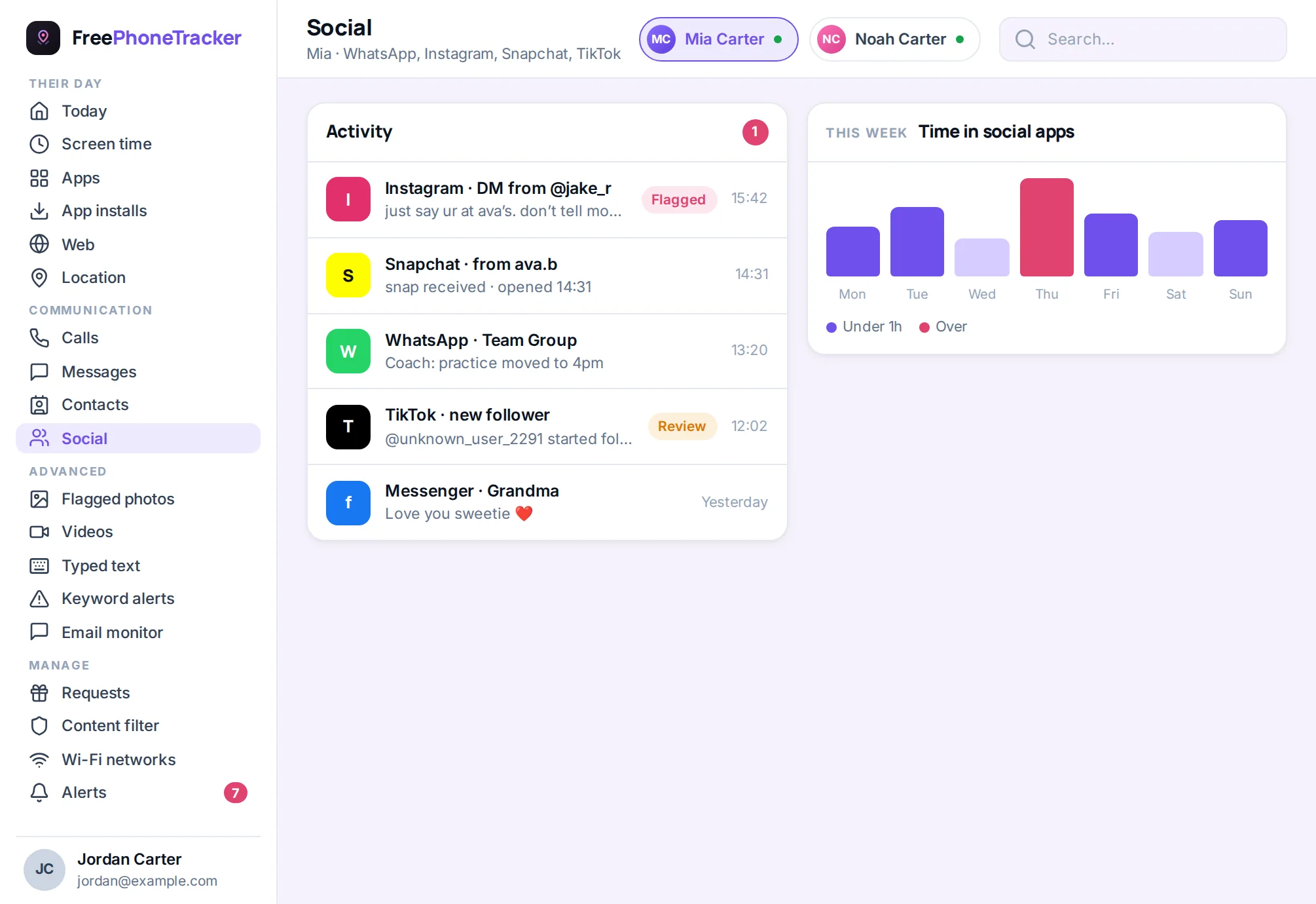
The goal isn’t to read every snap. It’s to catch the handful that matter, contact from an adult, a bullying pile-on, a request for photos, while leaving the ordinary teen chatter private. Alerts do that job without turning you into a full-time reader.
The conversation to have
Settings do half the job. The talk does the other half. Keep it short and repeat it often. Explain that “disappearing” is a myth, anyone can screenshot or save a snap, so never send anything they wouldn’t want kept. Agree that they only add people they know in real life. Make it clear that streaks are not worth staying in a chat that feels wrong. And promise the thing that matters most: if anyone ever makes them uncomfortable, they can come to you and they won’t lose the app for it. A teen who believes that tells you early, while it still counts.
The verdict
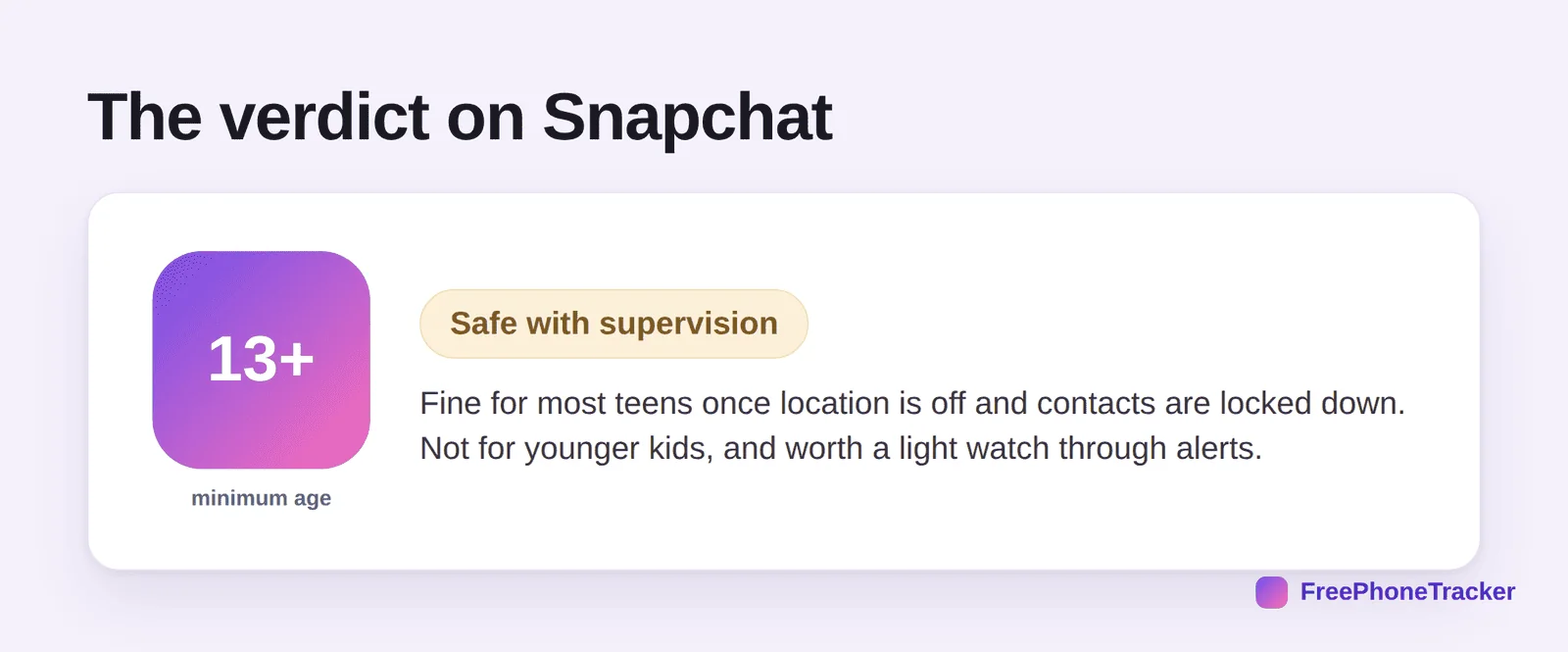
Snapchat is fine for most teens once you’ve turned off location, limited contacts to real friends, and had an honest conversation about disappearing messages and streaks. It is not for younger children. And because so much is designed to be invisible, it’s the one app where a light, transparent watch through alerts is most worth having.
Common questions
What age is Snapchat safe for?
The minimum is 13, and that’s a sensible floor. For a first social app, even 13 is on the early side unless your teen is mature and you’ve locked the settings down.
Can I see deleted or disappearing snaps?
Not fully, the app is built to prevent it. On Android, monitoring can capture some notification text, which catches more than you’d expect, but nothing captures everything. Treat alerts as an early-warning system, not a transcript.
Is Snap Map dangerous?
It can be, if it’s on. It shares live location with a child’s friend list. Turn on Ghost Mode and the risk is gone. This is the single most important setting.
Should I let my younger child use it?
No. Under 13 it’s against the rules and genuinely not designed for them. Point younger kids to age-appropriate apps, and revisit Snapchat when they’re older.
How do I bring up monitoring without a fight?
Openly, and framed as safety. Our guide on monitoring a teen respectfully walks through the conversation, and keeping kids safe on social media covers the wider picture.
So, is Snapchat safe? For a teen, with location off, contacts locked down, and an open conversation, yes, mostly. It’s the invisible-by-design nature of the app that makes a light safety net worth it. Set it up right and it becomes what it should be: a place to hang out with friends, not a blind spot. Get started free to add that safety net today.