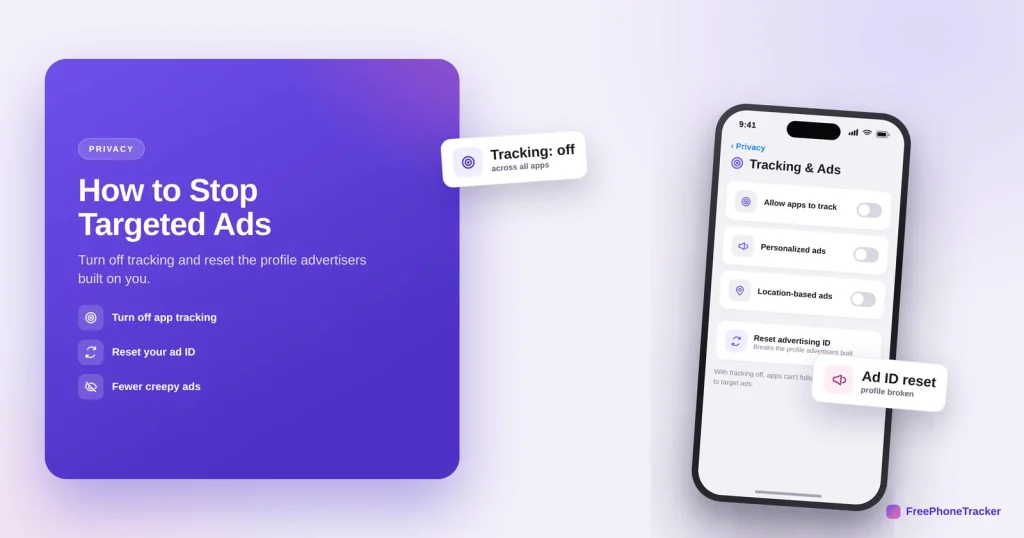
Targeted ads follow you around because your phone hands advertisers a steady stream of data, tied together by a single tracking ID. You can’t switch off advertising entirely, but you can cut the tracking that makes ads feel like they’re reading your mind. This guide shows how, on iPhone and Android.
- Turn off app tracking so apps can’t follow you between each other.
- Reset (or delete) your advertising ID to break your profile.
- Switch off personalized ads in your Google or Apple account.
- Limit location and use a privacy-minded browser for the rest.
How ad tracking follows you
Understanding the plumbing makes the fixes obvious.
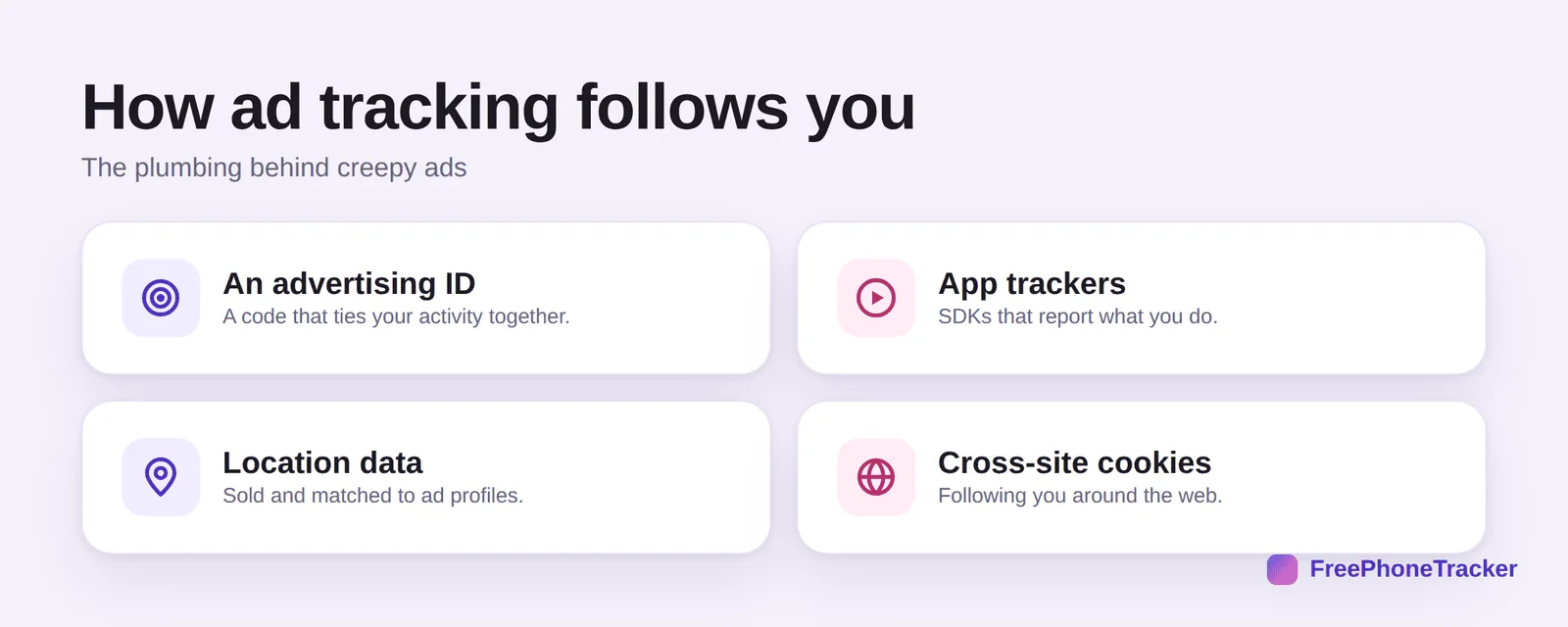
Your phone has an advertising ID, a code that ties your activity together. App trackers report what you do inside apps. Location data gets sold and matched to your profile. And cross-site cookies follow you around the web. Break these links and the targeting falls apart.
Cut the tracking
Four moves do most of the work, and they take a few minutes.
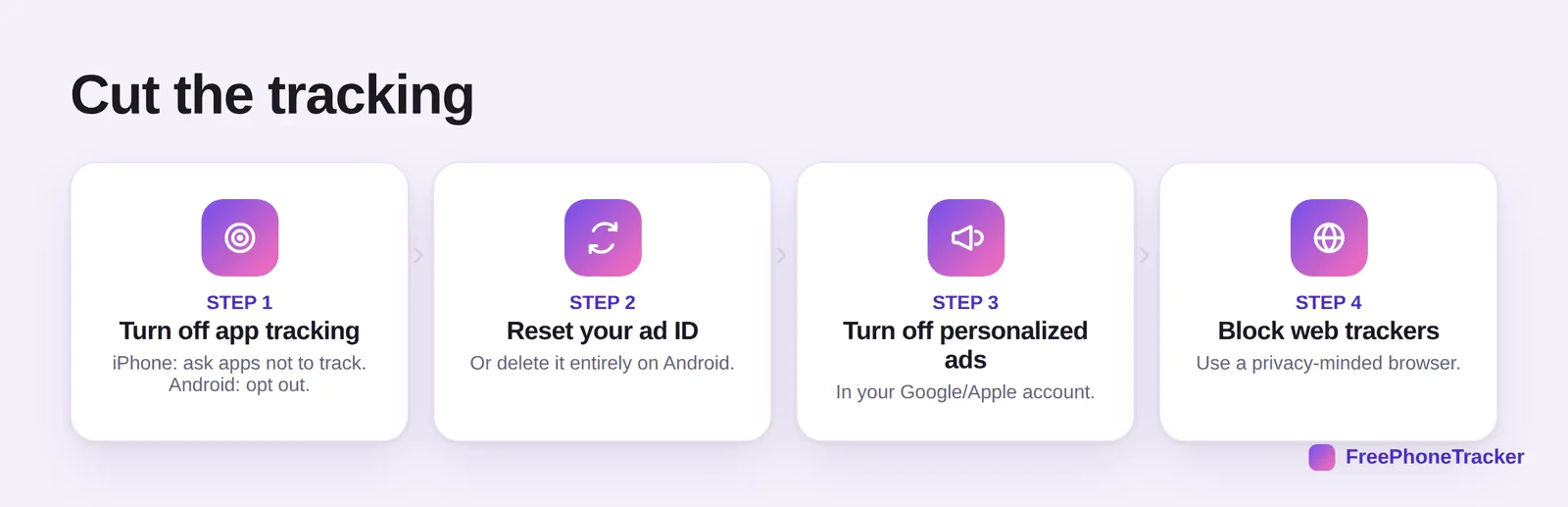
Turn off app tracking, on iPhone, ask apps not to track; on Android, opt out of ad personalization. Reset your advertising ID, or delete it entirely on Android. Turn off personalized ads in your Google or Apple account. And block web trackers with a privacy-minded browser.
Shrink your ad profile
A few ongoing habits keep the profile from rebuilding.
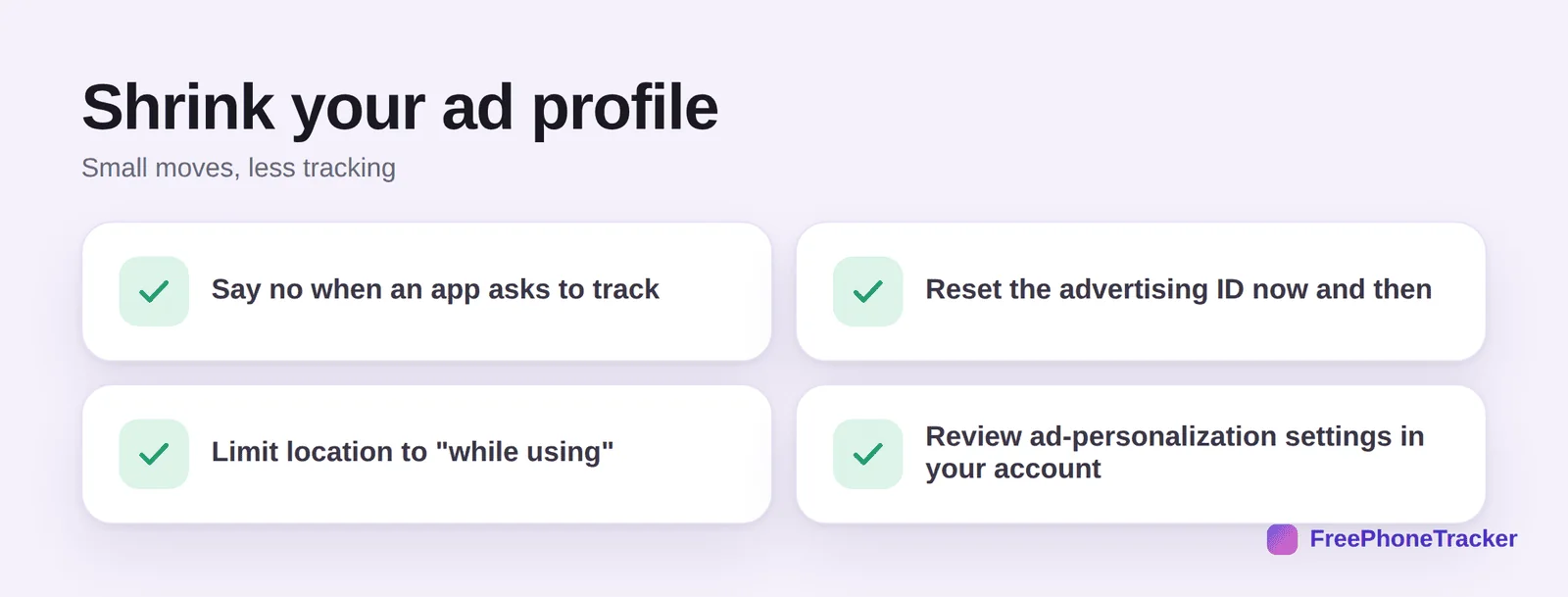
Say no when an app asks to track. Reset the advertising ID now and then. Limit location to “while using”, our location-access guide covers this. And review ad-personalization settings in your account periodically.
The settings that make the biggest difference
Three switches remove most of the tracking that feeds targeted ads. On iPhone, Settings → Privacy & Security → Tracking → Allow Apps to Request to Track switched off stops apps from asking at all. On Android, Settings → Privacy → Ads → Delete advertising ID removes the identifier ad networks use to follow you between apps. And in your Google account, My Ad Centre lets you turn off personalised ads across Google, YouTube and Search entirely.
The ads you see inside social apps use those apps’ own data, so repeat the exercise in the big ones: Instagram and Facebook have Ad preferences under Accounts Centre, and TikTok has Ads personalisation under Privacy. None of this reduces the number of ads — it changes them from eerily specific to generic, which is the point. Expect the effect within a day or two, and re-check after major app updates, which occasionally reset these choices.
Common questions
Will turning off tracking stop all ads?
No, you’ll still see ads, but they’ll be generic rather than eerily personal. The goal is to stop being followed between apps and sites, not to remove advertising.
What is an advertising ID?
A unique code your phone gives advertisers to tie your activity together. Resetting it starts a fresh profile; deleting it (on Android) stops apps getting one at all.
Does turning off tracking hurt anything?
Not really. Some free apps lean on ad revenue, but your experience is largely unchanged, minus the creepy targeting. It’s one of the best privacy wins for the effort.
Is this the same as “my phone listening”?
Yes, in effect. The ads that feel like eavesdropping come from this tracking, not a microphone. See our is my phone listening? guide.
What else leaks my data to advertisers?
Location is a big one. Limit it per app and turn off precise location where you can, see our location-access guide.
You can’t delete advertising, but you can stop it stalking you, turn off tracking, reset your ad ID, and limit location. The “how did it know?” ads quietly fade. Get started free, and read our guides to whether your phone is listening and app permissions.