Sometimes you need your call history as an actual file, for expense records, a billing dispute, or just to keep an archive. Phones don’t make this obvious, but between your carrier, a backup and a call log, you have good options. This guide shows how to export your call history cleanly.
- Your carrier can provide call detail records, often on request.
- A call tracker or app can export the log as CSV or PDF in a couple of taps.
- Pick a date range so you export just what you need.
- Keep the file private — it contains personal data.
Why export your call history
A file is more useful than an on-screen list for a few common reasons.
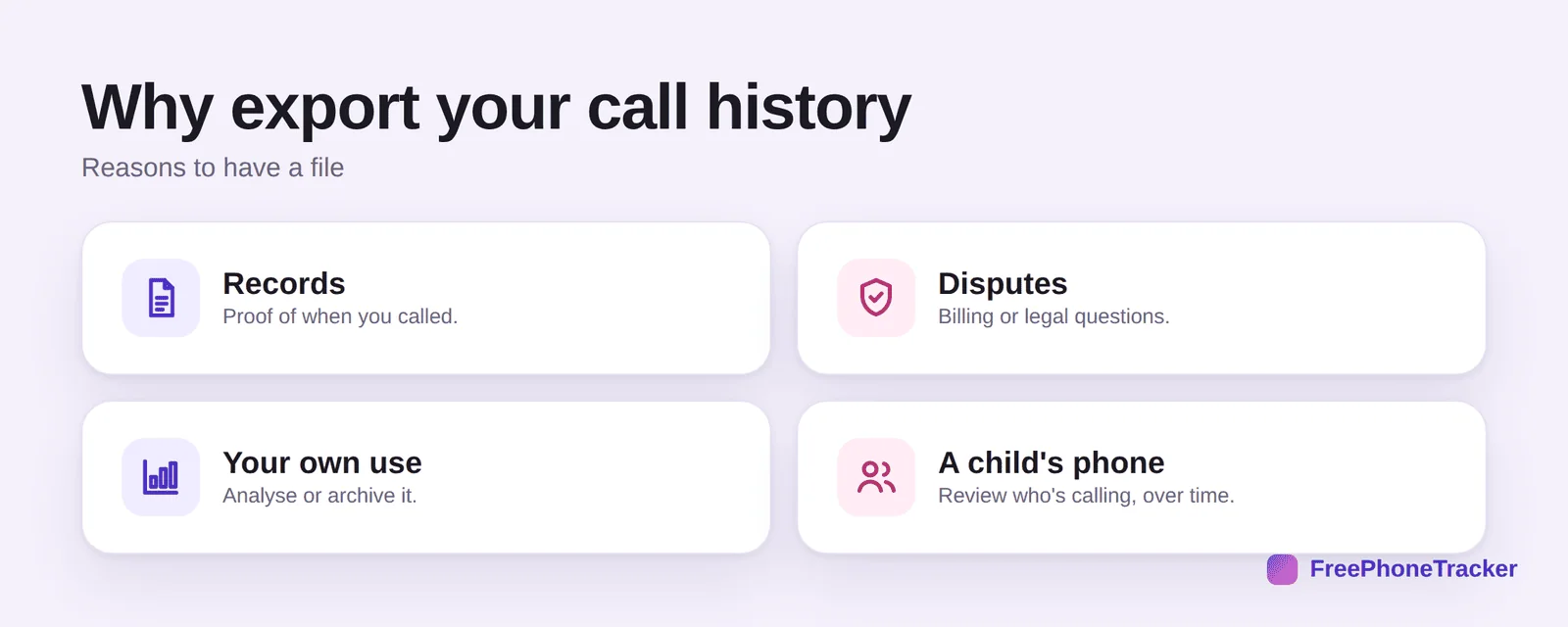
For records, proof of when you called. For disputes, billing or legal questions. For your own use, to analyse or archive. And for a child’s phone, to review who’s been calling over time (with consent).
Export your call log
The exact method depends on your source, but the flow is the same.
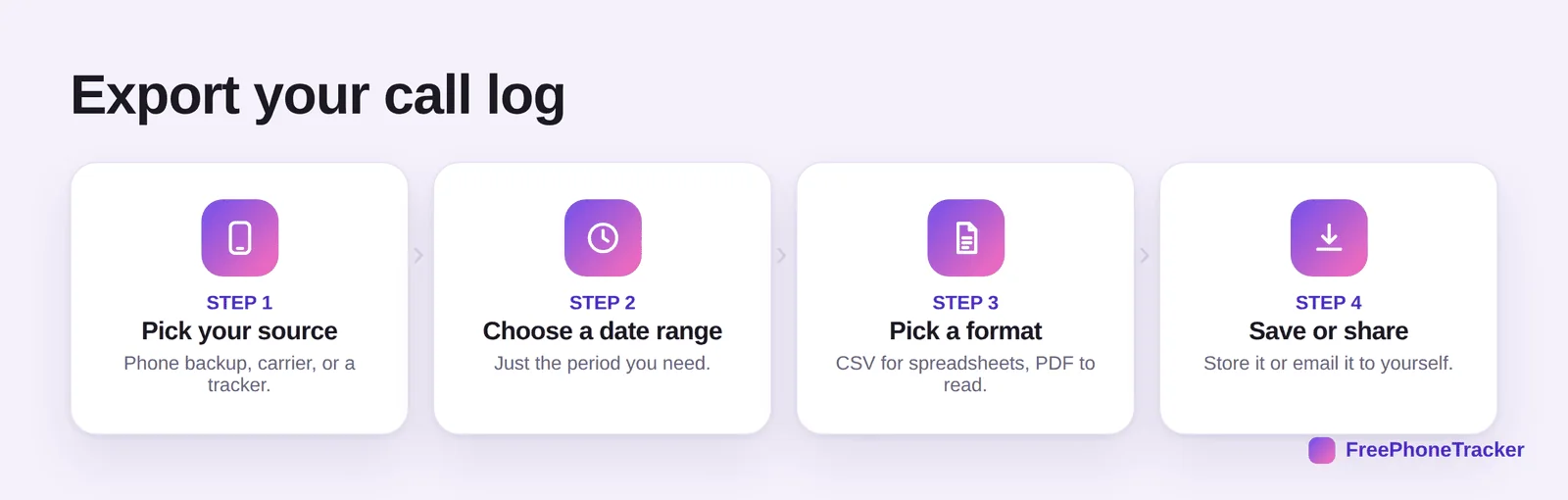
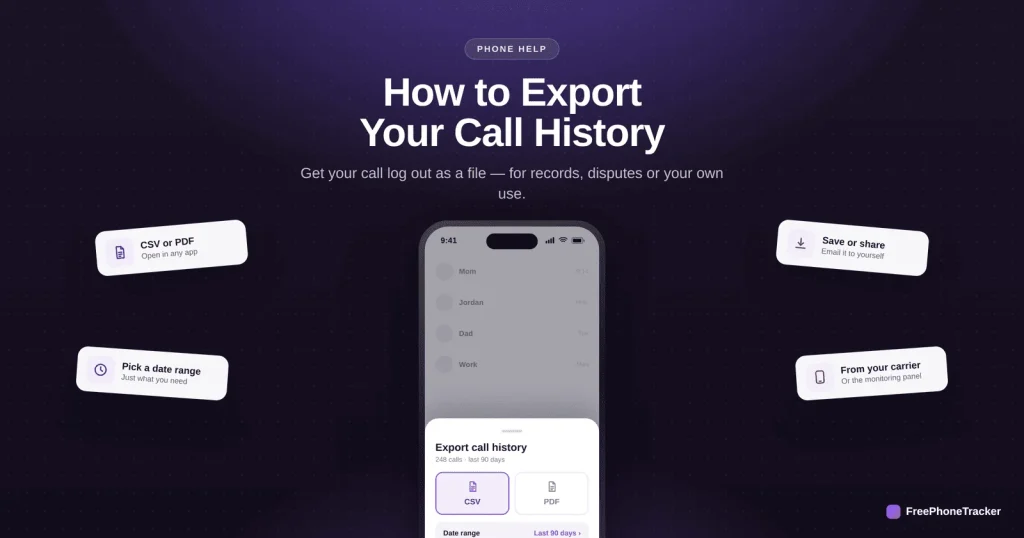
Pick your source, a phone backup, your carrier, or a call tracker. Choose a date range so you get just the period you need. Pick a format, CSV for spreadsheets, PDF to read or print. And save or share, store it or email it to yourself.
Export the easy way
A few tips for a clean, useful file.
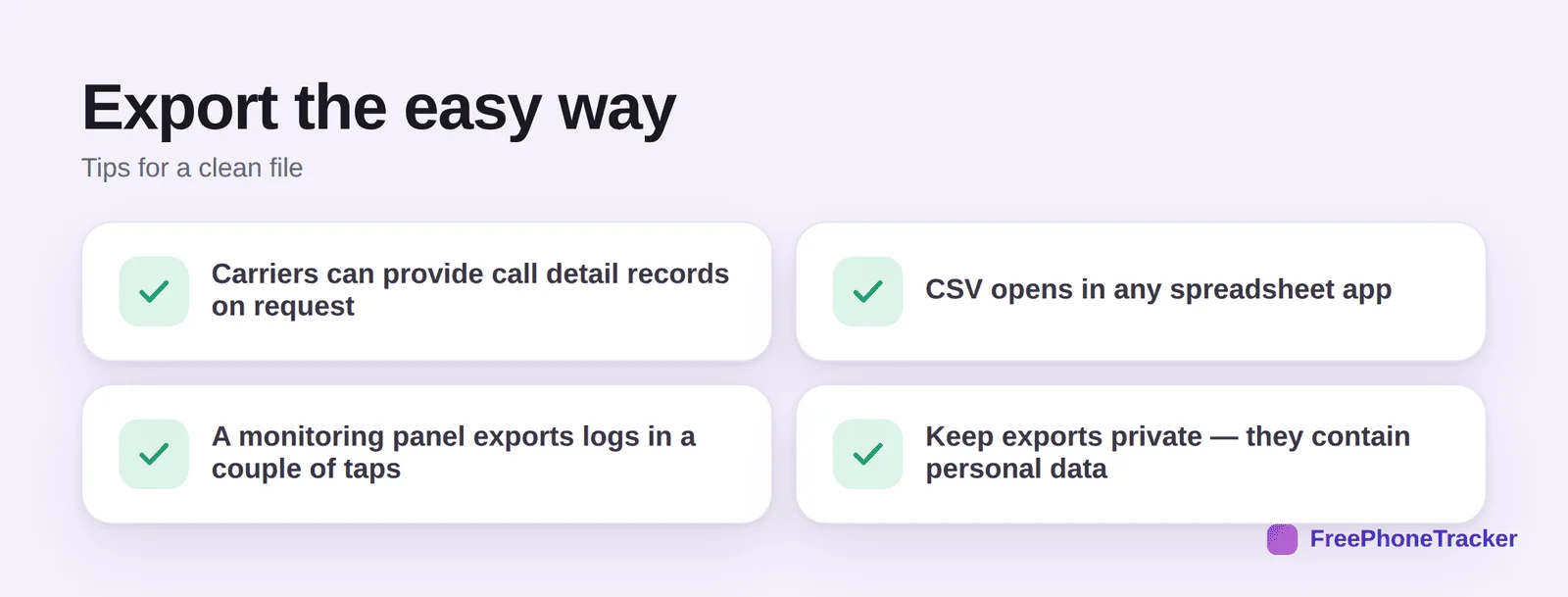
Carriers can provide call detail records on request. CSV opens in any spreadsheet app. A monitoring panel exports logs in a couple of taps. And keep exports private, they contain personal data about who you called and when.
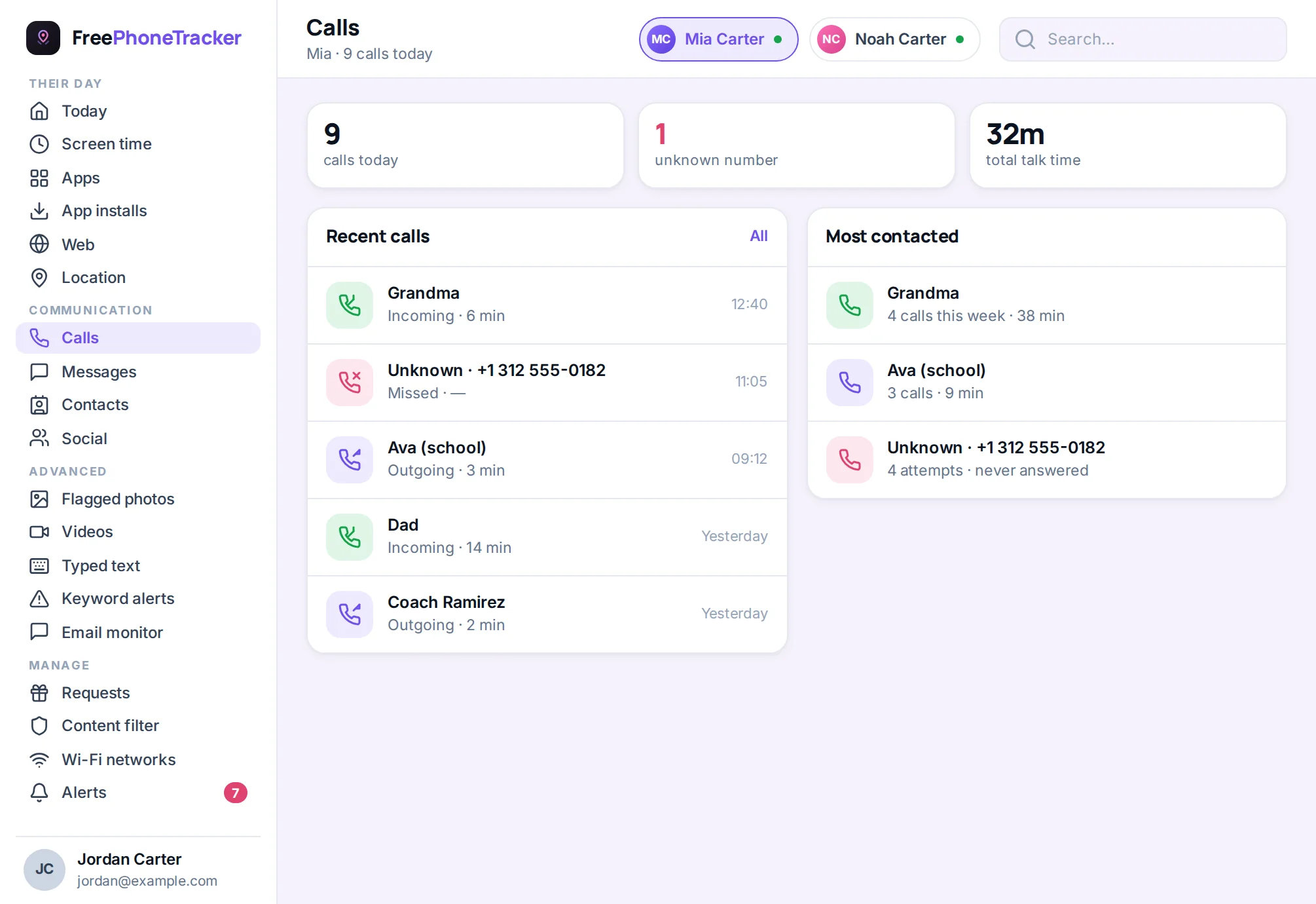
What each export is good for
Different exports suit different jobs, so match the method to the reason. For a dispute with a carrier or a contractor, the carrier’s own bill is the authoritative record — download the PDF or CSV from your account and keep it with the correspondence. For a legal or insurance matter, a screenshot series from the phone showing date, number and duration is often accepted as long as the phone’s clock is visible. For your own records or a change of phone, a backup app’s CSV is the most complete.
Whatever you export, store it somewhere durable — a cloud drive folder with a clear name and date — and make a second copy if it might matter in a year. Call logs on the phone itself are the least reliable record of all, because they roll off after a few hundred calls and can be edited by anyone holding the phone.
Common questions
Can I export my call history to a spreadsheet?
Yes, if you export as CSV. Carrier records, some phone apps, and call-tracking tools can produce a CSV that opens in Excel, Google Sheets or Numbers.
How do I get call records from my carrier?
Check your online account or bill for call detail records, or contact the carrier to request them. They typically cover a recent period and may charge for older records.
Does the phone itself export call history?
Not directly, in most cases. You’ll usually go through a backup, your carrier, or a call-log app that offers export. Pick the source that has the range you need.
What format should I choose, CSV or PDF?
CSV if you want to sort, filter or analyse the data in a spreadsheet. PDF if you just need a fixed, readable record to keep or print.
Is exporting a child’s call history okay?
On a phone you manage, with appropriate consent, yes, it’s a reasonable way to keep a record. Keep the export private and use it responsibly.
Exporting call history is straightforward once you know the source, carrier records, a backup, or a call log, then pick a range and format and save the file. Just handle it carefully; it’s personal data. Get started free, and read our guides to seeing cleared calls and checking call history.