Discord is where a lot of teens hang out now — servers for games, friends, communities. It added a Family Center so parents can see the shape of that activity without reading private chats. This guide covers what Family Center shows, how to set it up, and where it stops.
- Family Center shows who your teen adds and which servers they join.
- It shows who they message — but never the message content.
- Setup takes a minute: link accounts and your teen accepts.
- For anything deeper, a dedicated app fills the gaps.
What Discord Family Center shows
It’s a summary of activity, not a window into private conversations.
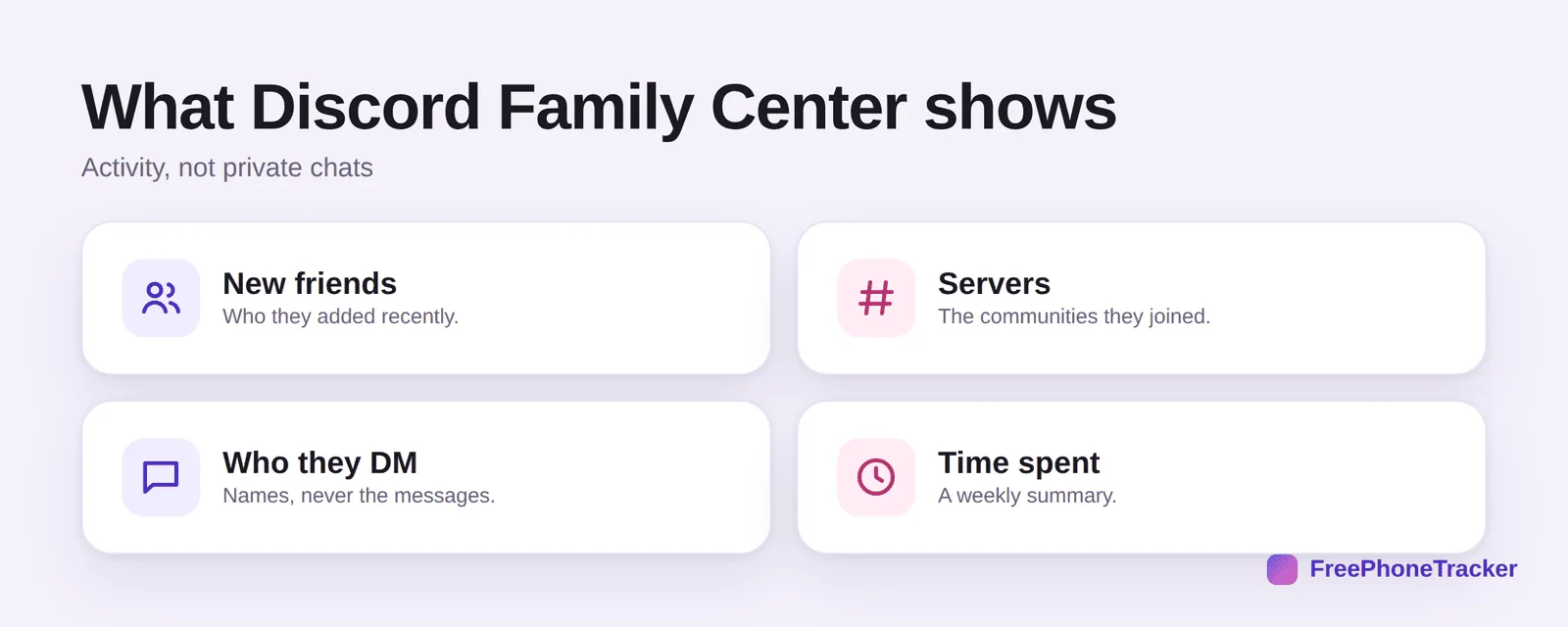
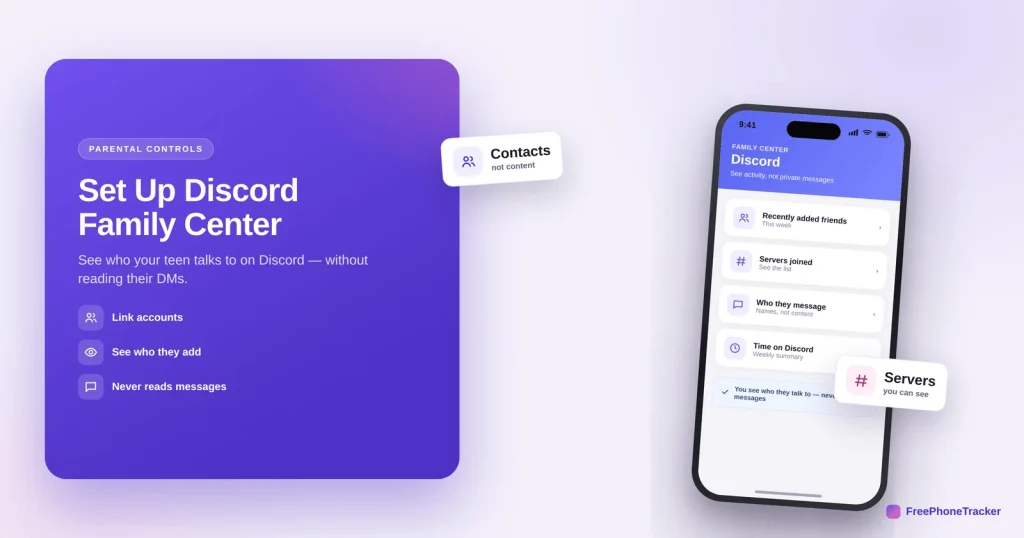
You see new friends they’ve added recently, the servers (communities) they’ve joined, who they DM — names only, never the messages — and a weekly summary of time spent. It’s designed to show you the who and where, not the what.
Set up Discord Family Center
Both of you need a Discord account, and your teen has to accept the link.
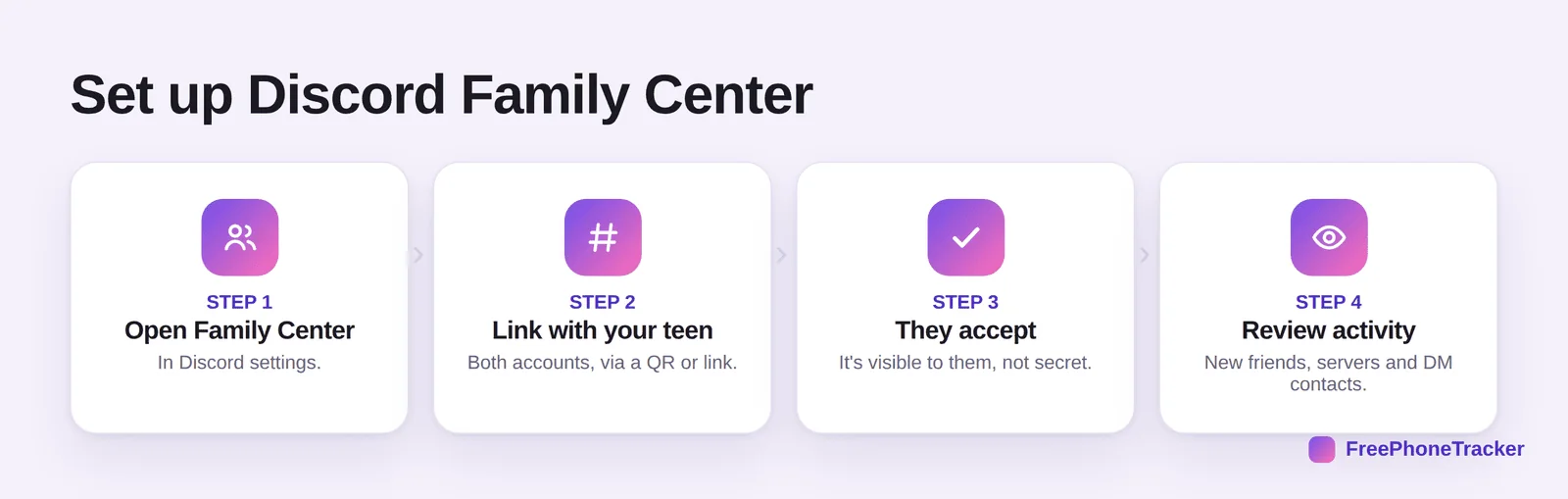
Open Family Center in Discord’s settings. Link with your teen — both accounts, via a QR code or link. They accept; the connection is visible to them, not secret. Then review activity — new friends, servers and DM contacts appear in your view.
Where Family Center stops
It’s a good first layer, but it’s limited by design. Know the gaps.
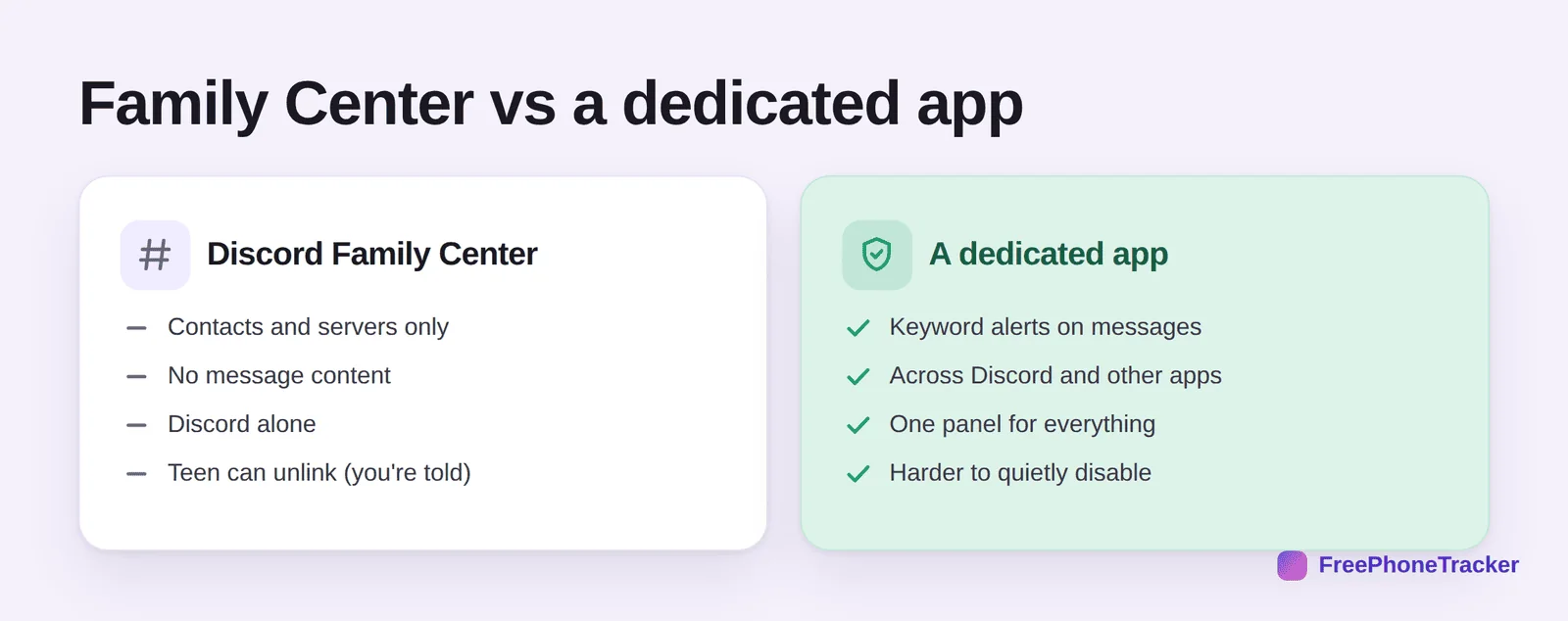
Family Center shows contacts and servers only, with no message content, works on Discord alone, and your teen can unlink it (you’re told, but it’s their choice). A dedicated app adds keyword alerts on messages, works across Discord and other apps from one panel, and is harder to quietly disable. Many parents use both: Family Center for the everyday view, an app for real oversight on a younger child’s phone.
Common questions
Can parents read Discord messages with Family Center?
No. Family Center shows who your teen talks to and which servers they’re in, but never the content of messages. If you need message visibility, that requires a dedicated monitoring app on a phone you manage, with consent.
Does my teen know Family Center is on?
Yes. Family Center is designed to be transparent — your teen accepts the link, sees that it’s active, and can unlink it (you get a notification if they do). It’s built for open family use, not covert monitoring.
What age is Family Center for?
Discord’s minimum age is 13, and Family Center is aimed at teens. For younger children, a dedicated app on their phone gives you more control than Family Center offers.
Can I set time limits through Family Center?
Not directly — Family Center is about visibility, not limits. Screen time and app limits come from your phone’s built-in controls (Screen Time or Family Link) or a dedicated app.
Is Discord safe for kids?
It depends on the servers they join and who they talk to. See our guide on whether Discord is safe for your child for the full picture.
Discord Family Center gives you the who and where of your teen’s activity — friends, servers, DM contacts — without reading their chats, and it sets up in a minute. For message-level alerts or a view across every app, pair it with a dedicated tool. Get started free, and read our guides to Discord safety and Roblox parental controls.