Phishing texts are everywhere now — the fake “your package is held,” “your bank account is locked,” “you have a toll to pay.” They all work the same way: a message you didn’t expect, a sense of urgency, and a link that isn’t what it claims. Once you know the pattern, they’re easy to spot. This guide breaks it down.
- Phishing texts create urgency and push you to tap a link.
- The link’s domain is never quite the real company’s.
- Don’t tap or reply — verify with the company directly instead.
- Report the message as junk, then delete it.
The tells of a phishing text
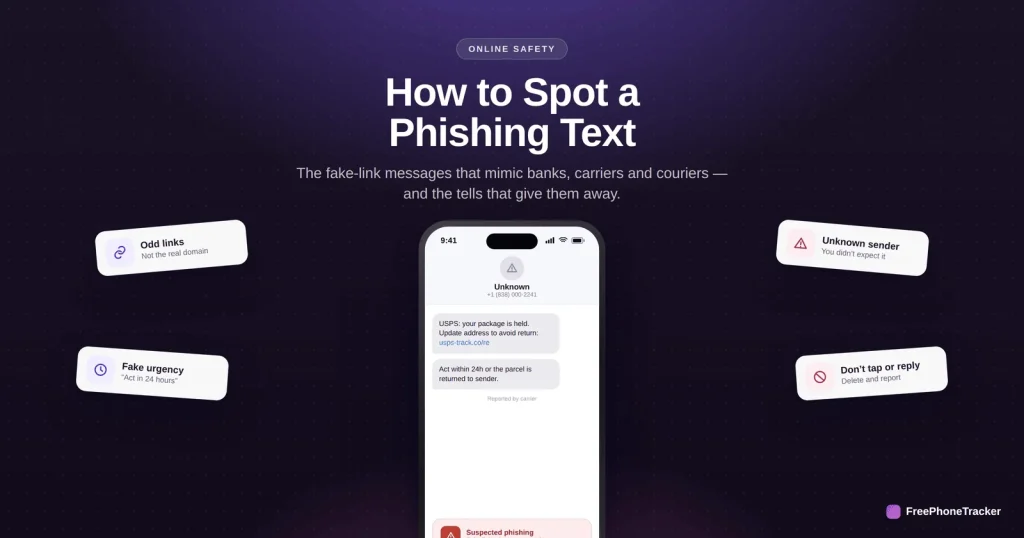
Almost every phishing message carries the same four signals.
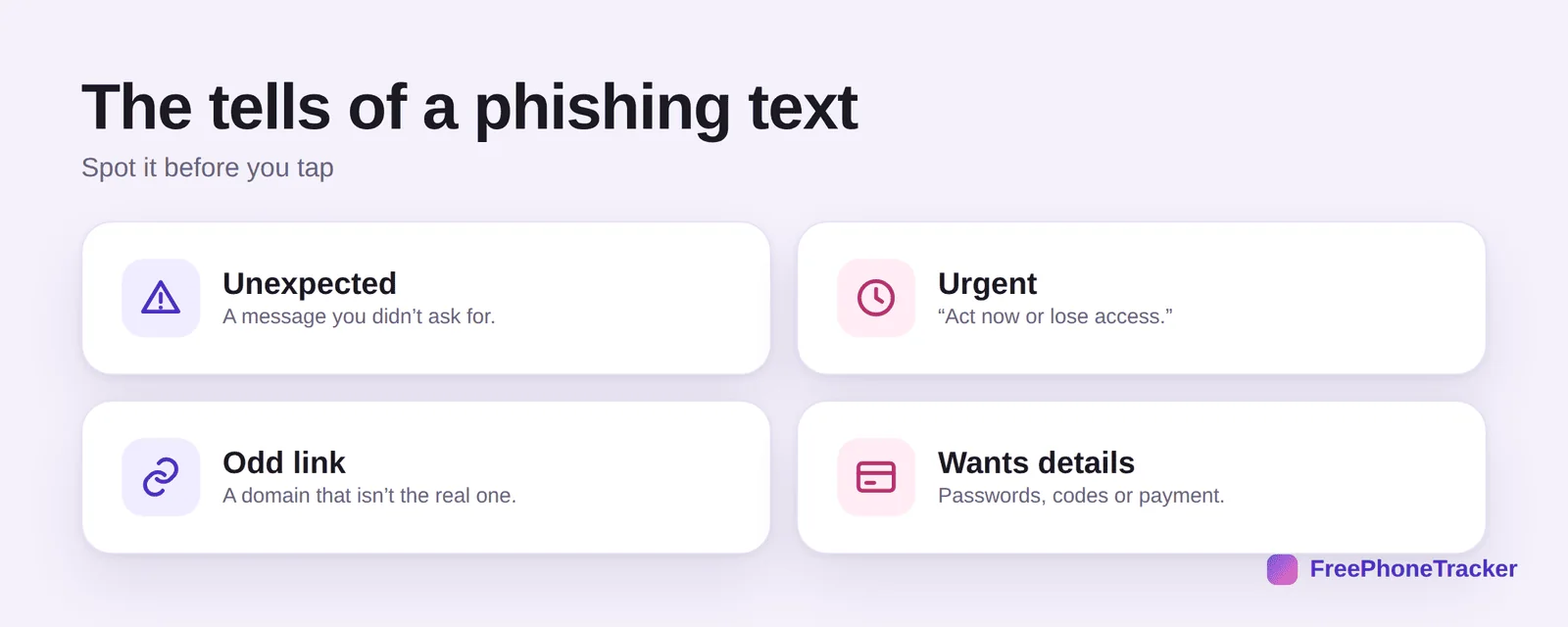
It’s unexpected — a message you didn’t ask for. It’s urgent — “act now or lose access.” It has an odd link — a domain that isn’t the real company’s. And it wants details — a password, a code, or a payment. Any one is a warning; together they’re a scam.
If a suspicious text arrives
The safe response is almost always the same, whatever the message claims.
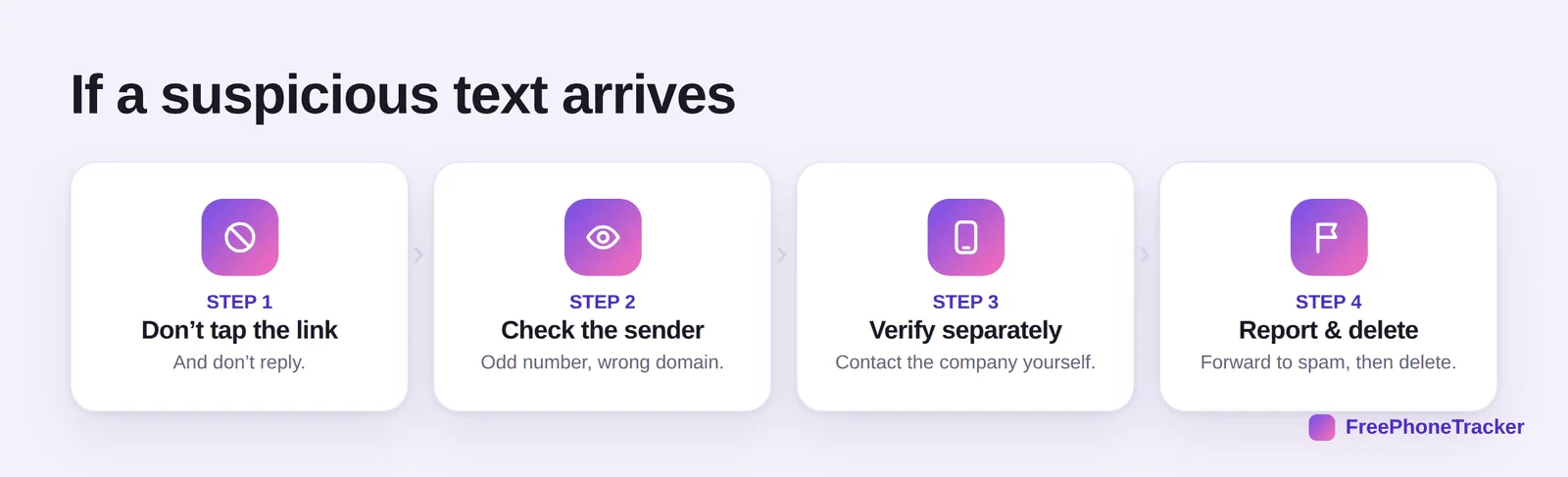
Don’t tap the link, and don’t reply. Check the sender — an odd number or a domain that’s off. Verify separately — if it claims to be your bank or a courier, contact them yourself through their official app or number. Then report and delete — forward it to your carrier’s spam number and remove it.
Stay ahead of phishing
A few standing habits mean these messages never catch you off guard.
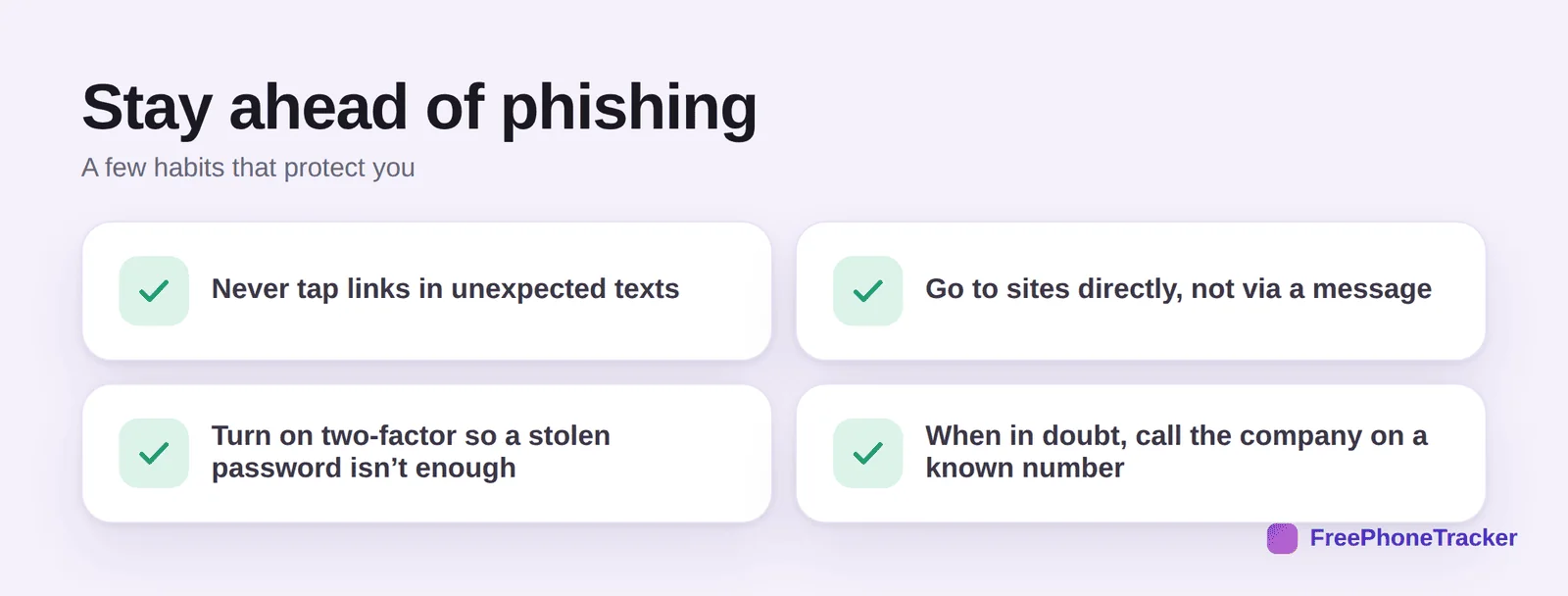
Never tap links in unexpected texts. Go to sites directly rather than via a message. Turn on two-factor so a stolen password isn’t enough on its own. And when in doubt, call the company on a number you already have, not one from the text.
Common questions
What happens if I tap a phishing link?
It may open a fake login page to steal your details, or try to install something. If you only tapped and closed it, you’re likely fine — but don’t enter anything. If you entered a password, change it immediately and turn on two-factor.
How can I tell a fake link from a real one?
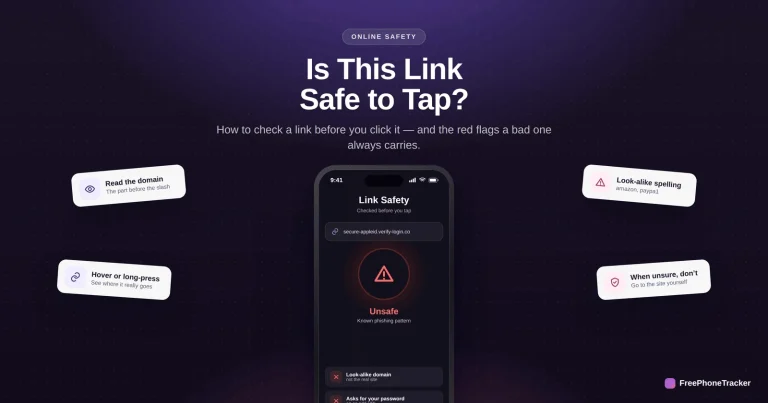
Read the domain — the part just before the first single slash. A real message from a bank uses the bank’s exact domain; scams use look-alikes or unrelated names. See our guide on checking if a link is safe.
Should I reply “STOP” to a scam text?
No. Replying anything, even STOP, tells the scammer your number is active. Don’t reply — report it as junk and delete it instead.
My bank really does text me. How do I know which is real?
Legitimate texts won’t ask you to tap a link and log in, or share a code. When unsure, don’t use the text at all — open the bank’s own app or call the number on your card.
How do I report a phishing text?
Forward it to 7726 (SPAM) on most carriers, report it as junk in your messaging app, and delete it. You can also report to your national fraud reporting service.
Phishing texts rely on you reacting fast — so the fix is to slow down. Unexpected, urgent, odd link, wants your details: recognize the pattern, verify through the real company, and report it. Get started free, and read our guides to checking a link and text-code scams.