Plenty of people hesitate over paying with their phone — it feels less “real” than a card, so surely it’s less safe? In fact the opposite is true. Tap-to-pay is one of the most secure ways to pay ever invented, and understanding why makes it easy to use with confidence. This guide explains how it protects you, and the handful of habits that keep it airtight.
- Your real card number is never shared — a one-time code is used instead.
- Every payment needs your Face ID, Touch ID or passcode.
- There’s no card to skim, clone or copy.
- A locked phone can’t pay, so keep a screen lock on.
Why tap-to-pay is safe
It removes the very things that make card fraud possible.
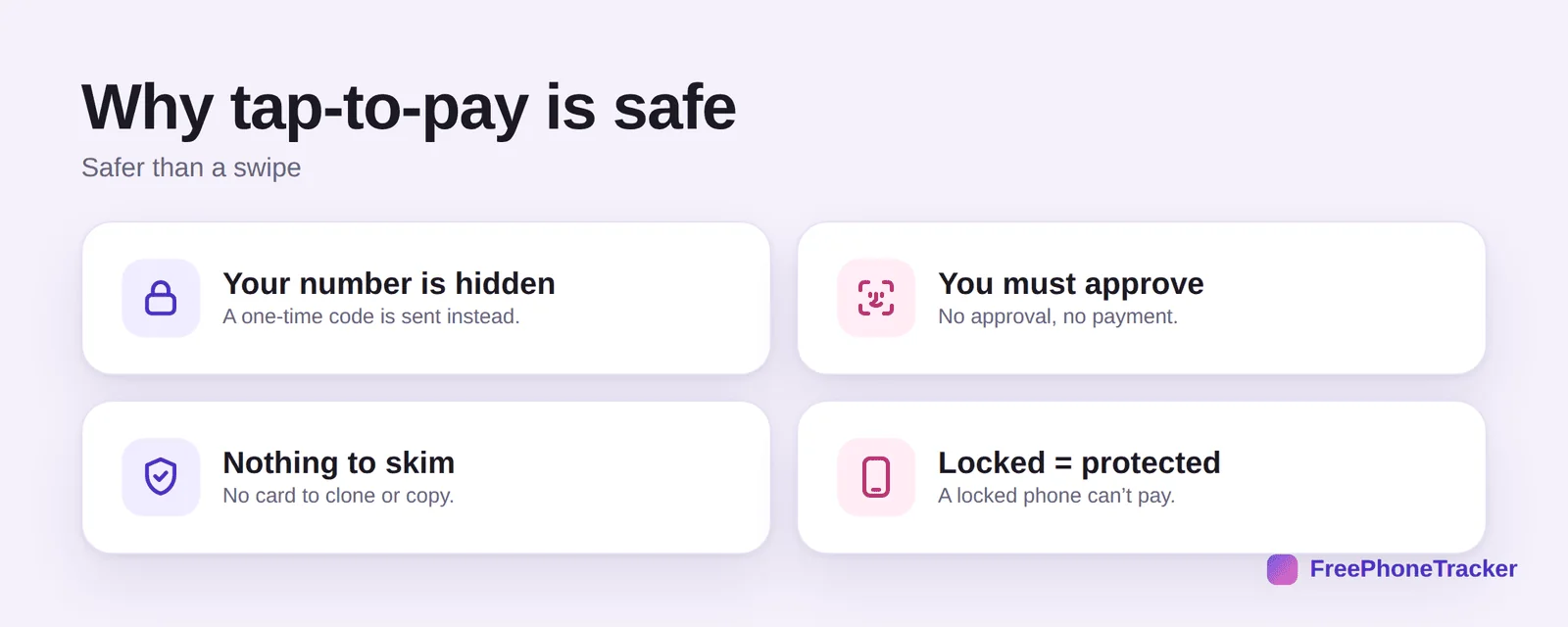
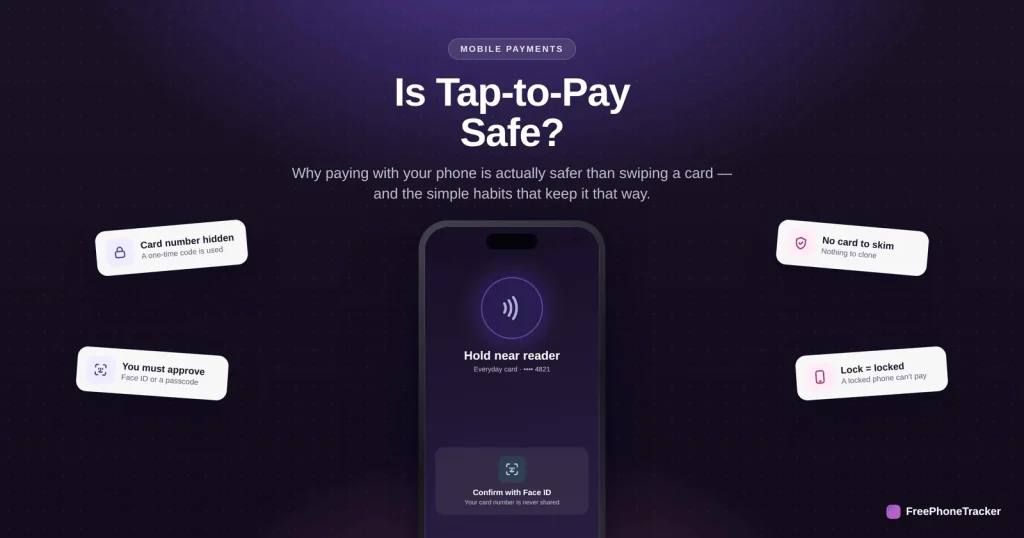
Your number is hidden — a one-time code is sent to the reader instead of your card details. You must approve every payment; no approval, no charge. There’s nothing to skim — no magnetic stripe or card to clone. And locked equals protected: a locked phone simply can’t pay.
How a tap payment works
Behind that quick tap is a genuinely clever system.
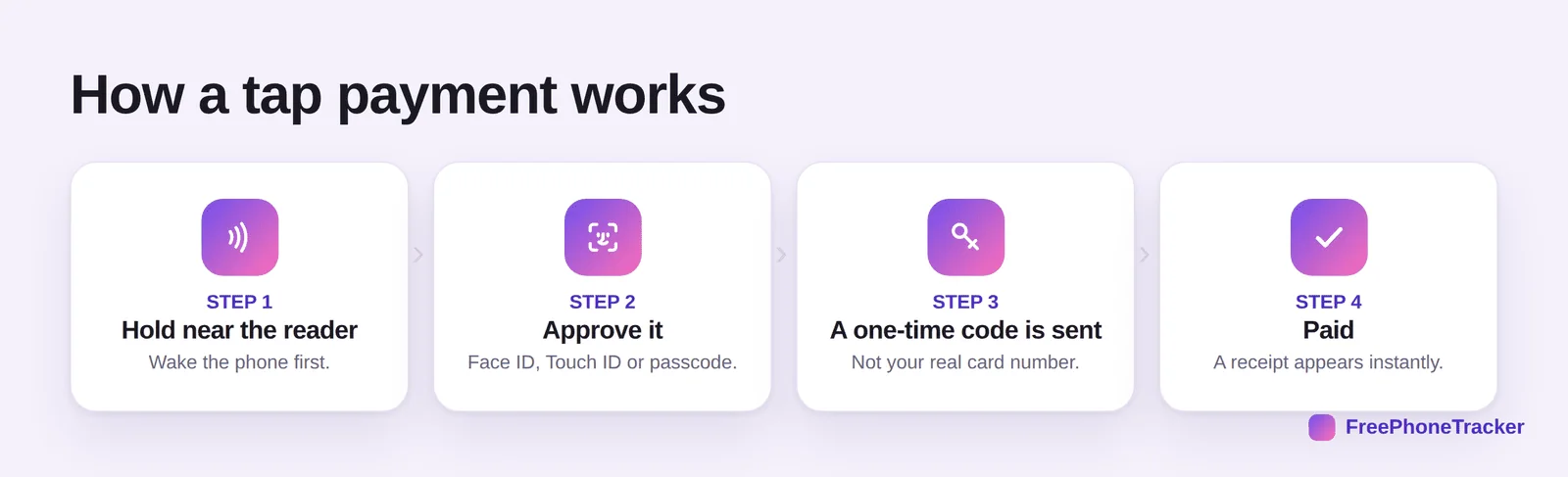
Hold near the reader and wake your phone. Approve it with Face ID, Touch ID or your passcode. A one-time code is sent — not your real card number — so even if it were intercepted, it’s useless afterward. Then you’re paid, with a receipt on screen instantly.
Tap safely, every time
A few simple habits keep it foolproof.
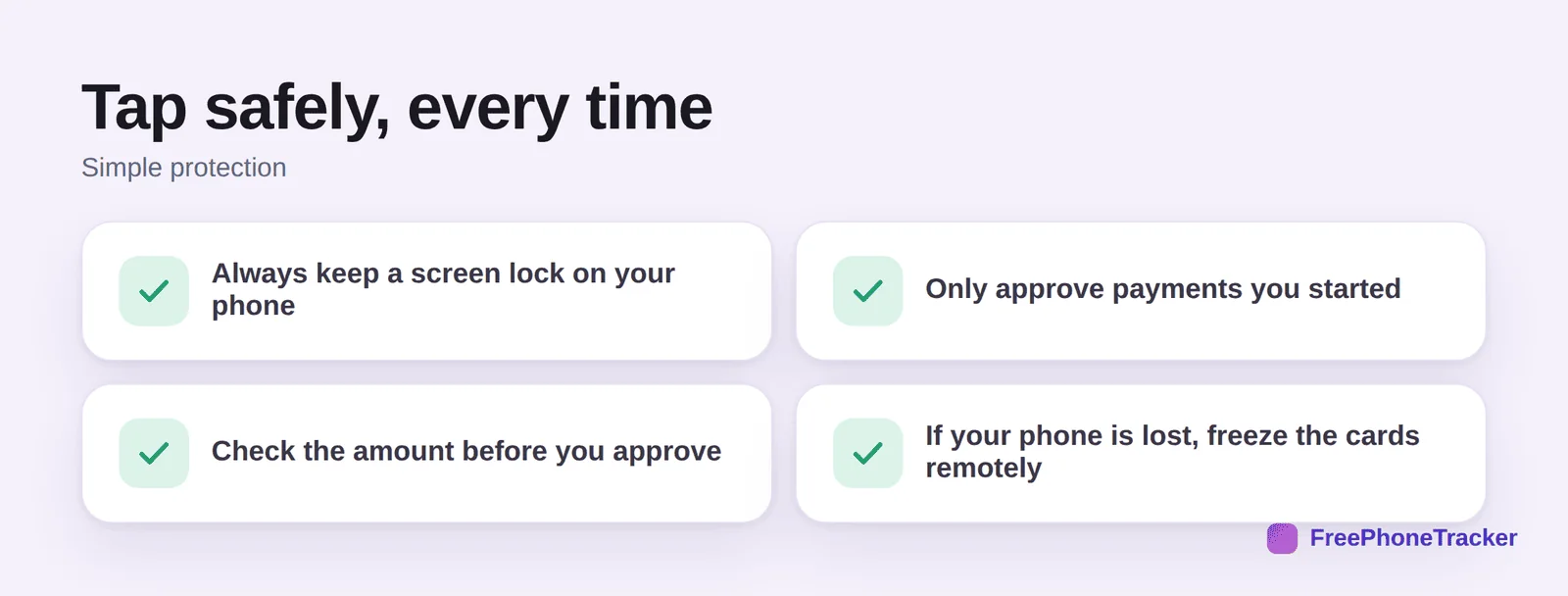
Always keep a screen lock on your phone — it’s the key to the whole system. Only approve payments you started, at the moment you’re paying. Check the amount on the reader before you approve. And if your phone is ever lost, freeze the cards remotely from your bank app or your device-finder.
Common questions
Is tap-to-pay safer than using a physical card?
Generally, yes. A swiped or inserted card exposes your real number, which can be skimmed or stolen in a data breach. Tap-to-pay sends a one-time code tied to your device instead, and requires your face, fingerprint or passcode to approve — two protections a plain card doesn’t have.
Can someone charge my phone by holding a reader up to it?
No. A payment only happens when you deliberately wake the phone, hold it to the reader, and approve with Face ID, Touch ID or your passcode. A reader can’t silently pull money from a phone in your pocket — the approval step is required every single time.
What happens if I lose my phone?
Your cards stay protected because payments need your biometrics or passcode. To be safe, use your device-finder to lock the phone, and you can suspend the cards in your wallet remotely or freeze them in your bank app. See securing your phone if it’s stolen.
Do I need internet to pay?
Usually not for a moment — tap payments can work briefly offline, and the transaction reconciles when you’re back online. A wallet’s stored passes and transit cards also work without signal, which is handy in subways and on planes.
Is it safe on public Wi-Fi?
Yes — a tap payment doesn’t rely on the local Wi-Fi network at all; it’s a direct, encrypted exchange between your phone and the reader. General good habits still apply to other tasks on public networks — see our guide to two-factor authentication for protecting the accounts behind your cards.
Tap-to-pay hides your card number, demands your approval every time, and leaves nothing physical to steal — which is exactly why it’s safer than the card in your pocket. Keep a screen lock on, check the amount, and pay with confidence. Get started free, and read our guides to setting up a mobile wallet and securing a lost phone.