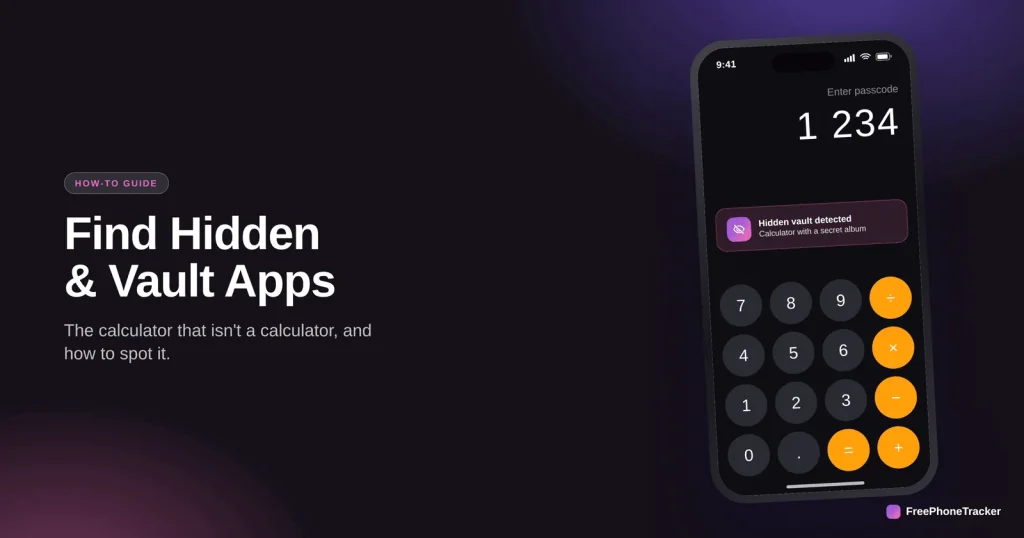
It looks like a calculator. It works like a calculator. But type in a secret code, and it opens a hidden vault of photos, videos and chats you were never meant to see. Vault apps, also called ghost or decoy apps, are designed to hide things from parents, and they’re more common on teens’ phones than most parents realise. Here’s how they work, how to spot them, and what to do if you find one.
- Vault apps disguise themselves as calculators, utilities or games to hide content.
- Tell-tale signs: a second calculator, an app that asks for its own PIN, high storage use.
- Check the full app list, not just the home screen, and turn on new-app alerts.
- If you find one, stay calm and talk. What’s inside matters more than the app itself.
What a vault app is
A vault app is an app built to hide other content behind an innocent-looking front. The classic is the calculator that opens a private photo album when you enter a code. Others pose as weather apps, note apps, file managers or games. Some phones even have a built-in “private space” or “dual apps” feature that does the same thing, a hidden second area, or a cloned app, that doesn’t show in the normal app drawer.
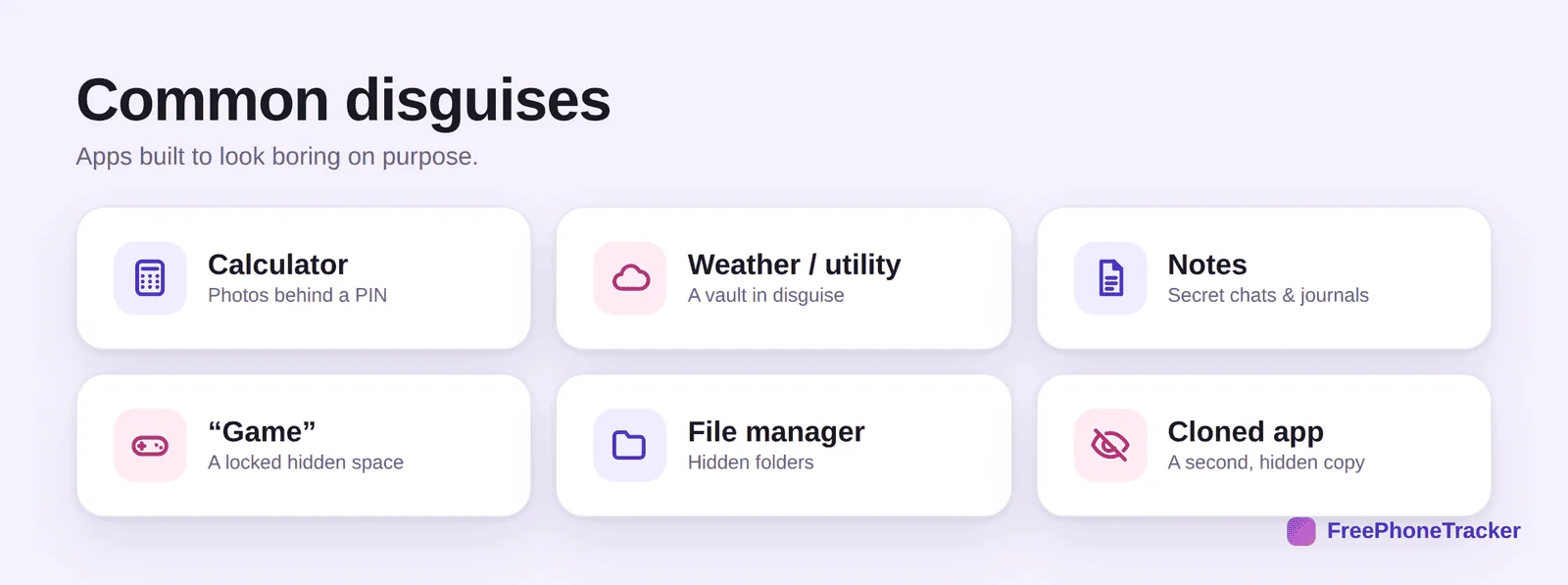
It’s worth being clear-eyed about why they exist. Sometimes a vault app hides nothing worse than private photos a teen doesn’t want a sibling to see. Sometimes it hides sexting, contact with strangers, or content that points to a real problem. The app itself isn’t proof of danger, but it is a reason to look closer and start a conversation.
How to spot a vault app
You don’t need to be technical. A few tells give vault apps away once you know what to look for.
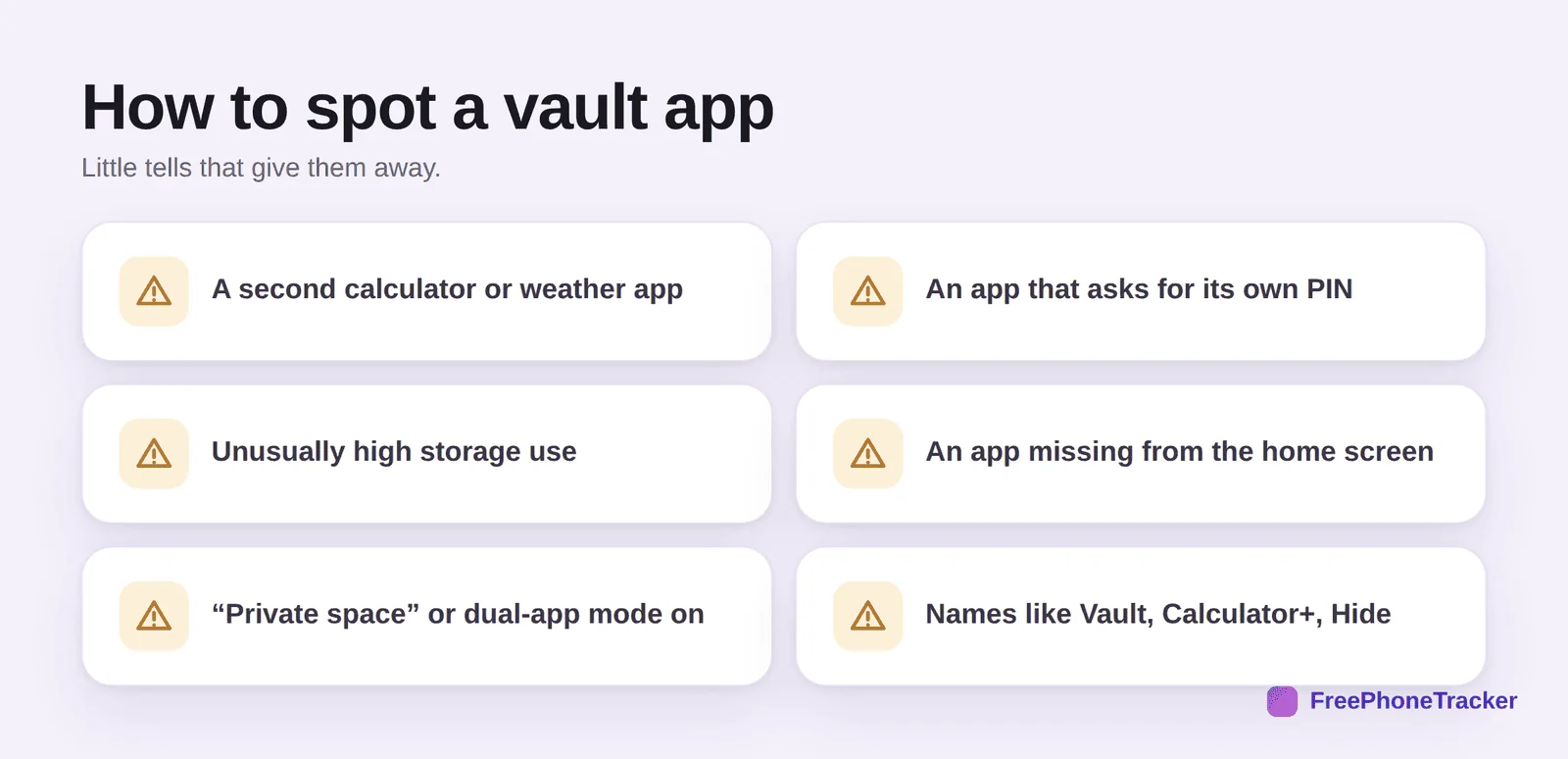
Look for a second calculator or weather app, real ones come pre-installed, so a duplicate is suspicious. Watch for an app that asks for a PIN or password to open when it shouldn’t need one. Check storage use: a “calculator” using gigabytes is hiding photos or video. Notice apps that appear in Settings but not on the home screen. And check whether a “private space” or “dual apps” mode is switched on in the phone’s settings. Names are another clue, anything called Vault, Hide, Calculator+, or Secret is exactly what it sounds like.
Where to actually look
The home screen lies, because these apps hide from it. The truth is in the full app list. On Android, go to Settings, then Apps, to see every installed app, including ones hidden from the drawer. On iPhone, check the App Library and Settings, then General, then iPhone Storage, which lists everything with its size. Scroll the whole list slowly, the vault app is in there, wearing a disguise.
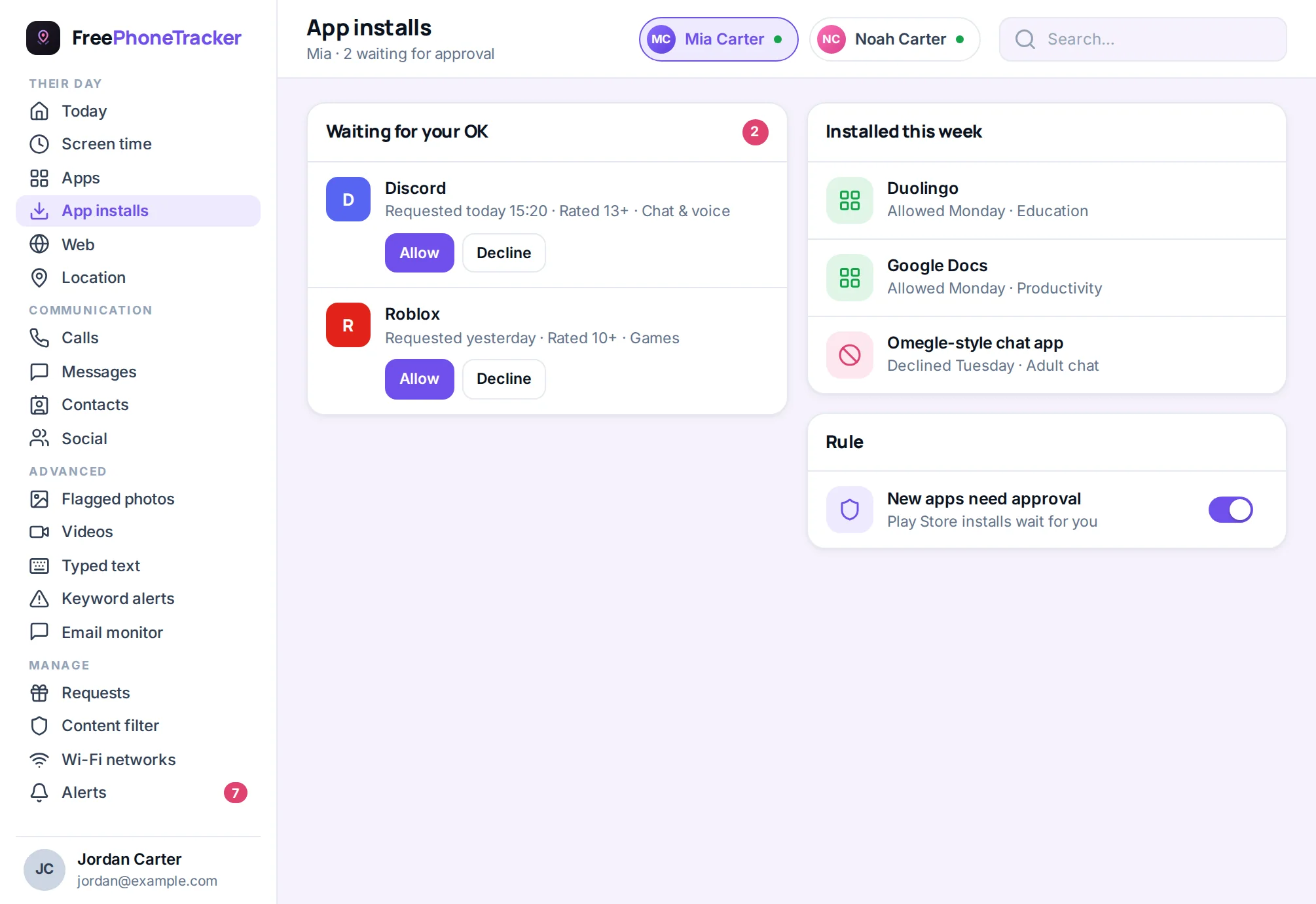
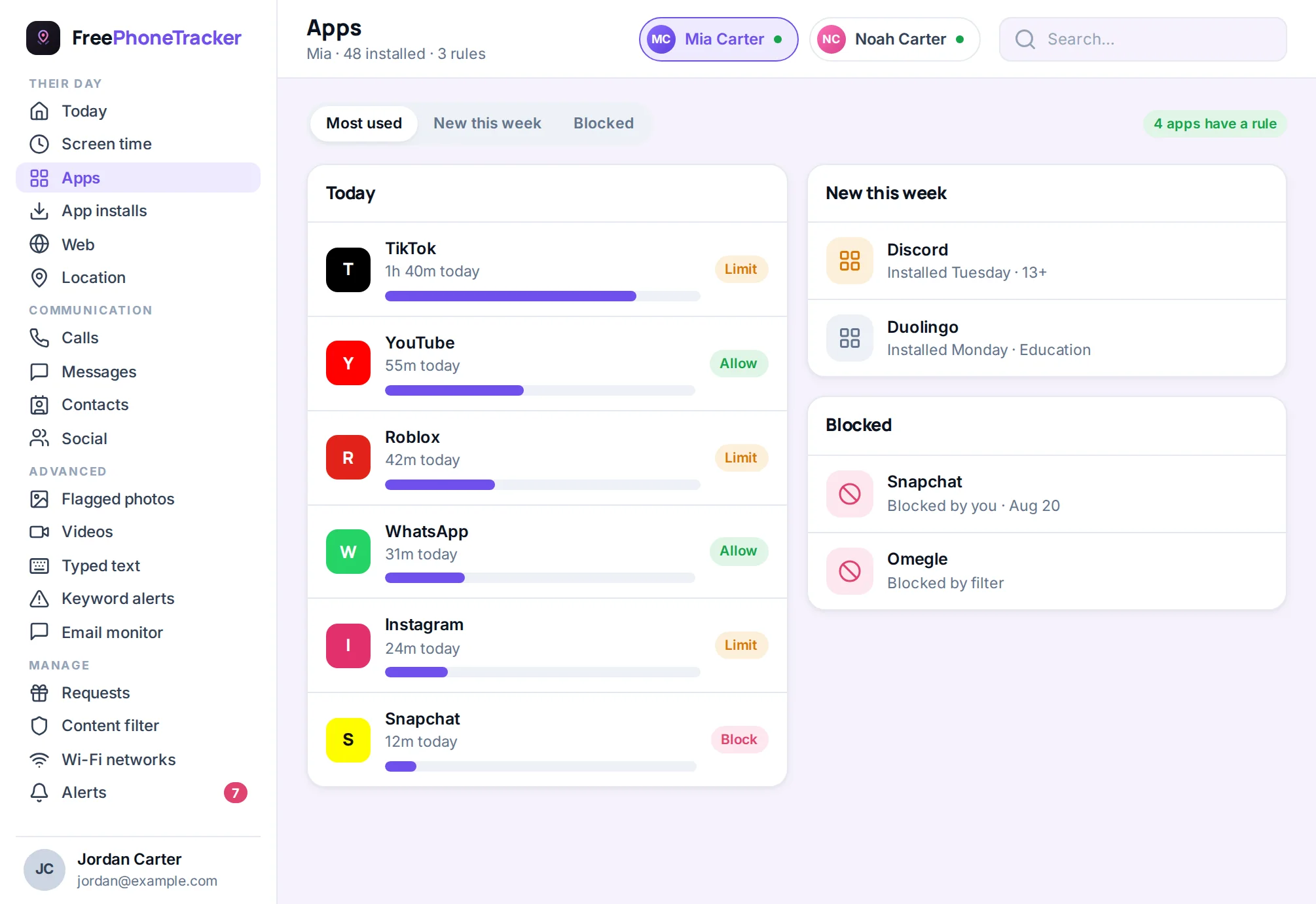
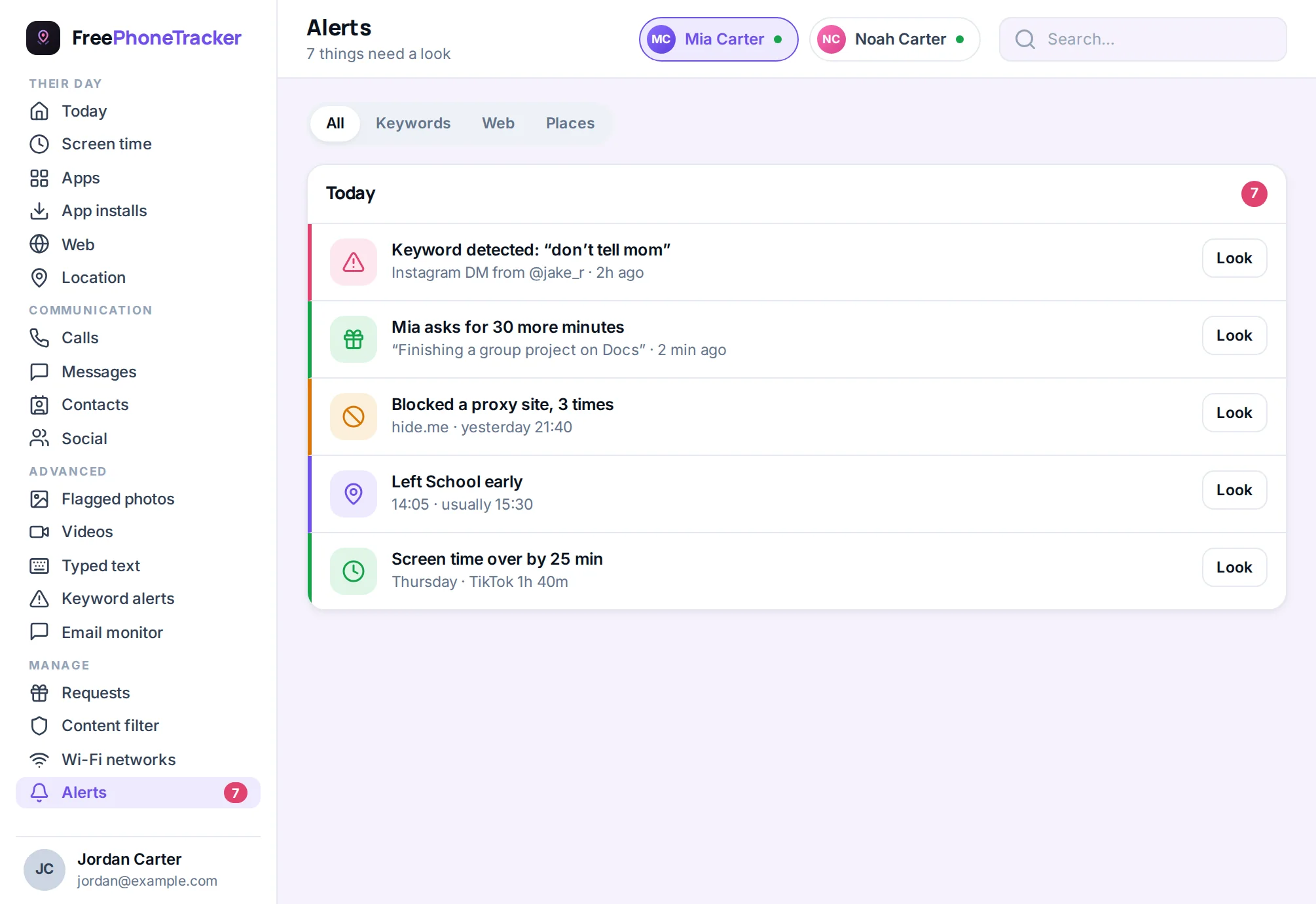
This is where a monitoring tool earns its keep. Rather than hunting through Settings every week, an app tracker shows you every app on the phone in one list, and an install alert tells you the moment a new one appears, which is often the moment to ask about it.
What to do if you find one
Finding a vault app is a jolt, but your reaction sets the tone for everything that follows. Handle it in order.
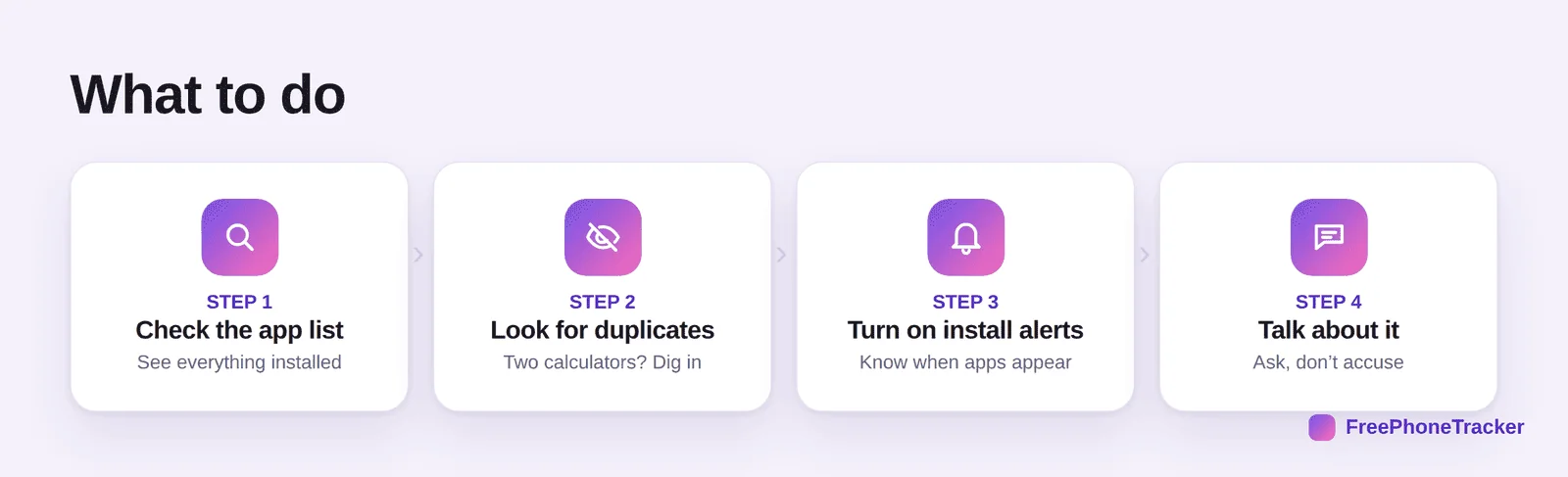
First, don’t explode. A vault app on its own isn’t proof your child is in danger, and reacting with fury guarantees they’ll just hide better next time. Second, find out what’s actually inside, calmly and, ideally, together. Third, judge by what you find, not by the fact that the app exists. If it’s private selfies, that’s a privacy conversation. If it’s contact with an adult or explicit material, that’s serious, and our guides on online predators and cyberbullying cover the next steps. Fourth, turn on new-app alerts so you’re not caught off guard again.
Why kids hide things (and what actually works)
It helps to remember that hiding is normal adolescent behaviour, not automatically a red flag. Teens crave privacy, and a vault app can be the digital version of a diary with a lock. The problem is that the same tool that hides harmless secrets also hides harmful ones, and a kid can’t always tell the difference between “private” and “dangerous.”
That’s why the durable fix isn’t a better detective app, it’s a relationship where your child doesn’t feel they need to hide. Explain that you’ll always respect reasonable privacy, but that safety comes first, and that anything genuinely worrying is something they can bring to you without being punished. Pair that with light, open monitoring, and vault apps lose most of their appeal. A kid who trusts you has far less reason to build a secret.
Common questions
Are vault apps illegal or against the rules?
No, they’re legal apps, and some have legitimate uses for adults. The issue is when a child uses one to hide risky behaviour. Judge the contents, not the app.
How do I open a vault app to see inside?
You’ll usually need the PIN, so the honest route is to ask your child to open it with you. Trying to crack it secretly tends to destroy trust and can lock you out. Openness works better.
Can monitoring apps see inside a vault?
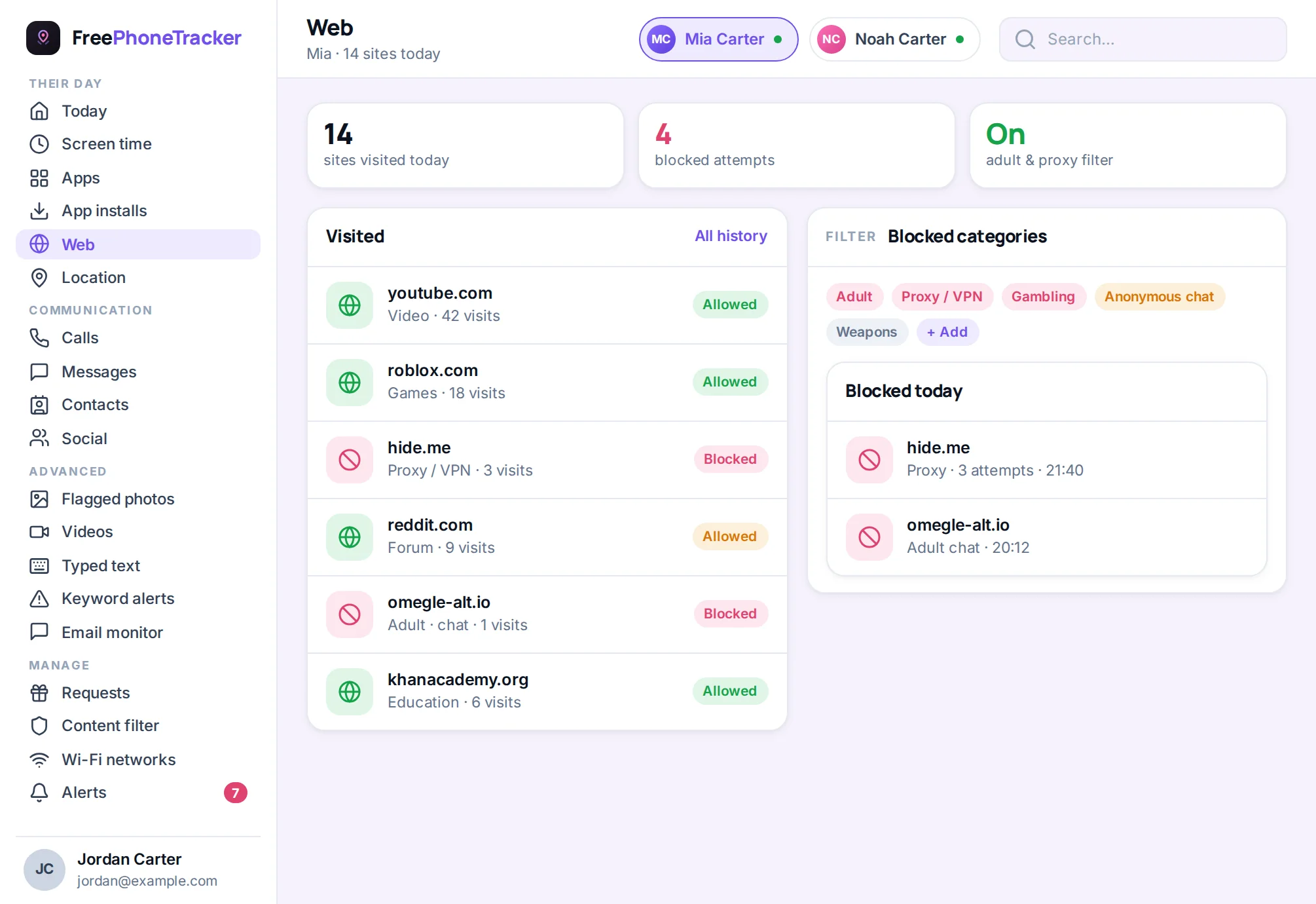
Not the locked contents directly, they’re encrypted. But a monitoring tool flags the app’s existence and new installs, which is what tips you off in the first place. See our monitoring guide.
My phone has “private space”, should I worry?
Built-in private spaces and dual-app modes are legitimate features, but they can hide a whole second set of apps. Check whether one is enabled, and if so, ask what’s in it.
Should I ban vault apps entirely?
For younger kids, blocking app installs without approval prevents them appearing at all, see the app blocker. For teens, a conversation about why hiding worries you usually beats an outright ban.
Vault apps are unsettling, but they’re findable, and finding one is an opening, not a disaster. Check the full app list, turn on install alerts, and above all keep the door open so your child doesn’t feel they have to hide in the first place. The app is a clue; the conversation is the cure. Get started free to see every app on the phone in one place.